Community listing page, reviews may not be monitored by the author.



Community voices
Reviews
No reviews yet. Be the first to review this project!
Get it on
Available Platforms
Compatibility
Supported Environments
Must be installed on both the client and the server.
About
Project Details
For authors
Embed Badge
If you're the author of this project, you can embed a live badge anywhere that supports HTML or Markdown. It updates automatically whenever ratings change.
Use HTML for any page that supports it, or Markdown for README files and Markdown-based descriptions.
Identifiers
Platform IDs
Resources
External Links
About
Description
This mod adds commands to Minecraft to help you in your game:
Commands:
Gamemode & Player States
/gmc {selector} > Sets game mode to creative
/gms {selector} > Sets game mode to survival
/gma {selector} > Sets game mode to adventure
/gmsp {selector} > Sets game mode to spectator
/fly > Allows flight in survival mode
/god {selector} > Makes the player invincible
/vanish > Makes the player invisible
/feed {selector} > Fills the food
/heal {selector} > Fills life
/ng {selector} > Gives Night Vision
/speed {selector} {power} > Gives speed
Teleportation & Locations (Spawn, Homes & Warps)
/setspawn > Sets a shared global spawn point for all players in the world
/spawn > Teleports to the shared global spawn point
/sethome {home name} > Adds a home to the player's position
/home {home name} > Teleport home
/delhome {home name} > Delete a home
/listhome > Give the list of homes
/setwarp {warp name} > Adds a warp point to the current position
/warp {warp name} > Teleport to a warp point
/delwarp {warp name} > Delete a warp point
/warps > Give the list of warp points
/tpdimensions {selector} {dimension} > Teleports players to a dimension
/tphere {selector} > Teleports a target to you
/tprandom {selector} {number} > Teleports the target to a random location
/rtp {selector} {number} > Teleports the target to a random location
/height {number} > Teleport higher
World & Entities
/day > Sets the day
/night > Sets the night
/clearweather > Remove the rain
/spawnmobs {mob} {number} > Spawns mobs by number
/rename {selector} > Rename entities
/mount {selector} {selector} > Makes the target ride another entity
/killitems > Kills all items
/kill allmobs > Kills all entities except players
/kill mobs {mob} > Kills a specific entity
Troll & Combat
/dmg {selector} > Deals damage
/onfire {selector} {time} > Sets the target on fire
/boom {selector} {options} > Creates an explosion on the target with custom options
/anvil {selector} > Drops an anvil on the target
/thunder {selector} > Strikes lightning on the target
/cobweb {selector} > Traps the target in cobwebs
/freeze {selector} > Freezes the target in place
/unfreeze {selector} > Removes freeze effects
/gravity {selector} {power} {time} > Gives a levitation effect
Chat & Moderation
/message {text} > Send a message in the chat
/mute {selector} > Mutes the player's chat
/unmute {selector} > Unmutes the player's chat
/nickchat {selector} {name} > Changes the username that appears in the chat
With "/gamerule doHomeCommandsWork false", you can disable home commands
With "/gamerule doWarpsCommandsWork false", you can disable warps commands
With "/gamerule doSpawnCommandWork false", you can disable spawn command
English, French, Italian, Spanish, German
Supported Minecraft versions:
-
Forge: 1.20.1 (actively maintained), 1.16.5 (legacy, no longer updated)
-
NeoForge: 1.21.1, 1.21.4, 1.21.8, 26.1.2 (actively maintained)
-
Fabric: 1.20.1 (actively maintained)
This mod adds commands to Minecraft to help you in your game:
Commands:
Gamemode & Player States
| Command | Description |
|---|---|
/gmc {selector} |
Sets game mode to creative |
/gms {selector} |
Sets game mode to survival |
/gma {selector} |
Sets game mode to adventure |
/gmsp {selector} |
Sets game mode to spectator |
/fly |
Allows flight in survival mode |
/god {selector} |
Makes the player invincible |
/vanish |
Makes the player invisible |
/feed {selector} |
Fills the food |
/heal {selector} |
Fills life |
/ng {selector} |
Gives Night Vision |
/speed {selector} {power} |
Gives speed |
Teleportation & Locations (Spawn, Homes & Warps)
| Command | Description |
|---|---|
/setspawn |
Sets a shared global spawn point for all players in the world |
/spawn |
Teleports to the shared global spawn point |
/sethome {home name} |
Adds a home to the player's position |
/home {home name} |
Teleport home |
/delhome {home name} |
Delete a home |
/listhome |
Give the list of homes |
/setwarp {warp name} |
Adds a warp point to the current position |
/warp {warp name} |
Teleport to a warp point |
/delwarp {warp name} |
Delete a warp point |
/warps |
Give the list of warp points |
/tpdimensions {selector} {dimension} |
Teleports players to a dimension |
/tphere {selector} |
Teleports a target to you |
/tprandom {selector} {number} |
Teleports the target to a random location |
/rtp {selector} {number} |
Teleports the target to a random location |
/height {number} |
Teleport higher |
World & Entities
| Command | Description |
|---|---|
/day |
Sets the day |
/night |
Sets the night |
/clearweather |
Remove the rain |
/spawnmobs {mob} {number} |
Spawns mobs by number |
/rename {selector} |
Rename entities |
/mount {selector} {selector} |
Makes the target ride another entity |
/killitems |
Kills all items |
/kill allmobs |
Kills all entities except players |
/kill mobs {mob} |
Kills a specific entity |
Troll & Combat
| Command | Description |
|---|---|
/dmg {selector} |
Deals damage |
/onfire {selector} {time} |
Sets the target on fire |
/boom {selector} {options} |
Creates an explosion on the target with custom options |
/anvil {selector} |
Drops an anvil on the target |
/thunder {selector} |
Strikes lightning on the target |
/cobweb {selector} |
Traps the target in cobwebs |
/freeze {selector} |
Freezes the target in place |
/unfreeze {selector} |
Removes freeze effects |
/gravity {selector} {power} {time} |
Gives a levitation effect |
Chat & Moderation
| Command | Description |
|---|---|
/message {text} |
Send a message in the chat |
/mute {selector} |
Mutes the player's chat |
/unmute {selector} |
Unmutes the player's chat |
/nickchat {selector} {name} |
Changes the username that appears in the chat |
Tips:
- With
/gamerule doHomeCommandsWork false, you can disable home commands.- With
/gamerule doWarpsCommandsWork false, you can disable warps commands.- With
/gamerule doSpawnCommandsWork false, you can disable spawn command.
Mod translated into:
English, French, Italian, Spanish, German
Supported Minecraft versions:
- Forge: 1.20.1 (actively maintained), 1.16.5 (legacy, no longer updated)
- Fabric: 1.20.1 (actively maintained)
- NeoForge: 1.21.1, 1.21.4, 1.21.8, 26.1.2 (actively maintained)
Screenshots
Gallery
-
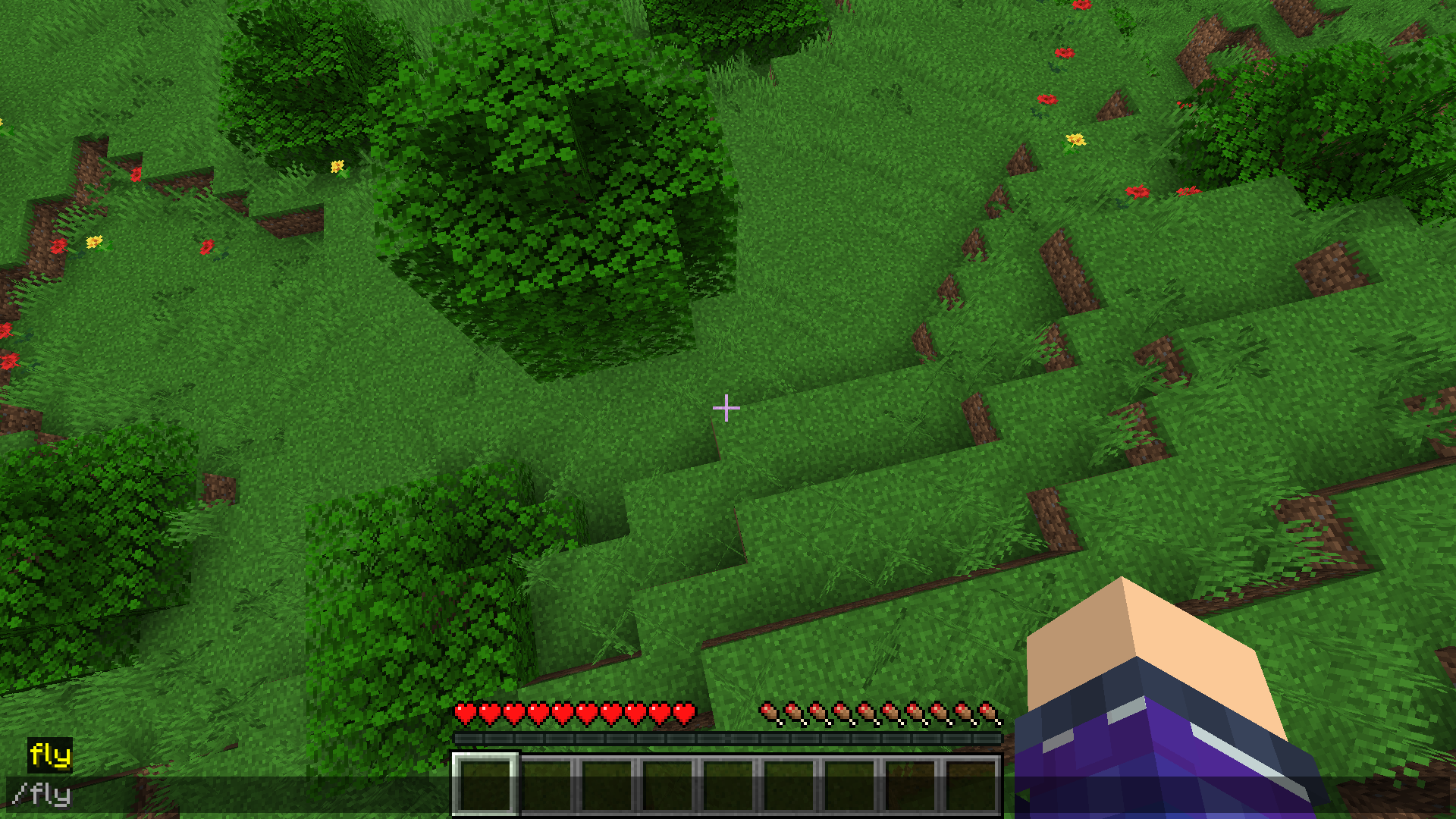 /fly Enables flight in survival mode
-
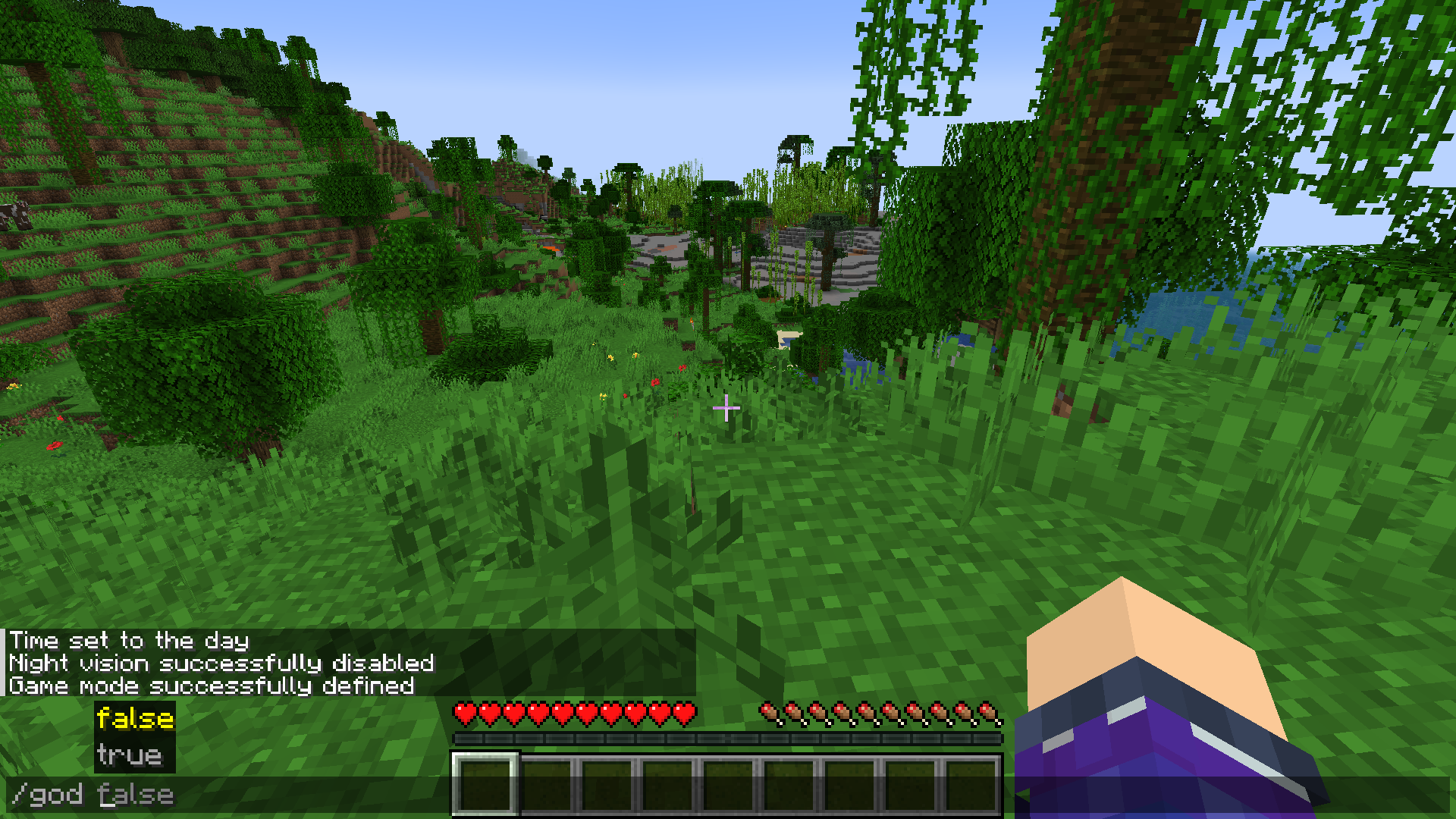 /god Makes the player invincible
-
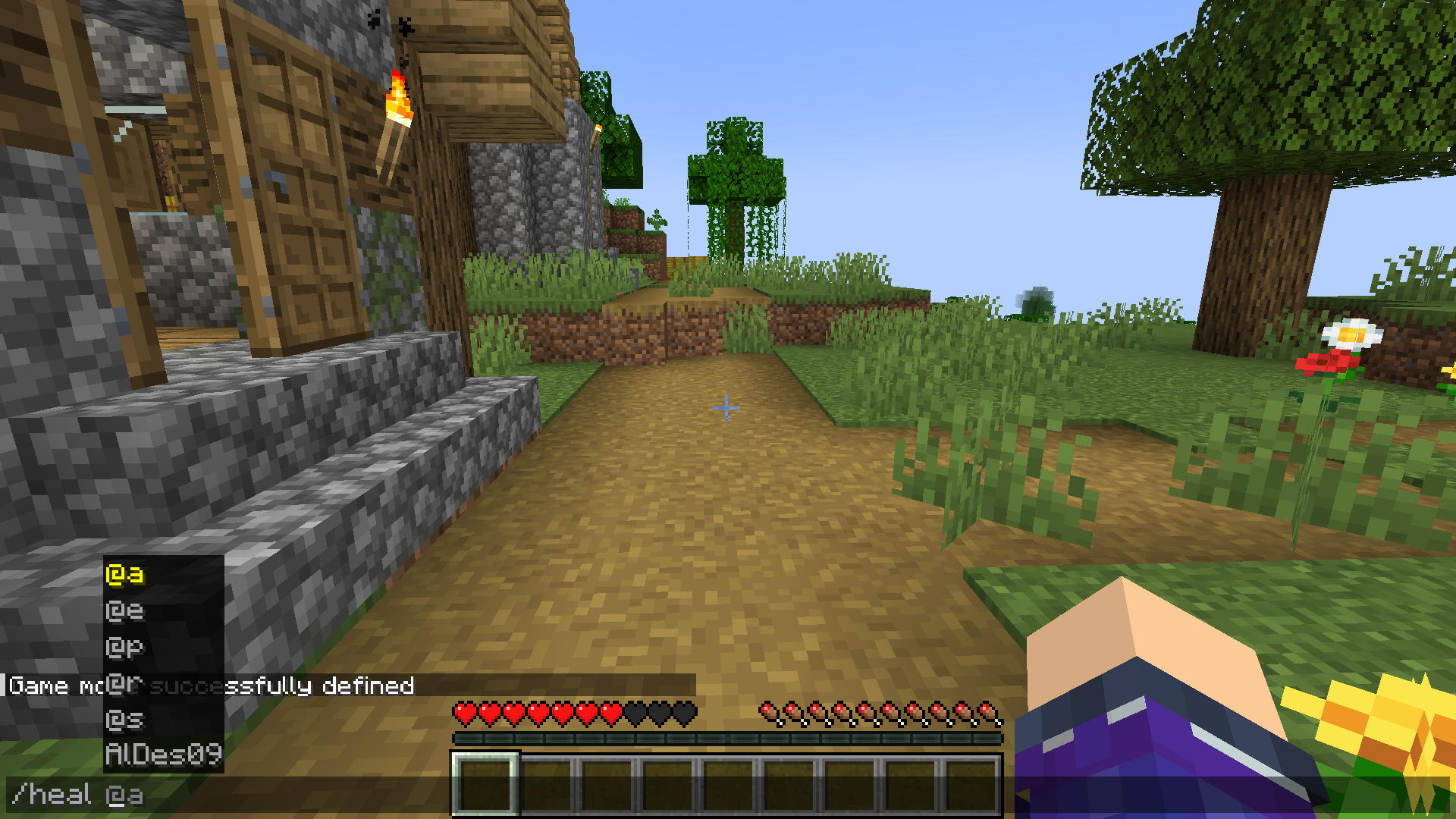 /heal Refills the player's health bar
-
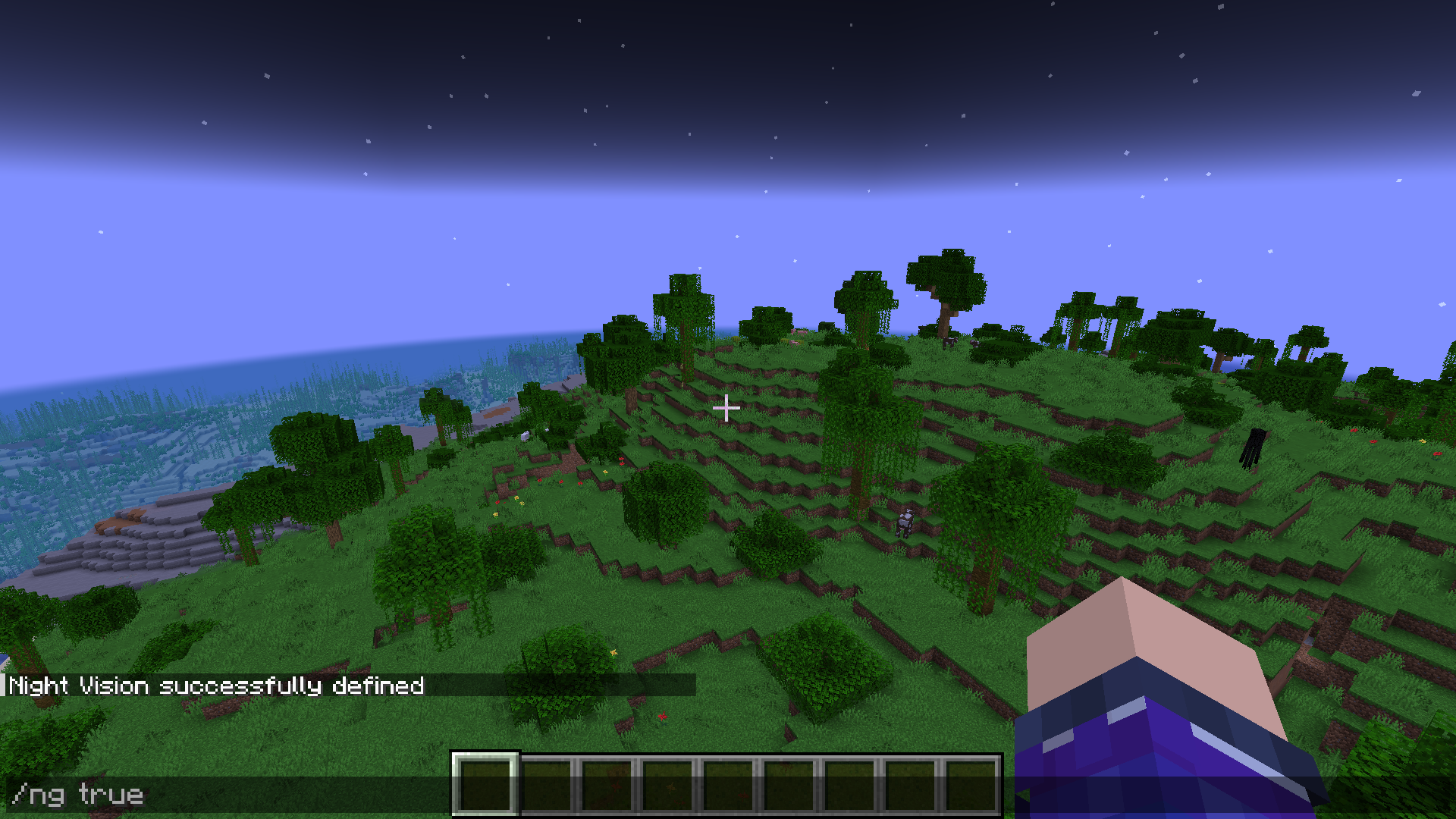 /ng Enable or disable night vision
-
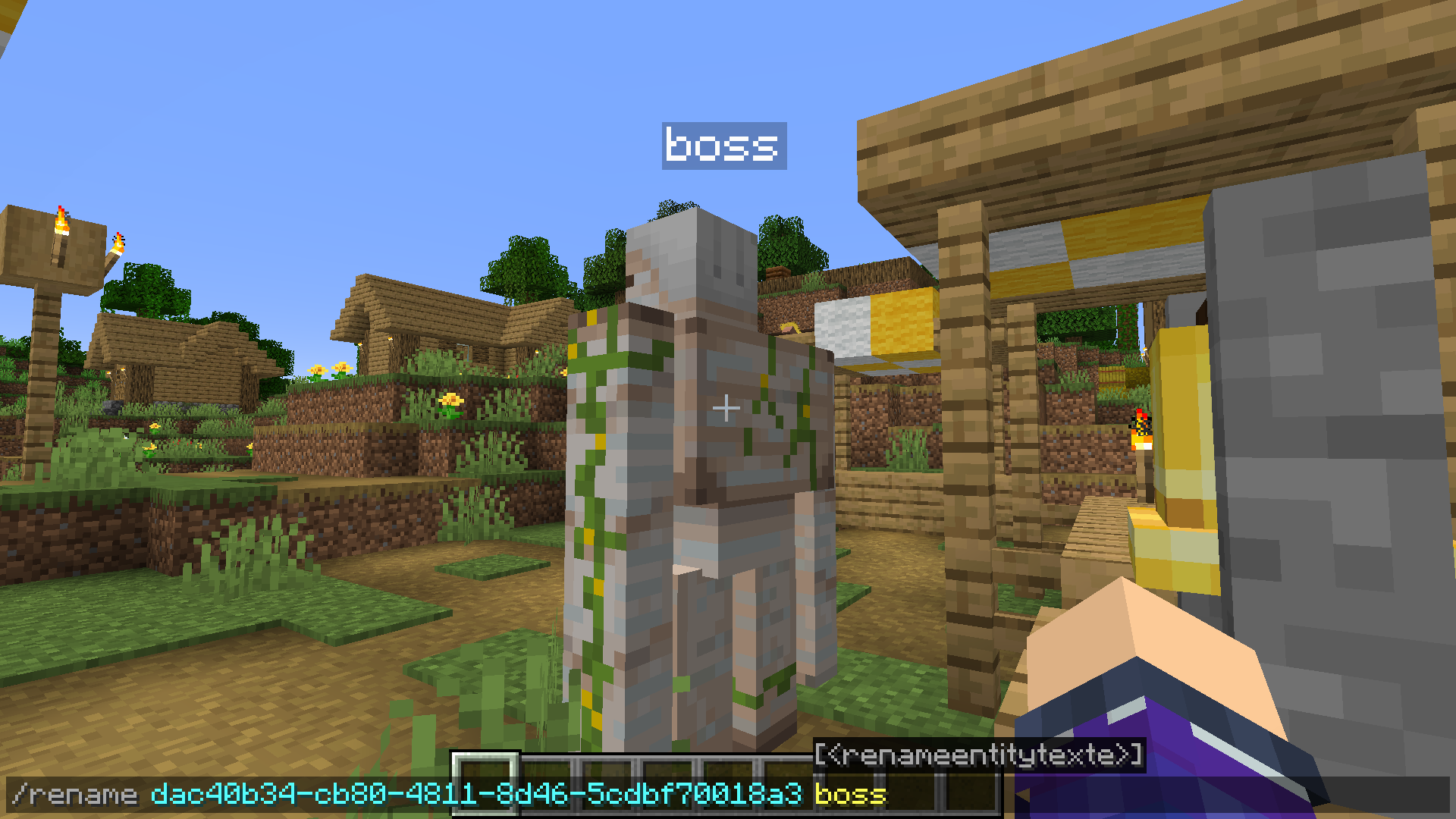 /rename Change an entity's name
-
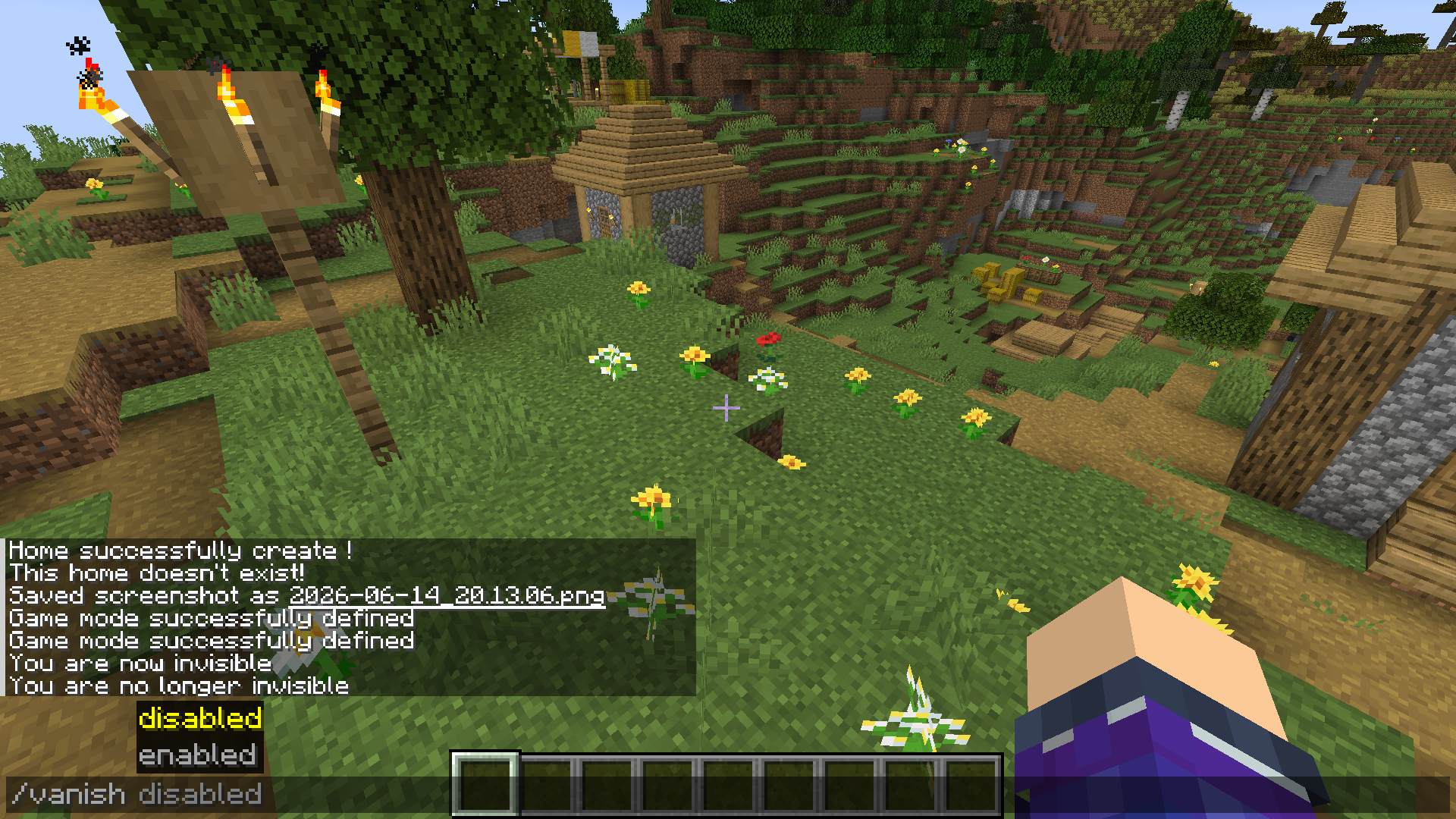 /vanish Toggles invisibility on or off
-
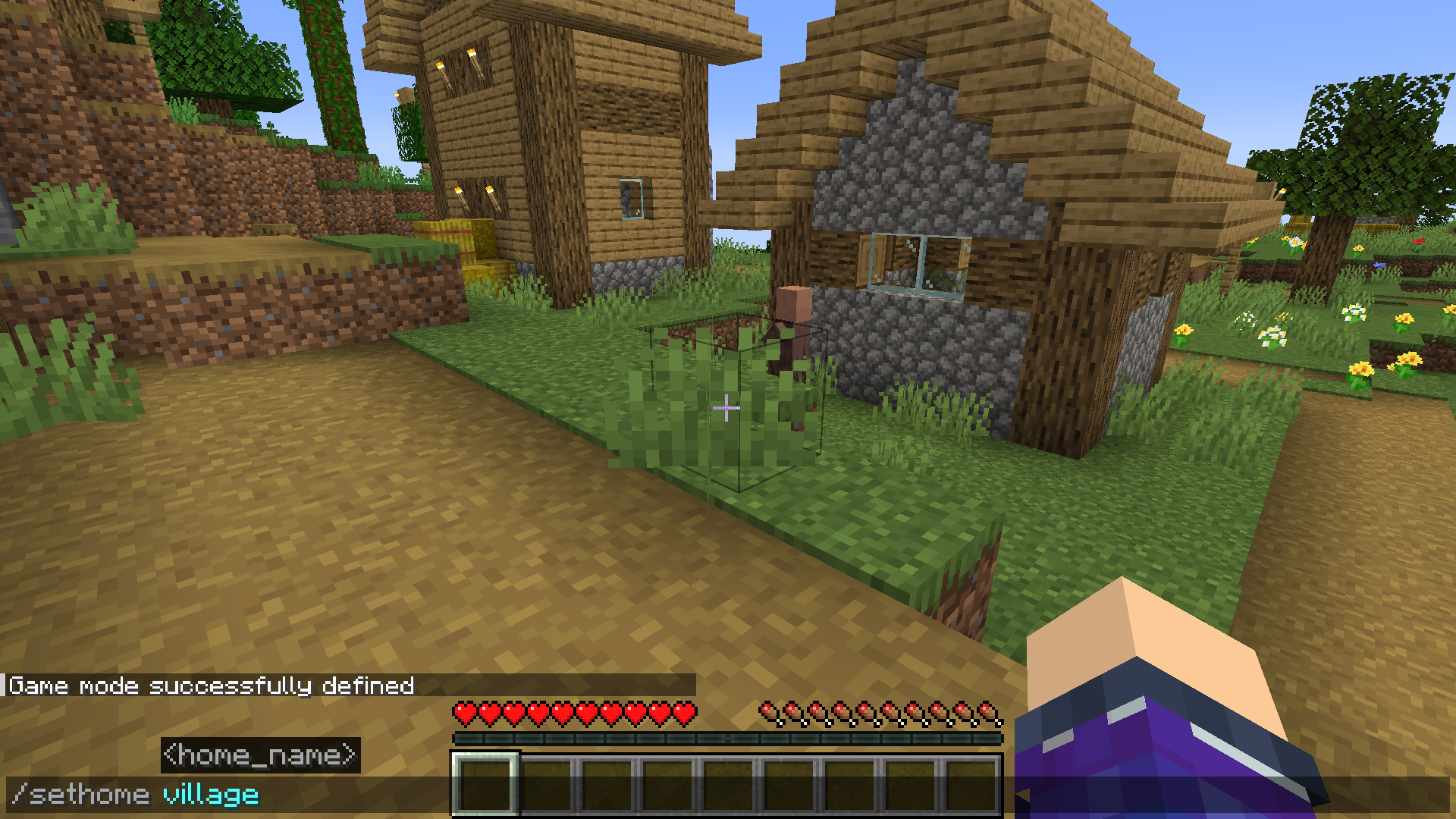 /sethome Adds a home to the player's position
-
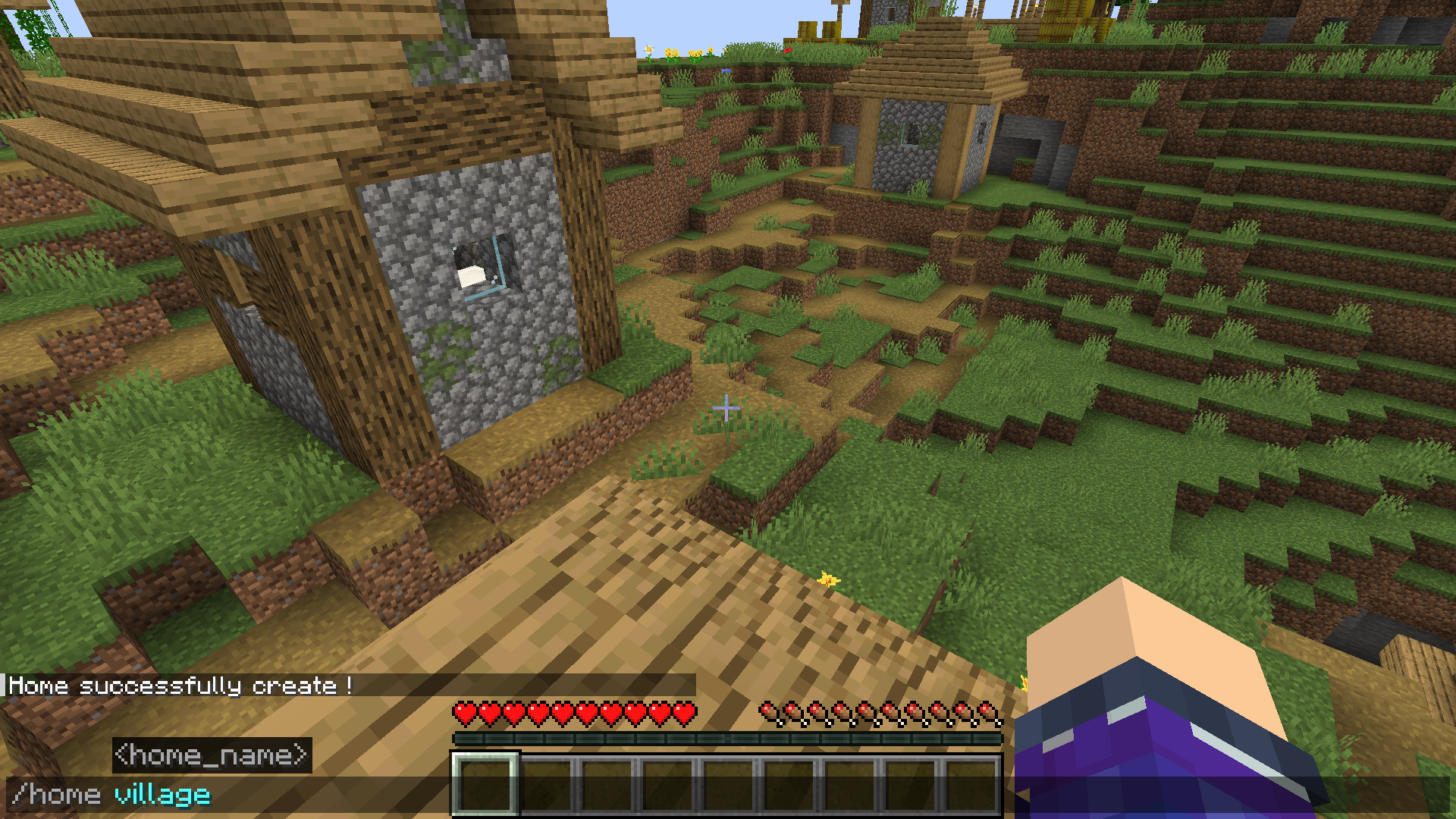 /home Teleports to the player's home
-
 /gm...
-
 /dmg
-
 /boom (1) Create an explosion
-
 /boom (2) Create an explosion
-
 /fly Allows flight in survival mode
-
 /god Makes you invincible
-
 /heal Refilled the life bar
-
 /rename Rename an entity
-
 /vanish Toggles invisibility on or off
-
 /sethome Adds a home to the player's position
-
 /home Teleports to a home
-
 OpCommands
Versions
Files
Relations
Project Relations
More like this
Similar Mods
Suggestions use data such as tags, dependencies, dependents, descriptions, titles, and more to rank how much they overlap with this mod.
On ModDex
Community snapshot
By the numbers
Statistics

Get it on
Available Platforms
On ModDex
Community snapshot
By the numbers
Statistics
Resources