Community listing page, reviews may not be monitored by the author.
Open Lights Controller


No reviews yet
A controller to manage multiple OpenLights

Community voices
Reviews
No reviews yet. Be the first to review this project!
Get it on
Available Platforms
Compatibility
Supported Environments
Must be installed on both the client and the server.
About
Project Details
For authors
Embed Badge
If you're the author of this project, you can embed a live badge anywhere that supports HTML or Markdown. It updates automatically whenever ratings change.
Use HTML for any page that supports it, or Markdown for README files and Markdown-based descriptions.
Identifiers
Platform IDs
About
Description
Open Lights Controller
THIS MOD PAGE WILL NO LONGER BE UPDATED. GO TO MODRINTH TO GET THE LATEST VERSION

Requires Open Computers and Open Lights
Setup
- Drop the mod in the mods folder
Blocks
- Open Lights Controller (4 block range)
- Open Lights Controller (8 block range)
- Open Lights Controller (16 block range)
- Open Lights Controller Border
Usage and LUA API
The full usage and LUA API is available on the wiki
Discord
Download
Open Lights Controller

Requires Open Computers and Open Lights
Setup
- Drop the mod in the mods folder
Blocks
- Open Lights Controller (4 block range)
- Open Lights Controller (8 block range)
- Open Lights Controller (16 block range)
- Open Lights Controller Border
Usage
-- Require component and event
component = require("component")
event = require("event")

-- Get the attached Open Lights Controller component
lc = component.openlightscontroller

-- The letters define which axis the coordinates are for
-- The value on that axis increases as it follows the border blocks away from the controller
lc.calibrate("ZY")
w,h = lc.getSize()

-- The whole grid of lights is filled with yellow and set to brightness 15
lc.fillColor(0xffff00)
lc.fillBrightness(15)

-- The light at (1,1) is set to black
lc.setColor(0x000000,1,1)

-- The lights in the area defined by (2,2) and (w,h)  are set to red
lc.fillColor(0xff0000,2,2,w,h)

-- The changes are applied to the lights
lc.apply()

-- Wait until the interrupt event
event.pull('interrupt')

-- The whole grid of lights is filled with black
lc.fillColor(0x000000)

-- The changes are applied to the lights
lc.apply()
LUA API
[x:number]means these arguments are optional{x:number}means that the arguments are repeatable, or the return value is an array
| Method | Description |
|---|---|
| function apply():string; | Applies the current cached lighting data to the lights. |
| function isCalibrated():bool; | Checks if the light controller is calibrated. |
| function calibrate(direction:string):string; | Calibrate light controller. |
| function getBorderAxes():string, string; | Get border axes. |
| function getBorderDirections():string, string; | Get active border directions. |
| function getSize():number, number; | Get size of light grid. |
| function setColor(color:number, {x:number, y:number}):string; | Set the light color as an RGB value. Returns the new color as an RGB hex string. Use tonumber(value, 16) to convert return value to a usable numeric value. The controller caches this until apply() is called. |
| function fillColor(color:number, [x1:number, y1:number, x2:number, y2:number]):string; | Fills a specific region or the whole grid to a specific RGB value. Returns the new color as an RGB hex string. Use tonumber(value, 16) to convert return value to a usable numeric value. The controller caches this until apply() is called. |
| function setBrightness(brightness:number, {x:number, y:number}):number; | Set the brightness of the light. Returns the new brightness. The controller caches this until apply() is called. |
| function fillBrightness(brightness:number, [x1:number, y1:number, x2:number, y2:number]):number; | Fills a specific region or the whole grid to a specific brightness. Returns the new brightness. The controller caches this until apply() is called. |
| function getColor({x:number, y:number}):{string}; | Get the light color as an RGB hex string. Use tonumber(value, 16) to convert return value to a usable numeric value. The controller returns the current color use getCachedColor() to get the currently cached color. |
| function getBrightness({x:number, y:number}):{number}; | Get brightness of the light. The controller returns the current brightness use getCachedBrightness() to get the currently cached brightness. |
| function getCachedColor({x:number, y:number}):{string}; | Get the light color as an RGB hex string. Use tonumber(value, 16) to convert return value to a usable numeric value. Use getColor() to get the current color of the light. |
| function getCachedBrightness({x:number, y:number}):{number}; | Get brightness of the light. Use getBrightness() to get the current brightness of the light. |
| function getMaximumBorderSize():number; | Get the maximum border size. This changes depending on the tier of the light controller. |
Discord
Download
Screenshots
Gallery
-
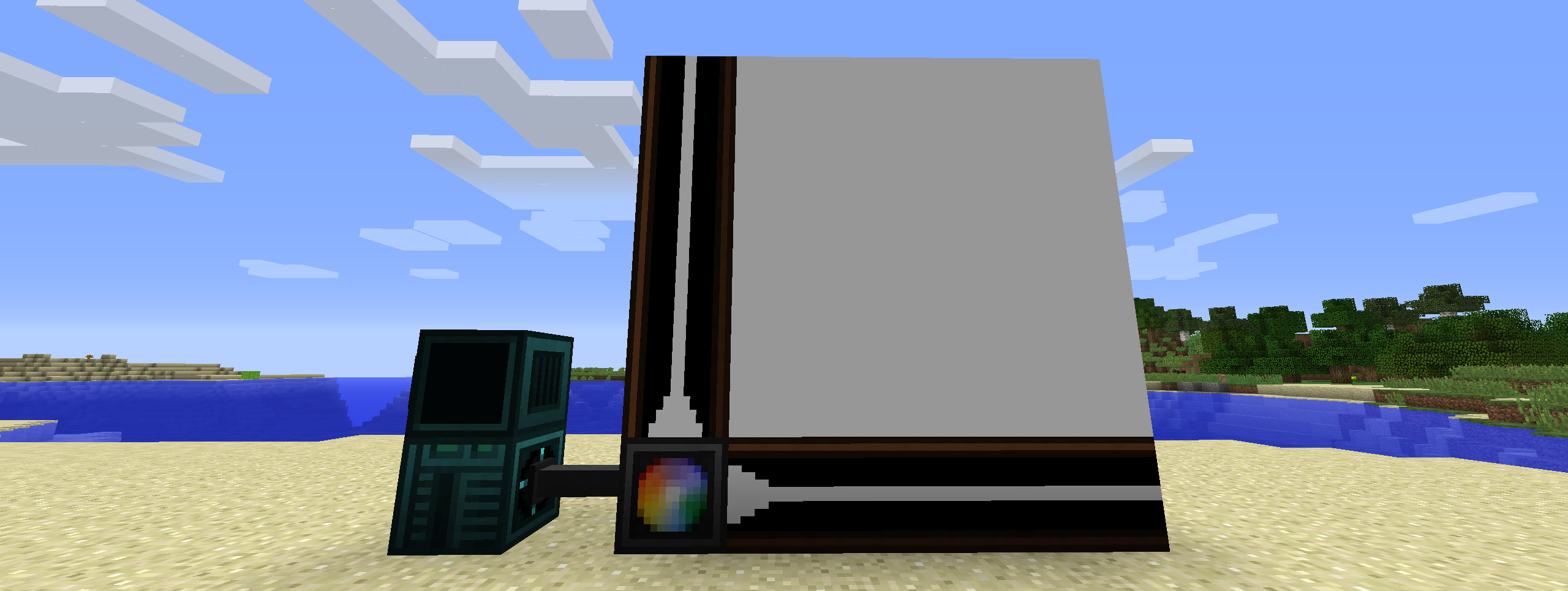
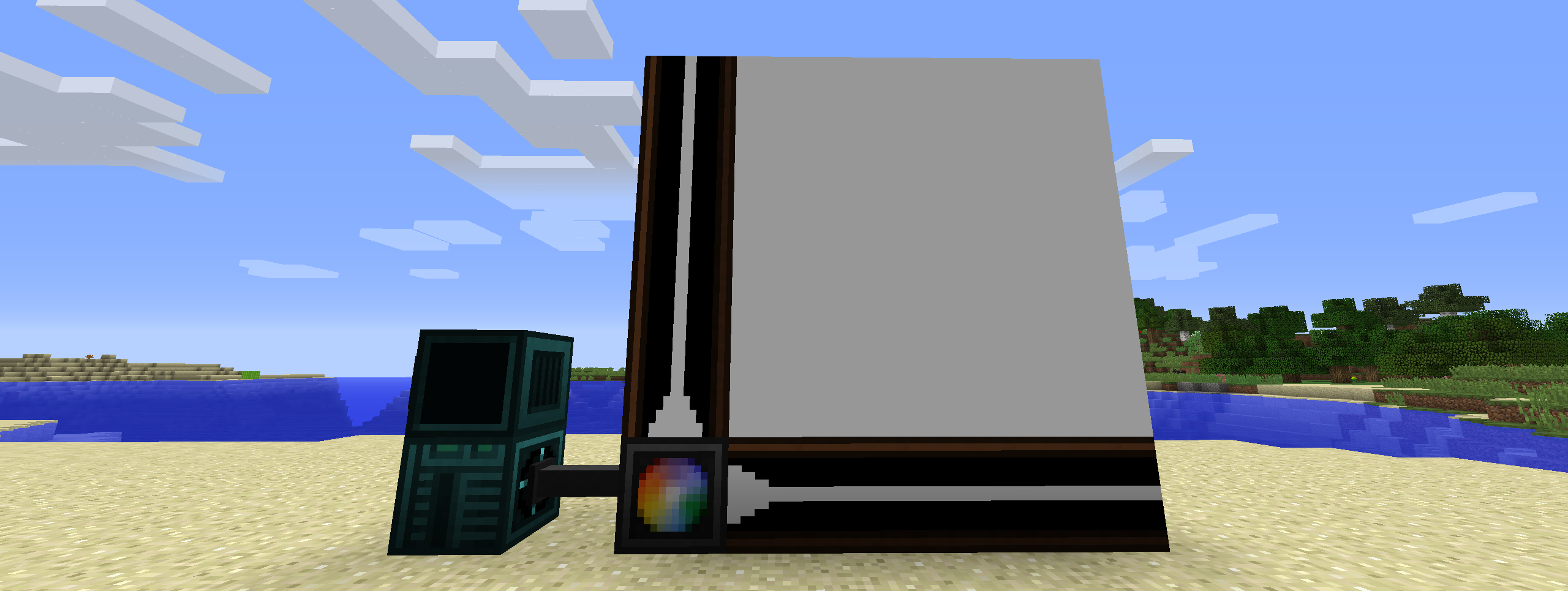 Screen Setup
Versions
Files
Relations
Project Relations
More like this
Similar Mods
Suggestions use data such as tags, dependencies, dependents, descriptions, titles, and more to rank how much they overlap with this mod.
On ModDex
Community snapshot
By the numbers
Statistics
 (opens in a new tab)
Get it on
Available Platforms
On ModDex
Community snapshot
By the numbers