Open tome
No reviews yet
Transforms Minecraft’s vanilla books into immersive 3D animated books with page turning, reading, and writing animations.
Includes quality of life improvements and small tweaks to enhance and customize gameplay.
Forge is a popular mod loader for versions 1.1+ of Minecraft.
Community voices
Reviews
Click once to include, again to exclude, again to clear
No reviews yet. Be the first to review this project!
Get it on
Available Platforms
 CurseForge
About
Project Details
For authors
Embed Badge
If you're the author of this project, you can embed a live badge anywhere that supports HTML or Markdown. It updates automatically whenever ratings change.
Use HTML for any page that supports it, or Markdown for README files and Markdown-based descriptions.
Identifiers
Platform IDs
Resources
External Links
About
Description
OpenTome
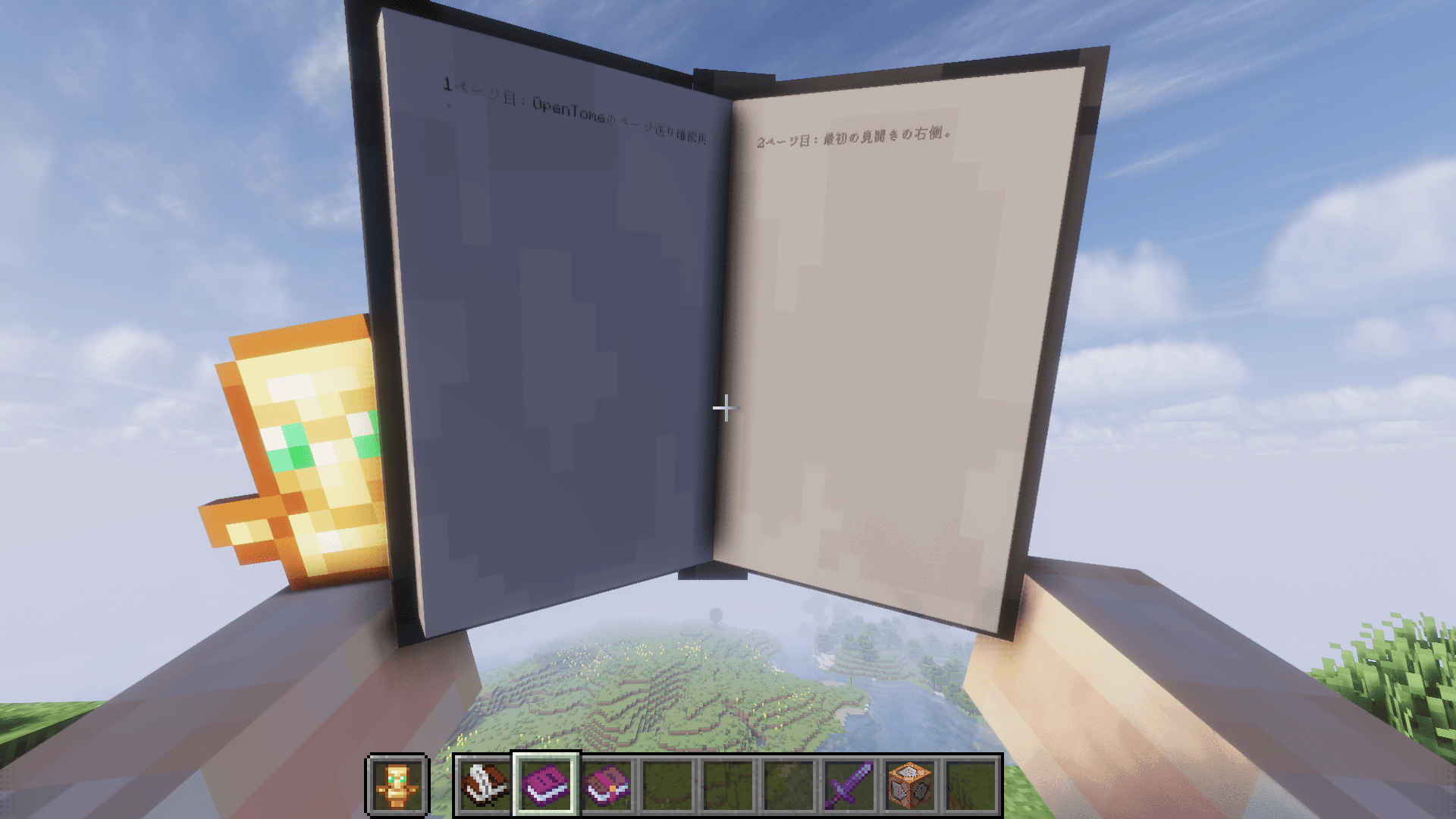
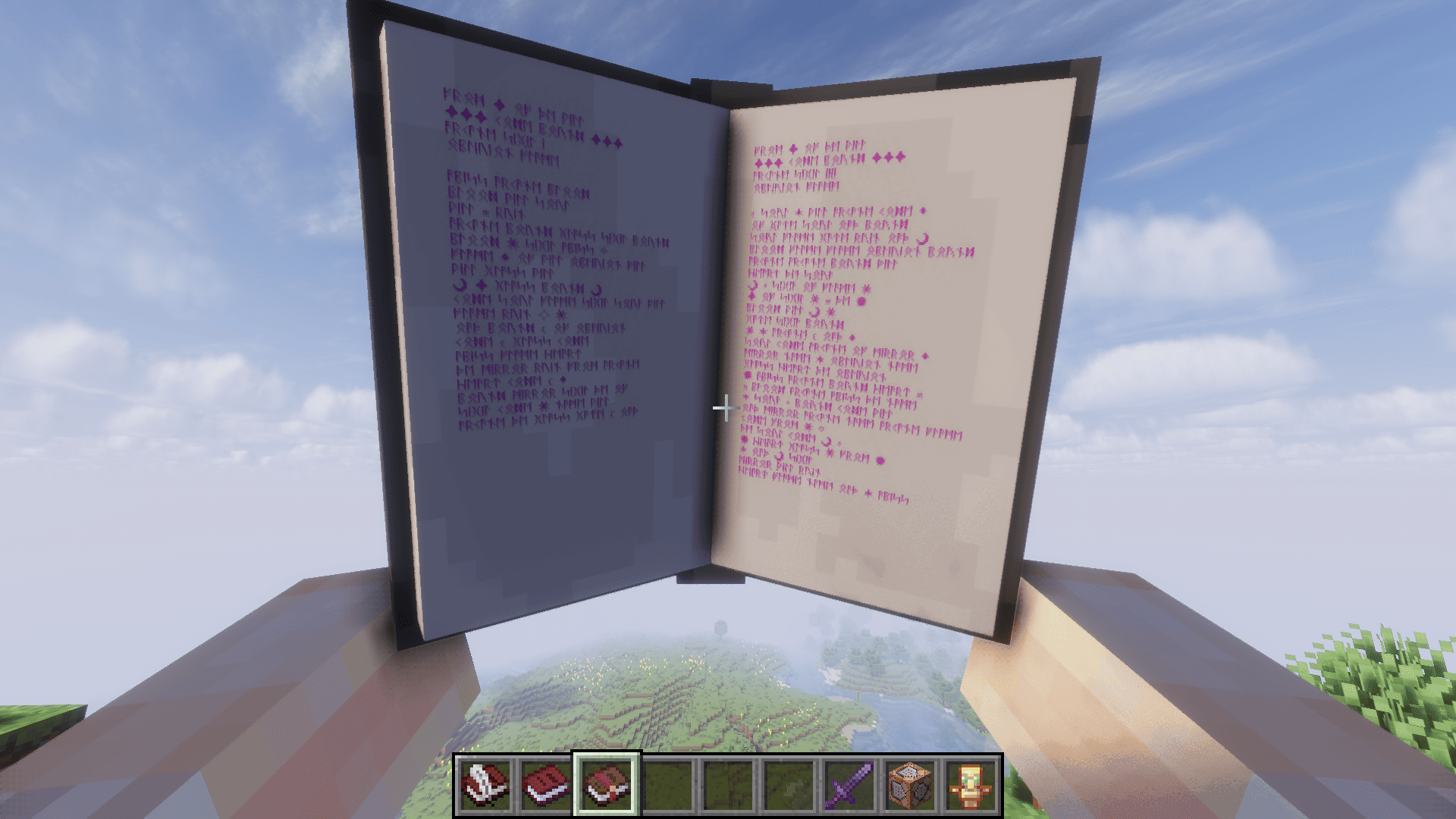
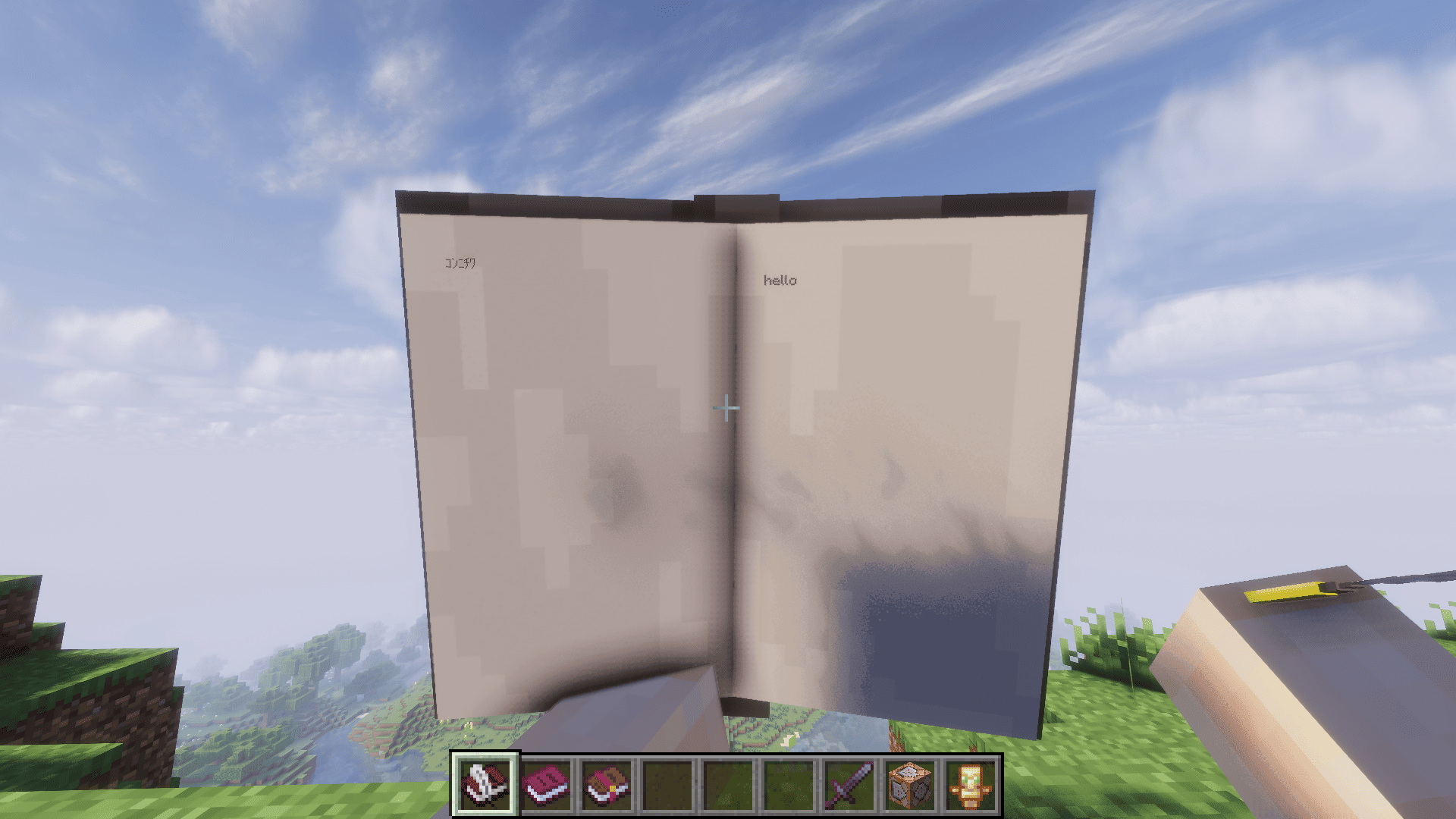
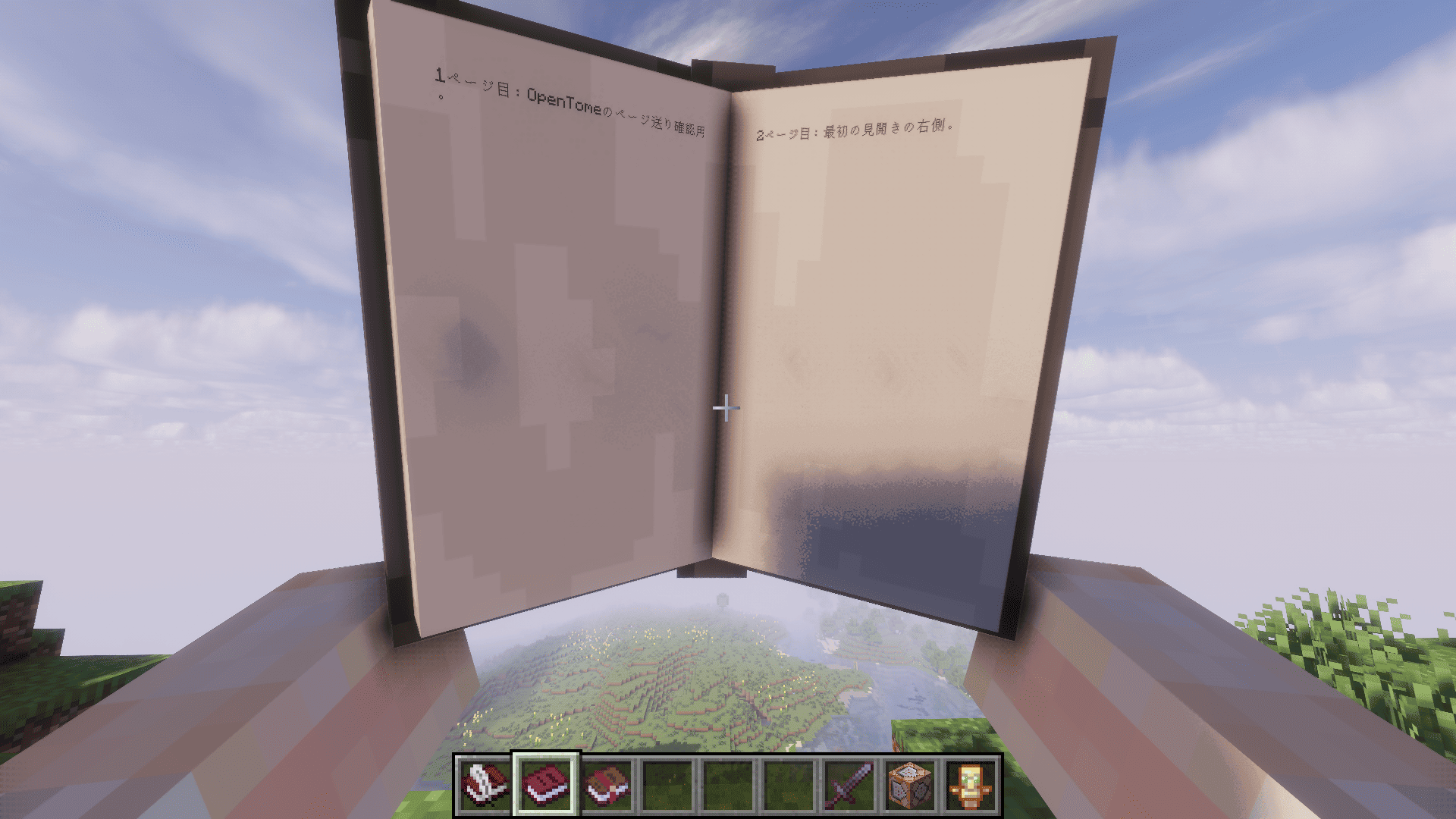
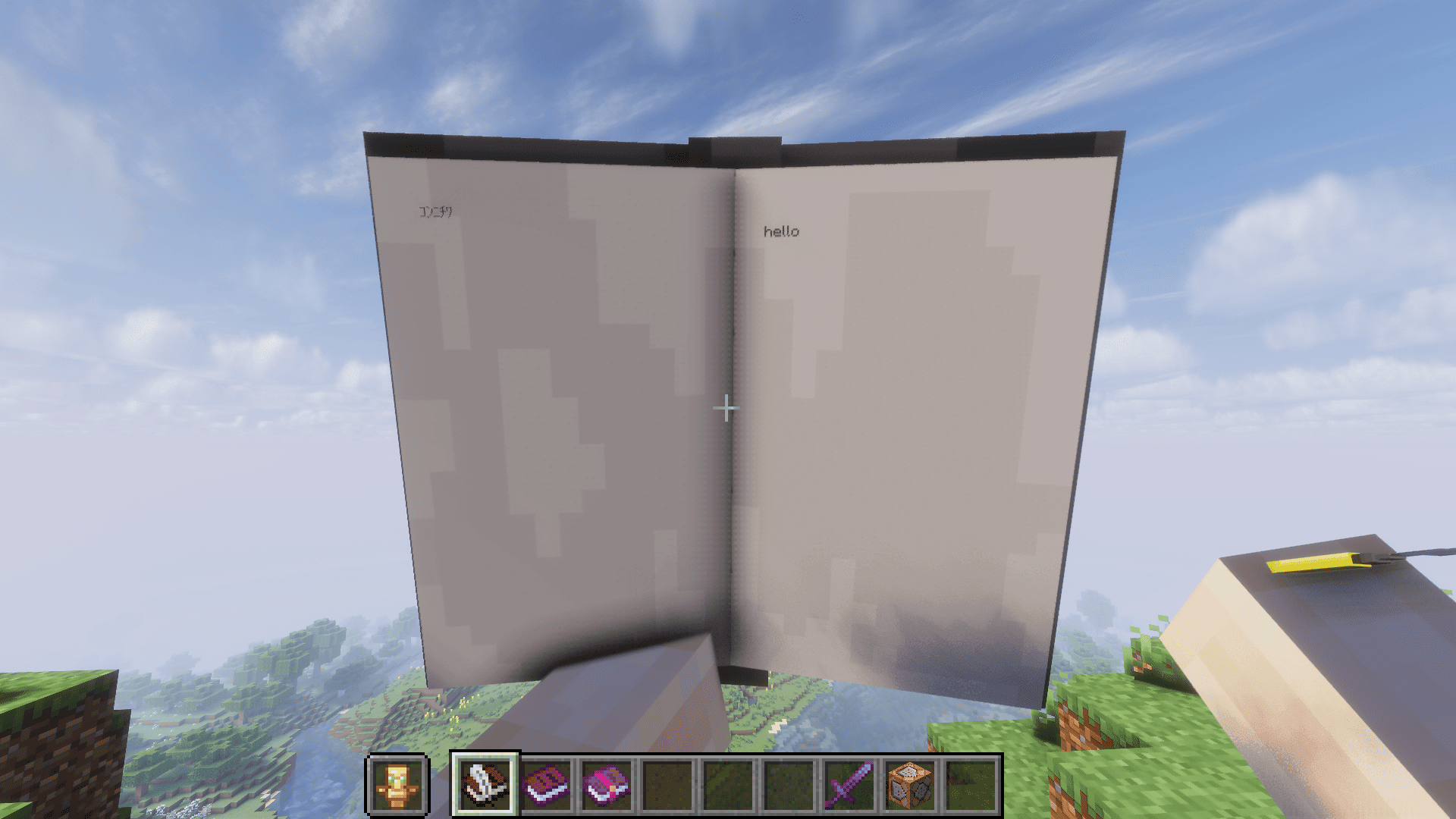
OpenTome transforms Minecraft’s vanilla books into immersive, fully animated 3D books.
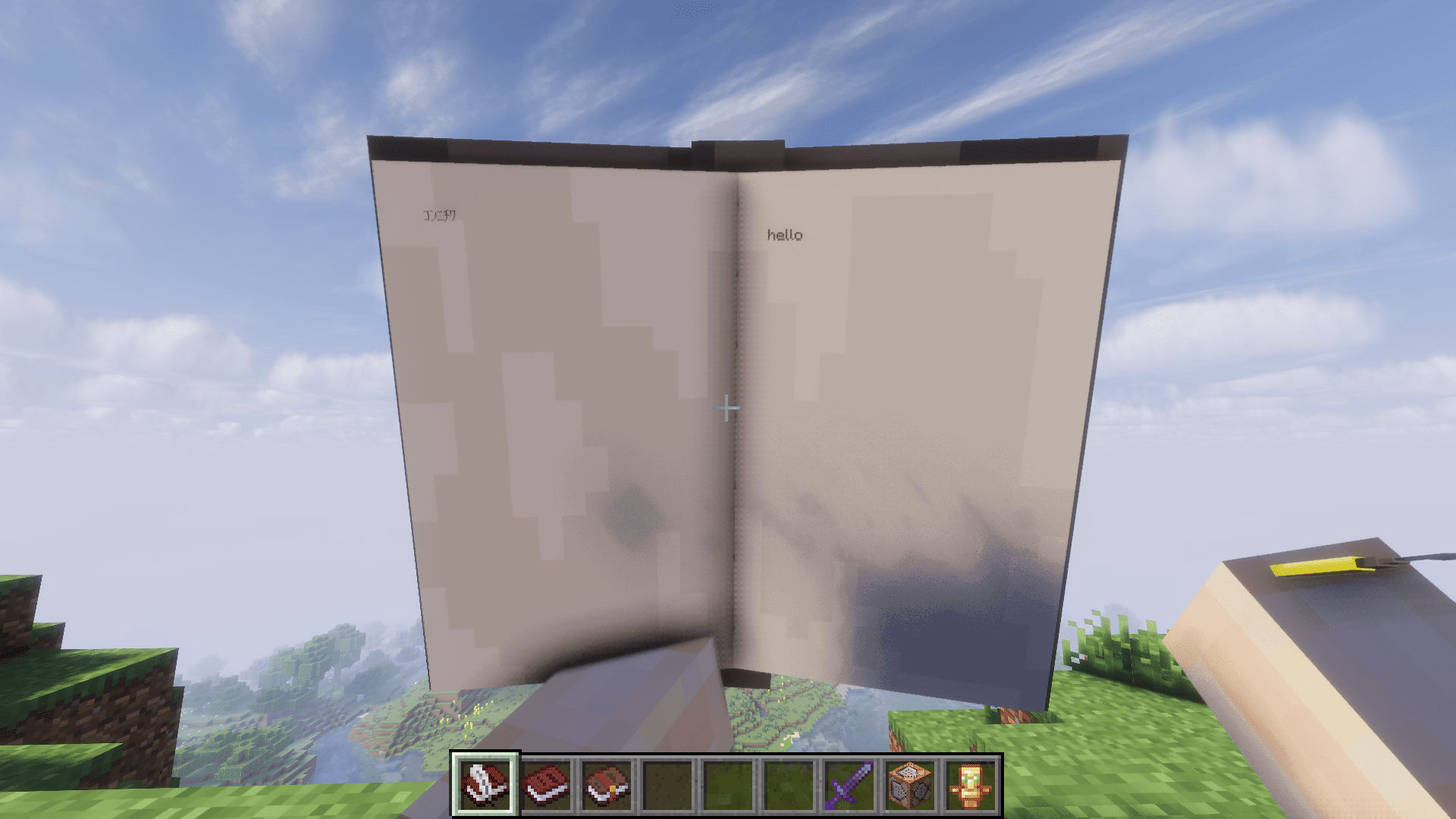
Instead of opening the standard book interface, supported books are displayed directly in the player’s hands with animated covers, turning pages, readable page text, and writing animations.
Features
-Fully animated 3D book models
-Opening and closing animations
-Animated page turning
-Text rendered directly onto the physical pages
-Writing animations with a visible quill
-Mouse-based page selection and text insertion
-Support for books with up to 1,000 pages
-Preserves the original vanilla items and their data
Supported Books
OpenTome currently supports:
-Book and Quill
-Written Book
-Enchanted Book
These items remain normal vanilla Minecraft items in inventories, containers, item frames, and when dropped on the ground. The custom 3D model is only displayed while the book is held.
Controls
Reading
-Right-click: Open or close the book
-E: Turn to the next page spread
-Q: Turn to the previous page spread
While a book is open, conflicting vanilla actions such as opening the inventory or dropping the held item are temporarily blocked.
Writing
-Right-click: Open or close the book
-Left/Right Arrow Keys: Change pages
-Mouse Click: Select a page and move the writing position
-Keyboard: Write directly onto the selected page
Current Scope
OpenTome focuses on improving the visual presentation and physical feeling of Minecraft’s books while preserving their normal vanilla behavior and data.
Additional book models, textures, animations, and reading poses are planned for future updates.
Known Limitations
-Books placed on lecterns are not currently supported.
-OpenTome is currently designed primarily for first-person use.
Requirements
-Minecraft 1.20.1
-Minecraft Forge
-GeckoLib
-Punchy! - First person animations
OpenTome(オープントーム)
OpenTomeは、Minecraftの本を没入感のあるフルアニメーション対応の3Dの本へ変えるMODだ。
通常の本専用UIを開く代わりに、対応する本をプレイヤーの手元で直接開くことが出来る。本の開閉、ページめくり、紙面への本文表示、羽ペンを使った筆記などを3Dアニメーションで楽しめるぞ。
主な機能
・フルアニメーション対応の3Dブックモデル
・本を開く・閉じるアニメーション
・ページめくりアニメーション
・実際の紙面へ直接表示される本文
・羽ペンを使った筆記アニメーション
・マウスによるページ選択と文字挿入位置の指定
・最大1,000ページの本に対応
・バニラアイテムとそのデータをそのまま維持
対応している本
現在、以下のバニラアイテムに対応しています。
・本と羽根ペン
・記入済みの本
・エンチャントの本
これらはインベントリ、チェスト、額縁、ドロップ状態などでは通常のバニラアイテムとして扱われます。専用の3Dモデルは、本を手に持っている間だけ表示されます。
操作方法
読書
・右クリック: 本を開く・閉じる
・Eキー: 次の見開きへ進む
・Qキー: 前の見開きへ戻る
本を開いている間は、インベントリを開く、持っているアイテムを落とすなど、操作が重複する一部のバニラ操作が一時的に無効化されます。
筆記
・右クリック: 本を開く・閉じる
・左右矢印キー: ページを移動
・マウスクリック: ページの選択と文字挿入位置の指定
・キーボード入力: 選択したページへ直接筆記
現在の方針
OpenTomeは、バニラ本が持つ本来の挙動やデータを維持しながら、本を読む・書くという体験の見た目と実在感を強化することを目的としています。
今後のアップデートでは、複数の本モデルやテクスチャ、追加アニメーション、読書姿勢などの実装を予定しています。
現在の制限事項
・書見台に設置された本には現在対応していません。
・現在は主に一人称視点での使用を想定しています。
必須環境
・Minecraft 1.20.1
・Minecraft Forge
・GeckoLib
・Punchy! - First person animations
Screenshots
Gallery
-
 2026-07-28_16.26.00.png 2026-07-28_16.26.00.png
 -
 2026-07-28_16.25.49.png 2026-07-28_16.25.49.png
 -
 2026-07-28_16.25.40.png 2026-07-28_16.25.40.png
 -
 2026-07-28_16.25.33.png 2026-07-28_16.25.33.png
 -
 2026-07-28_16.24.53.png 2026-07-28_16.24.53.png
 -
 2026-07-28_16.26.09.png 2026-07-28_16.26.09.png
Versions
Files
Relations
Project Relations
More like this
Similar Mods
Suggestions use data such as tags, dependencies, dependents, descriptions, titles, and more to rank how much they overlap with this mod.
On ModDex
Community snapshot
By the numbers
Statistics
Want to reach Minecraft players?
We're looking for a server hosting partner to feature here and other parts of the site. Interested? Send us a message!
Get in touchGet it on
Available Platforms
On ModDex
Community snapshot
By the numbers
Statistics
Resources