
Community listing page, reviews here may not be monitored by the author.

Community voices
Reviews
No reviews yet. Be the first to review this project!
Get it on
Available Platforms
About
Project Details
For authors
Embed Badge
If you're the author of this project, you can embed a live badge anywhere that supports HTML or Markdown. It updates automatically whenever ratings change.
Use HTML for any page that supports it, or Markdown for README files and Markdown-based descriptions.
Identifiers
Platform IDs
About
Description
News:
Version 4.0.3 for Minecraft 1.12.2 is out! Enjoy!
Version 3.1.2 for Minecraft 1.7.10 is also out, fixing a bug with the Advanced Rocketry mod.
Old News:
(12/14/17)
After begging, negotiating, and compromising, the ore sheep finally agreed with me to put out another mod release. They even let me do a video with them! Check back in a few hours: today 1.12.2 is launching day!
(11/18/19)
These sheep are awful stubborn! I should be able to convince them to cooperate some time next week and we'll have a release. Stay tuned!
(11/11/17)
I am still working on updating the Ore Sheep Mod, but it is getting close. The next release should be out by the end of next week if I don't run into any major bugs while testing. The new version should run faster and I've taught ore sheep to eat an even greater number of blocks. What kind of ore sheep are you exited to have?
(10/5/17)
I just got back! I am currently working on updating the Ore Sheep Mod to the most current Minecraft Version. I hope you're as excited as I am!
(2015)
Version 3.1.0 is the last major update I will do for two years. I have been called to serve a two-year mission for The Church of Jesus Christ of Latter-day Saints, or the Mormon church. I will be serving the people of Argentina! I am so excited, especially because I have prepared for my mission my entire life! I know that this is what God wants me to do and I can't wait to go. You can learn more about me and my decision to go, visit on my mormon.org profile here or follow along on my blog here, where I will be posting weekly about my experiences and adventures!
As a result of my decision, I won't be around to answer questions or fix bugs. However, I am planning on leaving someone else to watch over my mods, so don't hesitate to comment or submit bug reports. While I'm gone, enjoy the mod!
What will you feed your sheep? The possibilities are only limited to your imagination! (And some game breaking combinations: ore sheep don't eat bedrock!) What your sheep to grow obsidian? Tired of cooking glass in a furnace? Looking for an easier way to get sponges? Watch the video below or follow this handy text tutorial to find out how!
1. Navigate to the configuration files:
For Windows: Navigate to C:\Users\"Your name"\AppData\Roaming.minecraft\config\oresheep
For Mac: In finder, go to File -> New Finer Window. Then press command + shift + G. In the text box that pops up, type ~/Library/Application Support/minecraft/config/oresheep
2. Using a text editor (I like Notepad++), open the OreConfig.txt and PossibleBlocks.txt files.
3. In the OreConfig.txt file, note the line “blocks to eat.” Do Not Edit This Line! All entries below this line are blocks that the sheep eat, but don’t become. All entries above this line, sheep will eat and become.
4. Add entries to the OreConfig.txt file using the PossibleBlocks.txt file as a guide. Note that the entries in the PossibleBlocks.txt file may be slightly different (ex: glowstone is “lightgem”).
5. Save the OreConfig.txt file, reopen your world, and enjoy!
- Download the latest version of the mod. Do not unzip or decompile it.
- Download the "Recommended" Minecraft Forge "installer" for your version here. It should be called something similar to "forge-1.7.10-10.13.0.1179-installer.jar"
- Run the Minecraft Forge installer.
- Click on the "Install client" option. The installer should do all of the work for you.
- Navigate to your .minecraft folder. To get there, go to the start menu (for windows), and type "%appdata%", then go to "Roaming", then .minecraft. For mac, open a new finder window, then press Command Shift G. Below "Go to the folder:", paste "~/Library/Application Support/." If you don't already have one, create a folder in your .minecraft folder called "mods".
- Put the latest version of the mod into the mods folder.
- Run the Minecraft launcher. In the bottom left corner of the launcher create a new profile. Name it whatever you want but make sure the "Use version:" is the release of forge for your version. Save the new profile.
- Whenever you want to play with mods, make sure that the profile in the bottom left is your forge profile.
- Enjoy!
Screenshots
Gallery
-
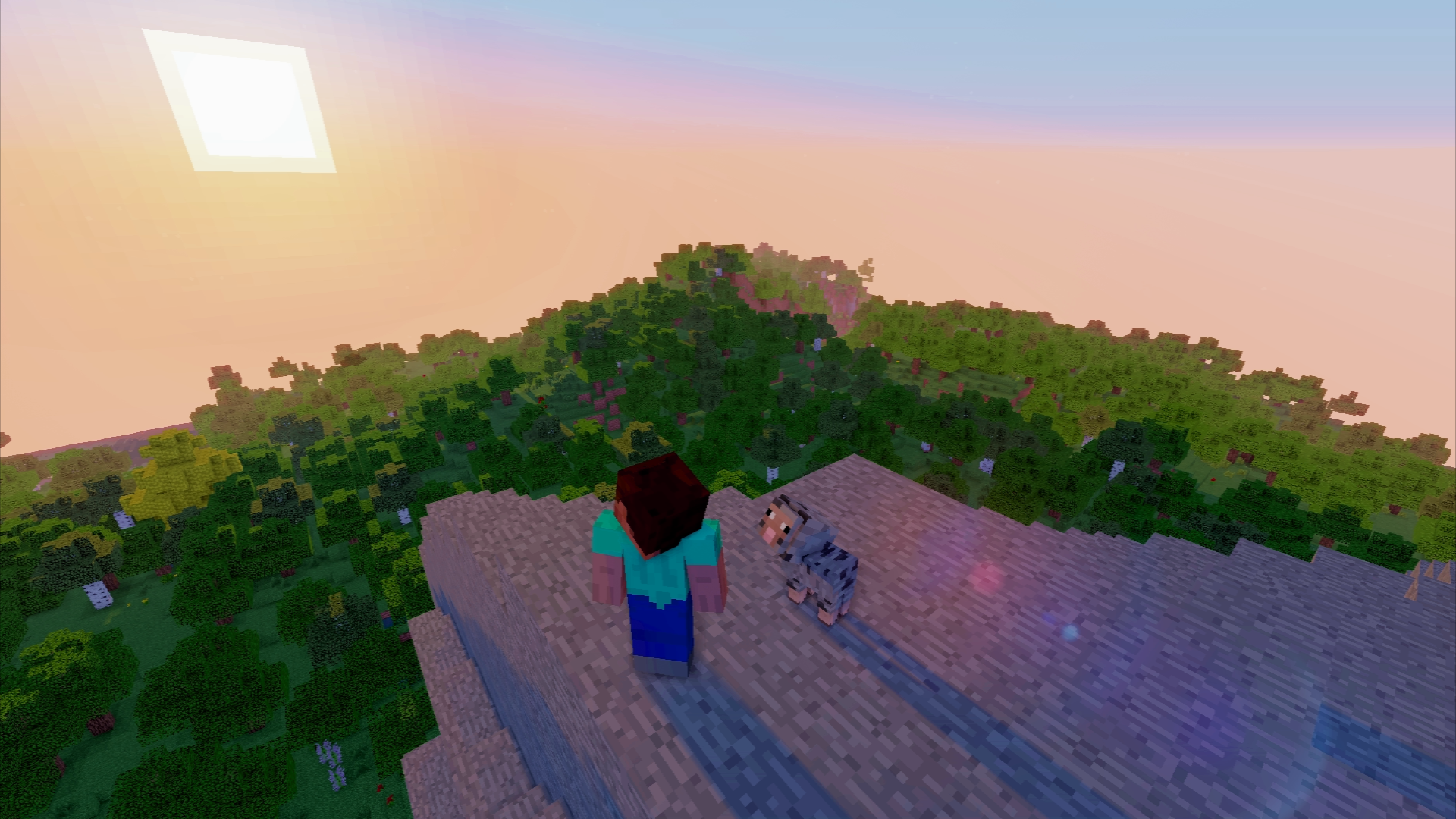 Ore Sheep Mod Logo
 -
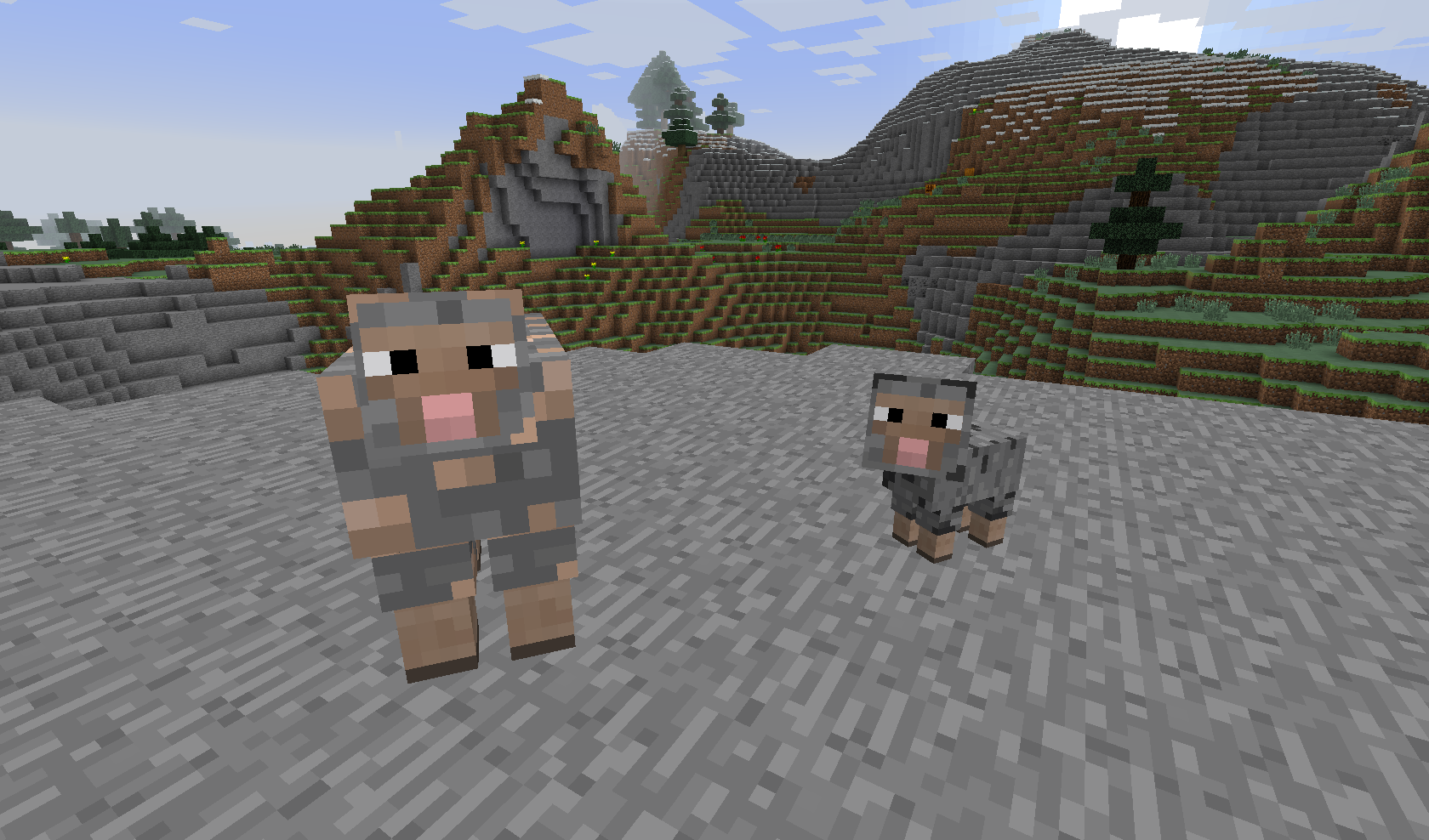 Old Ore Sheep Logo
 -
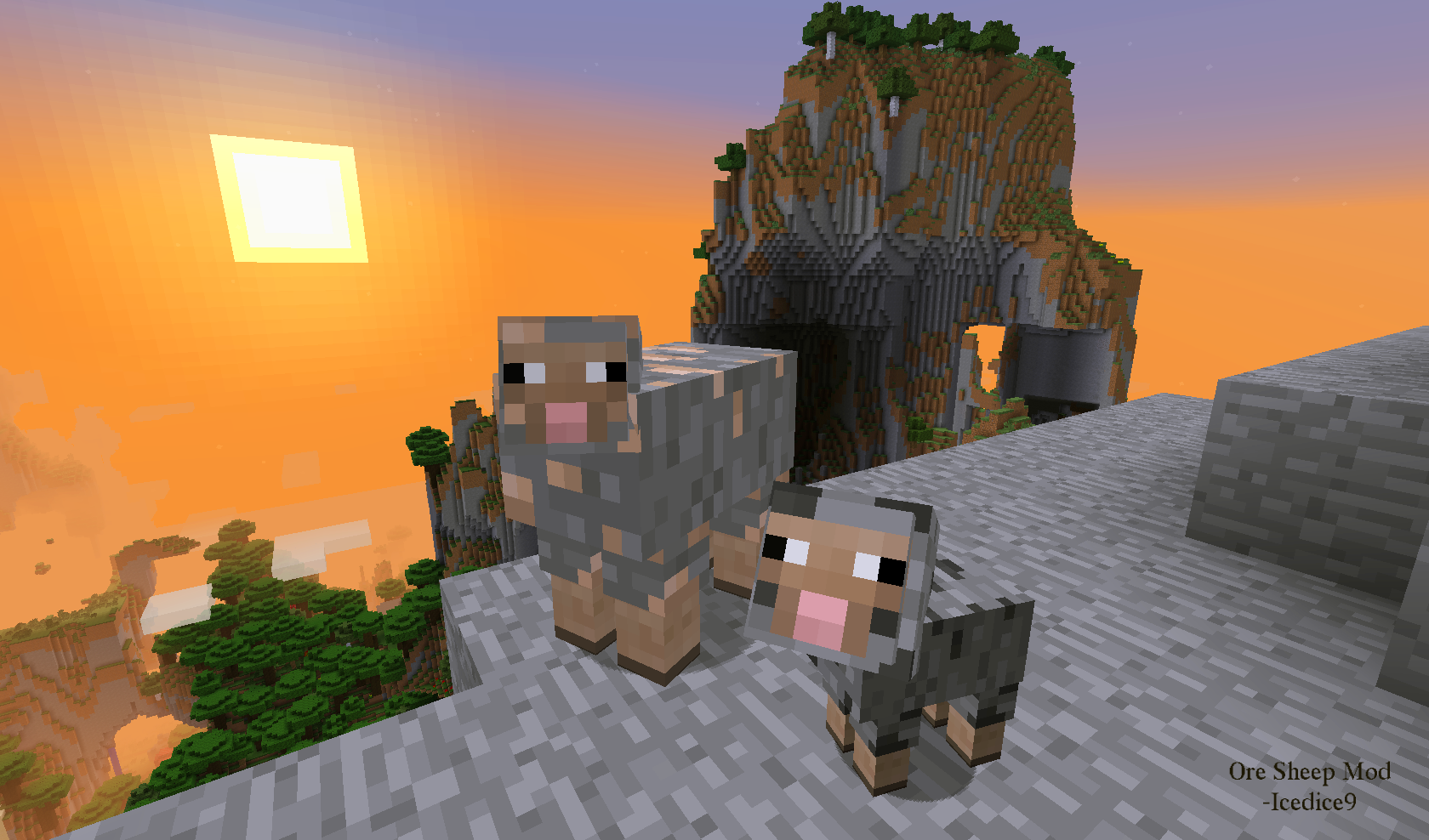 Ore Sheep Mod Logo Watch the sunrise with your faithful stony companions!
Versions
Files
Relations
Project Relations
More like this
Similar Mods
Suggestions use data such as tags, dependencies, dependents, descriptions, titles, and more to rank how much they overlap with this mod.
On ModDex
Community snapshot
By the numbers
Statistics
Want to reach Minecraft players?
We're looking for a server hosting partner to feature here and other parts of the site. Interested? Send us a message!
Get in touchGet it on
Available Platforms
On ModDex
Community snapshot
By the numbers