
Community listing page, reviews here may not be monitored by the author.
Overlay101

No reviews yet
Overlay101 is a minimalist client utility that clears visual clutter by toggling armor, HUD elements, and specific particle groups. It features customizable item offsets and an independent offhand slider to create a perfectly clean and cinematic Minecraft
Community voices
Reviews
No reviews yet. Be the first to review this project!
Get it on
Available Platforms
Compatibility
Supported Environments
Runs entirely on the client. Works on vanilla servers.
About
Project Details
For authors
Embed Badge
If you're the author of this project, you can embed a live badge anywhere that supports HTML or Markdown. It updates automatically whenever ratings change.
Use HTML for any page that supports it, or Markdown for README files and Markdown-based descriptions.
Identifiers
Platform IDs
Resources
External Links
About
Description
Overlay101 is the ultimate minimalist client utility for Fabric 1.21.x, designed to strip away visual clutter and give you total control over your screen. Whether you are in a high-stakes PvP duel or building a masterpiece, this mod provides a clean, cinematic field of view without losing any core game functionality. Take back your screen by toggling armor visibility for yourself or others, killing distracting fire and pumpkin overlays, and hiding the entire HUD for true immersion. With the precision particle filter, you can individually remove mining bits, blue XP splashes, or potion swirls to boost your FPS and clarity. The advanced Item Offset system allows you to lower blocks, food, and combat tools independently using smooth sliders. Plus, the custom Shield Fix moves the shield in 3D space to prevent your arm from clipping through the model. With a 100% independent offhand slider, you can finally tuck your main hand gear away while keeping your totem exactly where you want it. Requirements: Fabric API & Cloth Config. Press F6 (customizable as "Menu Bind") to open the settings instantly. 100% client-side and server-safe.
Screenshots
Gallery
-
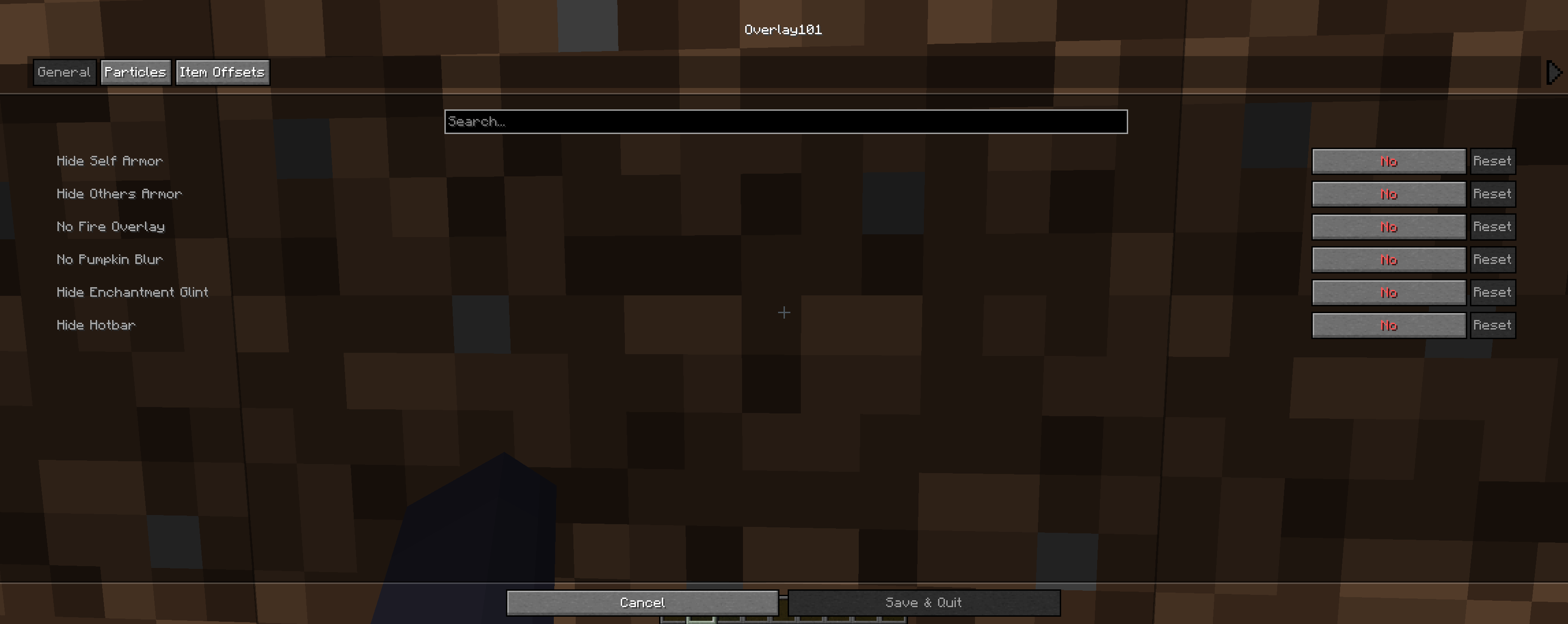 First tab in the config menu Some simple overlay settings you can turn on and off. More will be added soon when i fix my other mods
 -
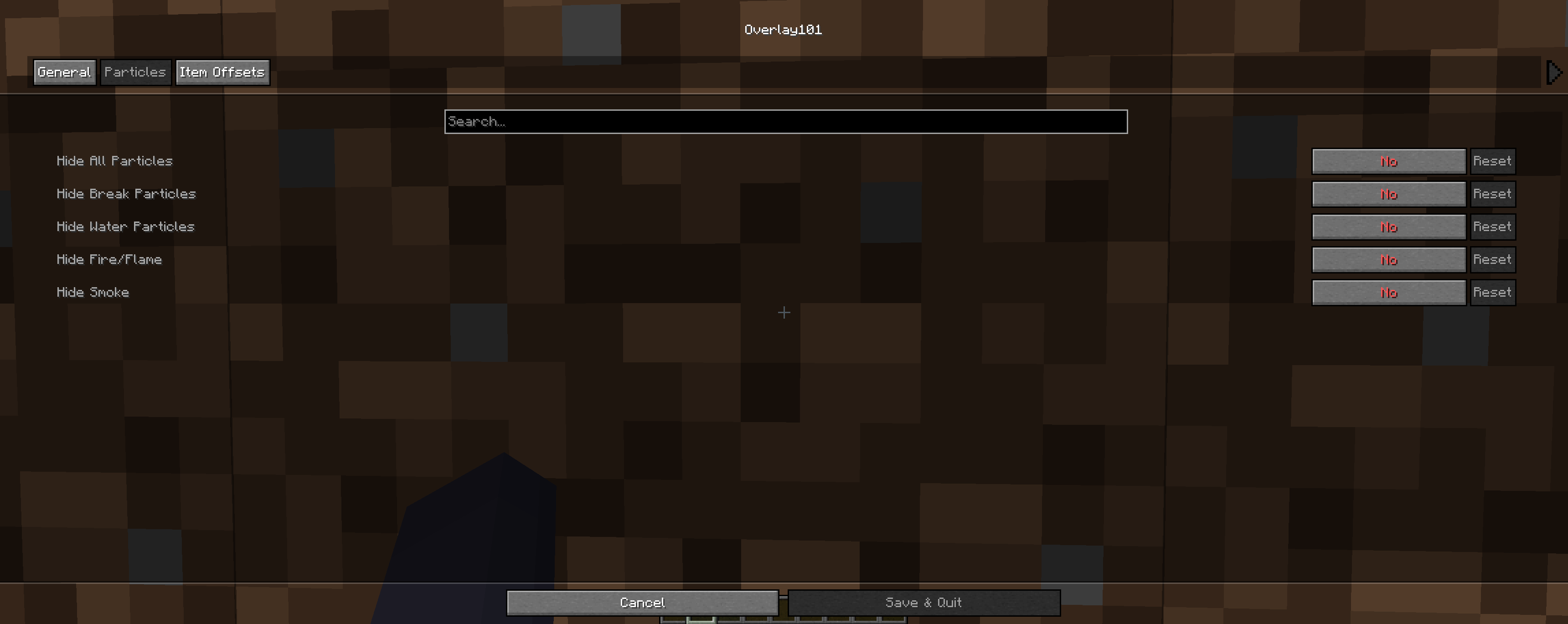 Second tab in the config menu Some simple particles overlay you can turn on and off. More will be added soon!
 -
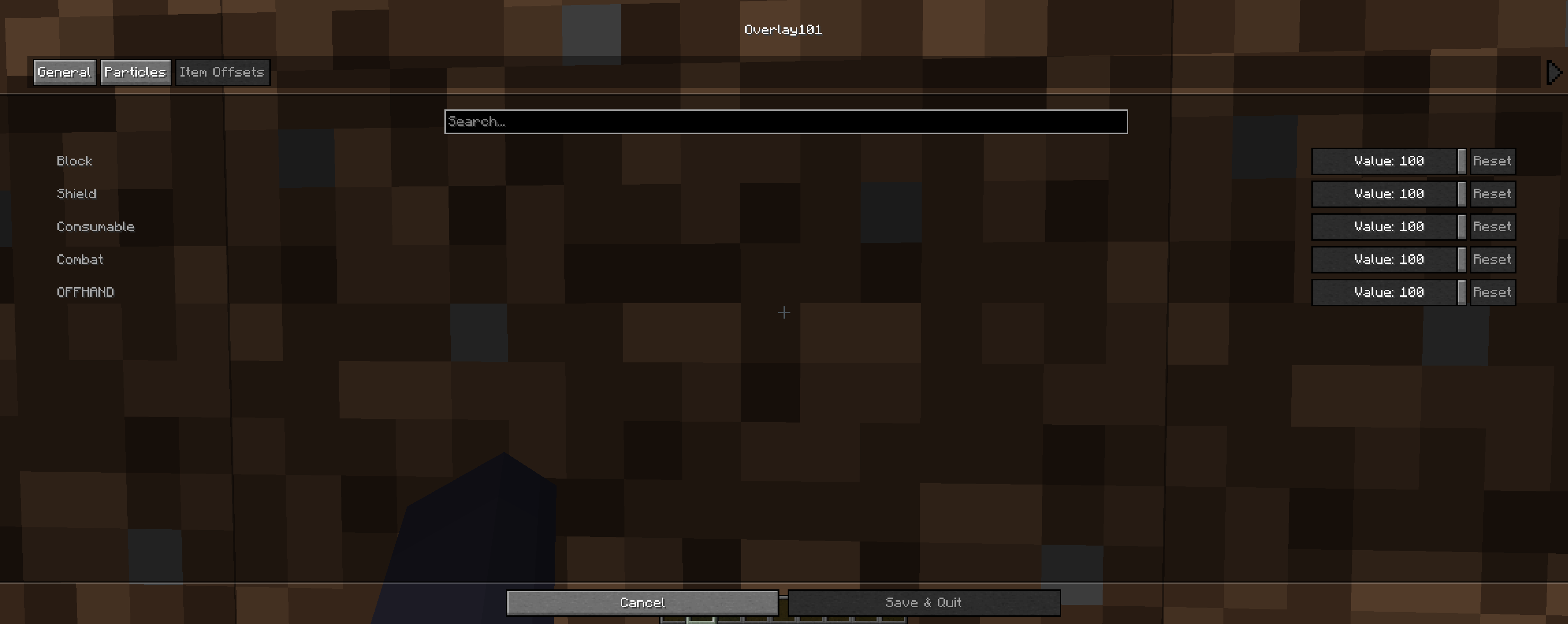 Third tab in the config menu These are a tiny bit bugged right now, but im fixing them as soon as i have the chance to! You are able to change the size of how much of the items show in your arm. So combat means like, sword, pickaxe and such.
 -
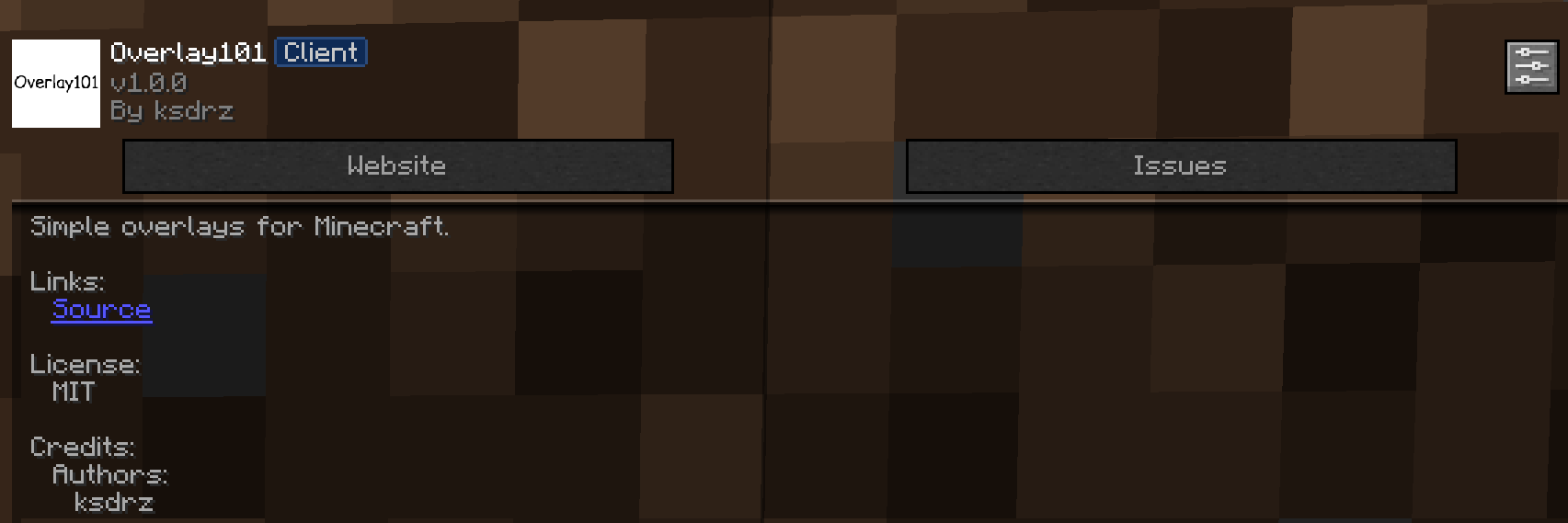 How it looks in the Mod Menu Simple showcase of how the mod looks in the mod menu
Versions
Files
Relations
Project Relations
More like this
Similar Mods
Suggestions use data such as tags, dependencies, dependents, descriptions, titles, and more to rank how much they overlap with this mod.
On ModDex
Community snapshot
By the numbers
Statistics

Want to reach Minecraft players?
We're looking for a server hosting partner to feature here and other parts of the site. Interested? Send us a message!
Get in touchGet it on
Available Platforms
On ModDex
Community snapshot
By the numbers
Statistics
Resources