
Community listing page, reviews here may not be monitored by the author.

Community voices
Reviews
No reviews yet. Be the first to review this project!
Get it on
Available Platforms
Compatibility
Supported Environments
Runs entirely on the client. Works on vanilla servers.
About
Project Details
For authors
Embed Badge
If you're the author of this project, you can embed a live badge anywhere that supports HTML or Markdown. It updates automatically whenever ratings change.
Use HTML for any page that supports it, or Markdown for README files and Markdown-based descriptions.
Identifiers
Platform IDs
About
Description
PacketDump
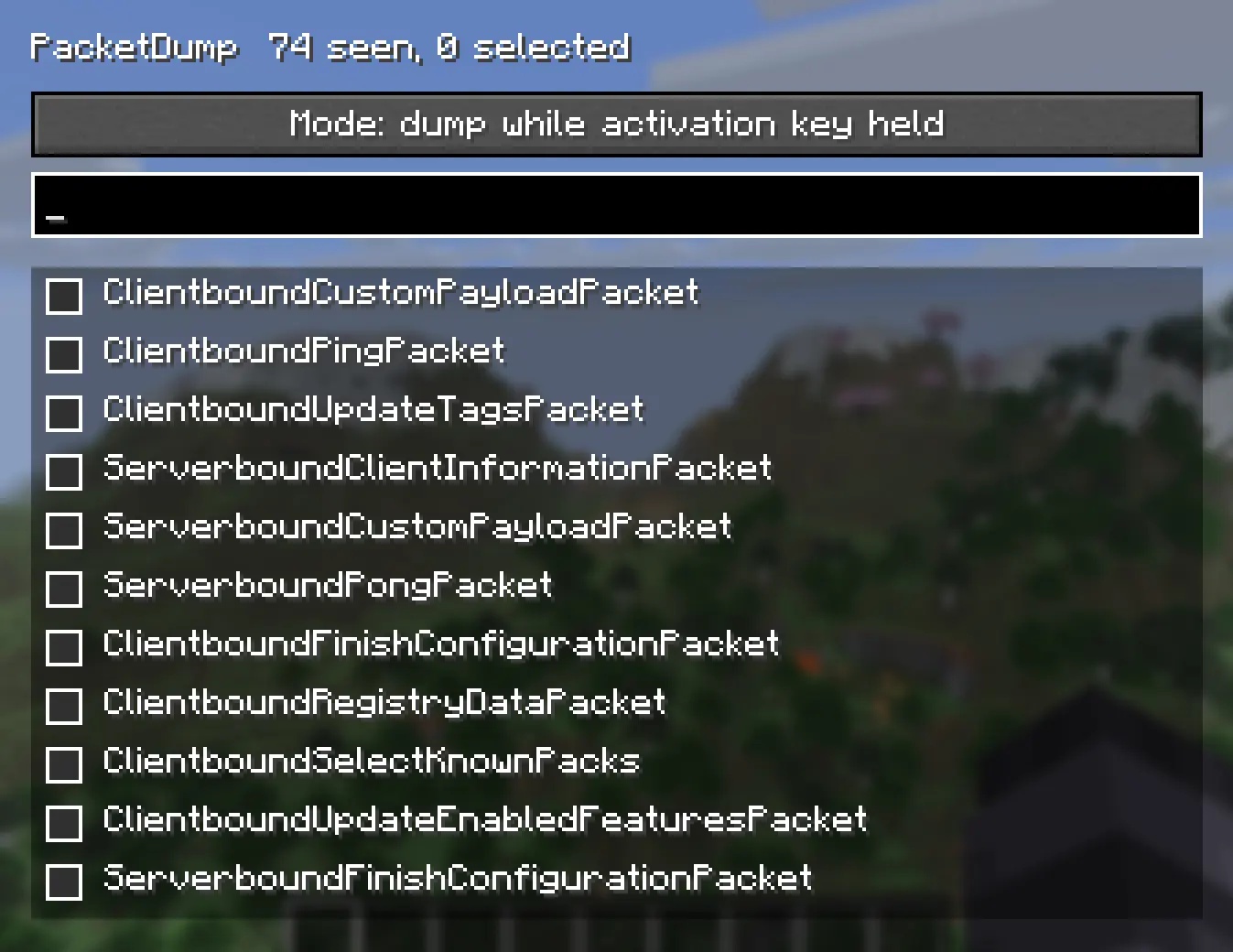
A simple packet dumping mod for Minecraft.
PacketDump lets you choose exactly which packets you want to monitor, then dumps every instance of those packets while the dumper is active inside logs. It's useful for debugging, reverse engineering, learning how the protocol works, or just seeing what's happening between the client and server.
Features
- Select individual packet types from an easy to use GUI
- Dump only the packets you care about
- Logs packet data to the game log
- Hold F9 to dump packets only while the key is held
- Lightweight with minimal overhead when not in use Controls
Right Shift: Open the PacketDump menu
F9: Hold to activate packet dumping (default keybind)
Whether you're developing a mod, tracking down a networking issue, or just curious about Minecraft's packets, PacketDump makes it easy to inspect network traffic without digging through every packet the game sends.
No complicated setup. Open the menu with Right Shift, choose the packets you want to monitor, hold F9, and start logging.
Screenshots
Gallery
-
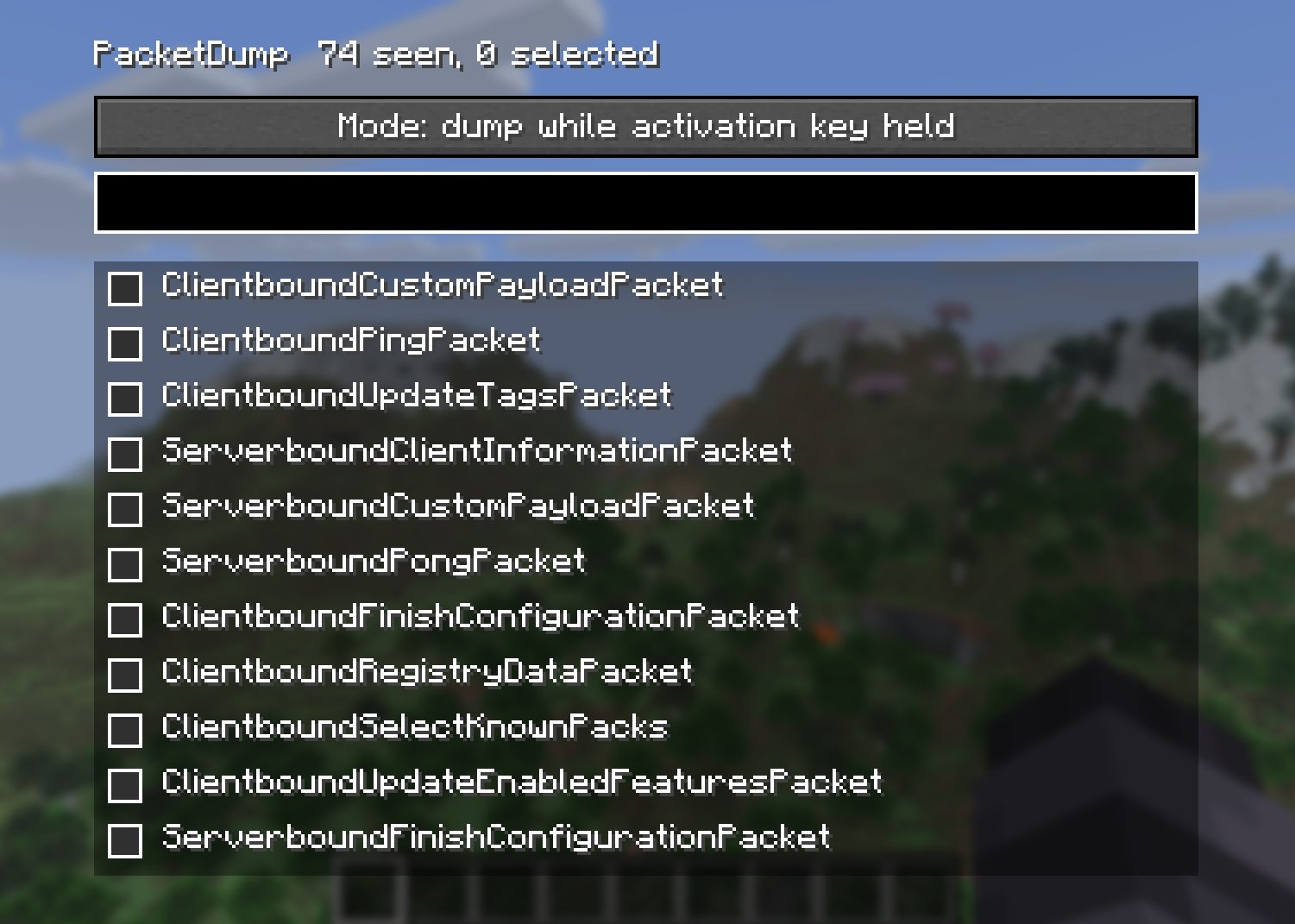 PacketDump Menu Pick which packets to dump
 -
 PacketDump Settings 2 simple settings to change in the standard keybinds menu
Versions
Files
Relations
Project Relations
More like this
Similar Mods
Suggestions use data such as tags, dependencies, dependents, descriptions, titles, and more to rank how much they overlap with this mod.
On ModDex
Community snapshot
By the numbers
Statistics

Want to reach Minecraft players?
We're looking for a server hosting partner to feature here and other parts of the site. Interested? Send us a message!
Get in touchGet it on
Available Platforms
On ModDex
Community snapshot
By the numbers