Community listing page, reviews here may not be monitored by the author.
Painting Brush

No reviews yet
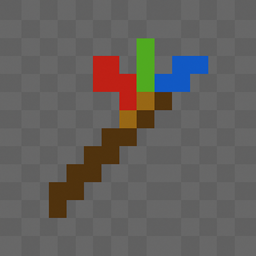
A simple paint brush that can change blocks to a different colour.

Community voices
Reviews
No reviews yet. Be the first to review this project!
Get it on
Available Platforms
About
Project Details
For authors
Embed Badge
If you're the author of this project, you can embed a live badge anywhere that supports HTML or Markdown. It updates automatically whenever ratings change.
Use HTML for any page that supports it, or Markdown for README files and Markdown-based descriptions.
Identifiers
Platform IDs
Resources
External Links
About
Description
# 🎨 The Magic Paint Brush Mod! 🖌️
## What is this mod?
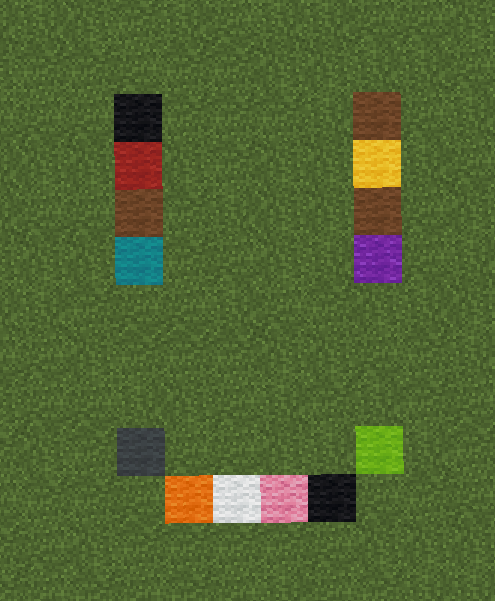
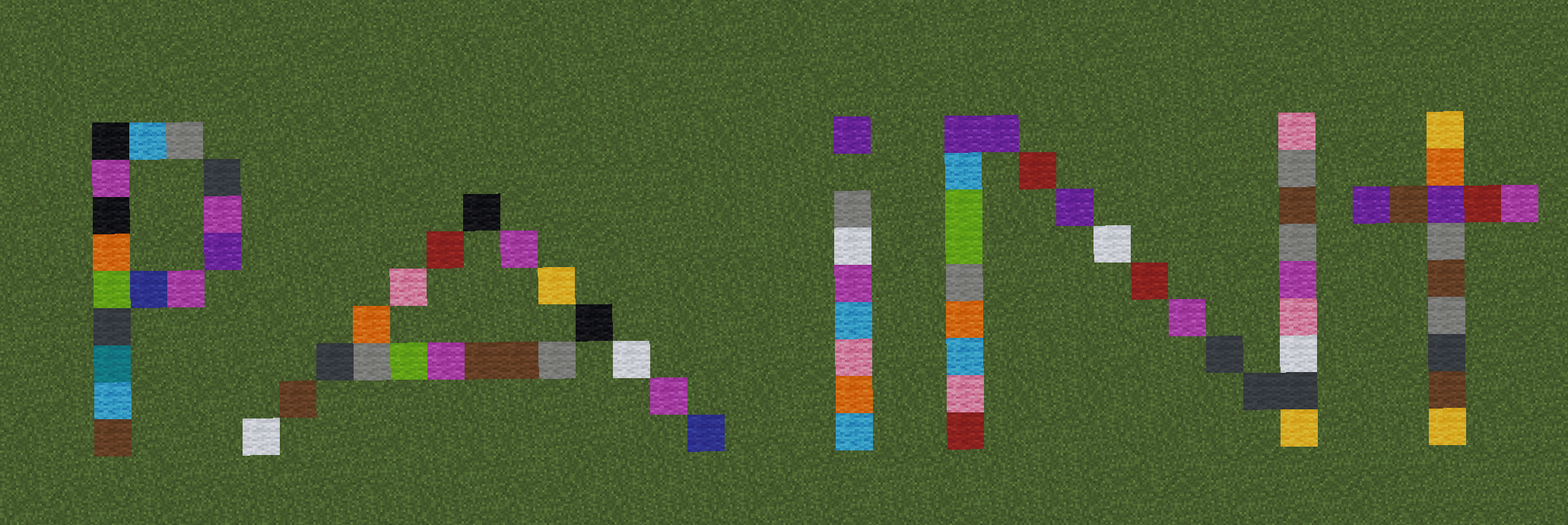
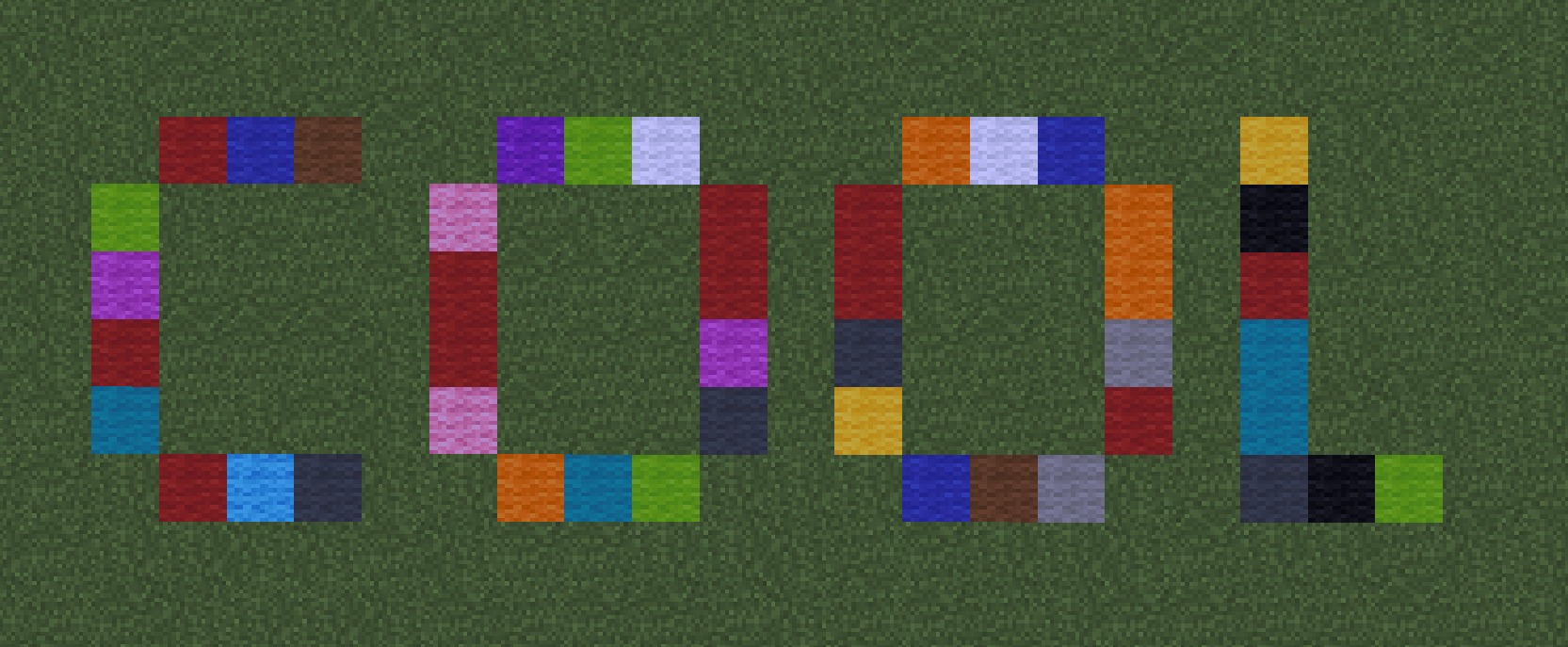
Transform your Minecraft world into a colorful masterpiece! This mod adds a magical Paint Brush that lets you turn any full block into beautiful colored wool. Perfect for builders, artists, and anyone who loves adding color to their world!
## ✨ Features:
- **Magic Paint Brush**: A special tool that transforms blocks into colorful wool!
- **Color Control**: Hold different dyes in your off-hand to choose your colors
- **Sparkly Effects**: Watch as big, colorful particles burst out when you paint
- **Smart Painting**: Only works on full blocks to keep your builds looking neat
- **Achievement Hunter**: Two fun advancements to collect!
## 🏆 Advancements to Unlock:
1. **"Time to go Bob Ross"**
- Get your first Paint Brush
- Happy little blocks await! 🎨
2. **"Why do you need that much.."**
- Collect 20 Paint Brushes
- Because one brush is never enough! 😄
## 🛠️ Crafting Recipe:
Make your Paint Brush with:
- 1 Red Dye
- 1 Green Dye
- 1 Blue Dye
- 2 Sticks
Place them like this:
- Three dyes across the top (Red, Green, Blue)
- Two sticks diagonally below
## 🎮 How to Use:
1. Craft your Paint Brush
2. To paint random colors:
- Right-click on any full block
- Watch the magical particles fly!
3. To paint specific colors:
- Hold the Paint Brush in your main hand
- Put any dye in your off-hand
- Right-click to paint that color!
## 🌈 Available Colors:
Use these dyes in your off-hand:
- White
- Orange
- Magenta
- Light Blue
- Yellow
- Lime
- Pink
- Gray
- Light Gray
- Cyan
- Purple
- Blue
- Brown
- Green
- Red
- Black
## 💡 Fun Tips:
- Paint happy little trees! 🌳
- Create colorful pixel art
- Design amazing mazes with different colors
- Make color-coded storage rooms
- Paint signs to mark your paths
- There are no mistakes, just happy accidents!
- Challenge friends to get all 20 brushes!
## 🔧 Requirements:
- Minecraft 1.20.1
- Forge Mod Loader
## 🤝 Support:
Found a bug? Have a cool idea? Let me know!
## 🎨 Happy Painting!
Channel your inner Bob Ross and turn your Minecraft world into a masterpiece, one happy little block at a time! 🖌️✨
Screenshots
Gallery
-
 Screenshot 2025-04-25 193008.png Screenshot 2025-04-25 193008.png
 -
 Screenshot 2025-04-25 193236.png Screenshot 2025-04-25 193236.png
 -
 Screenshot 2025-04-25 193440.png Screenshot 2025-04-25 193440.png
Versions
Files
Relations
Project Relations
More like this
Similar Mods
Suggestions use data such as tags, dependencies, dependents, descriptions, titles, and more to rank how much they overlap with this mod.
On ModDex
Community snapshot
By the numbers
Statistics
 (opens in a new tab)
Get it on
Available Platforms
On ModDex
Community snapshot
By the numbers
Statistics
Resources