
Community listing page, reviews here may not be monitored by the author.
Pane In The Glass

No reviews yet
Edge aligned glass panes
Community voices
Reviews
No reviews yet. Be the first to review this project!
Get it on
Available Platforms
About
Project Details
For authors
Embed Badge
If you're the author of this project, you can embed a live badge anywhere that supports HTML or Markdown. It updates automatically whenever ratings change.
Use HTML for any page that supports it, or Markdown for README files and Markdown-based descriptions.
Identifiers
Platform IDs
About
Description
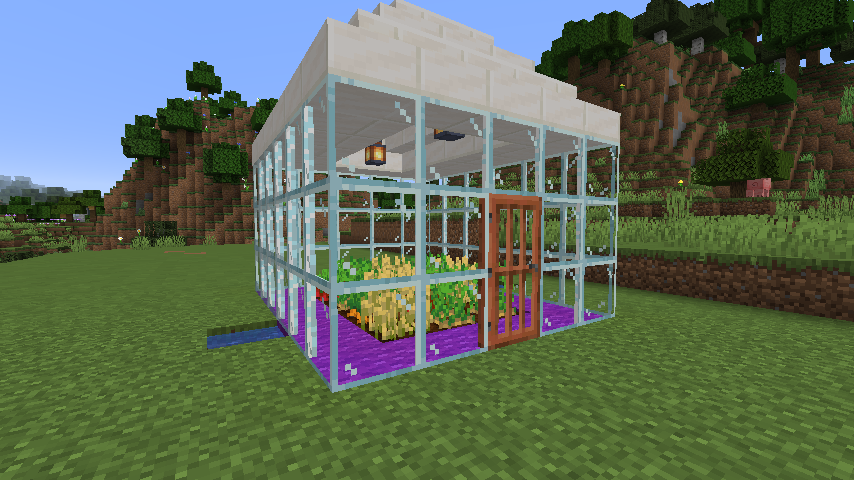
Pane In The Glass (PITG) is a small mod that provides glass panes aligned with the edge of blocks. Since vanilla glass panes are aligned with the center of blocks, they are not compatible with doors and may not meet the aesthetic needs of builders.
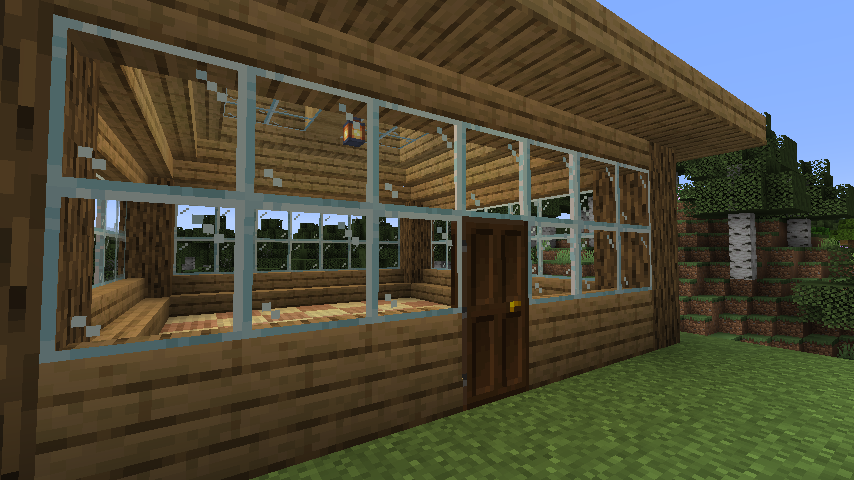
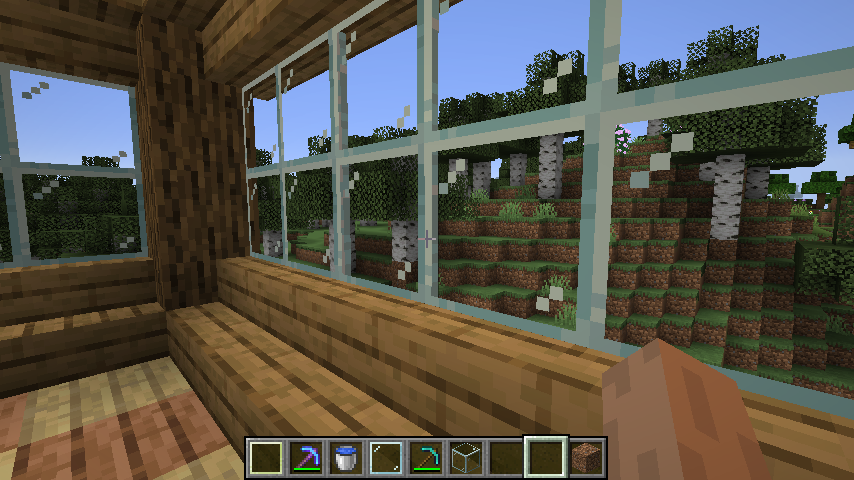
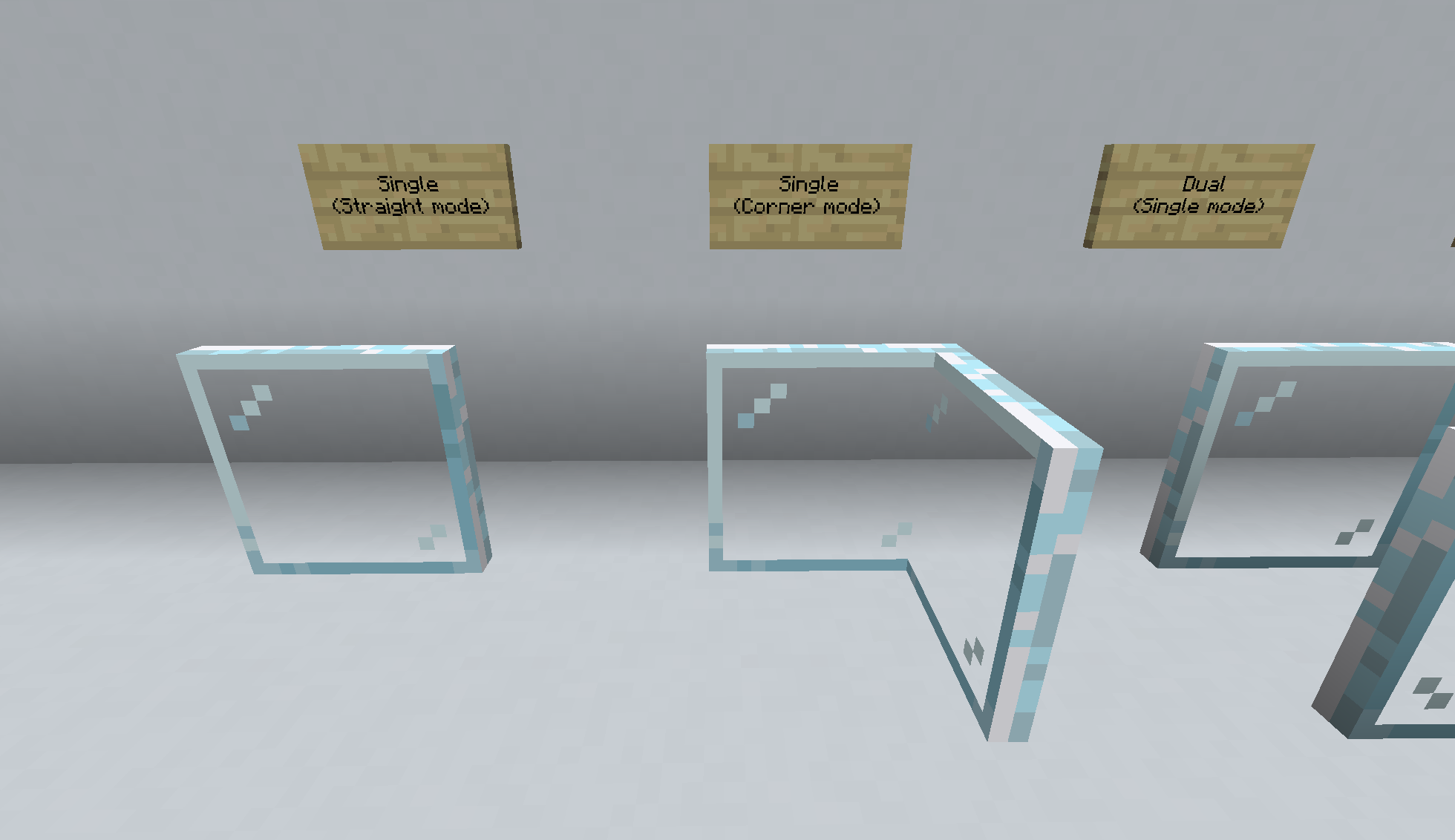
PITG glass panes come in three varieties: Single, Dual, and Horizontal. Each of the pane varieties have in-world styles based on how they are placed. For Single and Dual panes, looking at the edge of a block (not the corners), straight panes will be placed. If you target the corners of a block, the corner style is placed. The Glazing Tool can be used to rotate panes to their alternate styles. Horizontal panes, like Minecraft slabs, have an upper and lower style. Again, the Glazing Tool can be used to swap between these.
Single Glass Panes
Dual Glass Panes
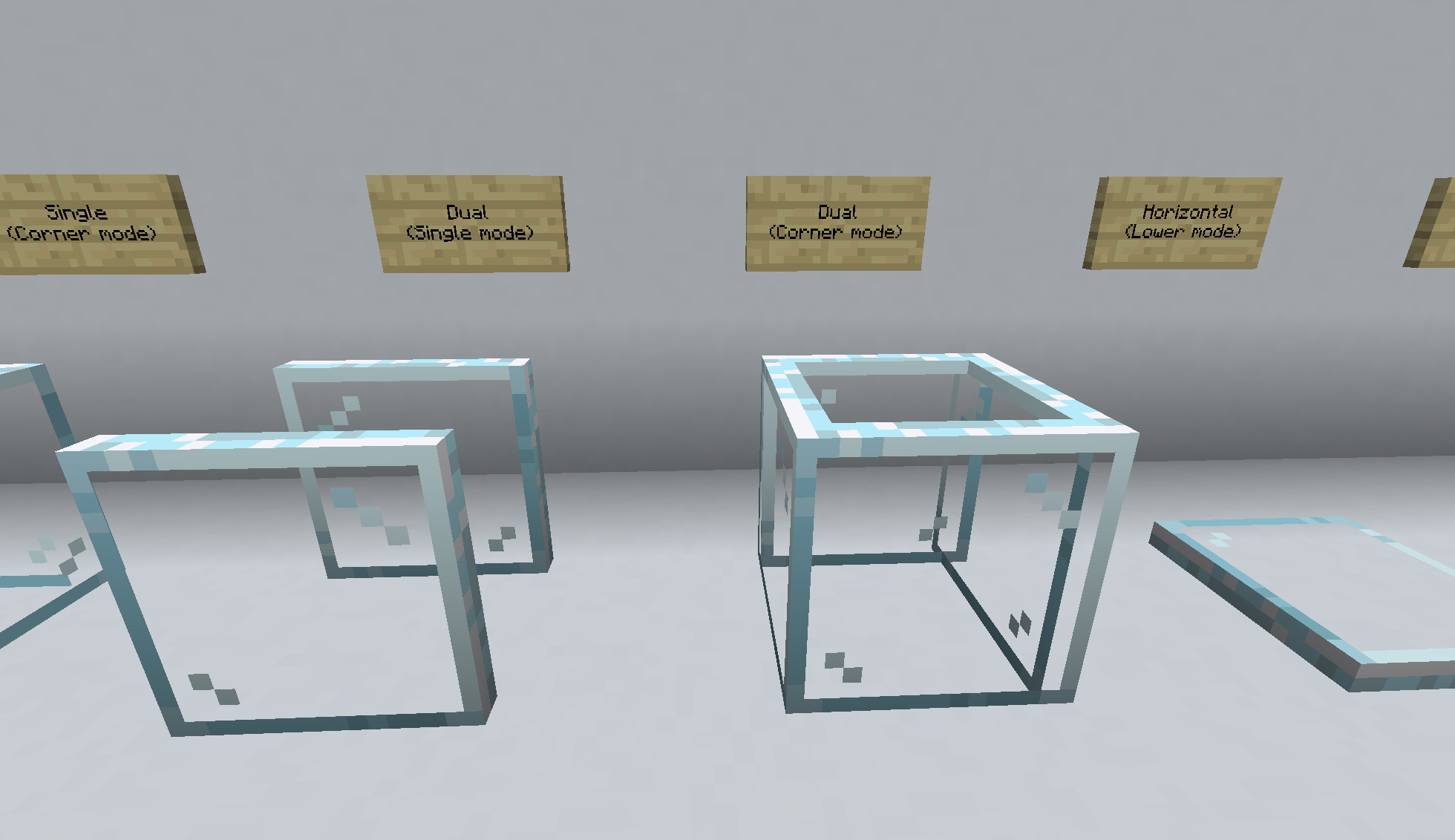
Horizontal Glass Panes
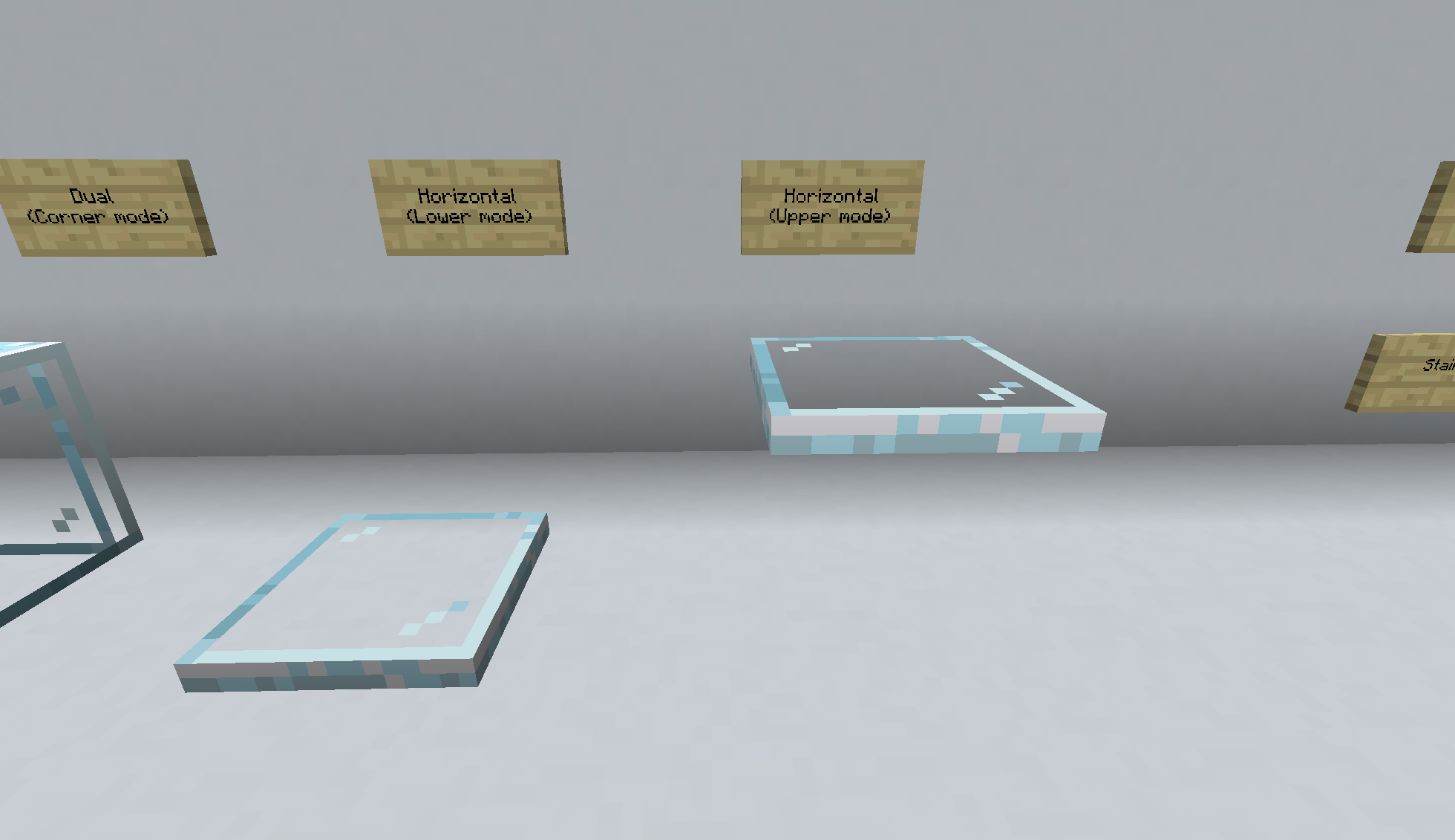
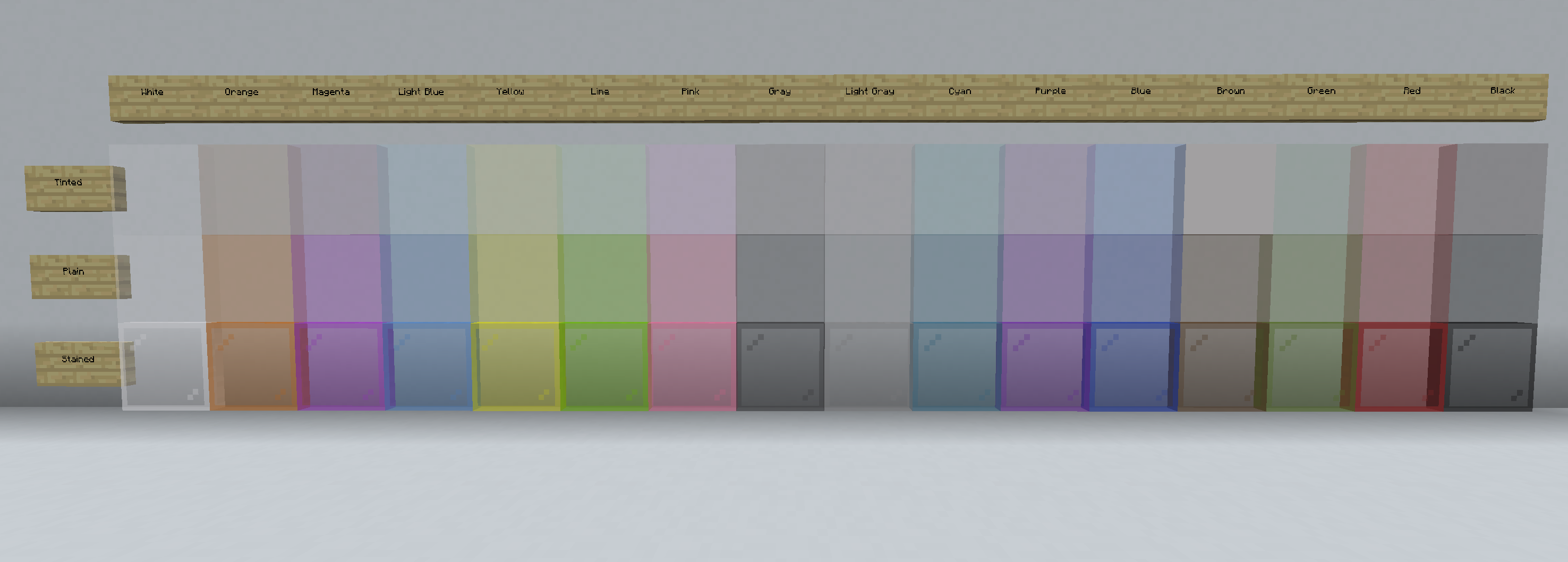
Colors
All three pane varieties come in clear and 36 colors from three families. The standard stained glass panes have the distinctive Minecraft glass pane texture, Plain have the same color without any edge detail, and Tinted with only a hint of color.
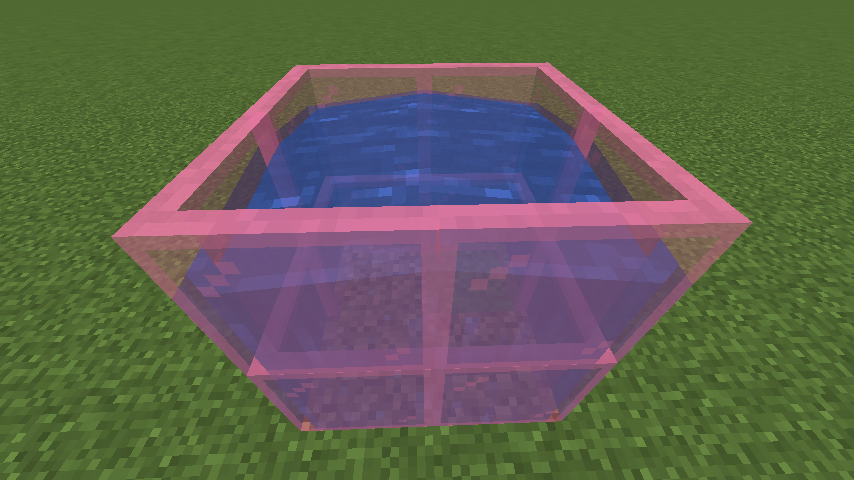
Waterlogging
Single and Dual panes can be waterlogged. Unlike vanilla glass panes, there is no air space between the water and panes, eliminating the problem with fish getting stuck in the void zone.
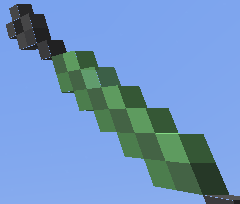
Glazing Tool
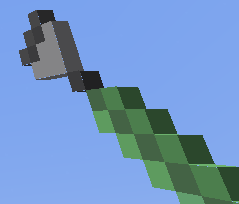
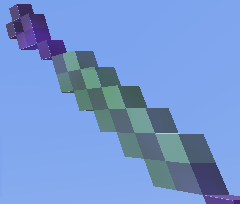
The Glazing Tool has three possible modes: Rotate, Unbreakable, and Break. Unbreakable and Break are disabled in the config by default. Unbreakable allows you to make PITG glass panes be unbreakable (bedrock hardness) for pack and map creators. Break allows you to sneak-use (SHIFT-Right Click by default) to break PITG glass panes as if the Glazing Tool had the Silk Touch enchantment. To change modes, use the Glazing Tool while not targeting a block. The Glazing Tool will change shape or show an enchantment effect based on the current mode and the tool tip for the tool will show the mode.
Glass Pane Table
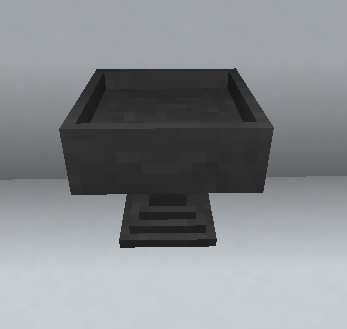
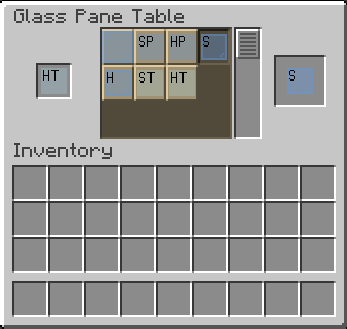
While it is possible to transform glass panes between styles in the crafting grid, it can be a bit tedious. The Glass Pane Table allows direct transformation between compatible class panes. While in your hand, PITG glass panes will show their variant with a 1 or 2 letter code in the upper left corner: S for single, D for dual, and H for horizontal with P for plain, T for tinted and no second letter for stained.
Have an issue or a suggestion? See the Issues page for more information
Version History
1.19.1-2.1.2
Fixed bug there breaking the Glass Pane Table didn't drop the block
1.19.1-2.1.1
Update to 1.19
Cleaned up a lot of stale code and optimized asset auto generation
1.18.1-2.0.2
Port to 1.18 (no other functional changes)
1.17.1-2.0.1 and 1.16.5-2.0.1
Fixed a small recipe issue and ported to 1.17.1
1.16.5-2.0.0 (valid for MC version 1.16.5)
Added 2 new color families, Horizontal panes and the Glass Pane Table
Added recipes to smelt colored glass back to clear in the Blast Furnace
The Glazing Tool no longer uses green dye so the custom dye recipe and associated tag have been removed. The dye is still present with a new recipe to convert it to Minecraft green dye so any players with the custom dye are not left short handed. The custom dye item and recipe will be removed in future versions.
Technical Details:
Updated the source to use Minecraft mappings and added more recipes and models to the data generation code.
1.16.3-1.4.2 (valid for MC versions 1.16.3 through 1.16.5)
Maintenance update - no reason to upgrade from 1.4.1
1.16.3-1.4.1
Fixed two dedicated server issues
1.16.3-1.4.0
Release for 1.16.3 (includes all updates from 1.15.2)
1.15.2-1.4.1
Change rendering layer for clear glass panes so rain particles are visible (same as vanilla)
1.15.2-1.4.0
Add modes to the Glazing Tool and allow Glass Panes to be marked as unbreakable
1.15.2-1.3.0
Adds dual pane back to edge aligned pane recipes
1.15.2-1.2.1
Resolved a recipe collision that was preventing crafting glass panes from vanilla glass blocks
1.15.2-1.2.0
Added Dual Panes
Fixed Glazing Tool to work with all pane types
Fixed item textures to be consistent for all pane colors
Added reverse crafting recipes (PITG panes back to vanilla)
1.15.2-1.1.0
Added Glazing Tool
Known Issues:
Glazing Tool only works on clear panes
Clear pane uses development mode item texture
1.15.2-1.0.0
Initial Release
Known Compatibility Issues:
There is an issue with PITG and Building Gadgets that stops the panes to be placed with valid configuration. See https://github.com/MongoTheElder/PITG/issues/19 for more information.
Screenshots
Gallery
-
Horizontal Glass Panes Horizontal Glass Panes
-
Dual Glass Panes Dual Glass Panes
-
Single Glass Panes Single Glass Panes
-
Glass Pane Table GUI GUI
-
Glass Pane Table Glass Pane Table
-
 Glass Kiln GUI GUI
 -
 Glass Kiln Glass Kiln
 -
Glazing Tool Silk Touch Silk Touch Mode
-
Glazing Tool Break Break Mode
-
Glazing Tool Normal Mode
-
Waterlogging Waterlogging
-
color_samples Glass Panes Colors
-
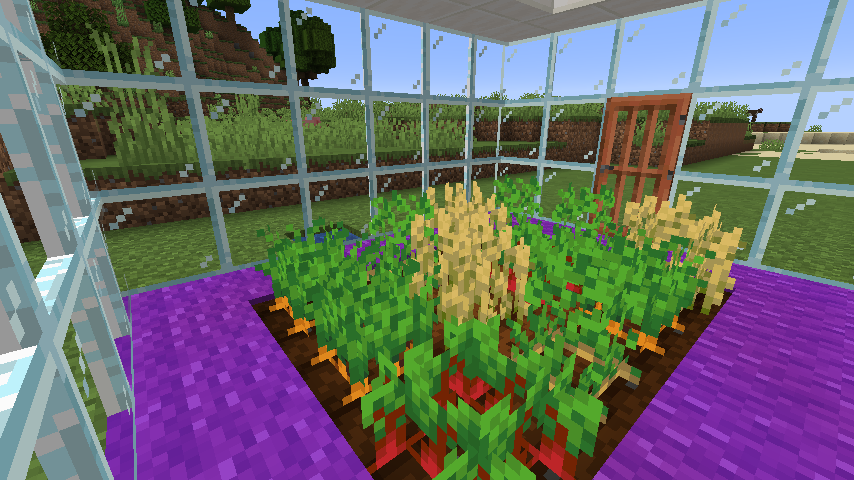
Example 4 Greenhouse using PITG edge aligned glass panes
-
Example 3 Greenhouse using PITG edge aligned glass panes
-
Example 2 Rustic Cabin with PITG edge aligned glass panes
-
Example 1 Rustic Cabin with PITG edge aligned glass panes
Versions
Files
Relations
Project Relations
More like this
Similar Mods
Suggestions use data such as tags, dependencies, dependents, descriptions, titles, and more to rank how much they overlap with this mod.
On ModDex
Community snapshot
By the numbers
Statistics
Want to reach Minecraft players?
We're looking for a server hosting partner to feature here and other parts of the site. Interested? Send us a message!
Get in touchGet it on
Available Platforms
On ModDex
Community snapshot
By the numbers