Community listing page, reviews here may not be monitored by the author.
Panorama


No reviews yet
Take panoramic screenshots in Minecraft

Community voices
Reviews
No reviews yet. Be the first to review this project!
Get it on
Available Platforms
Compatibility
Supported Environments
Runs entirely on the client. Works on vanilla servers.
About
Project Details
For authors
Embed Badge
If you're the author of this project, you can embed a live badge anywhere that supports HTML or Markdown. It updates automatically whenever ratings change.
Use HTML for any page that supports it, or Markdown for README files and Markdown-based descriptions.
Identifiers
Platform IDs
Resources
External Links
About
Description

What is the Panorama mod?
The Panorama mod adds the ability to take panoramic screenshots into Minecraft. The mod also adds in an ability to view all your panoramic screenshots in game and select a specific one to use for the titlescreen background. You can also use this mod to take panoramic images to use in resourcepacks.
How to take a screenshot?
By default to take a screenshot press the F4 key. This will then generate the screenshot. Once the screenshot has been generated a message will popup in game.
How can I apply the panorama to the title screen?
To apply the panorama to the titlescreen, first goto the title screen and click the "Panorama" button in the top left. This will bring you to the panorama selection screen. From this screen you can search all your panoramas and select the one you wish to apply. If you want to return to the default Minecraft panorama click the "Reset" button in the top right.
Where are the panorama files saved?
The panorama files are saved in the mods folder under a folder called "panorama".
How can I use this in a resource pack?
To use a panorama in a resourcepack, goto the directory mentioned above. You can then extract the contents of one of the zip files to obtain the images which can be used in a resourcepack.
Can I share a panorama?
Yes. To share a panorama all you need to do is send the other user the .zip file form the panorama folder. You can also customise the file by adding a file called "icon.png". If this file is present the mod will use this as the defualt icon in the GUI rather than the default image.
What is the Panorama mod?
The Panorama mod adds the ability to take panoramic screenshots into Minecraft. The mod also adds in an ability to view all your panoramic screenshots in game and select a specific one to use for the titlescreen background. You can also use this mod to take panoramic images to use in resourcepacks.
How to take a screenshot?
By default to take a screenshot press the F4 key. This will then generate the screenshot. Once the screenshot has been generated a message will popup in game.
How can I apply the panorama to the title screen?
To apply the panorama to the titlescreen, first goto the title screen and click the "Panorama" button in the top left. This will bring you to the panorama selection screen. From this screen you can search all your panoramas and select the one you wish to apply. If you want to return to the default Minecraft panorama click the "Reset" button in the top right.
Where are the panorama files saved?
The panorama files are saved in the mods folder under a folder called "panorama".
How can I use this in a resource pack?
To use a panorama in a resourcepack, goto the directory mentioned above. You can then extract the contents of one of the zip files to obtain the images which can be used in a resourcepack.
Can I share a panorama?
Yes. To share a panorama all you need to do is send the other user the .zip file form the panorama folder. You can also customise the file by adding a file called "icon.png". If this file is present the mod will use this as the defualt icon in the GUI rather than the default image.
Screenshots
Gallery
-
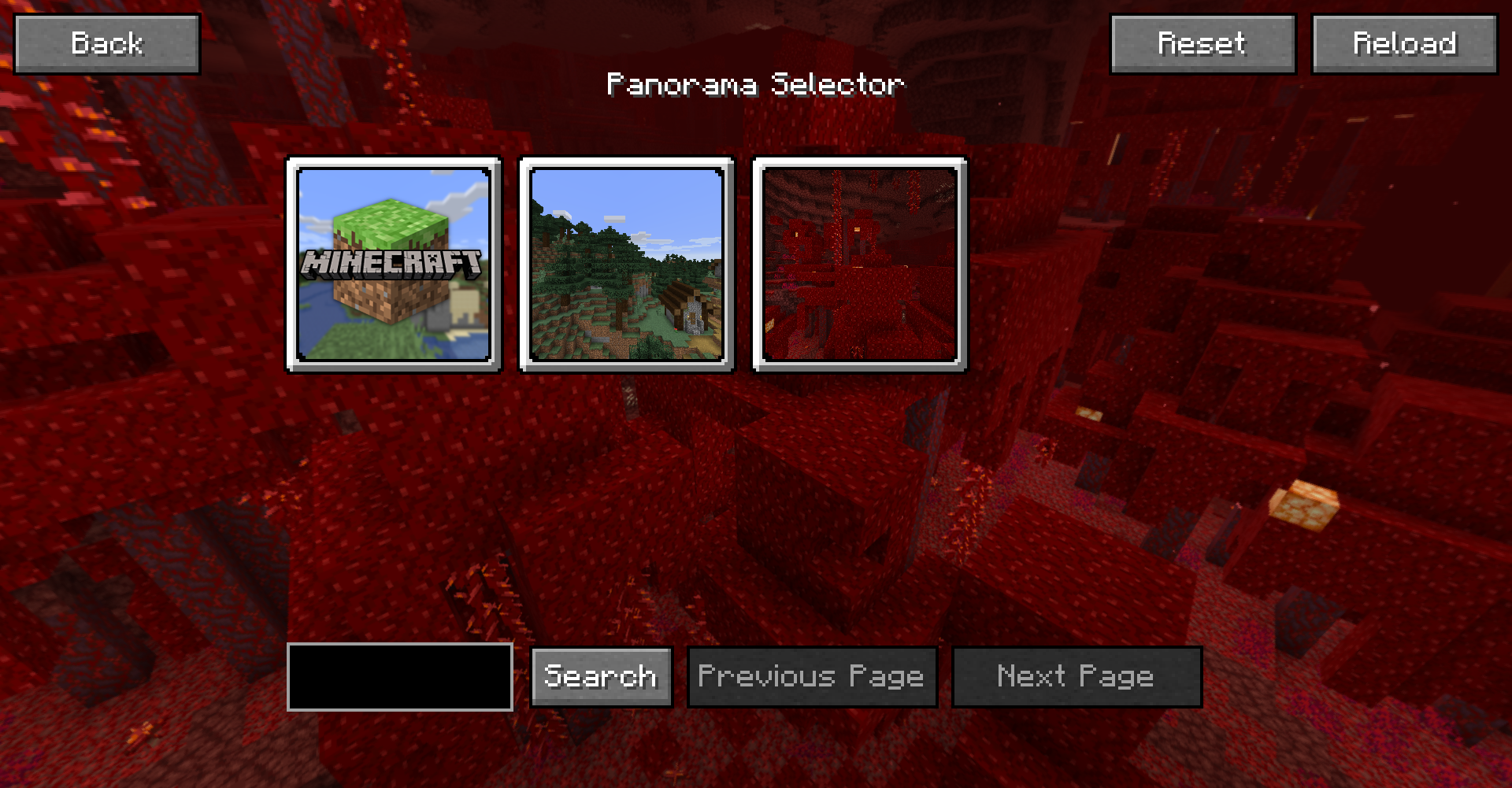 Panorama Selection GUI The GUI for the panorama selection
 -
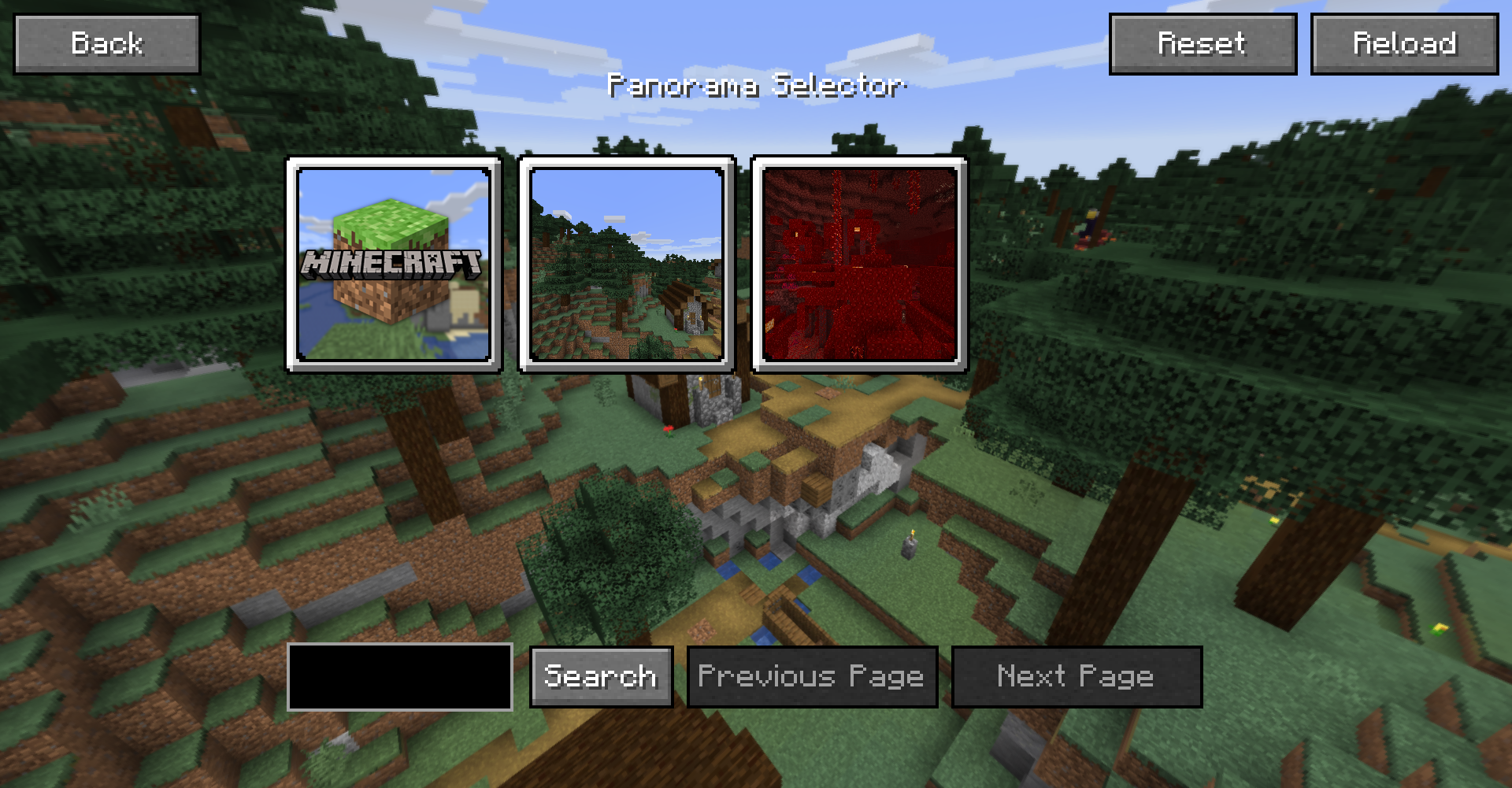 Panorama Selection GUI The GUI for the panorama selection
 -
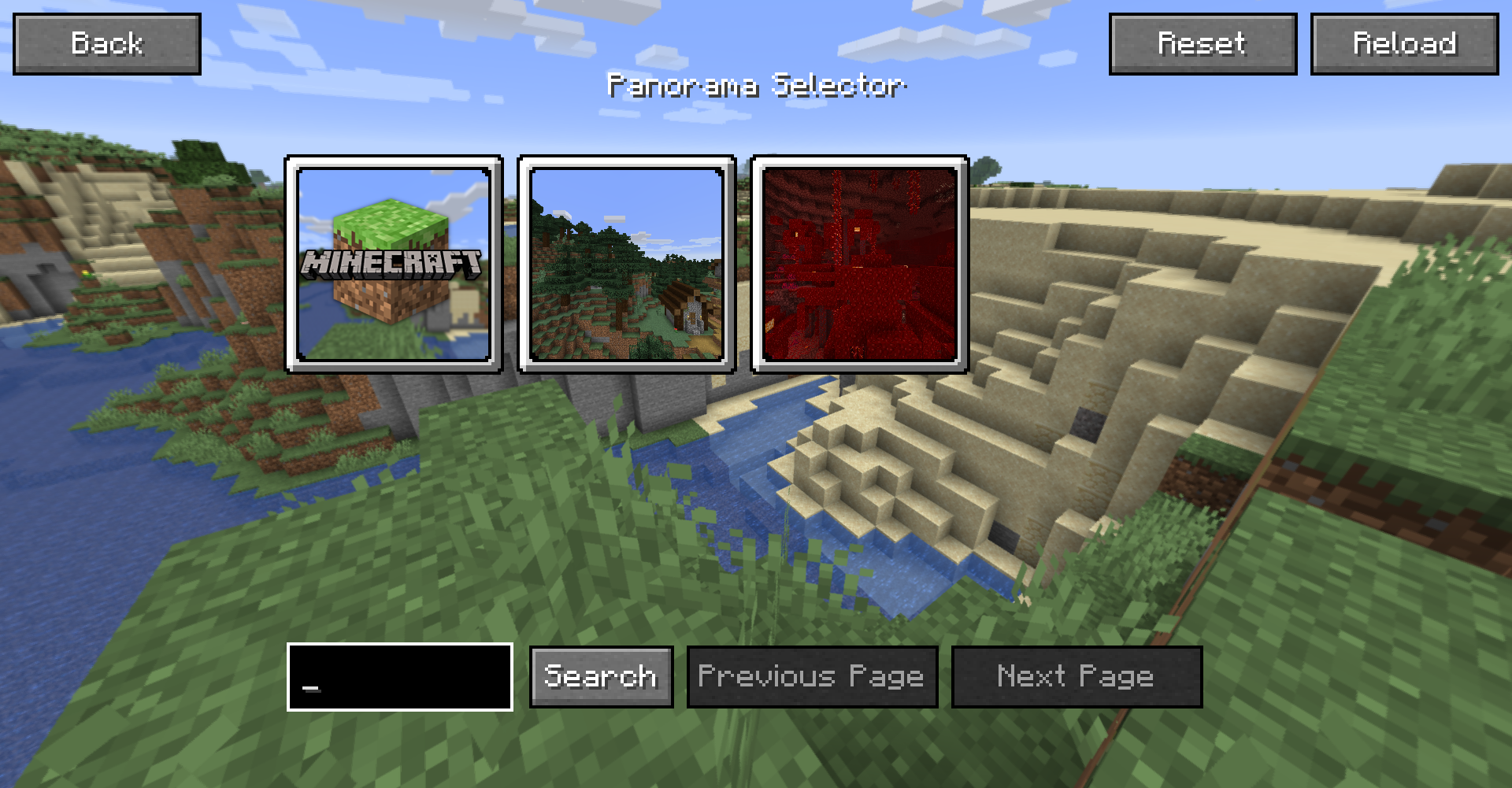 Panorama Selcetion GUI The GUI for the panorama selection
 -
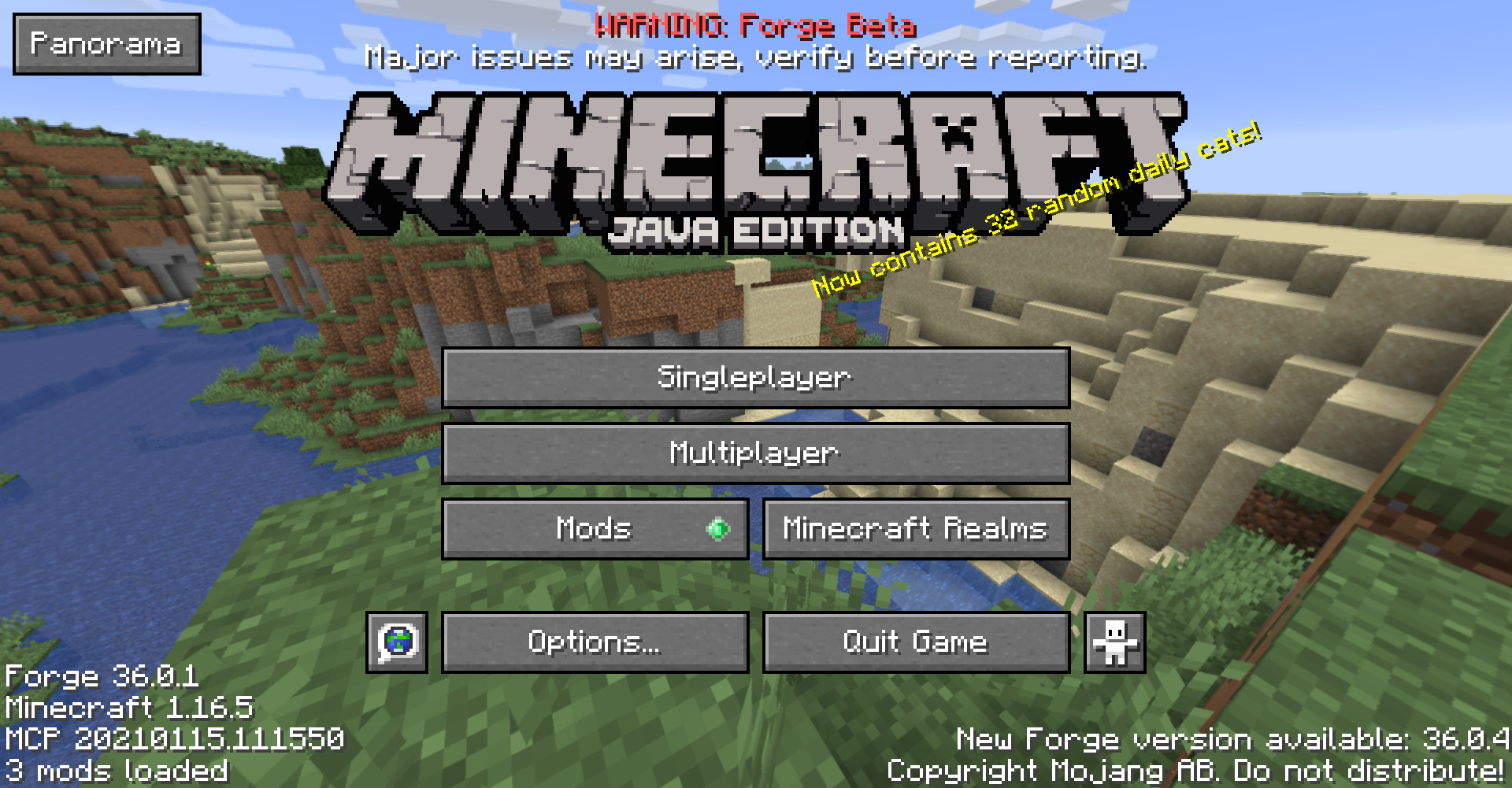 Title Screen The Minecraft title screen using a custom panorama
-
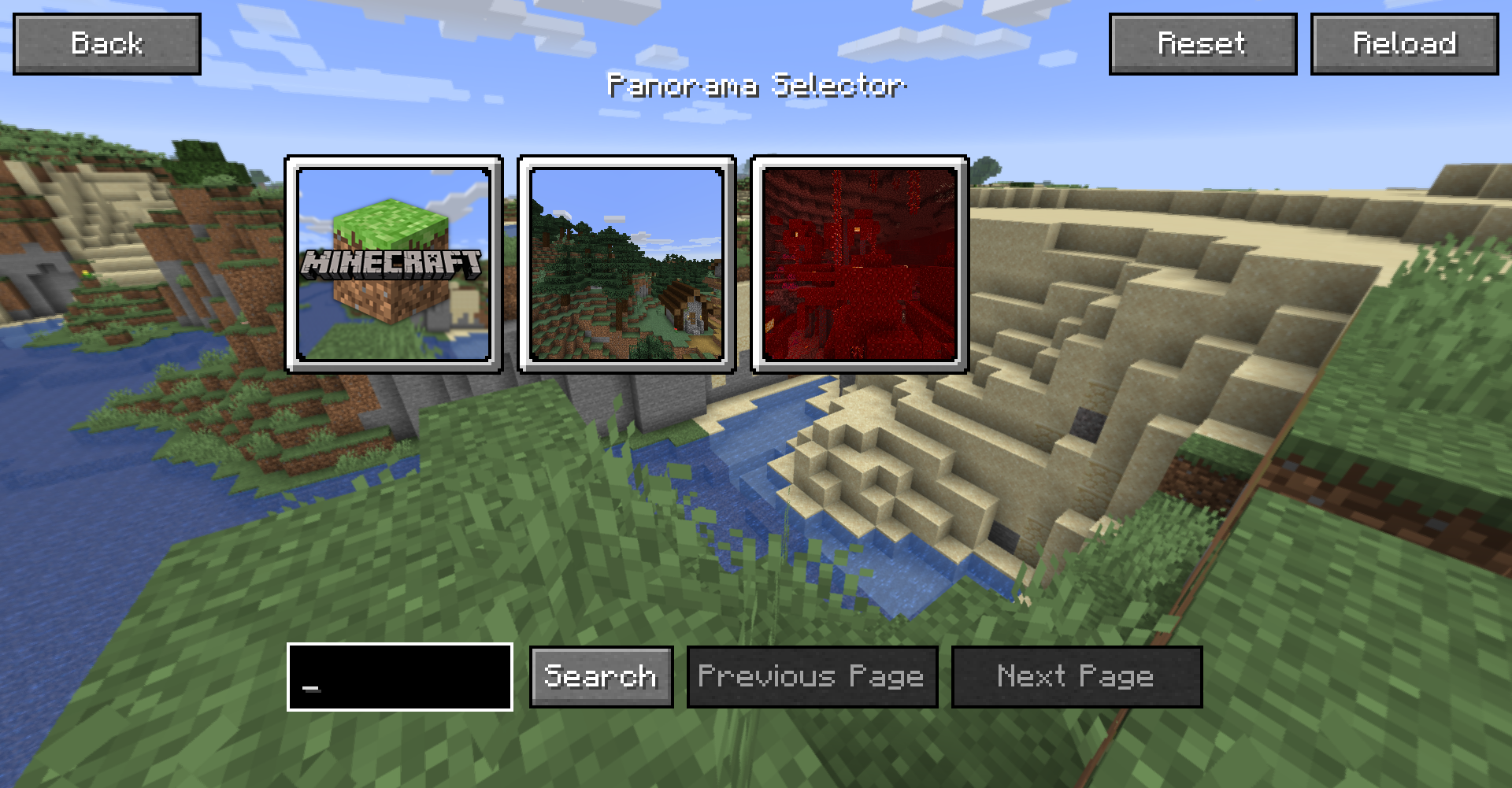 Panorama Selcetion GUI The GUI for the panorama selection
 -
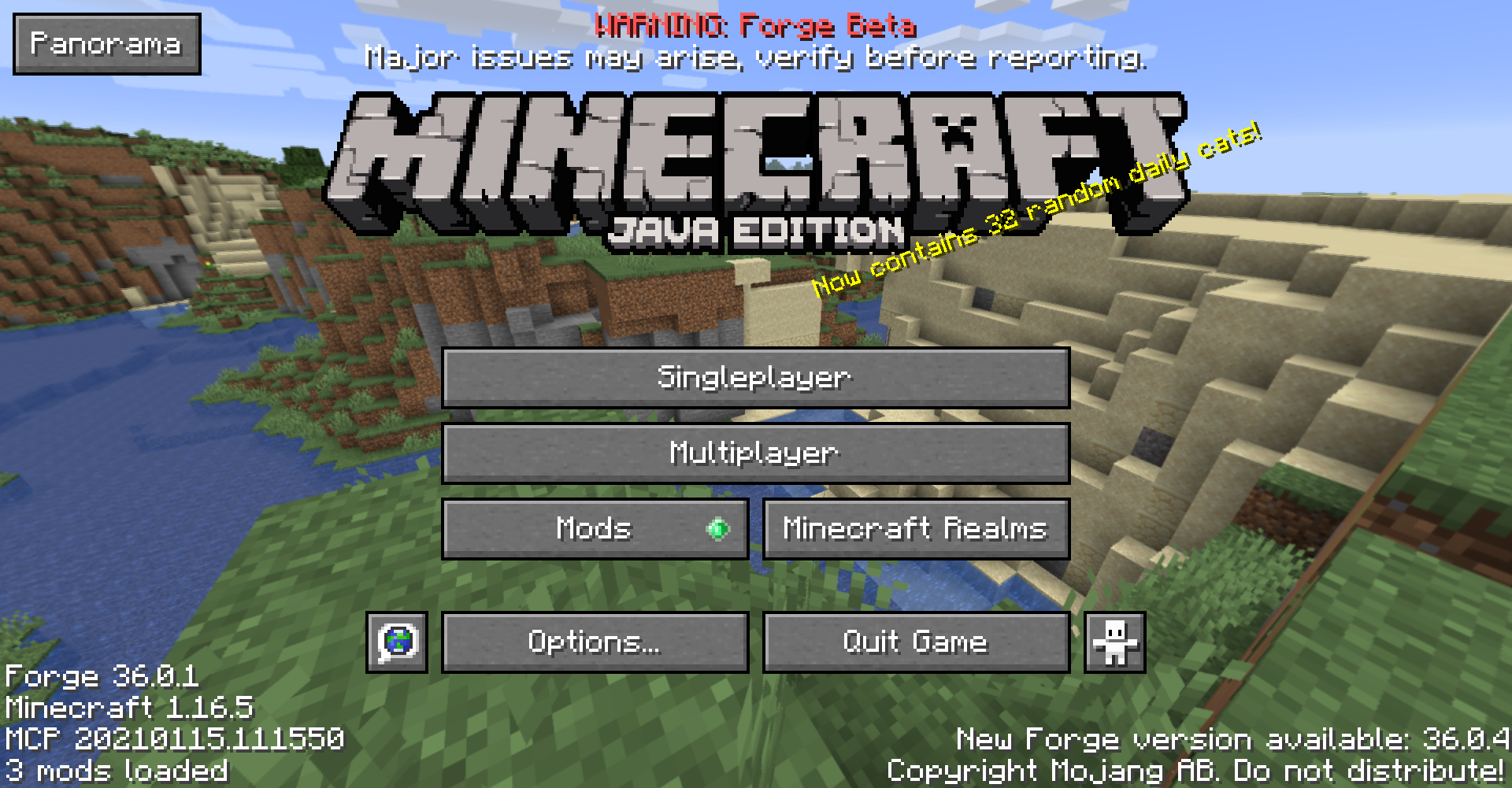 Title Screen The Minecraft title screen using a custom panorama
 -
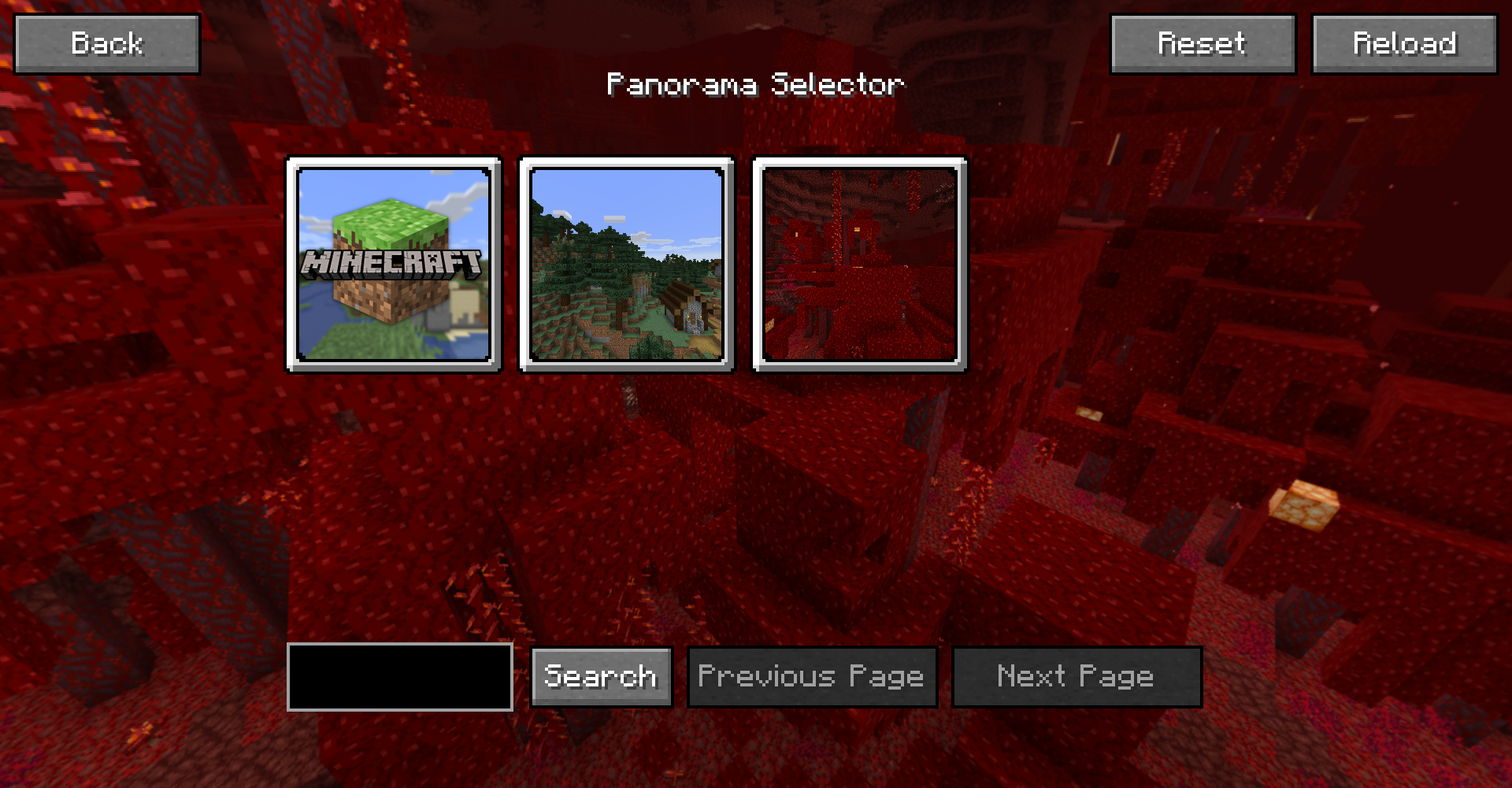 Panorama Selcetion GUI The GUI for the panorama selection
 -
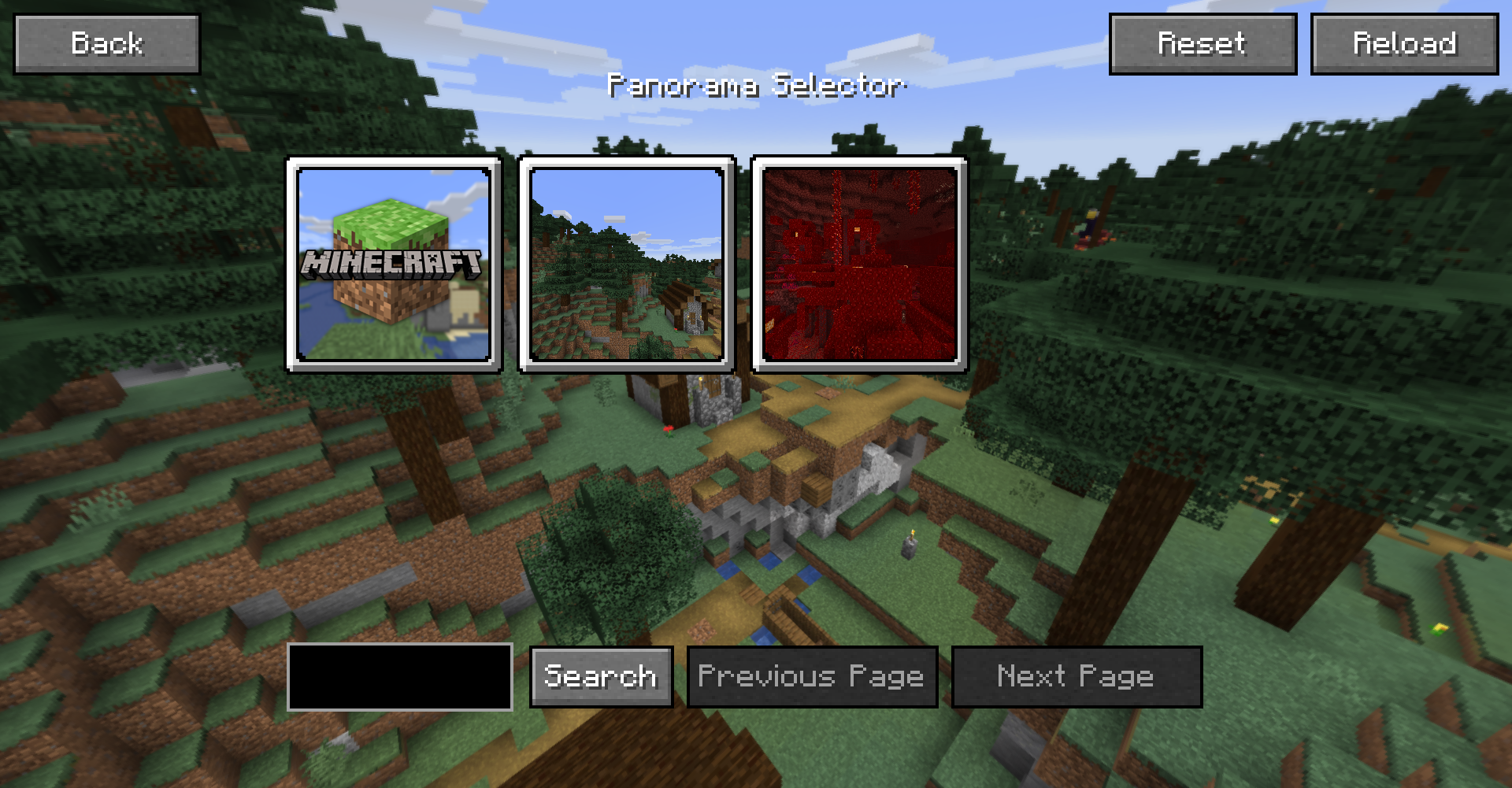 Panorama Selcetion GUI The GUI for the panorama selection
Versions
Files
Relations
Project Relations
More like this
Similar Mods
Suggestions use data such as tags, dependencies, dependents, descriptions, titles, and more to rank how much they overlap with this mod.
On ModDex
Community snapshot
By the numbers
Statistics
 (opens in a new tab)
Get it on
Available Platforms
On ModDex
Community snapshot
By the numbers
Statistics
Resources