
Passive Boss Bars
No reviews yet
This is a lightweight, server-side mod for modpack creators that allows you to make boss bars only appear when a boss is aggro. The mod "Mob Boss Bars" is required for this to work.
Fabric is a mod loader for versions 1.14+ of Minecraft, particularly popular for client side and optimization mods.
Community voices
Reviews
Click once to include, again to exclude, again to clear
No reviews yet. Be the first to review this project!
Get it on
Available Platforms
 Modrinth
Compatibility
Supported Environments
About
Project Details
For authors
Embed Badge
If you're the author of this project, you can embed a live badge anywhere that supports HTML or Markdown. It updates automatically whenever ratings change.
Use HTML for any page that supports it, or Markdown for README files and Markdown-based descriptions.
Identifiers
Platform IDs
Resources
External Links
About
Description
This mod is specifically for modpack developers and builds upon it's dependency mod: Mob Boss Bars
By default this mod will make it so that any boss that is passive/not aggro on the player will not show the boss bar. Once attacked/aggroed it will show a boss bar. This is especially useful if you want something like The Warden to have a boss bar, but only while fighting it, or if you're like me and want dragons spawning that are boss fights if attacked, but you don't want to clutter the screen/giveaway that there is a rare dragon nearby.
To edit the config, boot up the game once with this mod installed and search for the config file titled "aggro-boss-bars.json".
DEFAULT CONFIG:
{
  "restrictToListedEntities": false,
  "entityNamespaces": [],
  "entityIds": [],
  "excludedEntityIds":
[
    "minecraft:ender_dragon"
  ],
  "lingerTicks": 40,
  "showOnlyToTargetedPlayer": false
}
Sidenote: You should not have to touch the config unless you do want certain mobs to have boss bars even when passive.
- "restrictToListedEntities" indicates that this mod will by default apply to all mobs that have boss bars via the Mob Boss Bars mod (which includes vanilla bosses). Set to True if you only want to effect the namespaces or IDs you manually input into the config
- "entityNamespaces" not to be confused with Ids, this is for grouping, example: "saintsdragons", "naturalist"
- "entityIds" this is where you would put your ID's you want to manually effect, example: minecraft:warden, saintsdragons:ignivorous, saintsdragons:volitans
- "excludedEntityIds" blacklist for this mod. By default includes the Ender Dragon
- "lingerTicks" the amount of ticks added to the boss bar after the boss is no longer aggro as to avoid flickering boss bars
- "showOnlyToTargetedPlayer" the bar is visible to all nearby players that the boss is aggro to. I recommend having this on as it may be immersion breakinf to fight a boss with your friend and to not have a boss bar simply because it's targeting them
Screenshots
Gallery
-
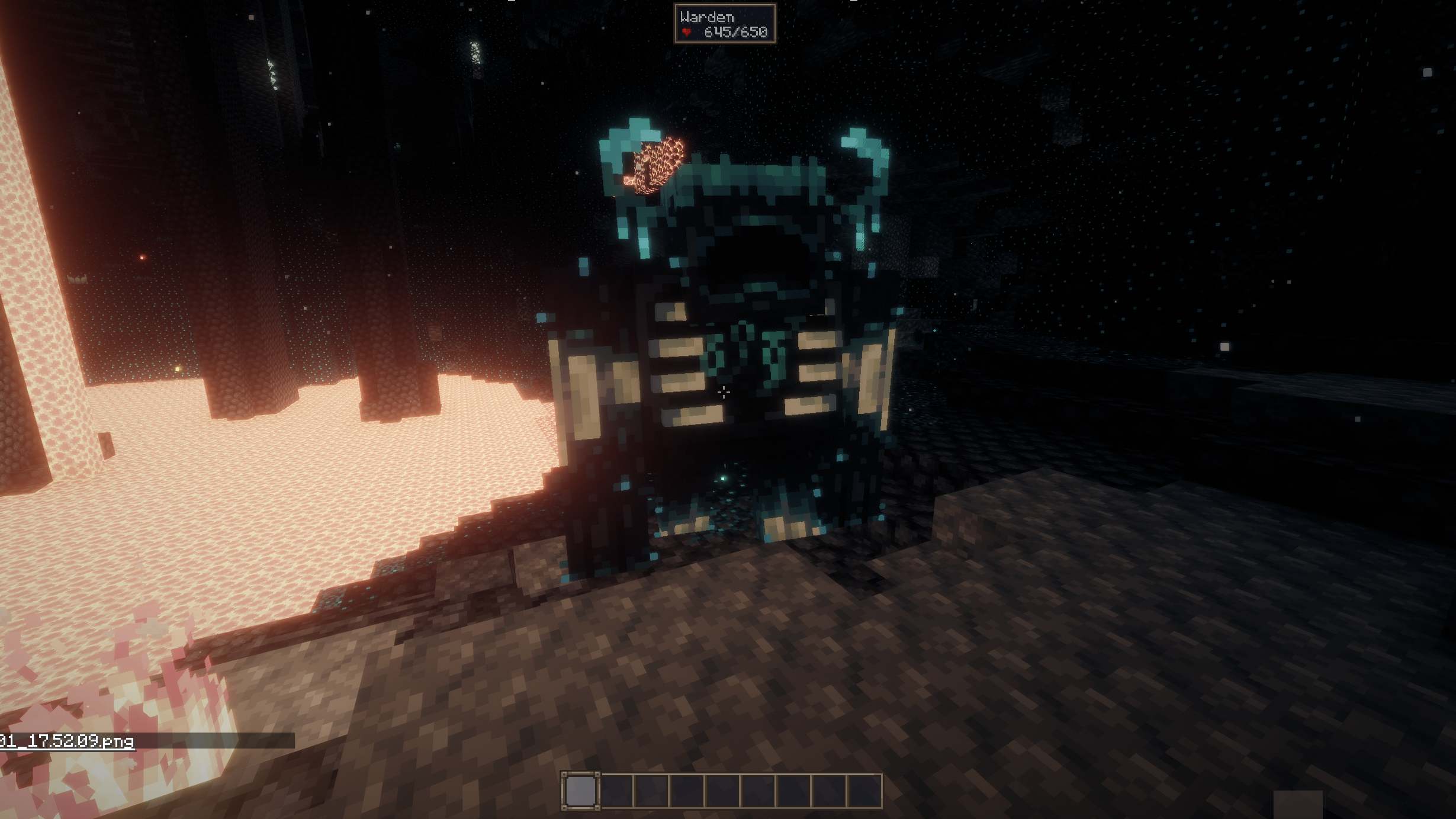 The Warden - Passive
 -
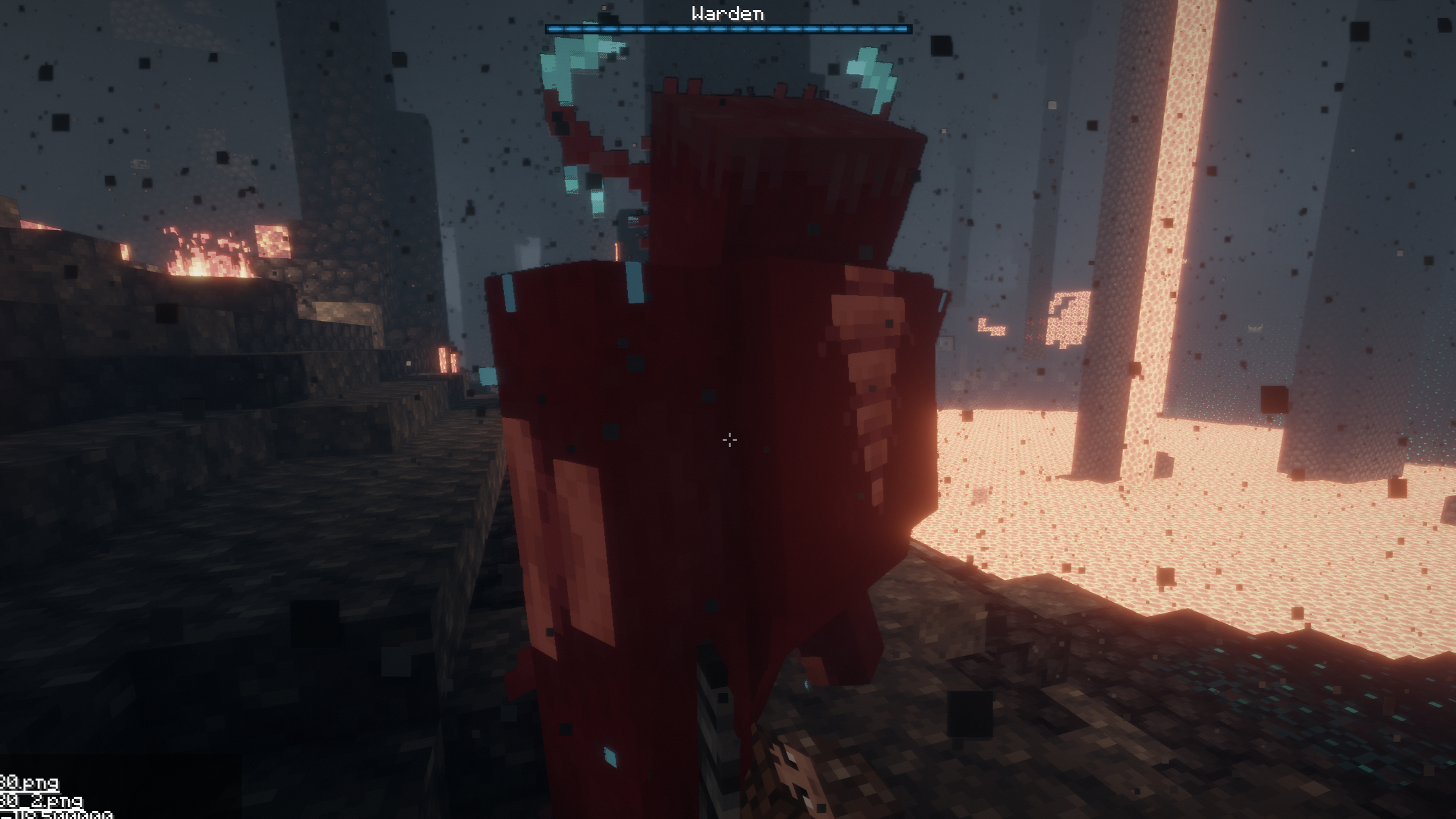 The Warden - Aggro
Versions
Files
Relations
Project Relations
More like this
Similar Mods
Suggestions use data such as tags, dependencies, dependents, descriptions, titles, and more to rank how much they overlap with this mod.
On ModDex
Community snapshot
By the numbers
Statistics

Want to reach Minecraft players?
We're looking for a server hosting partner to feature here and other parts of the site. Interested? Send us a message!
Get in touchGet it on
Available Platforms
On ModDex
Community snapshot
By the numbers
Statistics
Resources