
Pdb_viewer
No reviews yet
A comprehensive pdb viewer, featuring pockets residuea, etc
Fabric is a mod loader for versions 1.14+ of Minecraft, particularly popular for client side and optimization mods.
Community voices
Reviews
Click once to include, again to exclude, again to clear
No reviews yet. Be the first to review this project!
Get it on
Available Platforms
 Modrinth
Compatibility
Supported Environments
About
Project Details
For authors
Embed Badge
If you're the author of this project, you can embed a live badge anywhere that supports HTML or Markdown. It updates automatically whenever ratings change.
Use HTML for any page that supports it, or Markdown for README files and Markdown-based descriptions.
Identifiers
Platform IDs
Resources
External Links
About
Description
pdb_mod
Drop a .pdb / .ent structure file into a folder and build it in your world, block by block, atom by atom.
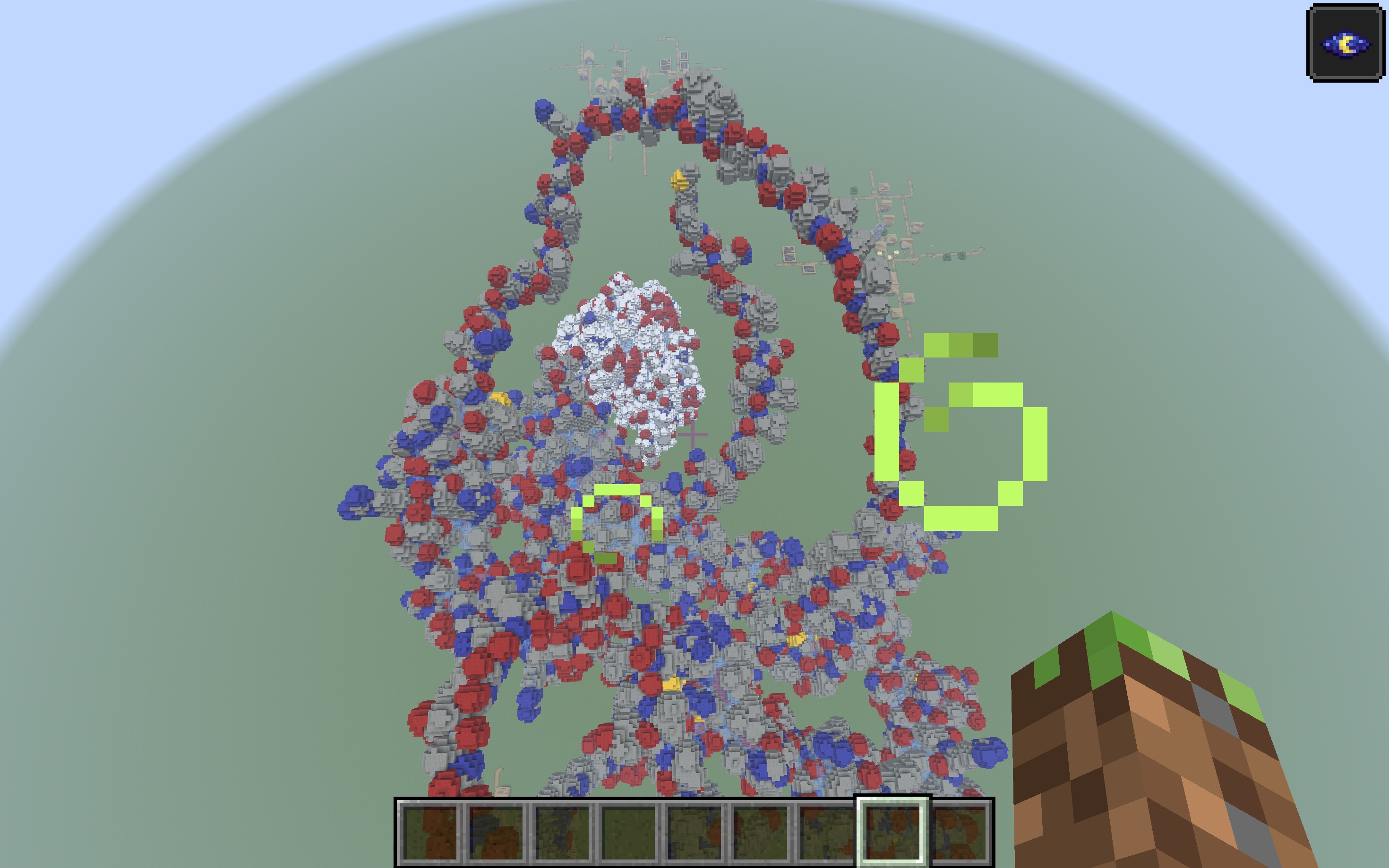
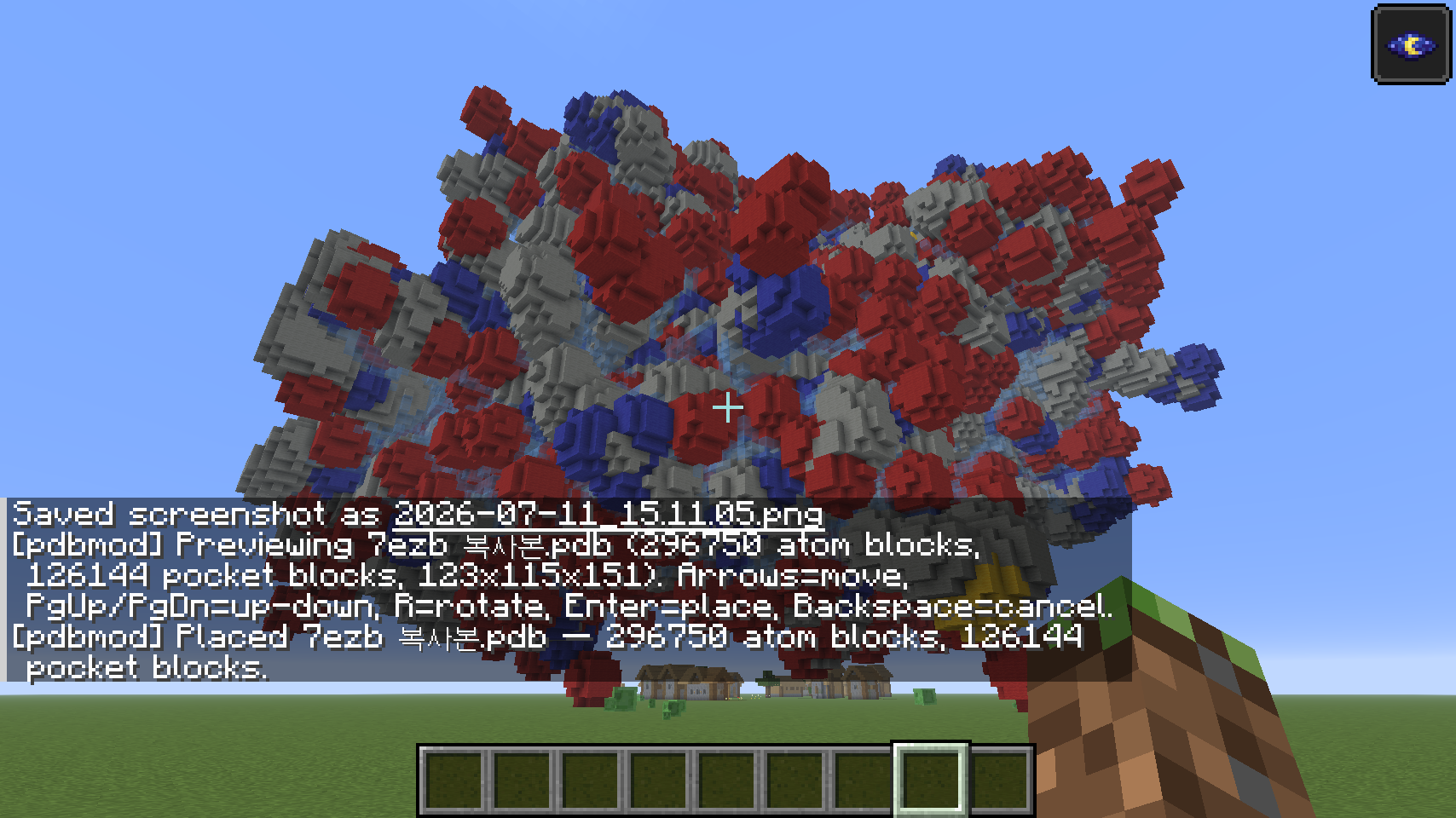
pdb_mod reads real Protein Data Bank files and voxelizes them into a space-filling (CPK-style) model made of colored wool — then lets you preview, move, and rotate the structure before placing it, Litematica-style. It also detects internal cavities (binding pockets) using a classic grid-based algorithm and marks them separately.
This is a visualization / education tool for looking at real molecular structures at a 1-block-per-voxel scale, not a chemistry simulator.
Features
- Real PDB parsing — reads
ATOM/HETATMrecords (coordinates, element) from standard.pdb/.entfiles. - Space-filling model — each atom is expanded to its van der Waals radius and voxelized at 0.5 Å resolution, so the final shape reflects the molecule's actual volume, not just its backbone.
- Standard CPK coloring — element colors follow the standard Jmol/CPK reference palette, mapped to the closest of Minecraft's 16 wool colors (H=white, C=light gray, N=blue, O=red, S=yellow, P=orange, halogens=lime, etc.).
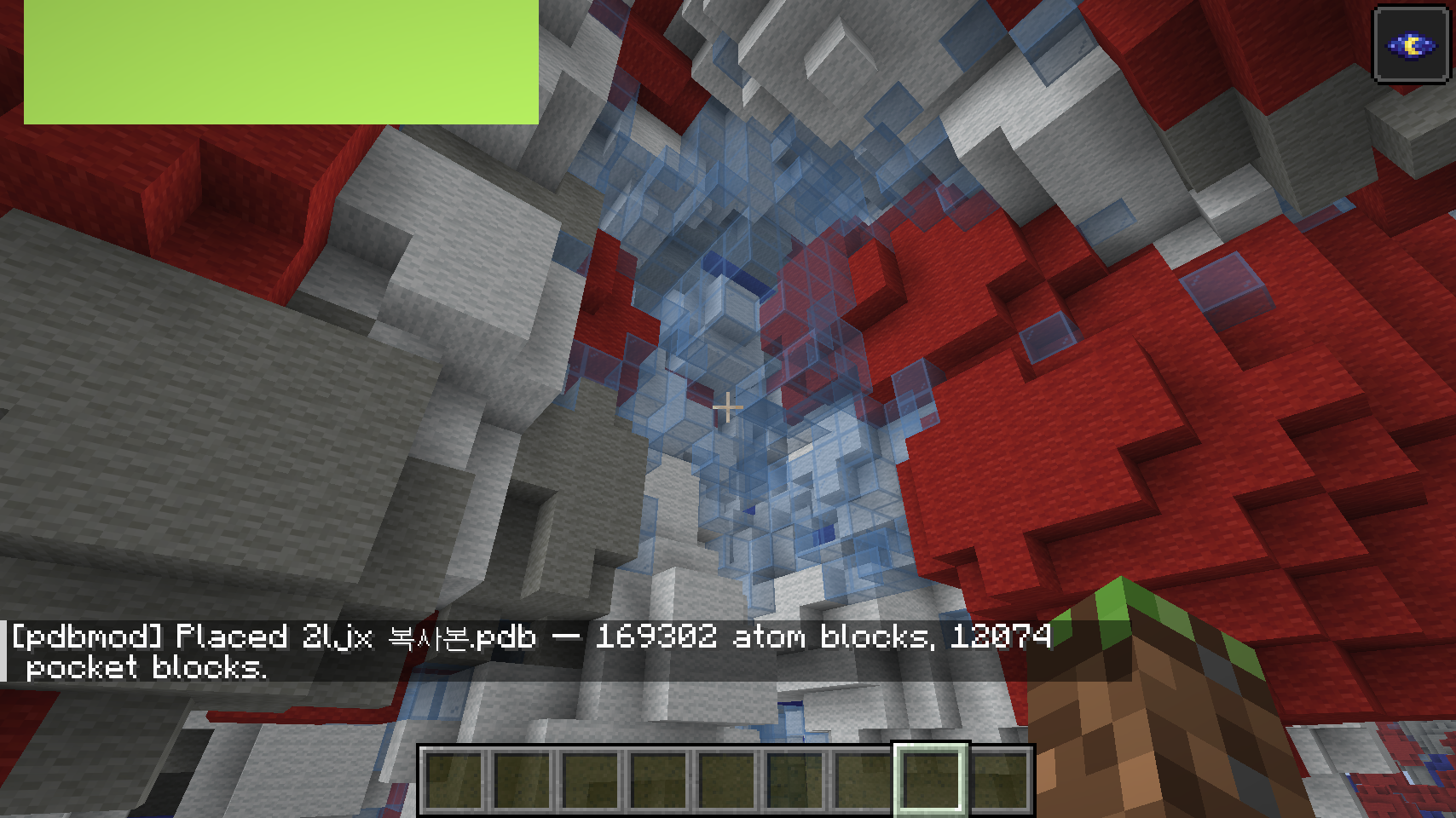
- Pocket / cavity detection — a LIGSITE-style algorithm (Hendlich, Rippmann & Barnickel, 1997) scans the empty voxels around the structure and flags enclosed cavities, rendered as light-blue stained glass so you can see where a ligand-binding pocket might be.
- Litematica-style placement — spawning a molecule opens a movable/rotatable preview (shown as a particle wireframe) before you commit any blocks:
- Arrow keys — move the structure (X/Z)
- Page Up / Page Down — move up/down
R— rotate 90°Enter— confirm and placeBackspace— cancel
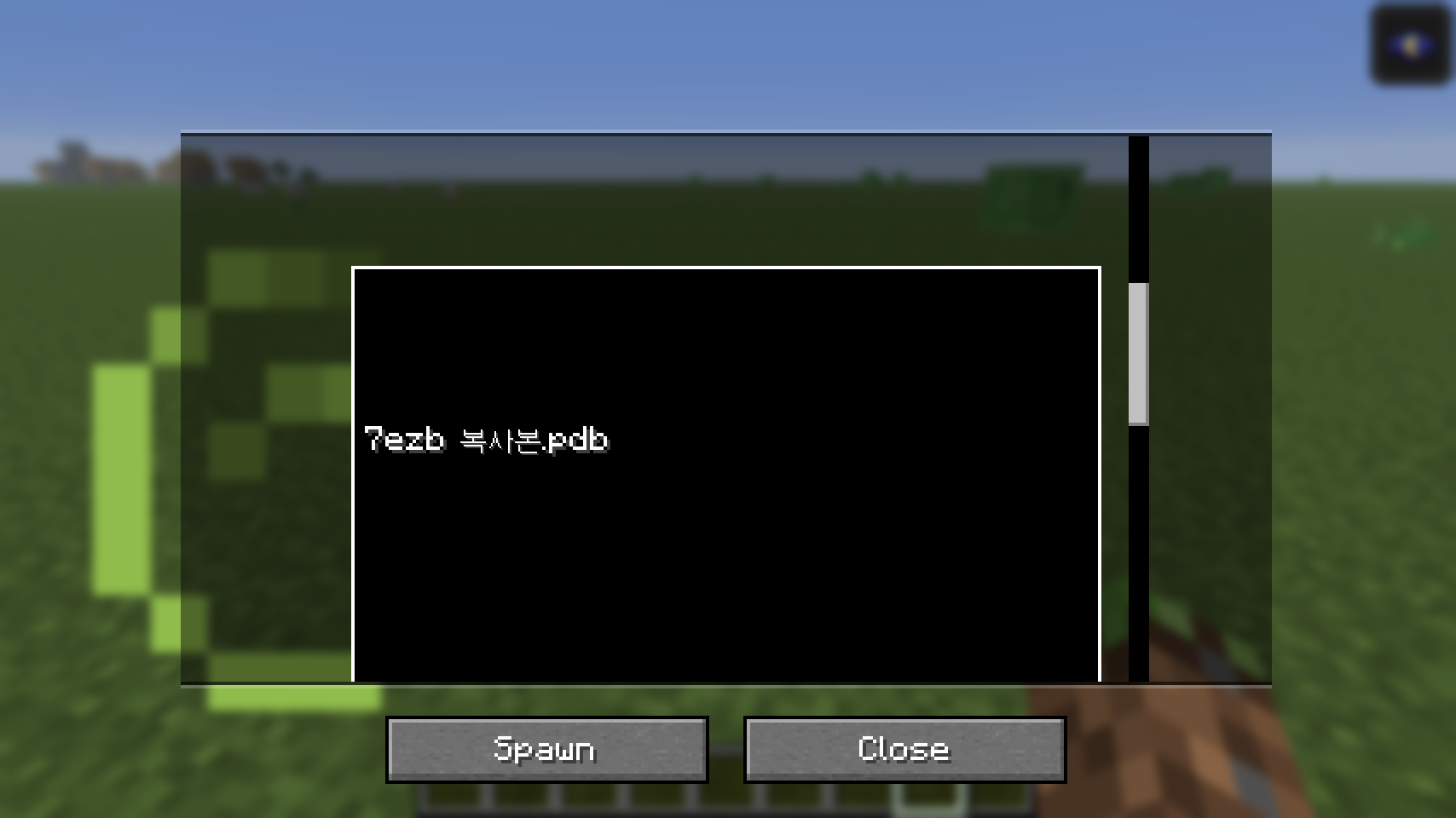
- In-game file picker — a scrollable GUI list of every
.pdb/.entfile in your folder. - No hard atom cap — large structures (full proteins, multi-chain assemblies) are voxelized in full; very large files will take longer and place more blocks.
Usage
- Launch the game once so the mod creates its folder:
.minecraft/pdbmod/ - Drop any
.pdb/.entfile in there (e.g. from RCSB PDB). - Open the picker in-game, pick a file, hit Spawn.
- Move/rotate the preview into position, then confirm to place.
Keybinds (rebindable in Controls)
| Key | Action |
|---|---|
O |
Open molecule picker |
P |
Quick-spawn last picked / first available molecule |
| Arrow keys | Move preview (horizontal) |
| Page Up / Page Down | Move preview (vertical) |
R |
Rotate preview 90° |
| Enter | Confirm placement |
| Backspace | Cancel placement |
Commands
/pdb scan— rescan the folder for files/pdb list— list available files/pdb open— open the picker GUI/pdb spawn <name>— start a preview for a specific file/pdb folder— print the folder path
Notes & limitations
- Client-side only — no server installation needed, safe for singleplayer and any server that allows client-side mods.
- 16 wool colors can't distinguish every element 1:1 — some less-common atoms share a color (documented in the source).
- Pocket detection is a simple grid-morphology heuristic, not a validated druggability tool — it doesn't distinguish surface-accessible pockets from fully buried cavities, and won't rank or score them the way fpocket/CASTp do. Treat it as "here's a plausible cavity," not a docking prediction.
- Very large structures (thousands+ atoms) can take a noticeable moment to voxelize and place.
Requirements
- Minecraft 1.21.11
- Fabric Loader ≥ 0.18.1
- Fabric API
- Java 21+
Screenshots
Gallery
Versions
Files
Relations
Project Relations
More like this
Similar Mods
Suggestions use data such as tags, dependencies, dependents, descriptions, titles, and more to rank how much they overlap with this mod.
On ModDex
Community snapshot
By the numbers
Statistics

Want to reach Minecraft players?
We're looking for a server hosting partner to feature here and other parts of the site. Interested? Send us a message!
Get in touchGet it on
Available Platforms
On ModDex
Community snapshot
By the numbers
Statistics
Resources