
Peaceful Miner
No reviews yet
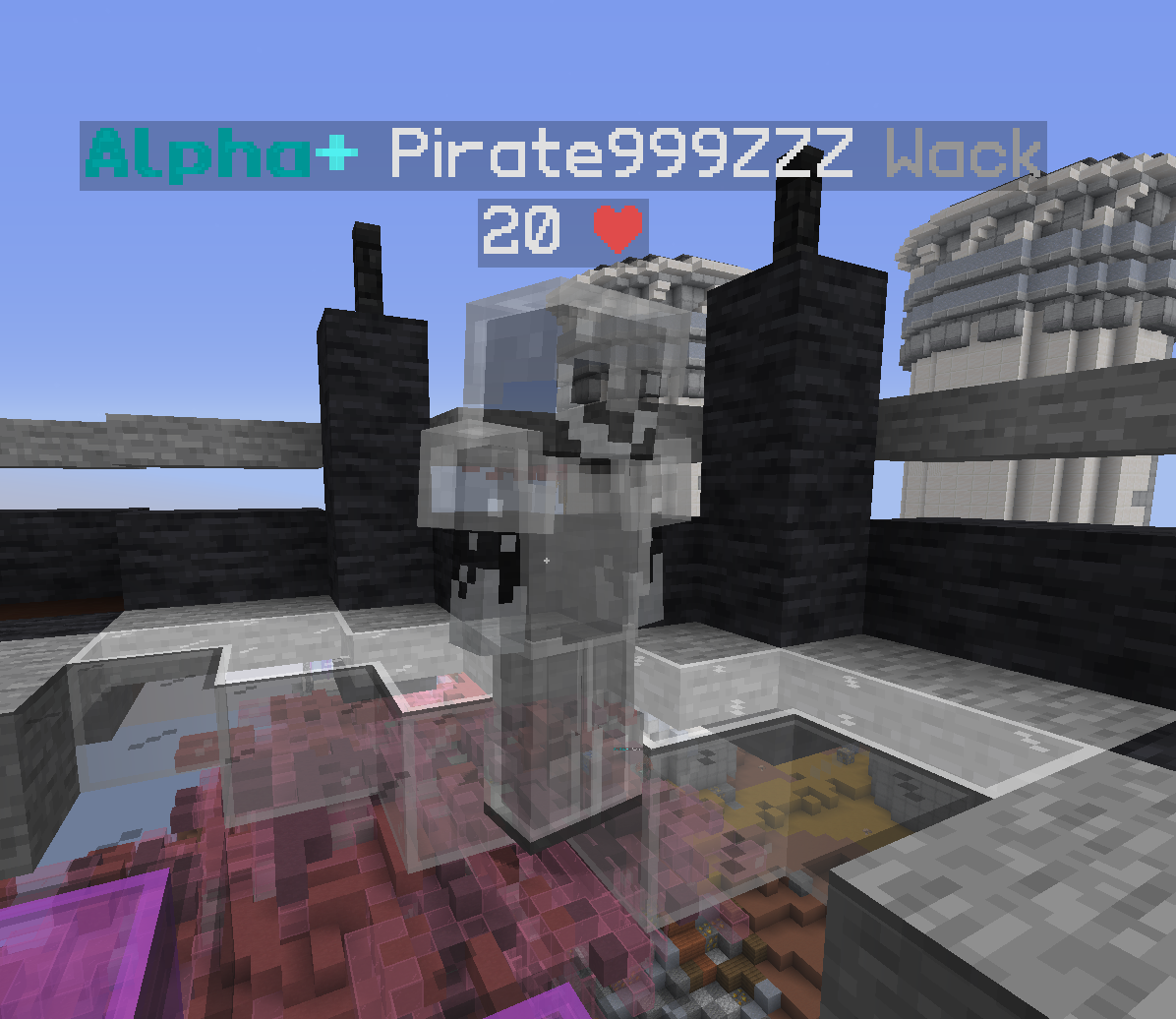
Adds the legacy peaceful mining mod from cosmic client into new fabric versions This mod also implements the ability to right click whilst mining & a satchel hud. Req. Fabric Loader 1.18.4
Fabric is a mod loader for versions 1.14+ of Minecraft, particularly popular for client side and optimization mods.
Community voices
Reviews
Click once to include, again to exclude, again to clear
No reviews yet. Be the first to review this project!
Get it on
Available Platforms
 Modrinth
Compatibility
Supported Environments
About
Project Details
For authors
Embed Badge
If you're the author of this project, you can embed a live badge anywhere that supports HTML or Markdown. It updates automatically whenever ratings change.
Use HTML for any page that supports it, or Markdown for README files and Markdown-based descriptions.
Identifiers
Platform IDs
Resources
External Links
About
Description
Peaceful Miner
A utility mod for Minecraft (Fabric) designed to enhance the mining experience with useful HUD indicators and protection features.
Features
General Mining Utilities
- Mine-Through Entities: Allows you to mine blocks through entities (like other players) within a configurable range.
- Player Opacity: Adjust the transparency of other players while mining to improve visibility in crowded areas.
Satchel HUD
A customizable on-screen display that tracks your satchels in real time.
- Auto-Grouping: Automatically combines multiple satchels of the same type into a single line.
- Dynamic Coloring: HUD text transitions from Green (0%) to Red (100%) based on how full your satchel is.
- Customizable Appearance:
- Toggle dynamic colors on/off.
- Manually select "Empty" and "Full" colors from a palette of 12 options.
- Transparent black background with a solid black border for better readability.
- Live Positioning & Scaling:
- Use
/peacefulminer satchel positionto drag and drop the HUD anywhere on your screen. - Scale the HUD size (0.1x to 5.0x) using the Mouse Wheel or Arrow Keys while in the position screen.
- Use
Drop Protection
- Accidental Drop Prevention: Stops you from dropping Pickaxes or Satchels.
- Full Coverage: Works both from the hotbar (Q) and while managing your inventory (clicking outside or using throw keys).
- Feedback: Plays a sound and sends a chat message when a drop is blocked.
- Togglable: Can be enabled or disabled in the config menu.
Commands
/peacefulminer- Show help menu./pm- Shortcut for/peacefulminer./peacefulminer debug- Show NBT info of the item in hand./peacefulminer satchel toggle- Quickly show/hide the HUD./peacefulminer satchel position- Open the GUI to move and resize the HUD./peacefulminer satchel size <value>- Manually set the HUD scale (0.1 - 5.0)./peacefulminer satchel debug- List all detected satchels and their stats in chat.
Configuration
Access settings via Mod Menu or by clicking the mod's configuration button.
- General Settings: Player Opacity, Mine-Through Range, Drop Protection Toggle.
- HUD Settings: Toggle, Dynamic Colors, Color Selection, Position/Scale adjustment.
Requirements
- Fabric Loader
- Fabric API
- Mod Menu (Recommended for config access)
Screenshots
Gallery

Versions
Files
Relations
Project Relations
More like this
Similar Mods
Suggestions use data such as tags, dependencies, dependents, descriptions, titles, and more to rank how much they overlap with this mod.
On ModDex
Community snapshot
By the numbers
Statistics

Want to reach Minecraft players?
We're looking for a server hosting partner to feature here and other parts of the site. Interested? Send us a message!
Get in touchGet it on
Available Platforms
On ModDex
Community snapshot
By the numbers
Statistics
Resources