
Community listing page, reviews here may not be monitored by the author.
Perfect Realism - Graphics Presets

No reviews yet
Switch seamlessly between Very Low and Ultra graphics presets with automated Shader, Distant Horizons, and Physics Mod configurations.
Includes quality of life improvements and small tweaks to enhance and customize gameplay.
Fabric is a mod loader for versions 1.14+ of Minecraft, particularly popular for client side and optimization mods.
Community voices
Reviews
Filters
Click once to include, again to exclude, again to clear
No reviews yet. Be the first to review this project!
Get it on
Available Platforms
About
Project Details
For authors
Embed Badge
If you're the author of this project, you can embed a live badge anywhere that supports HTML or Markdown. It updates automatically whenever ratings change.
Use HTML for any page that supports it, or Markdown for README files and Markdown-based descriptions.
Identifiers
Platform IDs
Resources
External Links
About
Description
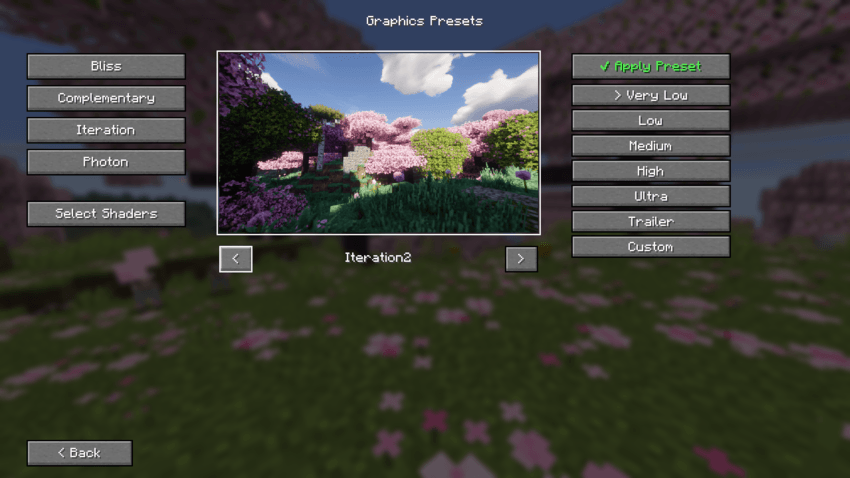
⚡ Graphics Presets
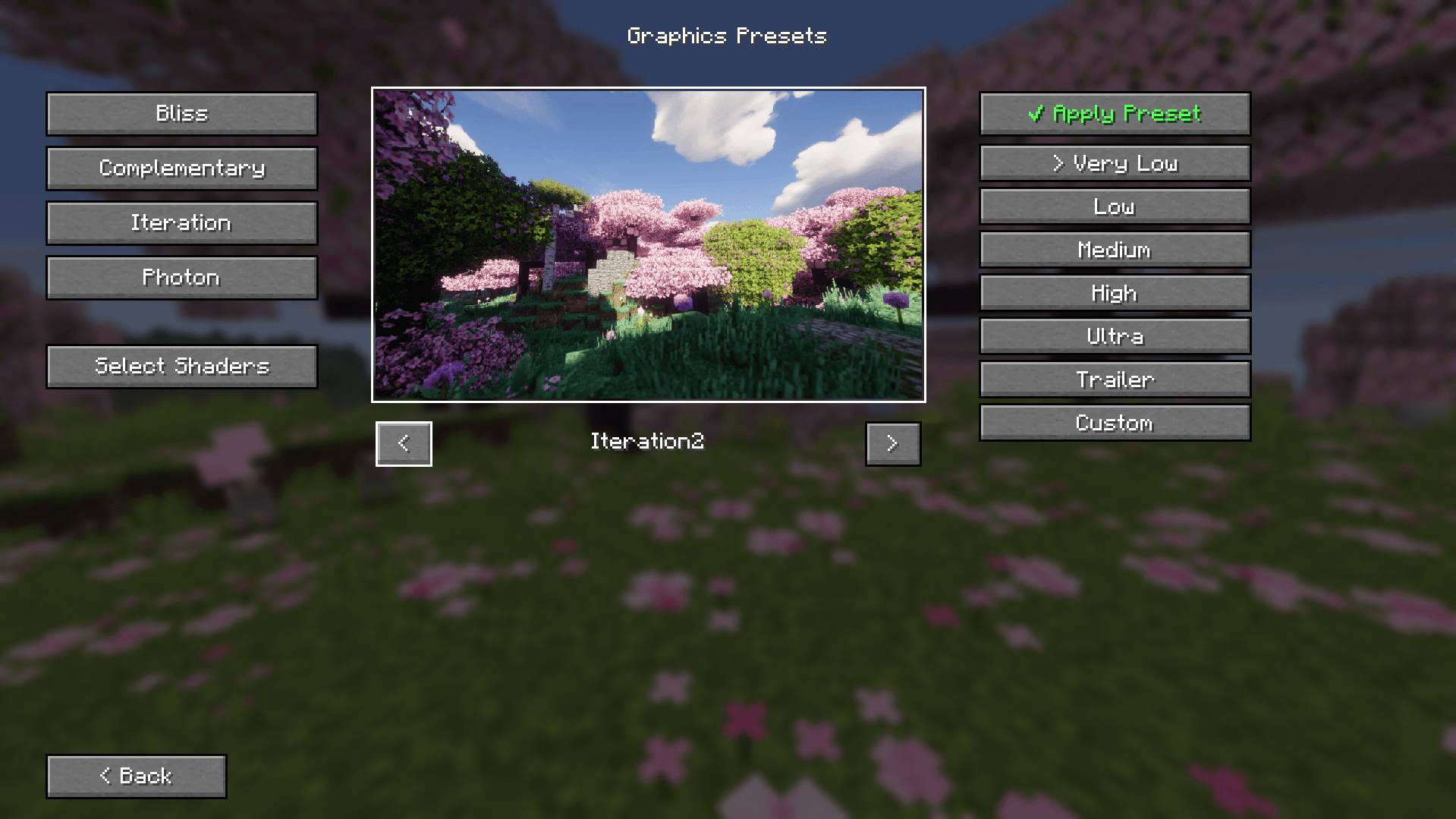
**Graphics Presets** is a dedicated quality-of-life mod built specifically for the Perfect Realism modpack. It allows players to seamlessly switch between predefined visual and performance profiles with a single click right from the Title Screen, eliminating the need to manually tweak complex configuration files.
---
🌟 Key Features
Tailored for Perfect Realism:** Designed to work out-of-the-box with the modpack's exact mod setup and assets.
Instant Profile Switching: Toggle between *Very Low*, *Low*,*Medium*, *High*, and *Ultra* presets effortlessly.
Automated Multi-Mod Configuration:** Dynamically adjusts settings across key performance and visual mods:
Shaders (Iris): Automatically enables and swaps selected shader packs.
Distant Horizons (LOD): Tunes render radius and quality templates for optimal chunk generation.
Physics Mod: Toggles block physics, mob animations, and particle effects depending on the selected tier.
Vanilla Render Distance Lock: Automatically syncs and saves core Minecraft render distance settings.
---
💡 How to Use
1. Click the ⚡ Quality button on the Title Screen.
2. Select your desired preset.
3. Use the in-game Restart Game button to restart Minecraft so all shader and file configuration changes apply completely.
---
## 🛠️ Requirements
This mod requires the following base mods to be present in the modpack:
Fabric API
Iris Shaders
Distant Horizons
Physics Mod
Screenshots
Gallery
-
 Ekran görüntüsü 2026-09-03 212619.png Ekran görüntüsü 2026-09-03 212619.png
Versions
Files
Relations
Project Relations
More like this
Similar Mods
Suggestions use data such as tags, dependencies, dependents, descriptions, titles, and more to rank how much they overlap with this mod.
On ModDex
Community snapshot
By the numbers
Statistics
Want to reach Minecraft players?
We're looking for a server hosting partner to feature here and other parts of the site. Interested? Send us a message!
Get in touchGet it on
Available Platforms
On ModDex
Community snapshot
By the numbers
Statistics
Resources