Community listing page, reviews may not be monitored by the author.
PerfectMessages


No reviews yet
Perfect! Unimprovable! Ideal! Messages for minecraft.

Community voices
Reviews
No reviews yet. Be the first to review this project!
Get it on
Available Platforms
Compatibility
Supported Environments
Works in singleplayer only; does not function in multiplayer.
About
Project Details
For authors
Embed Badge
If you're the author of this project, you can embed a live badge anywhere that supports HTML or Markdown. It updates automatically whenever ratings change.
Use HTML for any page that supports it, or Markdown for README files and Markdown-based descriptions.
Identifiers
Platform IDs
Resources
External Links
About
Description
Perfect Messages (PM) — Convenient Message Management in Minecraft
Are you tired of /title? Want to make colorful notifications that are saved in a separate message log? Or want to send perfect messages to your friends or create dialogues for NPCs? With Perfect Messages (PM), you can do it all with this mod.
Features:
- 🚀 Pop-up Messages: Display temporary notifications with customizable text, color, and duration. Customize text colors using the
&symbol followed by a color code (e.g.,&4for red). - 📜 Event Log: Access a full event log with scrollable navigation, allowing you to view past messages whenever you need.
- 💬 Command Integration:
/clearmessages— Clear all messages from the log./showmessage— Broadcast custom messages to players with adjustable duration and logging options.
- 🎮 Customizable Key Bindings: Manage the message log directly from in-game, including toggling the message window (Press the letter N to open the message log).
- 🌐 Multilingual Support: Available in Russian and English (automatically detects the client language).
- 🤝 Multiplayer Ready: All information is synchronized between clients on the LAN server for a seamless experience.
Configuration:
The mod offers flexible configuration options, allowing you to enable or disable logging and customize the experience to your preferences. Suitable for both LAN-server and single-player modes (temporarily no online server support).
Installation:
- Ensure you have Forge installed (latest version recommended).
- Download the mod and place the file into the
modsfolder. - Launch the game and set up the configuration to match your needs!
Compatibility:
- Minecraft Versions: (1.20.1).
- Requires Forge.
Never miss an important moment in your game with Perfect Messages! Your messages are your history!

Perfect Messages (PM) — Convenient Message Management in Minecraft
Are you tired of /title? Want to make colorful notifications that stay in a message log, send cinematic dialogues, or create immersive NPC conversations?
With Perfect Messages (PM), you can do it all — easily and beautifully. Discord Channel visit the mod’s project page.
Features
-
🚀 Pop-Up Messages Display smooth, fading notifications with customizable text, colors, and duration. Supports all Minecraft color codes and HEX formatting.
-
🎨 HEX Color Support Use any custom color via:
&#RRGGBBExample:
&#FF5733Hello! -
🔢 Dynamic Placeholders
%player_name%— Player’s name%player_health%— Current health%player_xp%— XP level%item_in_hand%— Item in main hand
-
🖼️ Image Support Add icons or portraits to messages:
/perfectmessage @a "pic.png Hello, %player_name%!" 5 trueAll images are stored in
mods/pm/images/(created automatically). Images appear at the start of messages and align properly with multiline text. -
📝 Message Log View all previous messages in a smooth, scrollable message window. Perfect for quests, story mods, or chat-style dialogues.
-
🔍 Commands
/perfectmessage— Send a custom message with adjustable duration and optional logging/clearmessages— Clear all messages from the log
Example:
/perfectmessage @a "b50d4Welcome, %player_name%!" 10 true -
⌨️ Customizable Key Bindings Open or close the message log directly from in-game (default key:
N). The key can be changed in Options → Controls → PM: Toggle Message Log. -
🪄 Text Effects
&k— Obfuscated (glitched) text&r— Reset formatting**text**— Shaking text effect
How to Use
-
Send a Message
/perfectmessage @a "&#FF5733Hello, %player_name%!" -
Add an Image
/perfectmessage @a "pic.png &aYou found a treasure!" 5 true -
Open the Message Log Press N (or your chosen key) to view past messages.
-
Clear the Log
/clearmessages
Configuration
You can adjust:
- Whether logging is enabled
- Fade duration and transparency
- Maximum stored messages
- Visual effects like shaking or gradients
The config file is automatically created in your Forge config directory.
Installation
- Install Forge (Minecraft 1.19.2 or 1.20.1).
- Place the mod file into the
modsfolder. - Launch Minecraft — the folder
mods/pm/images/will be created automatically. - Configure your controls and enjoy stylish messages!
Compatibility
- Minecraft Versions: 1.19.2, 1.20.1
- Mod Loader: Forge
- Languages: English, Russian
For Modpack Creators
Perfect Messages is ideal for cinematic storytelling, quest systems, or interactive cutscenes. You can easily script dialogue sequences using command blocks, scripts, or datapacks.
💬 Example: NPC Dialogue Chain
/perfectmessage @a "npc.png &#ffc107Villager: &rHello, traveler!" 5 true
/perfectmessage @a "npc.png &#ffffffVillager: &rThe forest ahead is dangerous..." 5 true
/perfectmessage @a "npc.png &#ff0000Villager: &rBeware of the shadows!" 5 true
🪄 Example: Quest Reward Message
/perfectmessage @a "chest.png �ff00You received 50 gold and a new sword!" 5 true
🧙 Tip
Combine it with mods like KubeJS, Custom NPCs, or Quest Frameworks to create immersive stories with timed, animated dialogue.
Support & Feedback
If you encounter any issues or want to share ideas, join our Discord Channel or visit the mod’s project page.
Perfect Messages — Your Messages, Your Story.
Create cinematic notifications, immersive storytelling, and expressive communication in Minecraft with ease.
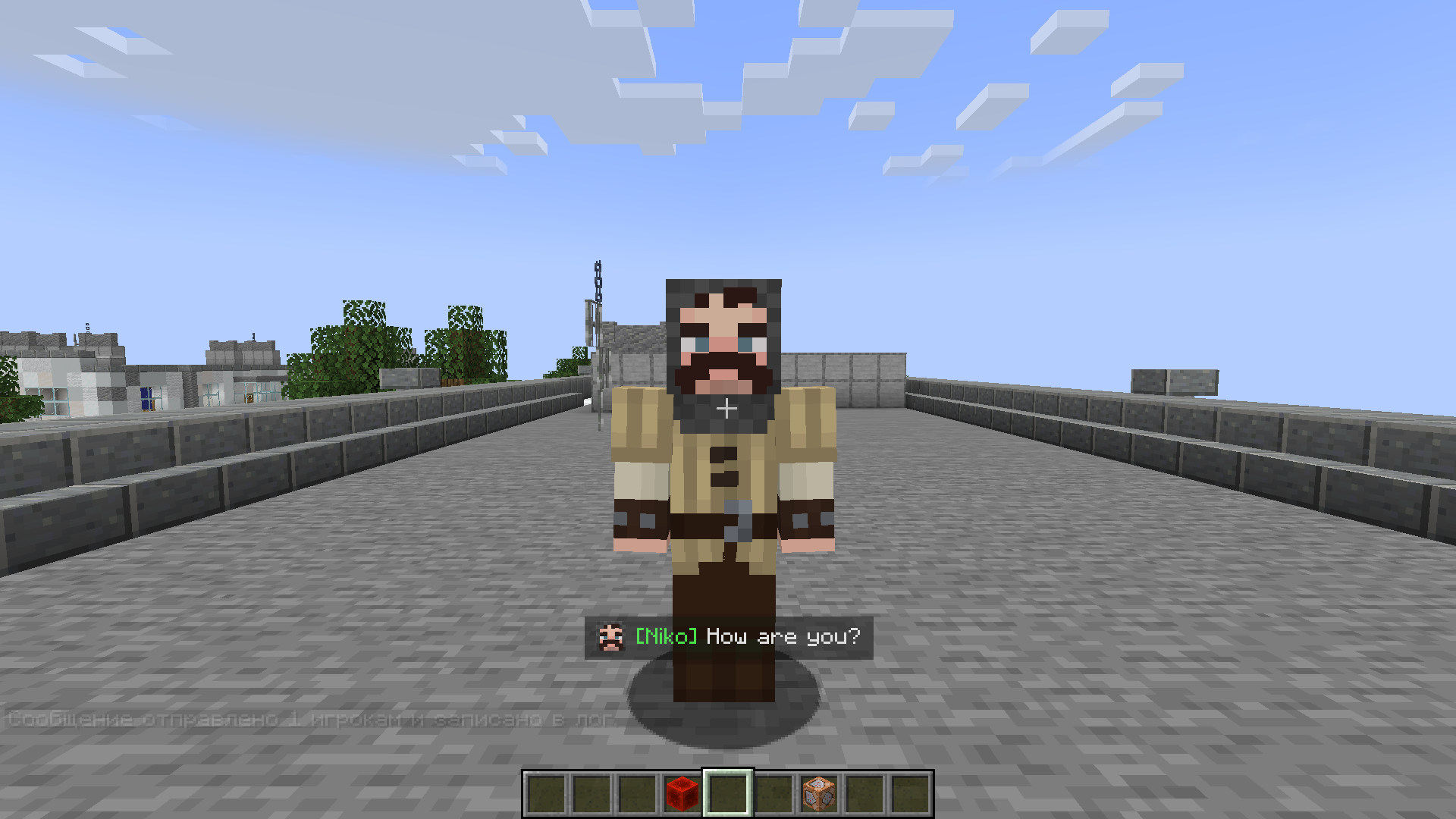
Screenshots
Gallery
-
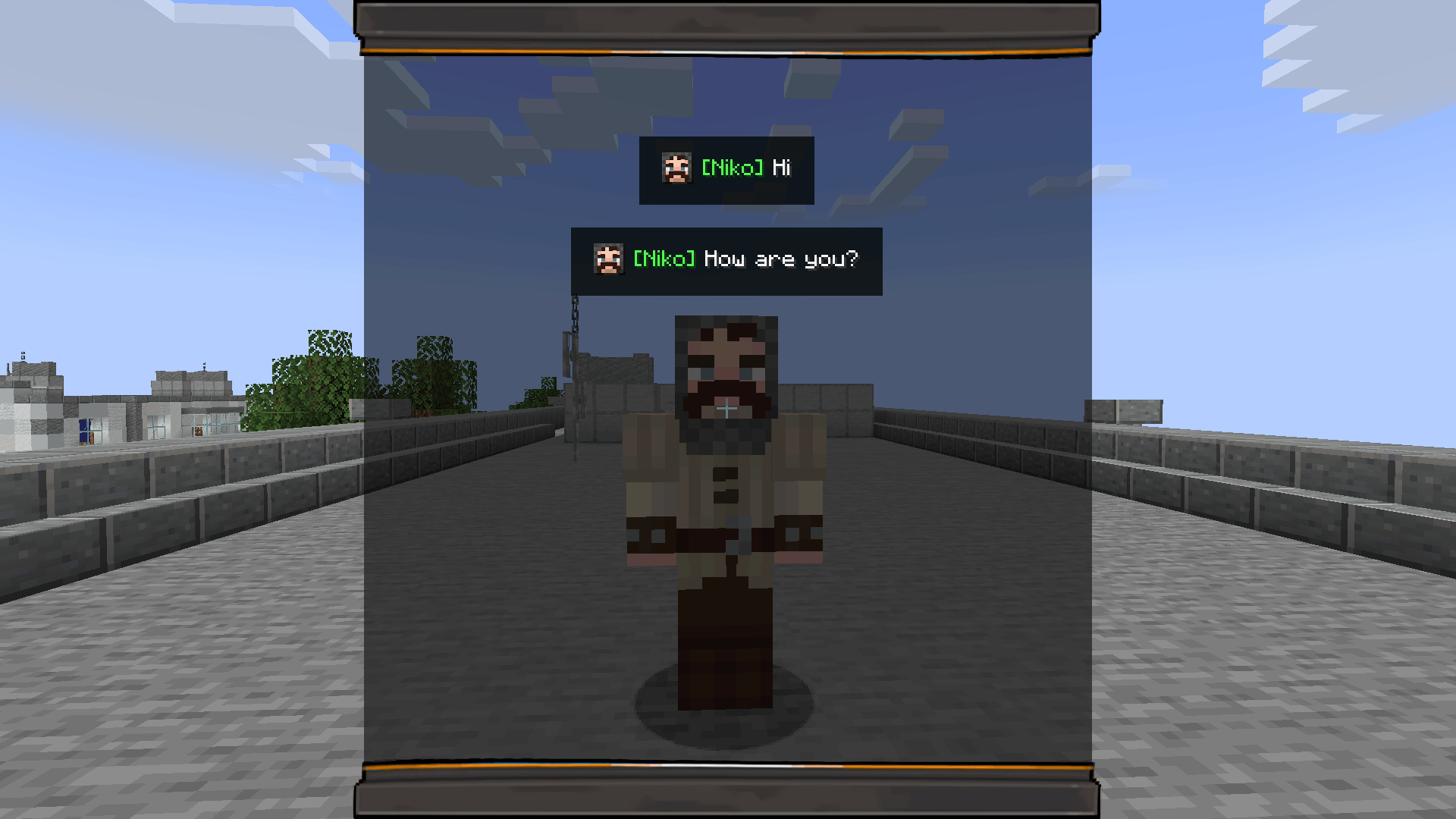 Press N Message Log
 -
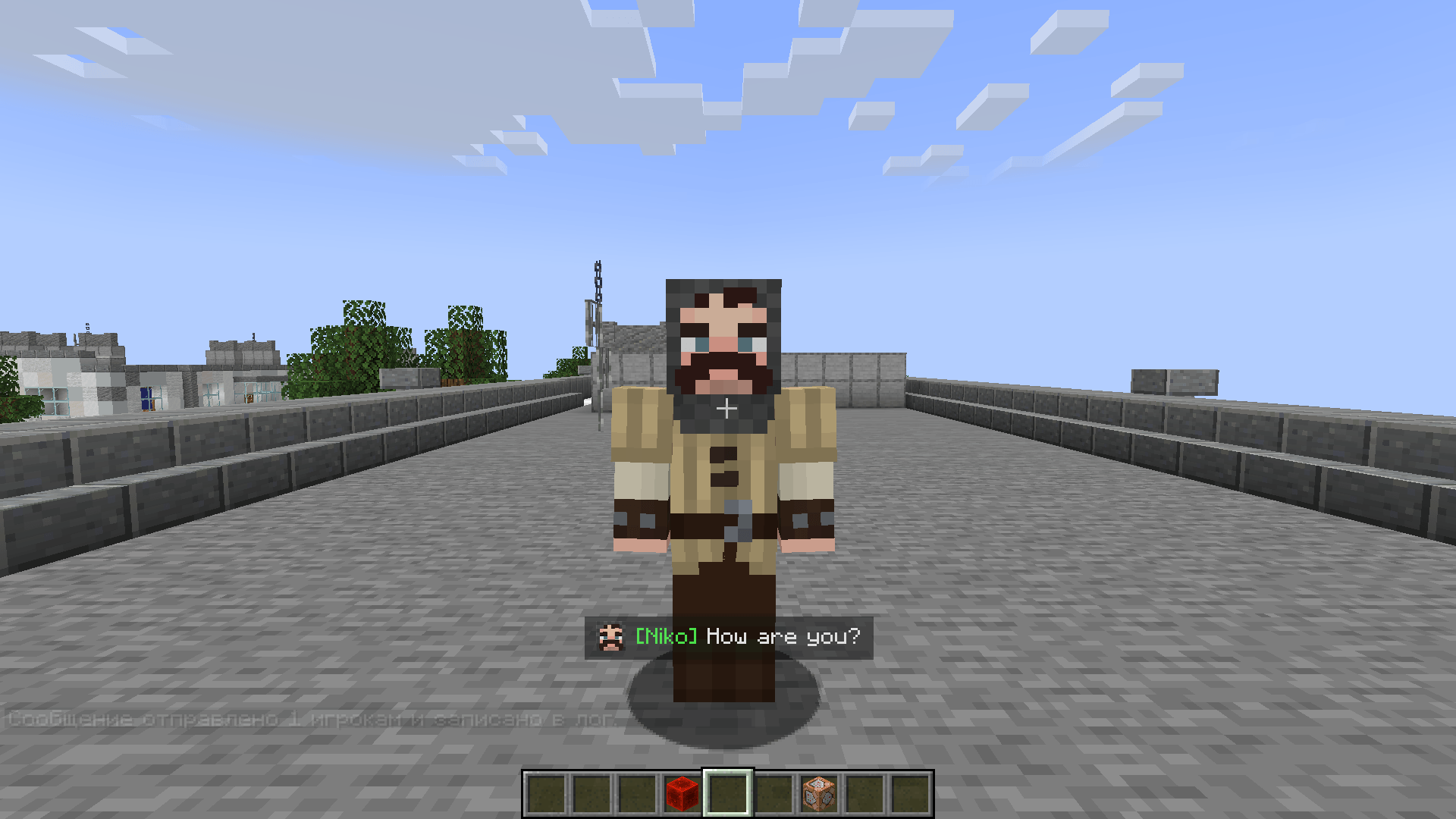 /showmessage Messages
-
Messages
-
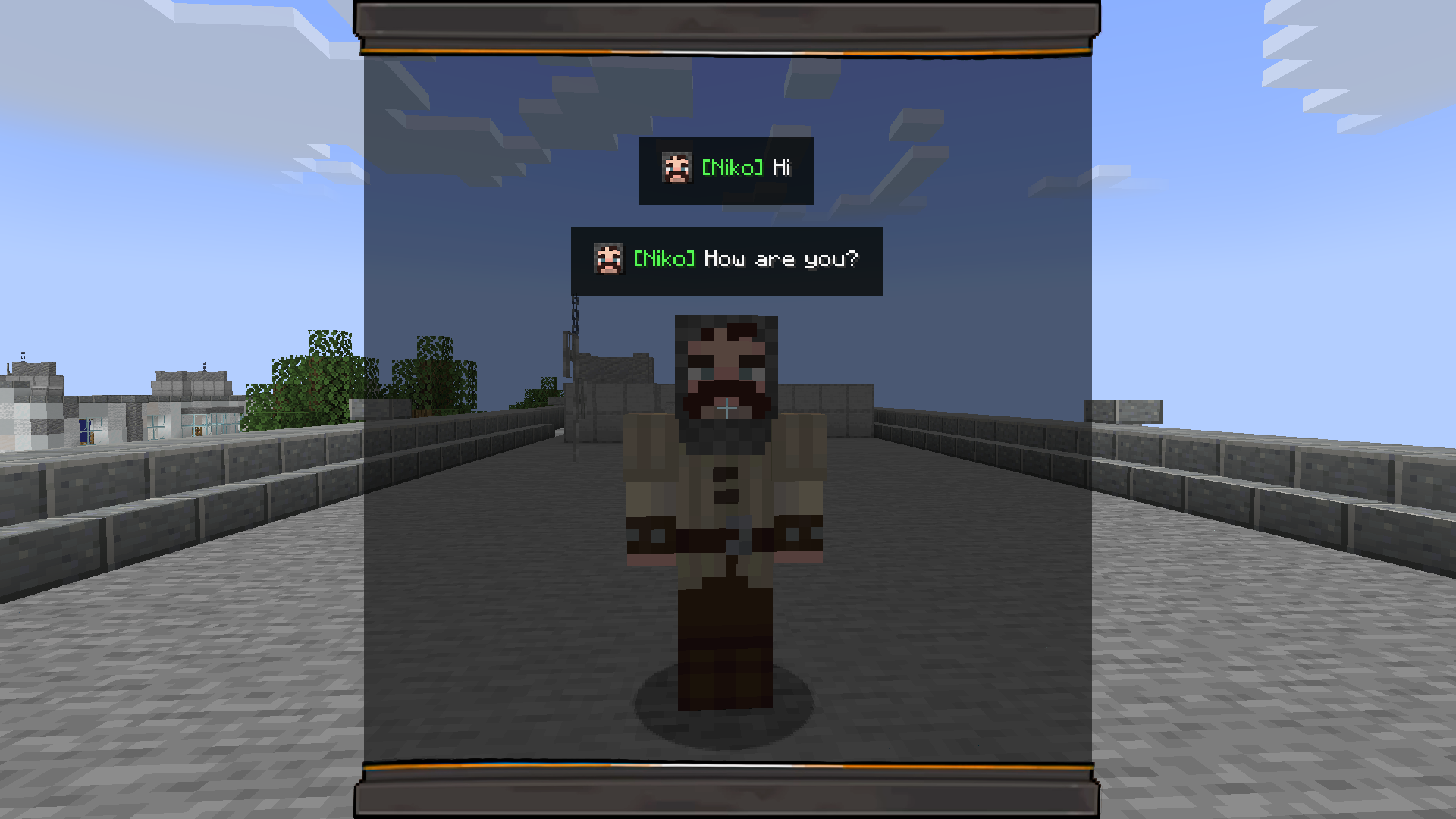 Message log
Versions
Files
Relations
Project Relations
More like this
Similar Mods
Suggestions use data such as tags, dependencies, dependents, descriptions, titles, and more to rank how much they overlap with this mod.
On ModDex
Community snapshot
By the numbers
Statistics

Get it on
Available Platforms
On ModDex
Community snapshot
By the numbers
Statistics
Resources