Community listing page, reviews here may not be monitored by the author.
peterwolf's Splinecart


No reviews yet
Fork of Splinecart with some my new adds
Community voices
Reviews
No reviews yet. Be the first to review this project!
Get it on
Available Platforms
Compatibility
Supported Environments
Must be installed on both the client and the server.
About
Project Details
For authors
Embed Badge
If you're the author of this project, you can embed a live badge anywhere that supports HTML or Markdown. It updates automatically whenever ratings change.
Use HTML for any page that supports it, or Markdown for README files and Markdown-based descriptions.
Identifiers
Platform IDs
Resources
External Links
About
Description
Splinecart
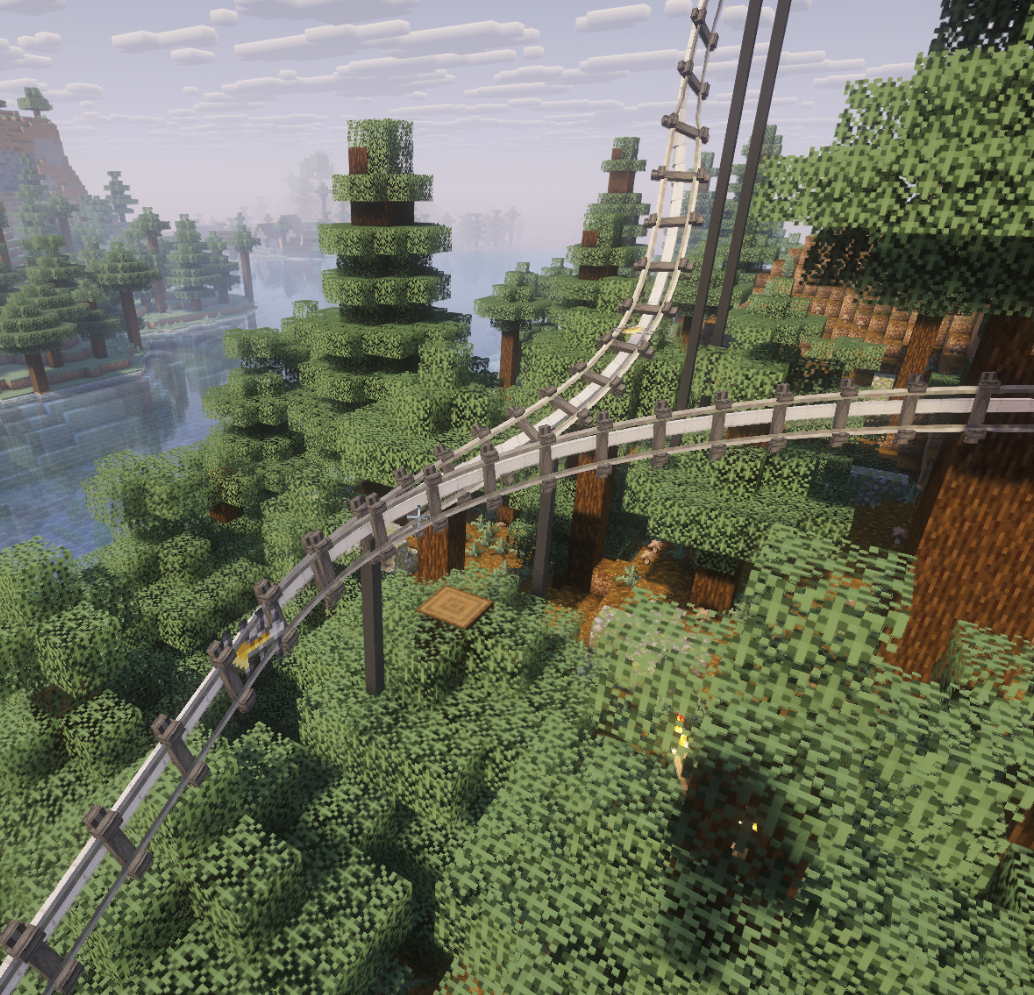
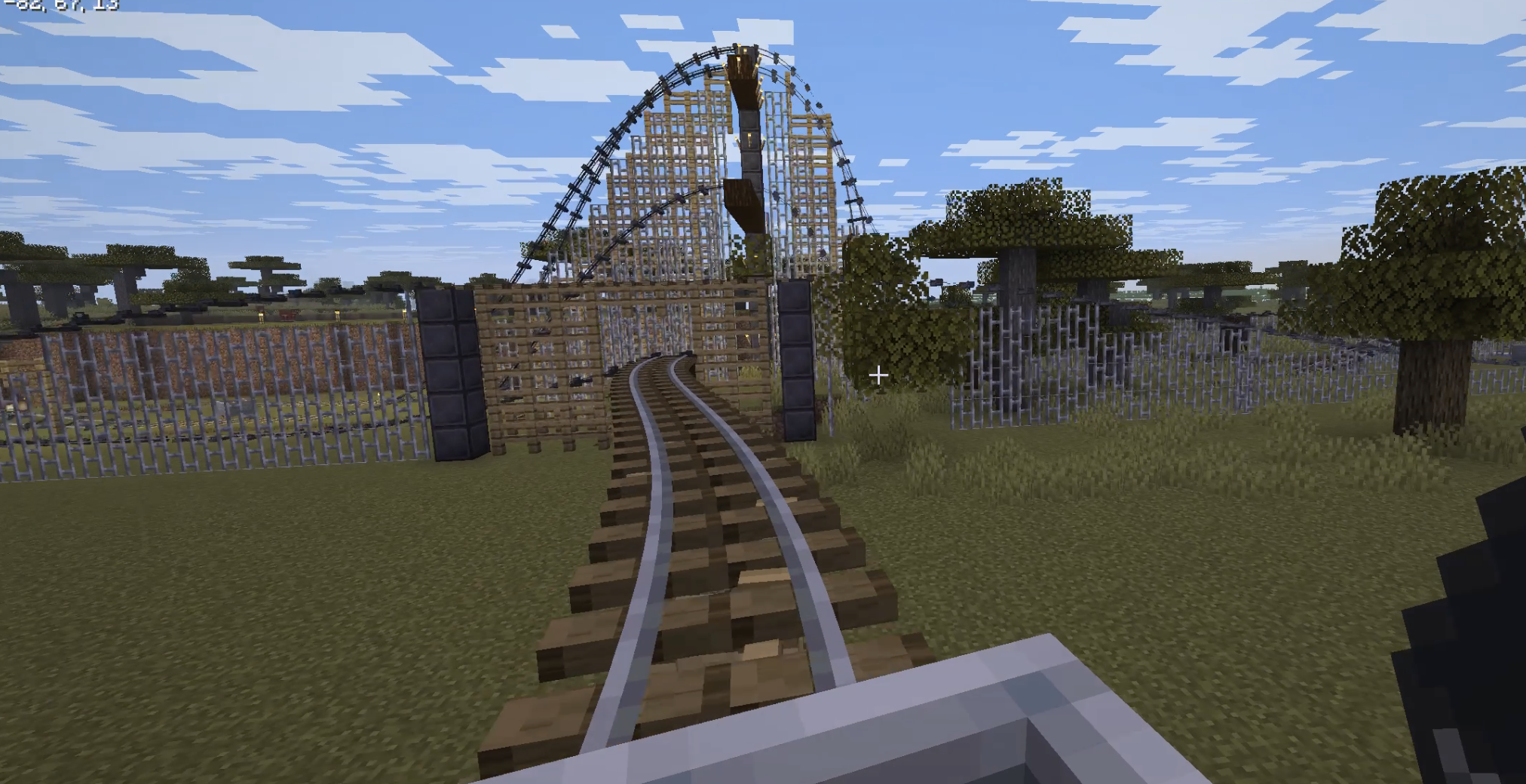
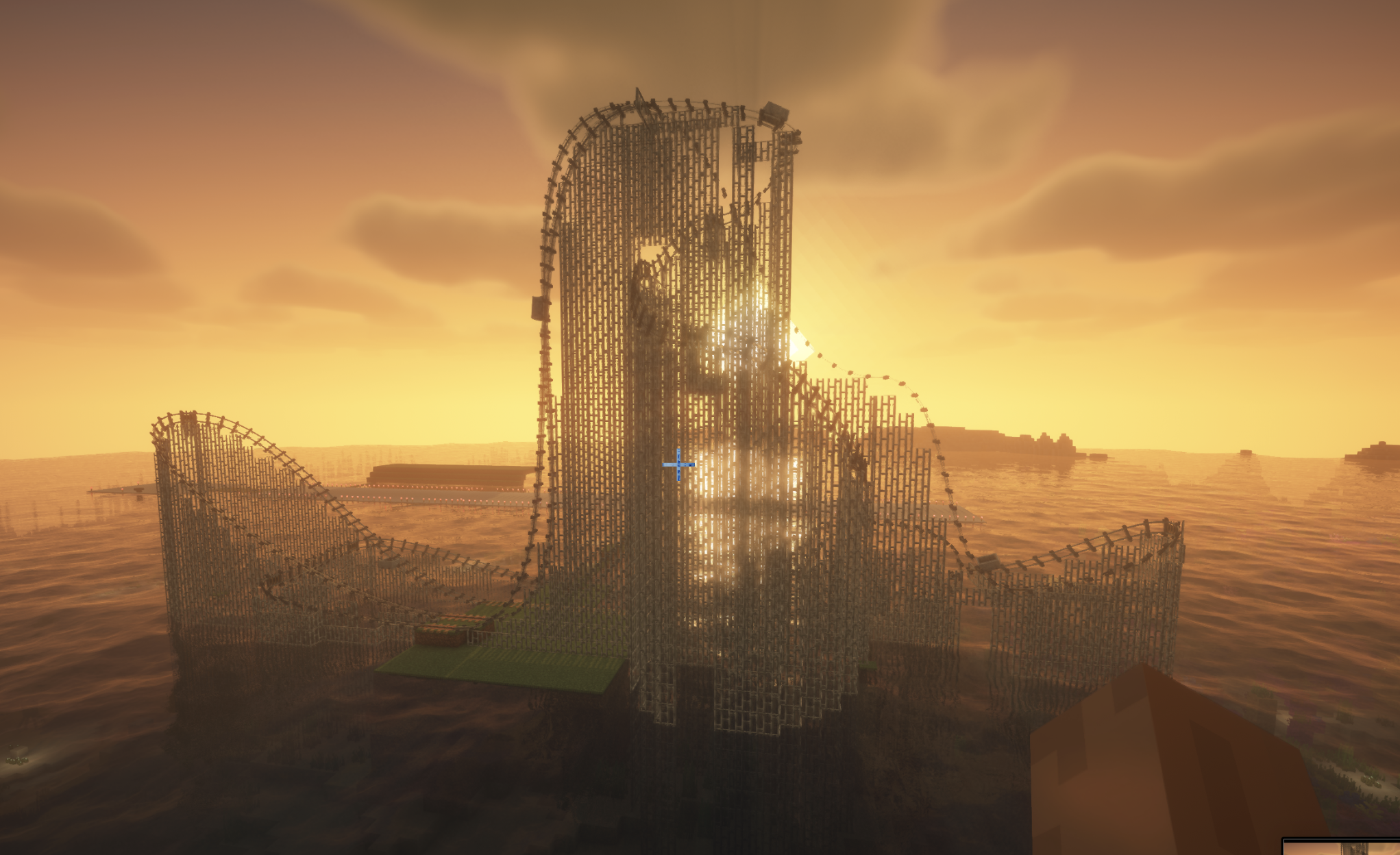
Splinecart adds smooth, realistically curved railway tracks (composite curves / splines) to Minecraft. Minecarts travel on them without jerking, with full banking and speed physics.
Main elements and mechanics
1. Track Ties
- Wooden (Wood Track Ties), Steel (Steel Track Ties), and Classic:
- Can be placed on blocks and in mid-air.
- Automatic alignment to look direction: floor (down), wall (forward), ceiling (up).
- Empty-hand click rotates the tie.
- Regular ties act as detector rails (emit Redstone signal 15 while a minecart passes).
- Steel ties generate a third powered rail plus support pillars; wooden ties create wooden beams and posts.
2. Connecting tracks and variants
- The Track item joins two ties into a smooth path.
- Regular Track: standard smooth riding and corner smoothing.
- Chain Drive Track: pulls the minecart at constant speed uphill (ideal for roller coasters).
- Magnetic Track: when powered by Redstone it accelerates sharply; when unpowered it brakes the minecart to a stop even on steep slopes.
- Seamless transition with vanilla tracks: a minecart smoothly enters from splines onto regular rails and vice versa without losing momentum or camera rotation.
3. Turnouts / Switches
- Two tracks can leave or enter a single tie at the same time.
- The tie automatically becomes a Redstone-controlled switch:
- State 0 (no signal): minecart follows the main track (1st exit).
- State > 0 (Redstone powered): minecart immediately turns onto the alternate track (2nd exit).
- Detector-rail function is disabled on a switch — lever/dust state changes take effect instantly, even with a whole train of minecarts following one another.
Commands (/splinecart)
| Command | Effect |
|---|---|
/splinecart banking <on | off | toggle> |
Enables/disables track and minecart banking on curves. |
/splinecart supports <none | wood | metal | steel | auto> |
Sets the style of supports and pillars built under new tracks. |
/splinecart build line <x1 y1 z1> <x2 y2 z2> [type] [supports] [banking] |
Automatically places and connects a straight track segment between coordinates. |
/splinecart build path <pos1> <pos2> ... [type] [supports] [banking] |
Builds a continuous multi-point route through the given coordinates. |
/splinecart connect <x1 y1 z1> <x2 y2 z2> [type] [supports] [banking] |
Connects two existing ties with the specified track type. |
(Available types in commands: default, chain_drive, magnetic)
All four player-obtainable items have shaped crafting recipes in Survival. The Track Follower is a hidden entity spawned by tracks and is not crafted.
Track Ties Description: Interact to rotate when placed.
Unlocks when you pick up a Stick or any Wooden Slab.
Crafting (makes 8): [Wooden Slab] [Wooden Slab] [Wooden Slab] [Stick] [Wooden Slab] [Wooden Slab] [Wooden Slab]
Any wooden slab works in every slot marked Wooden Slab.
Track Description: Links two Track Ties blocks together.
Unlocks when you pick up a Rail or Iron Block.
Crafting (makes 4): [Iron Block]
Splinecart
Splinecart adds smooth, realistically curved railway tracks (composite curves / splines) to Minecraft. Minecarts travel on them without jerking, with full banking and speed physics.
Main elements and mechanics
1. Track Ties
- Wooden (Wood Track Ties), Steel (Steel Track Ties), and Classic:
- Can be placed on blocks and in mid-air.
- Automatic alignment to look direction: floor (down), wall (forward), ceiling (up).
- Empty-hand click rotates the tie.
- Regular ties act as detector rails (emit Redstone signal 15 while a minecart passes).
- Steel ties generate a third powered rail plus support pillars; wooden ties create wooden beams and posts.
2. Connecting tracks and variants
- The Track item joins two ties into a smooth path.
- Regular Track: standard smooth riding and corner smoothing.
- Chain Drive Track: pulls the minecart at constant speed uphill (ideal for roller coasters).
- Magnetic Track: when powered by Redstone it accelerates sharply; when unpowered it brakes the minecart to a stop even on steep slopes.
- Seamless transition with vanilla tracks: a minecart smoothly enters from splines onto regular rails and vice versa without losing momentum or camera rotation.
3. Turnouts / Switches
- Two tracks can leave or enter a single tie at the same time.
- The tie automatically becomes a Redstone-controlled switch:
- State 0 (no signal): minecart follows the main track (1st exit).
- State > 0 (Redstone powered): minecart immediately turns onto the alternate track (2nd exit).
- Detector-rail function is disabled on a switch — lever/dust state changes take effect instantly, even with a whole train of minecarts following one another.
Commands (/splinecart)
| Command | Effect |
|---|---|
/splinecart banking <on | off | toggle> |
Enables/disables track and minecart banking on curves. |
/splinecart supports <none | wood | metal | steel | auto> |
Sets the style of supports and pillars built under new tracks. |
/splinecart build line <x1 y1 z1> <x2 y2 z2> [type] [supports] [banking] |
Automatically places and connects a straight track segment between coordinates. |
/splinecart build path <pos1> <pos2> ... [type] [supports] [banking] |
Builds a continuous multi-point route through the given coordinates. |
/splinecart connect <x1 y1 z1> <x2 y2 z2> [type] [supports] [banking] |
Connects two existing ties with the specified track type. |
(Available types in commands: default, chain_drive, magnetic)
All four player-obtainable items have shaped crafting recipes in Survival. The Track Follower is a hidden entity spawned by tracks and is not crafted.
Track Ties Description: Interact to rotate when placed.
Unlocks when you pick up a Stick or any Wooden Slab.
Crafting (makes 8): [Wooden Slab] [Wooden Slab] [Wooden Slab] [Stick] [Wooden Slab] [Wooden Slab] [Wooden Slab]
Any wooden slab works in every slot marked Wooden Slab.
Track Description: Links two Track Ties blocks together.
Unlocks when you pick up a Rail or Iron Block.
Crafting (makes 4): [Iron Block] [Rail] [Iron Block]
Chain Drive Track Description: Track variant that pulls minecarts.
Unlocks when you pick up an Activator Rail, Chain, or Iron Block.
Crafting (makes 4): [Iron Block] [Chain] [Activator Rail] [Chain] [Iron Block]
Magnetic Track Description: Track variant that accelerates or slows minecarts.
Unlocks when you pick up a Powered Rail, Iron Block, or Copper Block.
Crafting (makes 4): [Iron Block] [Copper Block] [Powered Rail] [Copper Block] [Iron Block]
The magnetic track's strength follows the redstone signal powering its Track Ties block.
Screenshots
Gallery
-
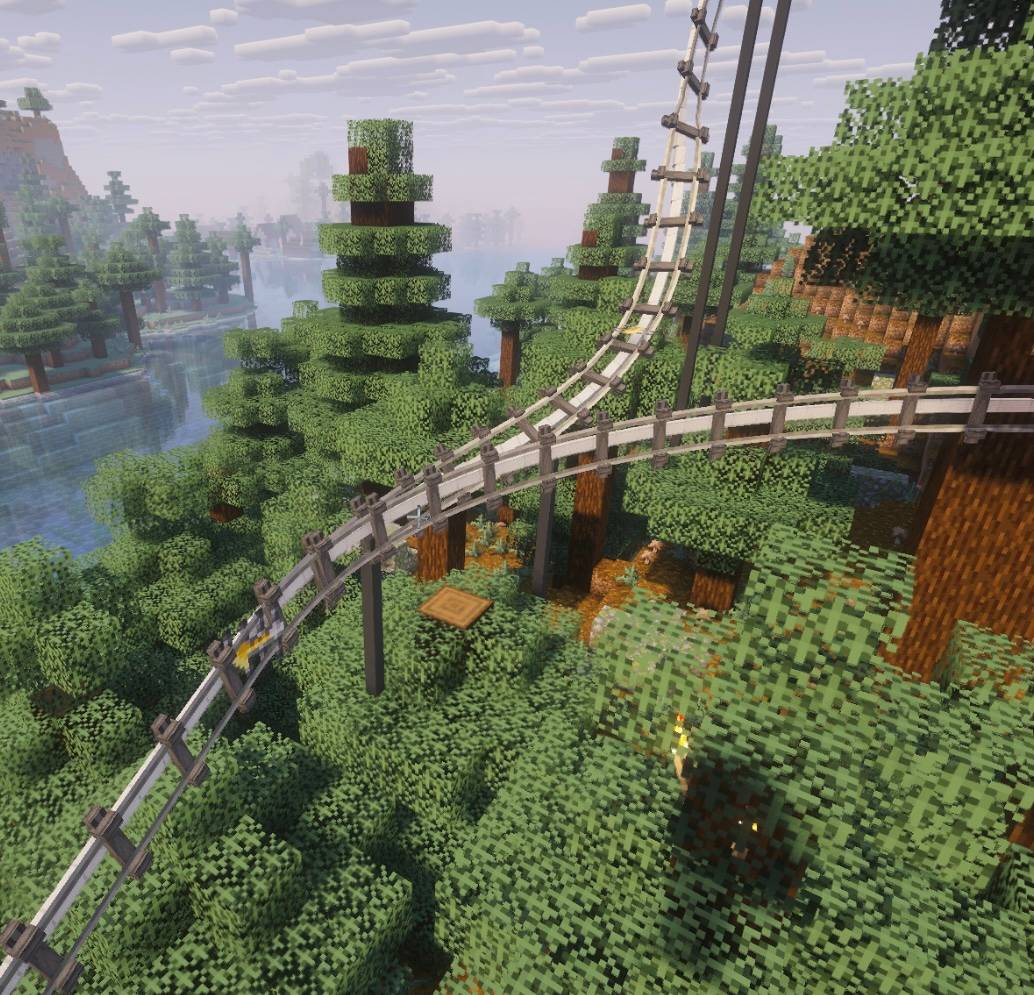 d1ba341411b2f1e8aaed2063c88a124d933f3bc7.jpg d1ba341411b2f1e8aaed2063c88a124d933f3bc7.jpg
-
splinecart automatic I added automatic building of track supports,
-
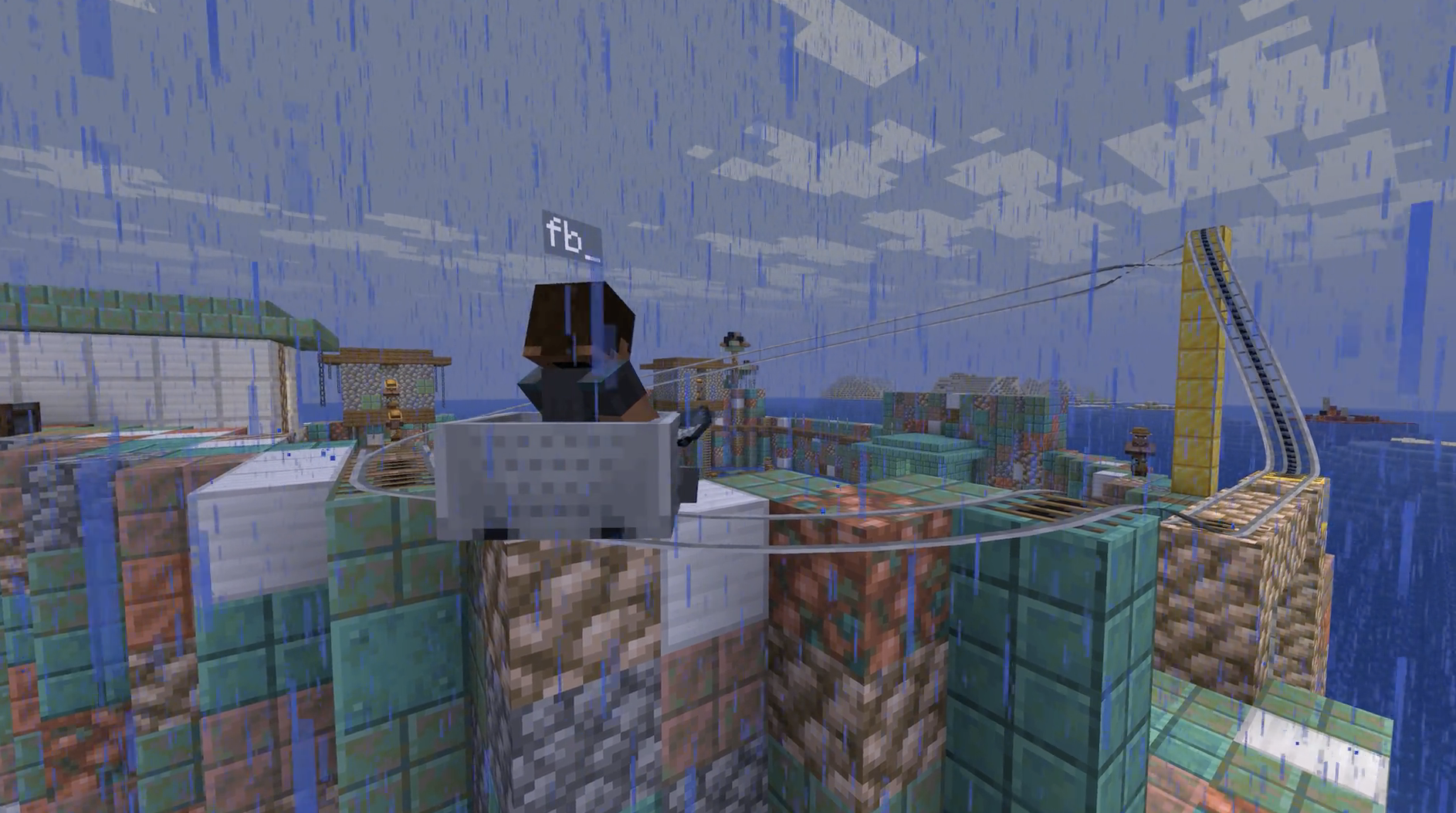 splinecart fork ported to 26.1.2
 -
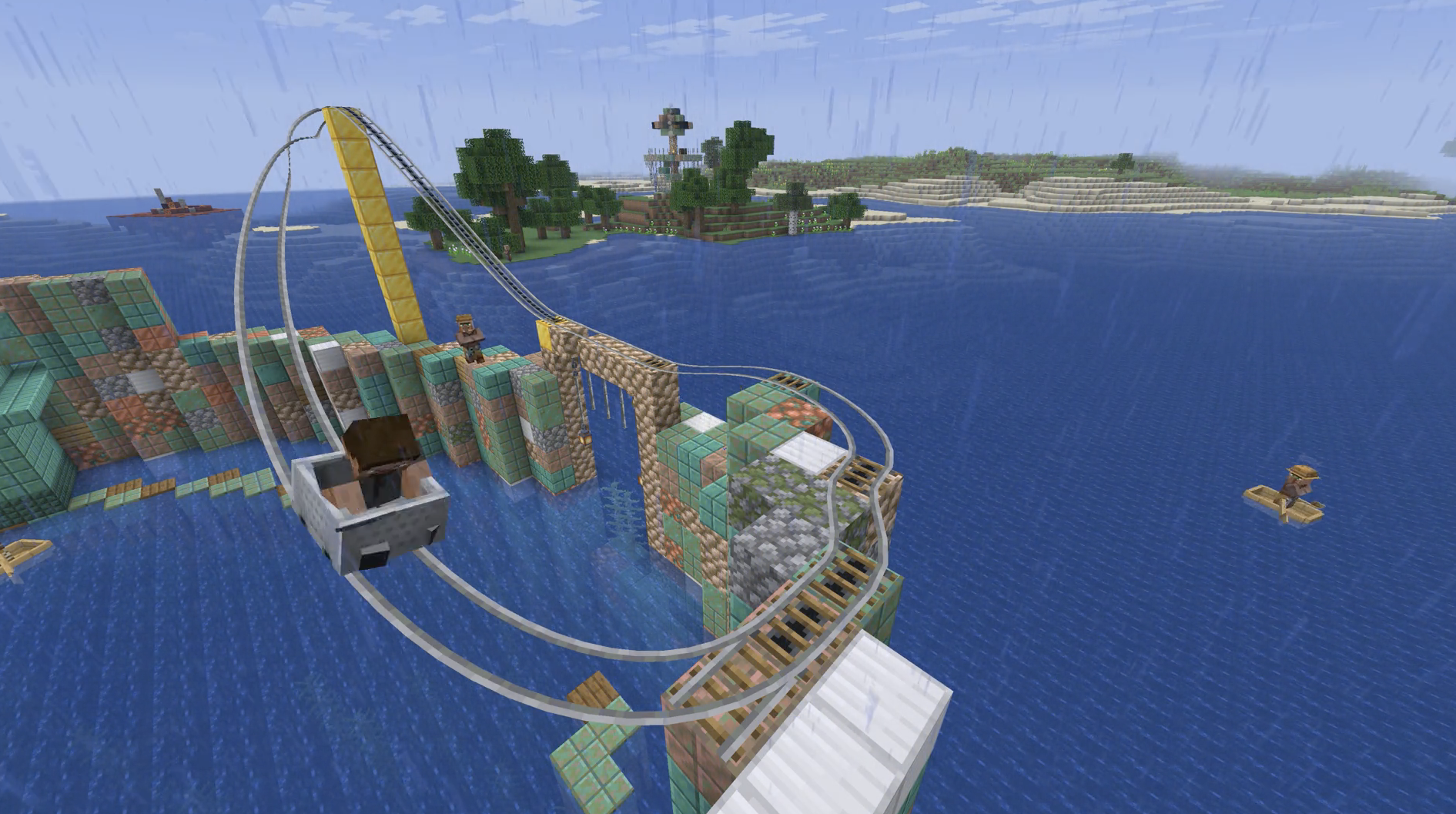 splinecart splinecart on 26.1.2
 -
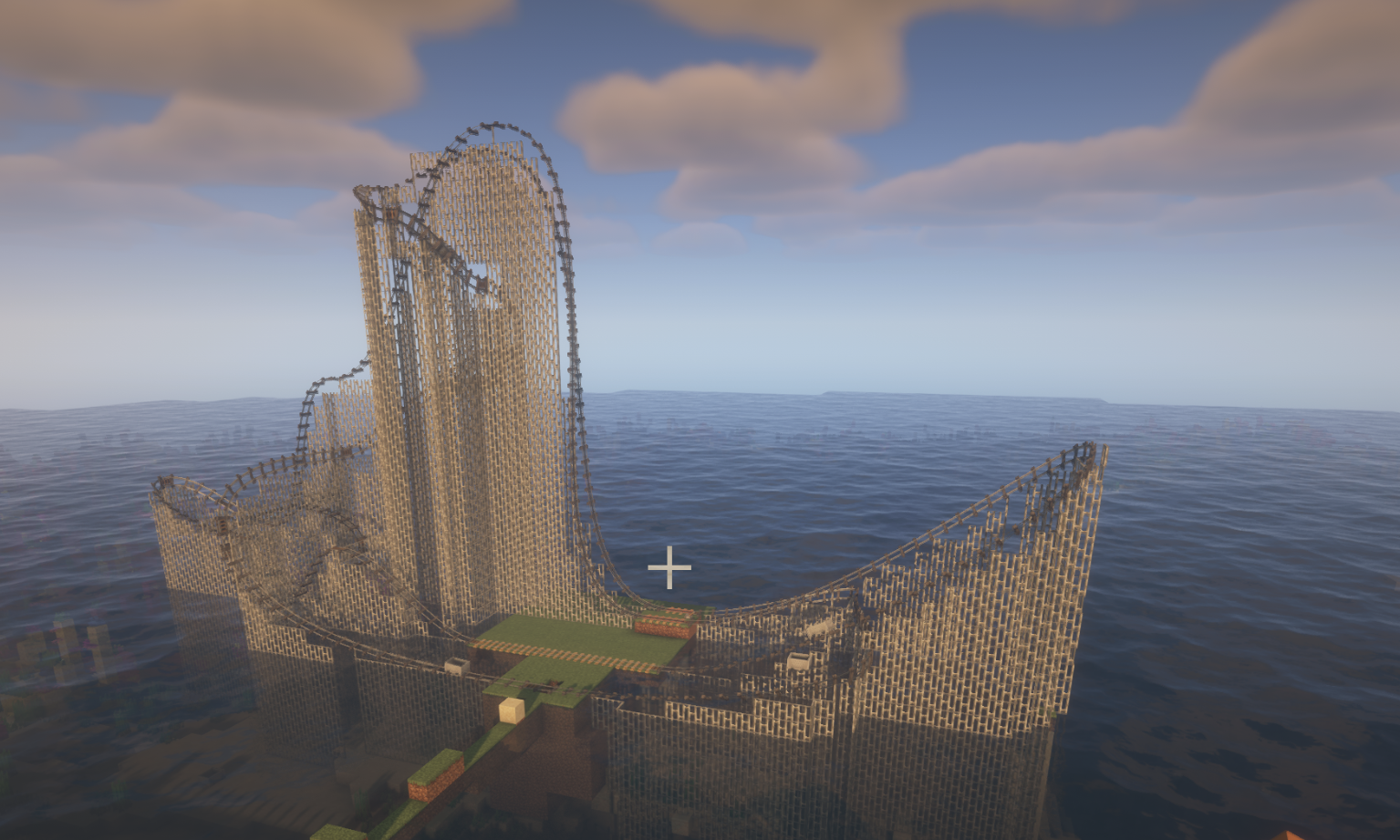 rollercoster rollercoster by splinecarts with supports
 -
splincart rollercoster peterwolfs splincart rollercoster with supports.
-
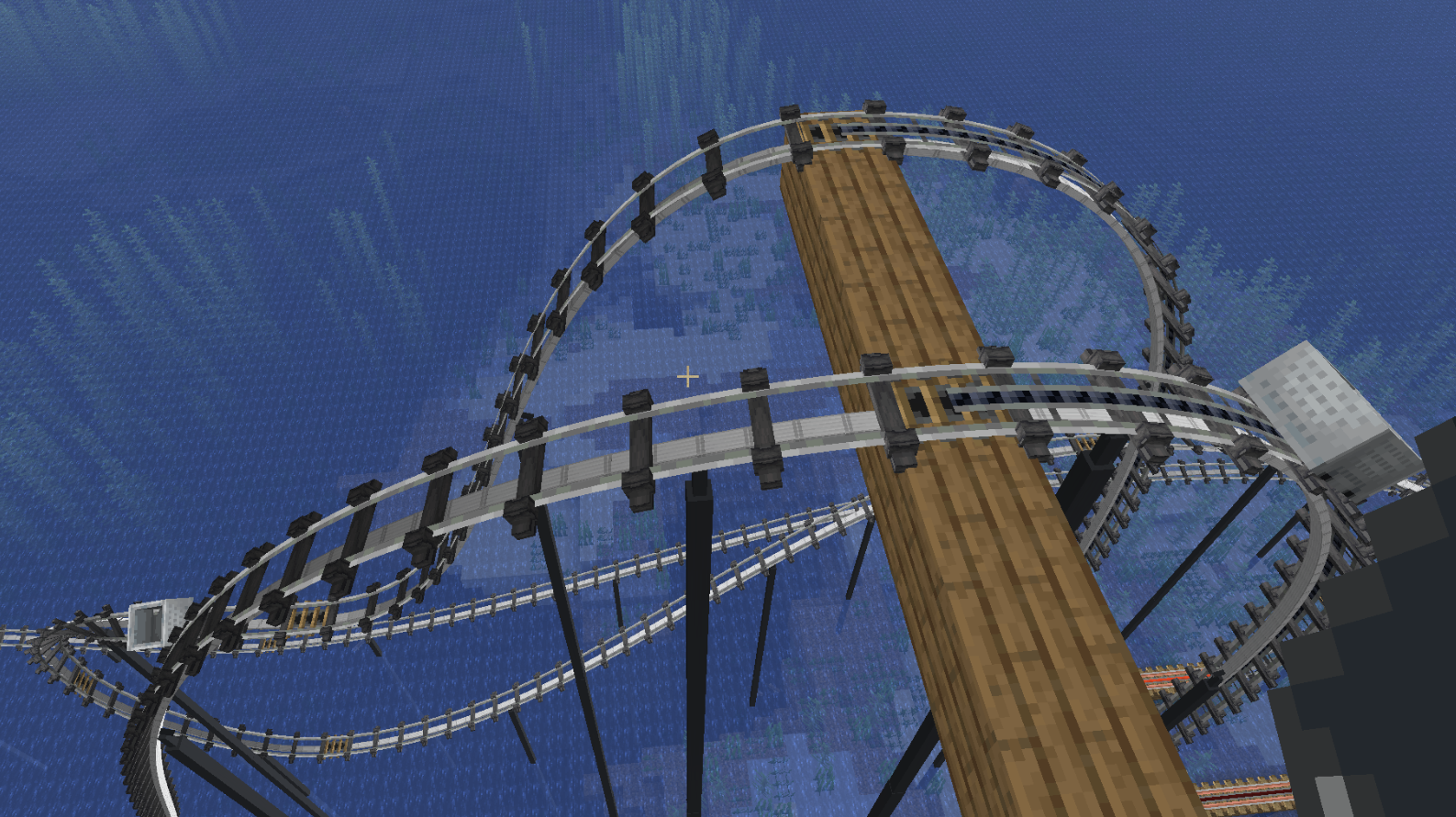 steel suports steel suports track
 -
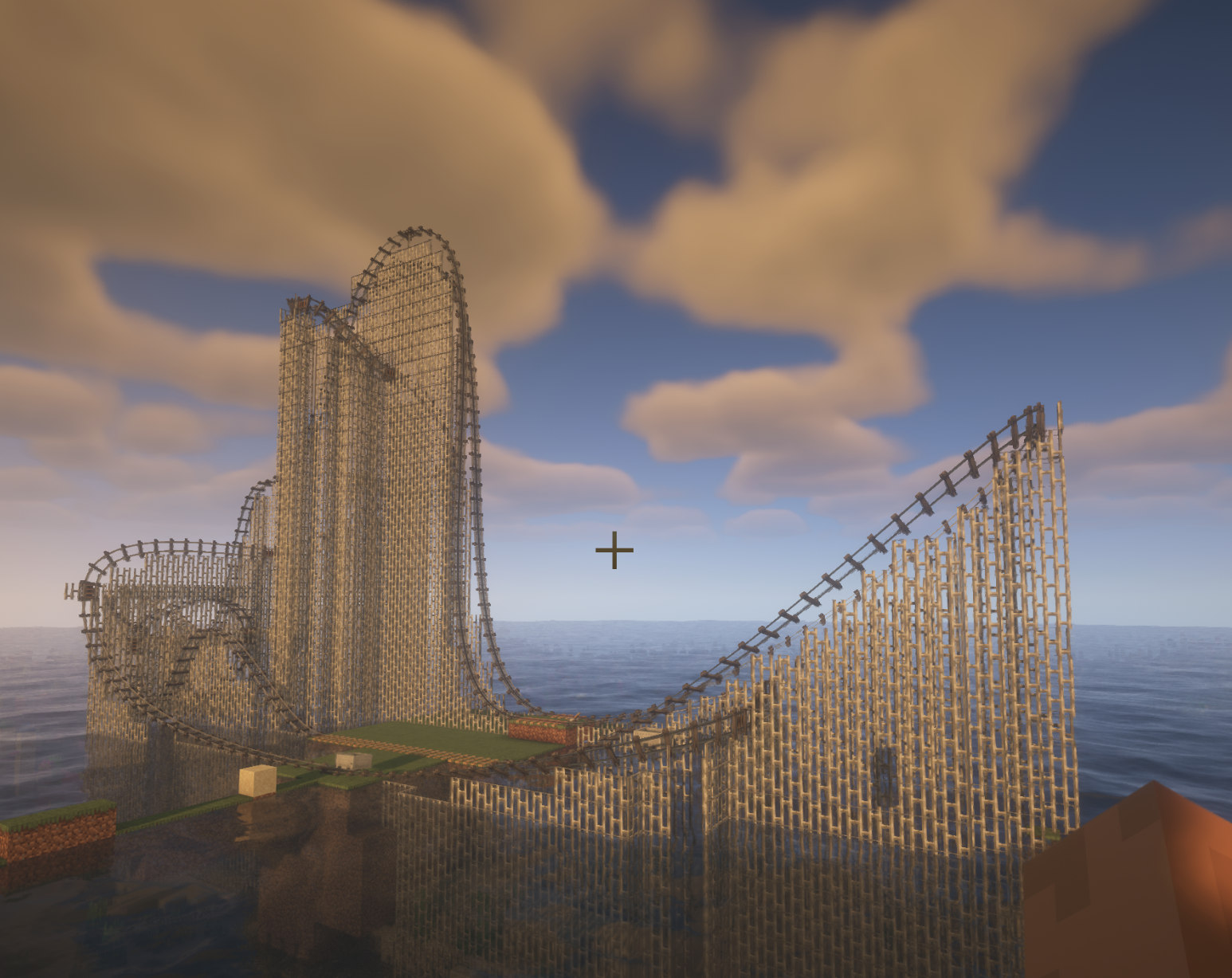 splinecart coster splinecart rollercoster 7 flags
 -
Versions
Files
Relations
Project Relations
More like this
Similar Mods
Suggestions use data such as tags, dependencies, dependents, descriptions, titles, and more to rank how much they overlap with this mod.
On ModDex
Community snapshot
By the numbers
Statistics
Want to reach Minecraft players?
We're looking for a server hosting partner to feature here and other parts of the site. Interested? Send us a message!
Get in touchGet it on
Available Platforms
On ModDex
Community snapshot
By the numbers
Statistics
Resources