
Community listing page, reviews here may not be monitored by the author.
Phantasia

No reviews yet
Phantasia is a Guide, Script, and Viewer platform for a vast array of machine/magic mods designed to be easily used by anyone.
Community voices
Reviews
No reviews yet. Be the first to review this project!
Get it on
Available Platforms
About
Project Details
For authors
Embed Badge
If you're the author of this project, you can embed a live badge anywhere that supports HTML or Markdown. It updates automatically whenever ratings change.
Use HTML for any page that supports it, or Markdown for README files and Markdown-based descriptions.
Identifiers
Platform IDs
About
Description
A scripting/viewer mod for a vast array of Tech/Magic mods to help make understanding of mechanics easier. As of now base mc, ars, and gregtech modern are the mods supported with more mods planned for later.
Phantasia was built when I tried to use Ponder outside of create and realized while Ponder is truly amazing it fails to have ease of use for developers. So Phantasia was designed from the ground up to have all of it's systems easily designable in game without having to know any code to use/make for it in modpacks.
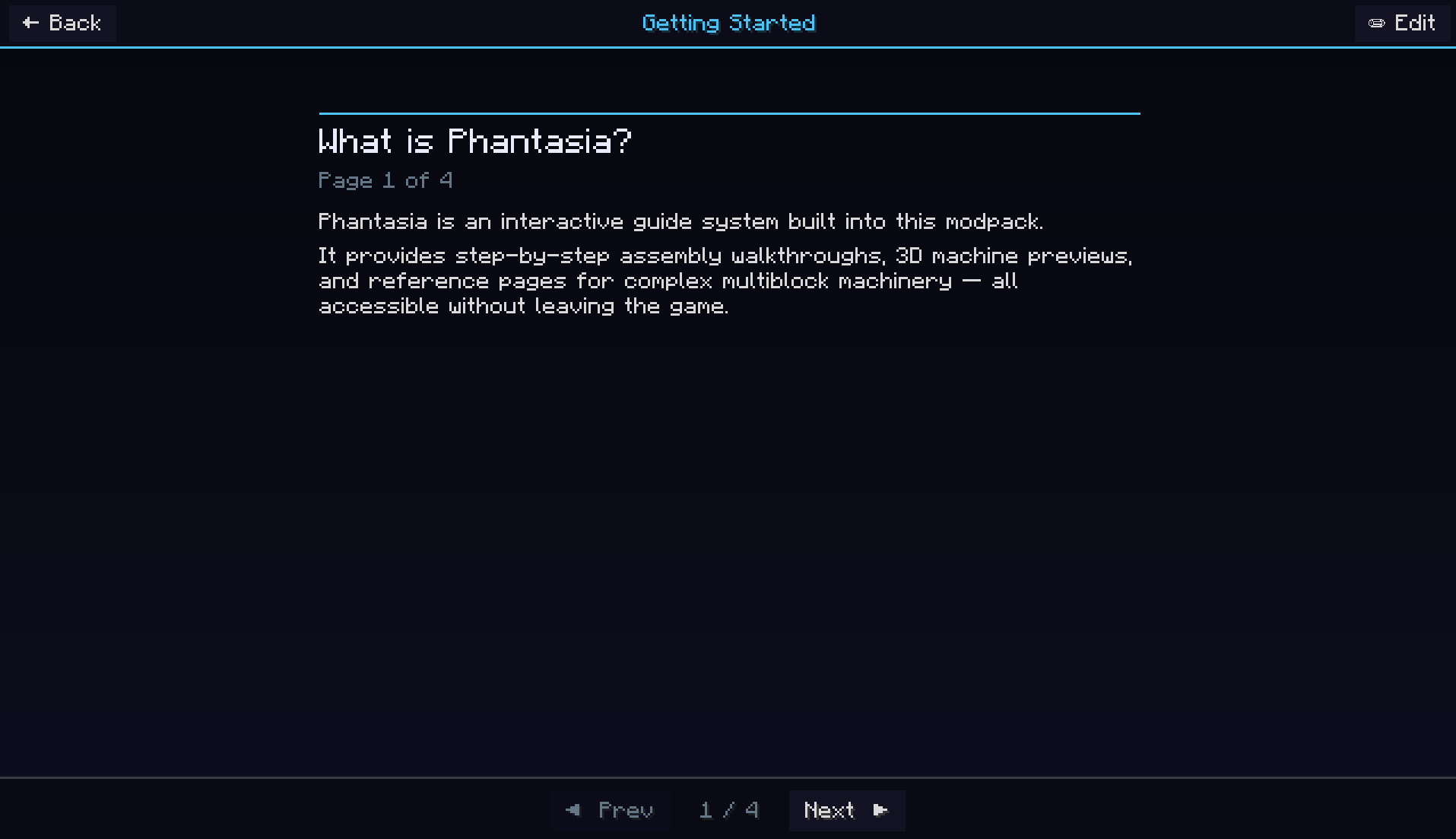
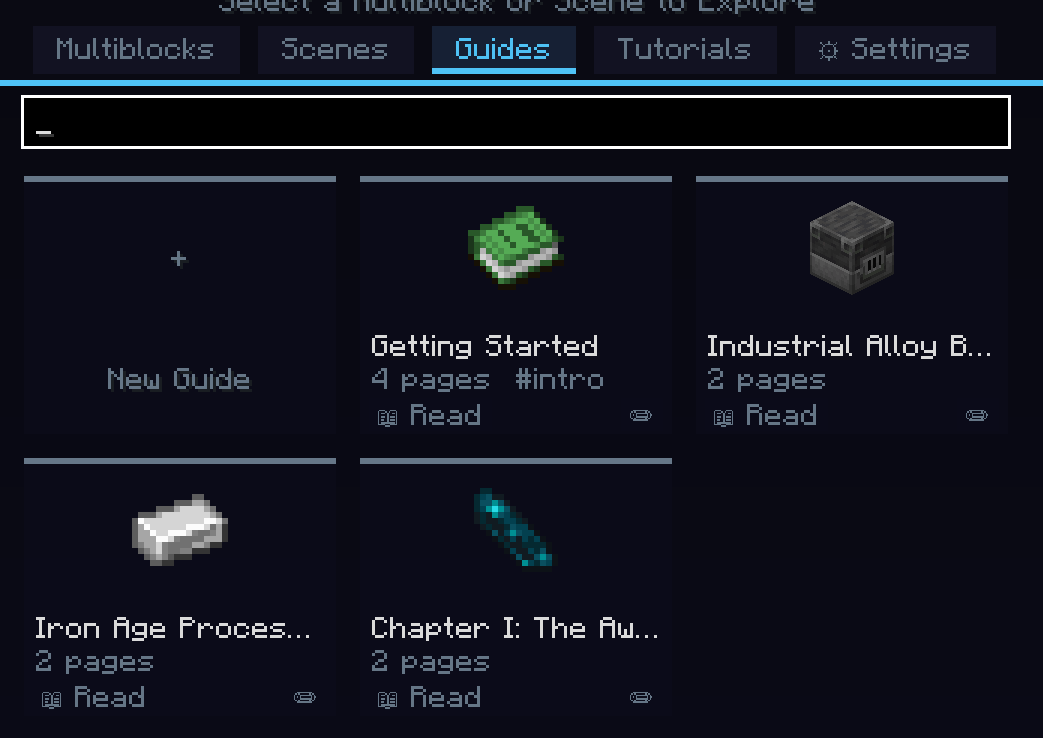
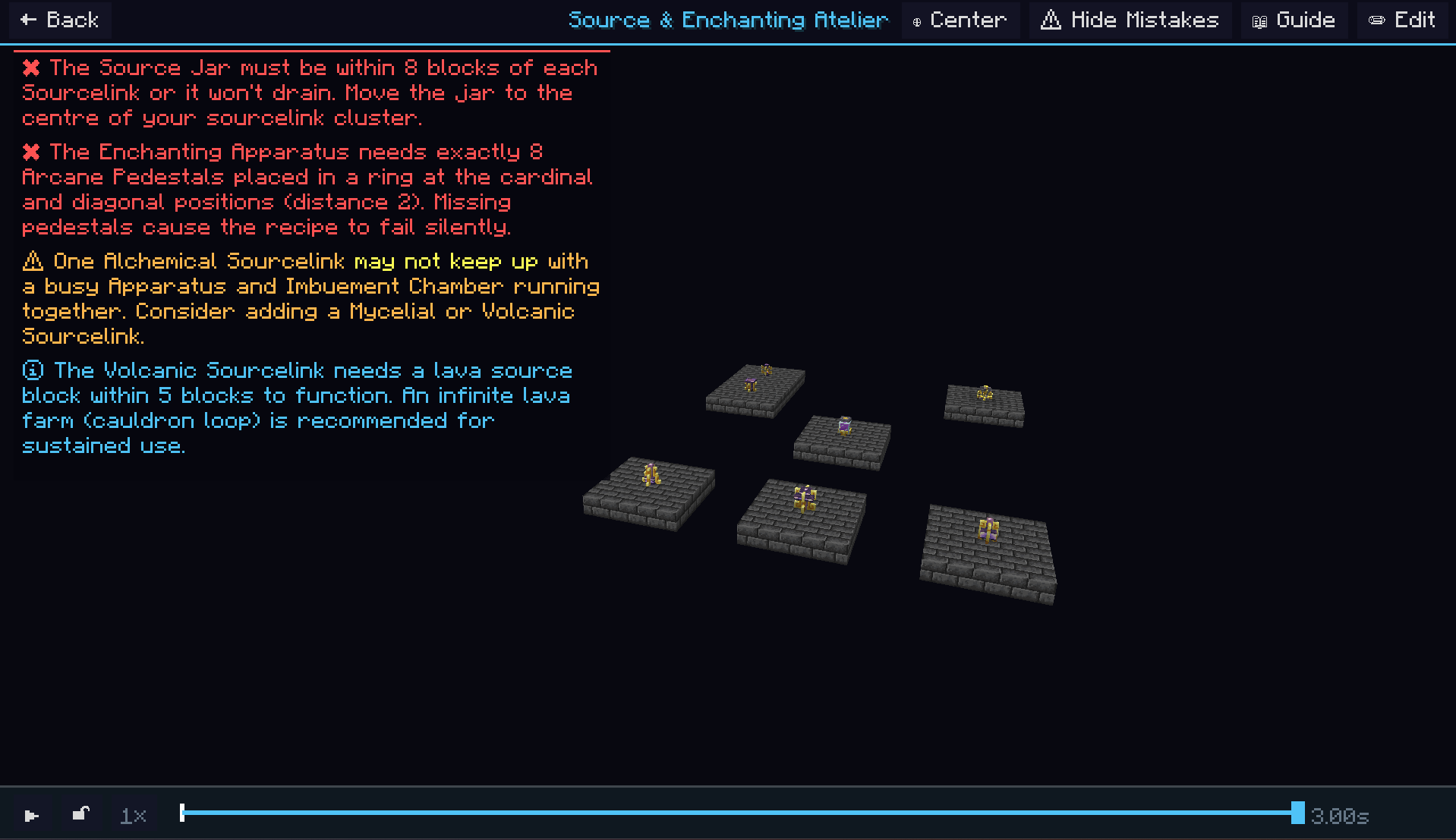
Everything you would need to access as a player is accessible in game including a theme editor, emi tree breakdown of the machine you are viewing, multiple machine Scenes, per machine scripts, text focused guides, a keybind for directly opening Phantasia screens, and a lot more.
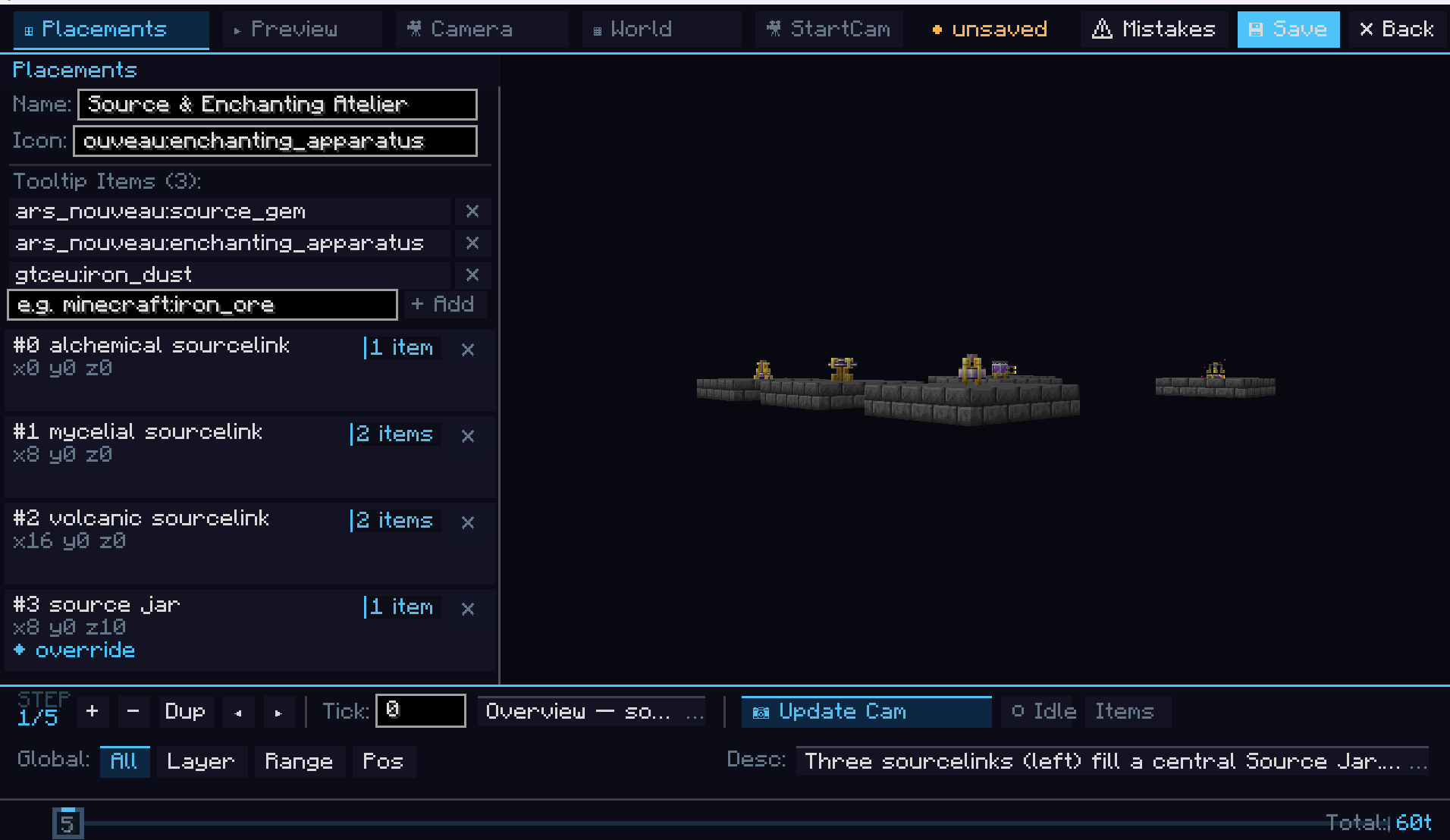
As a dev everything a player would actually see through Phantasia is through the ingame editors and systems. As an exception to this rule we have the configs for giving the manual on first join and the first join toast settings. You can also set the defaults for the settings that can be changed in the ingame settings gui.
The settings you can change ingame include:
- Camera mode: Default: Camera is locked till player manually unlocks.
- Camera sensitivity.
- Zoom speed.
- Tooltip settings: Jade, Jade+Tooltip, Tooltip by itself, Hotbar only, Hotbar+Tooltip.
- How long it takes to open a Phantasia screen by holding the tooltip (in ticks).
- If the scripts autoplay on open.
- If the baseplate for scripts is shown.
- A theme editor where you can change/make your own themes.
- Performance mode: Balanced (default), a mix of script load time/quality, Performance, a mode focused on the ultimate load speed even if the blocks take a bit of time before they show, Quality, a mode focused on the top quality (loads all blocks before showing the script).
Config file only settings include:
- If the Phantasia Manual is given to players on first join.
- If the welcome toast is shown to players on first join.
- How long the welcome toast stays if enabled.
Logo by https://www.curseforge.com/members/jumboreal/projects.
Screenshots
Gallery
-
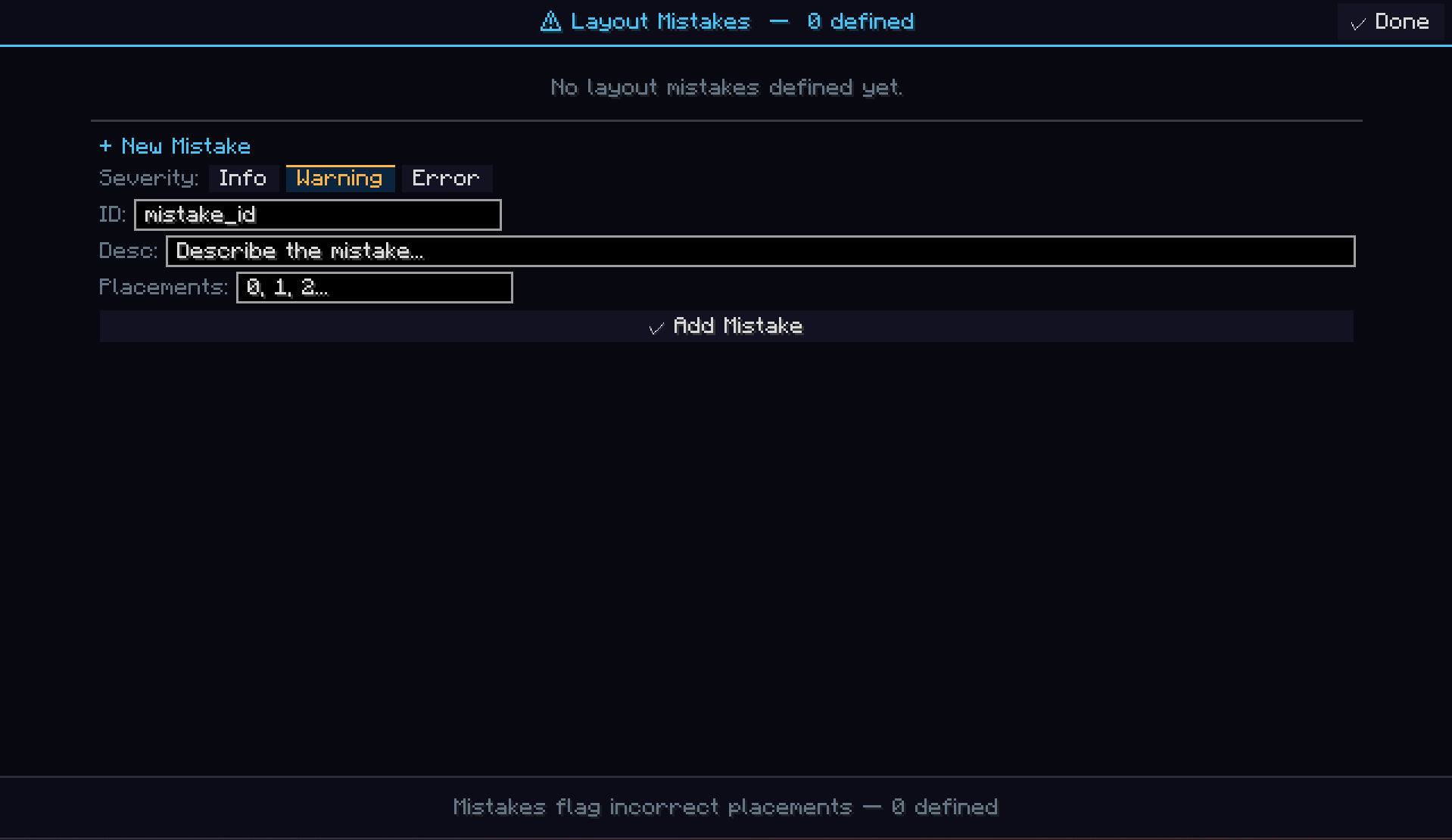 adding_mistake.png adding_mistake.png
 -
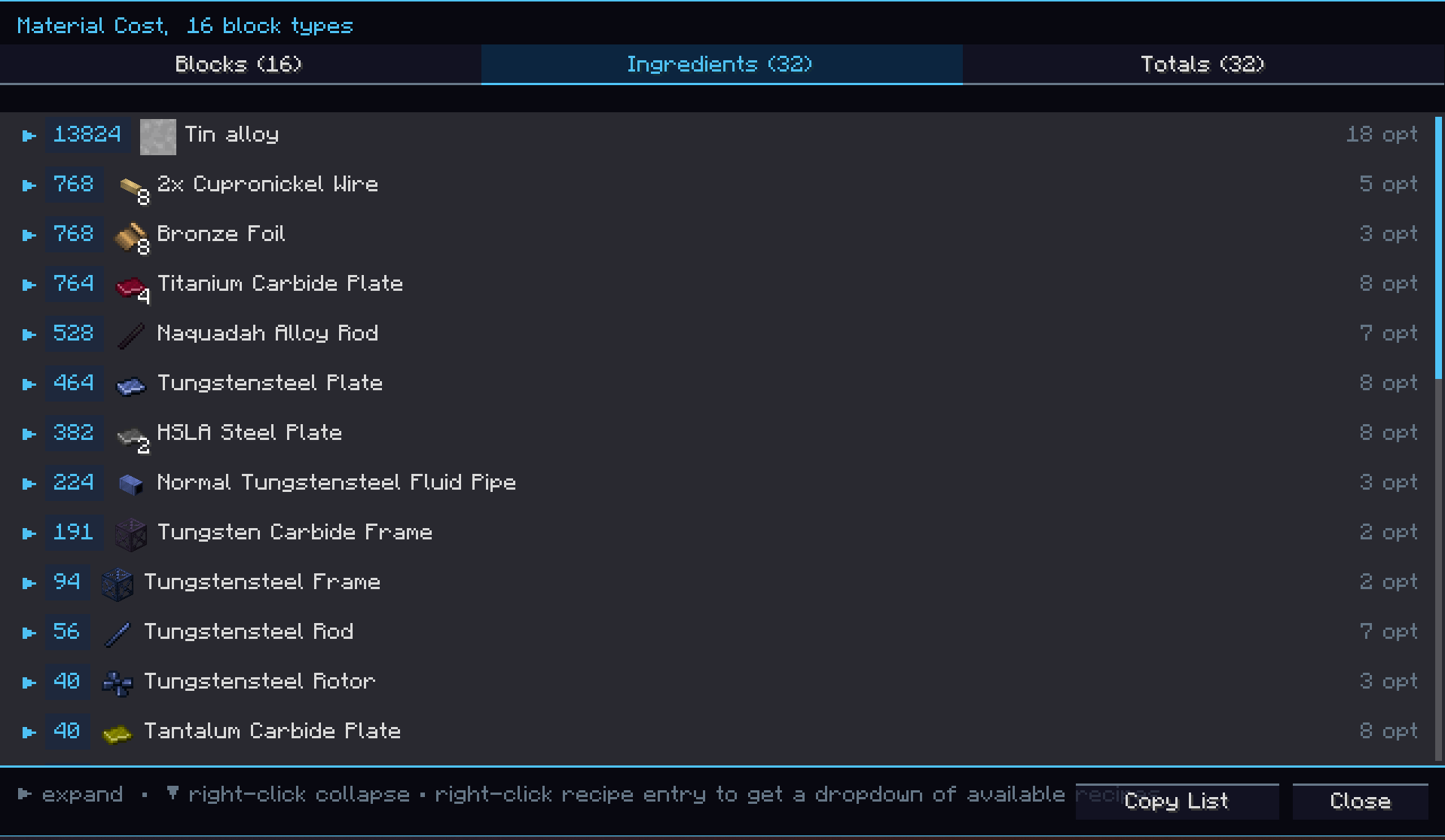 emi_tree_screen.png emi_tree_screen.png
 -
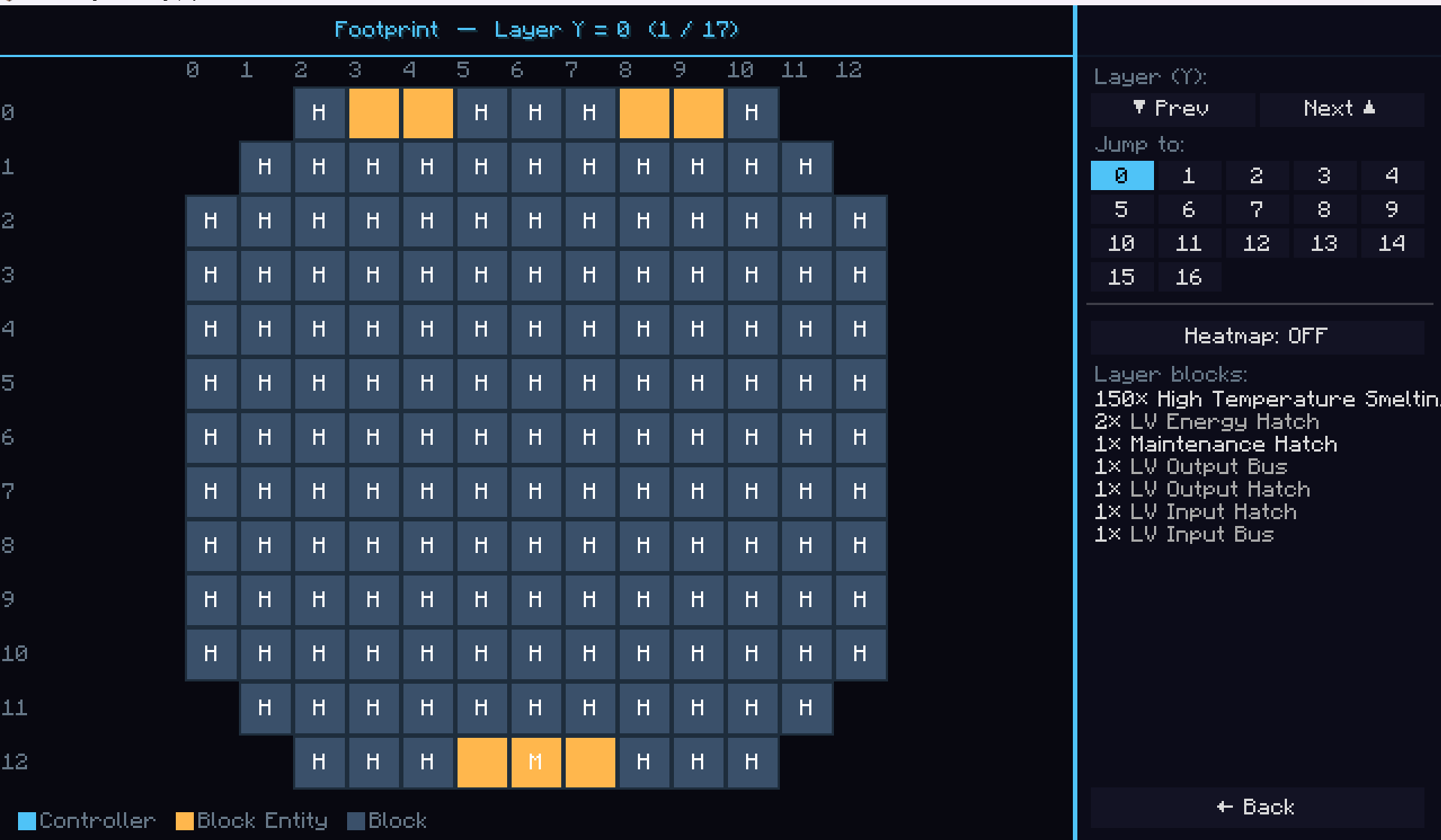 footprint_screen.png footprint_screen.png
 -
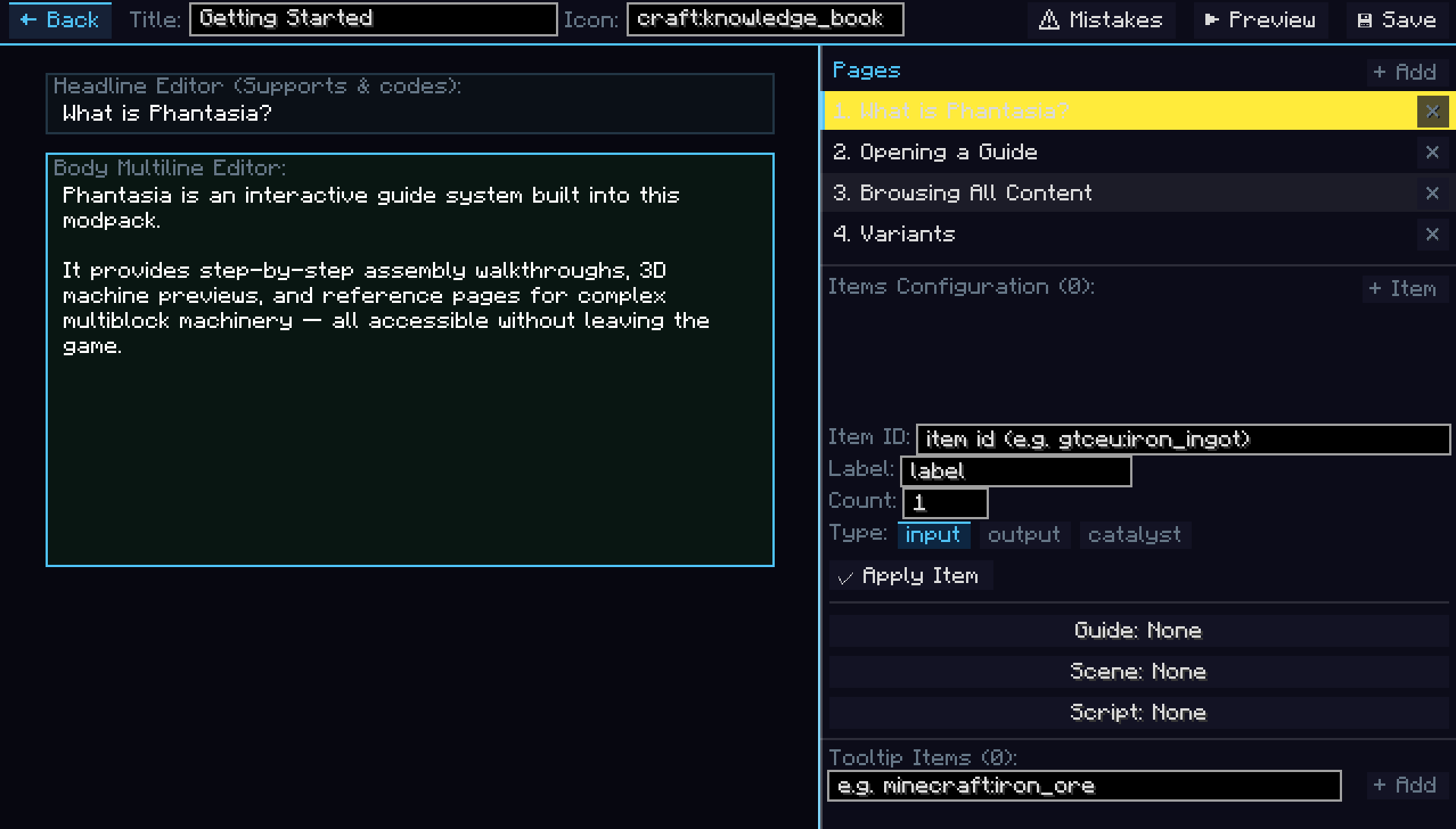 guide_editor_example.png guide_editor_example.png
 -
 guide_example.png guide_example.png
 -
 guides_tab.png guides_tab.png
 -
 phantasia.png phantasia.png
 -
 scene_editor_example.png scene_editor_example.png
 -
 scene_example.png scene_example.png
 -
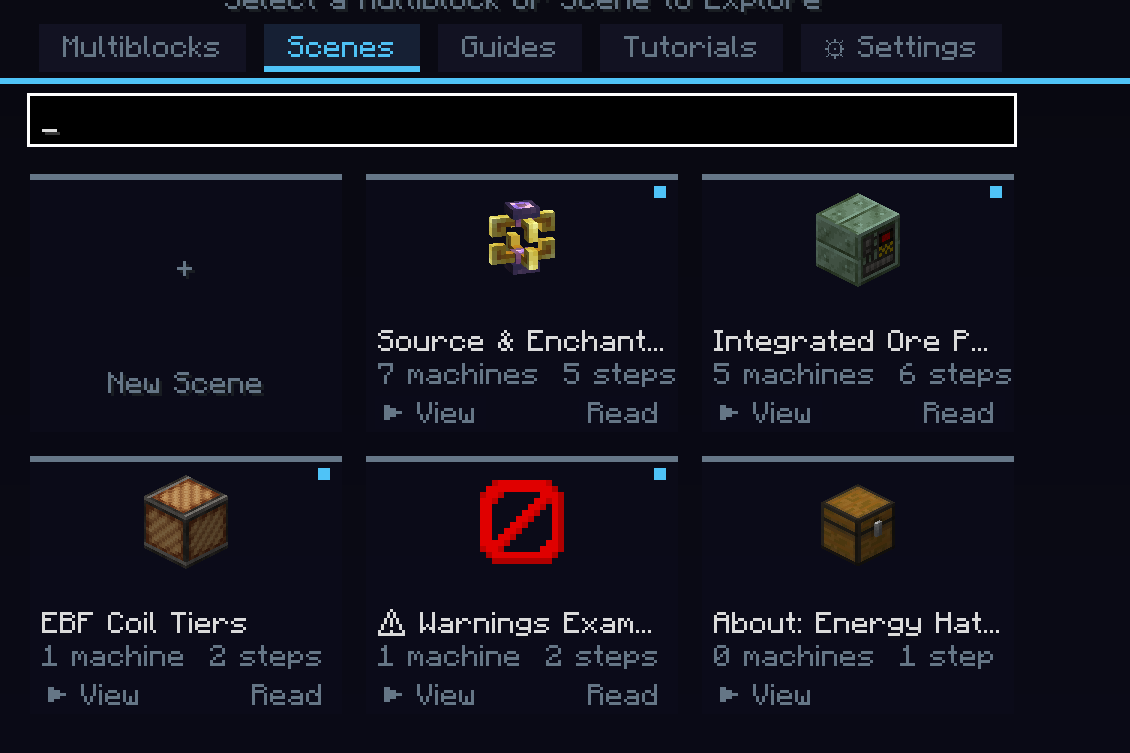 scenes_tab.png scenes_tab.png
 -
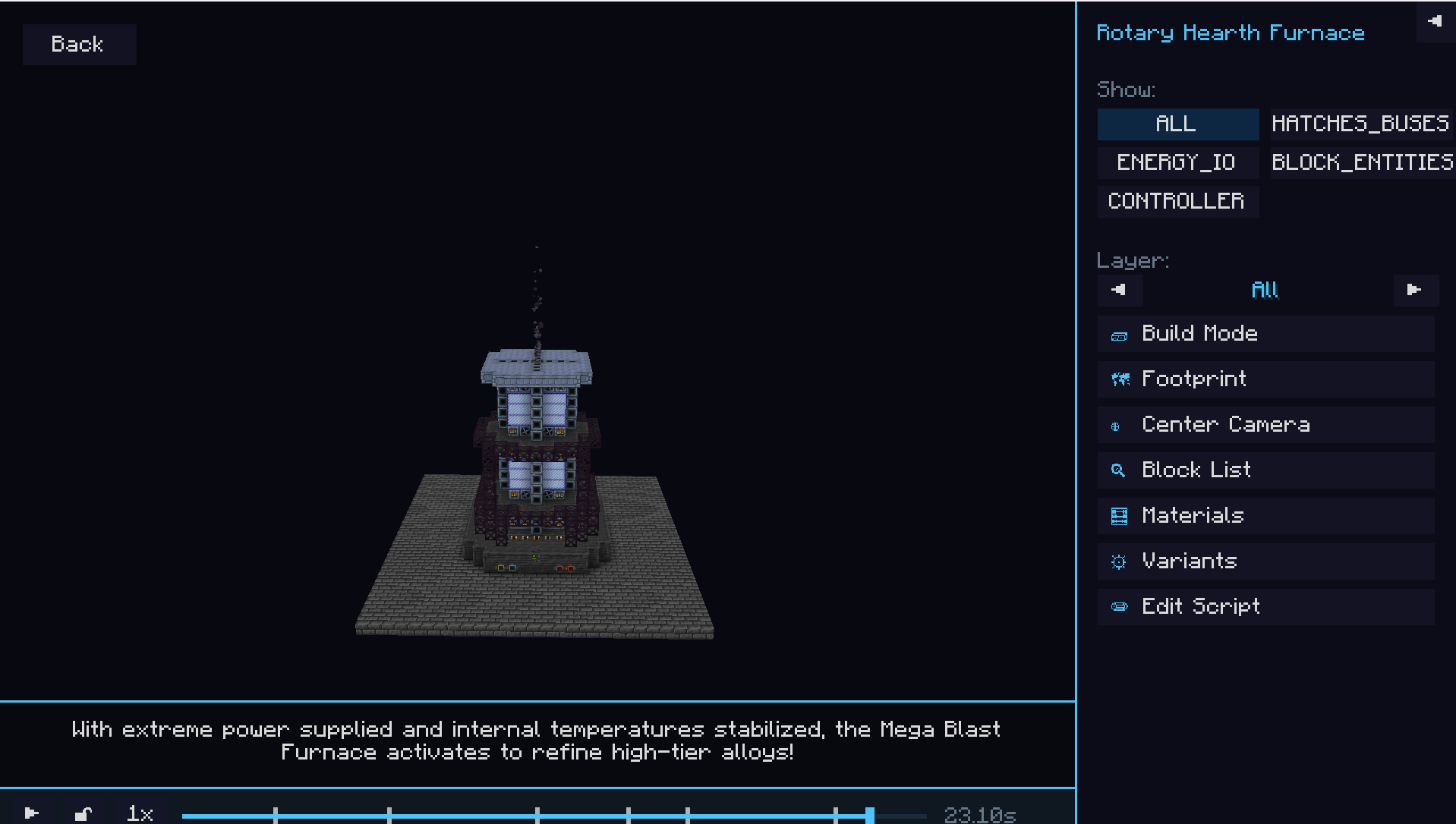 script_example_gregtech.png script_example_gregtech.png
 -
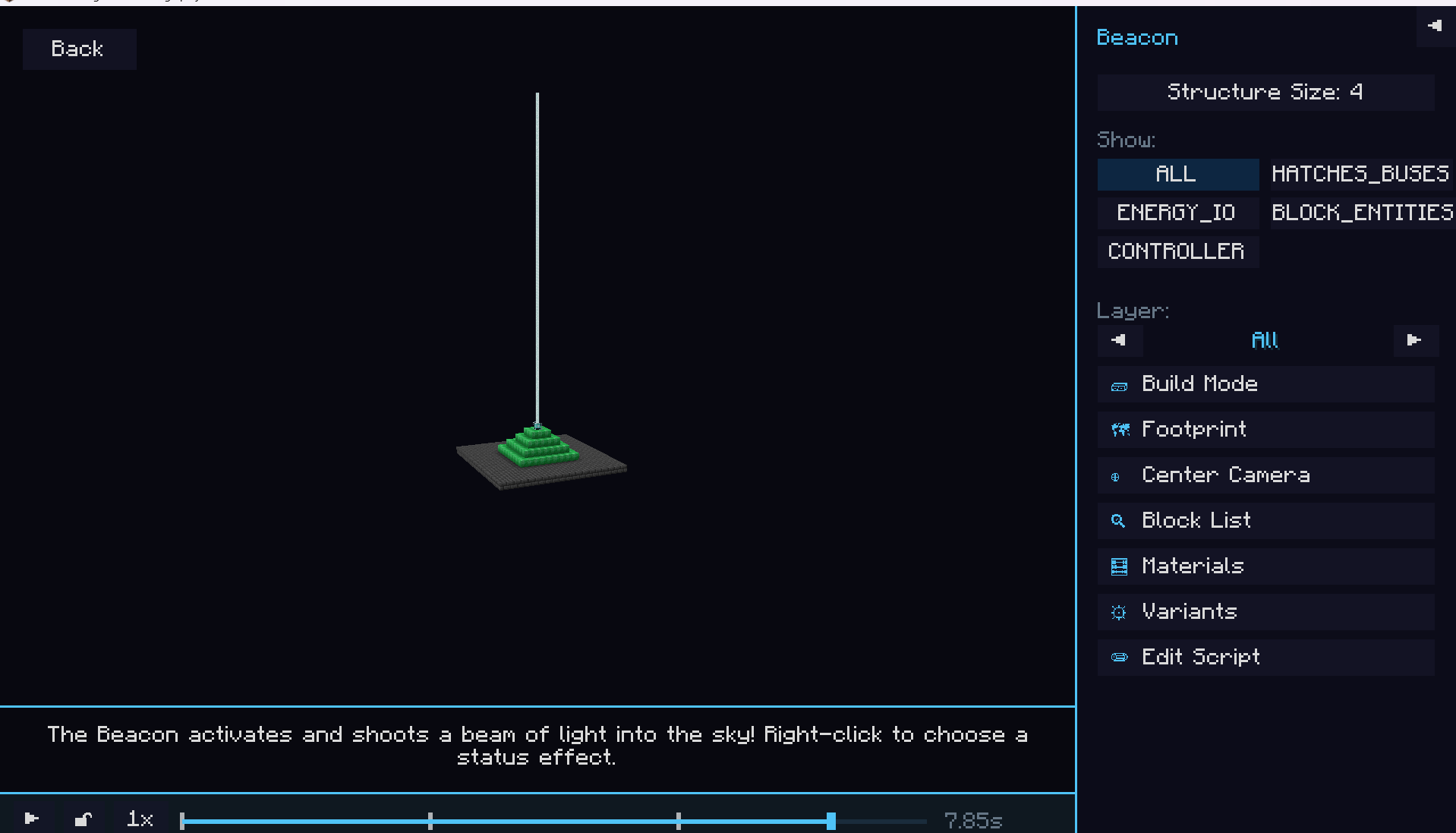 script_example_minecraft.png script_example_minecraft.png
 -
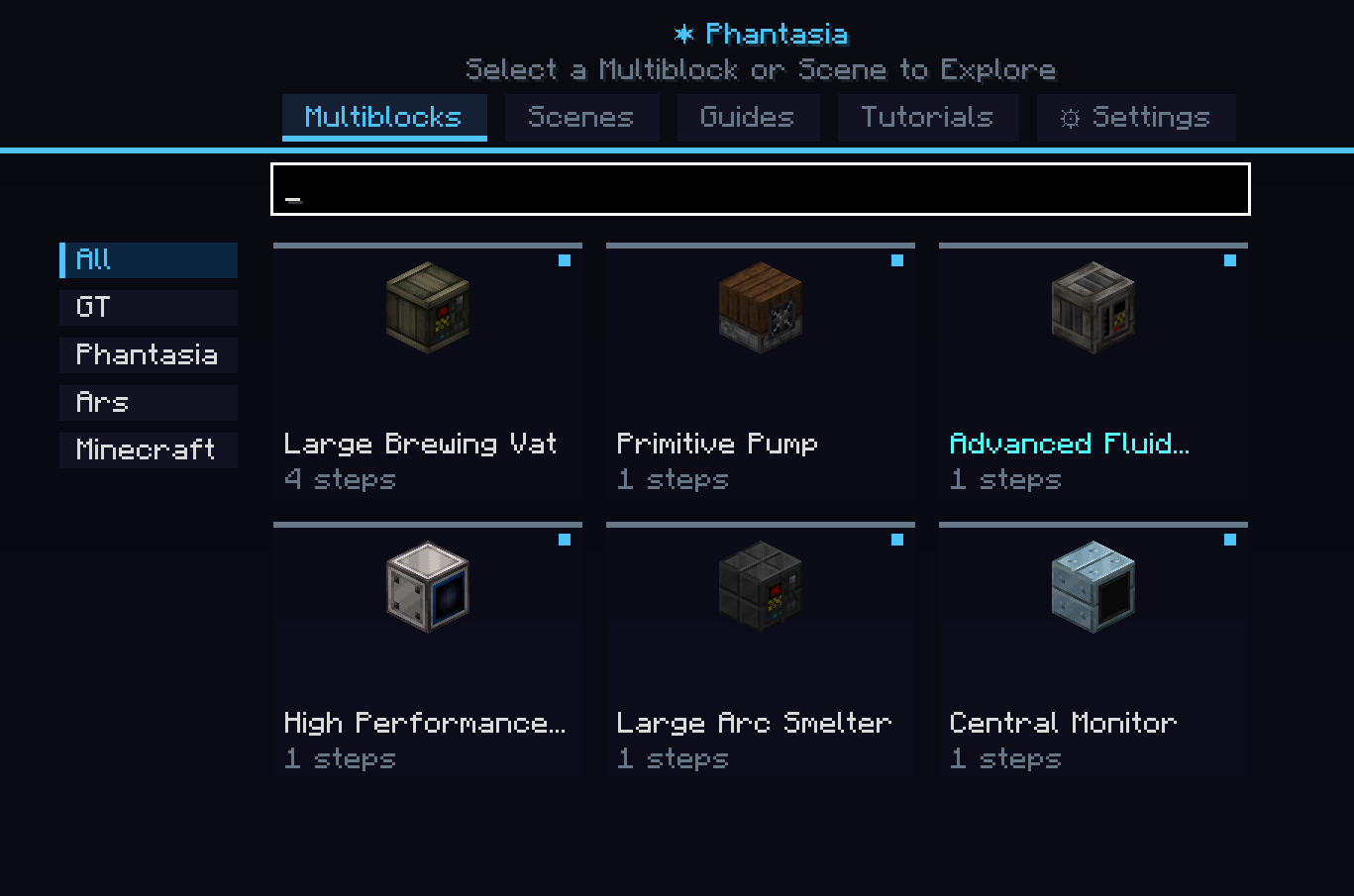 selection_screen.png selection_screen.png
 -
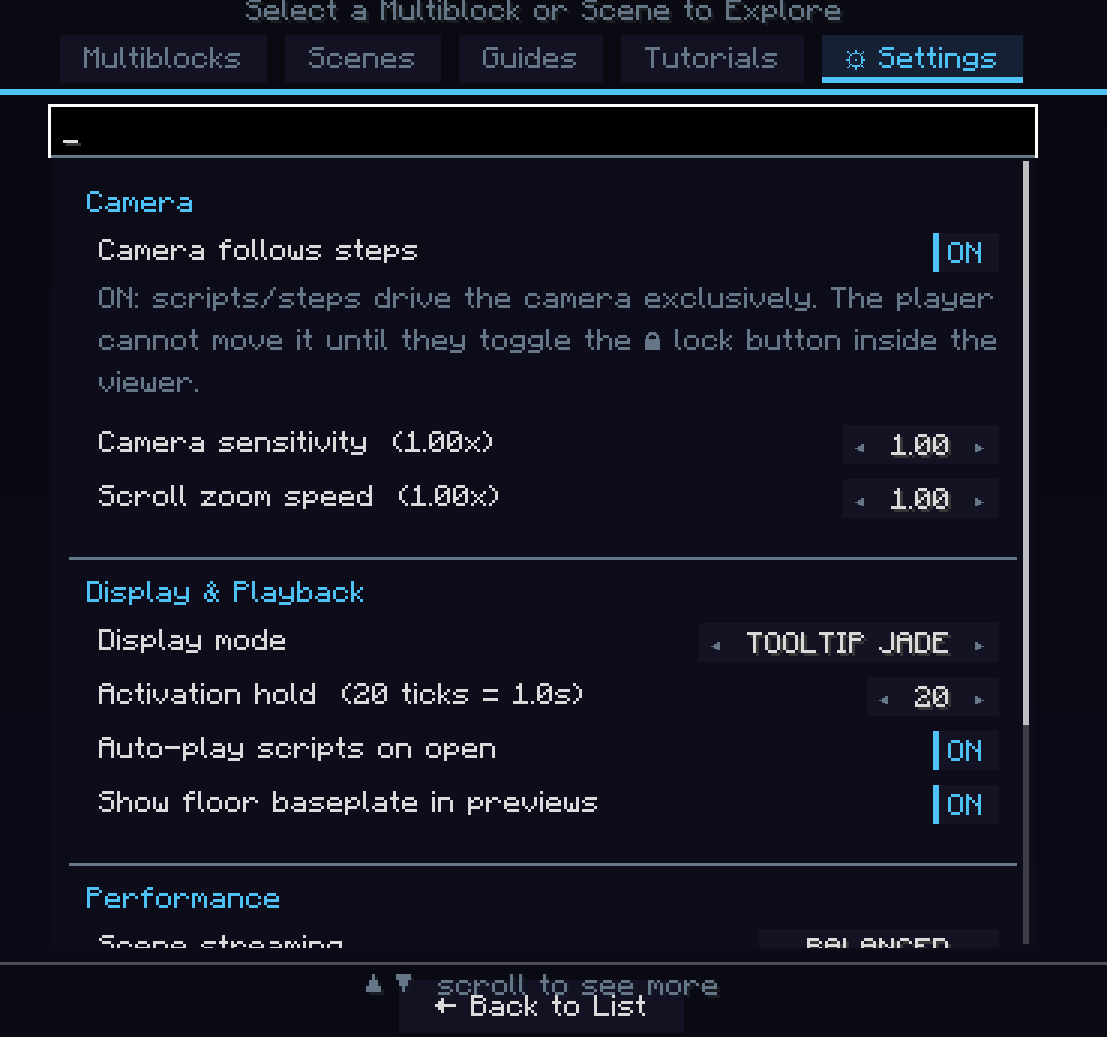 settings.png settings.png
 -
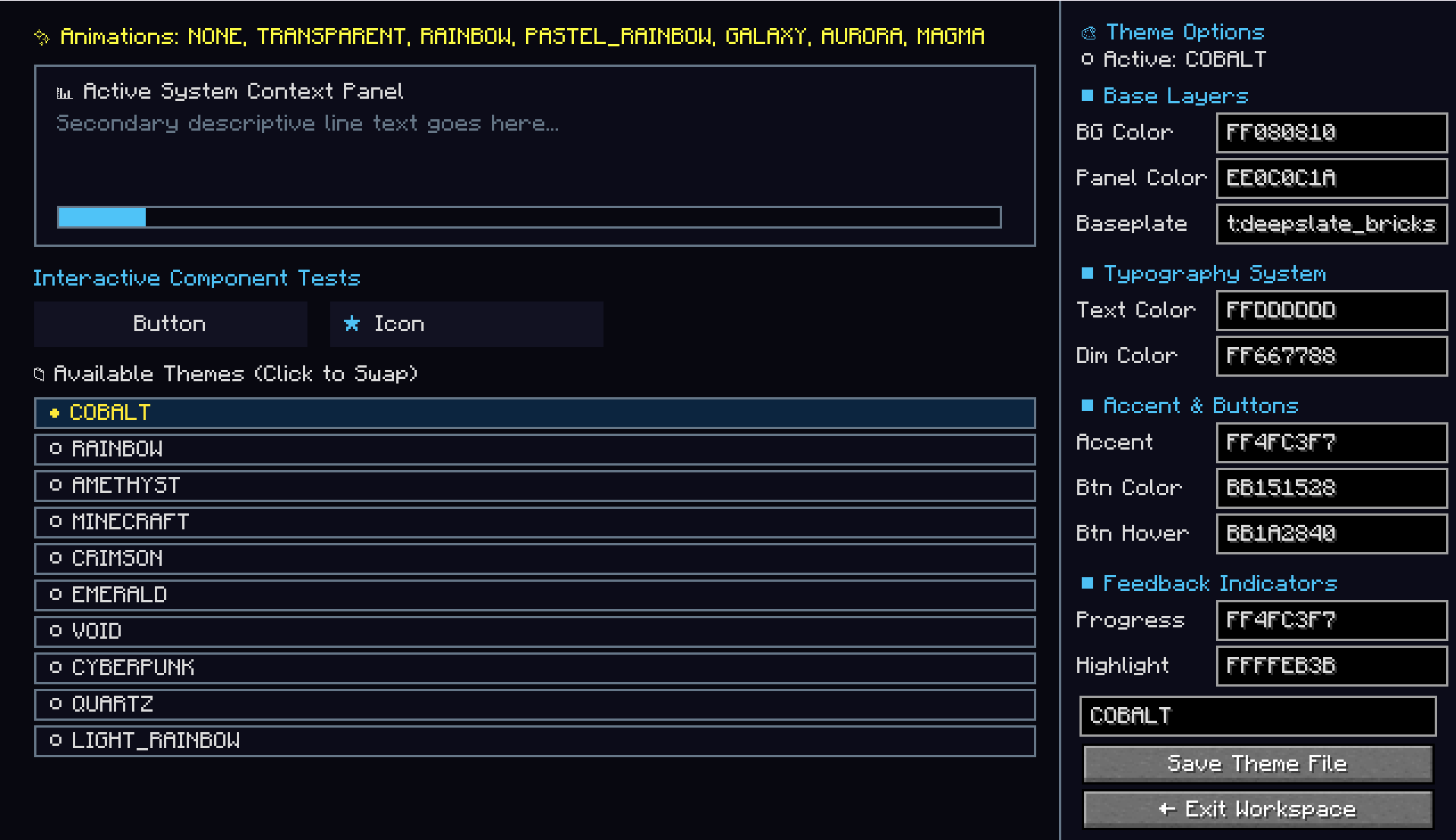 theme_editor.png theme_editor.png
 -
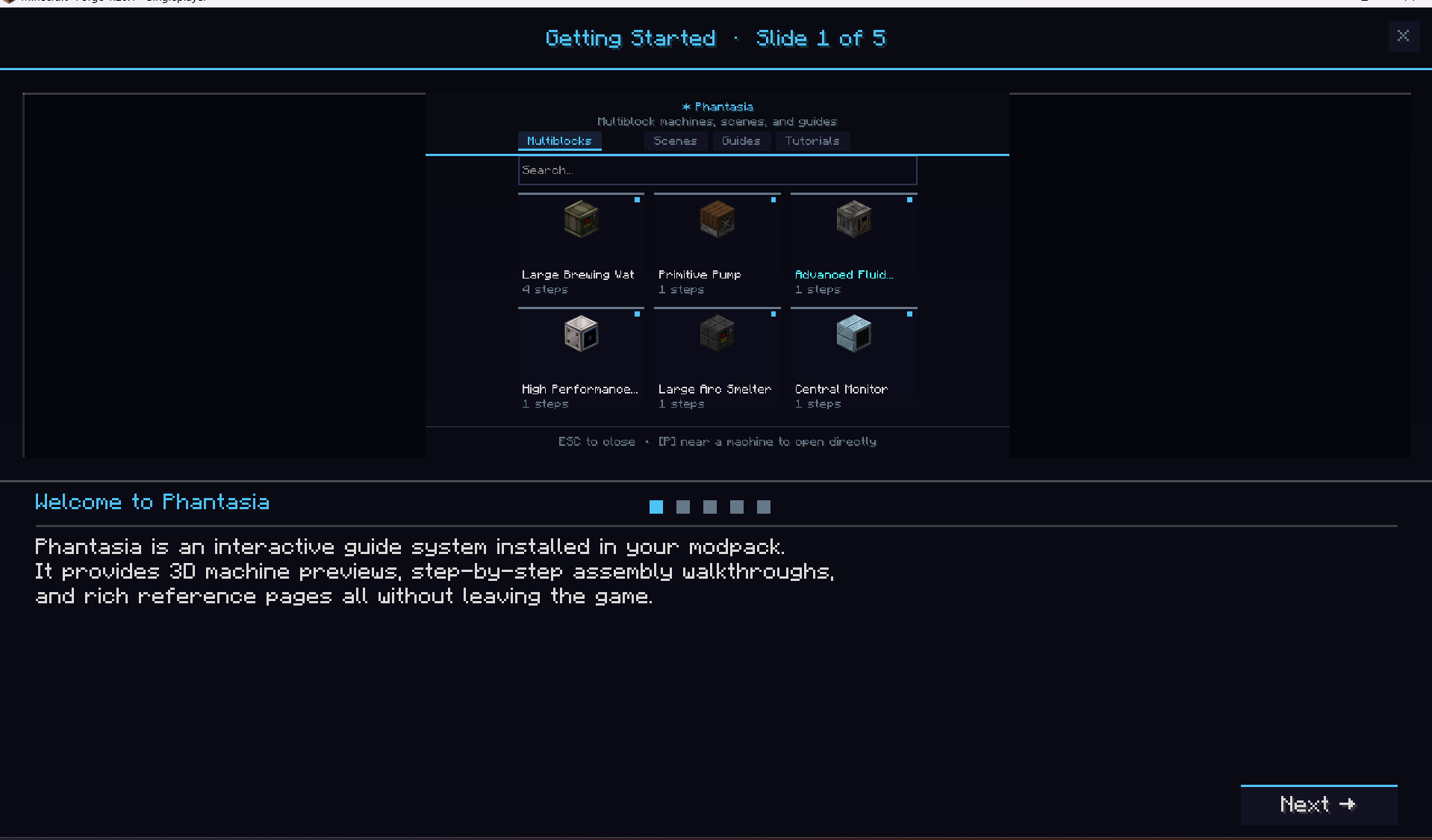 tutorial_getting_started.png tutorial_getting_started.png
 -
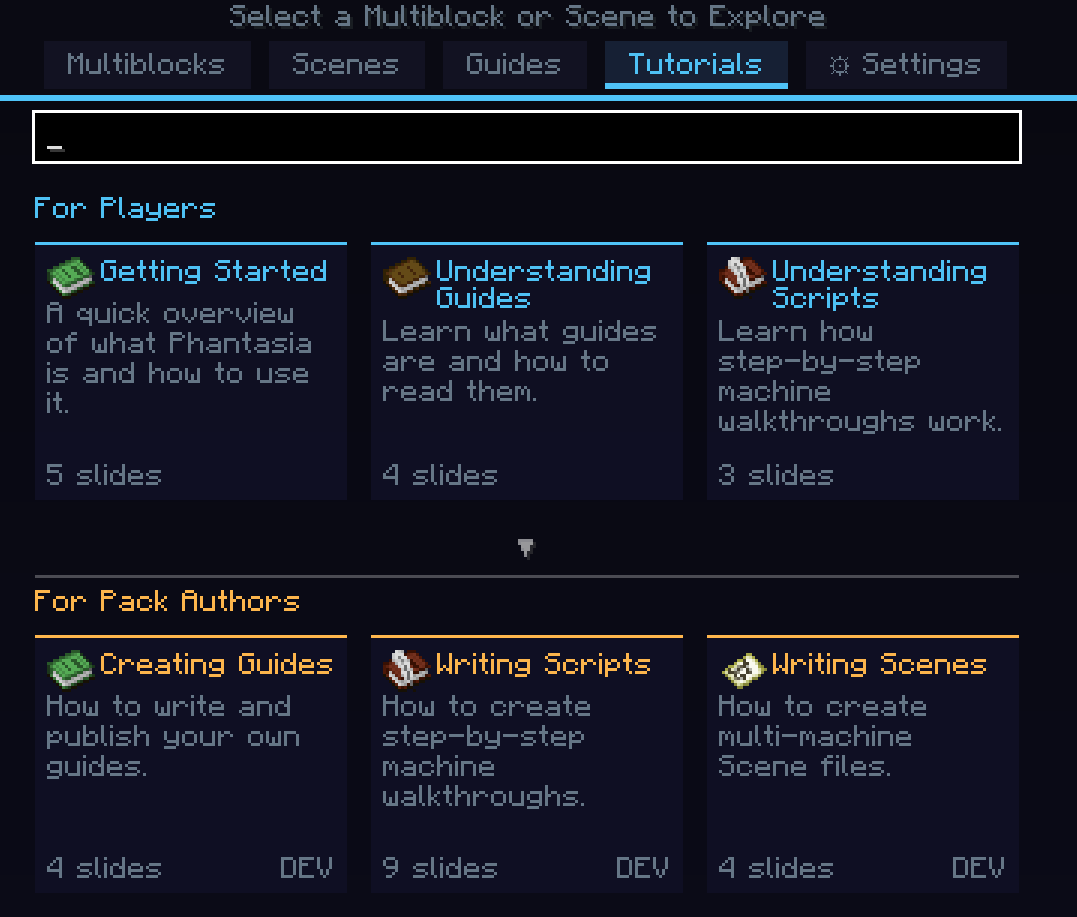 tutorials_tab.png tutorials_tab.png
 -
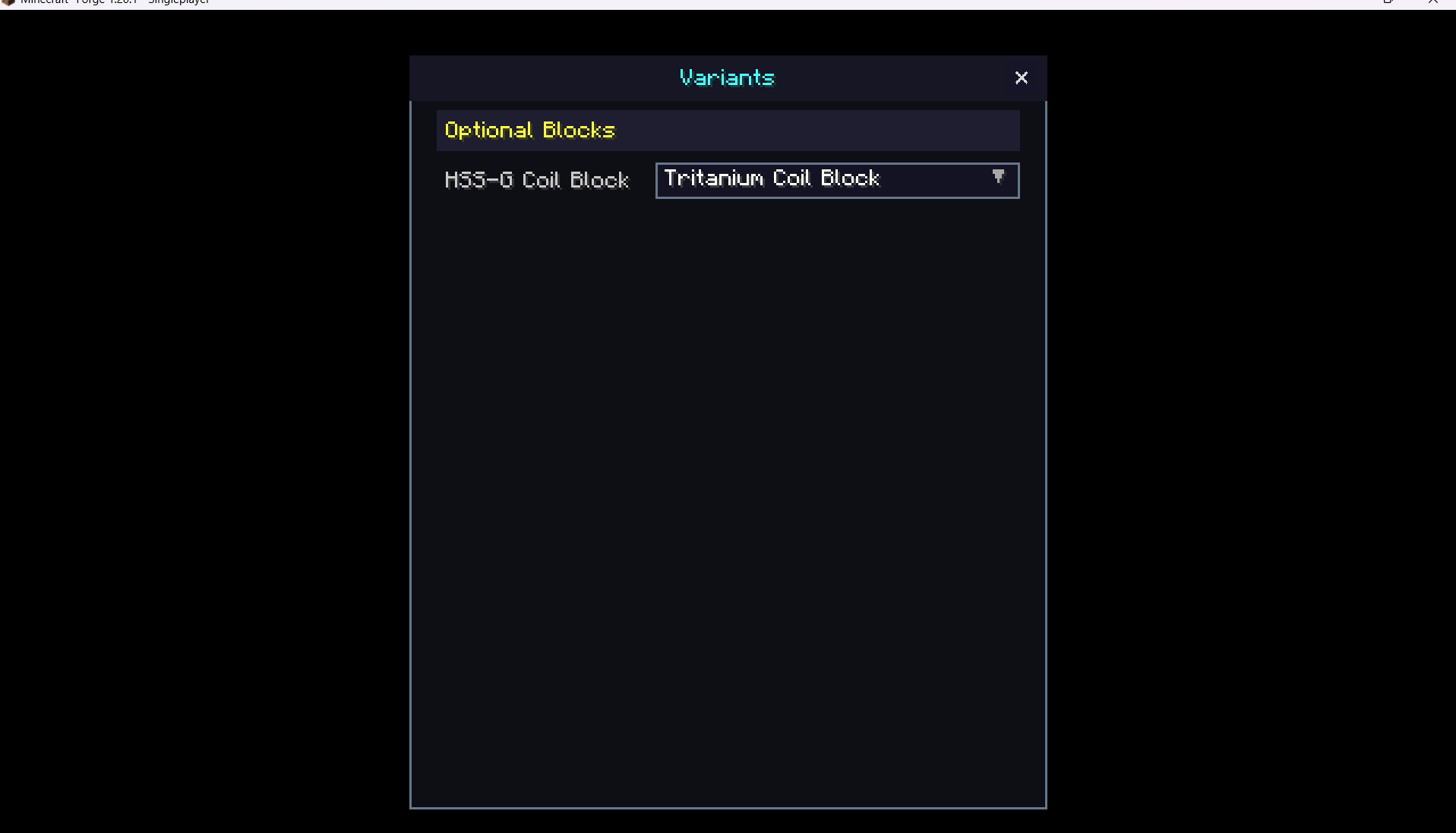 variants_screen.png variants_screen.png
Versions
Files
Relations
Project Relations
More like this
Similar Mods
Suggestions use data such as tags, dependencies, dependents, descriptions, titles, and more to rank how much they overlap with this mod.
On ModDex
Community snapshot
By the numbers
Statistics
Want to reach Minecraft players?
We're looking for a server hosting partner to feature here and other parts of the site. Interested? Send us a message!
Get in touchGet it on
Available Platforms
On ModDex
Community snapshot
By the numbers