
Phantom Storage
No reviews yet
Summon an ender chest-like container that follows you around!
Features systems for better item storage and organization.
Neoforge is a fork of the Minecraft Forge available for versions 1.20.1+ of Minecraft. Many Forge mods are compatible with Neoforge and vice versa.
Community voices
Reviews
Click once to include, again to exclude, again to clear
No reviews yet. Be the first to review this project!
Get it on
Available Platforms
 Modrinth
Compatibility
Supported Environments
About
Project Details
For authors
Embed Badge
If you're the author of this project, you can embed a live badge anywhere that supports HTML or Markdown. It updates automatically whenever ratings change.
Use HTML for any page that supports it, or Markdown for README files and Markdown-based descriptions.
Identifiers
Platform IDs
Resources
External Links
About
Description
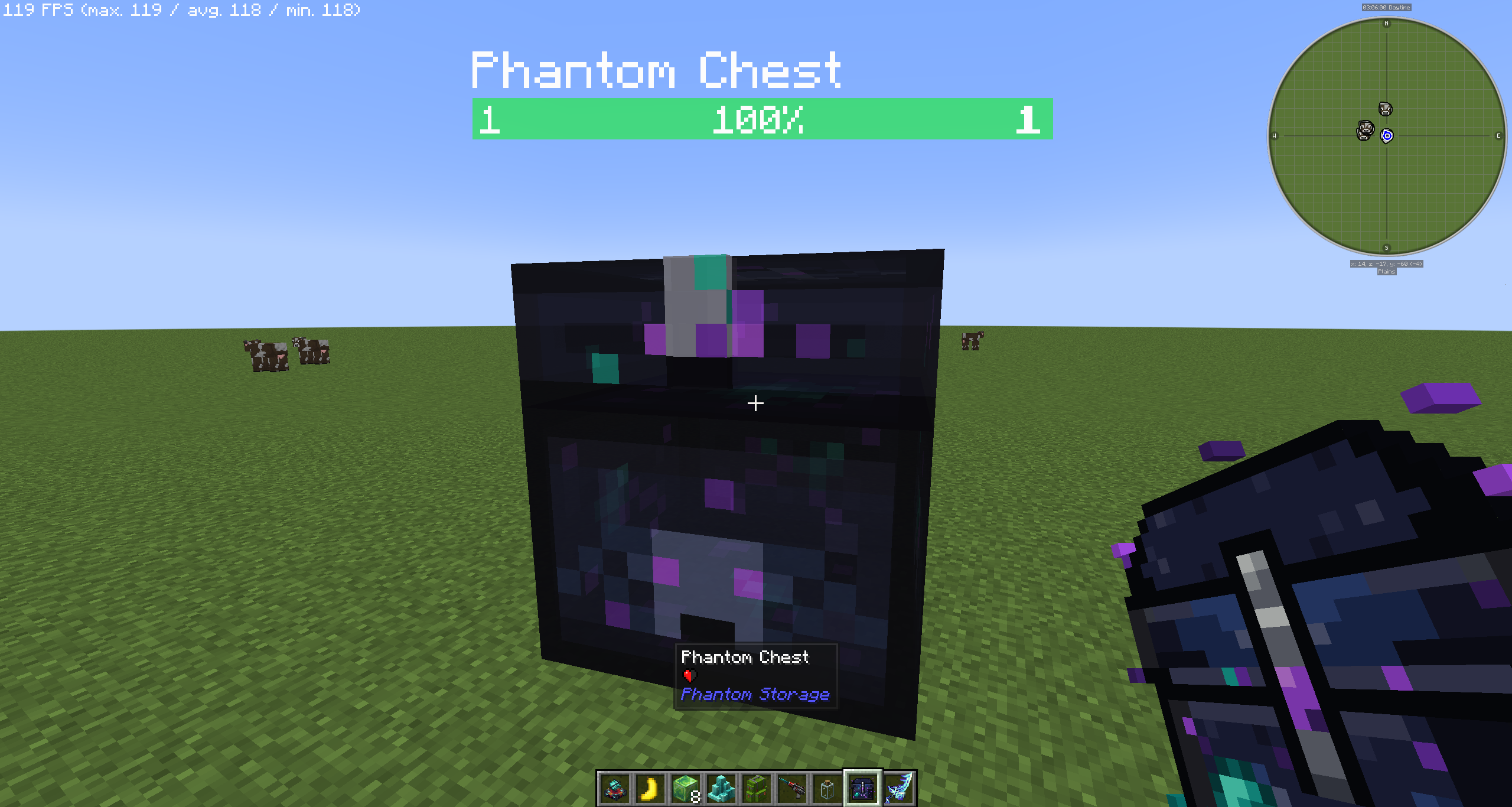
Phantom Storage adds a semi-transparent floating chest that follows you around, keeps your items accessible at all times, and can automatically push and pull items to and from storage blocks in the world.
- The Phantom Chest
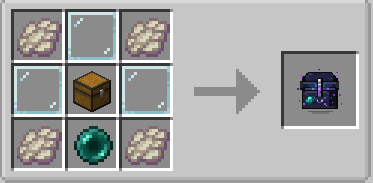
Summon it with the Phantom Chest Summoner item. The chest hovers near you, follows you through the world, and opens like any normal chest — only the player who summoned it can access it. Dismiss it with the same item.
The chest GUI has three tabs:
-
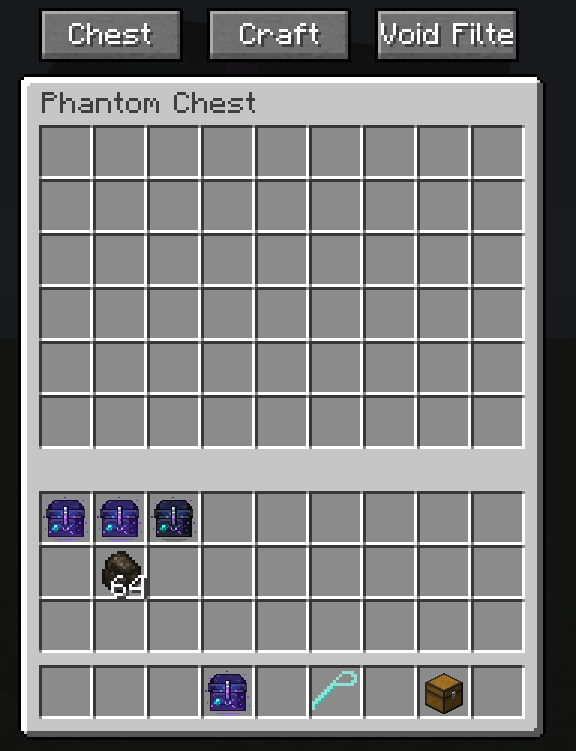
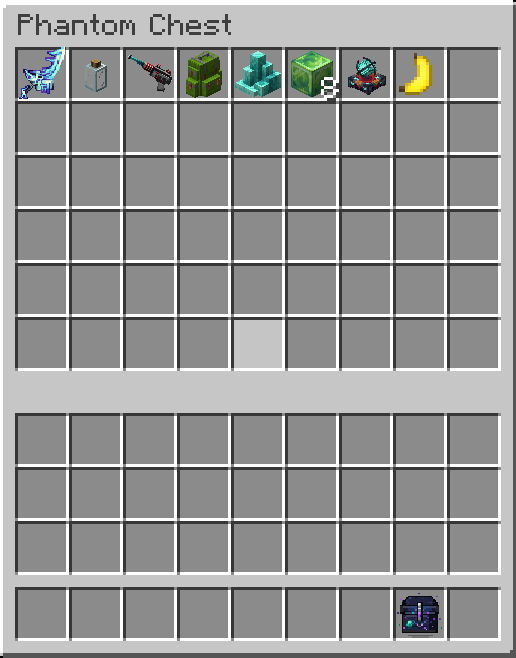
Chest — 54-slot personal inventory
-
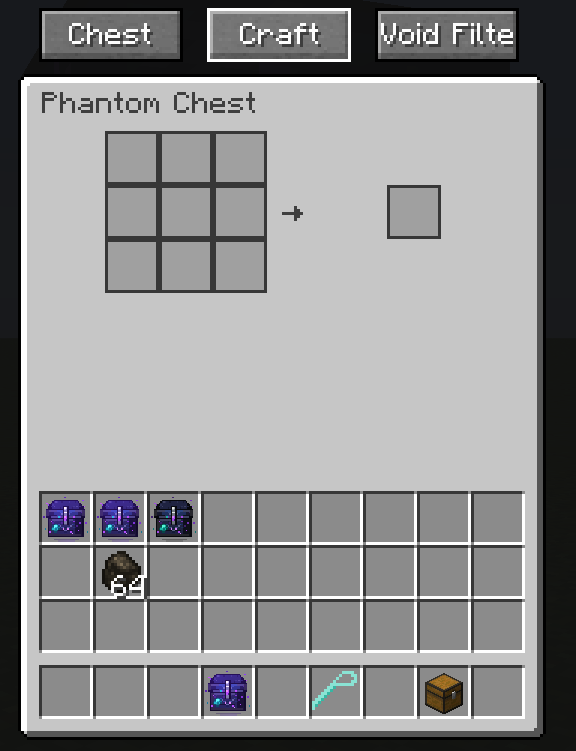
Craft — embedded 3×3 crafting grid with JEI integration; click recipes directly in from JEI
-
Void Filter — 9-slot ghost filter; any item type placed here is silently destroyed when it enters the chest, keeping your inventory clean
-
The Phantom Wrench
Craft a Phantom Wrench to link nearby storage blocks to your chest. Shift+Right-click a chest, barrel, or any other storage block to link it as an OUTPUT — your Phantom Chest will push items there automatically. Sneak+right-click to switch it to INPUT (chest pulls items from there) or unlink it entirely.
- Works with modded storage blocks that expose the IItemHandler capability (Sophisticated Storage, etc.)
- Configured links are saved to your player data — you can set up your storage layout before ever summoning the chest
- While holding the wrench, linked blocks are highlighted: orange for OUTPUT, blue for INPUT. A transparent box shows the range the chest must be within for transfers to happen
- Up to 16 linked storages per chest
- Link count is always visible in the HUD while holding the wrench
Screenshots
Gallery
-
-
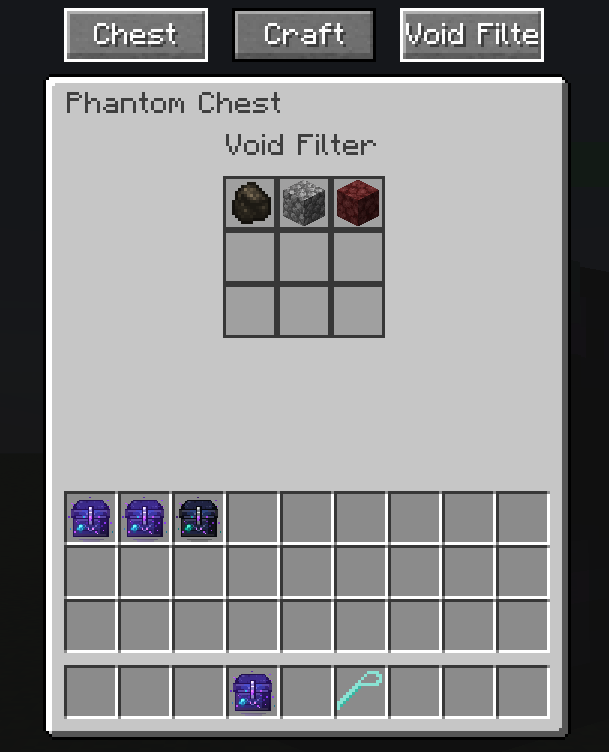 Void Filter Will immediately delete the items that go into the phantom chest.
 -
-
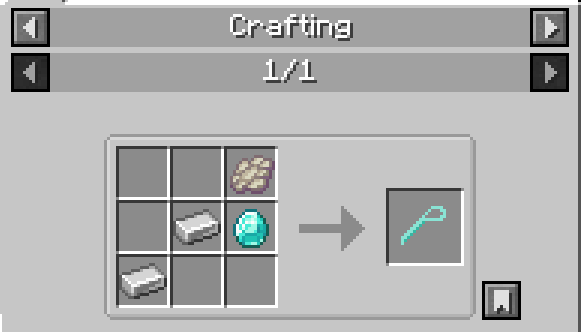 Phantom Wrench Only used for chest linking so far. Further usage is planned.
 -
-
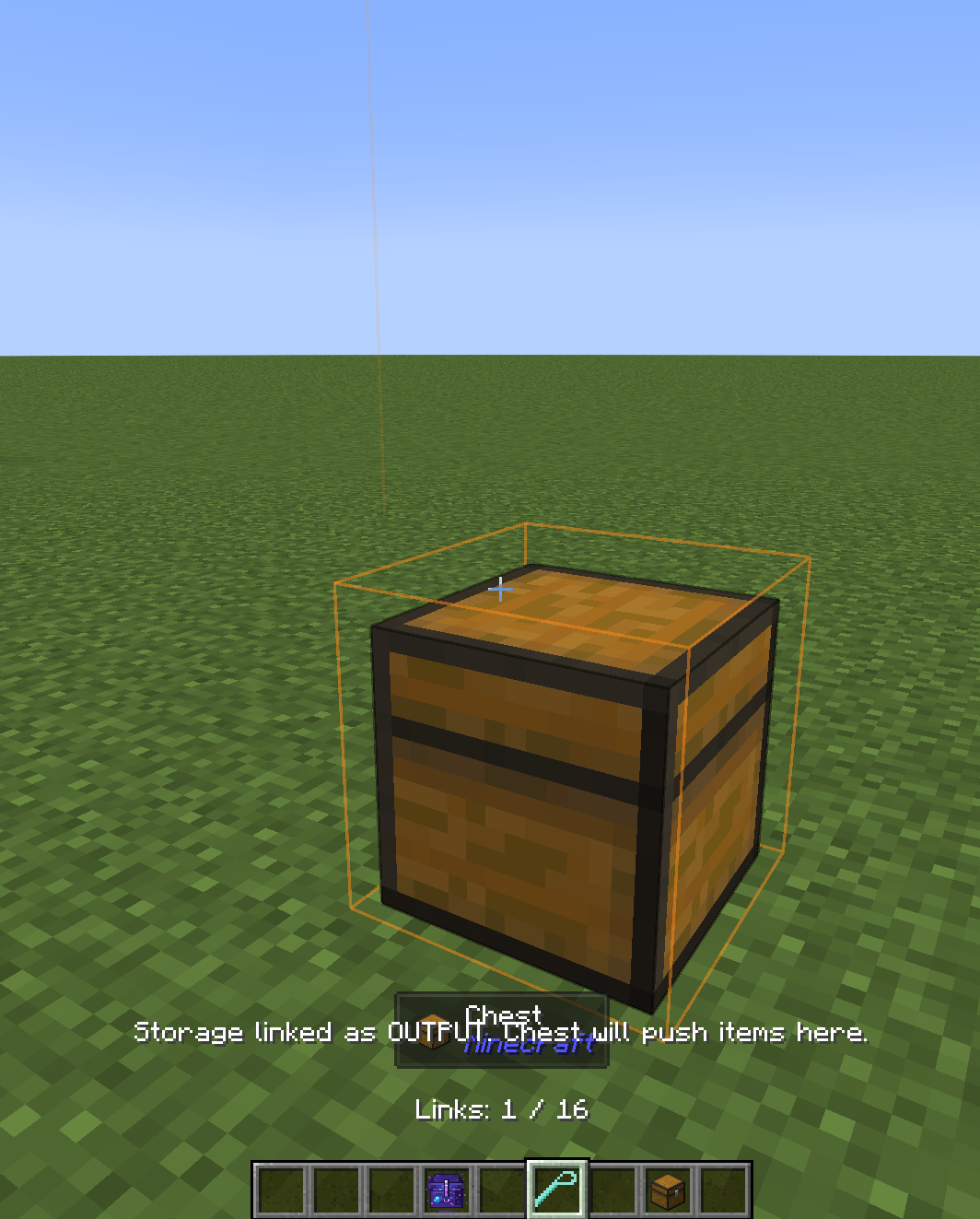 Output mode Will PULL items FROM the phantom chest when close.
 -
-
-
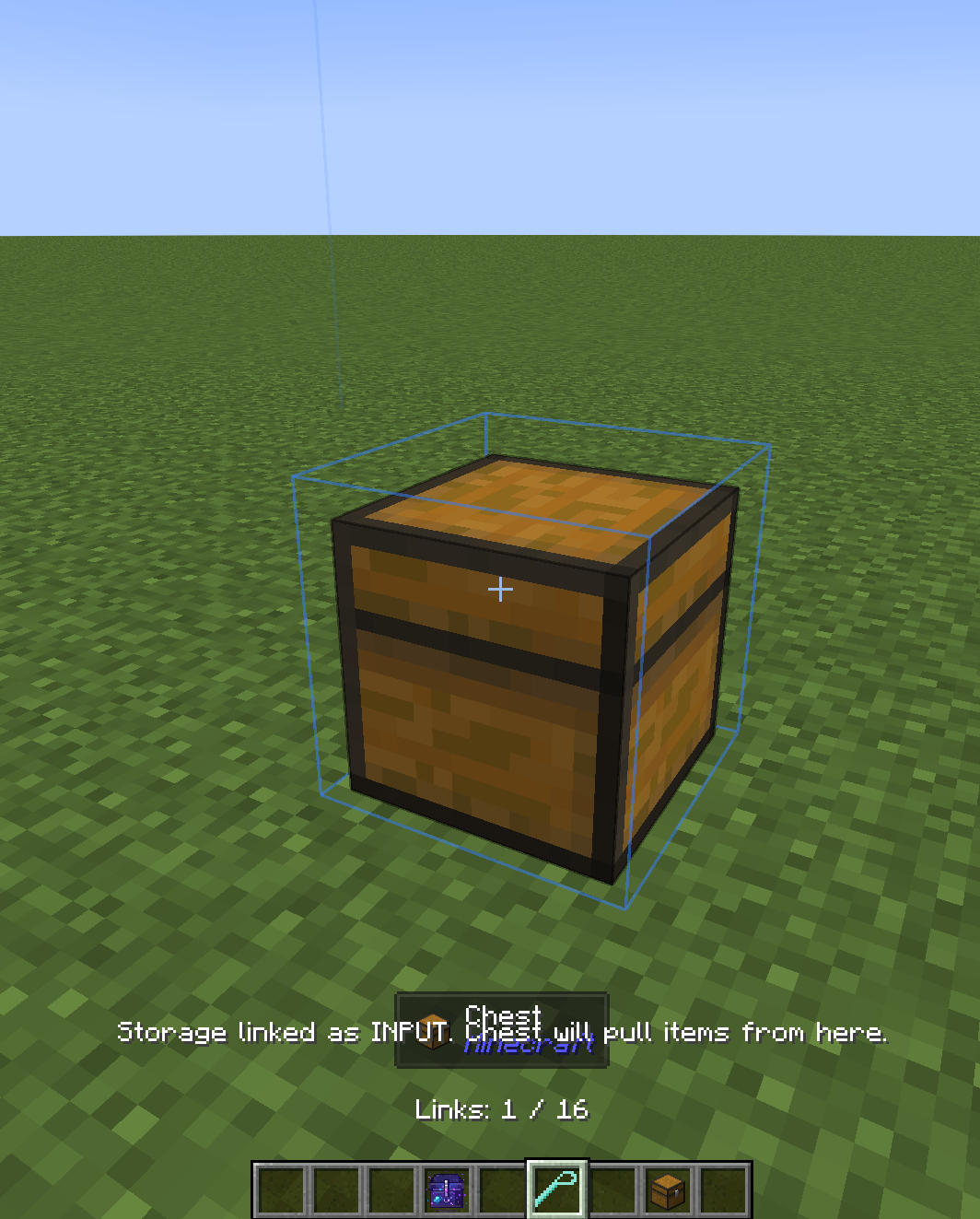 Input mode Will PUSH items TO the phantom chest when close.
Versions
Files
Relations
Project Relations
More like this
Similar Mods
Suggestions use data such as tags, dependencies, dependents, descriptions, titles, and more to rank how much they overlap with this mod.
On ModDex
Community snapshot
By the numbers
Statistics

Want to reach Minecraft players?
We're looking for a server hosting partner to feature here and other parts of the site. Interested? Send us a message!
Get in touchGet it on
Available Platforms
On ModDex
Community snapshot
By the numbers
Statistics
Resources