Community listing page, reviews may not be monitored by the author.
Physics Droid

No reviews yet
Enables Physics Mod to work on arm64 Android Devices!

Community voices
Reviews
No reviews yet. Be the first to review this project!
Get it on
Available Platforms
About
Project Details
For authors
Embed Badge
If you're the author of this project, you can embed a live badge anywhere that supports HTML or Markdown. It updates automatically whenever ratings change.
Use HTML for any page that supports it, or Markdown for README files and Markdown-based descriptions.
Identifiers
Platform IDs
Resources
External Links
About
Description
Physics Droid
Physics Droid is an ARM64 compatibility mod that allows the original Physics Mod to run on compatible Android devices.
The original Physics Mod depends on native libraries that are normally built for desktop platforms. Physics Droid provides the ARM64 compatibility needed for supported Android devices, allowing mobile Minecraft Java Edition players to use the original Physics Mod through compatible Android launchers.
What Does Physics Droid Do?
Physics Droid itself does not replace Physics Mod or add a separate physics system.
Instead, it works alongside the original Physics Mod by providing ARM64-compatible PhysX support at runtime. This allows Physics Mod to load and function on compatible ARM64 Android devices where it otherwise would not work because of missing native ARM64 support.
Once installed correctly, players can experience the features provided by the original Physics Mod on Android, including features such as:
- Physics-based block destruction and animations
- More dynamic visual effects when blocks or objects are destroyed
- Physics-driven debris and environmental effects
- More realistic movement and interaction for supported Physics Mod effects
- The ability to use Physics Mod features on compatible ARM64 Android devices
The exact physics features available depend on the version and configuration of Physics Mod you are using.
How Does This Change the Game?
Without Physics Droid, the original Physics Mod may fail to load on ARM64 Android devices because the required native PhysX libraries are not available for that platform.
Physics Droid bridges that compatibility gap.
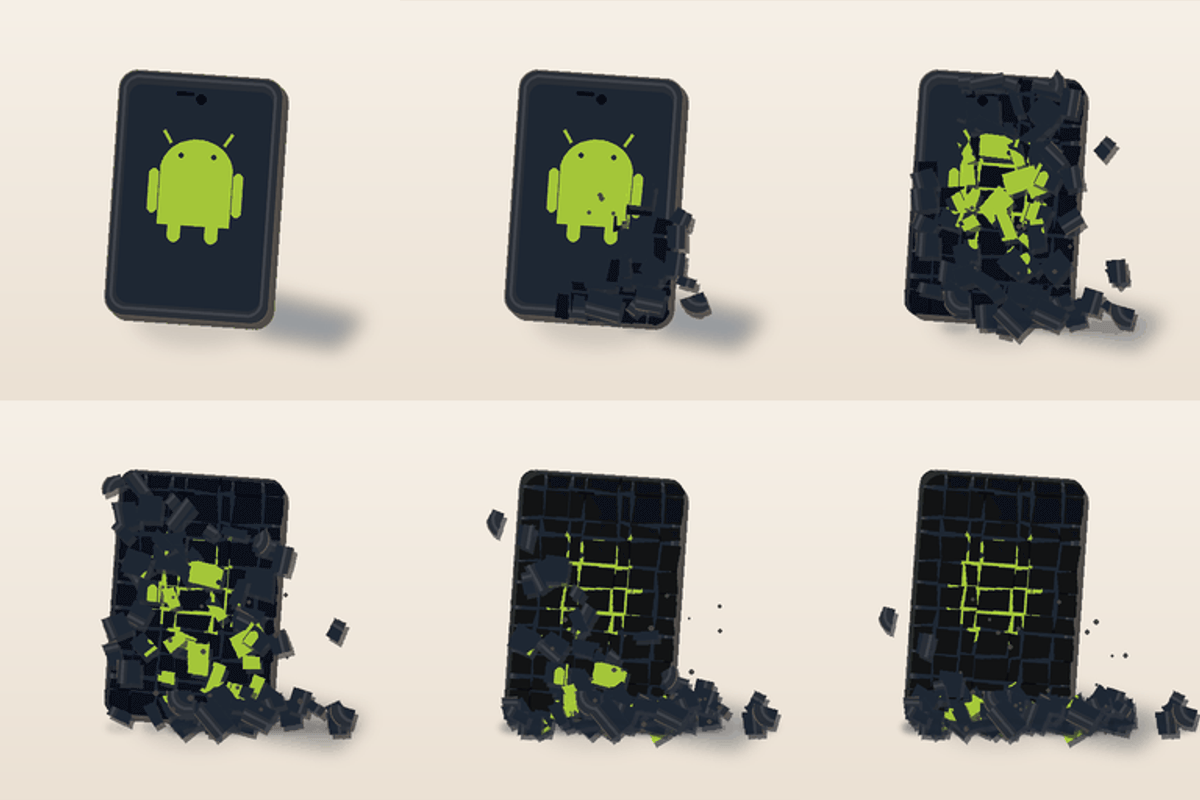
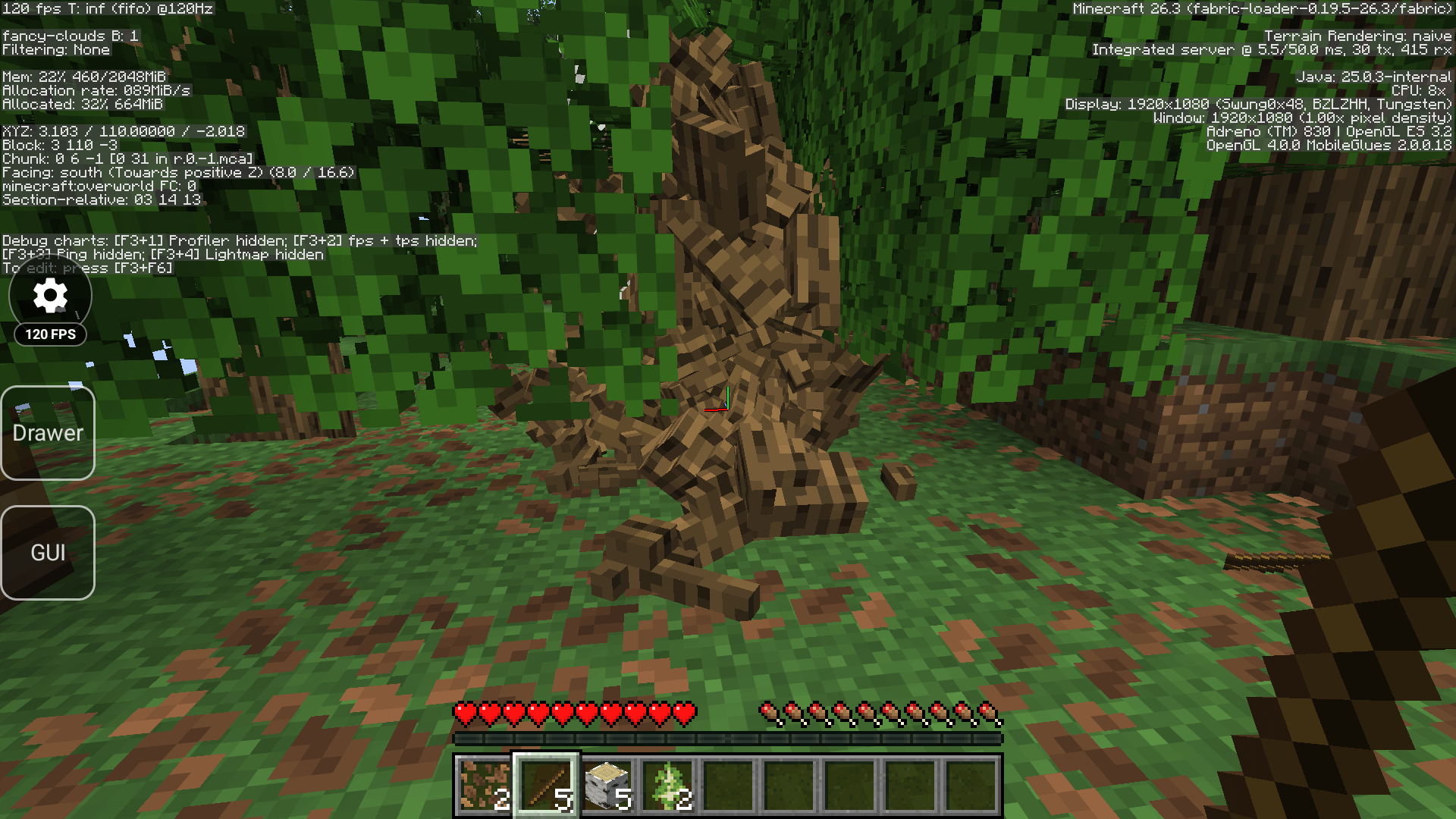
For example, instead of blocks simply disappearing when destroyed, Physics Mod can display physical debris, fragments, animations, and other effects depending on your Physics Mod settings.
Physics Droid makes it possible for Android users to experience those effects without modifying or redistributing the original Physics Mod.
Requirements
You will need:
- A compatible ARM64 Android device
- The original Physics Mod
- A compatible Minecraft Java Edition Android launcher
- Fabric API when required by the Fabric version you are using
- A Minecraft/mod-loader version supported by both Physics Droid and Physics Mod
Installation
-
Make sure you are using an ARM64-compatible Android device.
-
Install Physics Droid into your Minecraft instance.
-
Install the original Physics Mod.
-
Install any dependencies required by Physics Mod, such as Fabric API when applicable.
-
Launch Minecraft using a compatible launcher.
-
Configure Physics Mod normally from within the game.
Physics Droid handles the ARM64 compatibility layer necessary for the original Physics Mod to work on supported devices.
Important
Physics Droid does not contain or redistribute the original source code of Physics Mod.
Physics Droid is an independent compatibility project and is not affiliated with, endorsed by, or maintained by the developers of Physics Mod.
The purpose of Physics Droid is simply to provide ARM64-compatible PhysX support so that users can run the original Physics Mod on compatible Android devices.
You must download Physics Mod separately.
Screenshots
Gallery
-
 1000218345.png 1000218345.png
Versions
Files
Relations
Project Relations
More like this
Similar Mods
Suggestions use data such as tags, dependencies, dependents, descriptions, titles, and more to rank how much they overlap with this mod.
On ModDex
Community snapshot
By the numbers
Statistics

Get it on
Available Platforms
On ModDex
Community snapshot
By the numbers
Statistics
Resources