
Piggy Inventory
No reviews yet
A simple yet powerful mod designed to enhance your inventory management experience in Minecraft. Piggy Inventory aims to streamline your interactions with items, tools, and containers.
Fabric is a mod loader for versions 1.14+ of Minecraft, particularly popular for client side and optimization mods.
Community voices
Reviews
Click once to include, again to exclude, again to clear
No reviews yet. Be the first to review this project!
Get it on
Available Platforms
 Modrinth
Compatibility
Supported Environments
About
Project Details
For authors
Embed Badge
If you're the author of this project, you can embed a live badge anywhere that supports HTML or Markdown. It updates automatically whenever ratings change.
Use HTML for any page that supports it, or Markdown for README files and Markdown-based descriptions.
Identifiers
Platform IDs
Resources
External Links
About
Description


Piggy Inventory
A simple yet powerful mod designed to enhance your inventory management experience in Minecraft. Piggy Inventory aims to streamline your interactions with items, tools, and containers.
Screenshots


⚠️ Disclaimer
This is a personal project. It comes AS IS and might have issues.
- No Support: Do not expect regular support or bug fixes.
- No Forge Port: There are NO plans to port this mod to Forge/NeoForge.
- Use at your own risk.
Feel free to fork the project or submit a Pull Request if you want to contribute fixes or features!
Features
⚡ Automatic Swapping
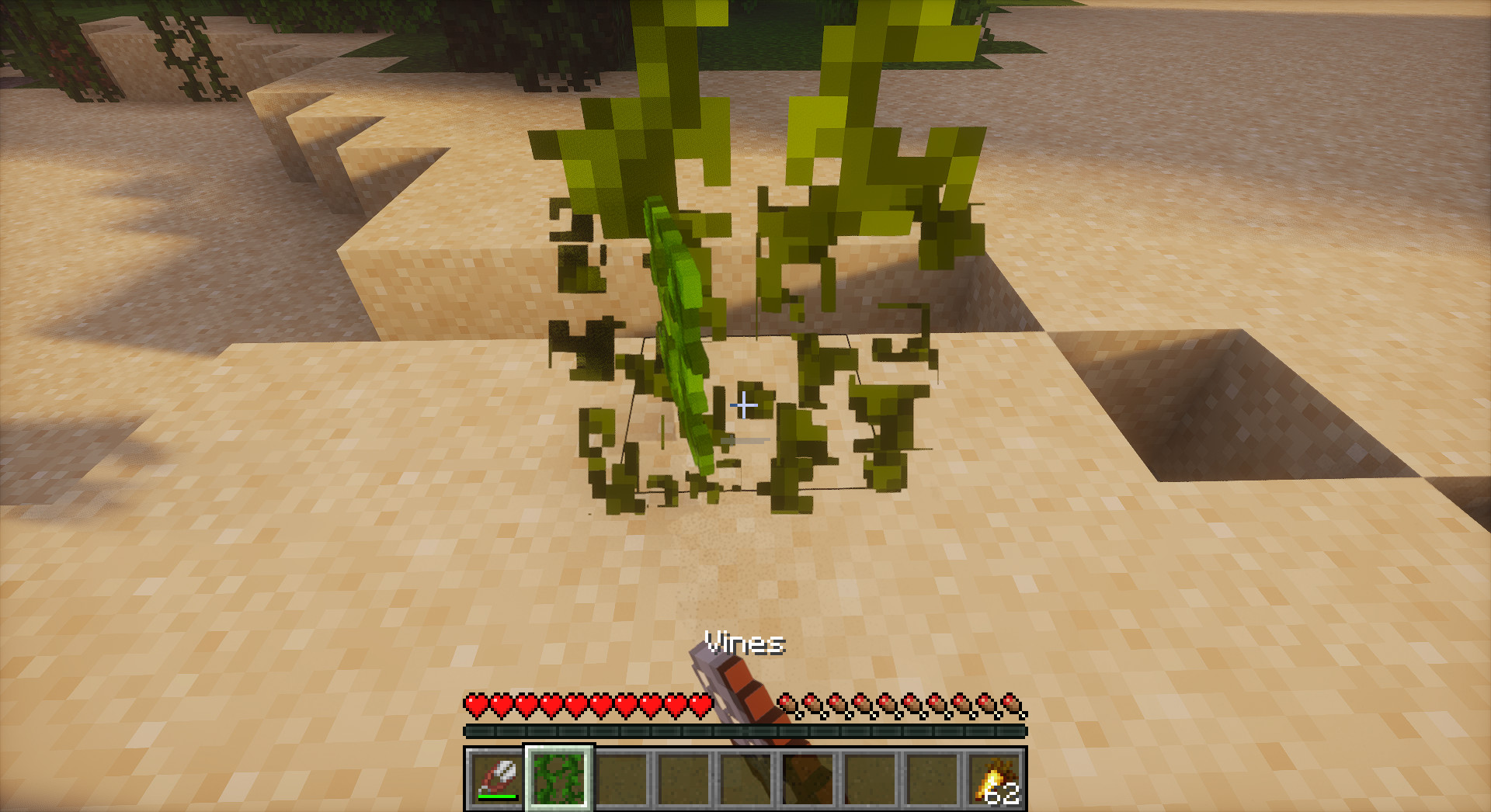
- Auto Tool Swap: Automatically selects the best tool for the block you are mining.
- Supports Silk Touch/Fortune preferences (configurable per-ore).
- Respects enchantments (Efficiency, Unbreaking, etc.).
- Auto Weapon Swap: Automatically switches to your best weapon when attacking.
- Considers damage, enchantments (Sharpness, Smite, Bane of Arthropods, etc.).
- Configurable preferences for different target types.
🔄 Auto Refill
- Tool/Weapon Refill: Never stop fighting or mining - broken tools are automatically replaced.
- Food Refill: Eat continuously without opening inventory.
- Smart Matching: Finds the next best item in your inventory automatically.
🎒 Inventory Management
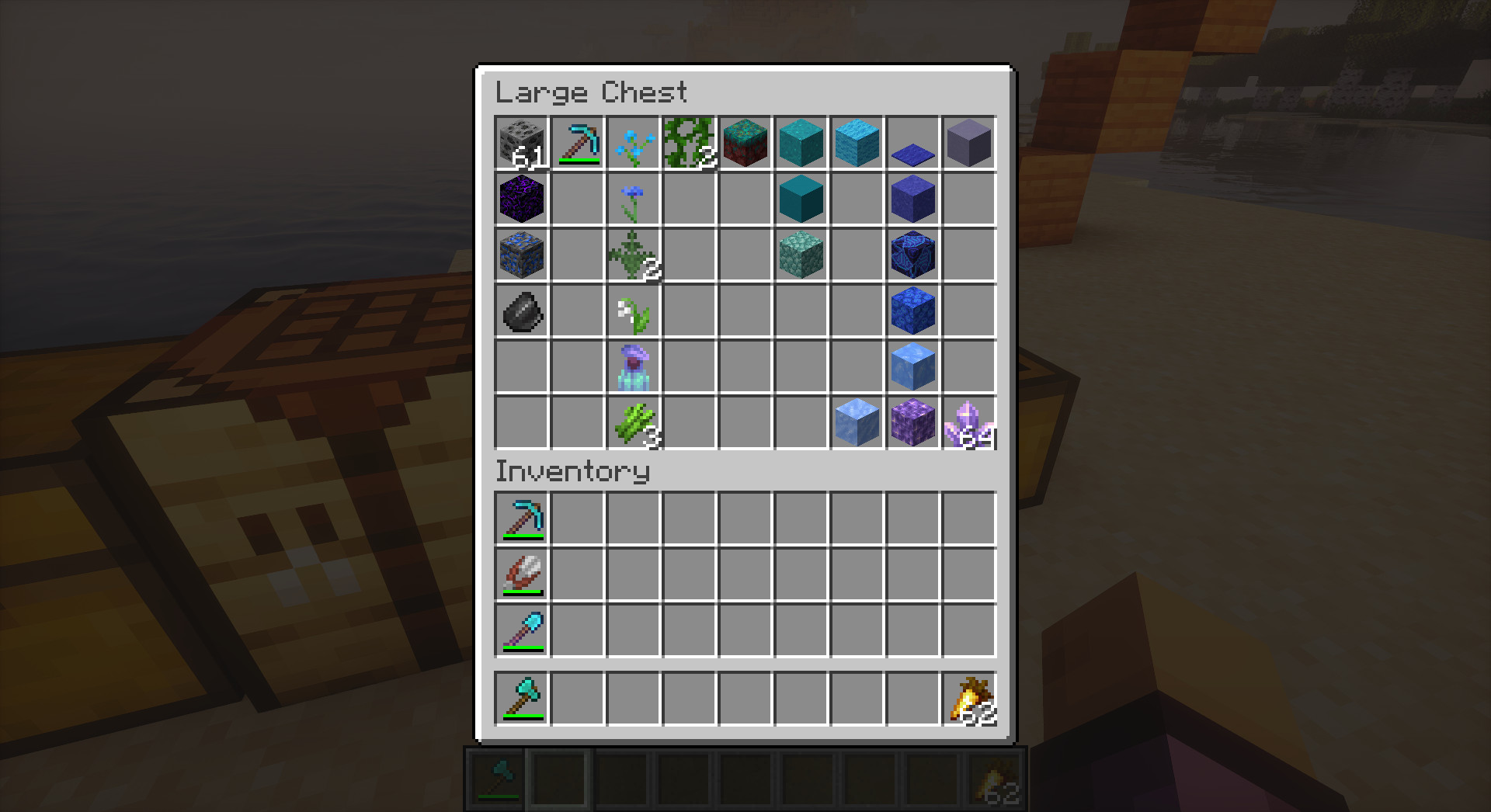
- Inventory Sorting: Sort your inventory or containers instantly with R or Middle Click.
- Advanced Sorting Engine: A robust, prioritized algorithm that clears mega-stacks and avoids infinite loops.
- Smart Categorization: Groups items logically (Tools, Weapons, Resources, Food) before applying secondary sorting (Material, Alphabetical).
- Anti-Glitch Logic: Gracefully handles unswappable items and network latency to prevent the "sorting dance" (ping-ponging items).
- Multiple algorithms: Smart Category, Alphabetical, Creative Order, Rarity, Type, Material, Color, Tag.
- Customizable via JSON lists.
- Fast Loot / Deposit:
- Refined QuickLoot: Improved stability when interacting with large containers or during rapid scrolling.
- Shift + Scroll: Move matching items between inventories.
- Ctrl + Scroll: Move ALL items between inventories.
- Note: This only works when looking at a Container (Chest, Barrel, etc.) to preserve vanilla crouching!
- Slot Locking: Lock inventory slots to prevent accidental sorting or quick-looting.
- Continuous Crafting: Hold your click to craft, trade, or move items repeatedly. No more clicking spam!
Controls
You can rebind these keys in the standard Minecraft Controls menu under "Piggy Inventory".
| Action | Default Key | Description |
|---|---|---|
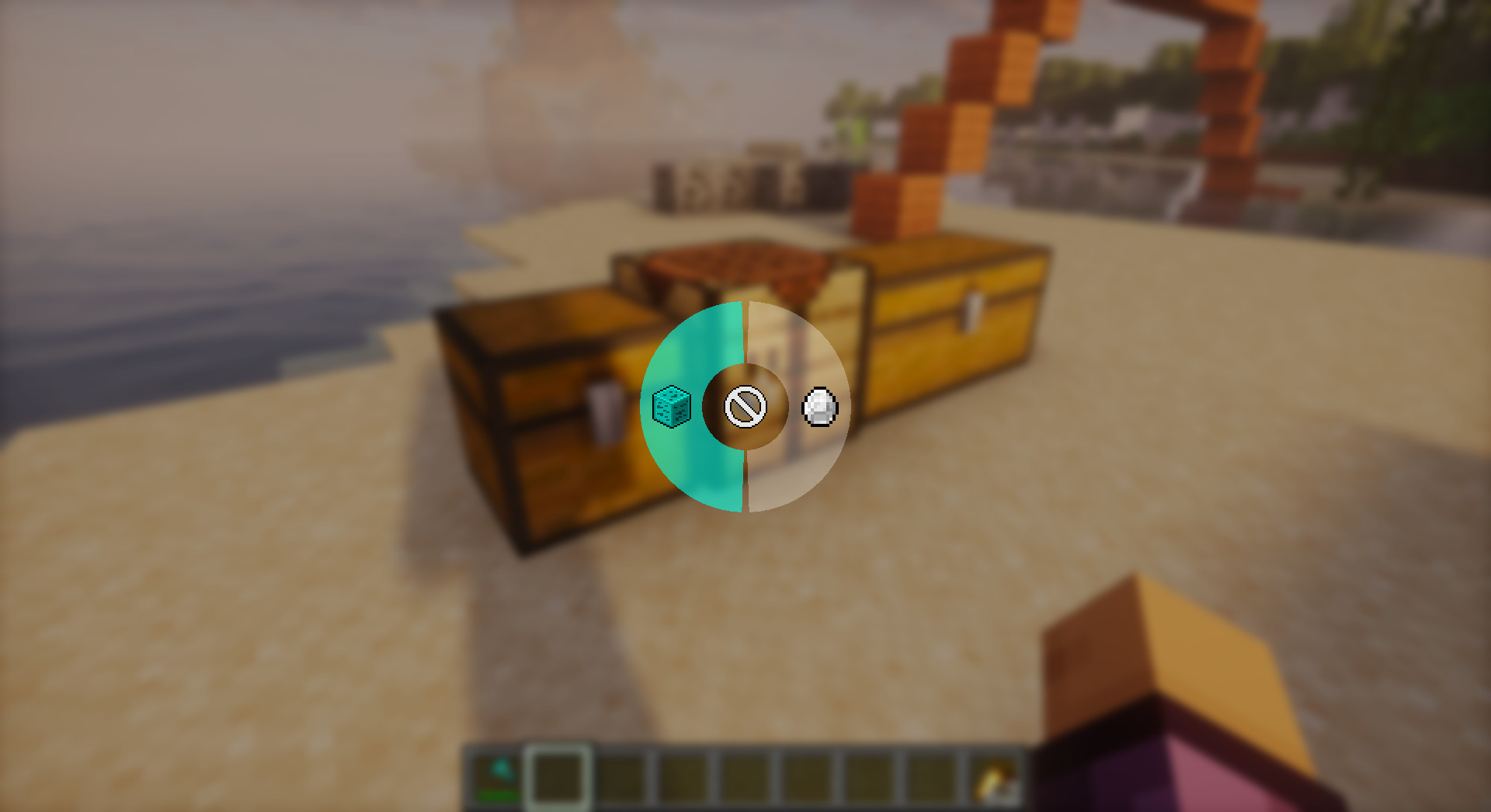
| Tool Preference Menu | H |
Opens radial menu to set Silk Touch/Fortune preference. |
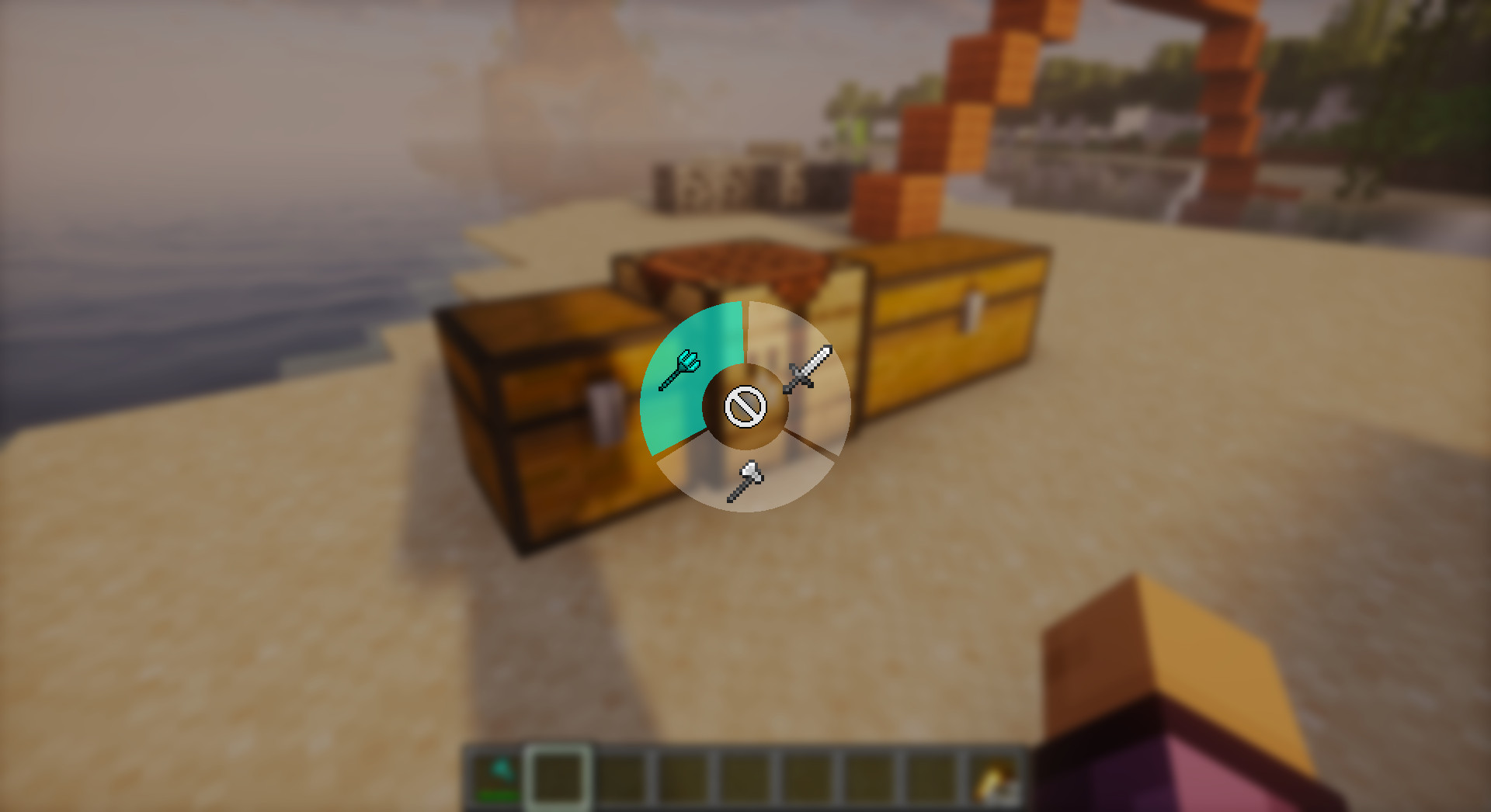
| Weapon Preference Menu | G |
Opens radial menu to configure weapon swap behavior. |
| Sort Inventory | R (in inventory) |
Sorts your player inventory. |
| Sort Container | Middle Click |
Sorts the container you're looking at. |
| Fast Loot Matching | Shift + Scroll (unbound by default) |
Moves matching items while looking at container. |
| Fast Loot All | Ctrl + Scroll (unbound by default) |
Moves all items while looking at container. |
🎮 Hybrid Key System
To avoid conflicts with vanilla controls:
- Loot Matching: Defaults to Unbound. When unbound, uses Shift.
- Loot All: Defaults to Unbound. When unbound, uses Control.
- Customization: Bind to specific keys in Controls menu if you prefer not using Shift/Ctrl.
Configuration
Access the configuration menu via Mod Menu.
- Sorting: Choose default algorithm and layout (Compact, Rows, Columns, Grid).
- Tool/Weapon Swap: Toggle auto-swapping, configure preferences.
- Slot Locking: Set which slots to lock.
- Quick Loot: Adjust delays and behavior.
- Custom Lists: Configure Silk Touch blocks, tool priorities, etc.
Dependencies & Installation
Requirements
- Minecraft: ~1.21.1
- Fabric Loader: >=0.18.1
- Java: >=21
Required Mods
- Fabric API: Any version
- YACL (Yet Another Config Lib): ~=3.6.1+1.21-fabric
- Piggy Lib: >=1.0.1
- (Optional) Mod Menu: >=11.0.3 - Highly recommended for accessing configuration.
Installation
- Download the
.jarfile from Releases. - Install Fabric Loader for Minecraft 1.21.1.
- Place the
piggy-inventoryjar (along with Fabric API, YACL, and Piggy Lib) into your.minecraft/modsfolder. - Launch the game!
Inspiration
This mod was inspired by:
- Tweakeroo - For advanced inventory management features and auto-refill mechanics.
- Inventory Profiles Next - For sorting algorithms and inventory organization.
- Mouse Tweaks - For scroll-based item movement and quick loot features.
- Inventory Tabs - For UI/UX inspiration in inventory management.
License: CC0-1.0
Screenshots
Gallery
Versions
Files
Relations
Project Relations
More like this
Similar Mods
Suggestions use data such as tags, dependencies, dependents, descriptions, titles, and more to rank how much they overlap with this mod.
On ModDex
Community snapshot
By the numbers
Statistics

Want to reach Minecraft players?
We're looking for a server hosting partner to feature here and other parts of the site. Interested? Send us a message!
Get in touchGet it on
Available Platforms
On ModDex
Community snapshot
By the numbers
Statistics
Resources