Piglin Conservatory v3.0
No reviews yet
Adds a news structure to the Nether, The Piglin Conservatory, along with a new Obsidian Apple, Dragon Fruit, Toxic Mushrooms, Hoglins' Fossils, Corrupted Emerald and a New Music Discs!
Themed around magical elements, mythical creatures, and enchanted worlds, often inspired by fantasy literature and folklore.
Includes a large focus on traversing worlds with enhanced world generation, structures, dungeons, and more for players to find unique loot.
Features structures of no particular theme, or meant as background decoration.
General improvements to world generation, such as bug fixes, aesthetic overhauls, or misc additions.
Adds new ores or other raw resources.
Introduces new non-player characters with various roles and behaviors.
Adds new music or changing the game's music and sound effects.
Data Packs were introduced to vanilla Minecraft in version 1.13 and allow the server to modify data about the game, or run commands. Data Packs are compatible with all mod loaders.
Forge is a popular mod loader for versions 1.1+ of Minecraft.
Neoforge is a fork of the Minecraft Forge available for versions 1.20.1+ of Minecraft. Many Forge mods are compatible with Neoforge and vice versa.
Fabric is a mod loader for versions 1.14+ of Minecraft, particularly popular for client side and optimization mods.
Quilt is a fork of the Fabric mod loader. Many Fabric mods are compatible with Quilt and vice versa.
Community voices
Reviews
Click once to include, again to exclude, again to clear
No reviews yet. Be the first to review this project!
Get it on
Available Platforms
 Modrinth
Compatibility
Supported Environments
For authors
Embed Badge
If you're the author of this project, you can embed a live badge anywhere that supports HTML or Markdown. It updates automatically whenever ratings change.
Use HTML for any page that supports it, or Markdown for README files and Markdown-based descriptions.
Identifiers
Platform IDs
Resources
External Links
About
Description
Piglin Conservatory v3.0
The DataPack adds Piglin Conservatory, a structure to the Nether along with a new Obsidian Apple, Dragon Fruit, Toxic Mushrooms, Hoglins' Fossils, Corrupted Emerald and a New Music Discs! 🔥
LuisterCorp © - 2025
Notas📝 (Notes)
- Piglin Conservatory is translated into both English - Spanish - Deutsch and more📇
- Piglin Conservatory is compatible with versions 1.21 to 1.21.11🏷️
- Piglin Conservatory adds new Nether and Overworld (structures) to world generation🌐
- Piglin Conservatory is compatible with any generation Datapack in the World
- Use Headphone for a better experience 🎧
Descripción 🎼 (Description)
Have fun in a totally new experience in the vanilla Nether, we added a new dragon fruit along with its golden version, along with different secrets inside it plus 3 structures one in the Nether and one in the Overworld, thus bringing a unique and entertaining feature to Minecraft🌎
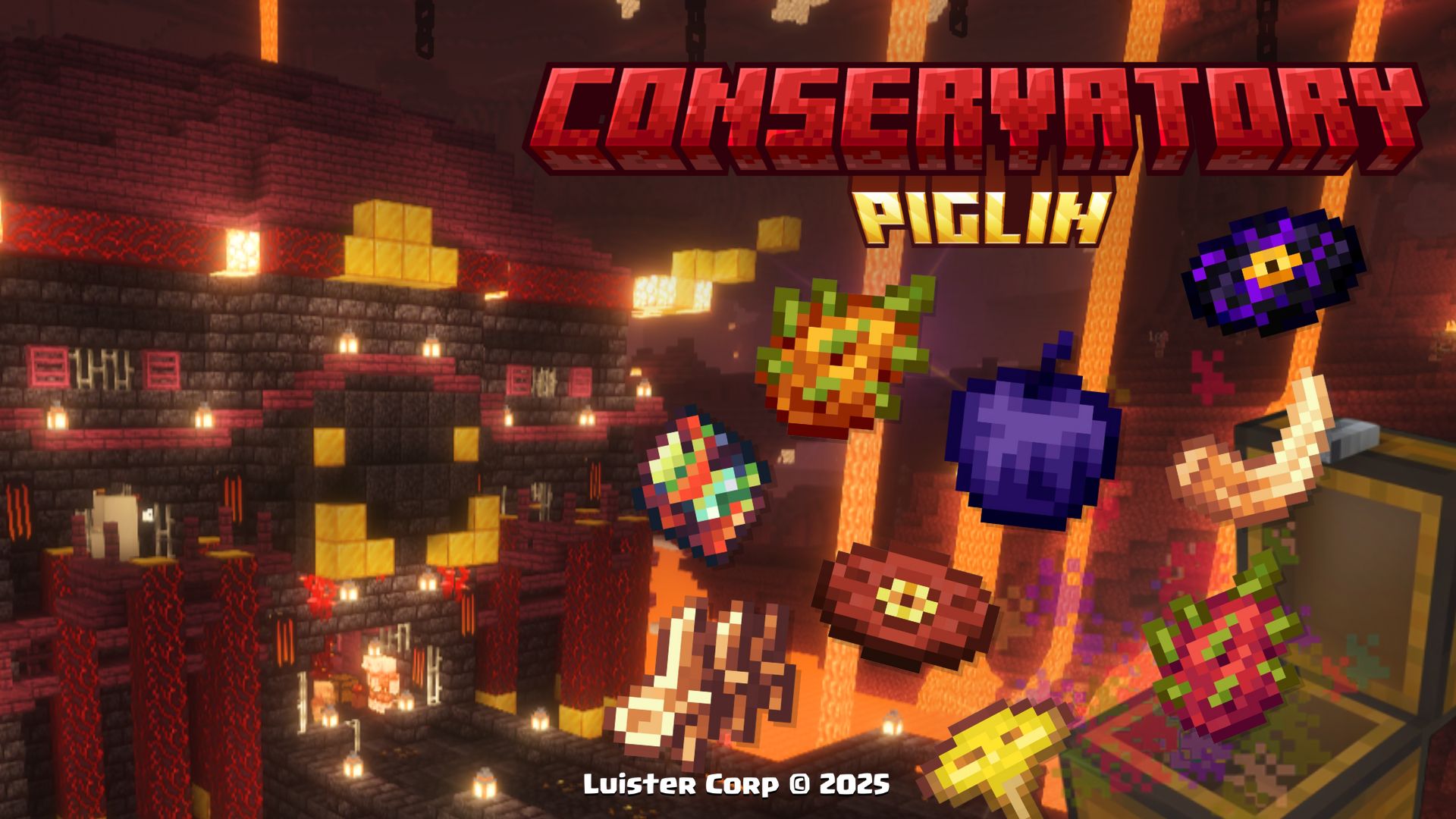
With this Datapack, exploration becomes more exciting, and below we will show every detail
New's Structures 🗺️ (Nuevas Estructuras)
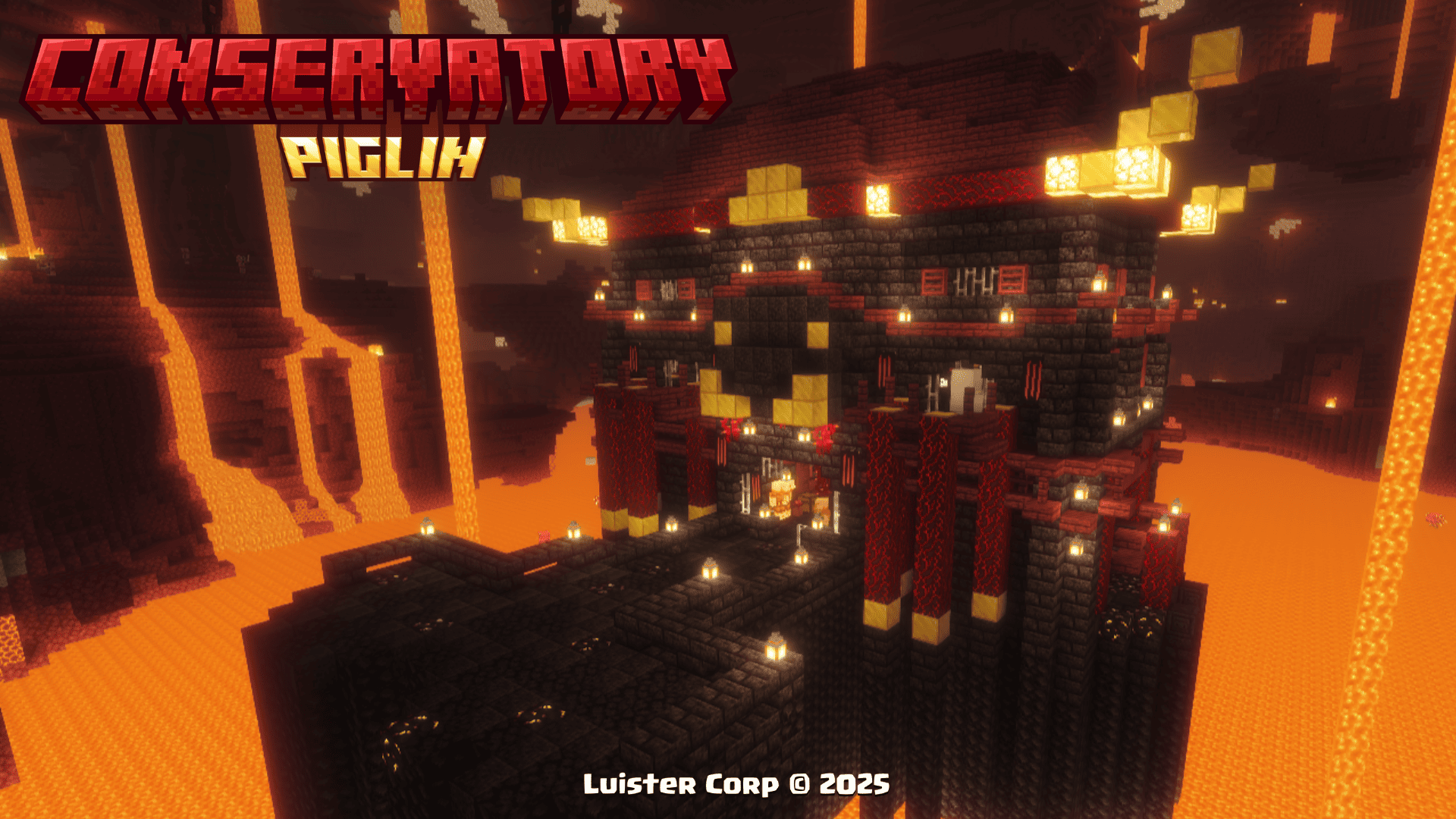
Piglin Conservatory
Piglin Conservatory can be generated at heights near the lava from +32 to +48 blocks high every 500 blocks from each other.
The Piglin Conservatory, is generated in all Nether biomes (except Basalt Deltas), if you want to locate it by commands use:
/locate structure luistercorp:piglin_conservatory
 Promotional Image:
 Biome Generation List:
[

"minecraft:soul_sand_valley",

"minecraft:crimson_forest",

"minecraft:warped_forest",

"minecraft:nether_wastes"

],
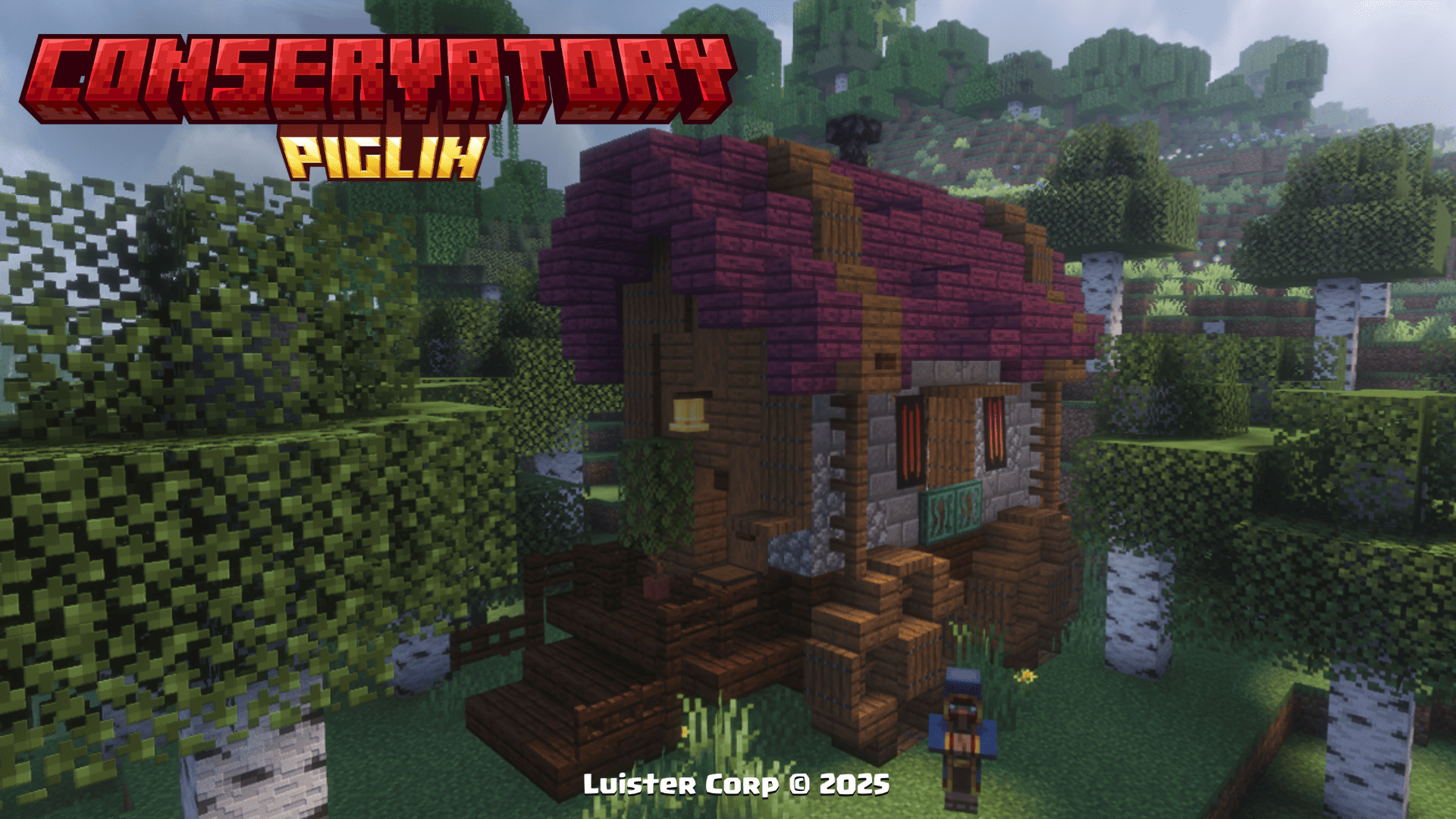
Traveling Wagon
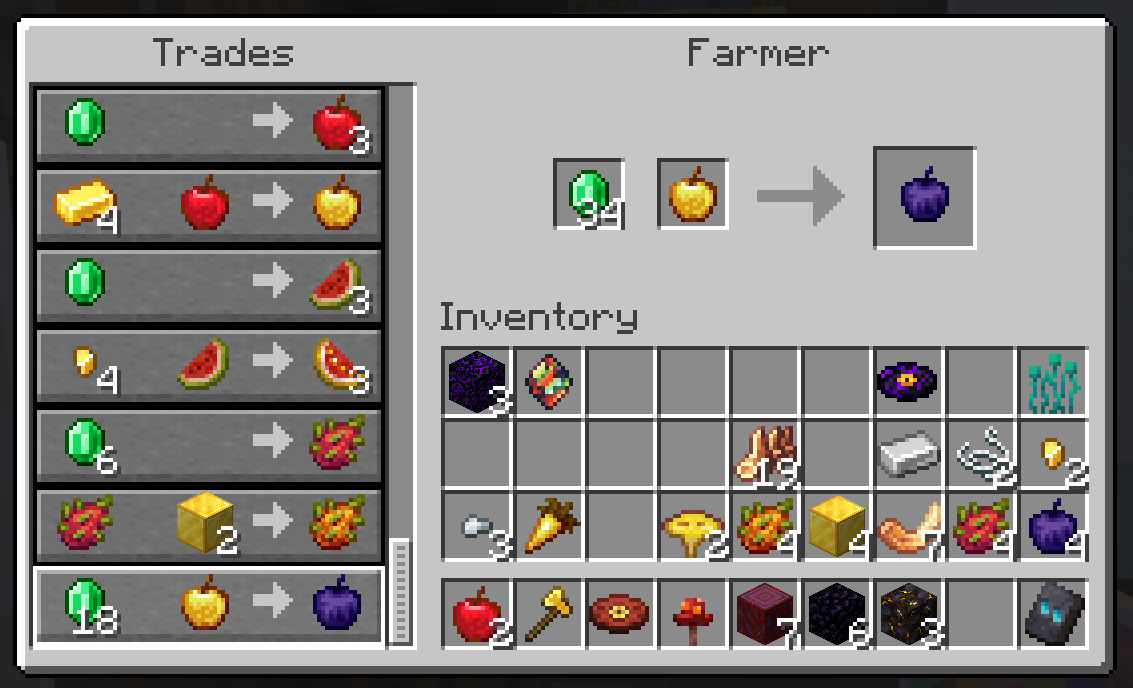
The Traveling Wagon can be spawned in the Overworld alongside a Custom Fruit Vendor Villager with unique sales you won't want to miss, the structure also features its own loot table and a variety of fruits and vegetables from all over Minecraft.
The Traveling Wagon, is generated in all biomes with hardwood forests, if you want to locate it by commands use:
/locate structure luistercorp:traveling_wagon
 Promotional Image:
 Merchandise for Sale:
 Biome Generation List:
[


"minecraft:snowy_taiga",

],
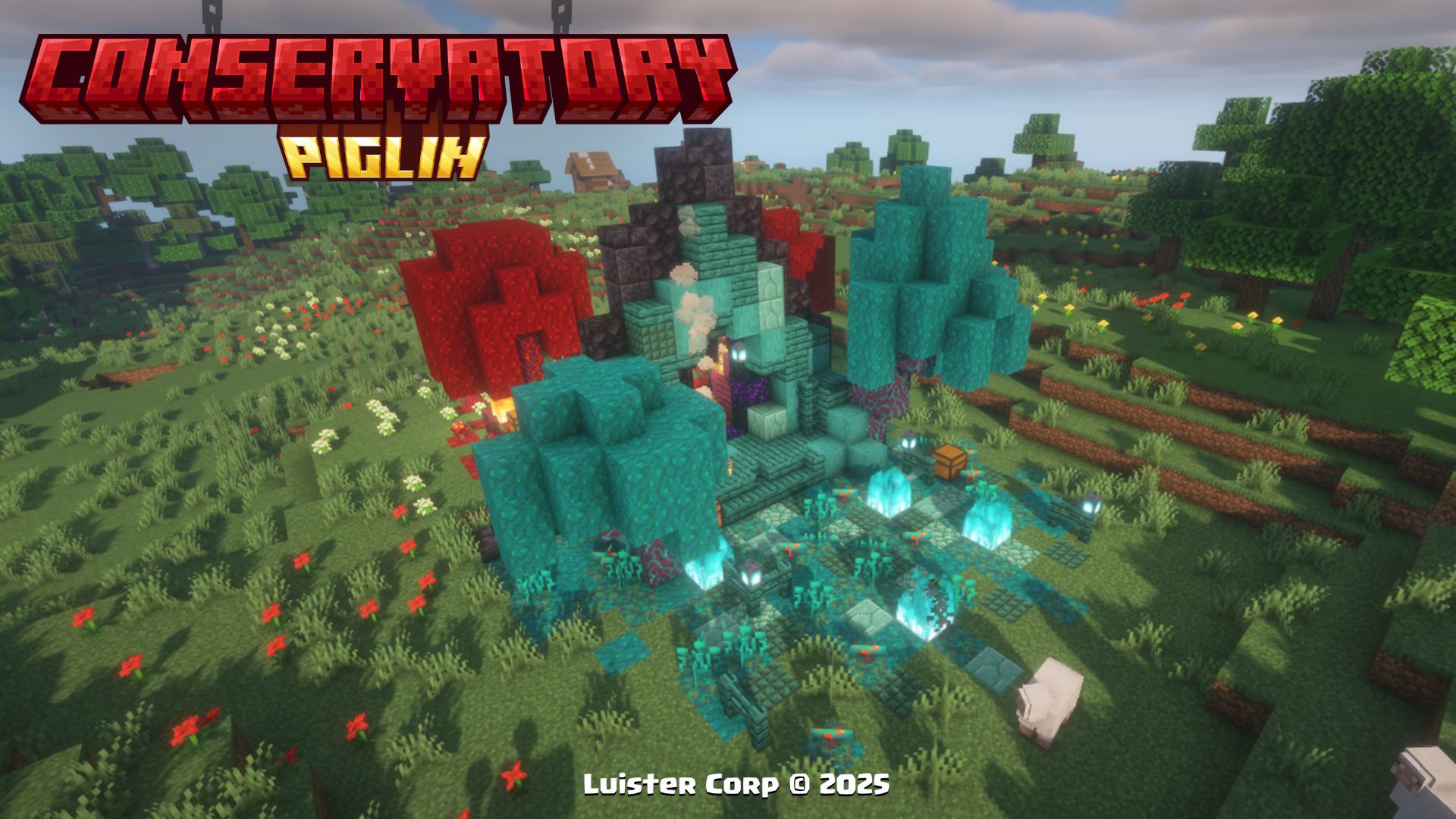
Nether Portal Ruins
The Nether Portal Ruins can be generated in the Overworld along with their own Loot Table and a variety of New Items added in this Datapack from Hoglin Fossils, Obsidian Apples and a new Music Disc
The Nether Portal Ruins are spawned in all plains biomes within 2'500 to 3'750 blocks of each other, if you want to locate them by commands use:
/locate structure luistercorp:portal_ruins
Promotional Image:
 Biome Generation List:
[

"minecraft:plains",

"minecraft:forest",

],
Cherry Nether Portal
The Cherry Nether Portal can be generated in the Cherry Grove along with their own Loot Table and a new Music Disc
The Nether Portal Ruins are spawned in all plains biomes within 5'000 to 7'500 blocks of each other, if you want to locate them by commands use:
/locate structure luistercorp:cherry_nether_portal
Promotional Image:

Biome Generation List:
[

"minecraft:cherry_grove",

],
More Soon...
New's Items ✨ (Nuevos Items)
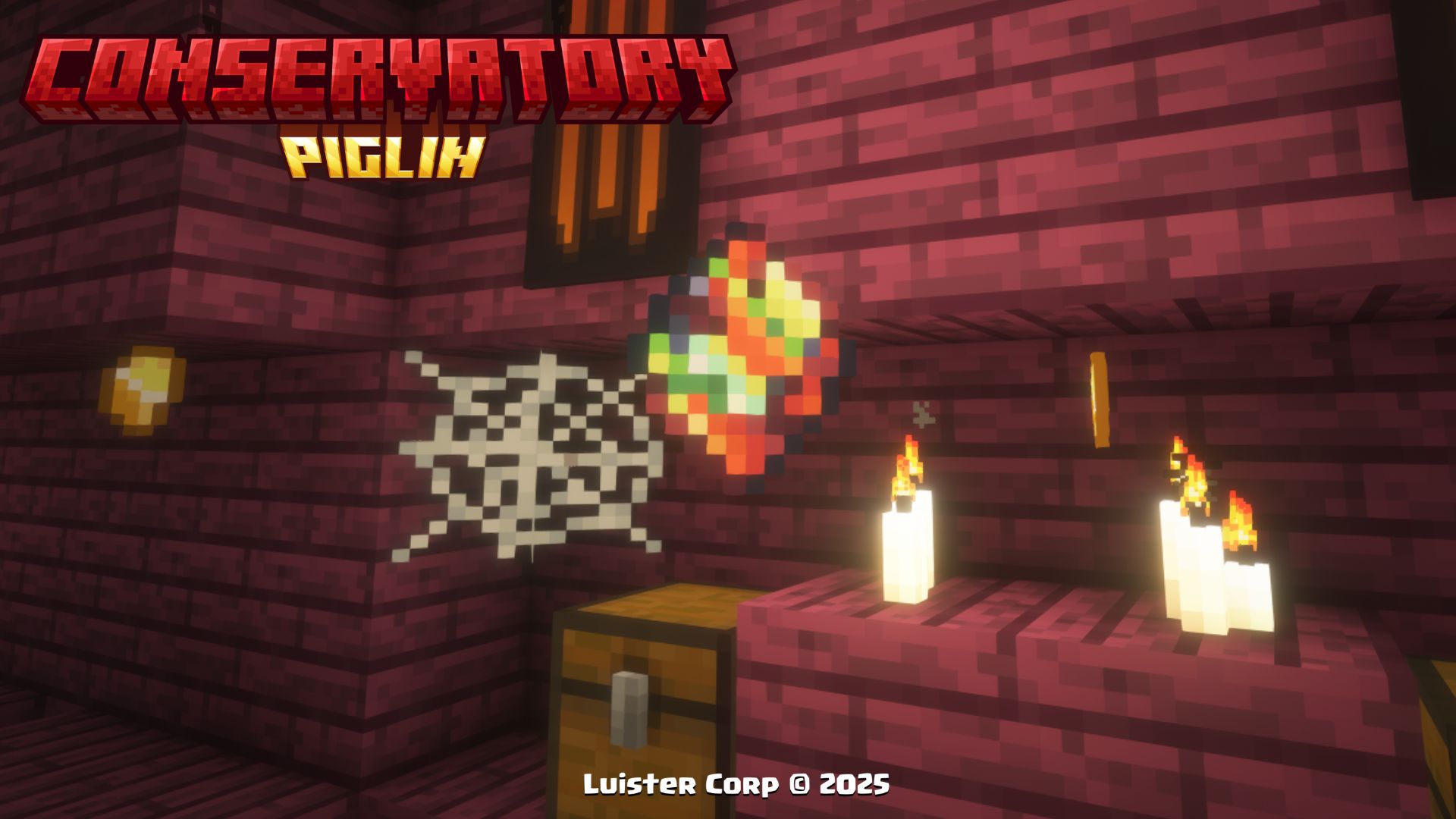
Corrupted Emerald
To get the Corrupted Emerald, you will have to climb to the top of the Piglin Conservatory in the Nether to get its unique effect.
Promotional Image:
 Effects to be Used:
-
As long as you have the item in your hand (main or secondary), you will have the Hero of the Village effect
-
When you change the item or release it, the effect is automatically removed
Dragon Fruit
To get Dragon Fruit, you will have to trade with the Piglins in the Nether or find it in Traveling Wagons and/or the Piglin Conservatory.
Promotional Image:
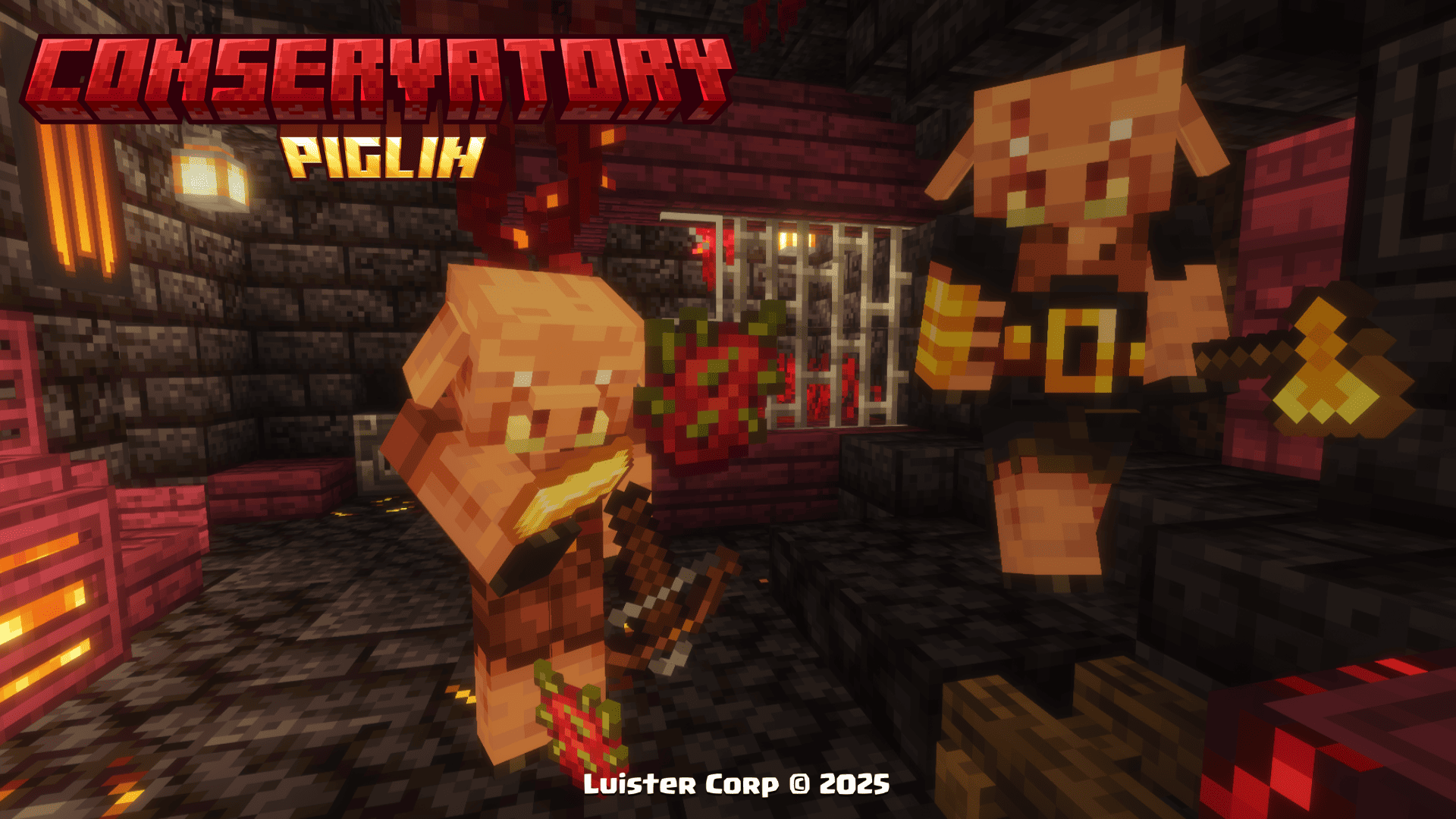
Effects to be consumed:
minecraft:regeneration (00:03 duration)

minecraft:fire_resistance (01:10 duration)
Golden Dragon Fruit
To get Golden Dragon Fruit, you will have to find the treasure rooms inside the Piglin Conservatory
Promotional Image:

Effects to be consumed:
minecraft:regeneration (00:05 duration)

minecraft:absorption (02:00 duration)

minecraft:fire_resistance (02:30 duration)
Obsidian Apple
To get the Obsidian Apple, you can find them in the chests of the Nether Portal Ruins or by buying them from the fruit merchant villager in the Traveling Wagon.
Promotional Image:
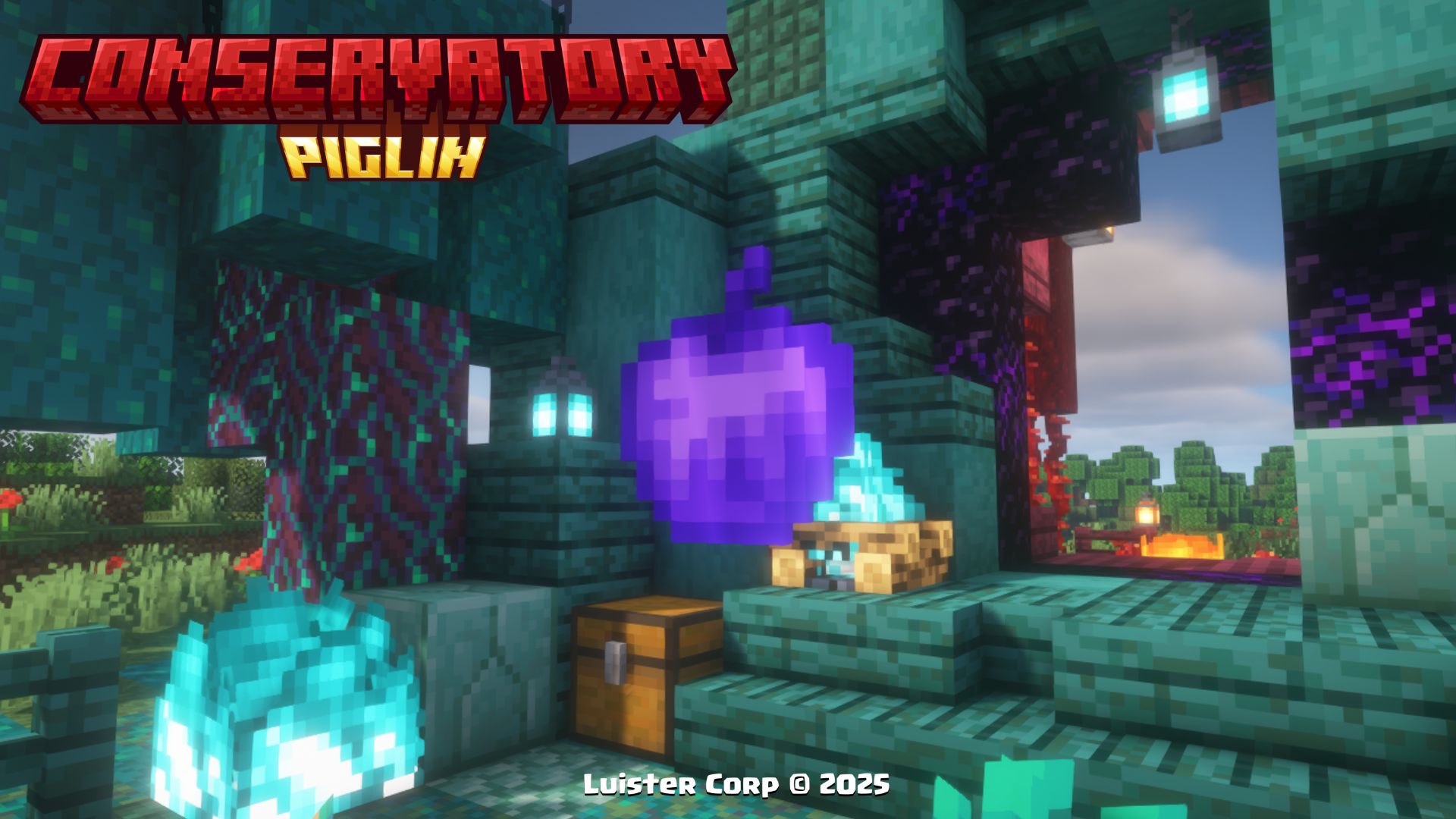
Effects to be consumed:
minecraft:regeneration (00:10 duration)

minecraft:fire_resistance (01:40 duration)

minecraft:absorption (02:00 duration)

minecraft:resistance (01:40 duration)

clear @p wither effect
Toxic Mushroom
To get Toxic Mushroom, you will have to battle in the room of bones and harmful experiments inside the Piglin Conservatory.
Promotional Image:
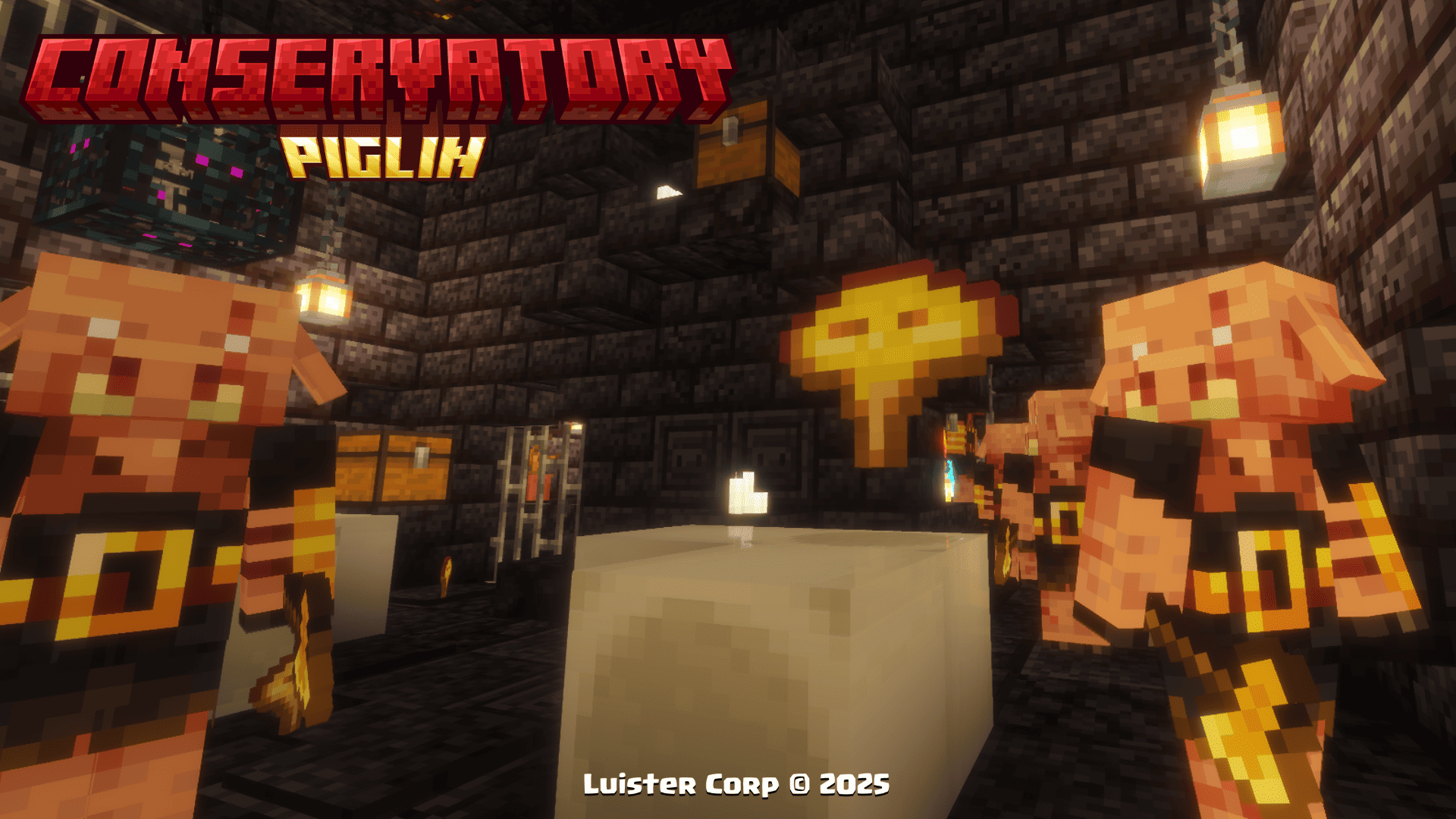
Effects to be consumed:
minecraft:poison (00:10 duration)
Hoglin Tooth
To get Hoglin's Tooth, it is one of the most common resources in any room within Piglin Conservatory.
Promotional Image:
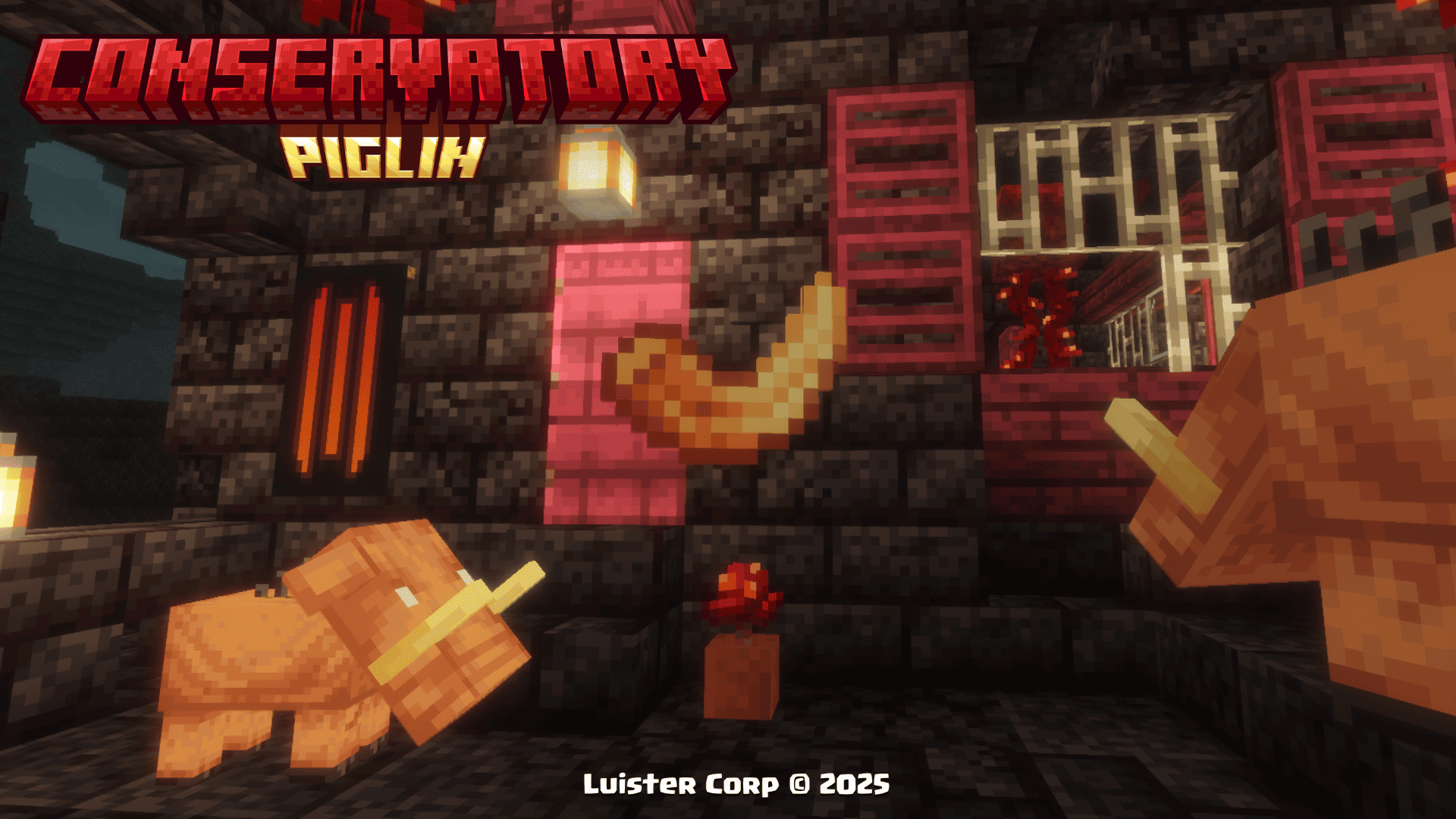
Not consumable
Hoglin Fossil
To get the Hoglin Fossils, it is one of the most common resources in the chests of the Nether Portal Ruins.
Promotional Image:
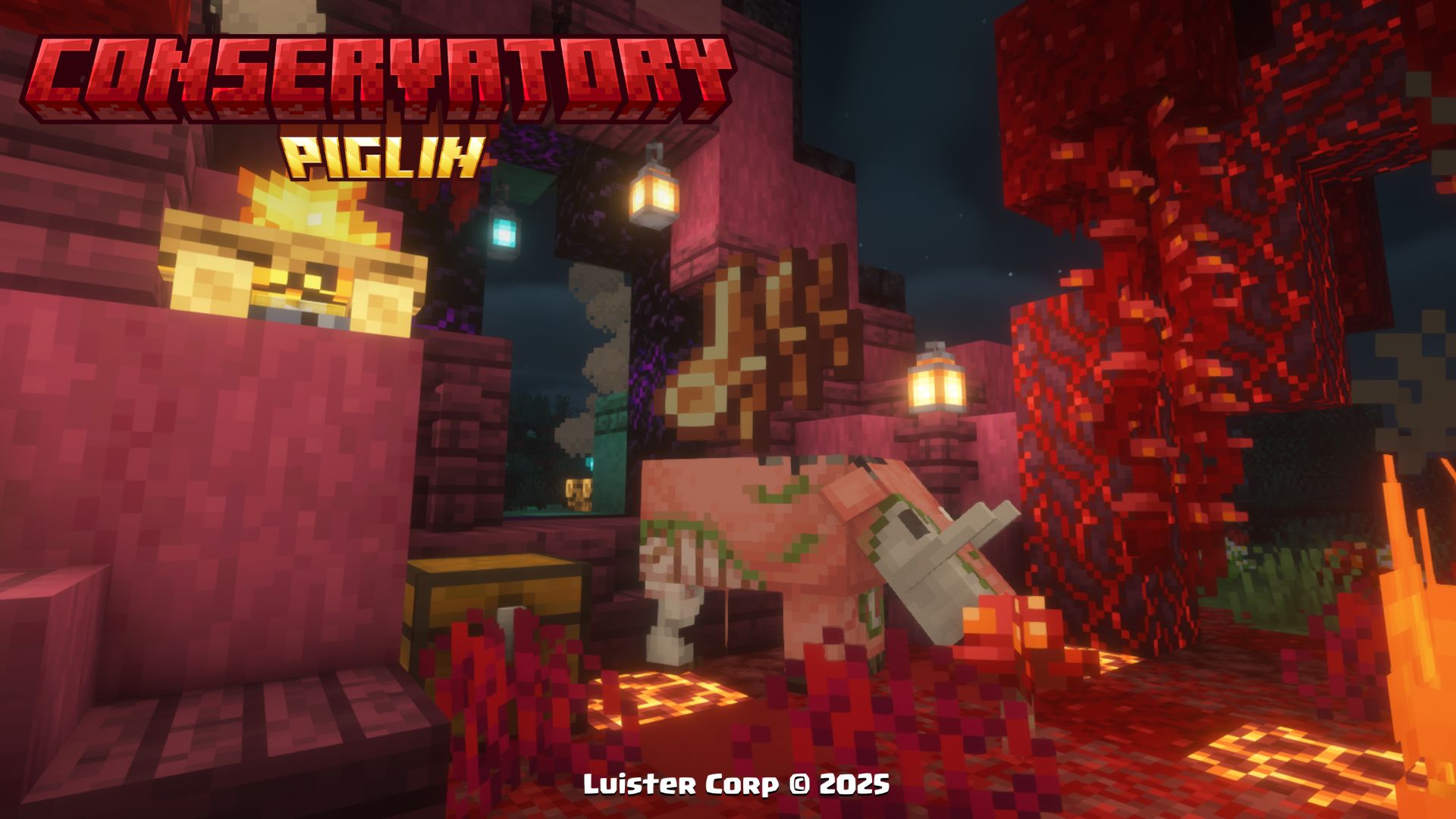
Not consumable
More Soon...
Music Discs 🥏 (Discos de Música)
Psylla - In Bonfires Green [NCS Release]
🎨Diseño (Design):
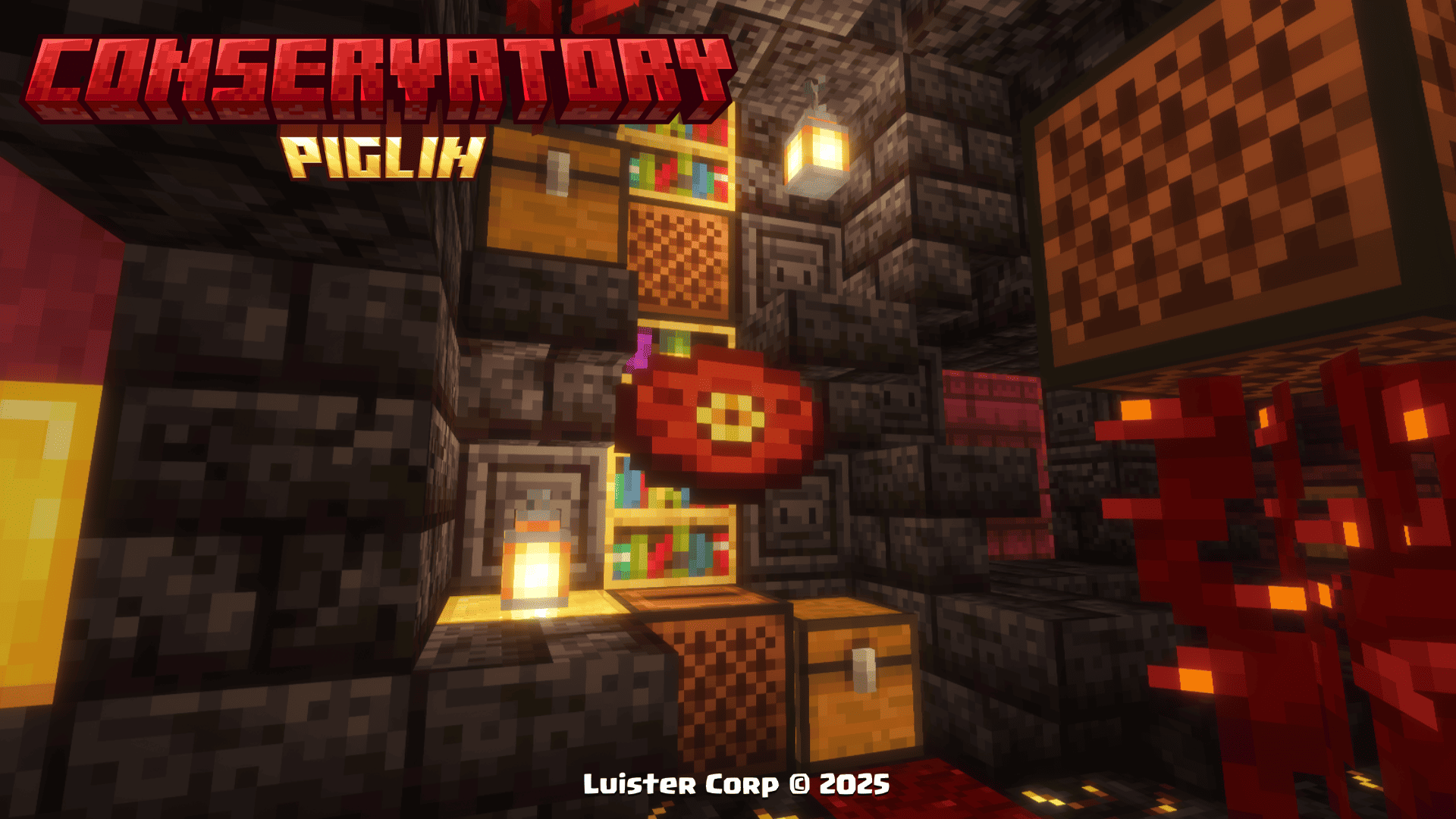
◽Encontrable (Find It)
💠Música y Artista (Music and Artist):
By: Psylla
More: SoundCloud - Spotify - Bandcamp - Twitter
Clarx - Zig Zag [NCS Release]
🎨Diseño (Design):
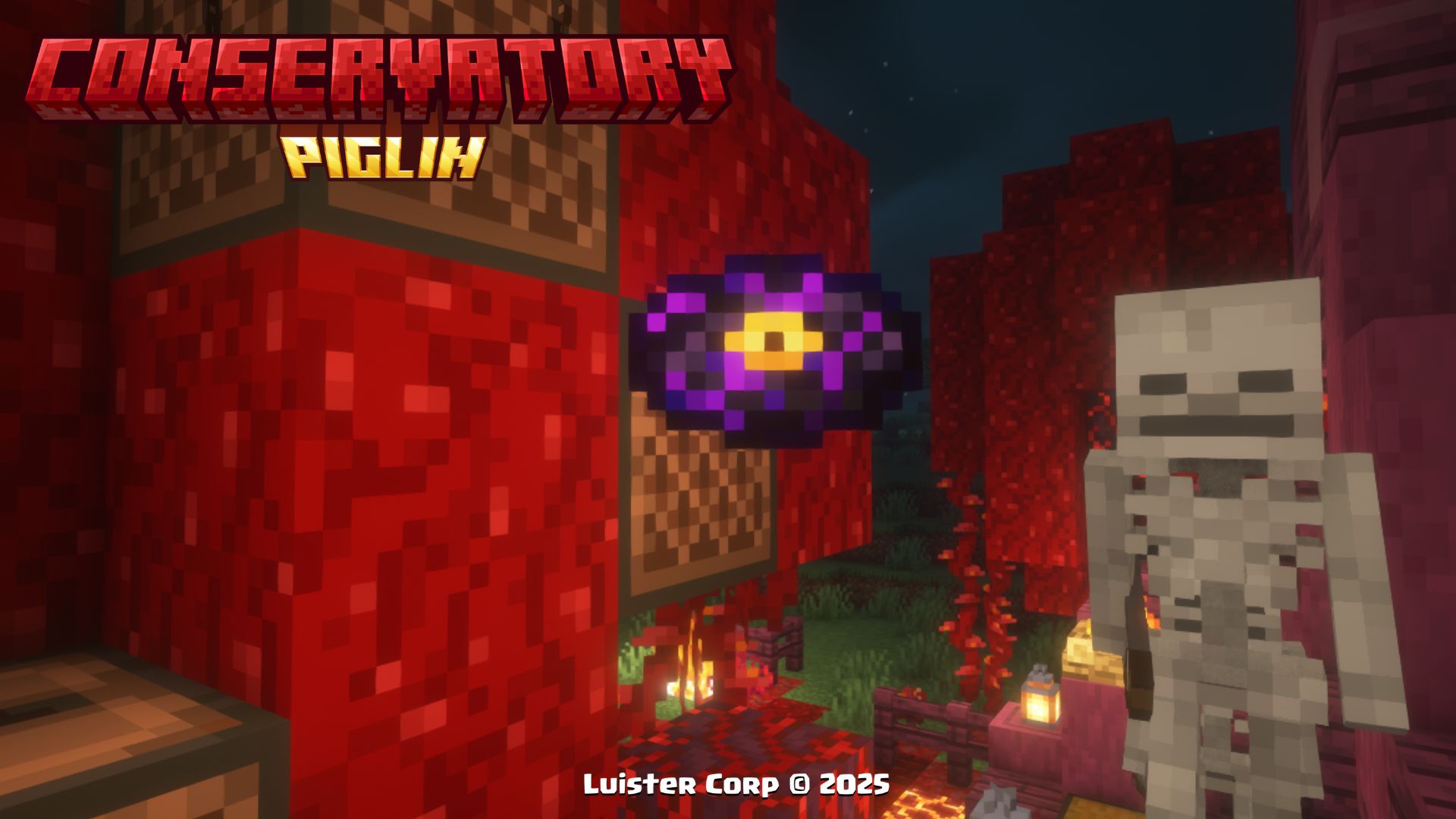
◽Encontrable (Find It)
💠Música y Artista (Music and Artist):
By: Clarx
More: SoundCloud - FaceBook - YouTube - Twitter
Ramzoid - Electron [NCS Release]
🎨Diseño (Design):

◽Encontrable (Find It)
💠Música y Artista (Music and Artist):
By: Ramzoid
More: SoundCloud - Twitter - YouTube - Instagram - Tumblr
More Soon...
New Advancements 🏆 (Nuevos Logros)
When you get any of the new items and discs or find any of the new structures of this Datapack, you will get a new section of perzonalized advancements with references to different movies🎬, series📺 and videogames 🕹...
◾Image:

These 12 Advancements, are obtained by finding a Dragon Fruit, finding the Traveling Wagon and getting Hoglin's Fossils, and the newly added discs 💿.
Procesos de Instalación 💾 (Installation Processes)
Below we invite you to review the correct installation process of our Data Package in the following categories 💥
Singleplayer - Un Jugador
Pasos Para Instalar DataPack (Steps to Install DataPack):
-
Abrir Minecraft (Open Minecraft)
Inicia el juego (start the game). -
Crea un Nuevo Mundo (Create a New World)
Vaya a "Más" y haga clic en "Paquetes de Datos". (go to “More” and click on "Datapacks”).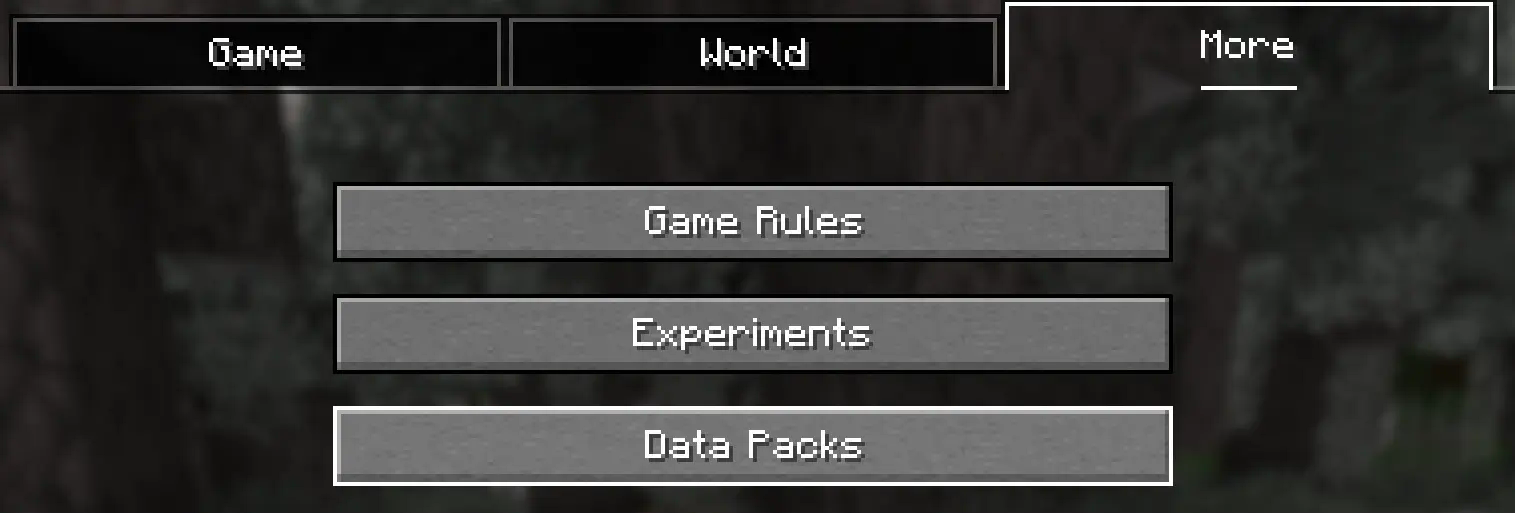
-
Añadir el Datapack (Add Datapack)
Arrastre el Paquete de Datos (un archivo.zipo directorio) a la ventana de Minecraft.📟 (Drag the Data Package (a
.zipor directory) to the Minecraft window).
Aparecerá una pantalla de confirmación. Haga clic en "Confirmar".
📟 (A confirmation screen will appear. Click on "Confirm ”).
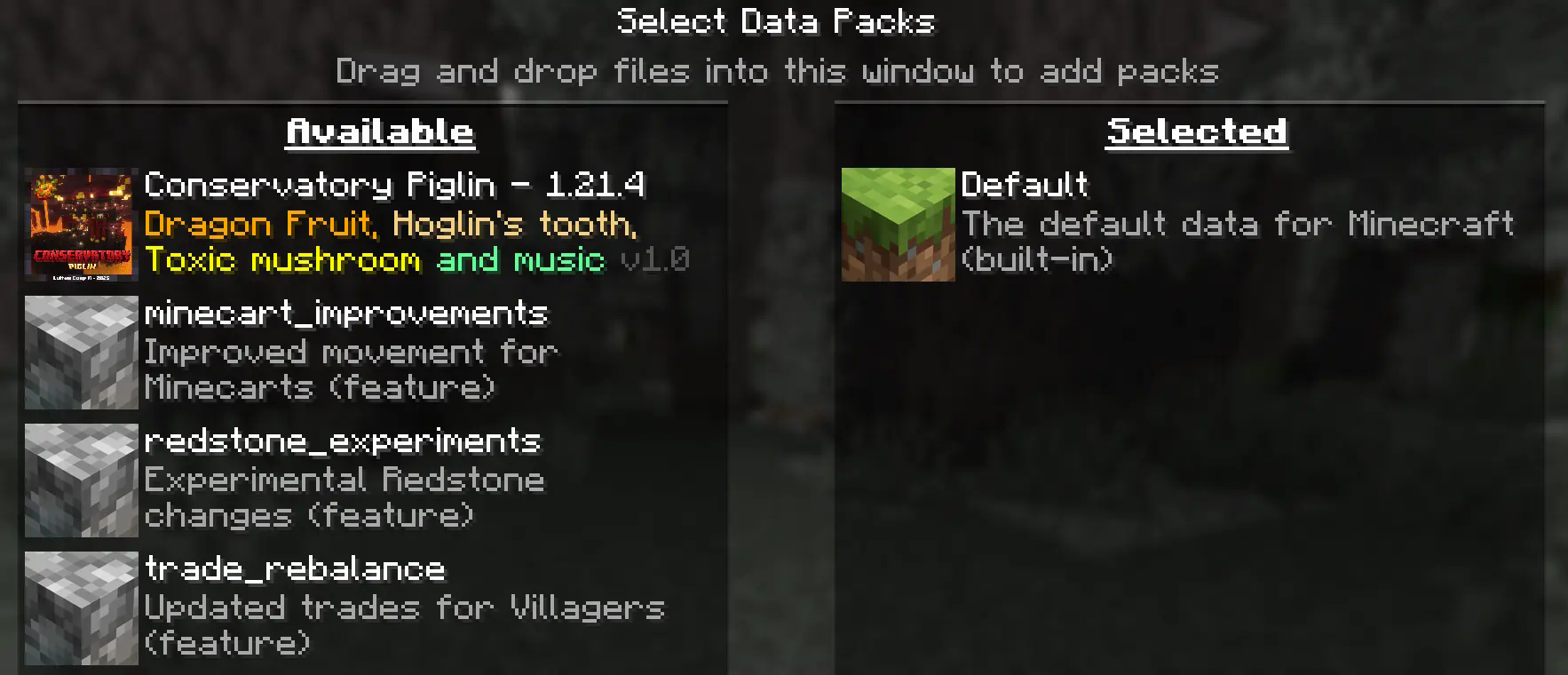
-
Activar el DataPack (Activate the DataPack)
Mueva el Paquete de Datos al lado derecho de la pantalla haciendo clic en el triángulo de su ícono (visible al pasar el cursor sobre él).📟 Move the Datapack to the right side of the screen by clicking on its triangle icon (visible when hovering over it).
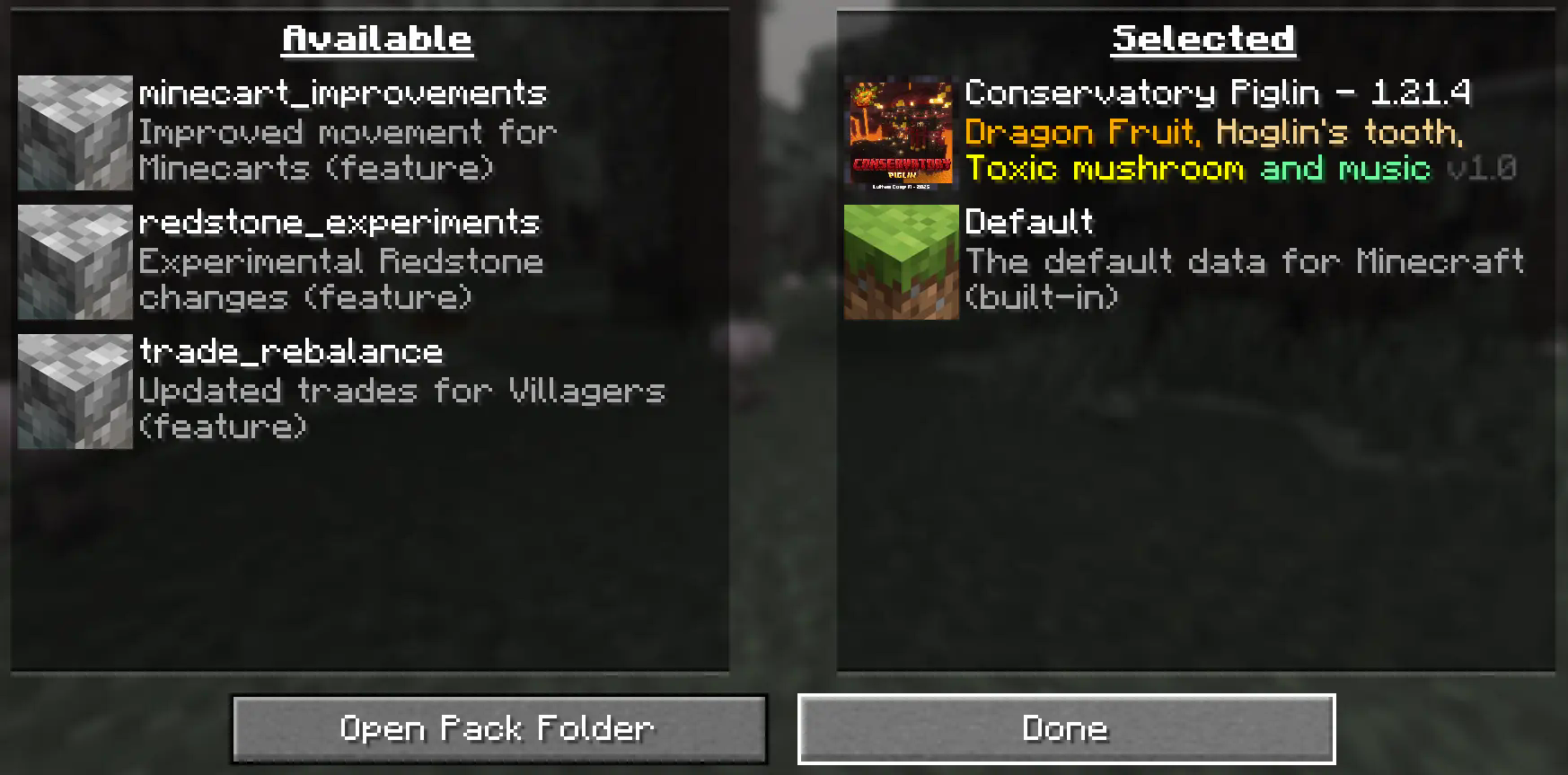
-
Creación del Mundo Nuevo (Creation of the New World)
Haz clic en "Hecho" en la parte inferior de la pantalla.📟 (Click "Done ” at the bottom of the screen).
 Continúa creando tu mundo y haz clic en "Crear nuevo mundo".
📟 (Continue creating your world and click on "Create new world ”).
⚠️ IMPORTANTE - IMPORTANT⚠️
Se generará un aviso al momento de crear un mundo nuevo, ya que son características experimentales, cualquier tipo de error puede ser comunicado a nuestro Discord Oficial
📟 A warning will be generated when creating a new world, since these are experimental features, any kind of error can be communicated to our Discord Oficial
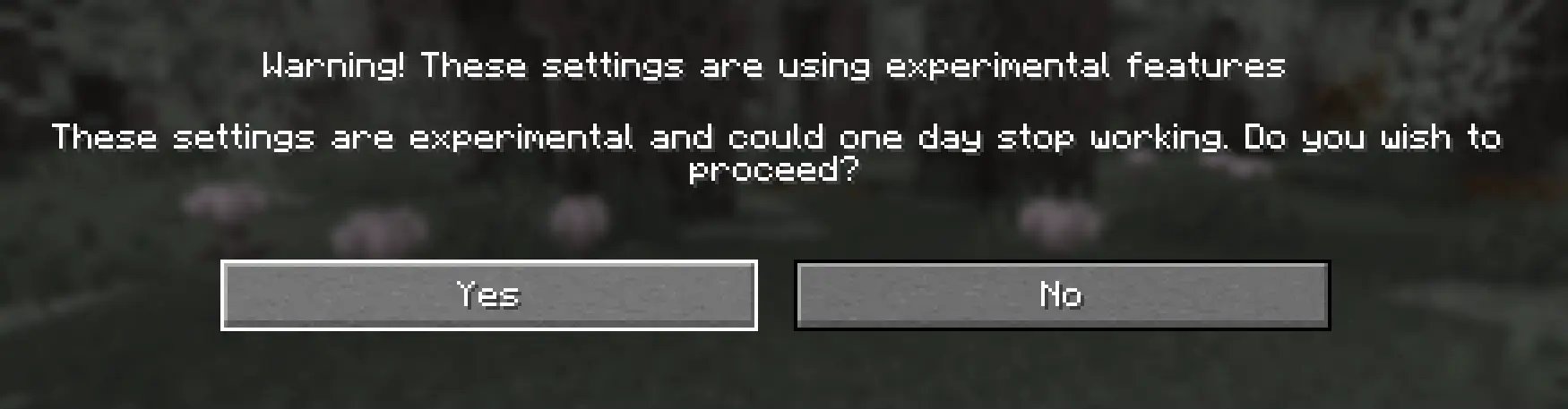
Continue dandole al boton Sí y disfrute de su Aventura :)
📟 Continue clicking the Yes button and enjoy your adventure :)
Multiplayer - Multijugador
Pasos Para Instalar DataPack (Steps to Install DataPack):
-
Abrir la carpeta de tu servidor (Open the folder on your server)
Navega hasta la carpeta de tu servidor y luego abre la carpeta del mundo en el que deseas instalar el Paquete de Datos (predeterminado:world).Navigate to your server folder and then open the world folder in which you want to install the Datapacks (default:
world). -
Agrega el DataPack (Add the DataPack)
El Paquete de Datos debe ser un archivo.zip.file.
Coloca el Paquete de Datos en una carpeta llamadadatapacksdentro de la carpeta world.The DataPack must be a
.zipfile.
Place the DataPack in a folder nameddatapacksinside the world folder. -
Vuelve a cargar el servidor (reload the server)
Escribe/reloaddesde la consola o como operador de nivel 3, si el servidor estaba ejecutándose durante la instalación.Type
/reloadfrom the console or as a level 3 operator, if the server was running during installation.
⚠️ IMPORTANTE - IMPORTANT⚠️
Se generará un aviso al momento de crear un mundo nuevo, ya que son características experimentales, cualquier tipo de error puede ser comunicado a nuestro Discord Oficial
📟 A warning will be generated when creating a new world, since these are experimental features, any kind of error can be communicated to our Discord Oficial
LuisterCorp Projects:


Advancements Projects:


Towerinator Projects:


Sponsored by Bisecthosting 💌

Screenshots
Gallery
-
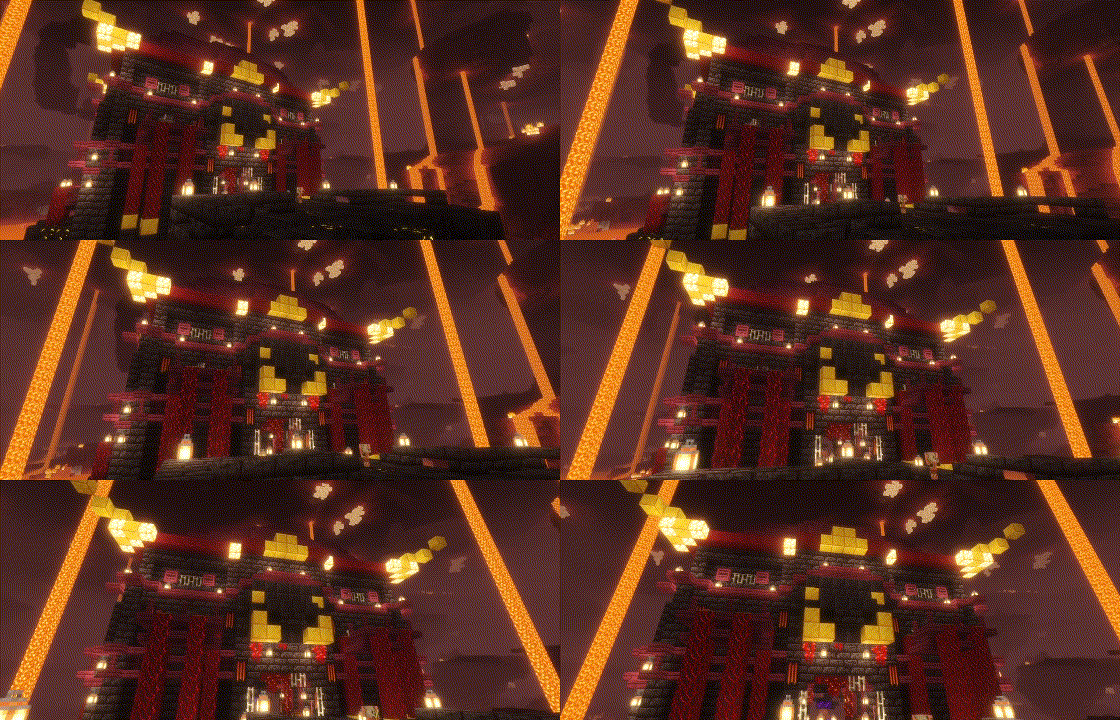 Banner
 -
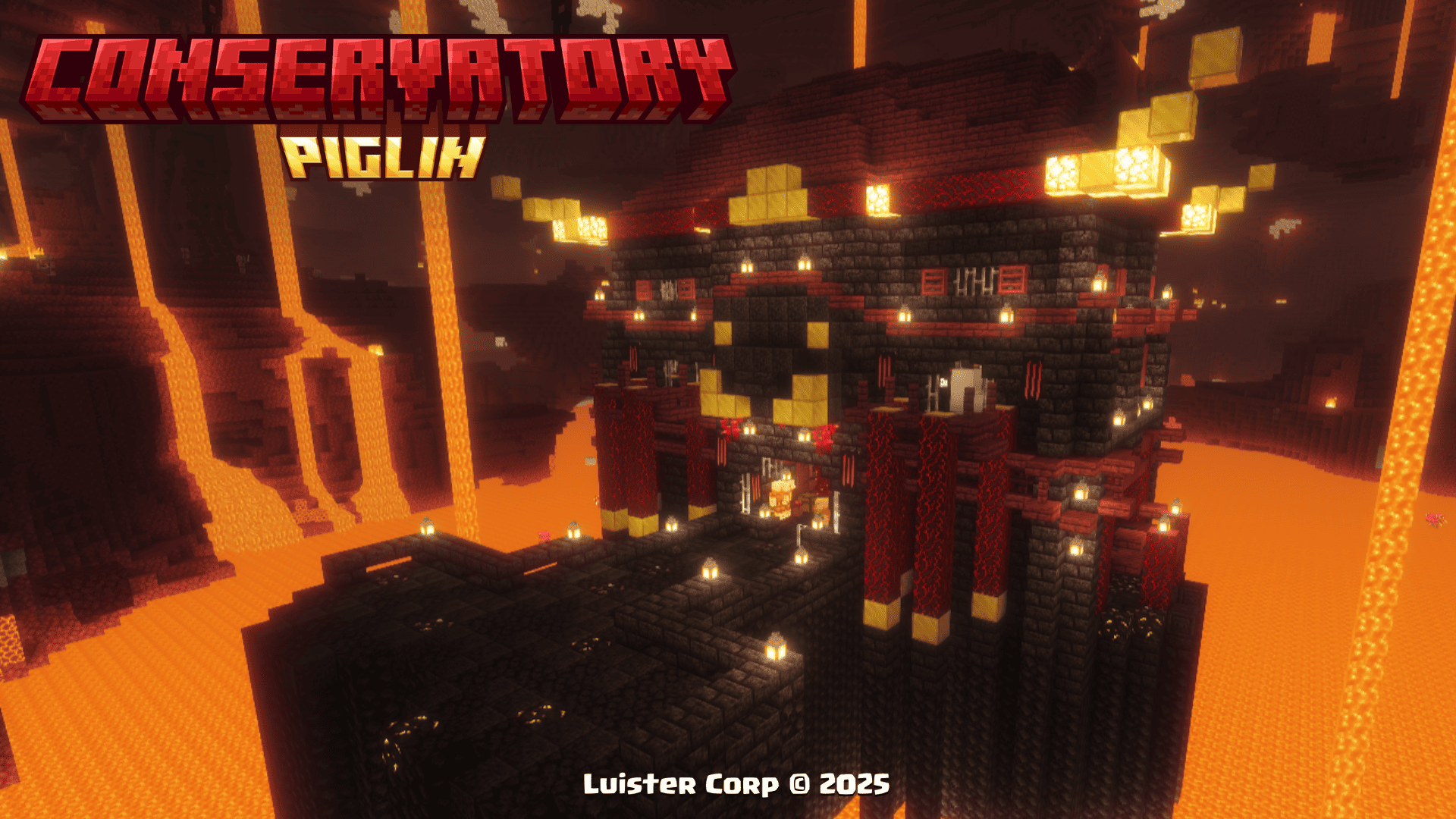 Conservatory Piglin
 -
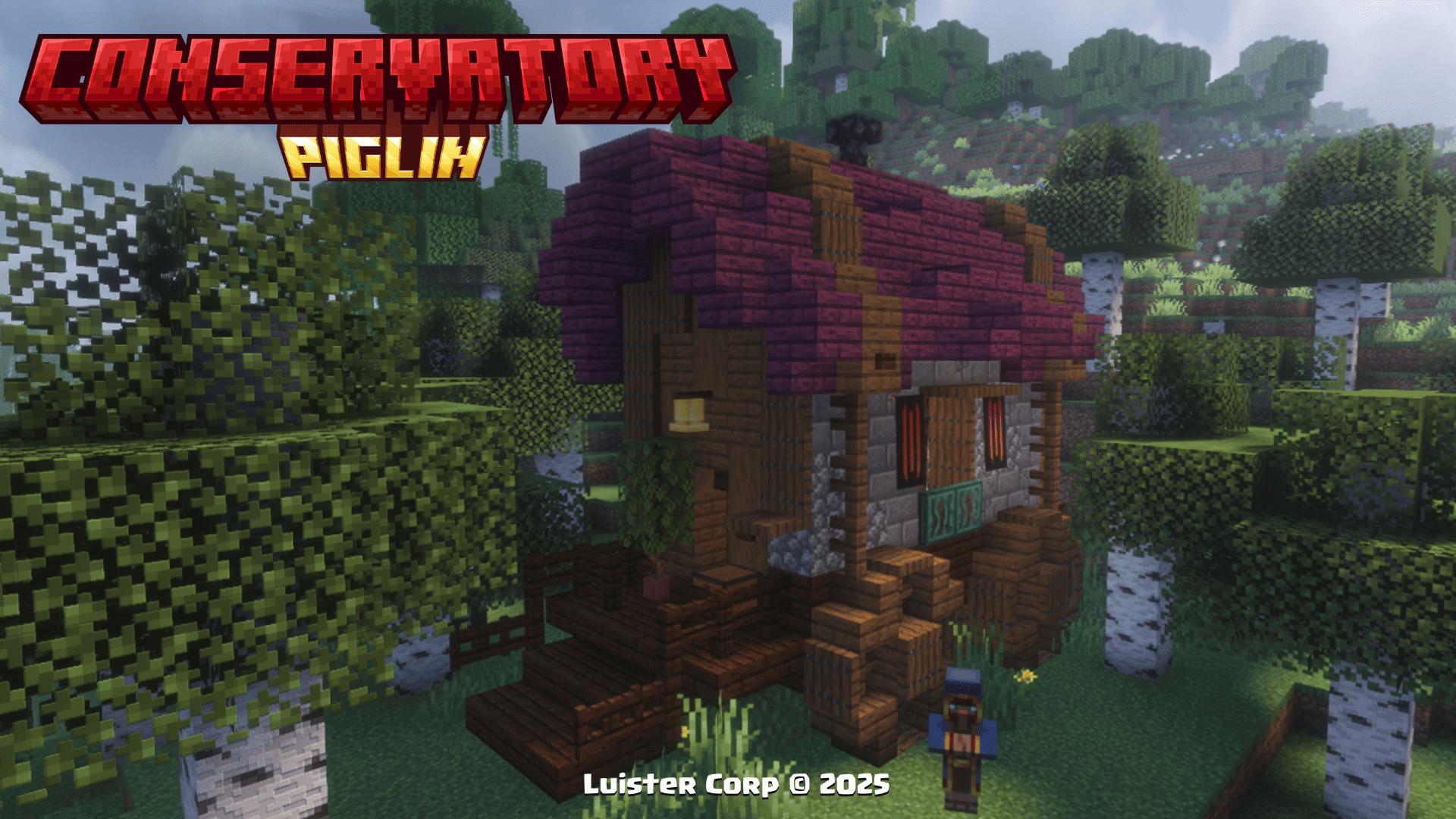 Traveling Wagon
 -
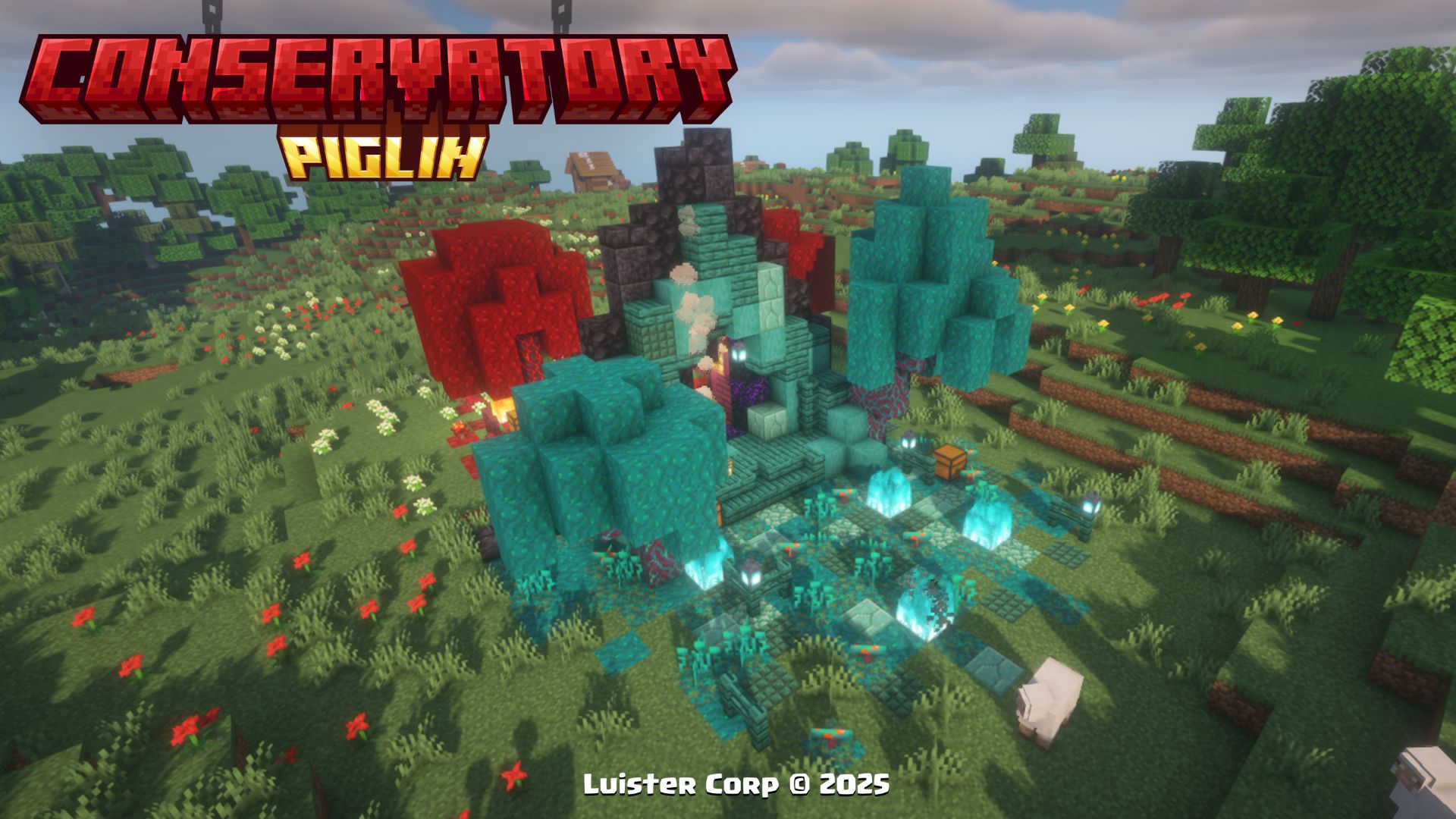 Nether Portal Ruins
 -
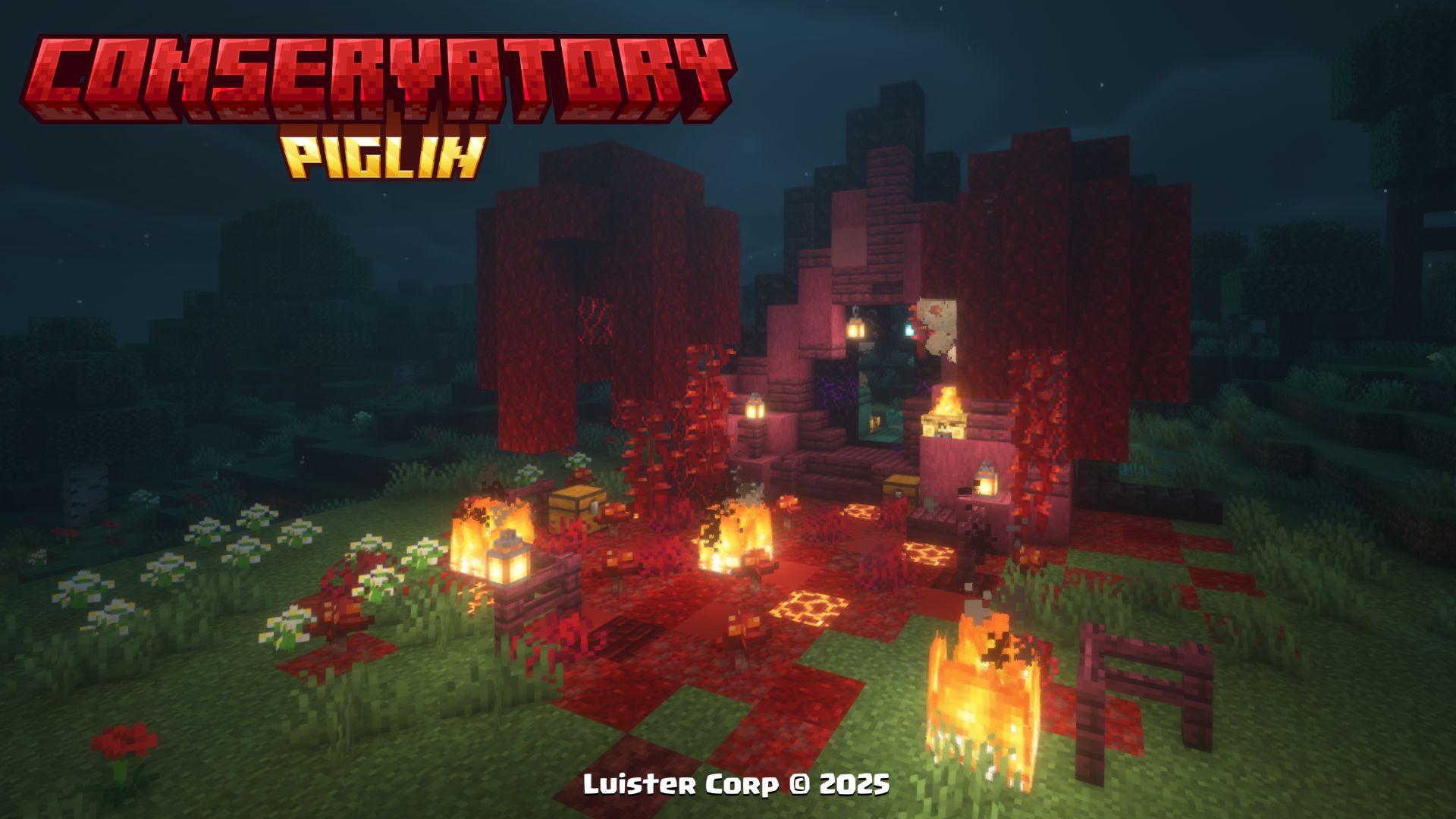 Nether Portal Ruins
 -
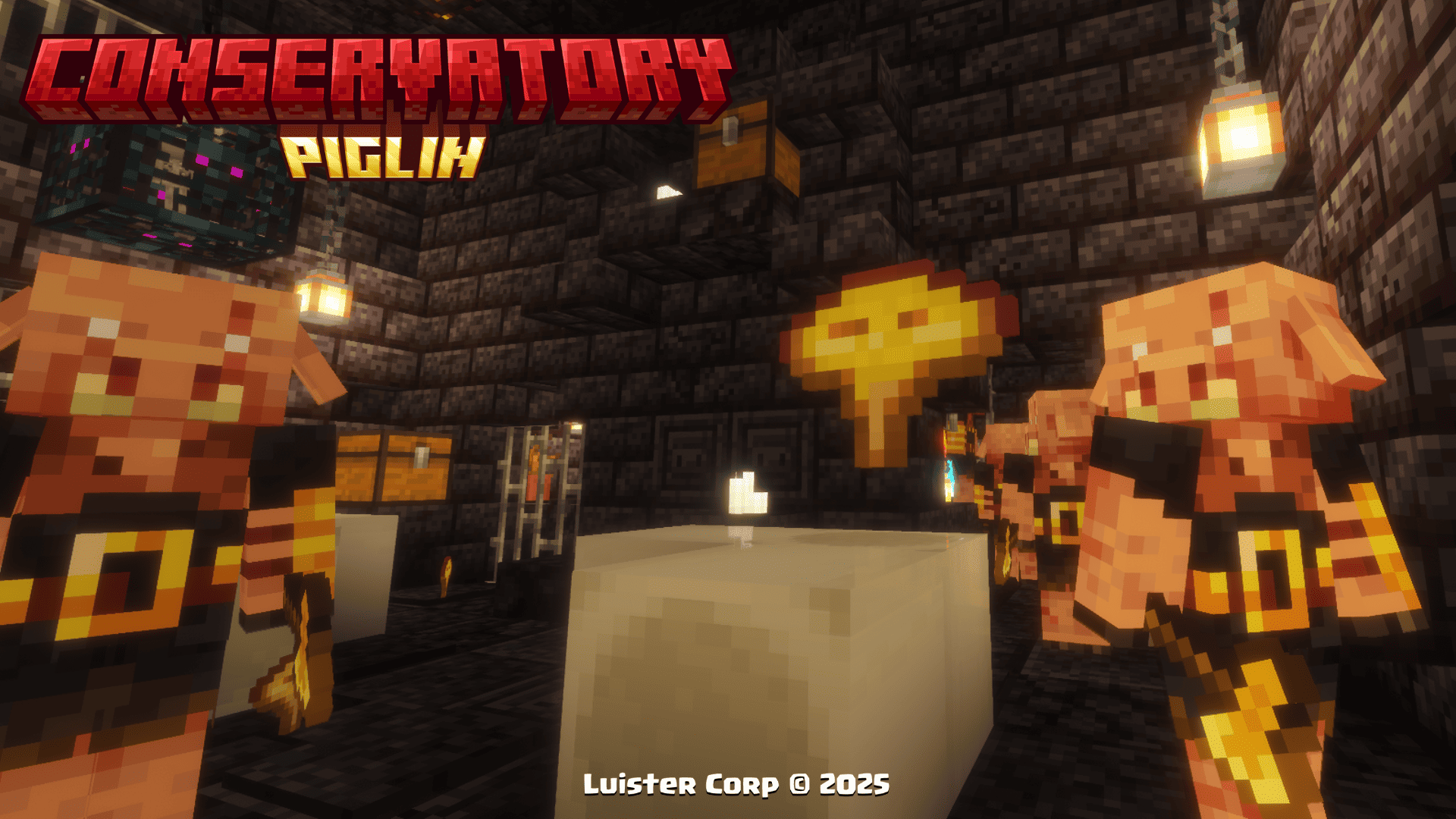 Toxic Mushroom
 -
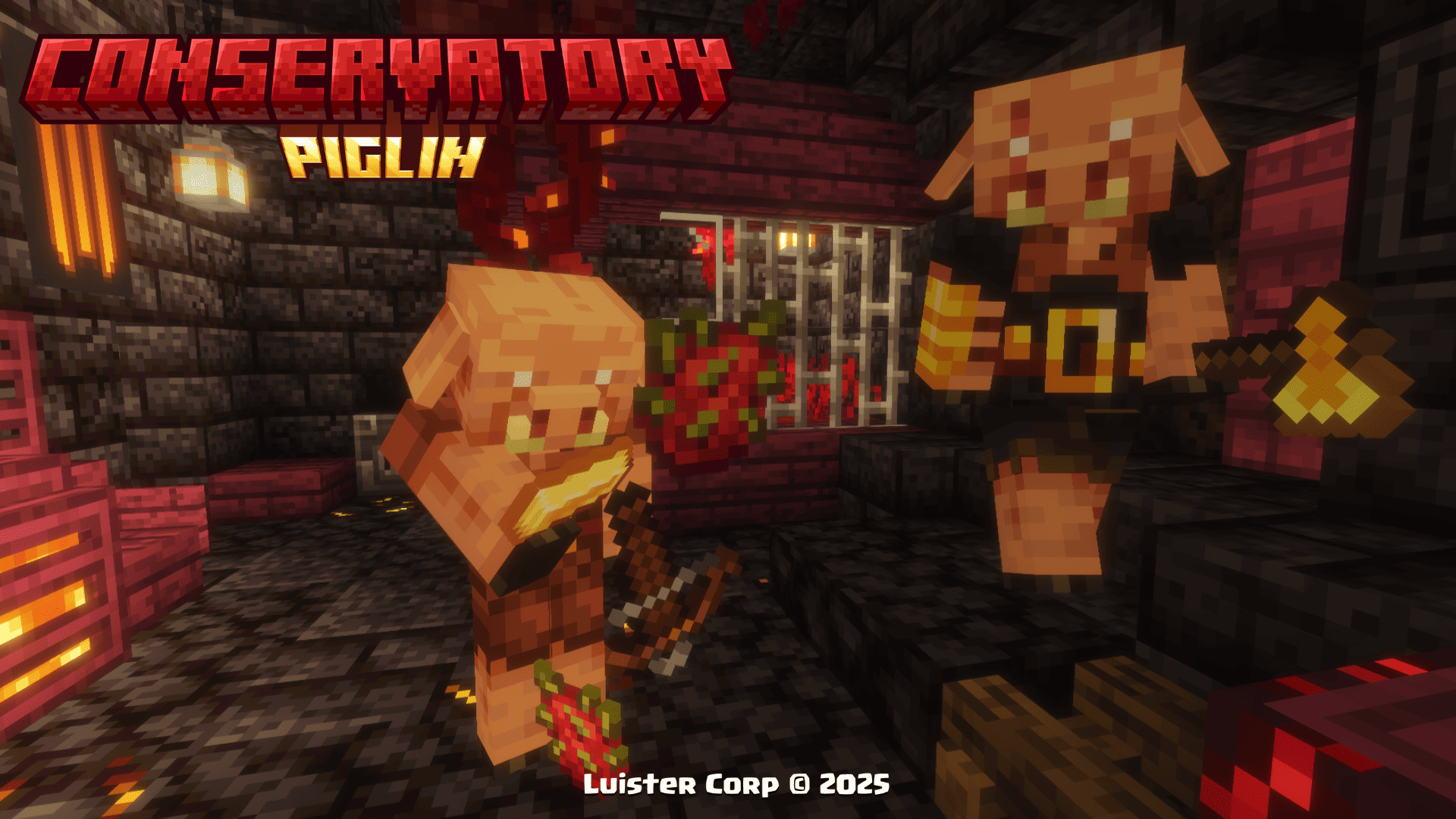 Dragon Fruit Trade
 -
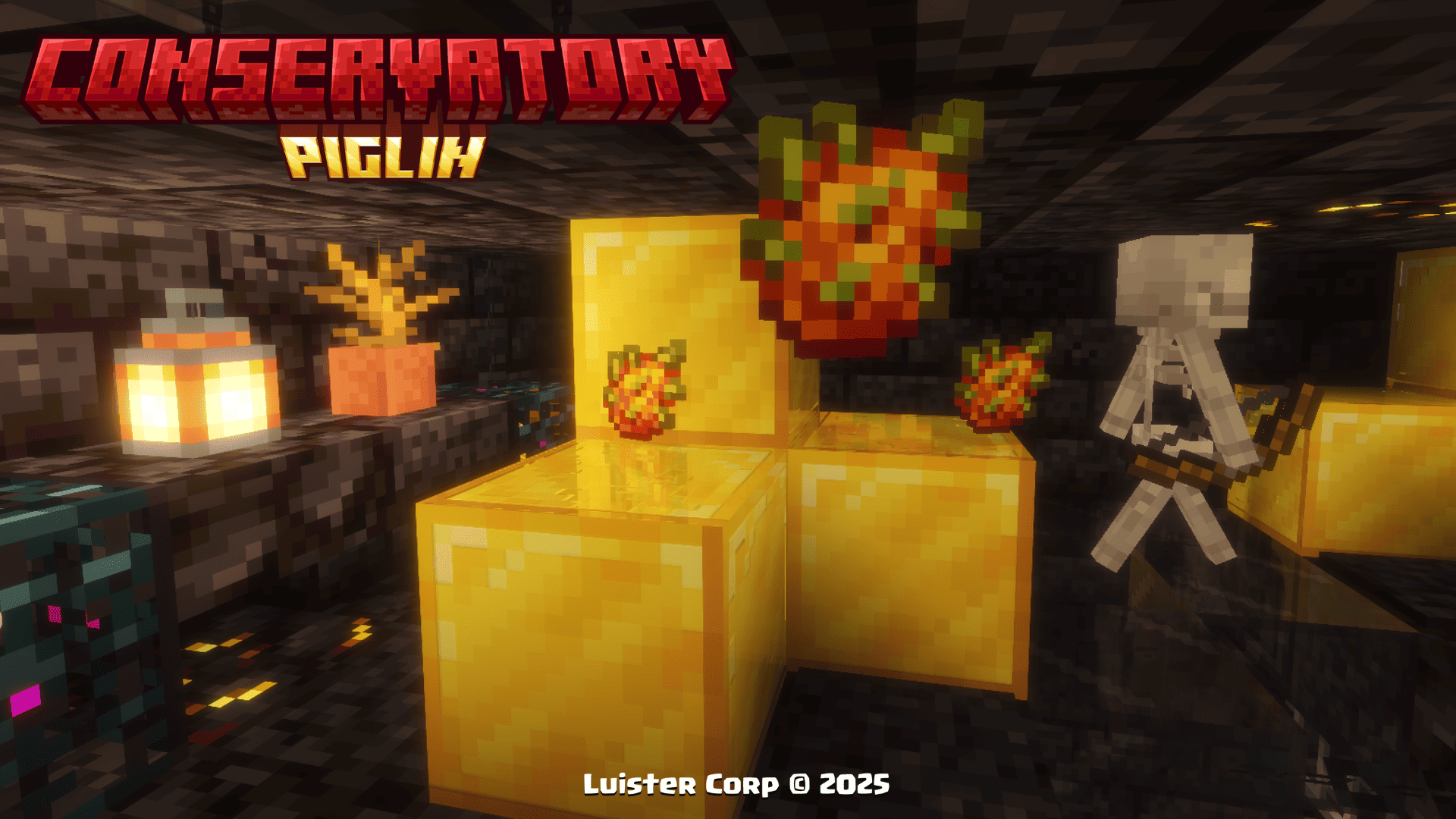 Golden Dragon Fruit
 -
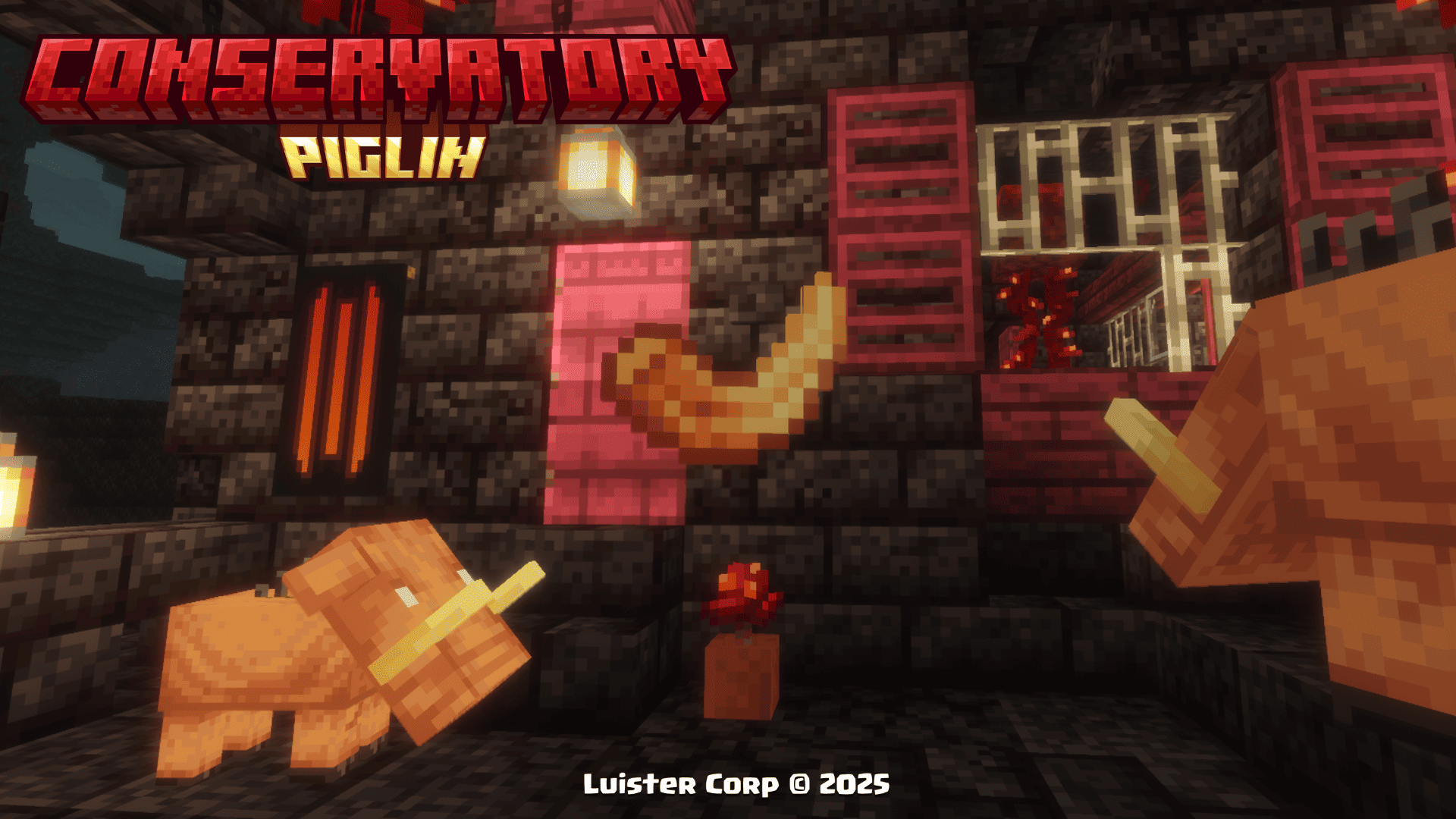 Hoglin Tooth
 -
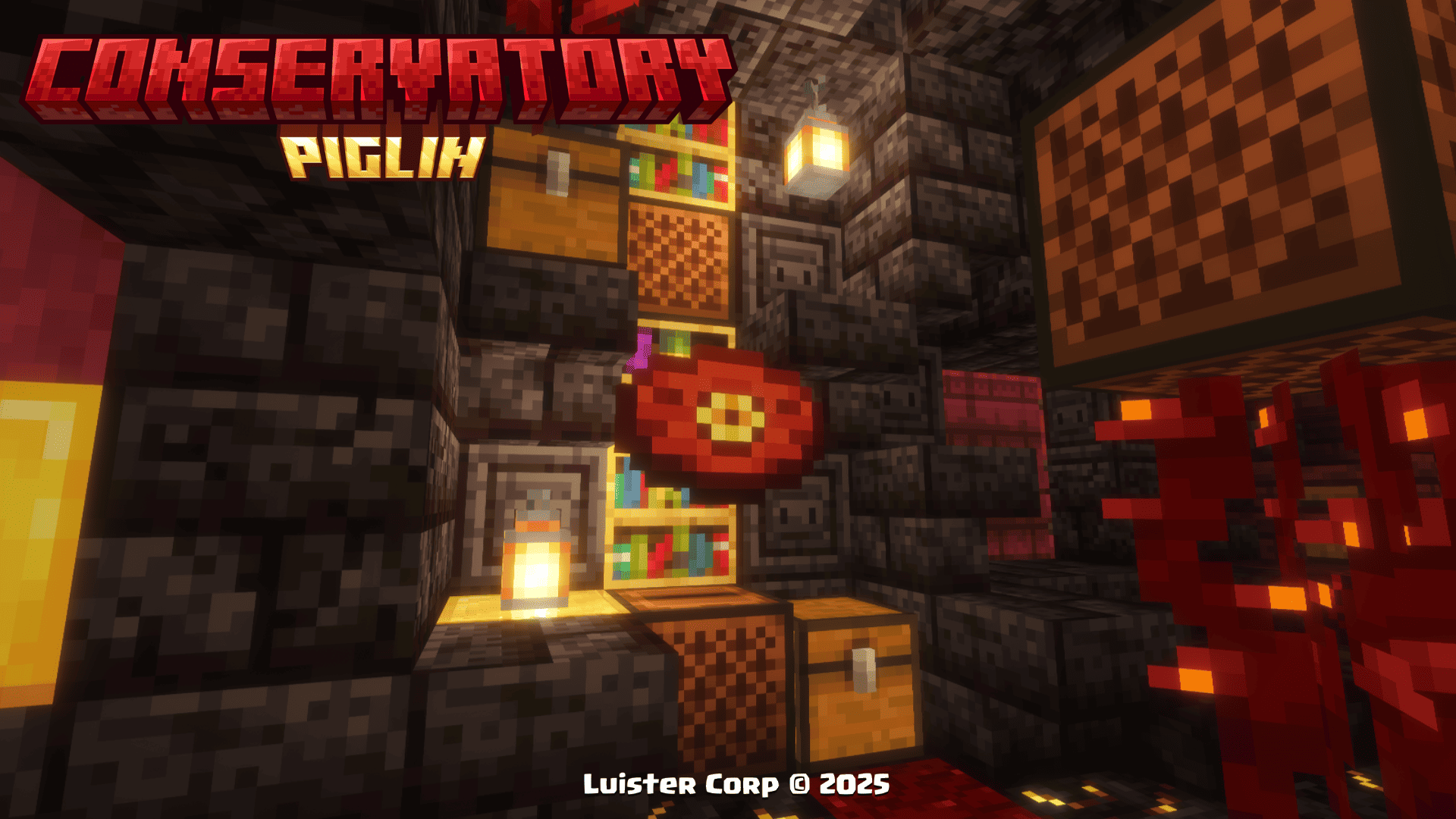 New Music Disc Psylla - In Bonfires Green [NCS Release]
 -
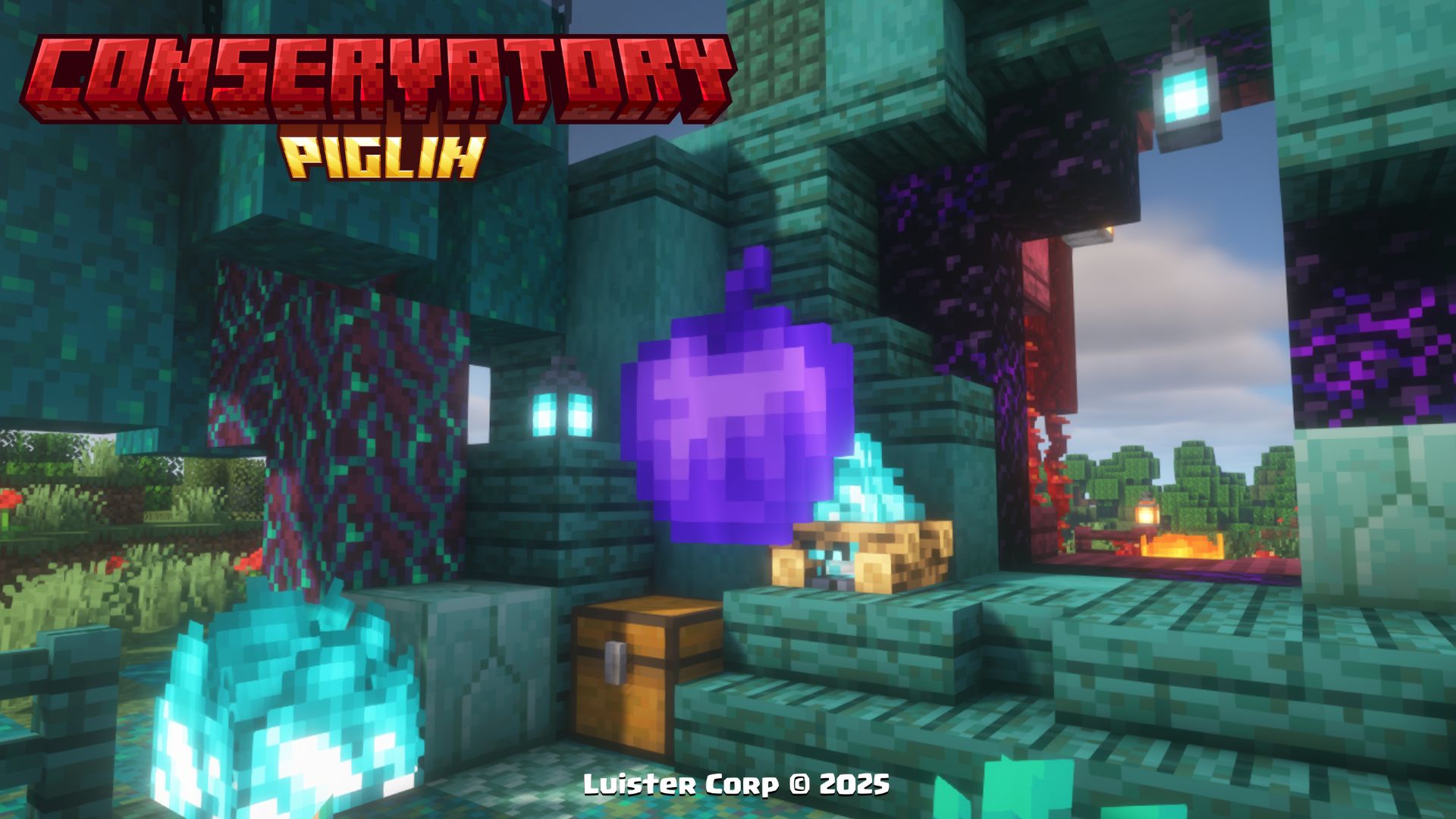 Obsidian Apple
 -
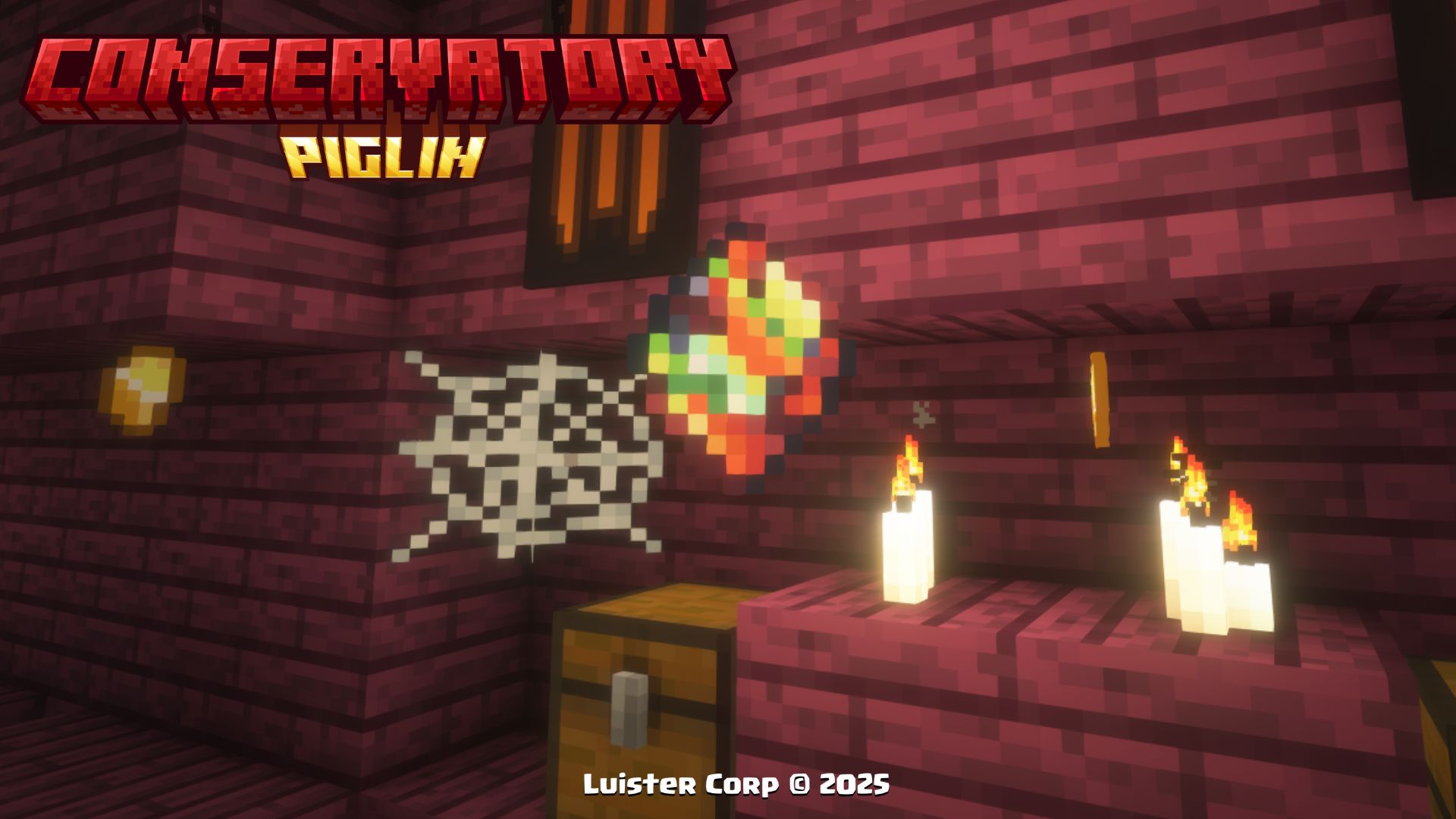 Corrupted Emeral
 -
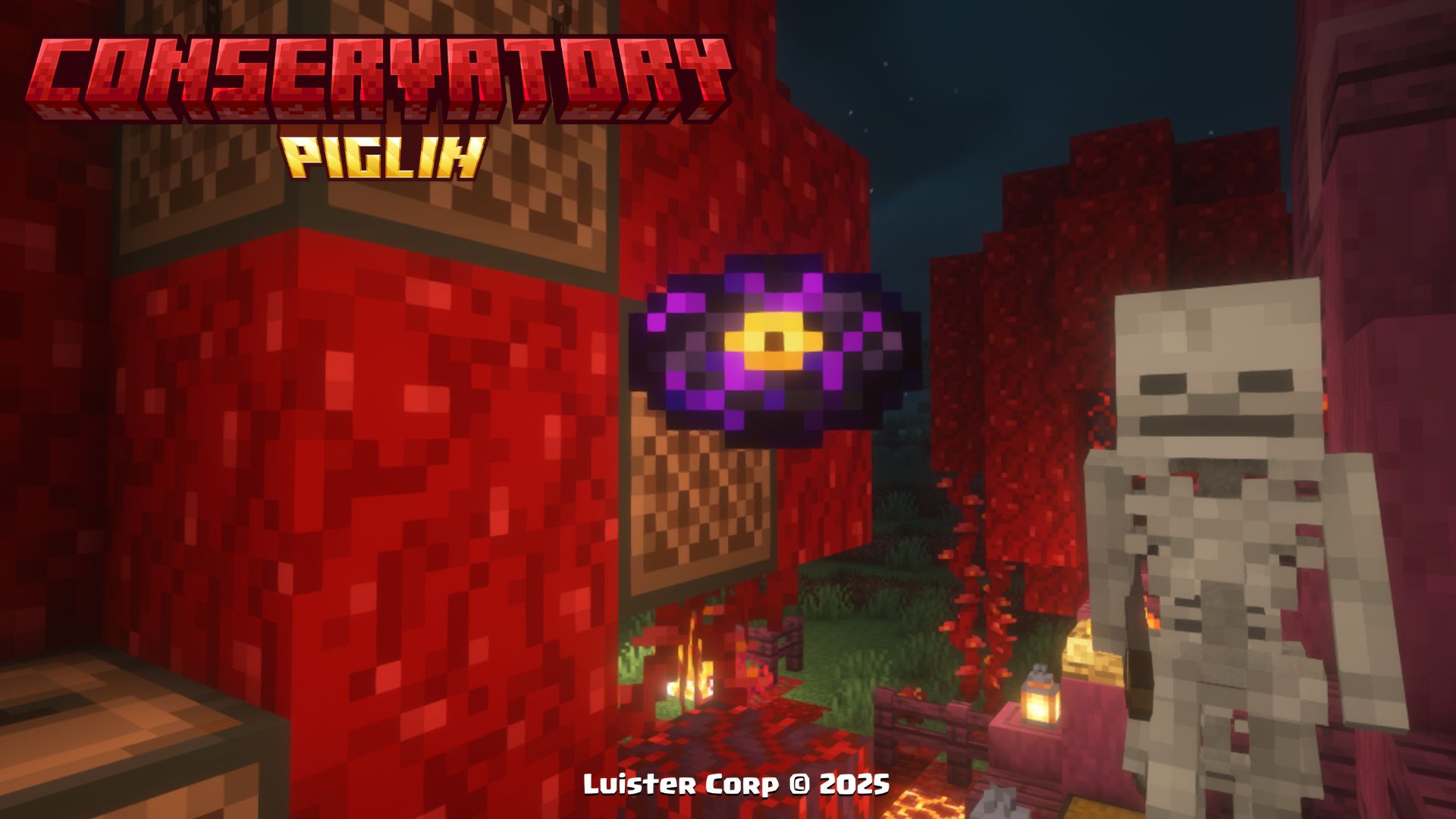 New Music Disc Clarx - Zig Zag [NCS Release]
 -
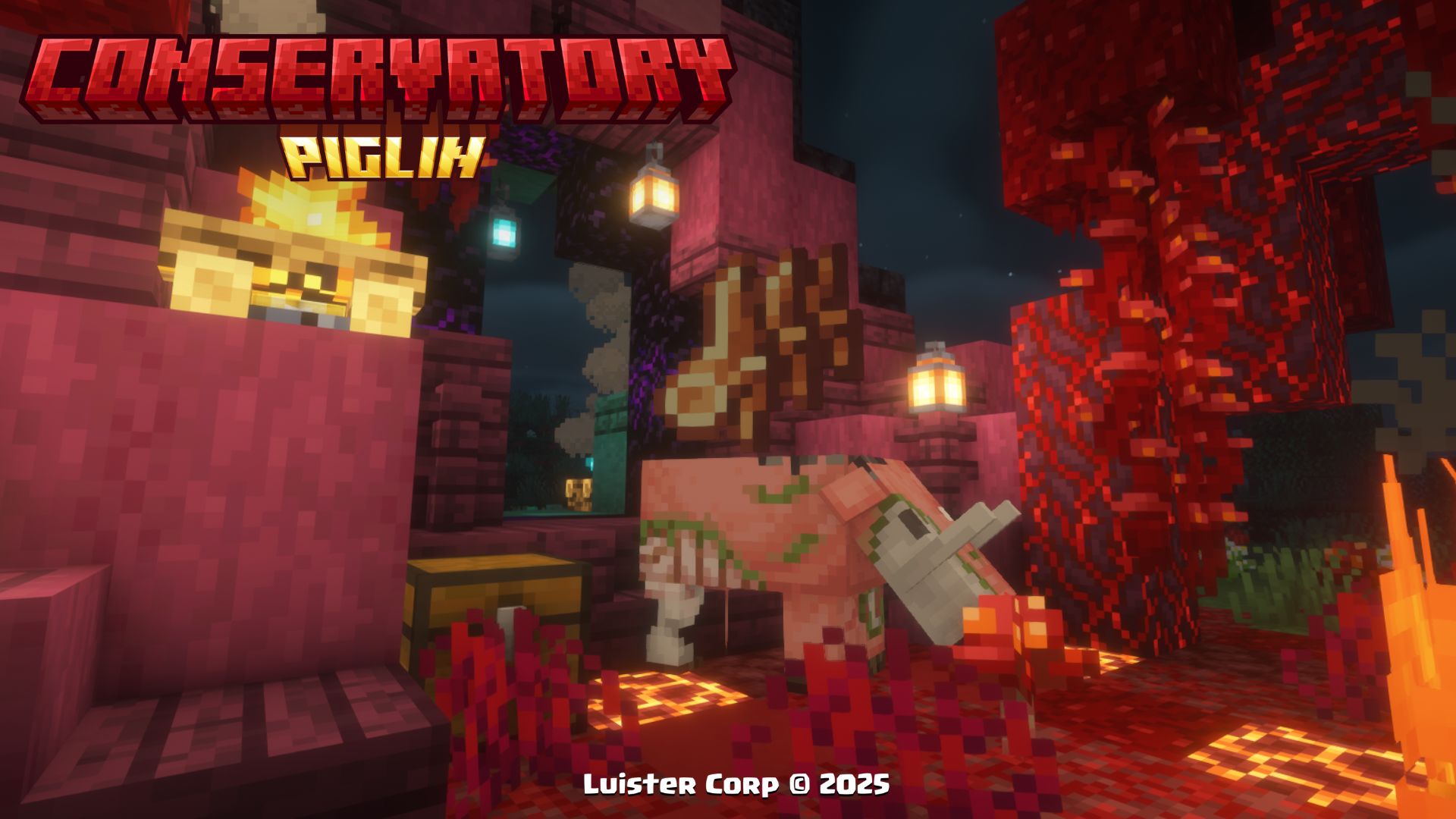 Hoglin Fossil
 -
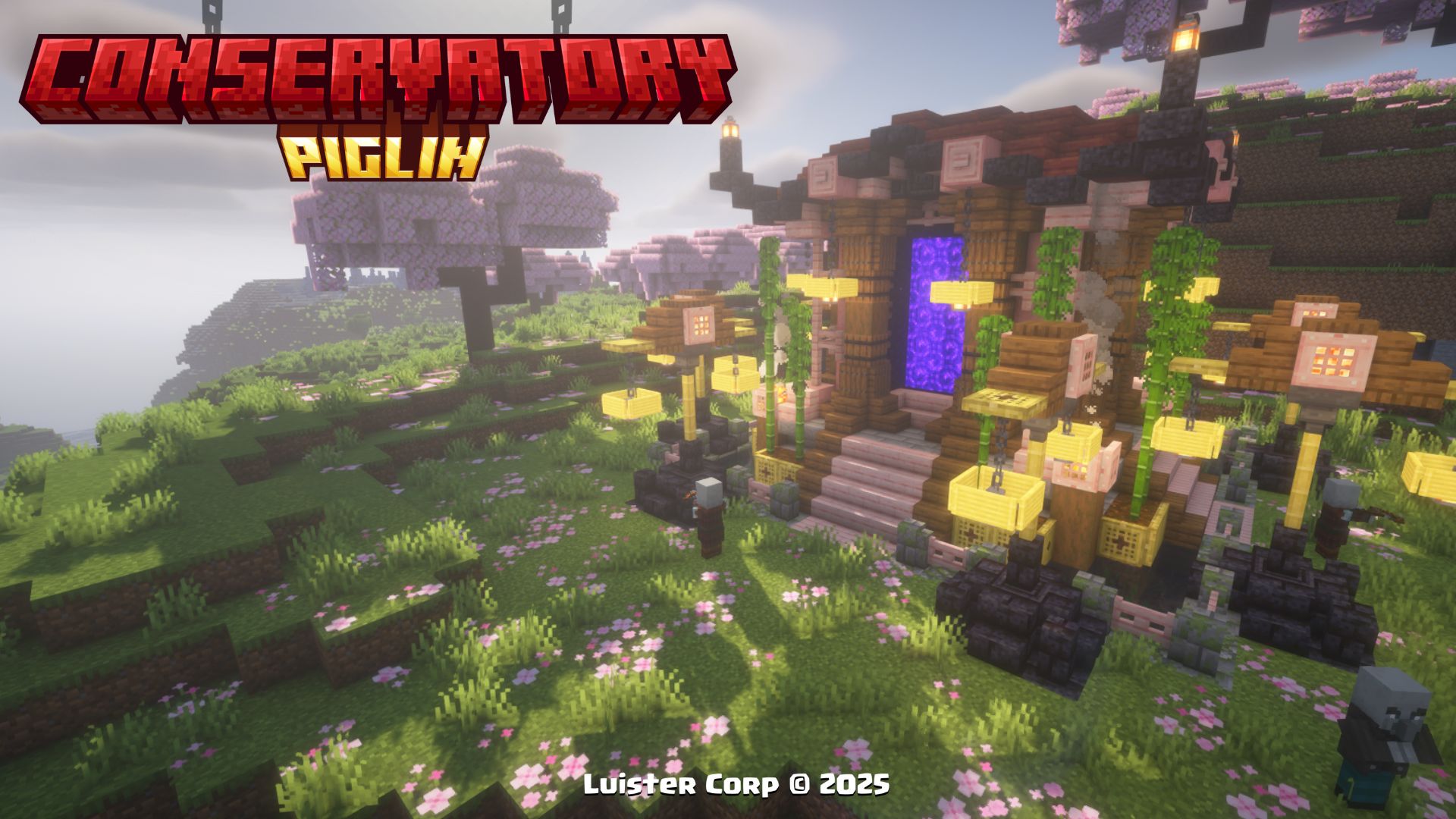 Cherry Nether Portal
 -
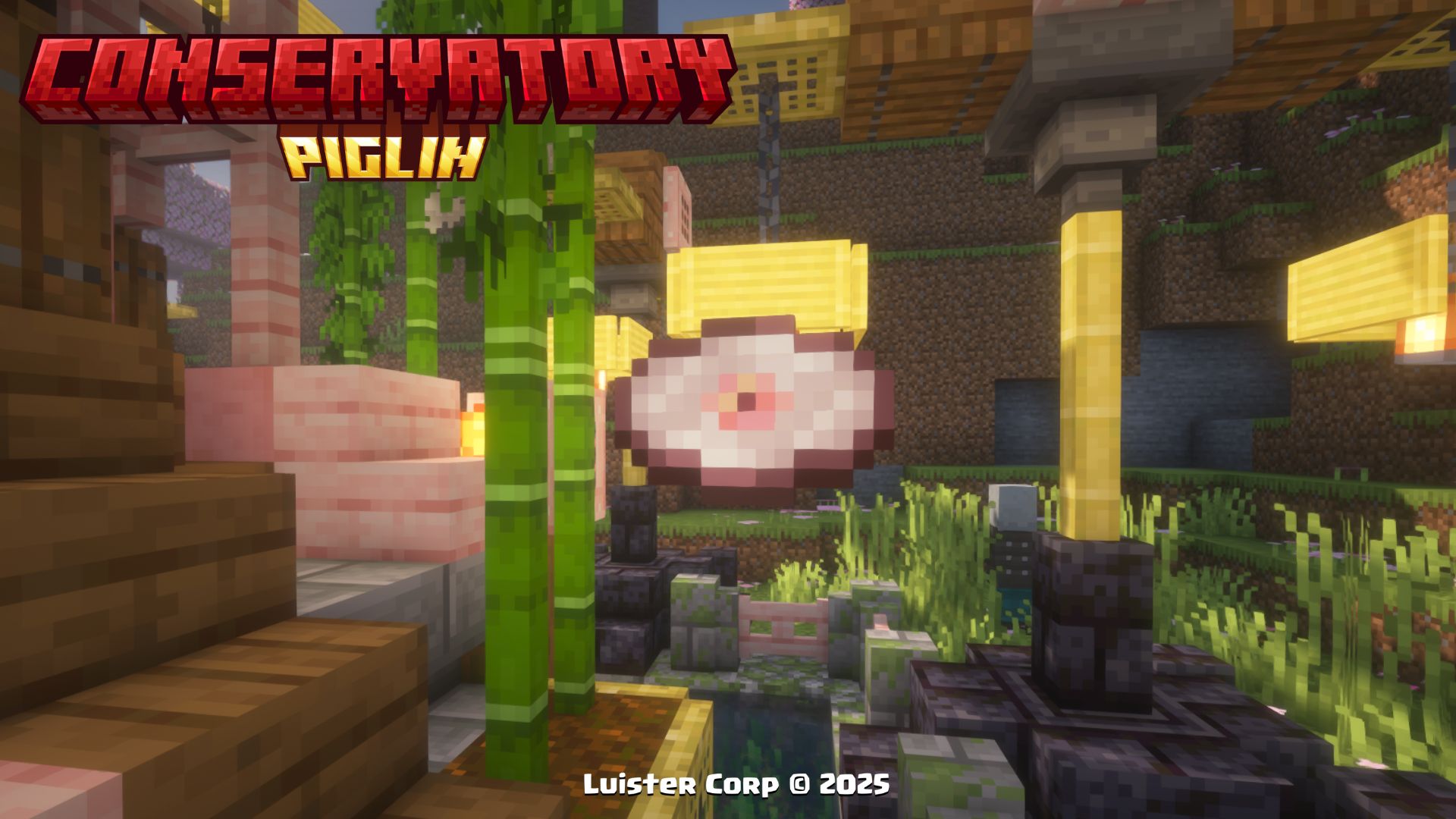 New Music Disc Ramzoid - Electron [NCS Release]
 -
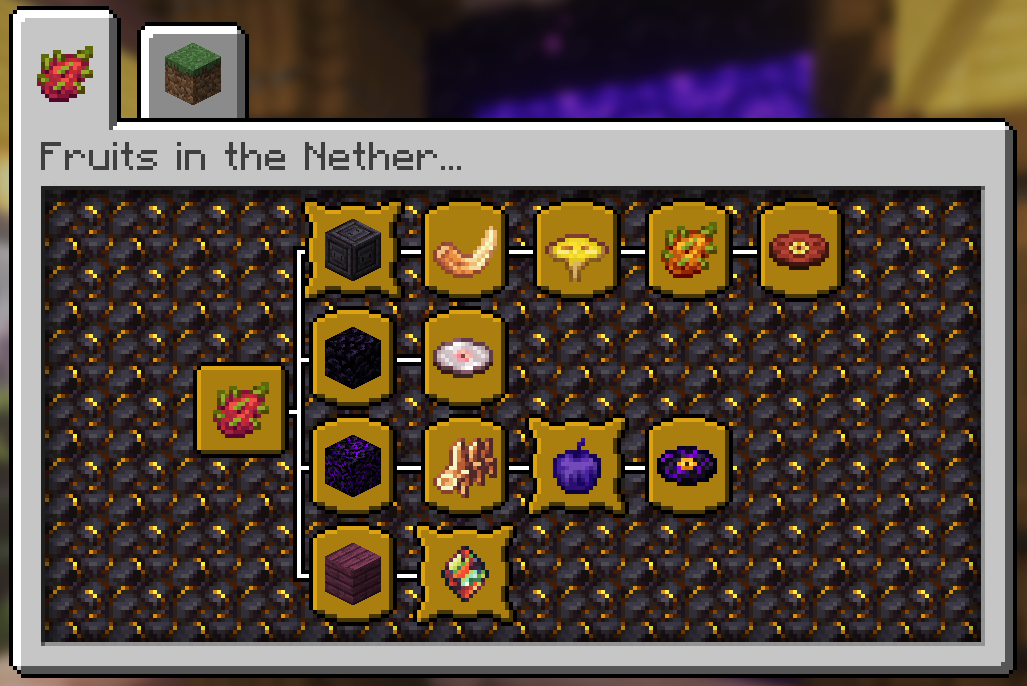 New Advancements
 -
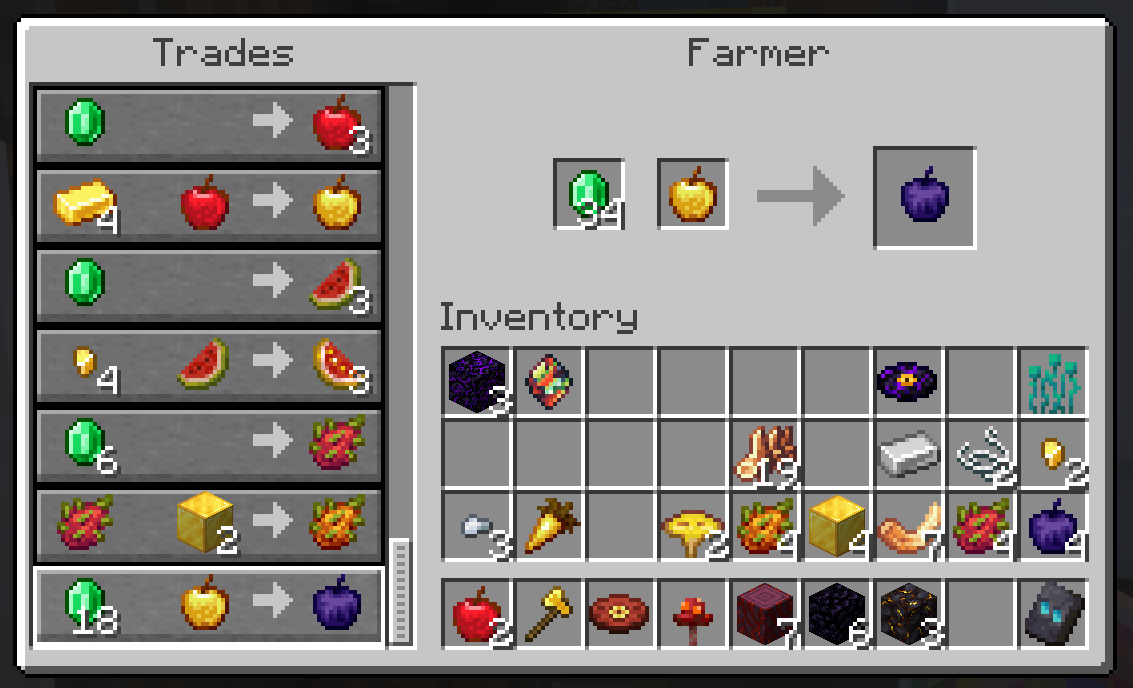 New Trades
 -
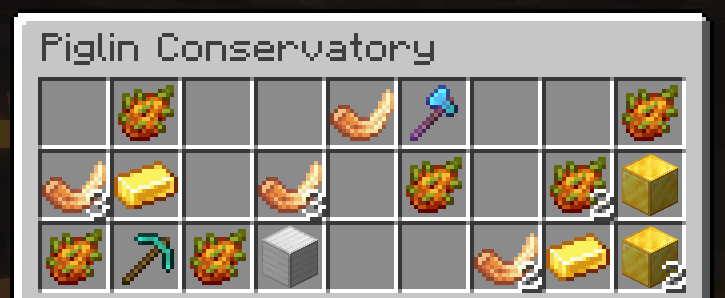 Piglin Conservatory Vault
 -
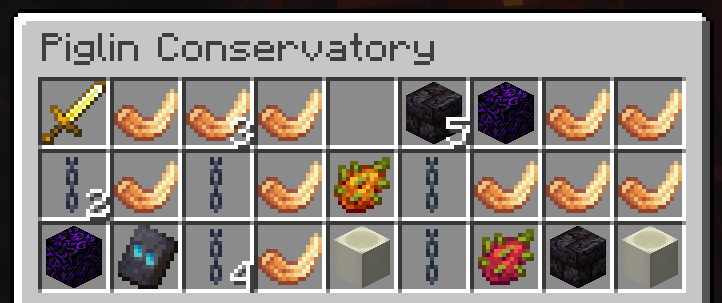 Piglin Conservatory Chest
 -
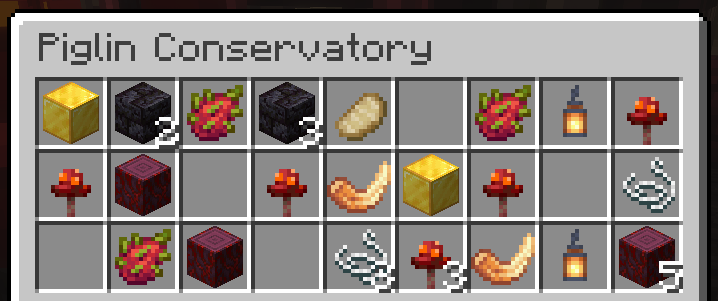 Piglin Conservatory Chest
 -
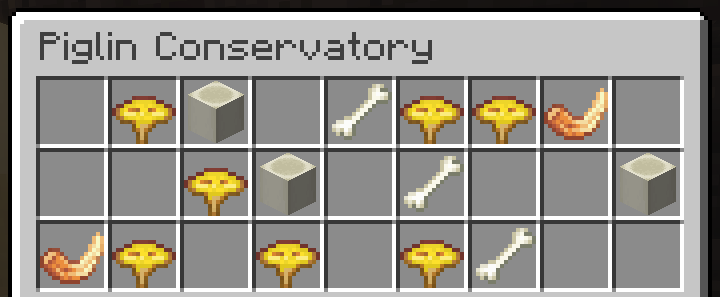 Piglin Conservatory Chest
Versions
Files
Relations
Project Relations
More like this
Similar Mods
Suggestions use data such as tags, dependencies, dependents, descriptions, titles, and more to rank how much they overlap with this mod.
On ModDex
Community snapshot
By the numbers
Statistics

Want to reach Minecraft players?
We're looking for a server hosting partner to feature here and other parts of the site. Interested? Send us a message!
Get in touchGet it on
Available Platforms
On ModDex
Community snapshot
By the numbers
Statistics
Resources