
PlayClock
No reviews yet
A clean client-side Fabric playtime tracker for Minecraft, showing server and singleplayer time with HUD stats, menu markers, hover tooltips, hotkeys, and custom colors.
Fabric is a mod loader for versions 1.14+ of Minecraft, particularly popular for client side and optimization mods.
Community voices
Reviews
Click once to include, again to exclude, again to clear
No reviews yet. Be the first to review this project!
Get it on
Available Platforms
 Modrinth
Compatibility
Supported Environments
About
Project Details
For authors
Embed Badge
If you're the author of this project, you can embed a live badge anywhere that supports HTML or Markdown. It updates automatically whenever ratings change.
Use HTML for any page that supports it, or Markdown for README files and Markdown-based descriptions.
Identifiers
Platform IDs
About
Description

PlayClock
PlayClock is a client-side Fabric mod that tracks your Minecraft playtime directly inside the game. It shows how long you have played on each multiplayer server or singleplayer world, including today’s playtime, total time, current session time, and last played information.
Whether you play on SMP servers, local worlds, LAN worlds, or direct connect servers, PlayClock gives you a clean way to monitor your Minecraft activity without commands, external tools, or server-side plugins. It also includes shareable playtime cards, weekly/monthly recaps, an in-game HUD, menu markers, hover tooltips, and deep Mod Menu customization.
Features
- Tracks playtime for multiplayer servers and singleplayer worlds
- Shows today, total, session, and last played stats
- Reliable singleplayer saving when playing, leaving a world, or closing the client
- Clean in-game HUD with multiple layout styles
- Playtime markers in server and world lists
- Hover tooltips with detailed time information
- Header summary in list screens
- Shareable per-server and per-world playtime cards
- Weekly and monthly recap cards with charts, streaks, active days, and top target stats
- Copy cards to clipboard or save them as PNG
- Hotkeys to quickly toggle HUD, menu markers, summary screen, and HUD editor
- Mod Menu settings screen
- Custom UI colors, presets, RGB and HEX editing
- Custom card accent colors with 10 presets
- Supports English, Russian, and Ukrainian
- Stores all data locally in JSON
- Fully client-side — no server installation required
Why Use PlayClock?
Minecraft does not clearly show how much time you spend on each server or world. PlayClock fixes that by adding a clean playtime tracker directly into the menus, HUD, and summary screens you already use.
It is useful for players who want to track SMP activity, compare time spent across worlds, monitor current sessions, review weekly or monthly play habits, share recap cards, or simply keep a better overview of their Minecraft playtime.
Supported Versions
- Minecraft 1.21.11
- Minecraft 26.1 / 26.1.1 / 26.1.2
Notes
PlayClock is client-side only. Your playtime data is stored locally on your device. Realms are not supported in the current release.
minecraft playtime tracker, fabric playtime mod, minecraft server time tracker, minecraft hud mod, client side fabric mod, minecraft session tracker, minecraft world playtime, minecraft playtime cards, minecraft weekly recap, minecraft monthly recap, mod menu minecraft
Screenshots
Gallery
-
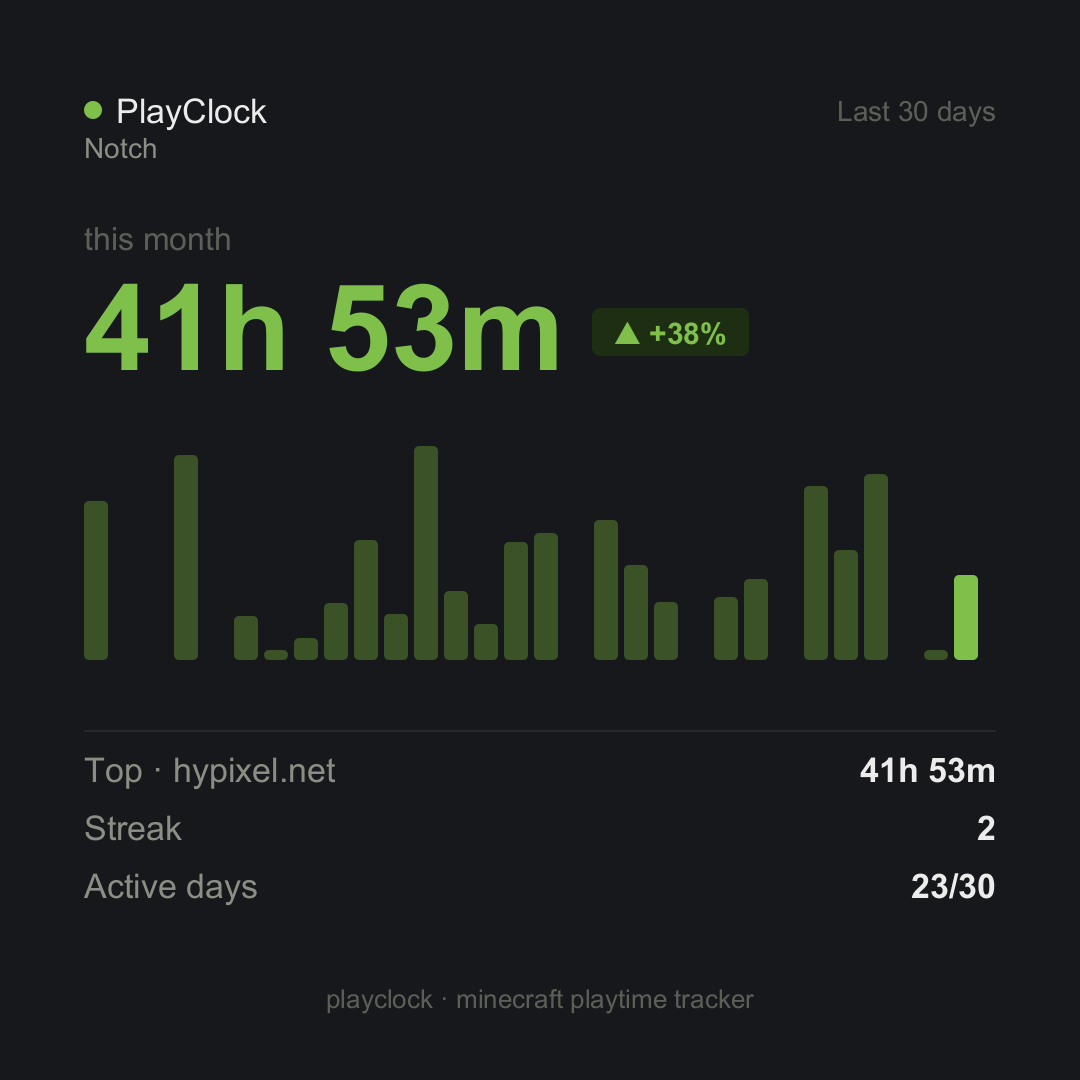 Card
Card -
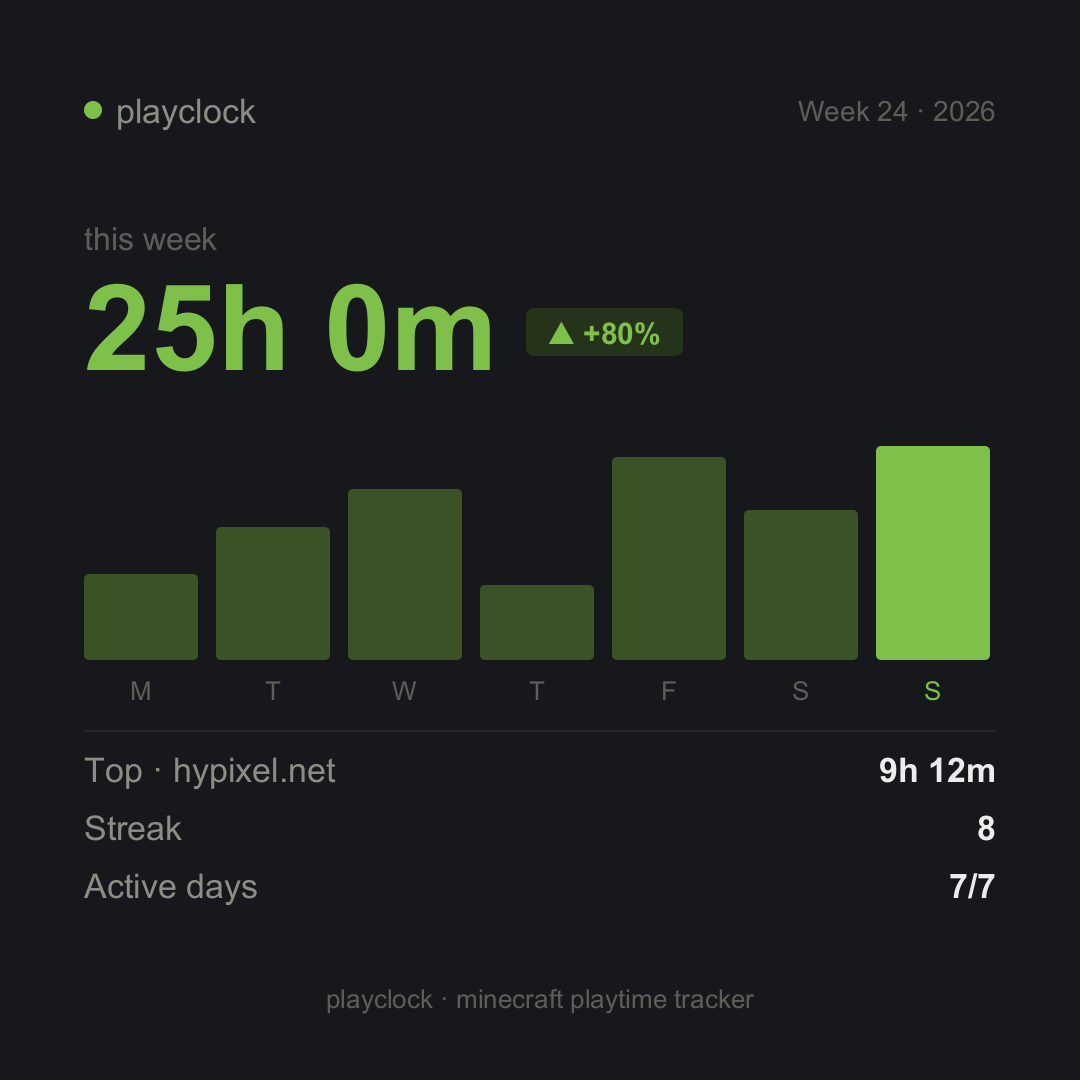 Card
Card -
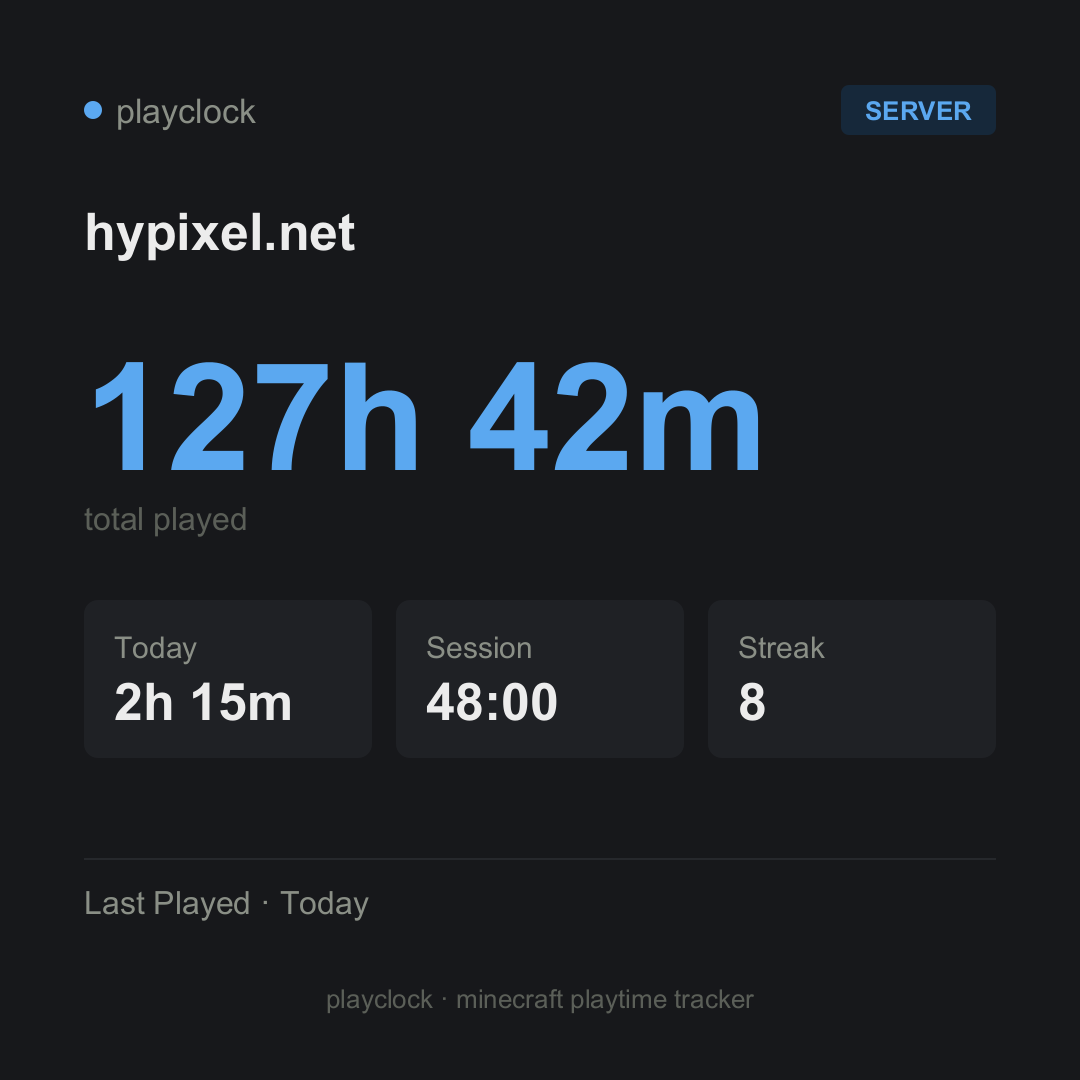 Card
Card -
 Singleplayer
 -
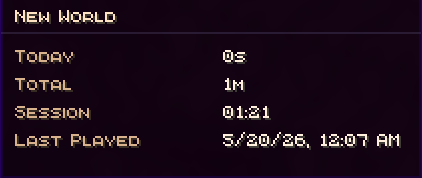 hover-tooltip
 -
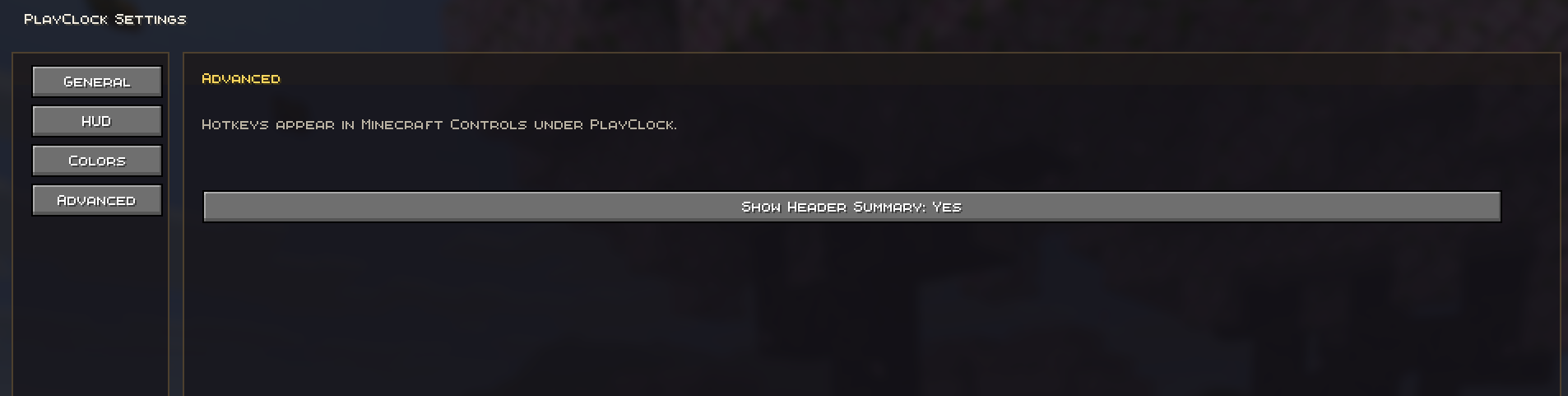 Mod Setting(ModMenu) Advanced
 -
 Key Binds
 -
 Server List
 -
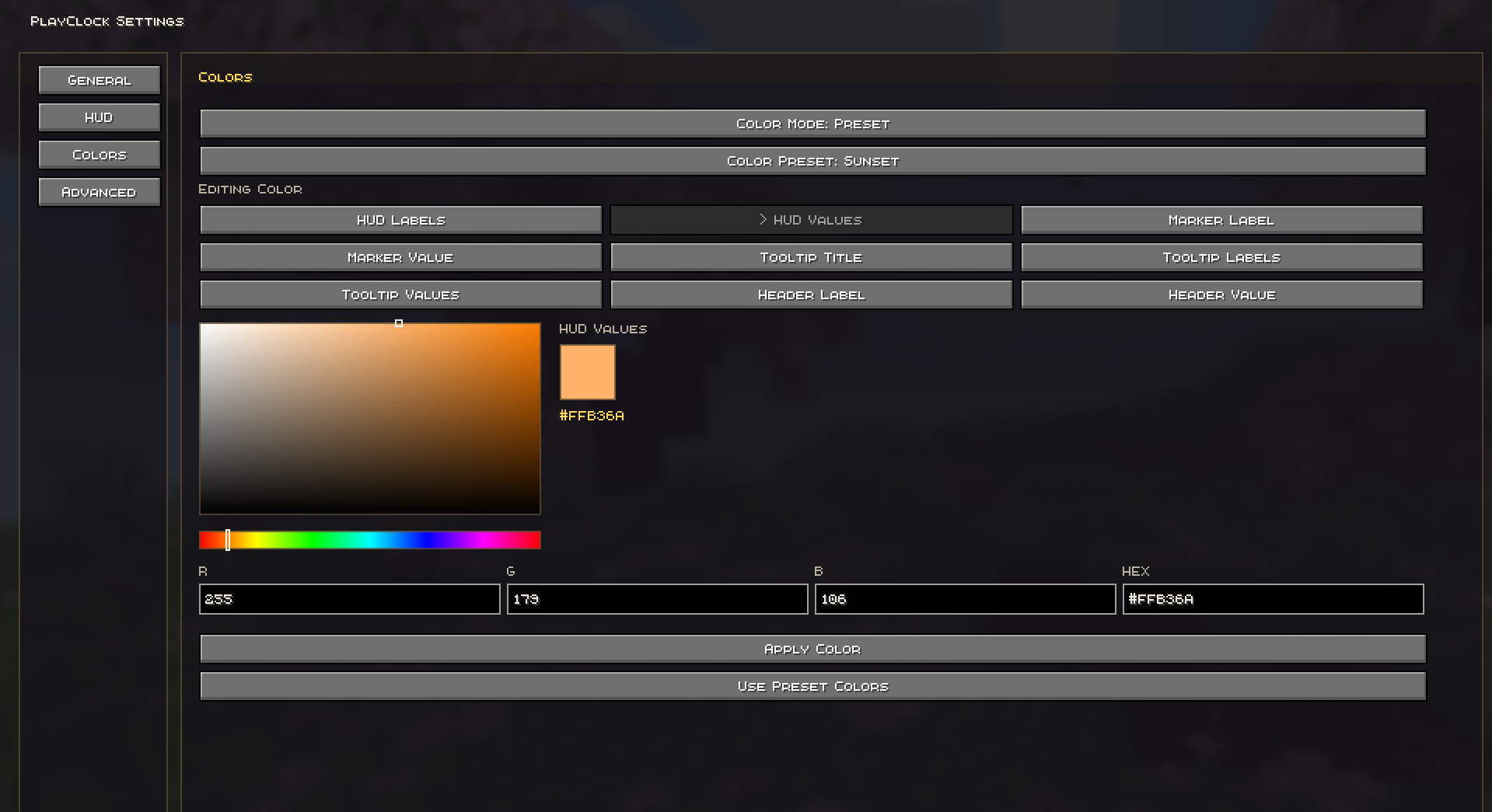 Mod Setting(ModMenu) Colors
 -
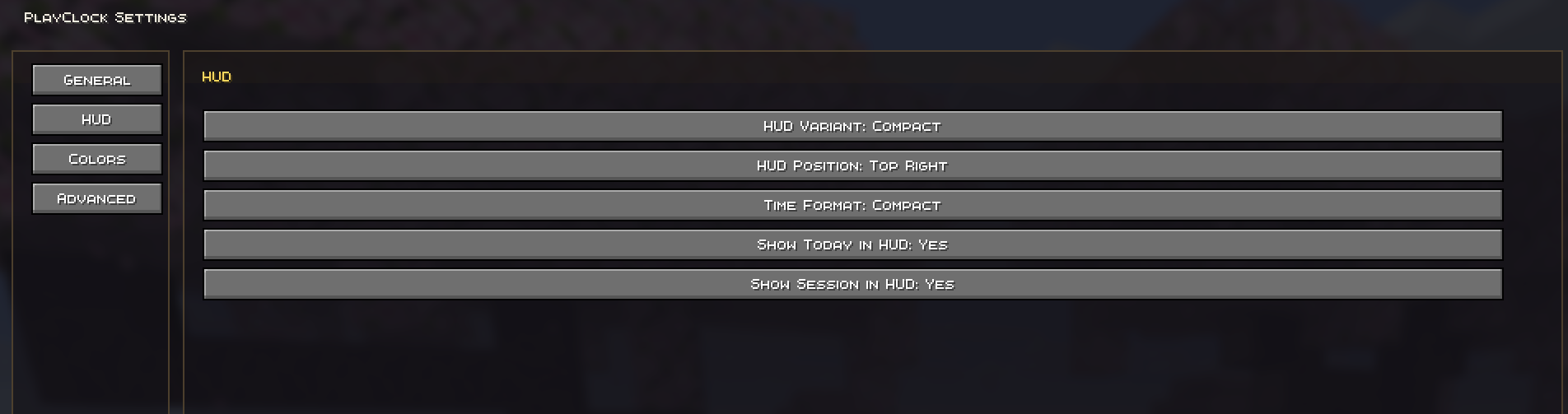 Mod Setting(ModMenu) HUD
 -
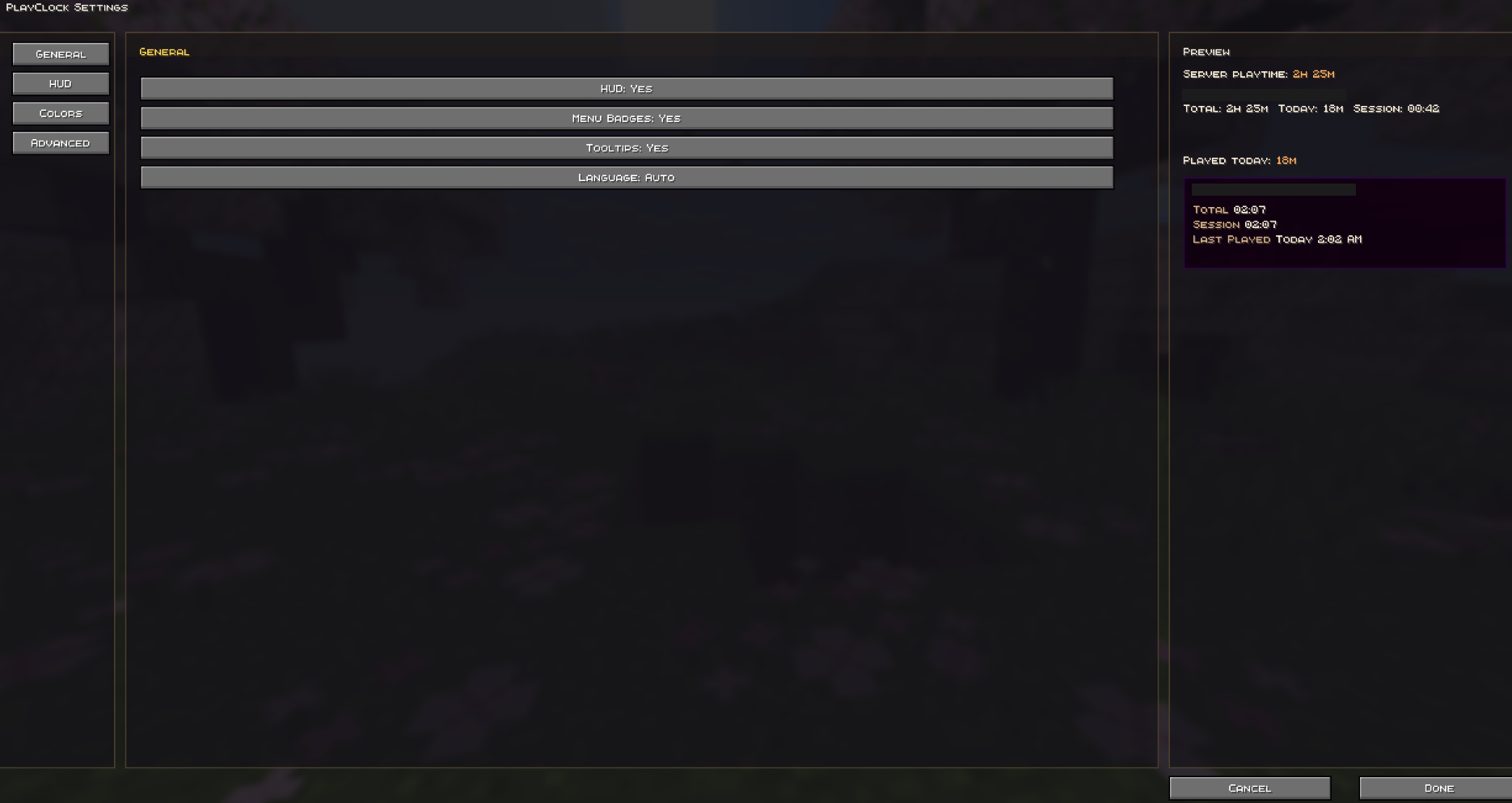 Mod Setting(ModMenu)
Versions
Files
Relations
Project Relations
More like this
Similar Mods
Suggestions use data such as tags, dependencies, dependents, descriptions, titles, and more to rank how much they overlap with this mod.
On ModDex
Community snapshot
By the numbers
Statistics

Want to reach Minecraft players?
We're looking for a server hosting partner to feature here and other parts of the site. Interested? Send us a message!
Get in touchGet it on
Available Platforms
On ModDex
Community snapshot
By the numbers