
player-acrylic-figure
No reviews yet
Placeable player acrylic figures. Bind by right-click, display skins. Crafting and /paf commands. Works with custom skin loaders.
Forge is a popular mod loader for versions 1.1+ of Minecraft.
Community voices
Reviews
Click once to include, again to exclude, again to clear
No reviews yet. Be the first to review this project!
Get it on
Available Platforms
 Modrinth
Compatibility
Supported Environments
About
Project Details
For authors
Embed Badge
If you're the author of this project, you can embed a live badge anywhere that supports HTML or Markdown. It updates automatically whenever ratings change.
Use HTML for any page that supports it, or Markdown for README files and Markdown-based descriptions.
Identifiers
Platform IDs
Resources
External Links
About
Description
Player Acrylic Figure
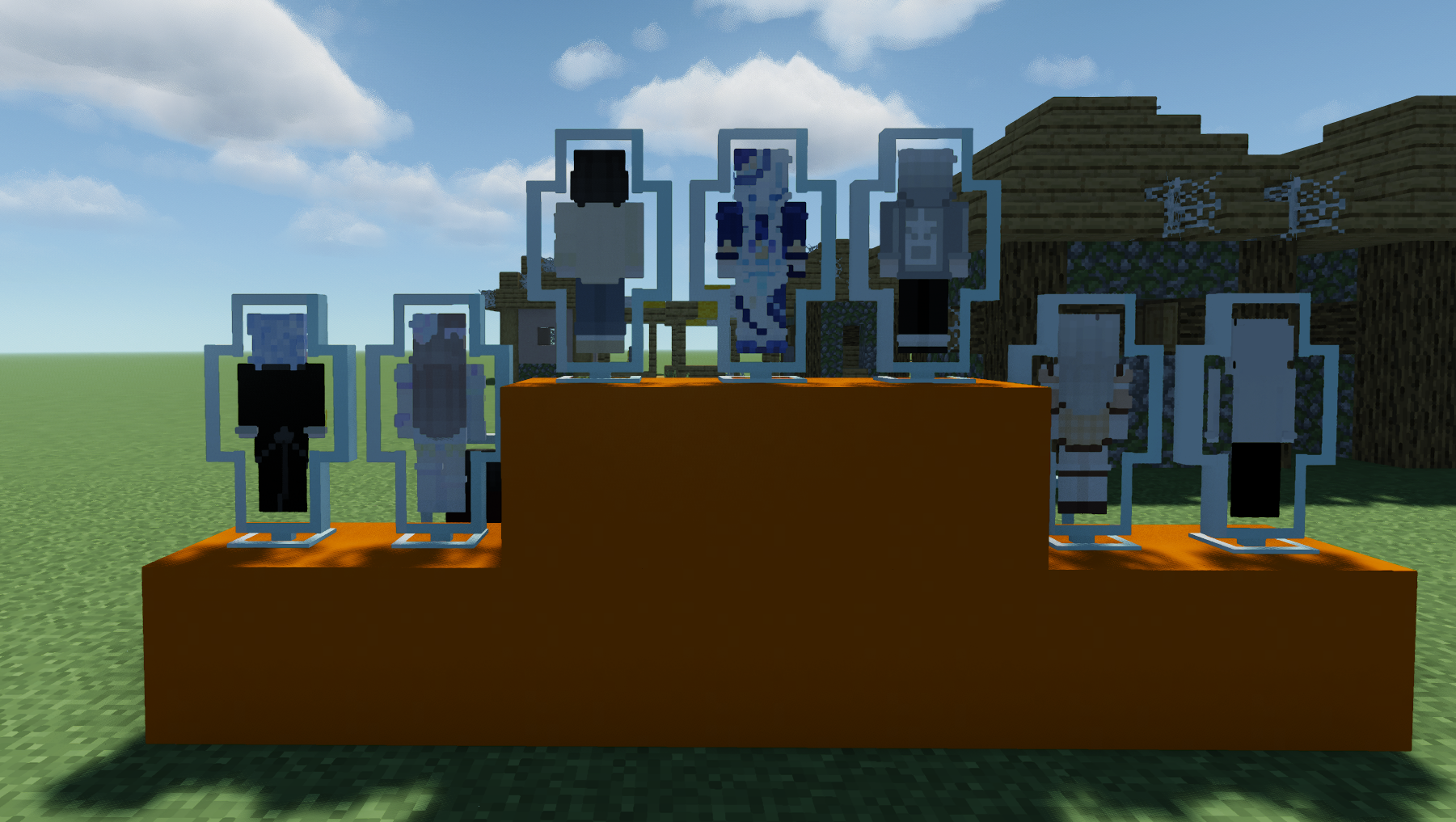
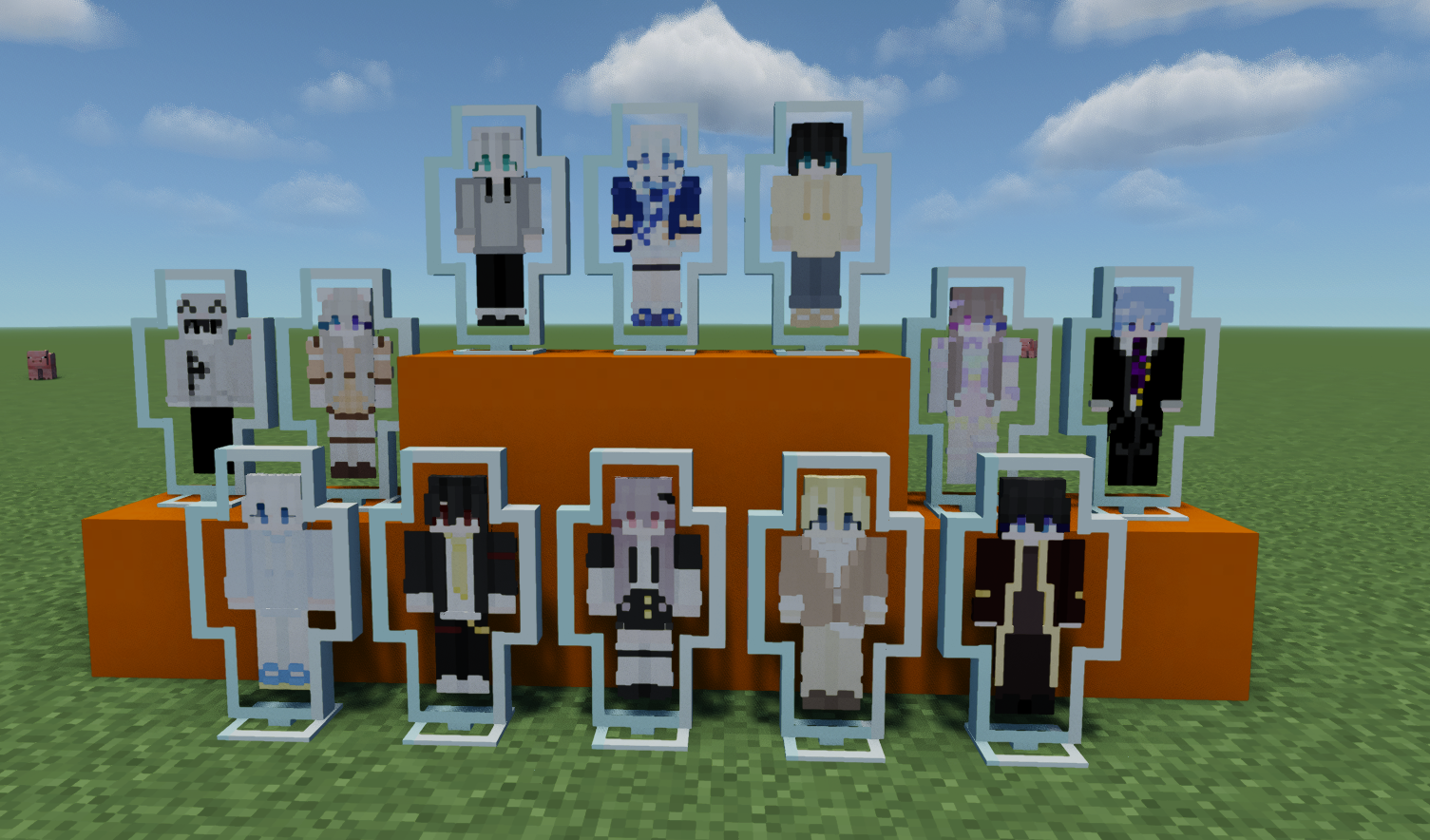
A Minecraft mod that adds placeable player acrylic figures—blocks that display a player’s skin, like real acrylic stands.
Mod info
- Team: 吵闹幻想天团
- Code: 蓝也 (lan_ye)
- Art: MoonStarfish
Overview
This mod adds placeable “player acrylic figures.” Once placed, a figure shows the bound player’s skin and can be used to decorate builds or display areas. Player data is stored the same way as vanilla player heads (NBT key SkullOwner only); no skin files are stored locally. The client (including custom skin loaders) resolves skins from SkullOwner when rendering.
Note: The mod is designed for servers; behavior is tuned for server use. In single-player or LAN, behavior follows server-side logic.
Requirements
- Mod version: 1.1.0
- Minecraft: 1.20.1
- Mod loader: Forge
Install Forge for 1.20.1 before installing this mod.
Installation
- Have Minecraft 1.20.1 and Forge installed.
- Download the mod
.jarfile. - Put the
.jarinto your game’smodsfolder. - Launch the game.
Servers: Put the mod in the server’s mods folder. Clients must also have the mod installed.
Usage
Getting figures
- Creative: Open the creative inventory and find “Player Acrylic Figure” in the mod’s tab (unbound).
- Command: With permission, use
/paf get <player> [target] [count]to get a figure bound to that player name (see Commands below). Same effect as/give target playeracrylicfigure:player_acrylic_figure{SkullOwner:"player"}; only the name string is stored, and the game fills in skin data asynchronously. - Crafting: In a stonecutter, 1× glass → 1× unbound figure.
Getting the scale debug stick
- Item ID:
playeracrylicfigure:scale_debug_stick - Creative: Available in the mod creative tab.
- Command: Use
/give @s playeracrylicfigure:scale_debug_stick.
Binding and placing
- Binding: Hold an unbound figure and right-click a player to bind it to that player’s skin. The figure will then show that player. Bound figures cannot be re-bound by right-clicking another player; only unbound figures can be bound.
- Placing: Only bound figures can be placed as blocks; right-click a valid surface to place. Unbound figures cannot be placed (you’ll be told to bind first) and are not consumed.
- Breaking: Placed figures can be broken by any means (no tool required). They drop a figure item with the same owner, which can be placed again or stacked.
Scale debug stick (1.1.0)
- Open GUI: While holding the debug stick, sneak + right-click (air or block) to open the transform GUI.
- Parameters: Three
X/Y/Zgroups are supported:ScaleOffsetRotation
- Value ranges:
- Scale:
0.05 ~ 50.00 - Offset:
-16.00 ~ 16.00 - Rotation:
-360.0 ~ 360.0
- Scale:
- Scale Sync: The GUI has a "Scale Sync" option to keep X/Y/Z scale values uniform.
- Apply to block: Normal right-click a placed acrylic figure block with the debug stick to apply current values.
- Interaction policy: Uses a "large render, small interaction anchor" approach, so very large visual scales remain easy to target and interact with.
Copying bound figures
- In a crafting grid (table or inventory): 1× unbound figure + 1× bound figure (any arrangement) → 2× figures with the same owner as the bound one.
Clearing binding
- Crafting: Put a bound figure alone in a crafting grid (table or inventory); the recipe clears the binding and returns an unbound figure.
- Command:
/paf clear [target]clears the binding of the figure in the target’s main hand (see Commands below). Target defaults to yourself.
Commands
Main command: /paf (alias: /playeracrylicfigure)
| Command | Usage | Description | Permission |
|---|---|---|---|
| get | /paf get <player> [target] [count] |
Gives the target a figure with that player name (sets NBT SkullOwner only; same as /give ... {SkullOwner:"player"}). Does not check if the player exists. Target defaults to you; count defaults to 1, max 64. |
playeracrylicfigure.command.get (OP 2+) |
| clear | /paf clear [target] |
Clears the binding of the figure in the target’s main hand. Target defaults to you. If the target is not holding a figure or it’s unbound, you get a message to hold a bound figure. | playeracrylicfigure.command.clear (OP 2+) |
Recipes
| Type | Input | Output |
|---|---|---|
| Stonecutter | 1× glass | 1× unbound figure |
| Crafting (any arrangement) | 1× unbound figure + 1× bound figure | 2× bound figures (same owner as input bound figure) |
| Crafting | 1× bound figure (alone) | 1× unbound figure (binding cleared) |
The scale debug stick currently has no survival recipe. Get it via Creative mode or
/give.
Custom skin loaders
The mod works with custom skin loaders (e.g. CustomSkinLoader). Figures use the same storage as vanilla player heads (only SkullOwner); no skin is stored locally. The client (vanilla SkinManager or a skin mod) resolves the skin from SkullOwner, so the figure shows the same skin the player uses in-game.
Feedback and download
- Modrinth: player-acrylic-figure
- Repository: Gitee – player-acrylic-figure
- Report issues or suggestions via the repository’s Issue tracker.
License
All Rights Reserved.
Screenshots
Gallery
Versions
Files
Relations
Project Relations
More like this
Similar Mods
Suggestions use data such as tags, dependencies, dependents, descriptions, titles, and more to rank how much they overlap with this mod.
On ModDex
Community snapshot
By the numbers
Statistics

Want to reach Minecraft players?
We're looking for a server hosting partner to feature here and other parts of the site. Interested? Send us a message!
Get in touchGet it on
Available Platforms
On ModDex
Community snapshot
By the numbers
Statistics
Resources