Community listing page, reviews here may not be monitored by the author.


Community voices
Reviews
No reviews yet. Be the first to review this project!
Get it on
Available Platforms
About
Project Details
For authors
Embed Badge
If you're the author of this project, you can embed a live badge anywhere that supports HTML or Markdown. It updates automatically whenever ratings change.
Use HTML for any page that supports it, or Markdown for README files and Markdown-based descriptions.
Identifiers
Platform IDs
Resources
External Links
About
Description
Player Relations
Player Relations is a lightweight client-side Fabric mod that lets you mark players as Ally, Enemy, or Neutral.
It is made for players who want a simple way to visually remember who they are friendly with, who they want to avoid, and who they should watch out for.
Features
– Mark players as Ally, Enemy, or Neutral
– Remove players to restore their normal/default appearance
– Radial menu for quick marking
– Nameplate coloring
– Tab-list coloring where supported
– Chat and death-message name coloring where supported
– Custom hex colors for Ally, Enemy, and Neutral
– Exportable player lists for sharing with friends
– Importing player lists
– Fully client-side
Default Colors
– Ally: dark green
– Enemy: dark red
– Neutral: gray
Commands
/relation ally <player>
/relation enemy <player>
/relation neutral <player>
/relation remove <player>
/relation list
/relation list ally
/relation list neutral
/relation list enemy
/relation export
/relation exportnames
/relation color ally <hex>
/relation color enemy <hex>
/relation color neutral <hex>
/relation reload
Example:
/relation enemy PlayerName
/relation color enemy C93232
Notes
– When updating mod versions, I recommend backing up your current saved relations somewhere separate first. After updating, copy your saved names back into "399k-relations-names.txt", then run /relation import in-game.
– This mod is client-side and only changes how marked players appear for you. It does not affect the server or other players.
– Some clients or mods that replace the tab list may prevent tab-list coloring from showing, but nameplate/chat coloring should still work where supported.
– Sometimes doesn't show up in launchers but still shows up ingame (via mod menu, or just trying to use it)
Requirements
Fabric Loader
Fabric API
Credits
Created by 399k. Development assistance provided by ChatGPT.
Screenshots
Gallery
-
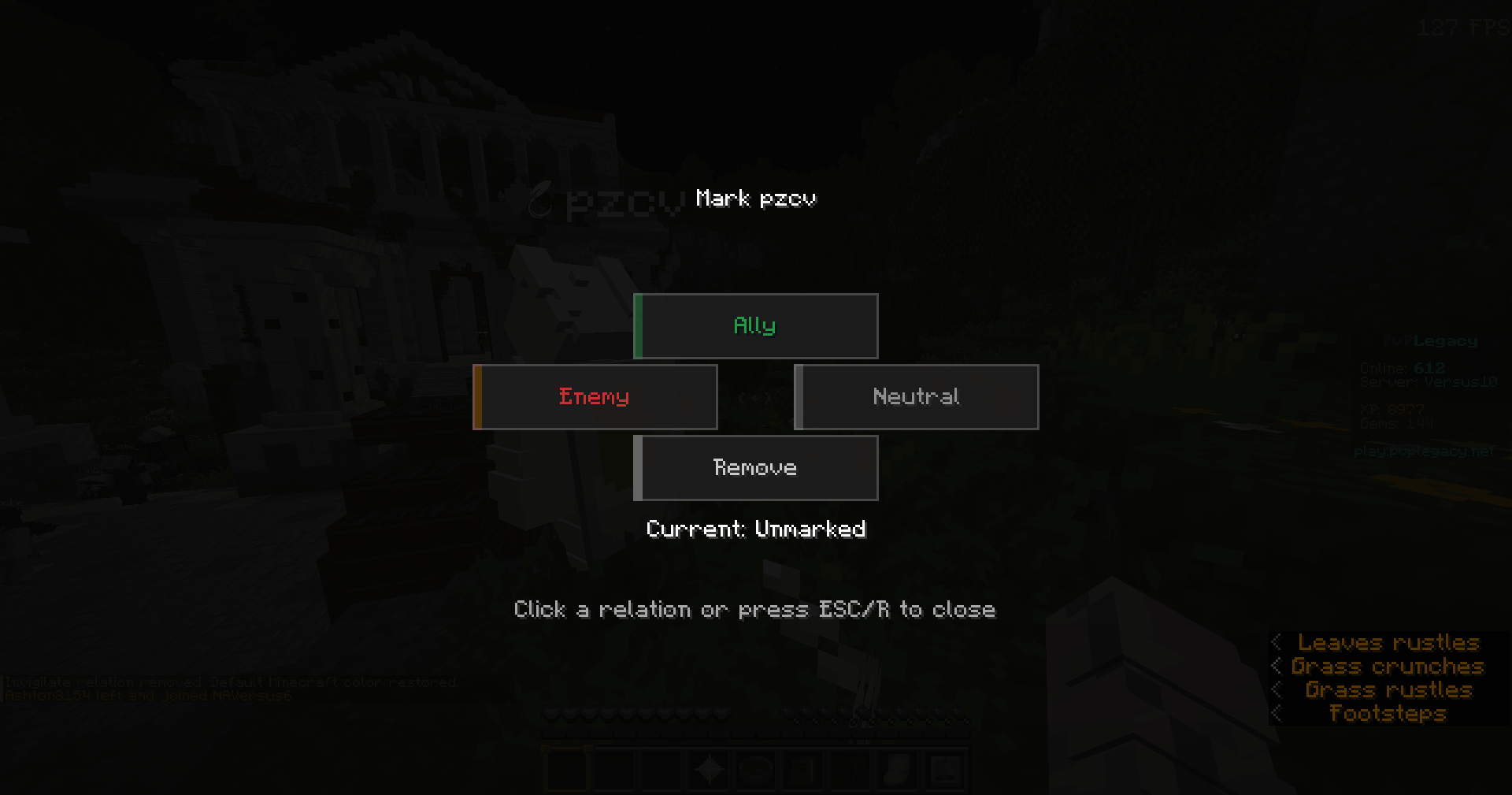 Relation Radial Menu Use r by default when looking at a nearby player
 -
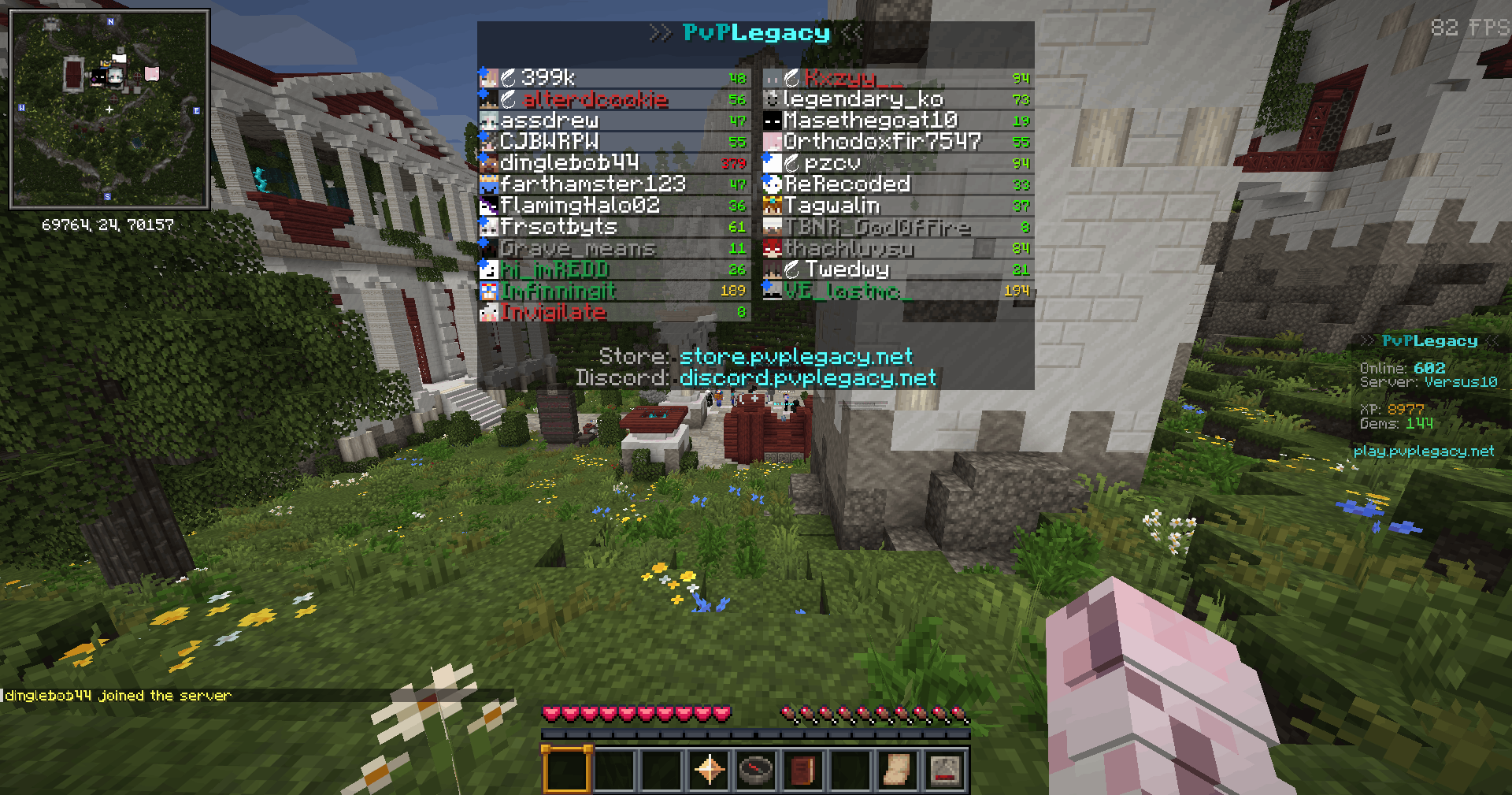 Tab List Shows in tab on most clients
 -
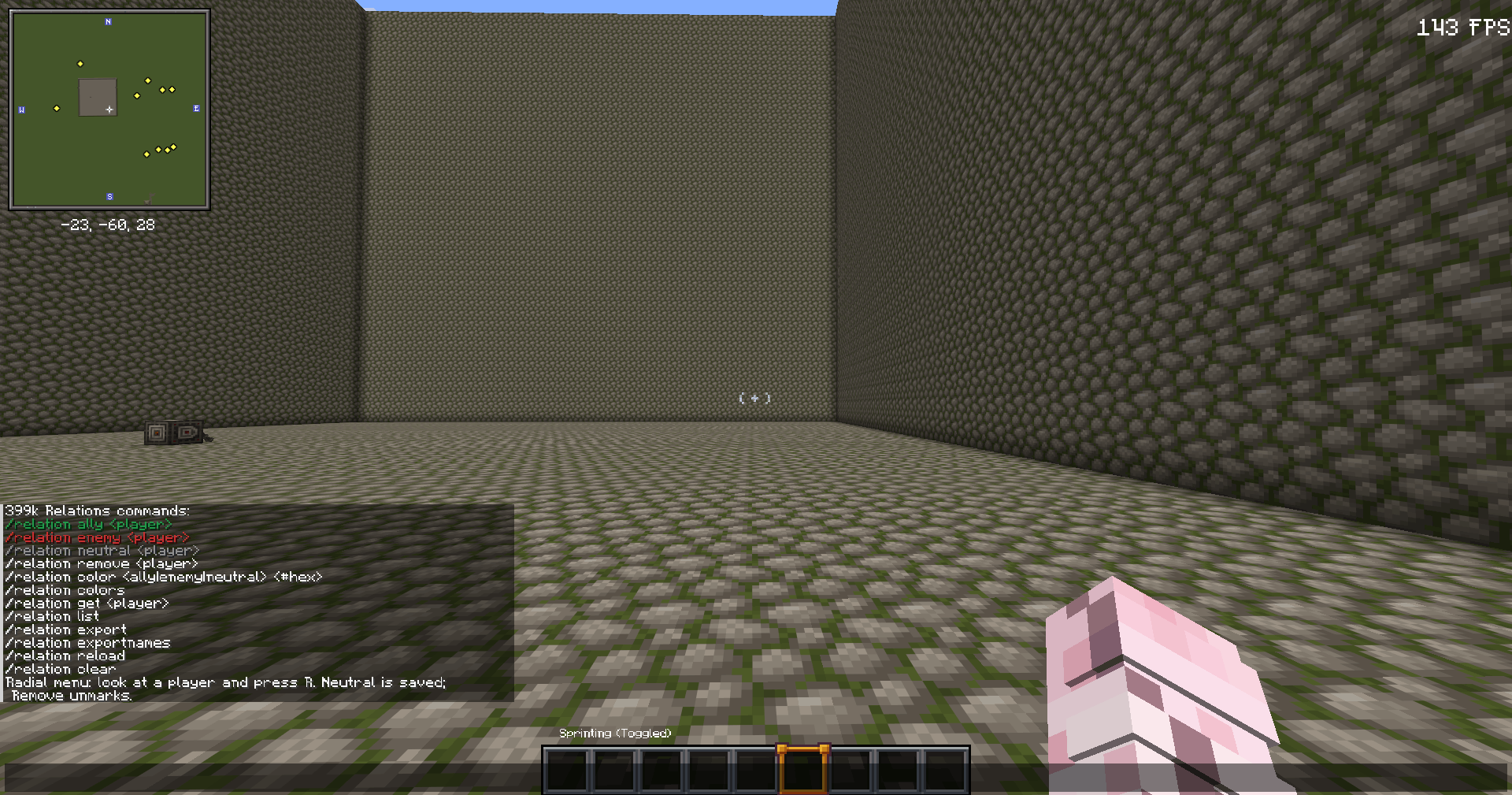 Commands Use /relation help to see
 -
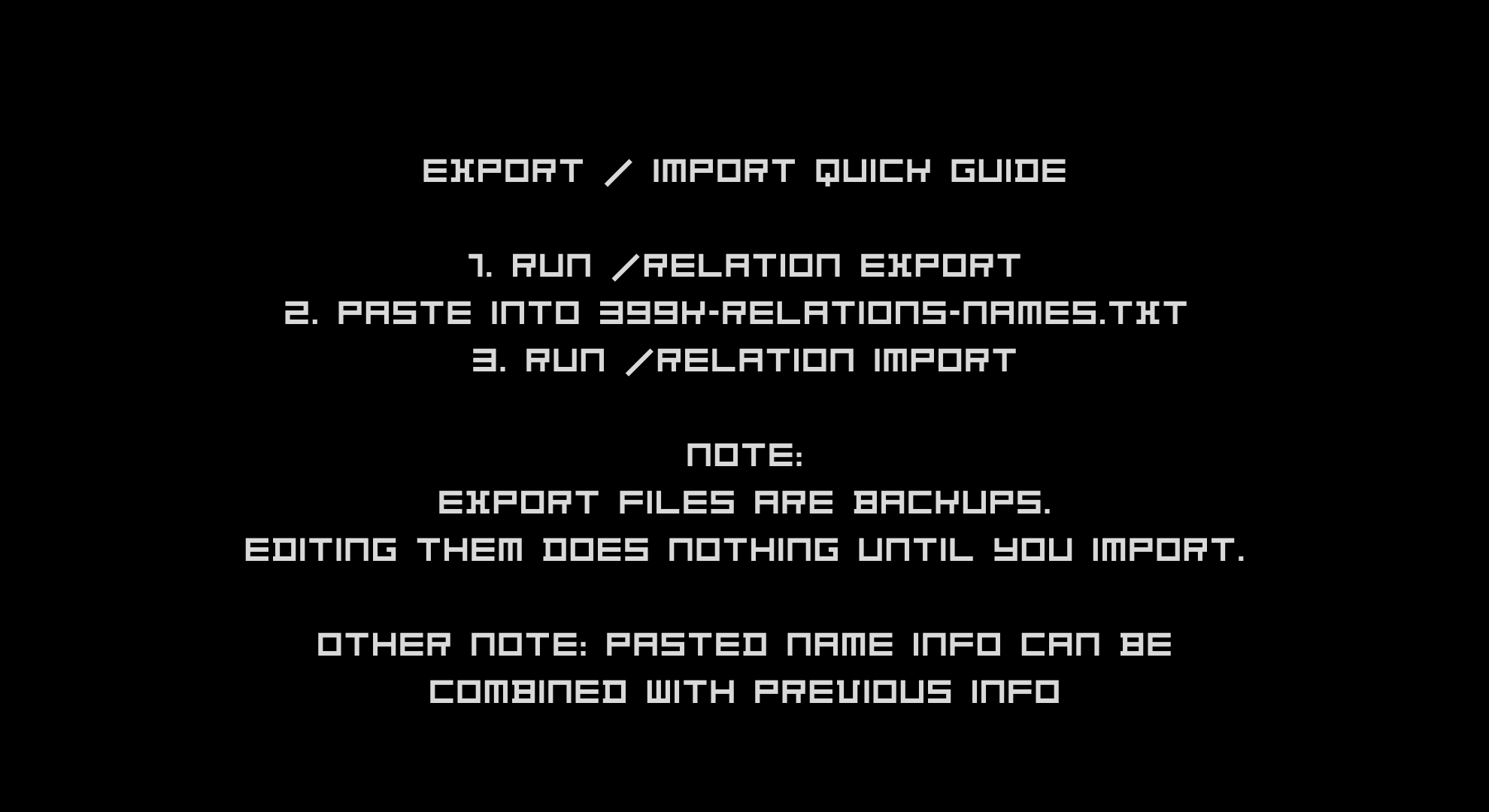 Quick Export Import Guide Import/Exporting names guide
Versions
Files
Relations
Project Relations
More like this
Similar Mods
Suggestions use data such as tags, dependencies, dependents, descriptions, titles, and more to rank how much they overlap with this mod.
On ModDex
Community snapshot
By the numbers
Statistics
 (opens in a new tab)
Get it on
Available Platforms
On ModDex
Community snapshot
By the numbers
Statistics
Resources