
Player Utils
No reviews yet
A Minecraft mod that improves the gameplay experience with various visual and client-side features.
Fabric is a mod loader for versions 1.14+ of Minecraft, particularly popular for client side and optimization mods.
Community voices
Reviews
Click once to include, again to exclude, again to clear
No reviews yet. Be the first to review this project!
Get it on
Available Platforms
 Modrinth
Compatibility
Supported Environments
About
Project Details
For authors
Embed Badge
If you're the author of this project, you can embed a live badge anywhere that supports HTML or Markdown. It updates automatically whenever ratings change.
Use HTML for any page that supports it, or Markdown for README files and Markdown-based descriptions.
Identifiers
Platform IDs
Resources
External Links
About
Description
PlayerUtils mod adds several new features to the game that will make your gameplay more enjoyable and convenient.
Commands:
/coords - copy your current position to the clipboard
/coords [player] - send your position to the specified player in dms
/social friend/enemy add/remove [player] - adds or removes a player to/from your friends or enemies list
/social friend/enemy clear - clears the friends/enemies list
Features:
Movement:
AutoSprint - automatically sprints
NoJumpDelay - removes jump delay
NoSlow - allows you to open the inventory or chat in a portal, and move while the options screen is open
Render:
PlayerColor - changes the color of friends/enemies/yourself in chat, the tab list, alters player name colors, and player model
CameraDistance - adjusts the camera distance
NoRender - allows disabling certain in-game rendering elements
BetterHands - reduces item size in hand, changes hand bobbing
BetterArmor - changes armor color
ScreenRatio - changes the screen aspect ratio
Misc:
FreeLook - allows free third-person camera movement without changing head position
BetterChat - saves chat history upon server exit and increases the maximum number of messages in the chat
BetterTab - increases the maximum number of players displayed in the tab list
HUD:
EffectList - lists active effects on the player, sorted by remaining duration (effects with shorter durations are rendered at the bottom)
Coordinates - displays player's coordinates (in brackets, coordinates for the Nether divided by 8, and coordinates for the Overworld multiplied by 8)
ArmorHud - shows the player's armor status (including durability)
Screenshots
Gallery
-
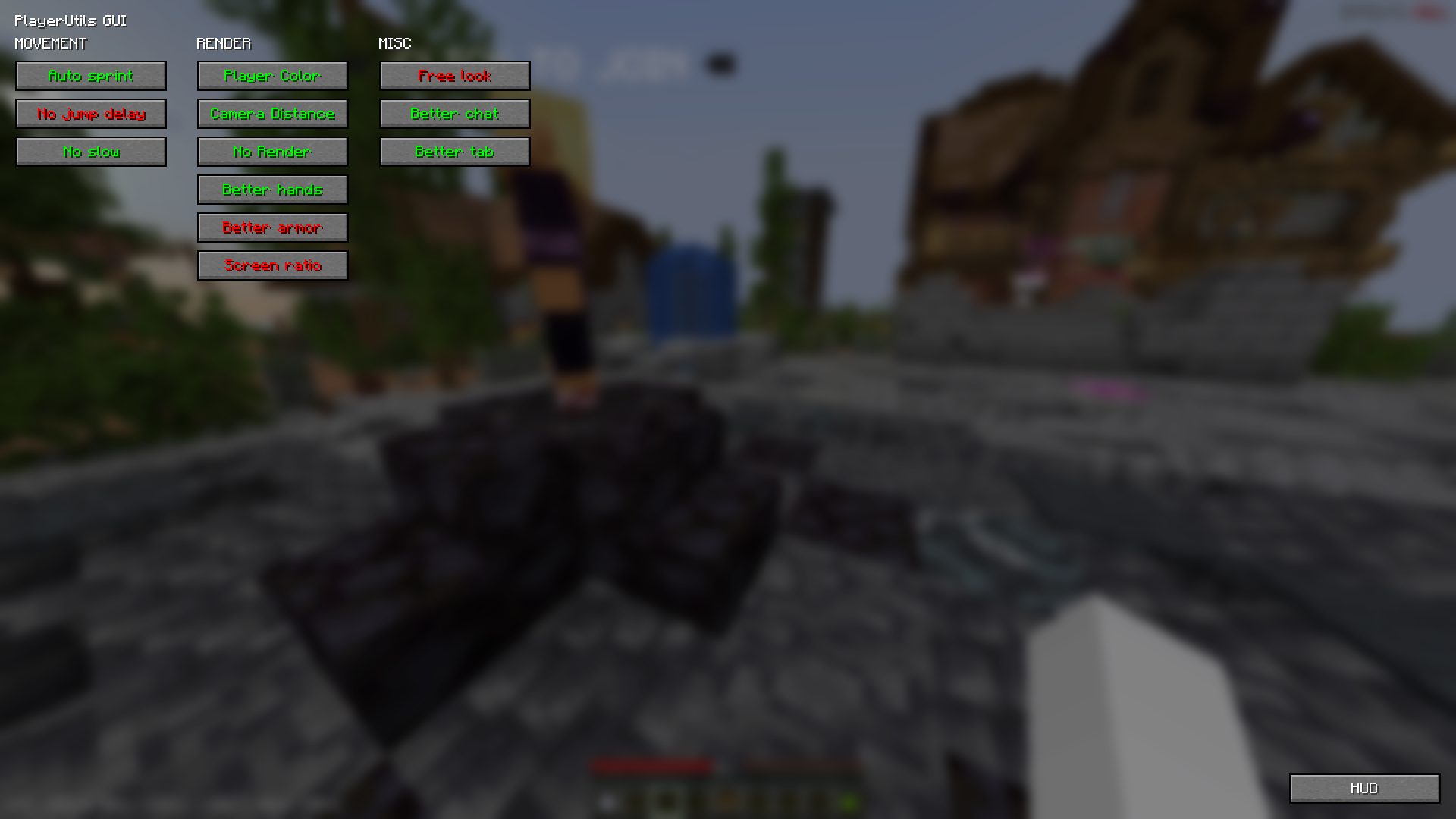 Main Gui This image shows all the basic functions.
 -
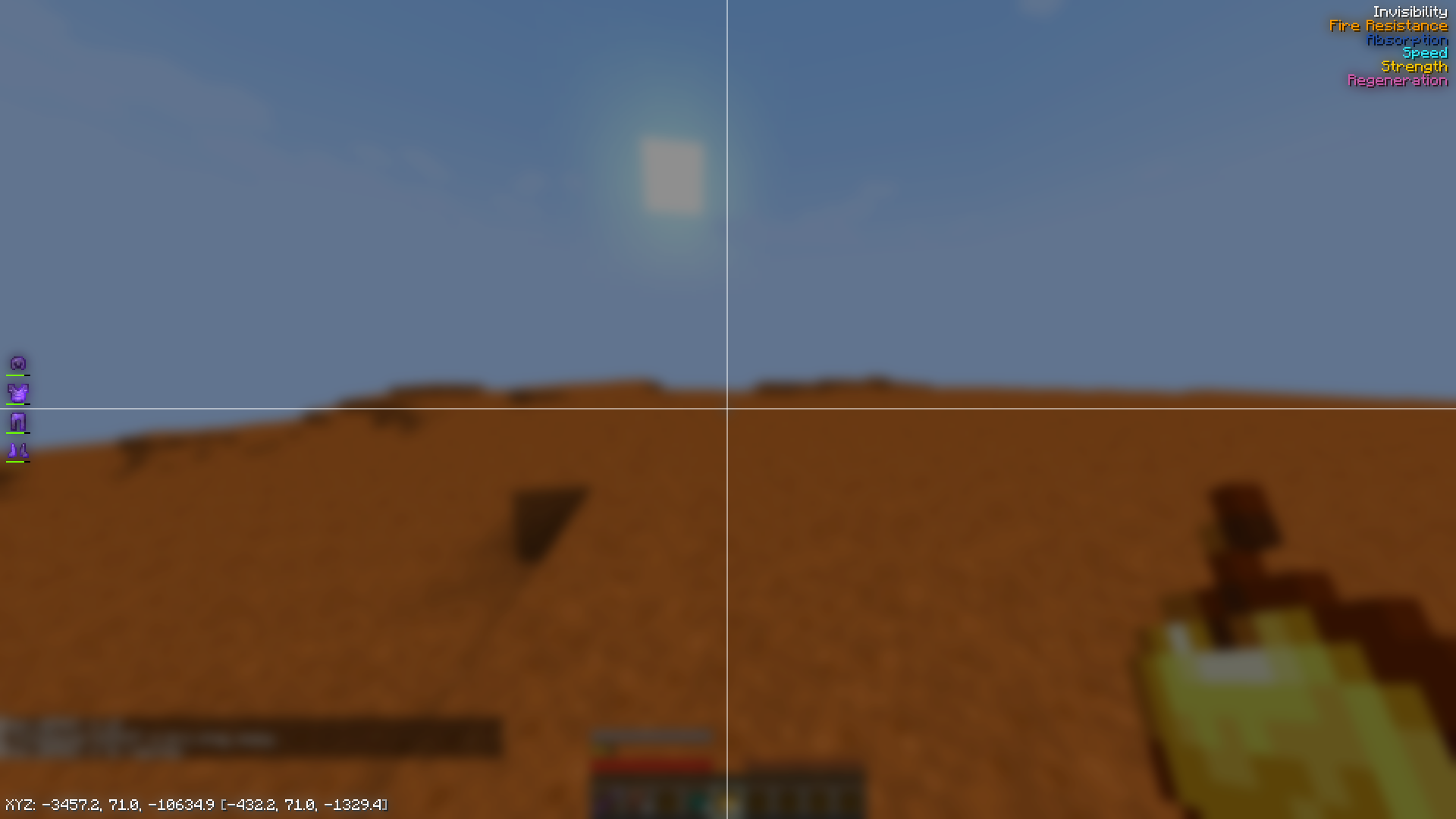 Hud editor HUD elements, so far there is a list of effects, player position and armor display
 -
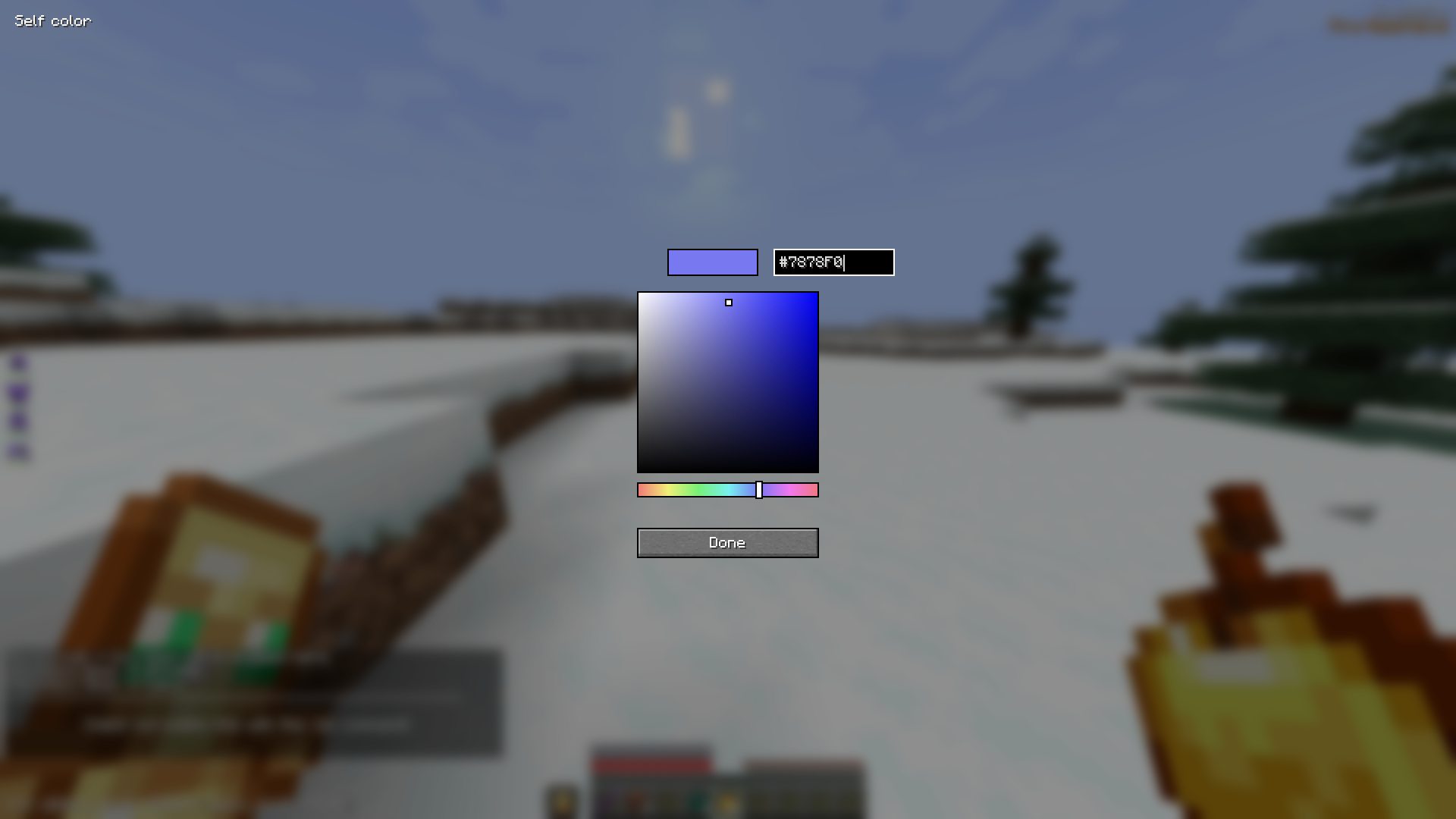 Color Pickers Convenient for color configing.
 -
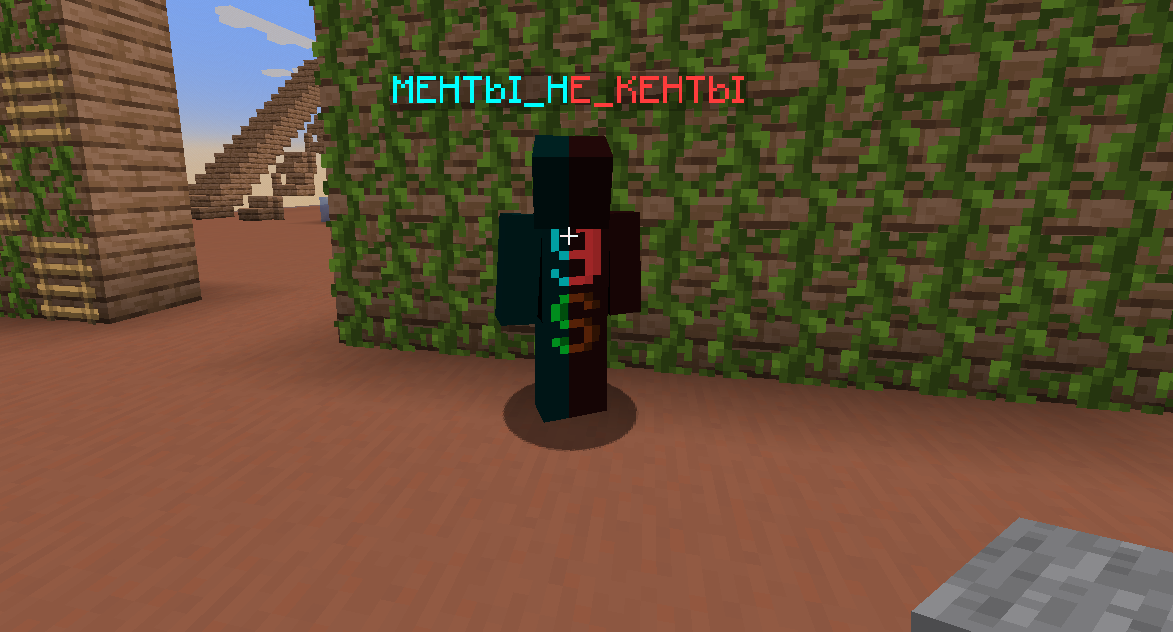 Social system You can add players to friends or enemies list.
Versions
Files
Relations
Project Relations
More like this
Similar Mods
Suggestions use data such as tags, dependencies, dependents, descriptions, titles, and more to rank how much they overlap with this mod.
On ModDex
Community snapshot
By the numbers
Statistics

Want to reach Minecraft players?
We're looking for a server hosting partner to feature here and other parts of the site. Interested? Send us a message!
Get in touchGet it on
Available Platforms
On ModDex
Community snapshot
By the numbers
Statistics
Resources