
Community listing page, reviews here may not be monitored by the author.
Pool and Billiards

No reviews yet
记得安装资源包!Remember to install the resource pack! One of the most advanced open-source pool and billiards games for Minecraft Java Edition, featuring realistic physics, snooker, eight-ball, nine-ball, multiplayer, and AI opponents.
Community voices
Reviews
No reviews yet. Be the first to review this project!
Get it on
Available Platforms
Compatibility
Supported Environments
Runs entirely on the server. Also works in singleplayer.
The author has not specified where this runs.
Varies by version.
About
Project Details
For authors
Embed Badge
If you're the author of this project, you can embed a live badge anywhere that supports HTML or Markdown. It updates automatically whenever ratings change.
Use HTML for any page that supports it, or Markdown for README files and Markdown-based descriptions.
Identifiers
Platform IDs
About
Description
Pool and Billiards Datapack by YMS2001
It got a website for all info you need!
About
This datapack is designed for Minecraft players who enjoy cue sports.
Here, pool broadly refers to cue sports including Snooker, 8-Ball, 9-Ball, and related variants.
The datapack supports single-player, play-with-bot, and two-player gameplay in Minecraft Java Edition 1.16+. It also fully supports players without OP permission or in survival mode.
Supported game modes:
- Snooker
- UK 8-Ball
- Generic 8-Ball
- 9-Ball
- Rule-free practice mode
Dependencies
This datapack depends on the following component:
- Required — Pool and Billiards Resource Pack
When installing from Modrinth, the compatible resource pack should be installed automatically.
Please use matching versions of the datapack and resource pack whenever possible. If an exact matching resource-pack version is not available, this means the datapack was updated without requiring a resource-pack update; in that case, use the closest earlier compatible resource-pack version.
Make sure the required resource pack is installed and enabled before use.
Detailed README (GitHub)
中文版使用说明(GitHub)
Summary of Recent Changes
近期改动总结
Mod Version
Starting from v1.2.0, the datapack is also available as a mod version.
The mod version automatically loads the datapack, so you do not need to place it into each world’s datapacks folder manually. The regular datapack version is still fully supported.
Installation
1. Download the following for the correct game version
- Pool Datapack
- Pool and Billiards Resource Pack (Please check that the resourcepack has a matching minor version to ensure compatibility, i.e., v1.3.x datapack should use v1.3.x resourcepack)
2. Locate your Minecraft directory
On Windows this is usually:
C:/Users/YourUserName/AppData/Roaming/.minecraft
3. Install the resource pack
Move Pool Resource Pack into:
.minecraft/resourcepacks
4. Install the datapacks
Open the world folder where you want to install the datapacks:
.minecraft/saves/<your world>/datapacks
Move the file into this folder:
- Pool Datapack
Each world requires its own copy of the datapacks.
Alternative mod version, available since v1.2.0
You can download the mod version and place it into .minecraft/mods
The mod version automatically loads the datapack, so you do not need to place it into each world's datapacks folder every time.
5. Start Minecraft and open the world
6. Enable the resource pack
Esc -> Options -> Resource Packs
Move Pool Resource Pack to the enabled side.
7. Run the following command
/reload
8. Enjoy
Here are a few helpful commands.
- Open command window directly without clicking any buttons in chat.
/function app:help/pool/commandwindow
or/trigger swPool__trigger set 1if without permission - Run the loading function, in case you want to troubleshoot / check missing settings and don't want to run
reload.
/function pool:classes/main/load - Terminate a game without using command window.
/function pool:classes/lobby/terminate_helper - Remove a table without using command window.
/function pool:classes/table/clear
Included Mechanics
This datapack includes the following systems:
- Simplified Newtonian physics simulation for pool balls
- Neural network-based rack simulation during the break
- Simplified match setup and game rules
- Chat-based GUI for convenient interaction; most actions are done with the mouse
- Support for English and 简体中文
For performance and clarity, the simulation omits some real-world effects such as friction between pockets and balls, cushion deformation, and other minor physical complexities.
Additional Information
Full documentation, installation and usage guides, and source code are available here:
https://github.com/MingshiYangUIUC/Pool-Minecraft-Squid-Workshop-Project
Compatibility Note
For Minecraft versions before 1.21, you may need to edit pack.mcmeta to remove the compatibility warning.
The datapack content is mostly identical across supported versions, so adjusting this single file is usually easier than maintaining multiple nearly identical copies.
Please refer to the Pack Format documentation and update pack.mcmeta according to your Minecraft version:
Screenshots
Gallery
-
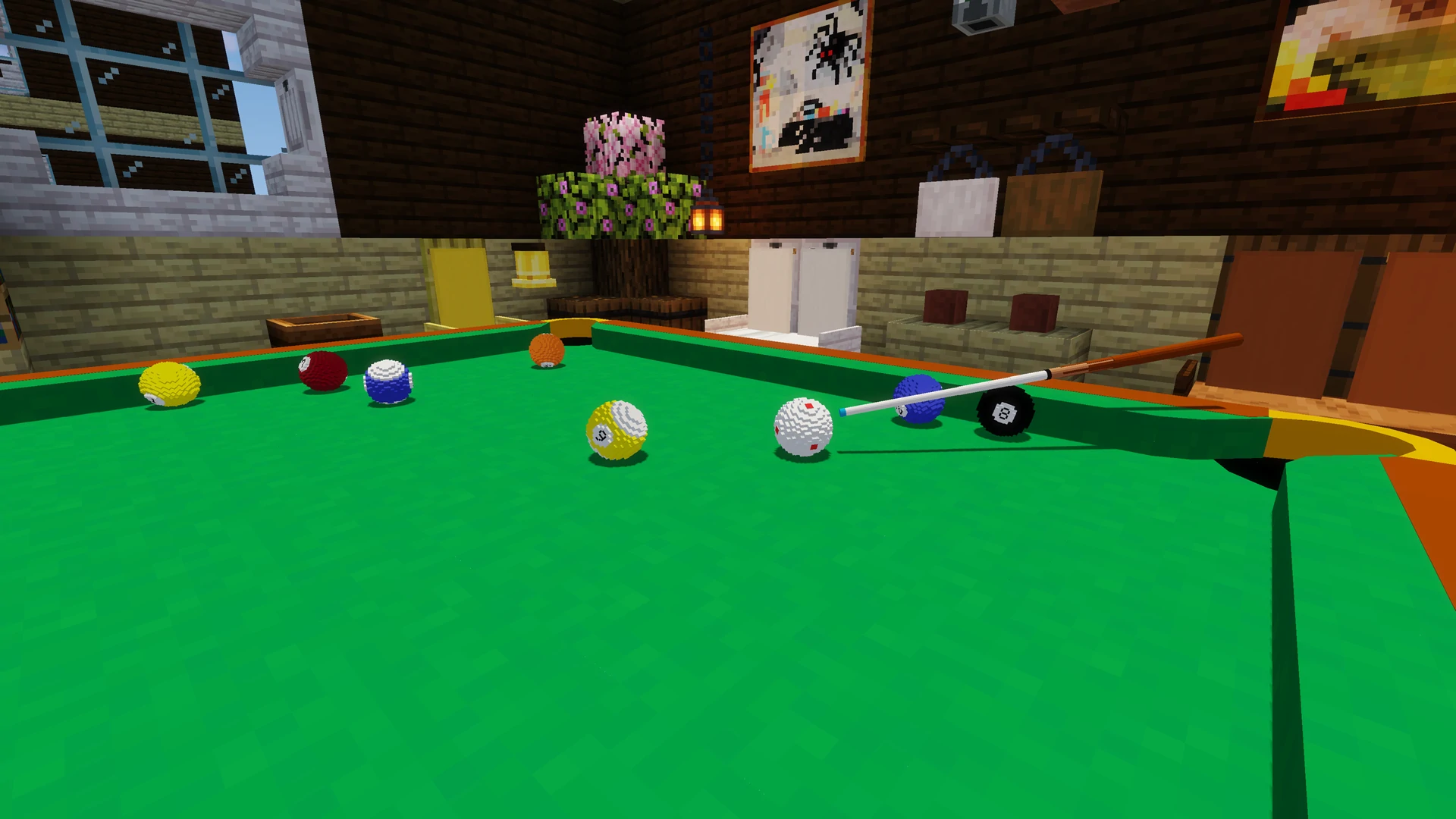 Play with Bot Bot shooting animation during play with bot mode
 -
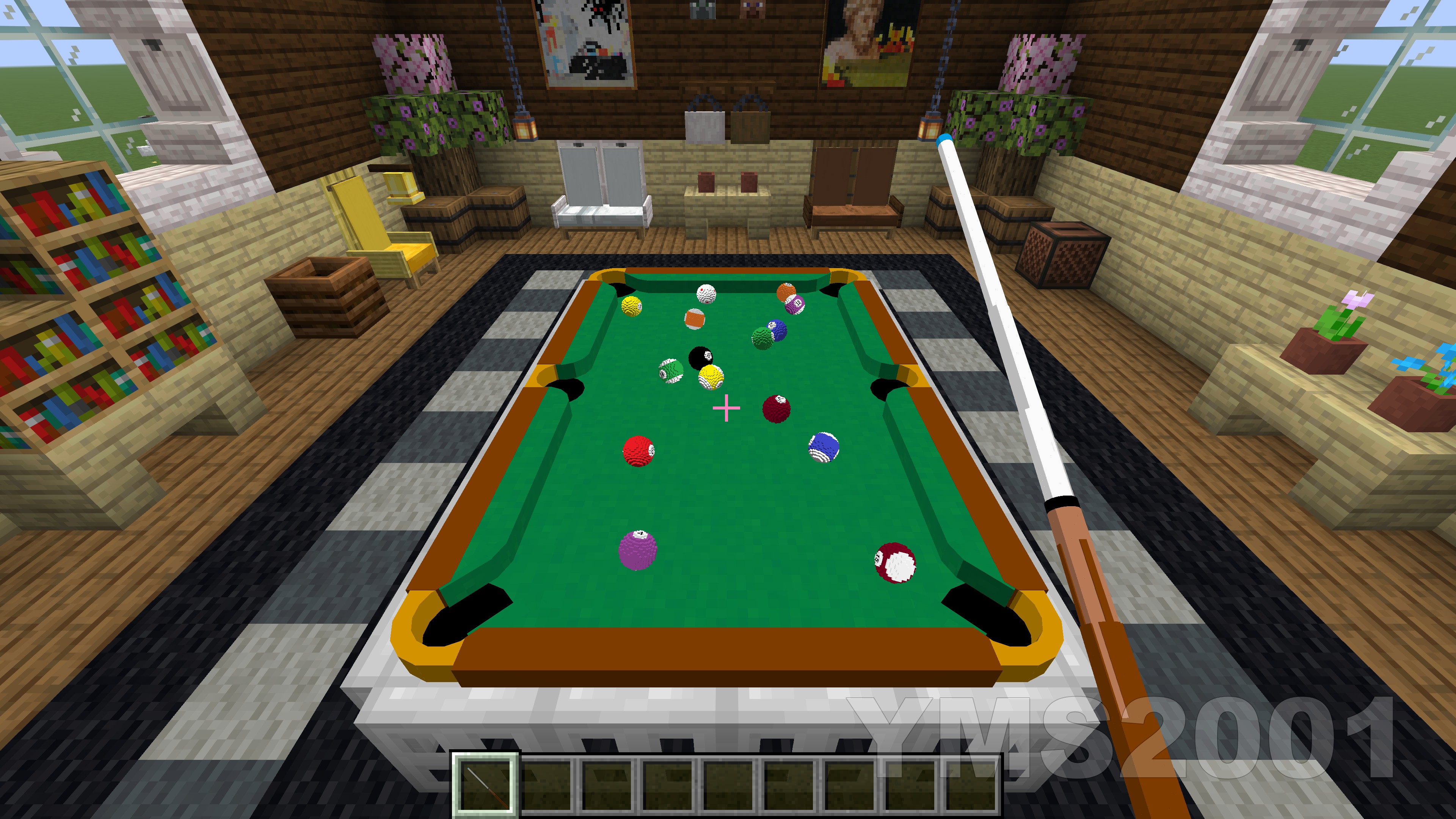 Small Table and Balls First person view of balls on a small table
 -
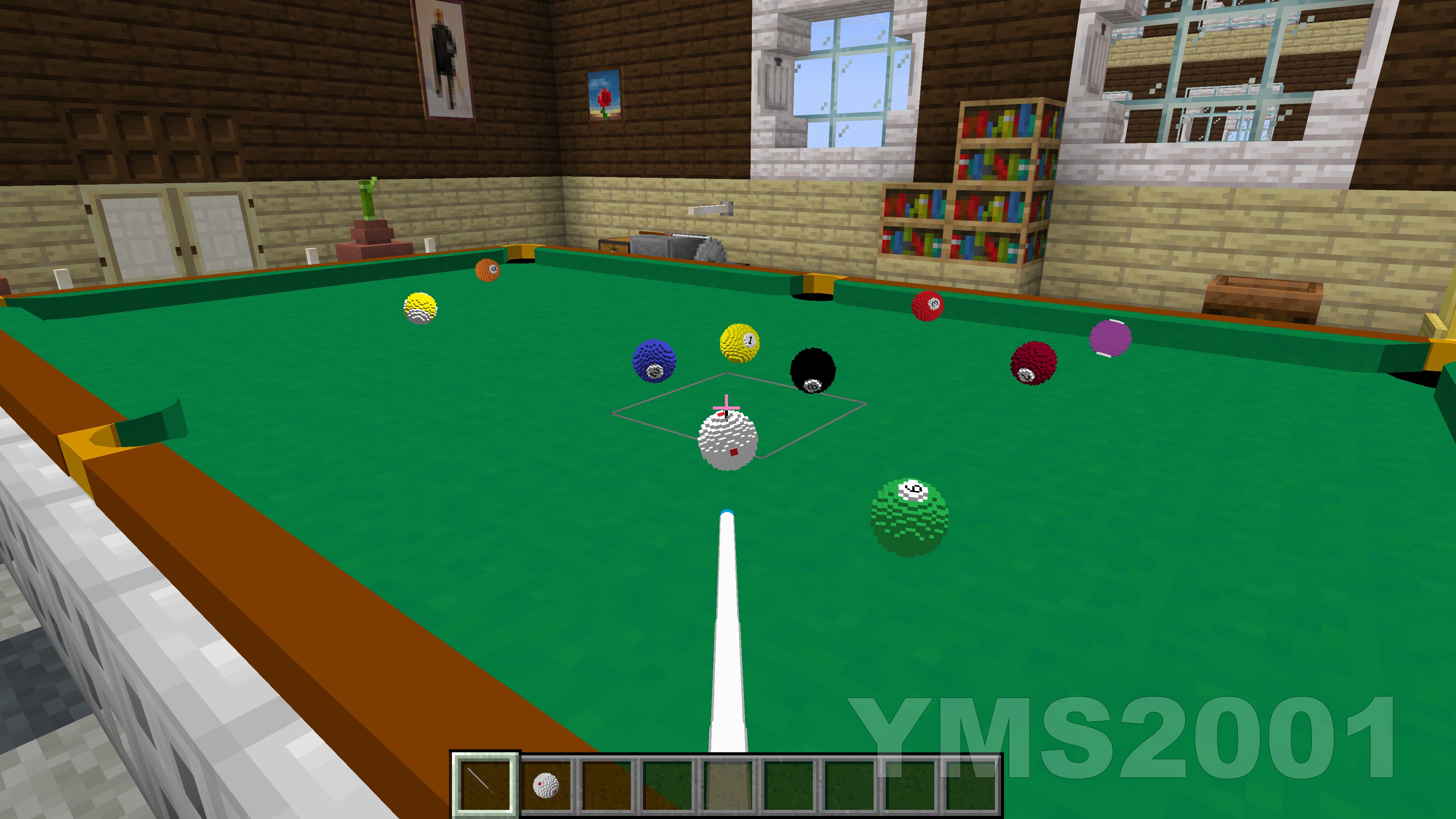 Nine Ball Game First person view during a nine ball game
 -
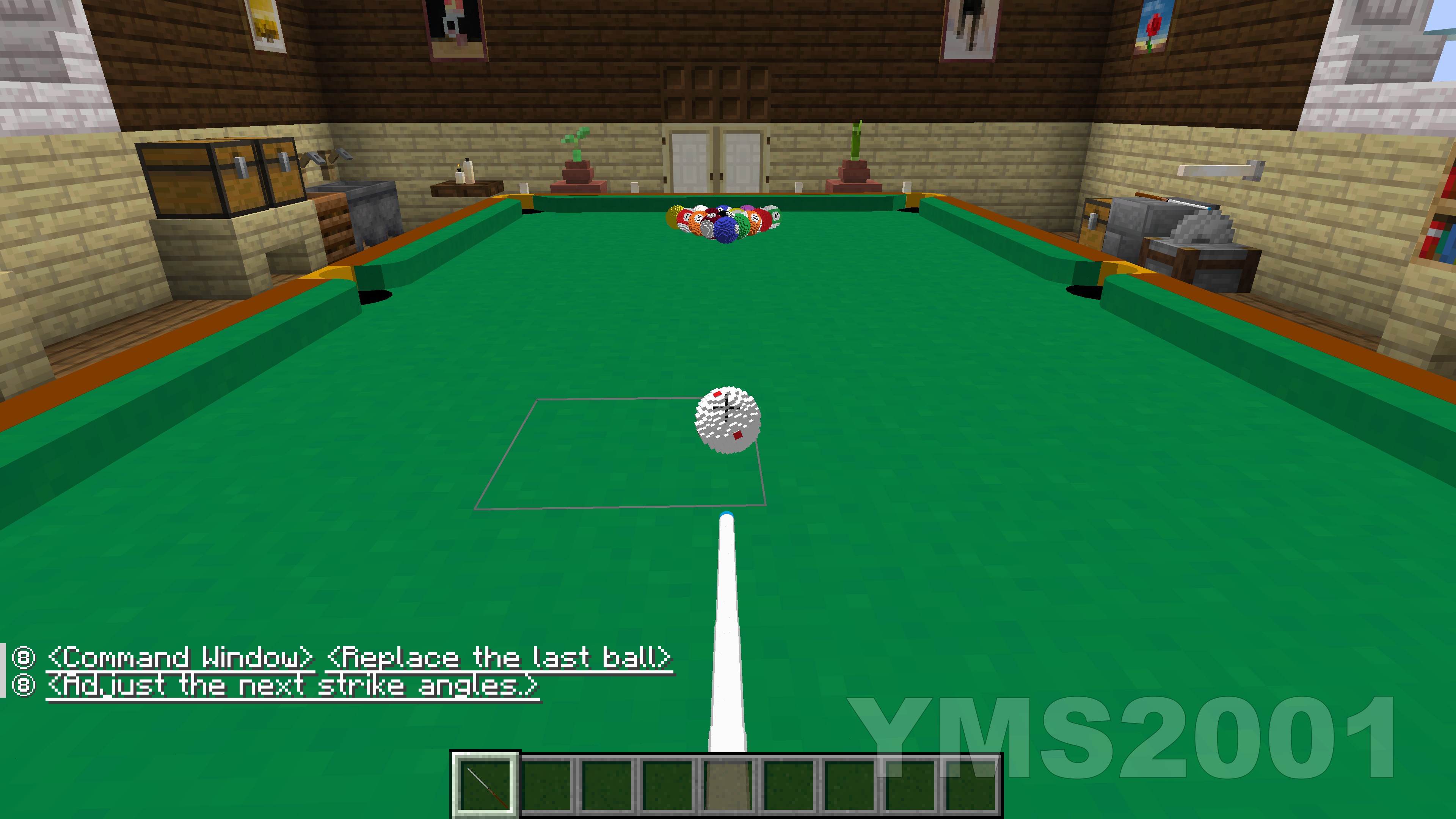 Eight Ball Start First person view of the start of eight ball game.
 -
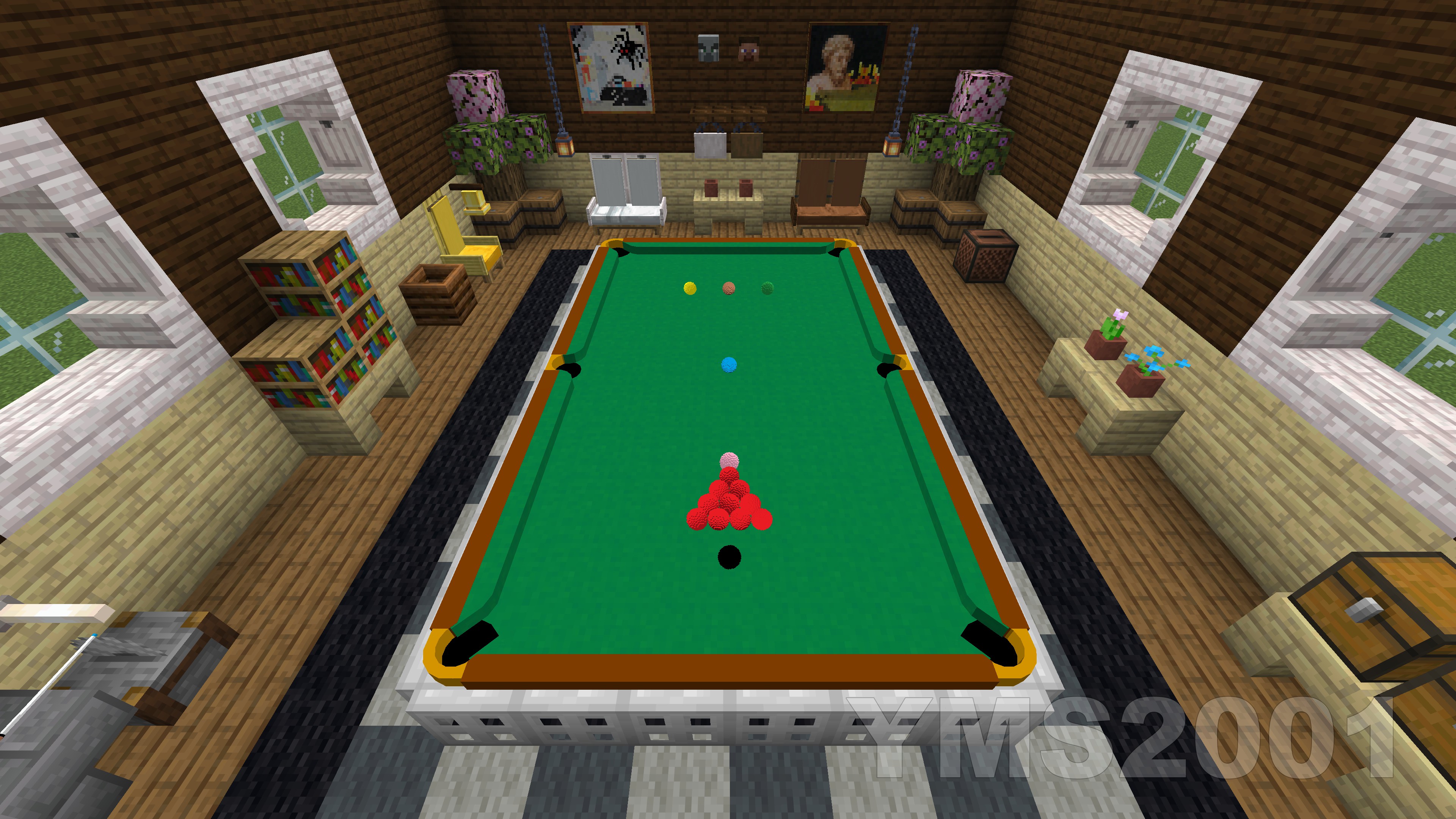 Snooker Setup Snooker setup on the table with 10 red balls. More red balls will be placed on a larger table.
 -
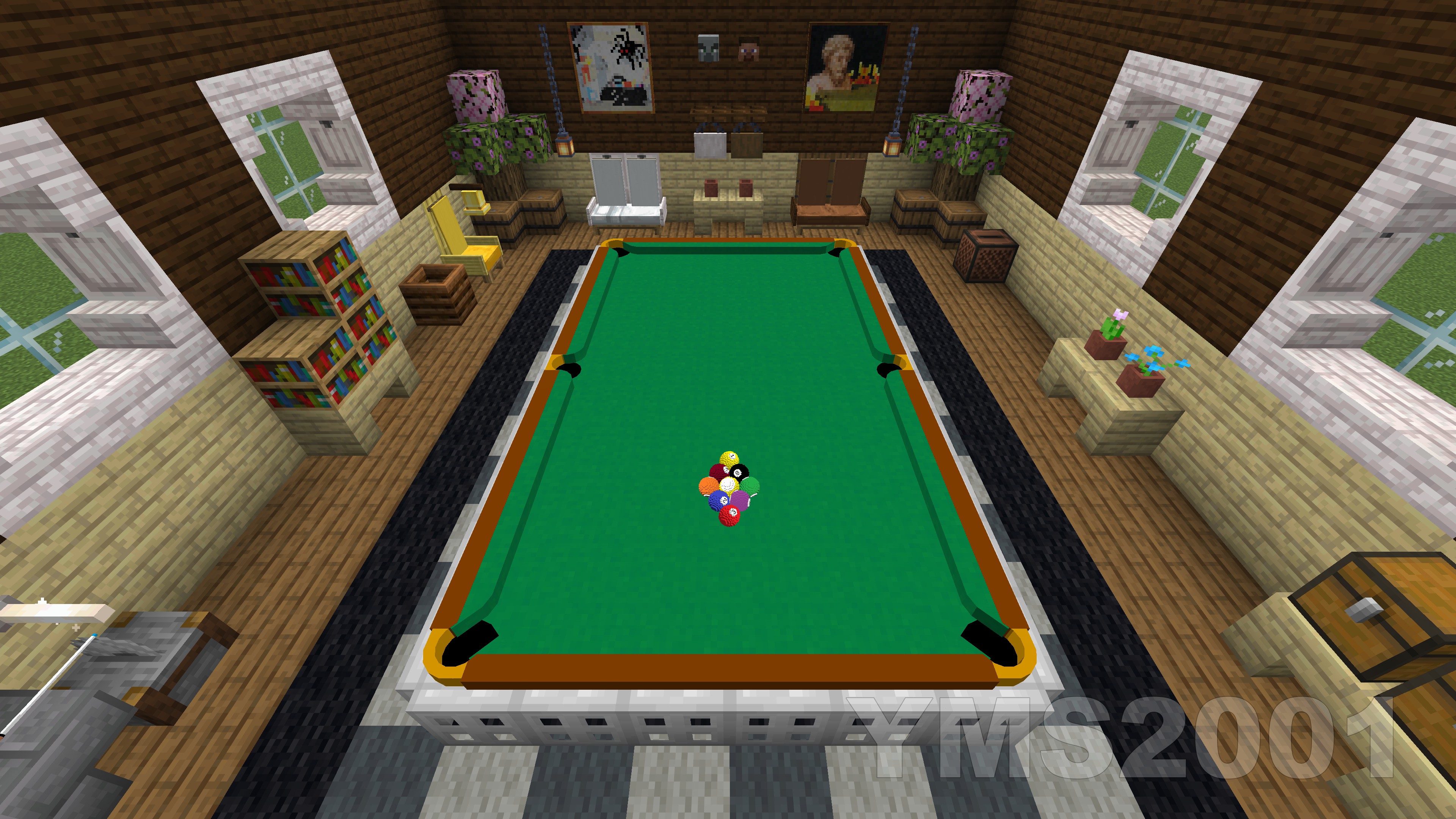 Nine Ball Setup Rack of nine ball
 -
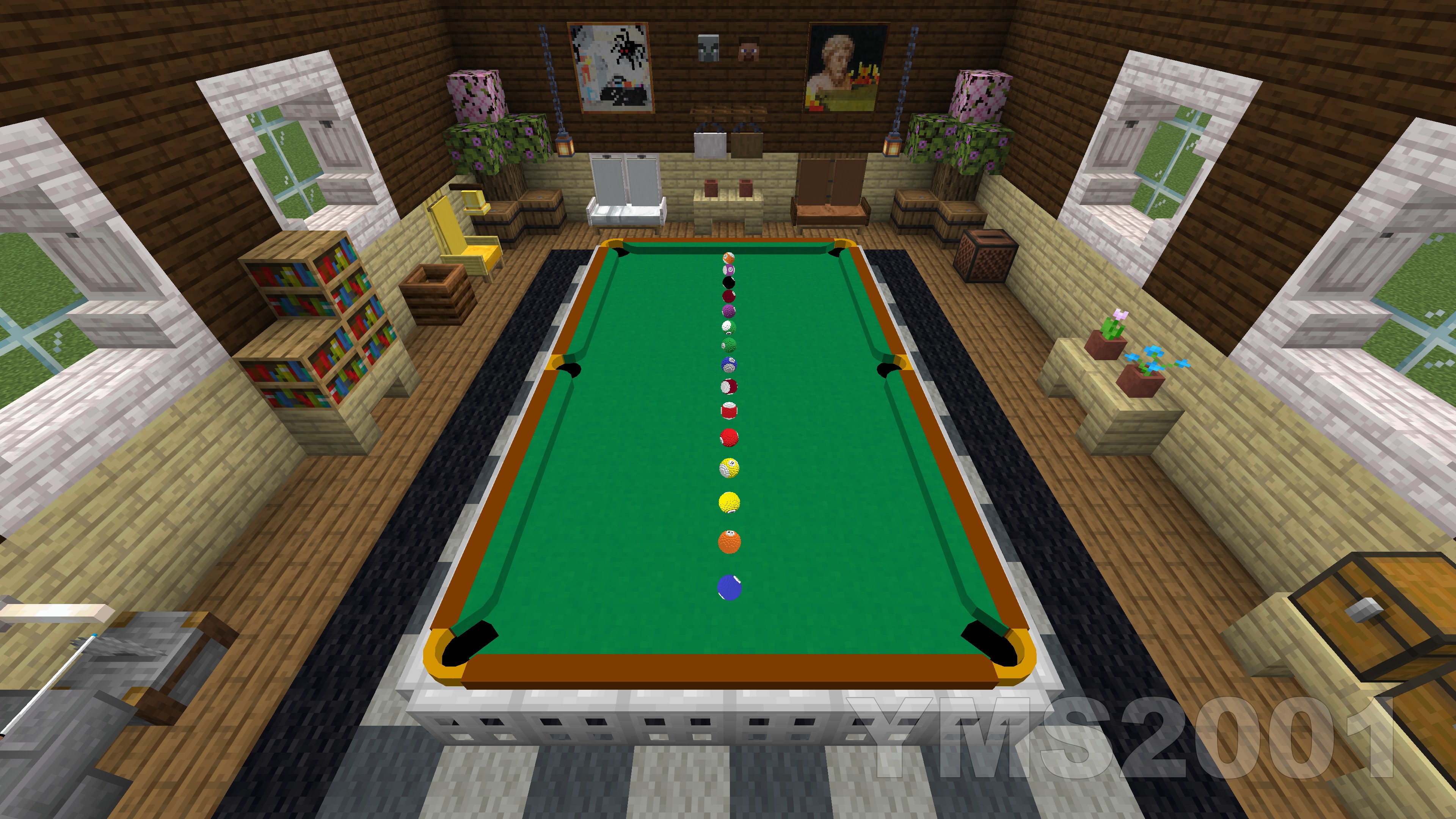 A Practice Mode Setup Balls are randomly shuffled and lined up
Versions
Files
Relations
Project Relations
More like this
Similar Mods
Suggestions use data such as tags, dependencies, dependents, descriptions, titles, and more to rank how much they overlap with this mod.
On ModDex
Community snapshot
By the numbers
Statistics

Want to reach Minecraft players?
We're looking for a server hosting partner to feature here and other parts of the site. Interested? Send us a message!
Get in touchGet it on
Available Platforms
On ModDex
Community snapshot
By the numbers