
Community listing page, reviews here may not be monitored by the author.
portalextras

No reviews yet
This adds customizable portals that can be used like the unstable universe.
Community voices
Reviews
No reviews yet. Be the first to review this project!
Get it on
Available Platforms
Compatibility
Supported Environments
Runs entirely on the server. Also works in singleplayer.
About
Project Details
For authors
Embed Badge
If you're the author of this project, you can embed a live badge anywhere that supports HTML or Markdown. It updates automatically whenever ratings change.
Use HTML for any page that supports it, or Markdown for README files and Markdown-based descriptions.
Identifiers
Platform IDs
Resources
External Links
About
Description
Portal Extras
How to Use
You need OP permissions and a destination — both a dimension and a set of coordinates.
Format: /portal
Example: /portal overworld 143 85 4321
Modes ------------------------->
Overworld Travel
/portal overworld
Teleports you to the given coordinates in the Overworld. If you're currently in the Nether or End, you'll be moved across dimensions automatically — no need to find a portal block. The X/Y/Z values are the exact destination, so double-check Y (height) to avoid spawning inside terrain. If the chunk isn't loaded yet, expect a brief pause while it generates.
Nether Travel
/portal nether
Teleports you to the given coordinates in the Nether. Unlike vanilla Nether portals, this does not apply the 1:8 coordinate scaling — the numbers you type are the literal Nether coordinates, not Overworld ones. Useful for jumping directly to a known Nether base or fortress. Be cautious with low Y values around lava oceans.
Player Portal
/portal player <blocksInFront> [safeSpawn]
Teleports you near another player, offset in the direction they're facing.
playername — the target player. Must be online.
blocksInFront — how many blocks ahead of them you'll appear.
safeSpawn (true/false) — when true, the command finds the nearest safe, non-suffocating block so you don't spawn inside a wall, in lava, or mid-air. Defaults to false.
Screenshots
Gallery
-
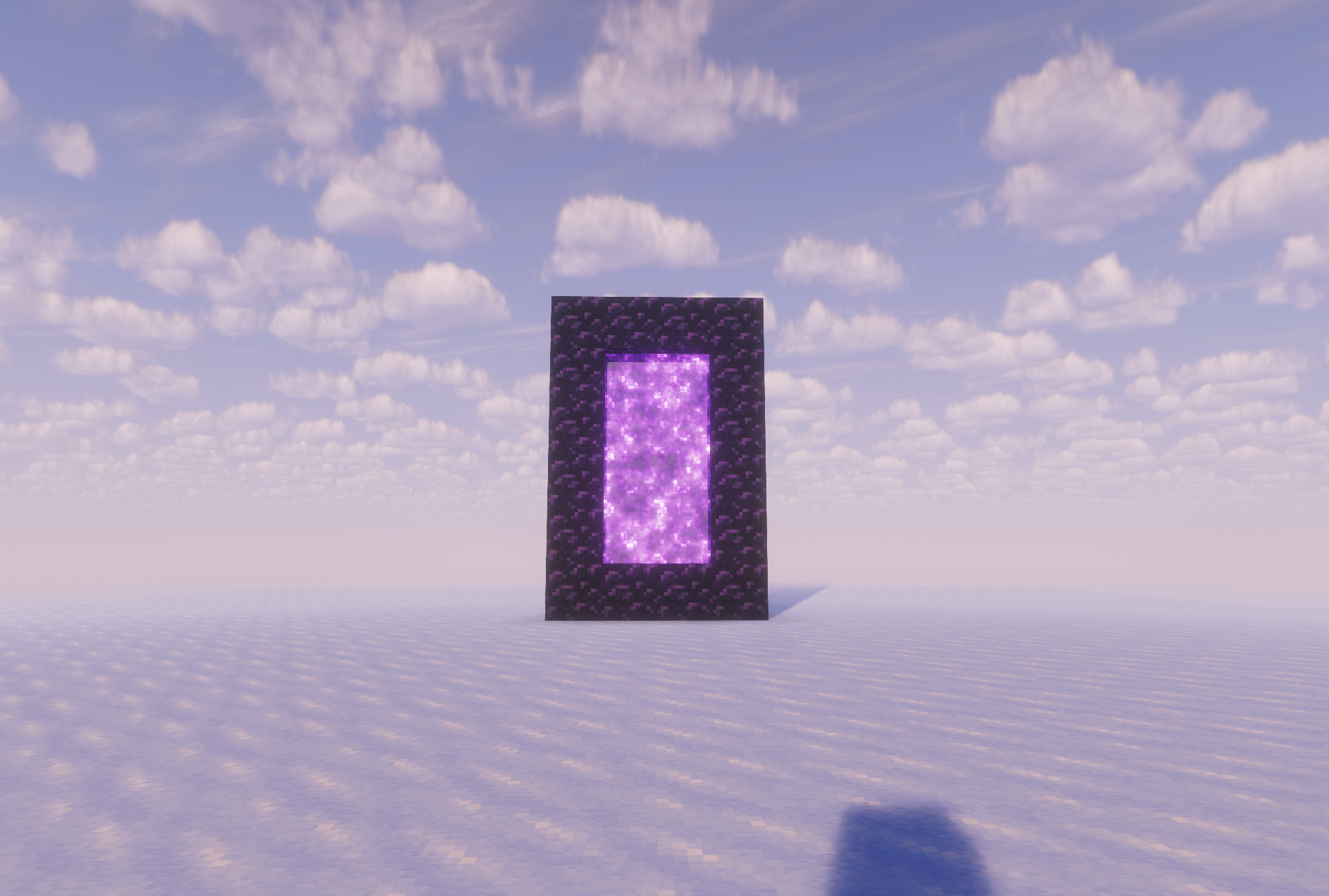 The portal that appears right before you get taken away....
Versions
Files
Relations
Project Relations
More like this
Similar Mods
Suggestions use data such as tags, dependencies, dependents, descriptions, titles, and more to rank how much they overlap with this mod.
On ModDex
Community snapshot
By the numbers
Statistics

Want to reach Minecraft players?
We're looking for a server hosting partner to feature here and other parts of the site. Interested? Send us a message!
Get in touchGet it on
Available Platforms
On ModDex
Community snapshot
By the numbers
Statistics
Resources