
Community listing page, reviews here may not be monitored by the author.
PortalPeek


No reviews yet
Automatically shows Nether/Overworld coordinate conversions on your HUD. Never do portal math again.
Community voices
Reviews
No reviews yet. Be the first to review this project!
Get it on
Available Platforms
Compatibility
Supported Environments
Runs entirely on the client. Works on vanilla servers.
About
Project Details
For authors
Embed Badge
If you're the author of this project, you can embed a live badge anywhere that supports HTML or Markdown. It updates automatically whenever ratings change.
Use HTML for any page that supports it, or Markdown for README files and Markdown-based descriptions.
Identifiers
Platform IDs
Resources
External Links
About
Description
PortalPeek
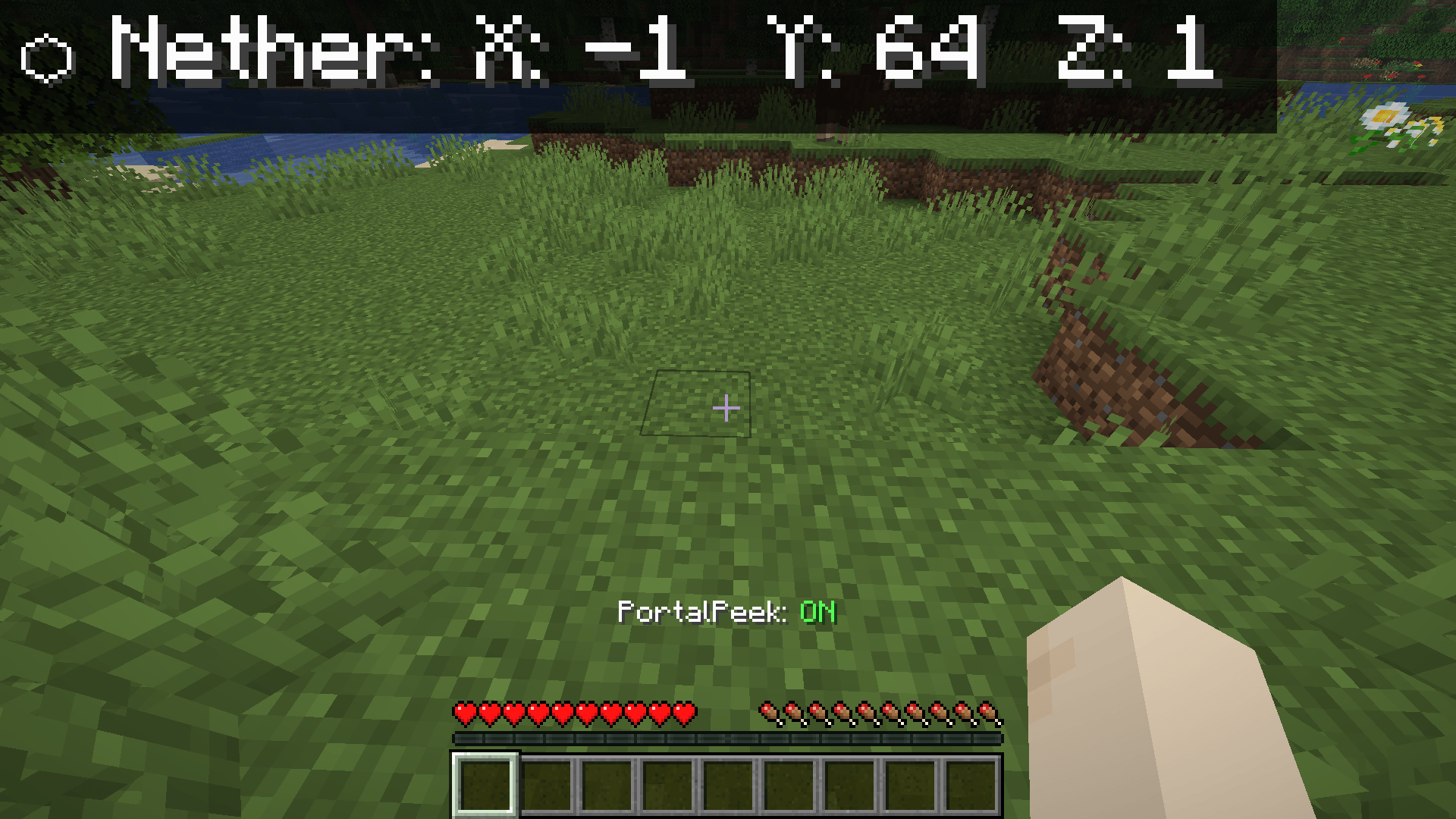
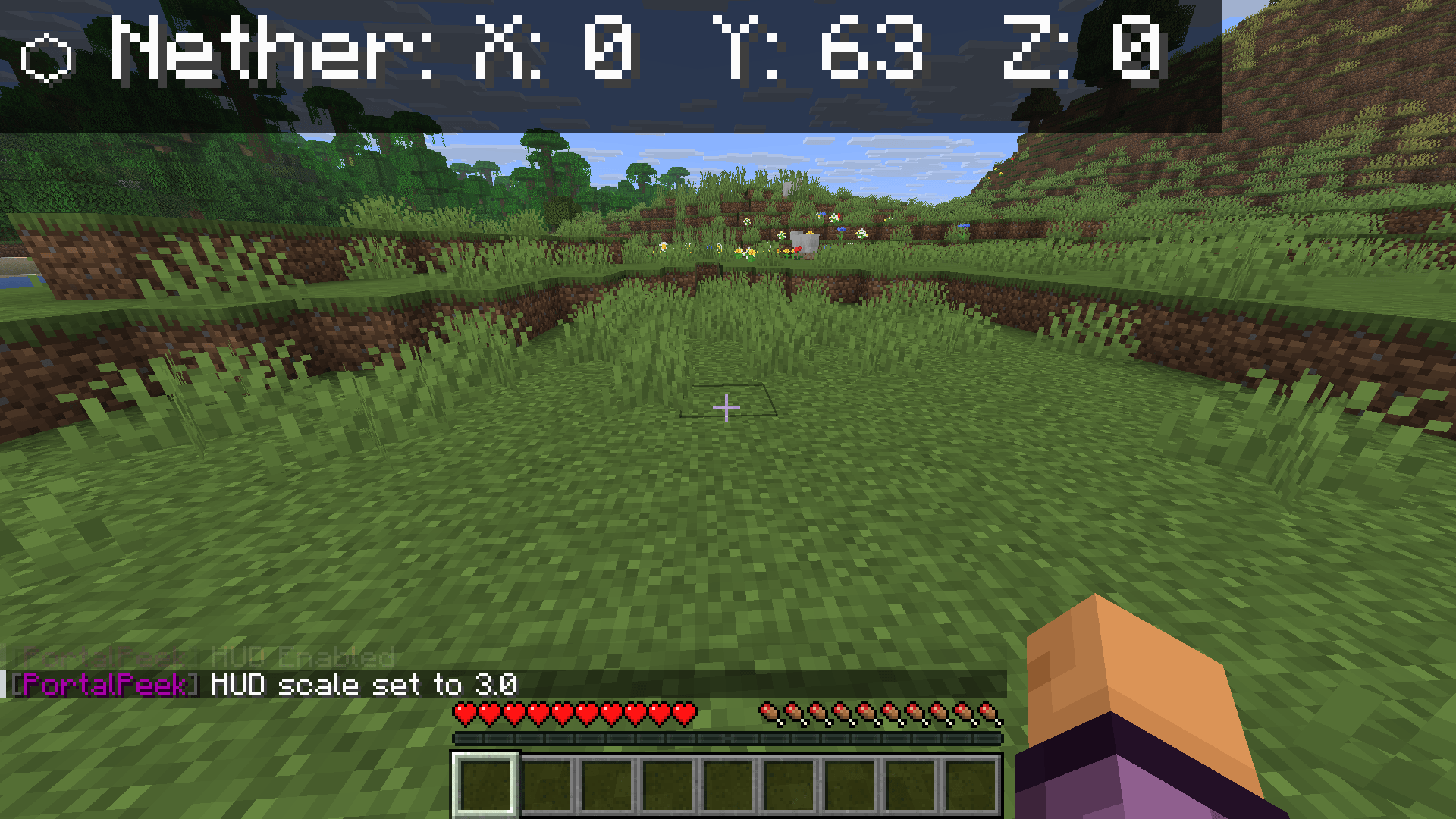
PortalPeek is a lightweight, client-side Minecraft mod that takes the math out of Nether portal linking. It renders a clean HUD overlay showing your corresponding coordinates in the opposite dimension — so your portal links are always perfectly aligned.
Since it is entirely client-side, you can use it on any multiplayer server, realm, or singleplayer world without requiring any server-side installation.
Features
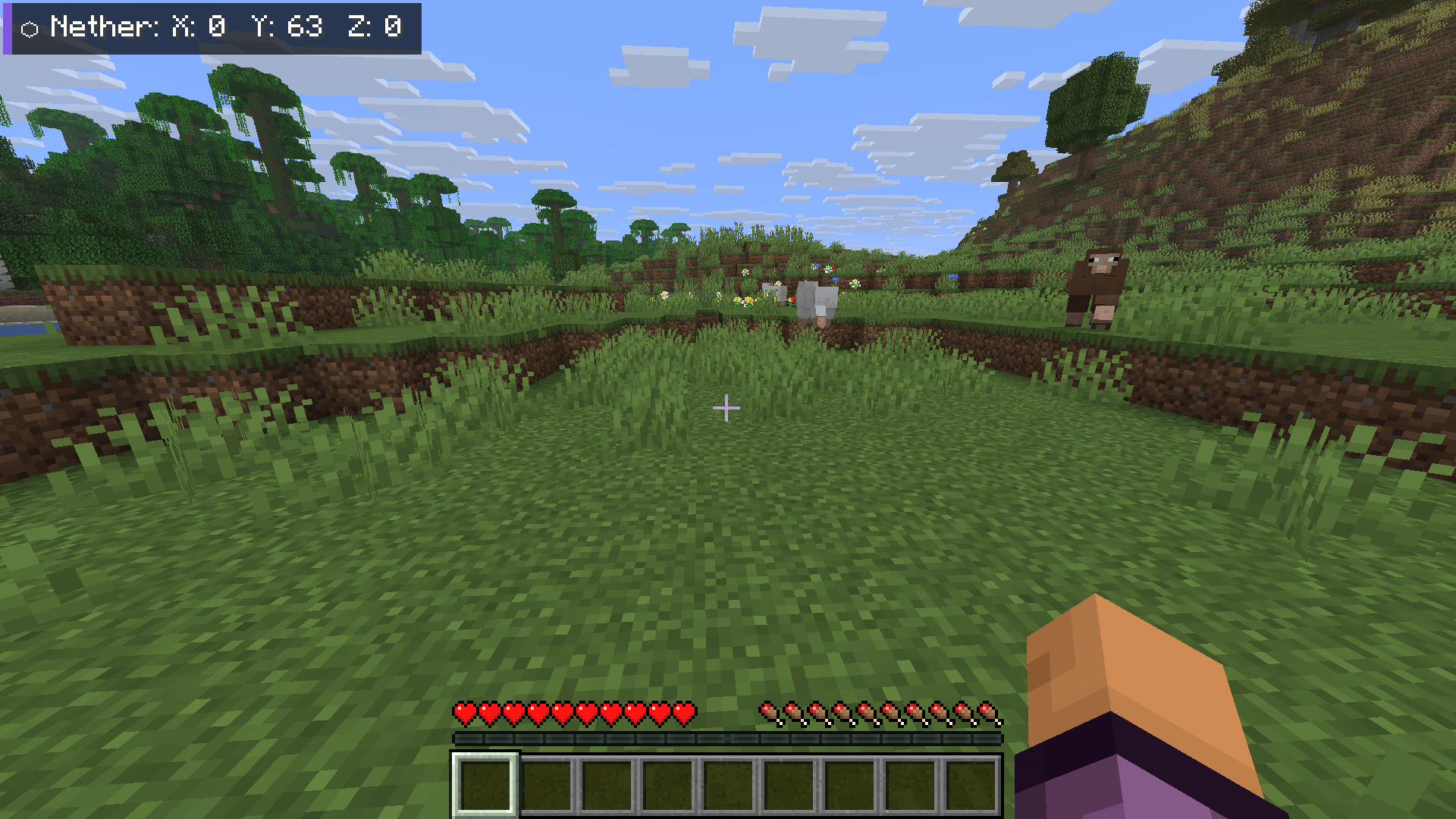
- Instant Coordinate Conversion — Displays your converted Nether coordinates when in the Overworld (divided by 8), and your converted Overworld coordinates when in the Nether (multiplied by 8).
- Clean HUD Overlay — Semi-transparent background with drop shadows for high contrast, readable on any texture pack or background.
- Proximity Mode — Only shows the HUD when you are within 5 blocks of a Nether Portal, keeping your screen clutter-free.
- Quick-Toggle Hotkey — Press H (rebindable in Controls) to instantly toggle the HUD overlay.
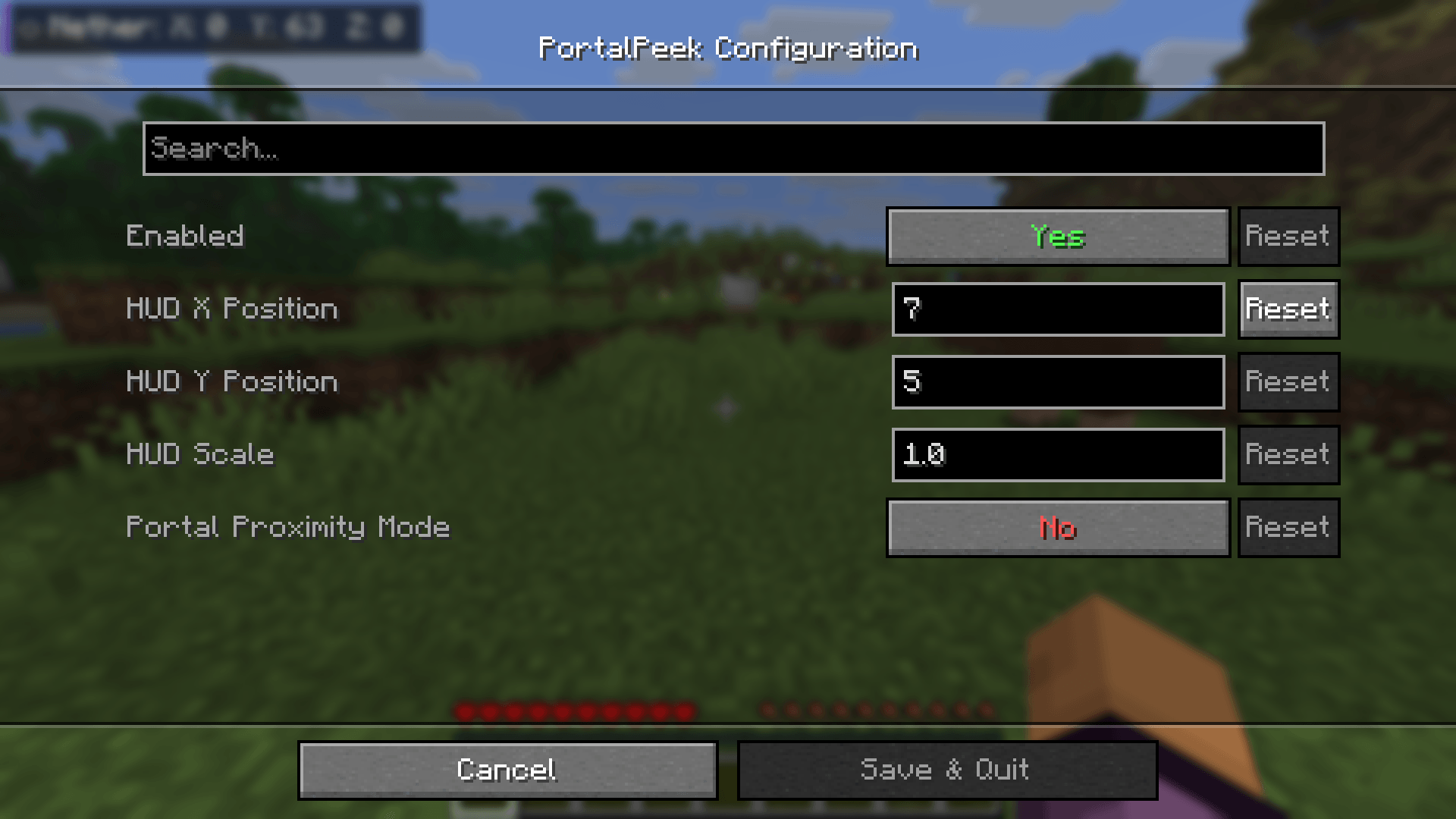
- In-Game Configuration — Full Cloth Config and ModMenu integration. Adjust HUD scale, position, and toggle settings without leaving the game.
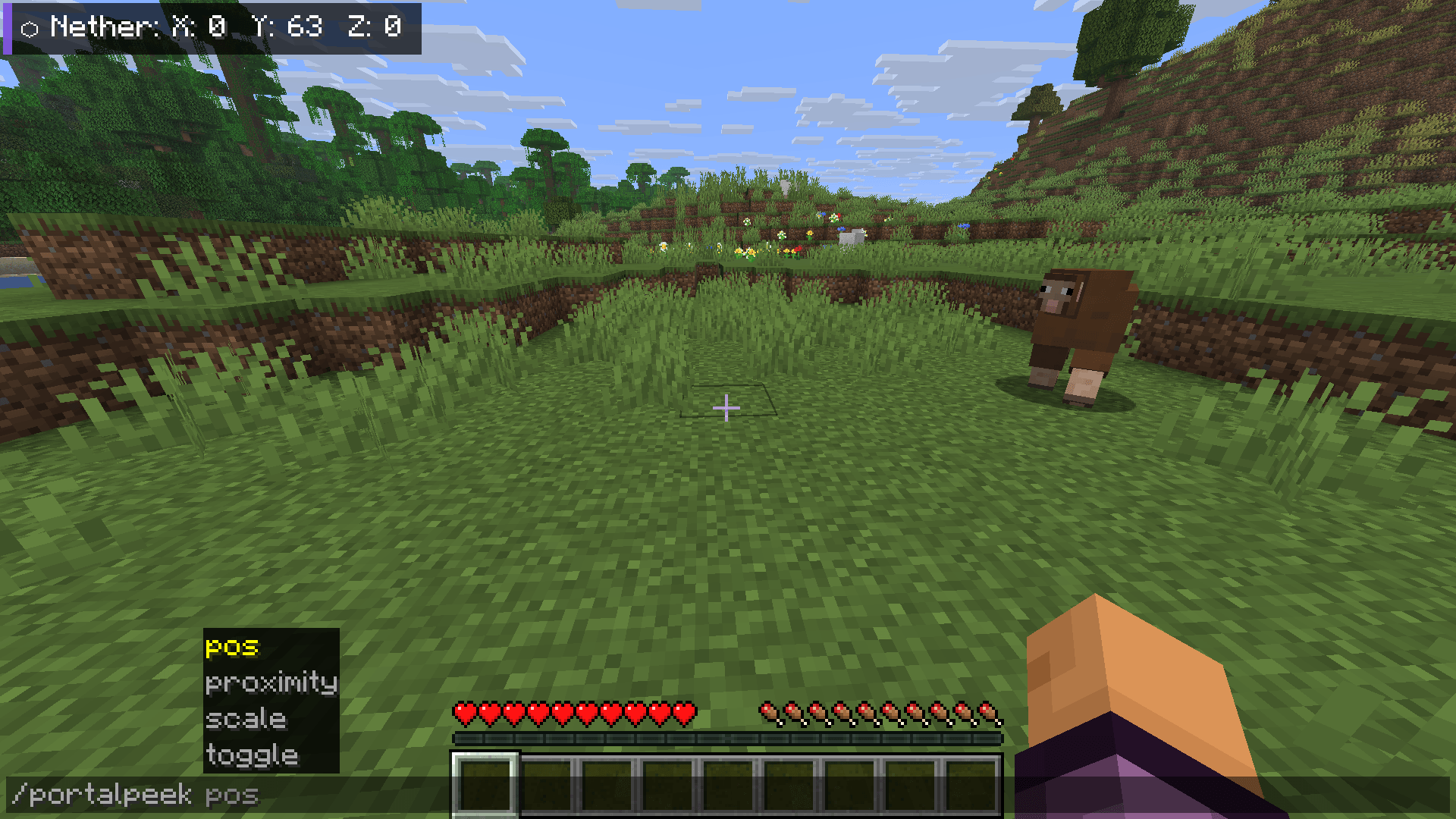
- Command Support — Full slash and dot-command support for flexibility on any server.
Commands
| Command | Description |
|---|---|
/portalpeek toggle |
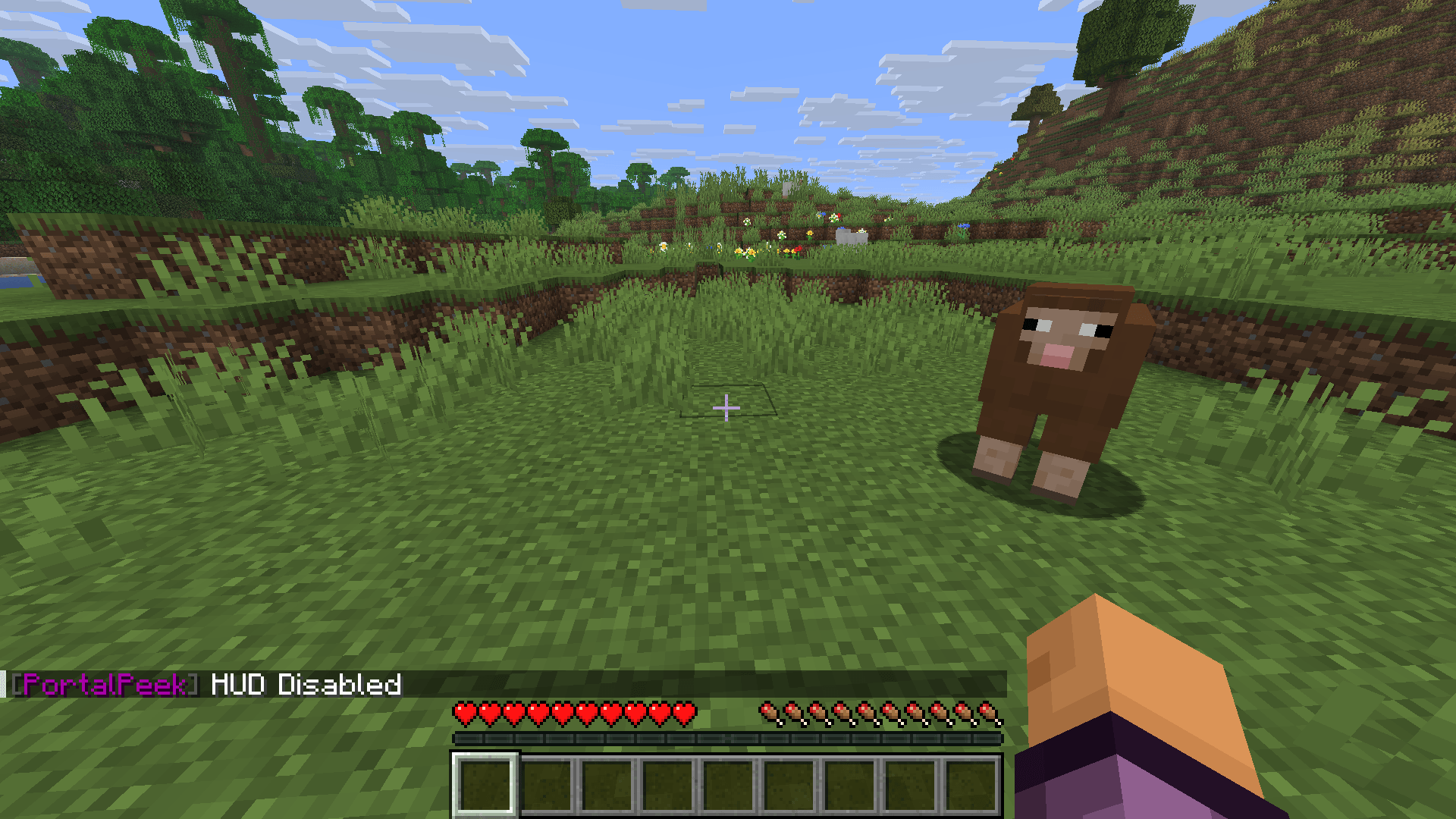
Toggle the HUD on or off |
/portalpeek proximity [true/false] |
Toggle proximity mode |
/portalpeek pos <x> <y> |
Set custom HUD position |
/portalpeek scale <value> |
Set HUD scale (0.2 to 5.0) |
Dot-prefix support is also available — type .portalpeek toggle in chat to run commands client-side without sending anything to the server chat.
Requirements
| Platform | Fabric Loader 0.19.3+ |
| Side | Client-side only |
| Java | Java 21+ |
| Required | Fabric API, Cloth Config API |
| Recommended | ModMenu — required for the in-game settings screen. The mod may behave unexpectedly without it. |
Client-side only — works on any server.
My Other Mods
- AutoEater — Automatically eats food when your hunger drops. No more dying to starvation.
- AFK Fishing — Automatically reels in and recasts your fishing rod. Cast once and walk away.
PortalPeek
PortalPeek is a lightweight, client-side Minecraft mod that takes the math out of Nether portal linking. It renders a clean HUD overlay showing your corresponding coordinates in the opposite dimension — so your portal links are always perfectly aligned.
Since it is entirely client-side, you can use it on any multiplayer server, realm, or singleplayer world without requiring any server-side installation.
Features
- Instant Coordinate Conversion — Displays your converted Nether coordinates when in the Overworld (divided by 8), and your converted Overworld coordinates when in the Nether (multiplied by 8).
- Clean HUD Overlay — Semi-transparent background with drop shadows for high contrast, readable on any texture pack or background.
- Proximity Mode — Only shows the HUD when you are within 5 blocks of a Nether Portal, keeping your screen clutter-free.
- Quick-Toggle Hotkey — Press H (rebindable in Controls) to instantly toggle the HUD overlay.
- In-Game Configuration — Full Cloth Config and ModMenu integration. Adjust HUD scale, position, and toggle settings without leaving the game.
- Command Support — Full slash and dot-command support for flexibility on any server.
Commands
| Command | Description |
|---|---|
/portalpeek toggle |
Toggle the HUD on or off |
/portalpeek proximity [true/false] |
Toggle proximity mode |
/portalpeek pos <x> <y> |
Set custom HUD position |
/portalpeek scale <value> |
Set HUD scale (0.2 to 5.0) |
Dot-prefix support is also available — type .portalpeek toggle in chat to run commands client-side without sending anything to the server chat.
Requirements
| Platform | Fabric Loader 0.19.3+ |
| Side | Client-side only |
| Java | Java 21+ |
| Required | Fabric API, Cloth Config API |
| Recommended | ModMenu — required for the in-game settings screen. The mod may behave unexpectedly without it. |
Client-side only — works on any server.
My Other Mods
- AutoEater — Automatically eats food when your hunger drops. No more dying to starvation.
- AFK Fishing — Automatically reels in and recasts your fishing rod. Cast once and walk away.
Screenshots
Gallery
-
 Screenshot (1474).png Screenshot (1474).png
 -
 Screenshot (1464).png Screenshot (1464).png
 -
 Screenshot (1463).png Screenshot (1463).png
 -
 Screenshot (1462).png Screenshot (1462).png
 -
 Screenshot (1461).png Screenshot (1461).png
 -
 Screenshot (1460).png Screenshot (1460).png
-
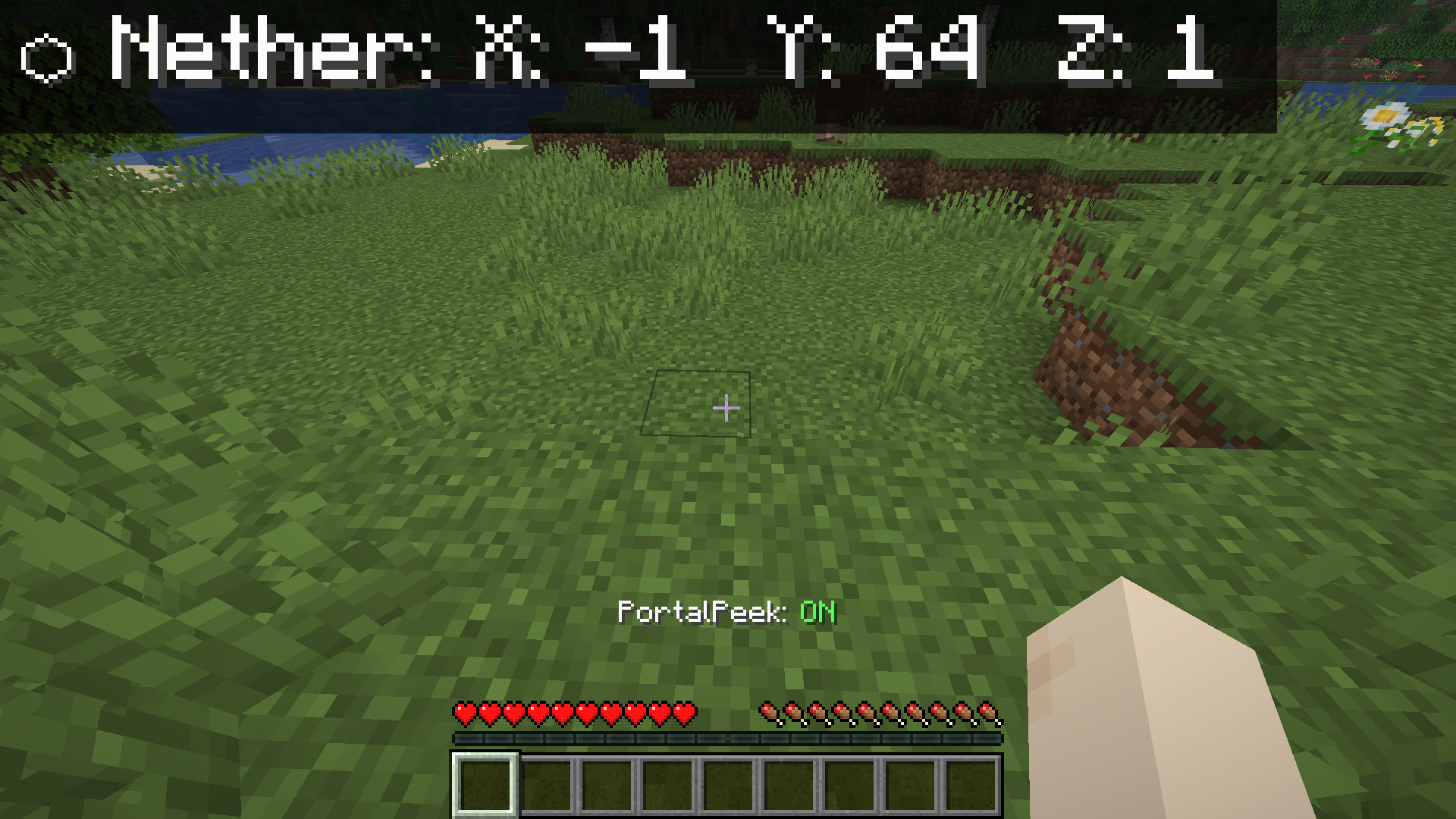 Toogle
 -
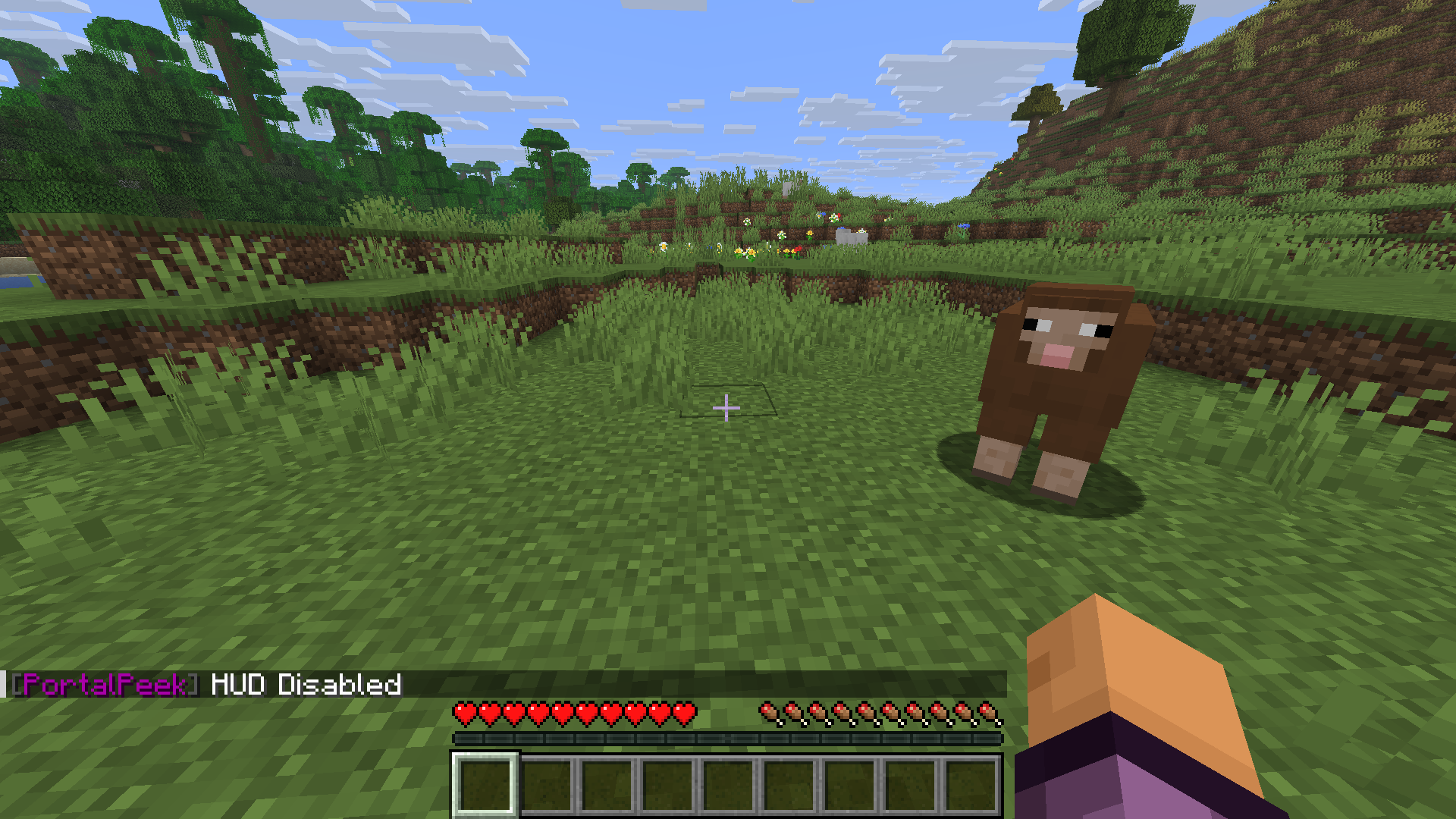 Command toogle
 -
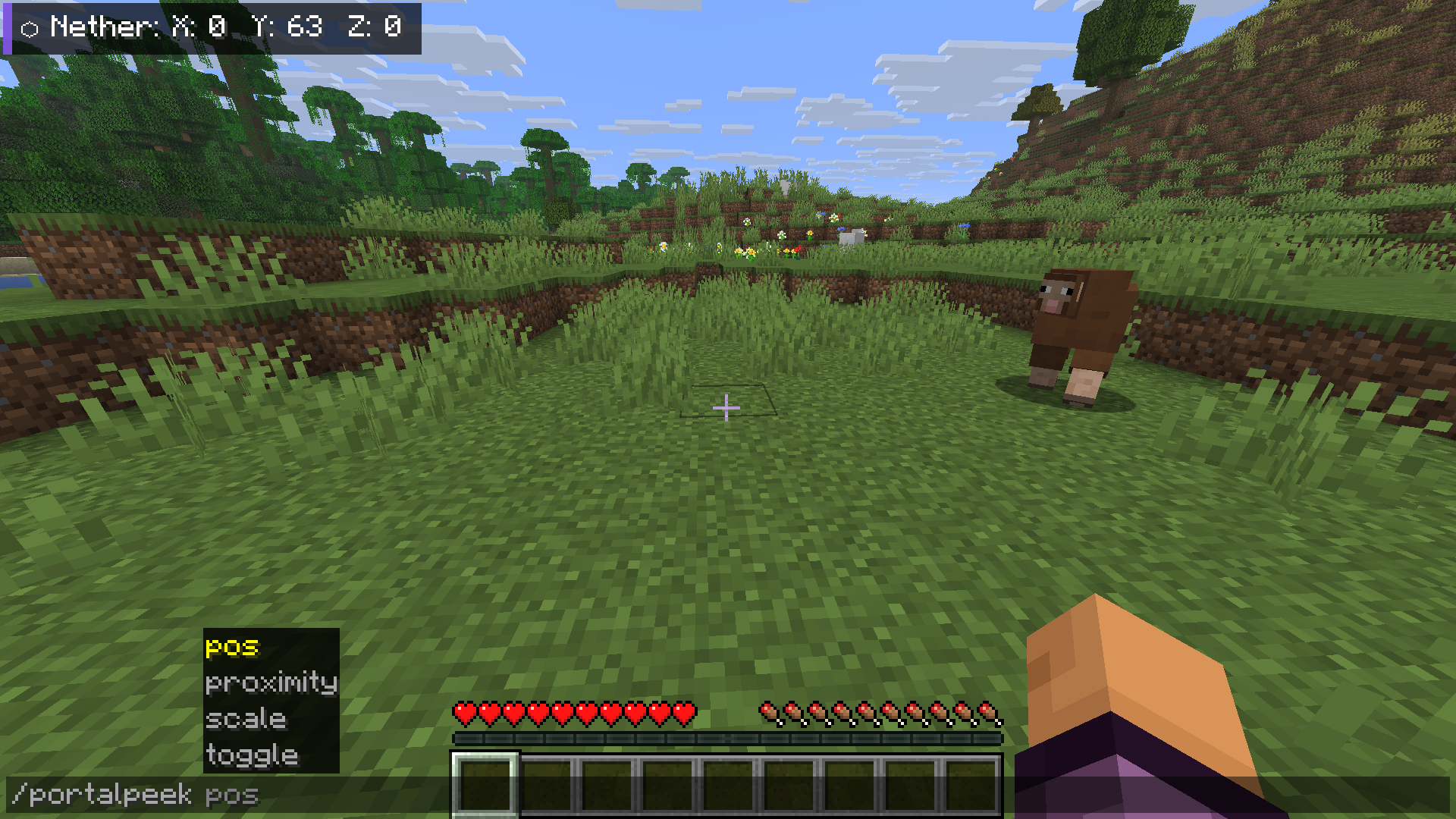 Commands
 -
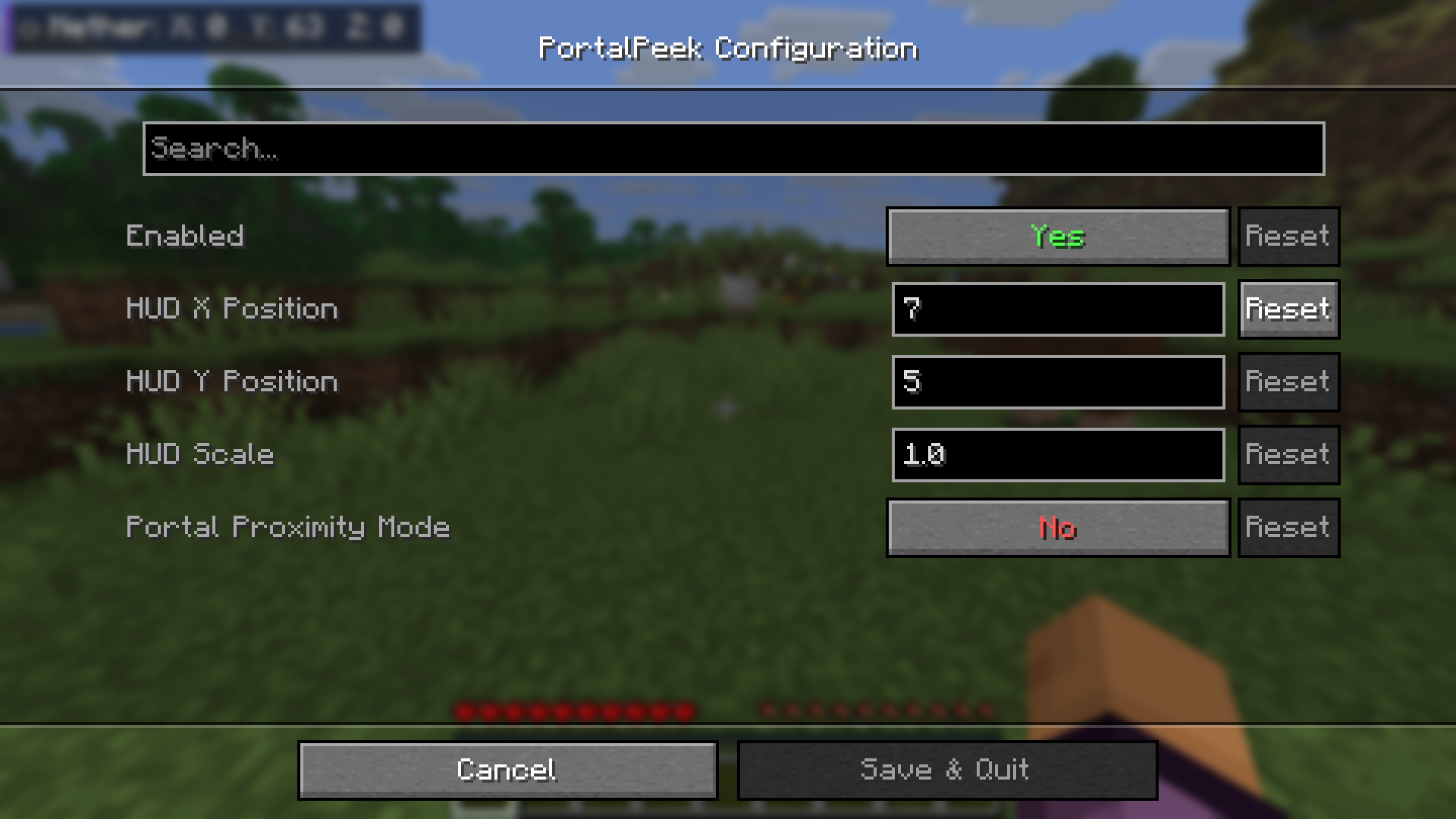 In-Game Configuration Screen
 -
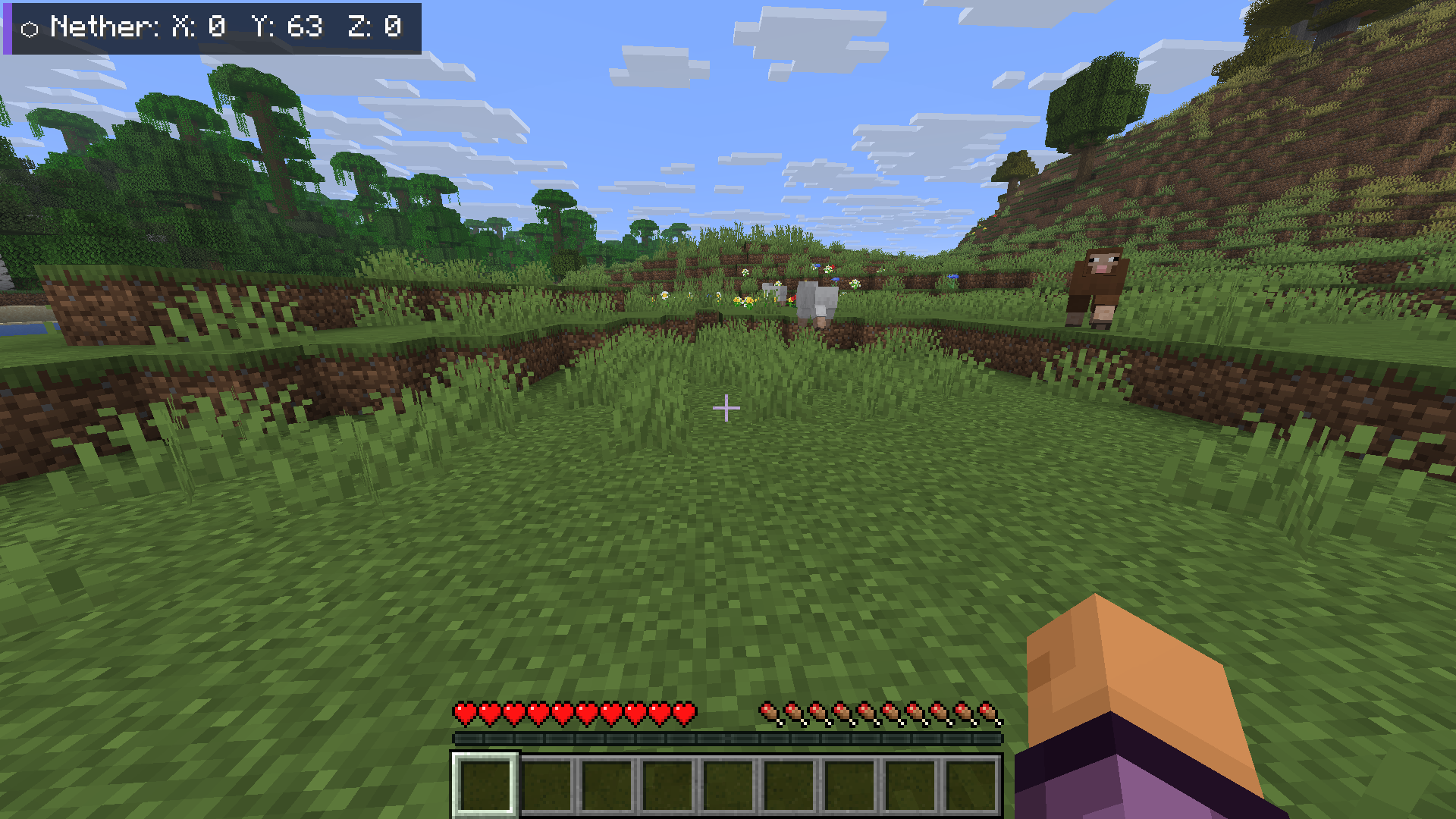 HUD
HUD -
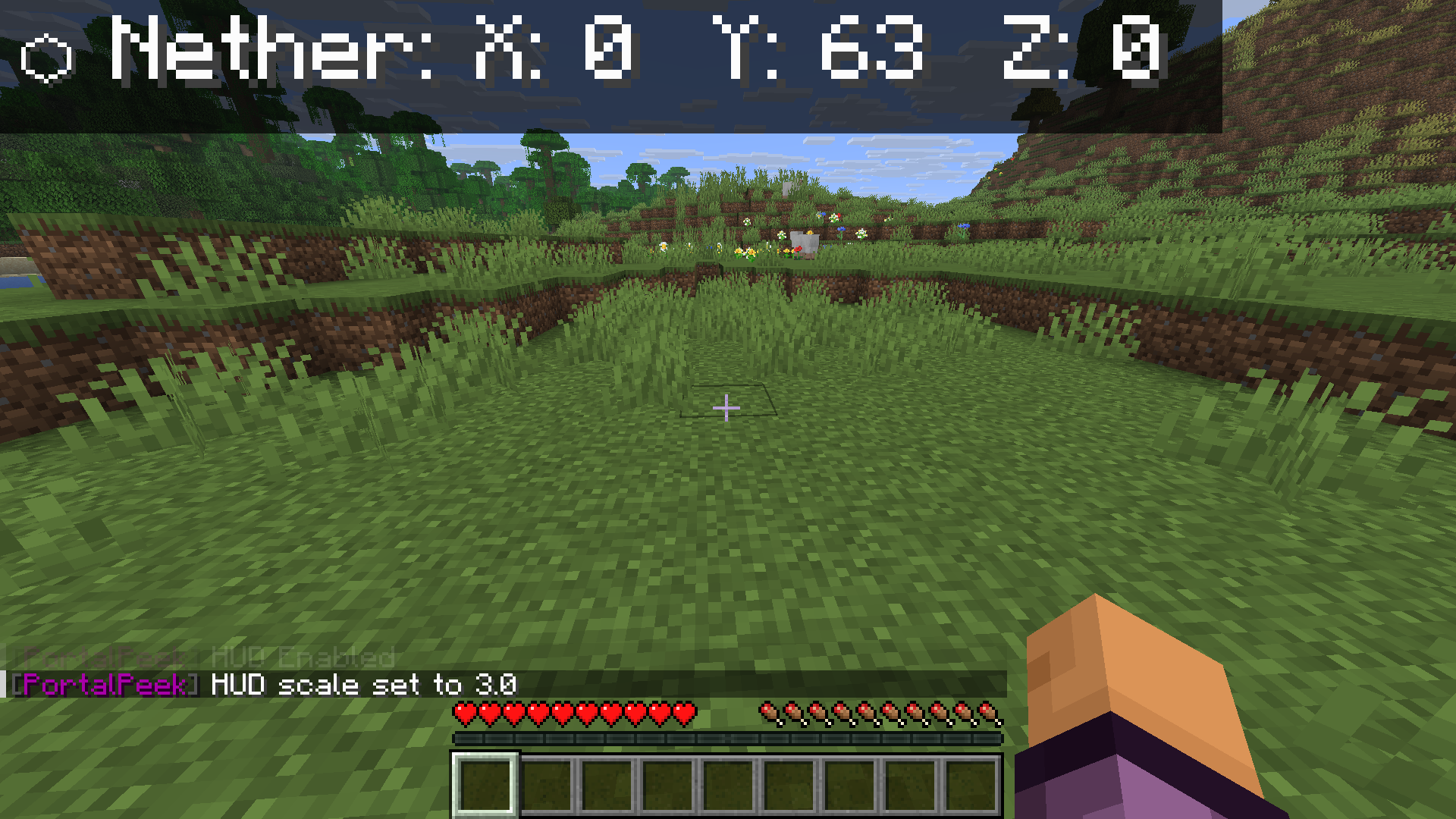 HUD size changed
Versions
Files
Relations
Project Relations
More like this
Similar Mods
Suggestions use data such as tags, dependencies, dependents, descriptions, titles, and more to rank how much they overlap with this mod.
On ModDex
Community snapshot
By the numbers
Statistics
Want to reach Minecraft players?
We're looking for a server hosting partner to feature here and other parts of the site. Interested? Send us a message!
Get in touchGet it on
Available Platforms
On ModDex
Community snapshot
By the numbers
Statistics
Resources