
Prism's KeyStrokes
No reviews yet
A fully customizable and animated keystrokes HUD that displays your keyboard and mouse inputs in real time for Minecraft PvP, recordings, and gameplay tracking.
Enhances game performance and optimizes resource usage.
Fabric is a mod loader for versions 1.14+ of Minecraft, particularly popular for client side and optimization mods.
Community voices
Reviews
Click once to include, again to exclude, again to clear
No reviews yet. Be the first to review this project!
Get it on
Available Platforms
 Modrinth
Compatibility
Supported Environments
About
Project Details
For authors
Embed Badge
If you're the author of this project, you can embed a live badge anywhere that supports HTML or Markdown. It updates automatically whenever ratings change.
Use HTML for any page that supports it, or Markdown for README files and Markdown-based descriptions.
Identifiers
Platform IDs
Resources
External Links
About
Description
⌨ Prism's KeyStrokes
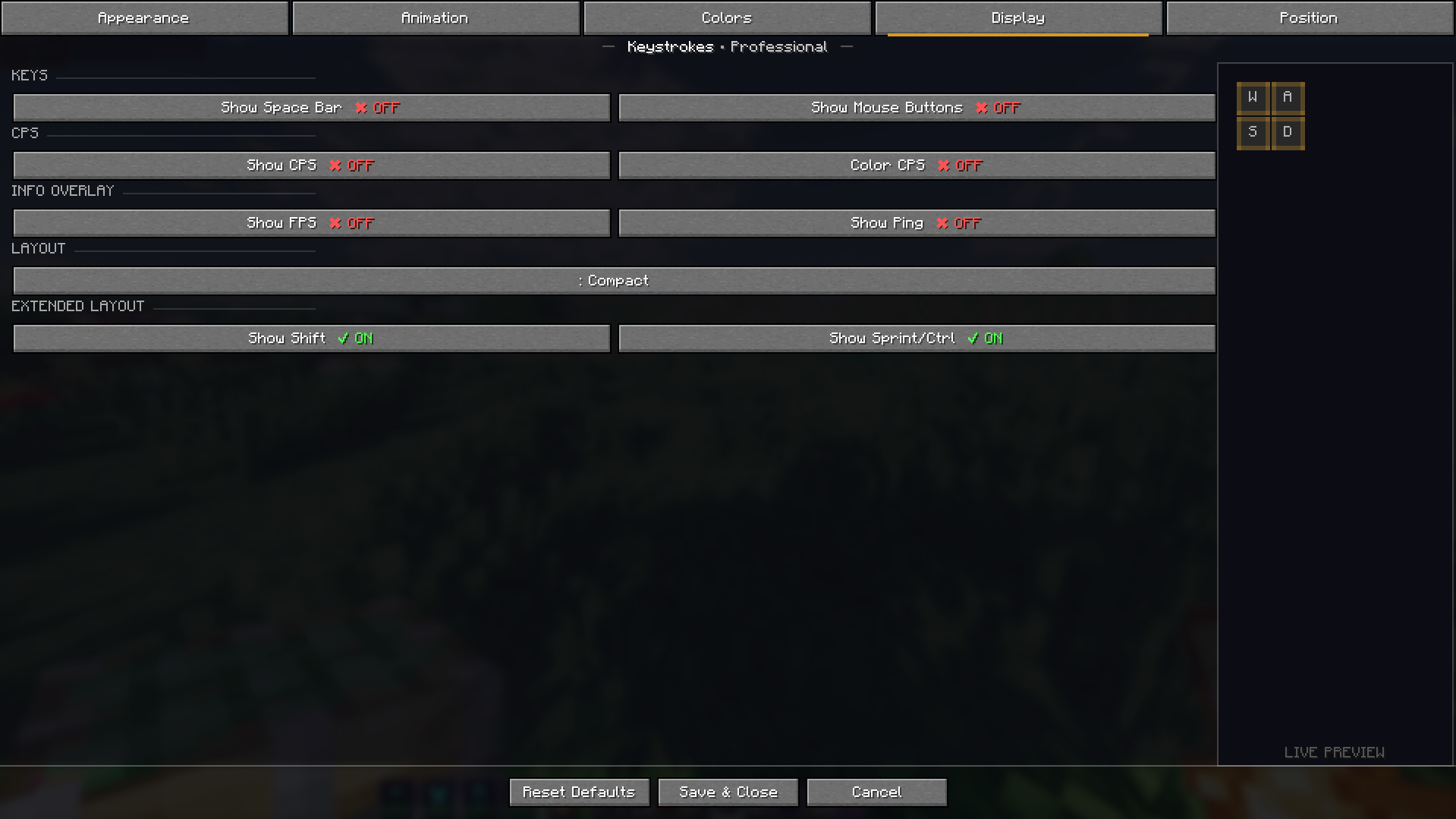
Prism's KeyStrokes is a modern keystrokes HUD for Minecraft that displays your keyboard and mouse inputs directly on screen with smooth animations and full customization.
Designed for PvP players, content creators, and competitive gameplay, the mod allows you to visualize your inputs in real time while keeping the interface clean and stylish.
With animated key presses and flexible customization options, Prism's KeyStrokes provides a polished overlay that fits perfectly into any gameplay setup.

✨ Features
◆ Animated Key Press Effects
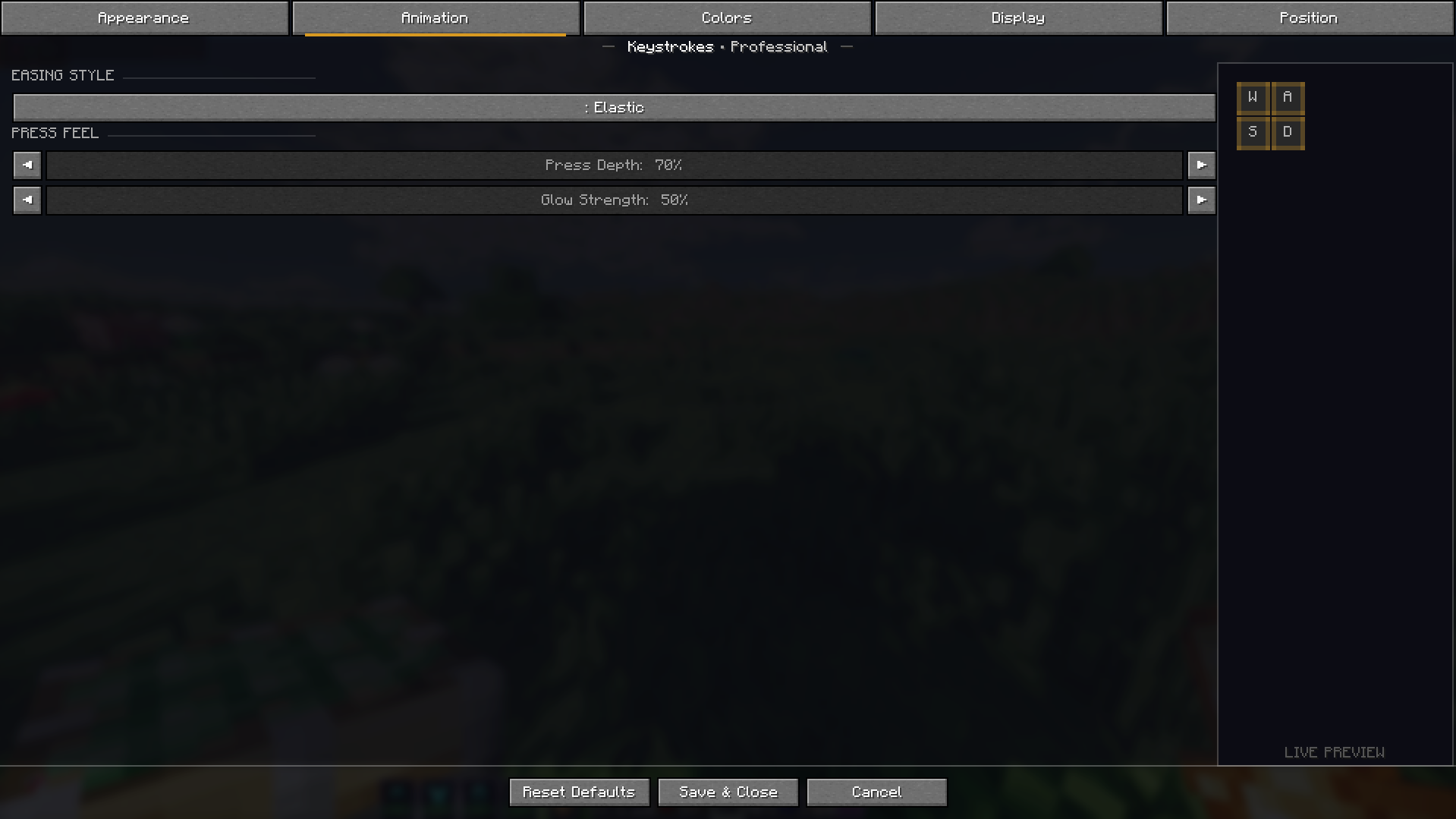
Smooth animations highlight keys when they are pressed.
◆ Real-Time Input Display
Shows movement keys such as W, A, S, D as you play.
◆ Mouse Click Indicators
Displays Left Click and Right Click activity clearly.
◆ CPS Counter
Track your Clicks Per Second during PvP fights.
◆ Fully Customizable HUD
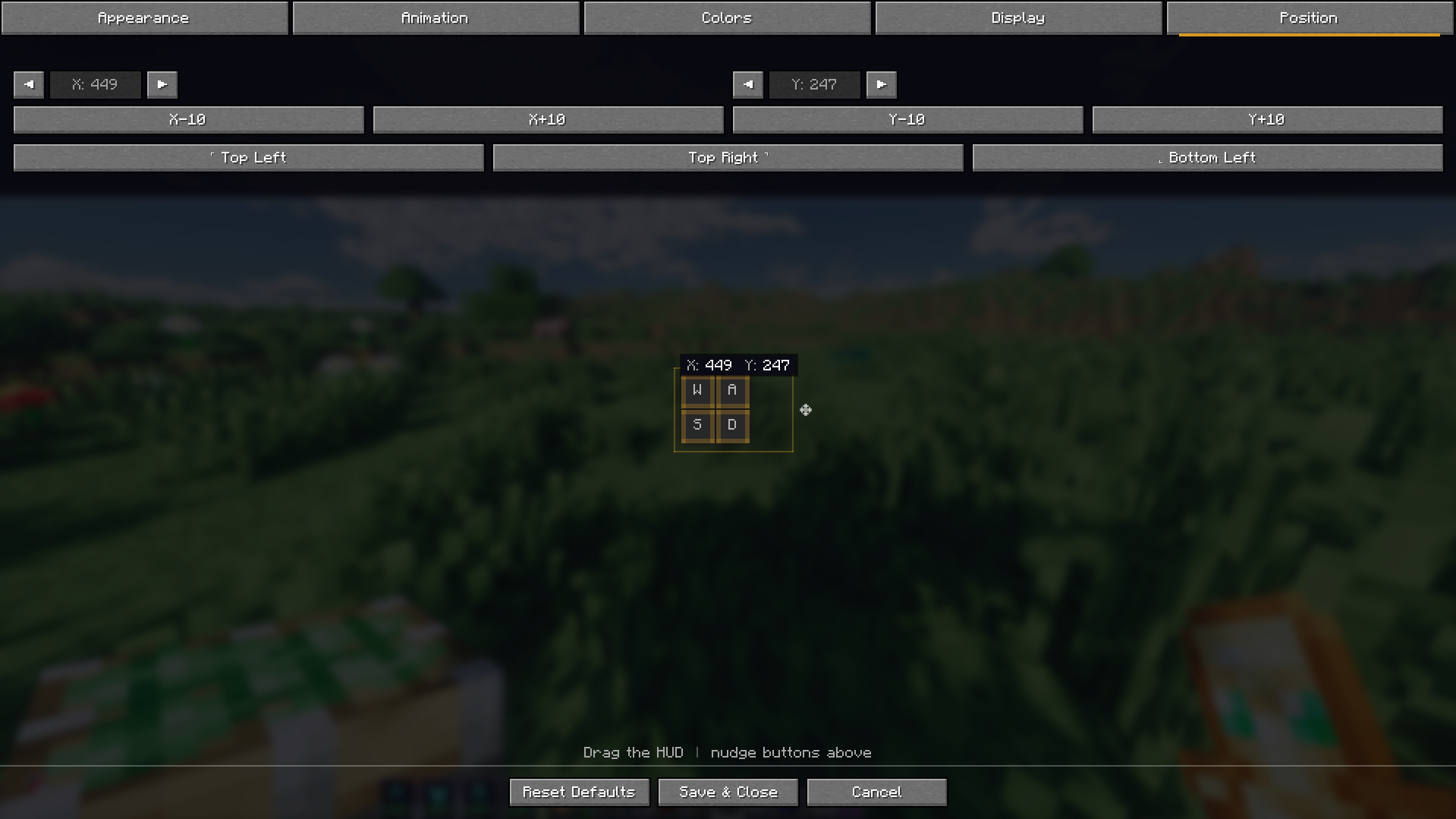
Adjust position, layout, and placement of the keystrokes display.
◆ Clean & Modern Design
Minimal overlay that blends naturally with Minecraft's interface.
◆ Lightweight Performance
Optimized to run smoothly without affecting gameplay performance.

⚙ Installation
- Install a compatible mod loader (Fabric or Forge).
- Download the Prism's KeyStrokes mod file.
- Place the
.jarfile inside your mods folder. - Launch Minecraft and configure the HUD in-game.
[image]
💡 Customization
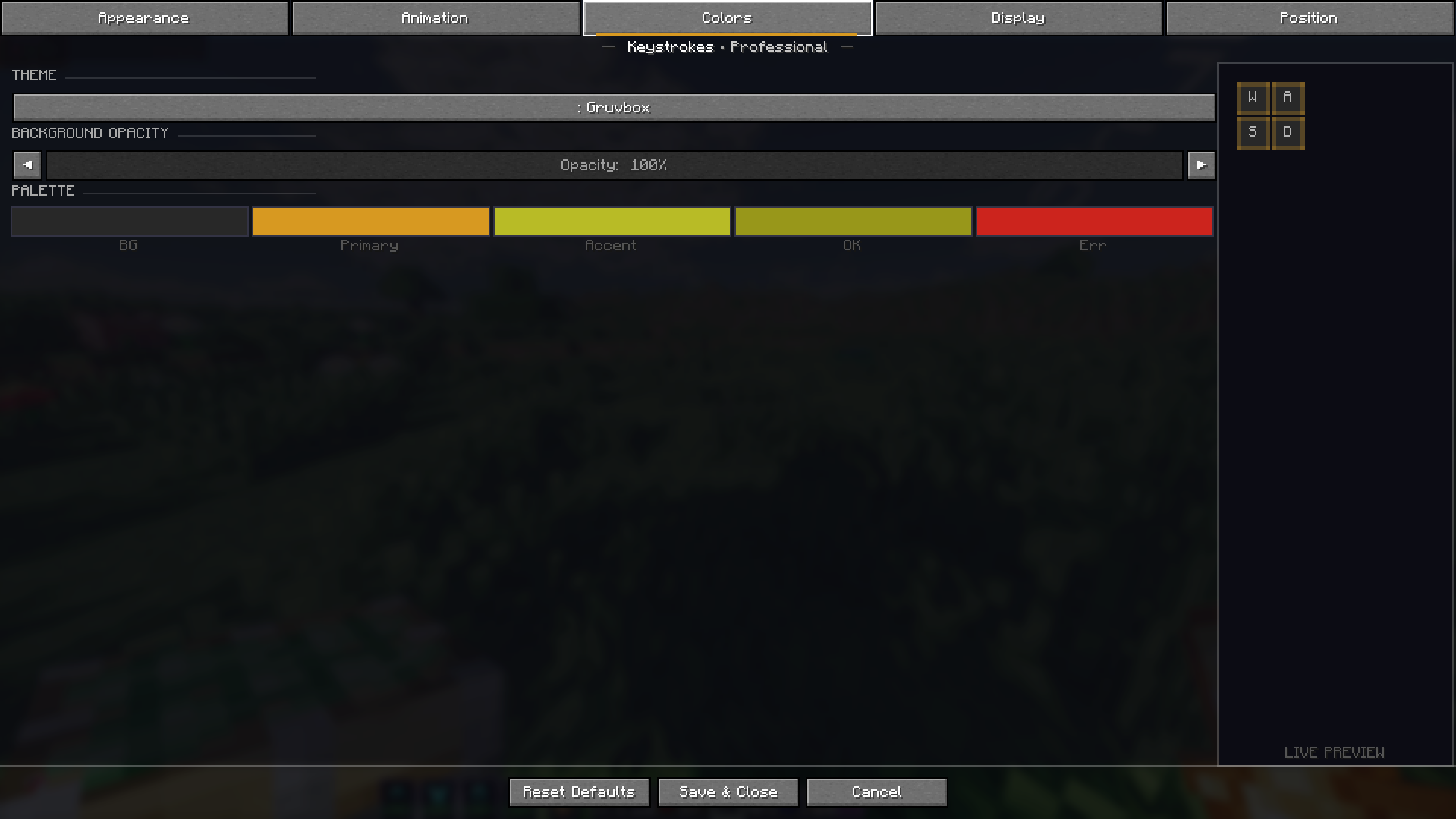
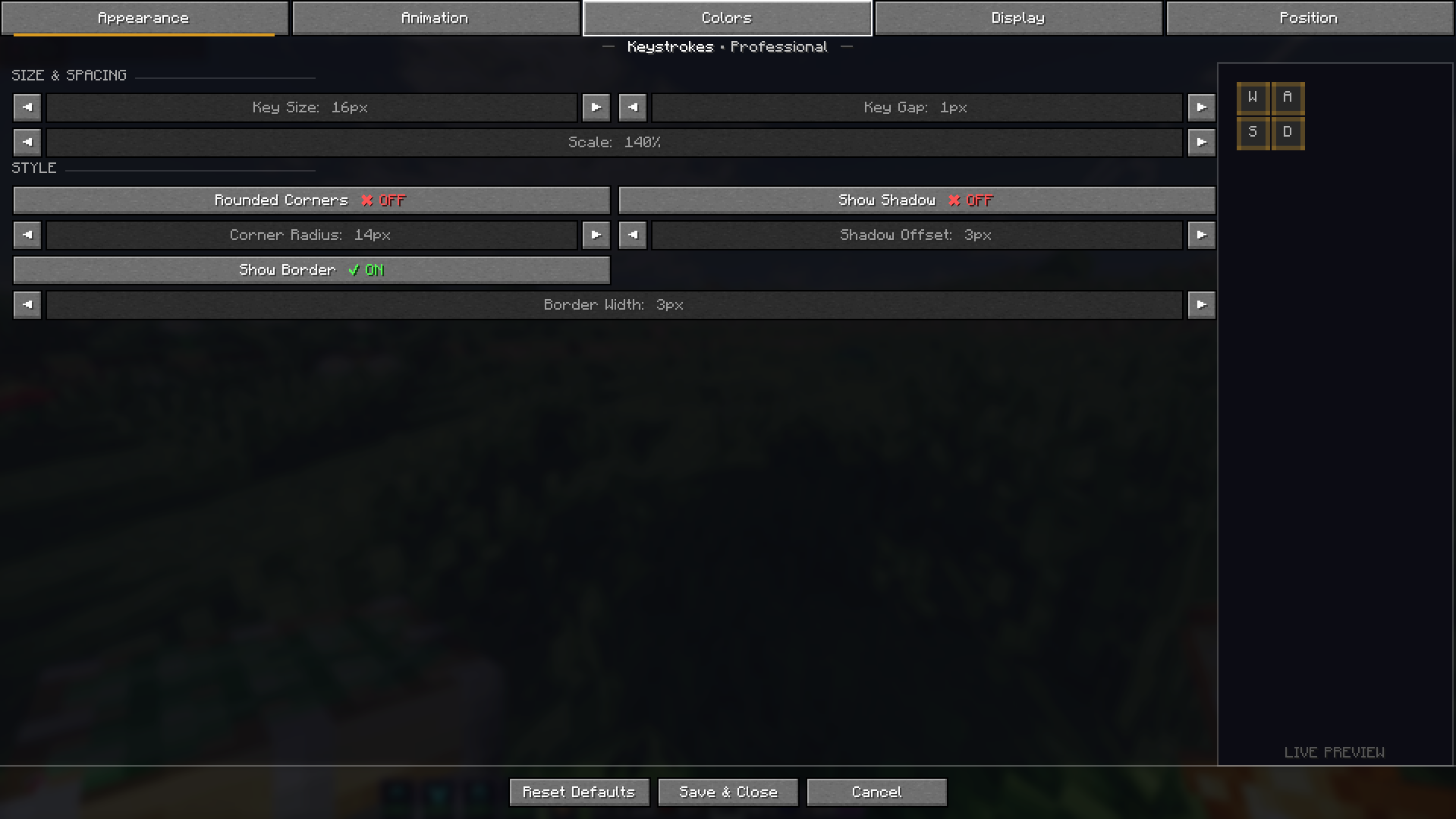
Prism's KeyStrokes is designed to be flexible. You can move the HUD anywhere on your screen and adjust how it appears to match your preferred layout.
[image]
💬 Feedback and suggestions are always welcome.
Screenshots
Gallery

Versions
Files
Relations
Project Relations
More like this
Similar Mods
Suggestions use data such as tags, dependencies, dependents, descriptions, titles, and more to rank how much they overlap with this mod.
On ModDex
Community snapshot
By the numbers
Statistics

Want to reach Minecraft players?
We're looking for a server hosting partner to feature here and other parts of the site. Interested? Send us a message!
Get in touchGet it on
Available Platforms
On ModDex
Community snapshot
By the numbers
Statistics
Resources