
Professional Status Bar
No reviews yet
Pure cosmetic & aesthetic status bar above your hot-bar (HUD) to give you information with digits rather than textures. Inspired by Hypixel's Skyblock.
Does not follow a specific thematic focus apart from vanilla Minecraft.
Centers around fantasy elements such as spells, rituals, and magical energies, often involving personal empowerment and magical automation.
Improves the visual aspects of the game with better textures, models, etc.
Includes aesthetic items like decoration, clothing, and visual effects.
Adds tools to customize the user interface and menus.
Data Packs were introduced to vanilla Minecraft in version 1.13 and allow the server to modify data about the game, or run commands. Data Packs are compatible with all mod loaders.
Neoforge is a fork of the Minecraft Forge available for versions 1.20.1+ of Minecraft. Many Forge mods are compatible with Neoforge and vice versa.
Fabric is a mod loader for versions 1.14+ of Minecraft, particularly popular for client side and optimization mods.
Community voices
Reviews
Click once to include, again to exclude, again to clear
No reviews yet. Be the first to review this project!
Get it on
Available Platforms
 CurseForge
 Modrinth
Compatibility
Supported Environments
About
Project Details
For authors
Embed Badge
If you're the author of this project, you can embed a live badge anywhere that supports HTML or Markdown. It updates automatically whenever ratings change.
Use HTML for any page that supports it, or Markdown for README files and Markdown-based descriptions.
Identifiers
Platform IDs
Resources
External Links
About
Description
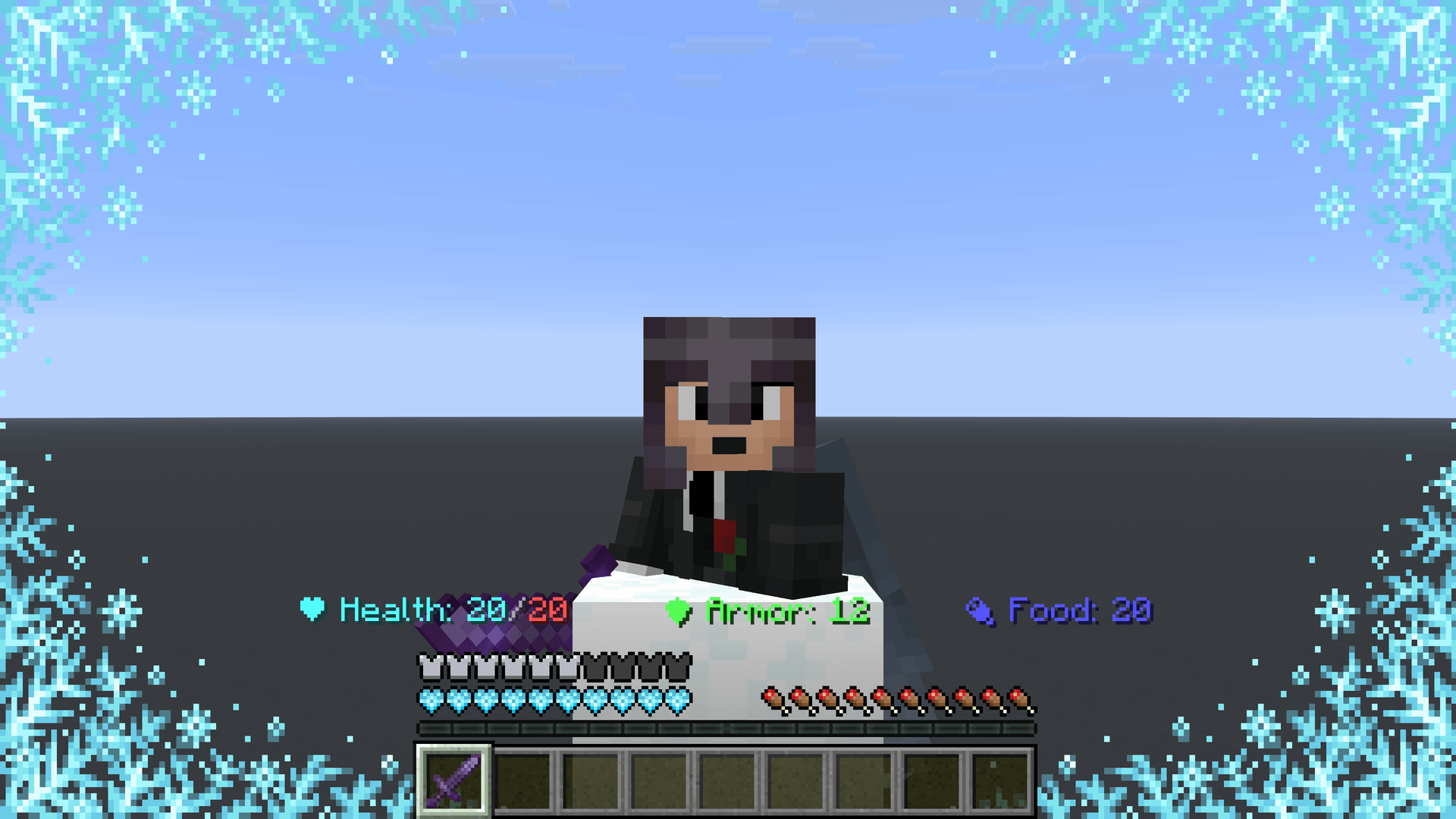
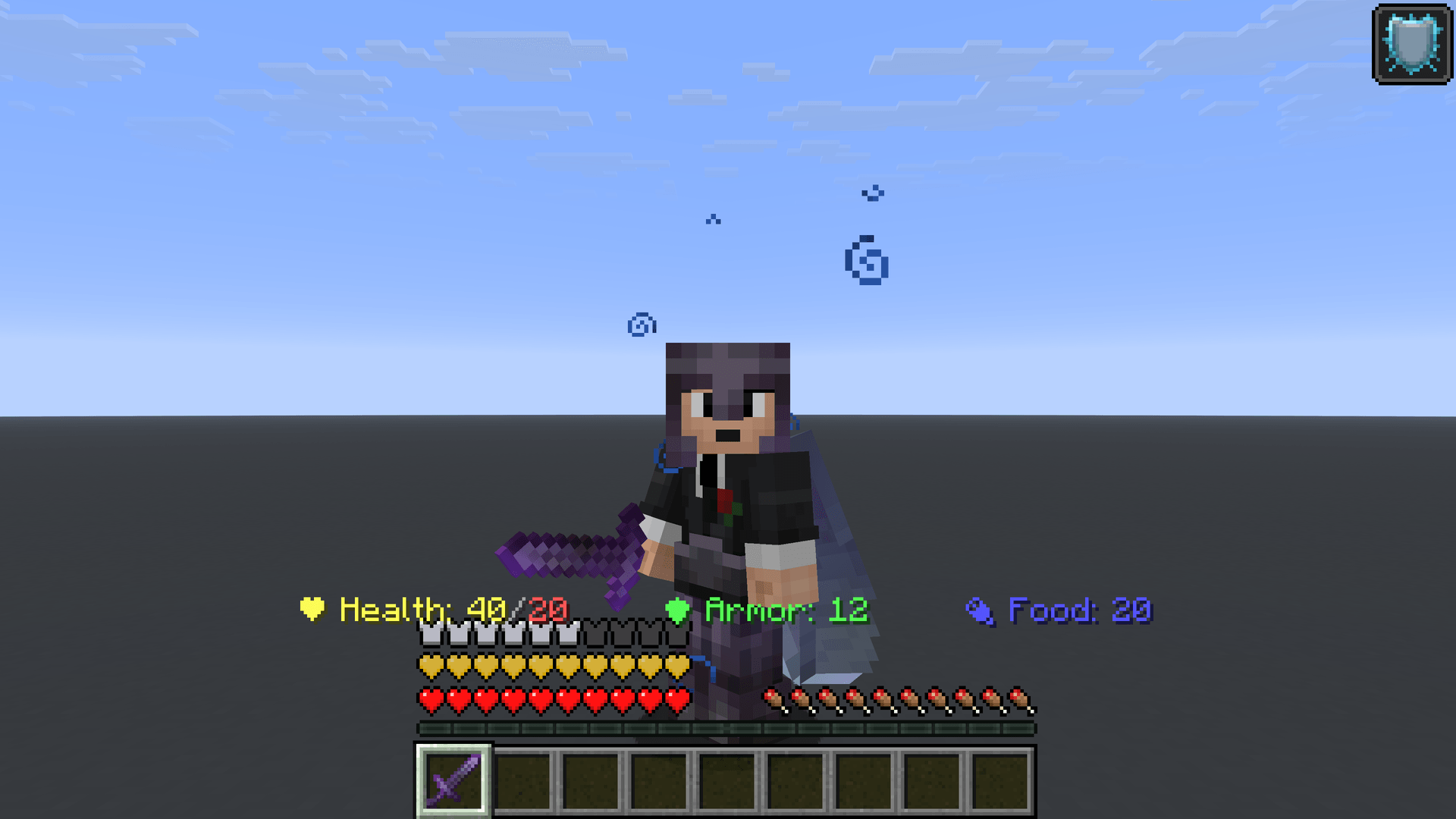
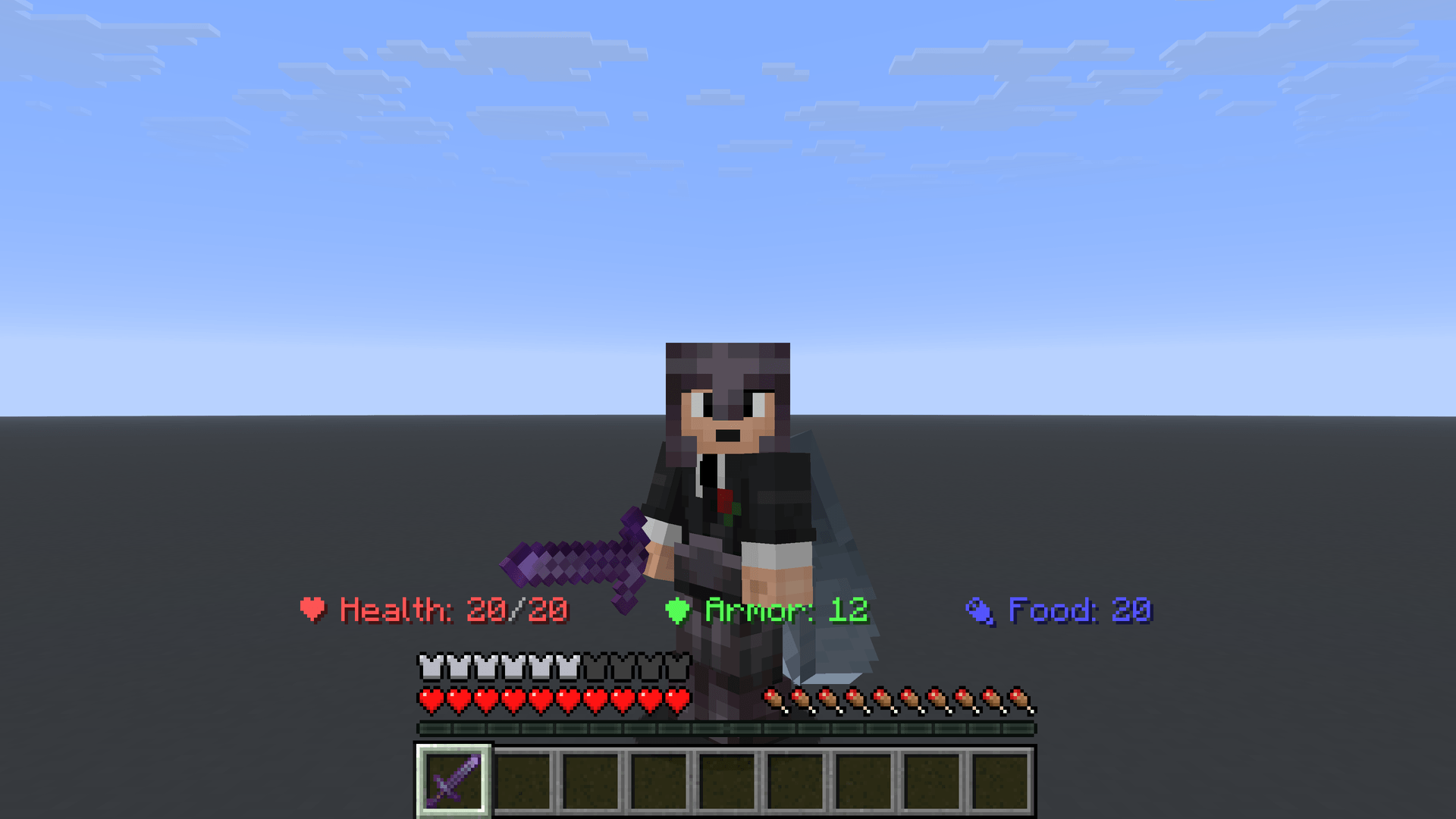
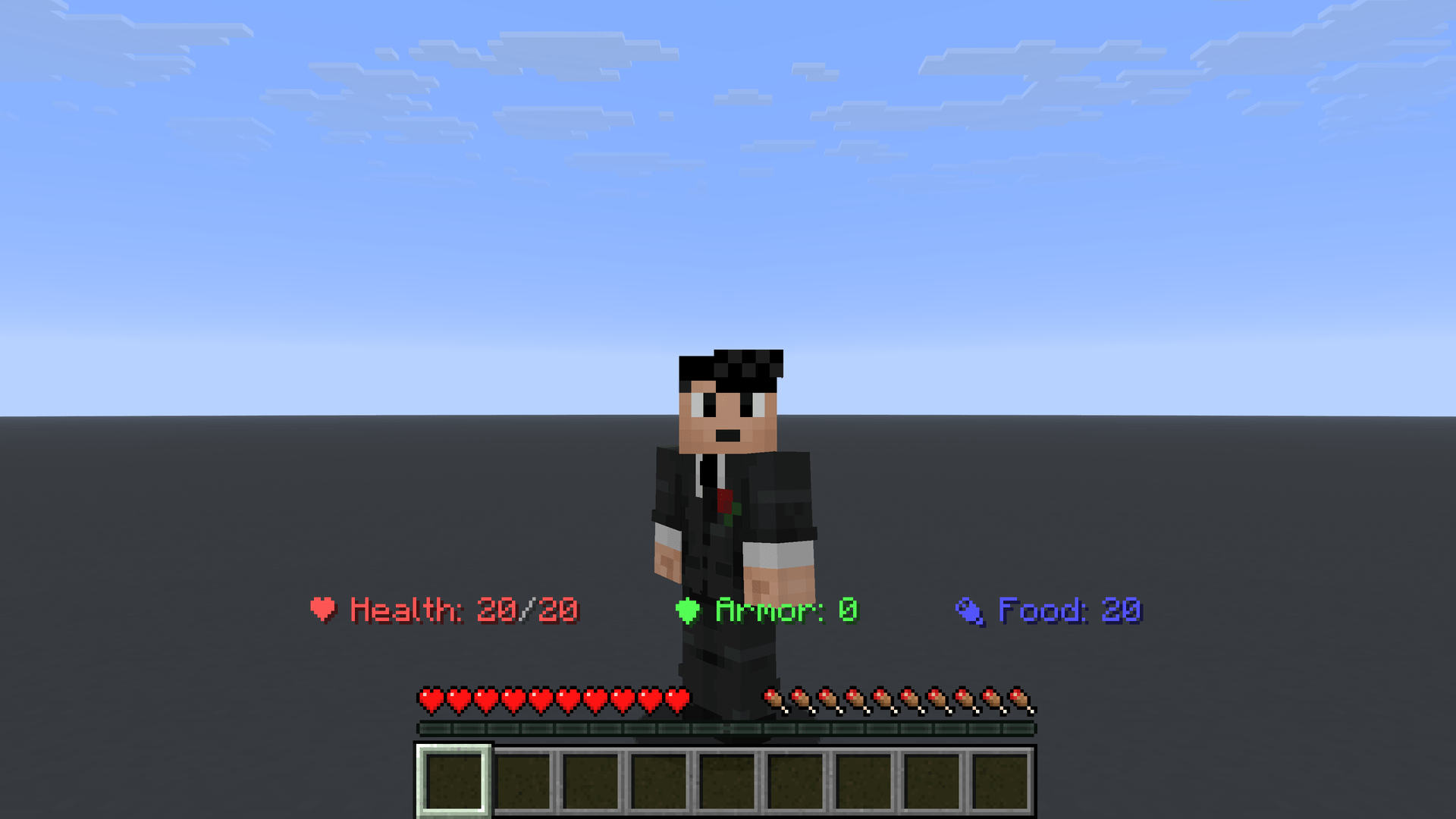
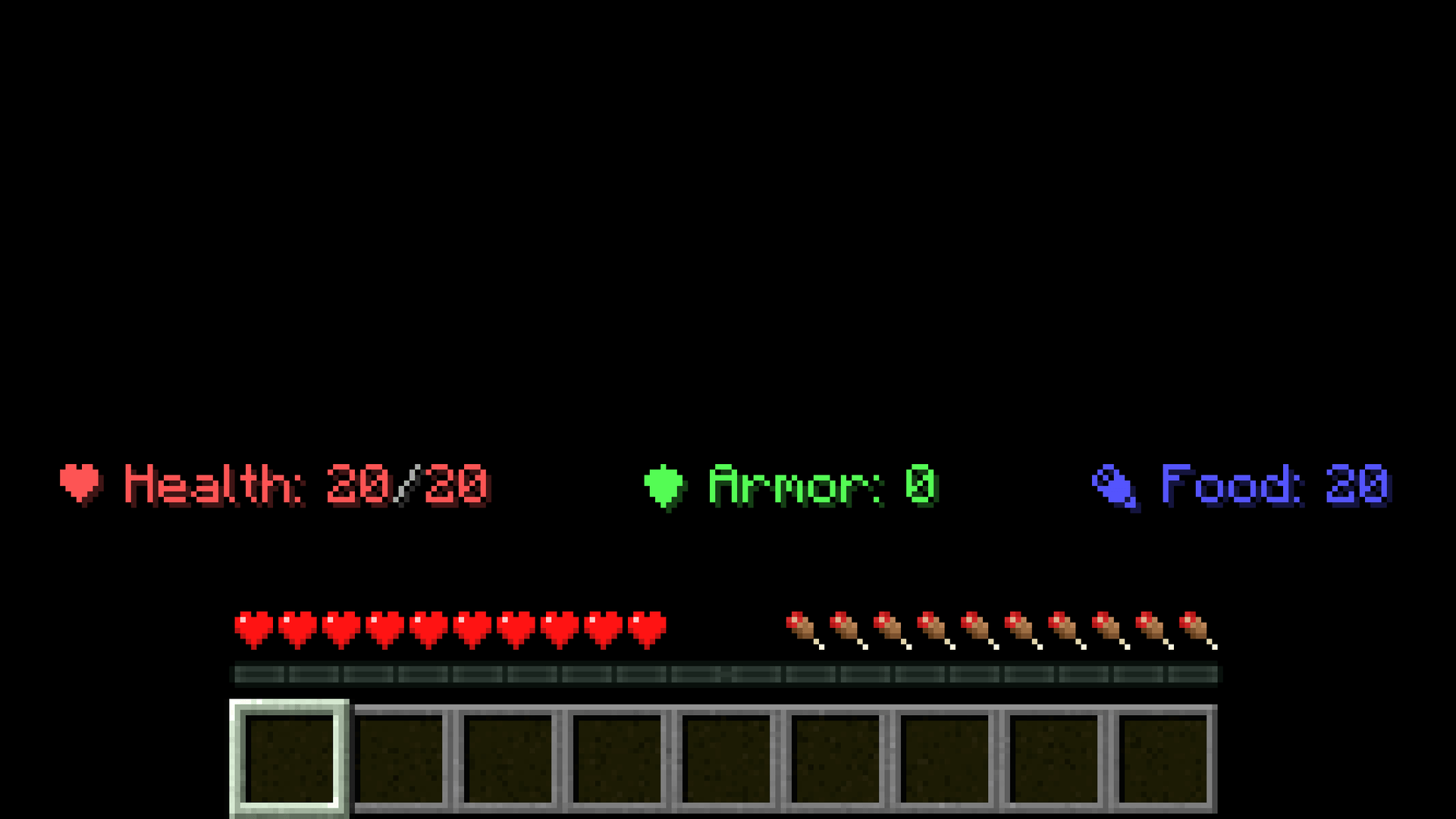
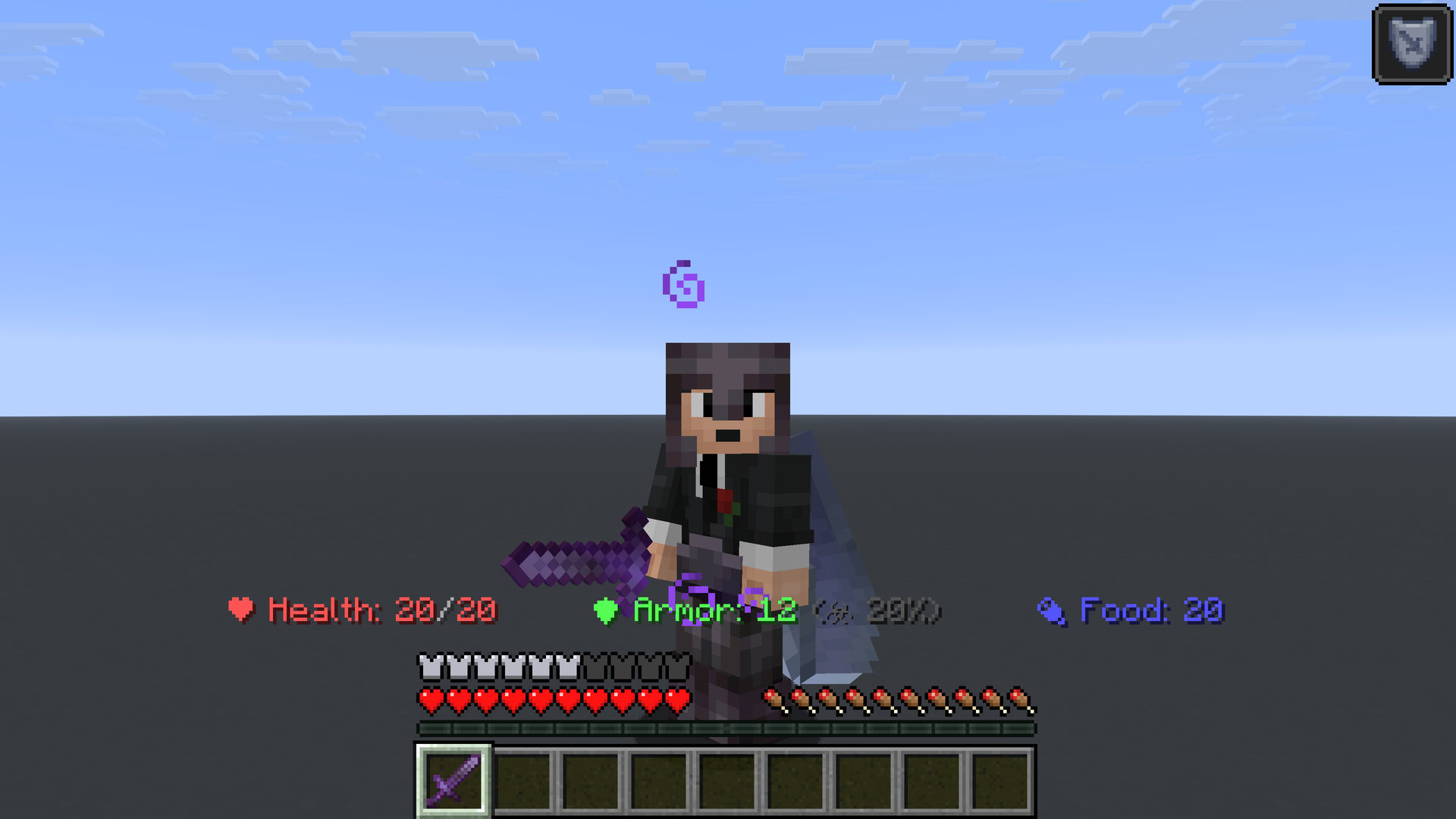
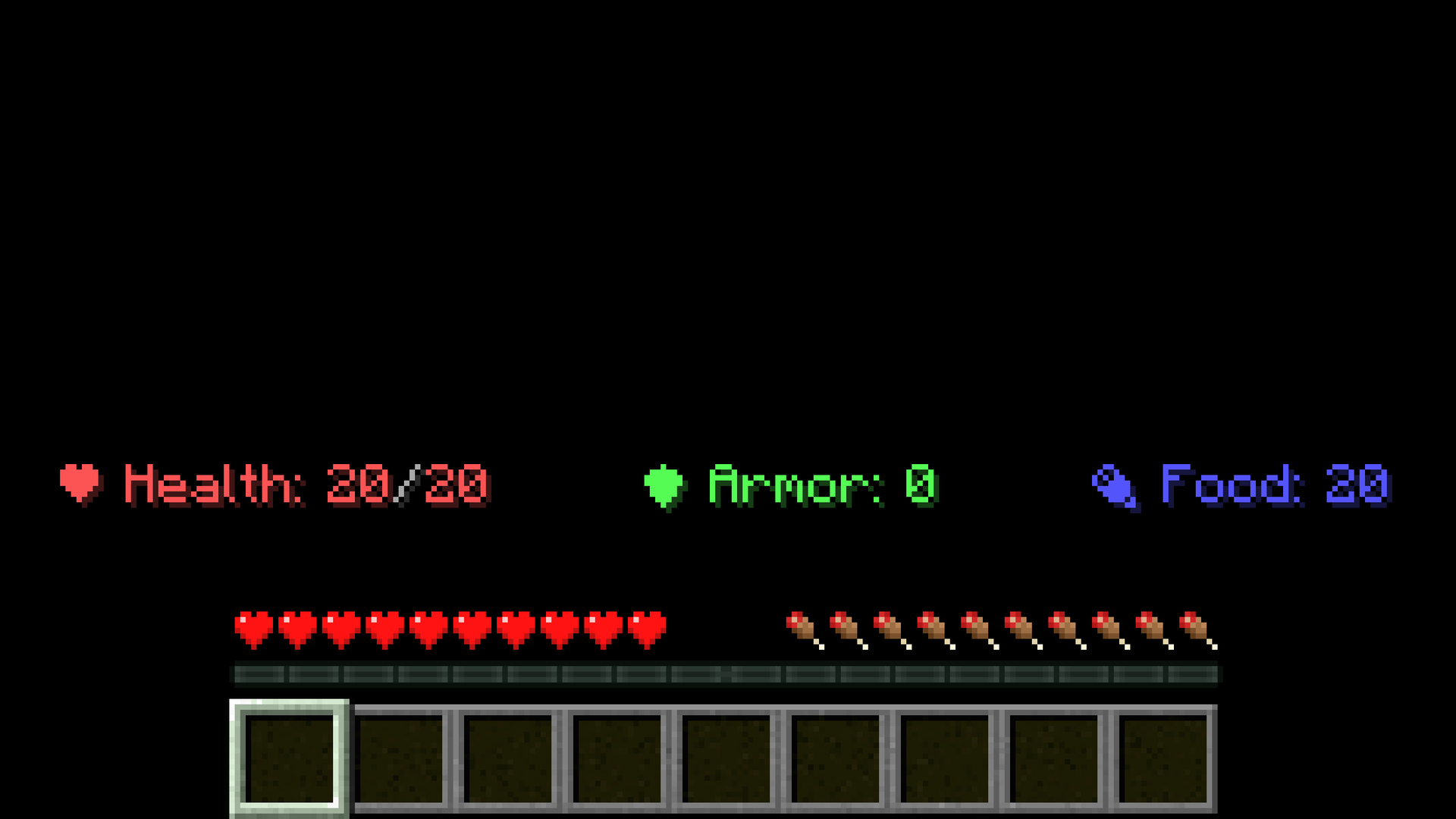
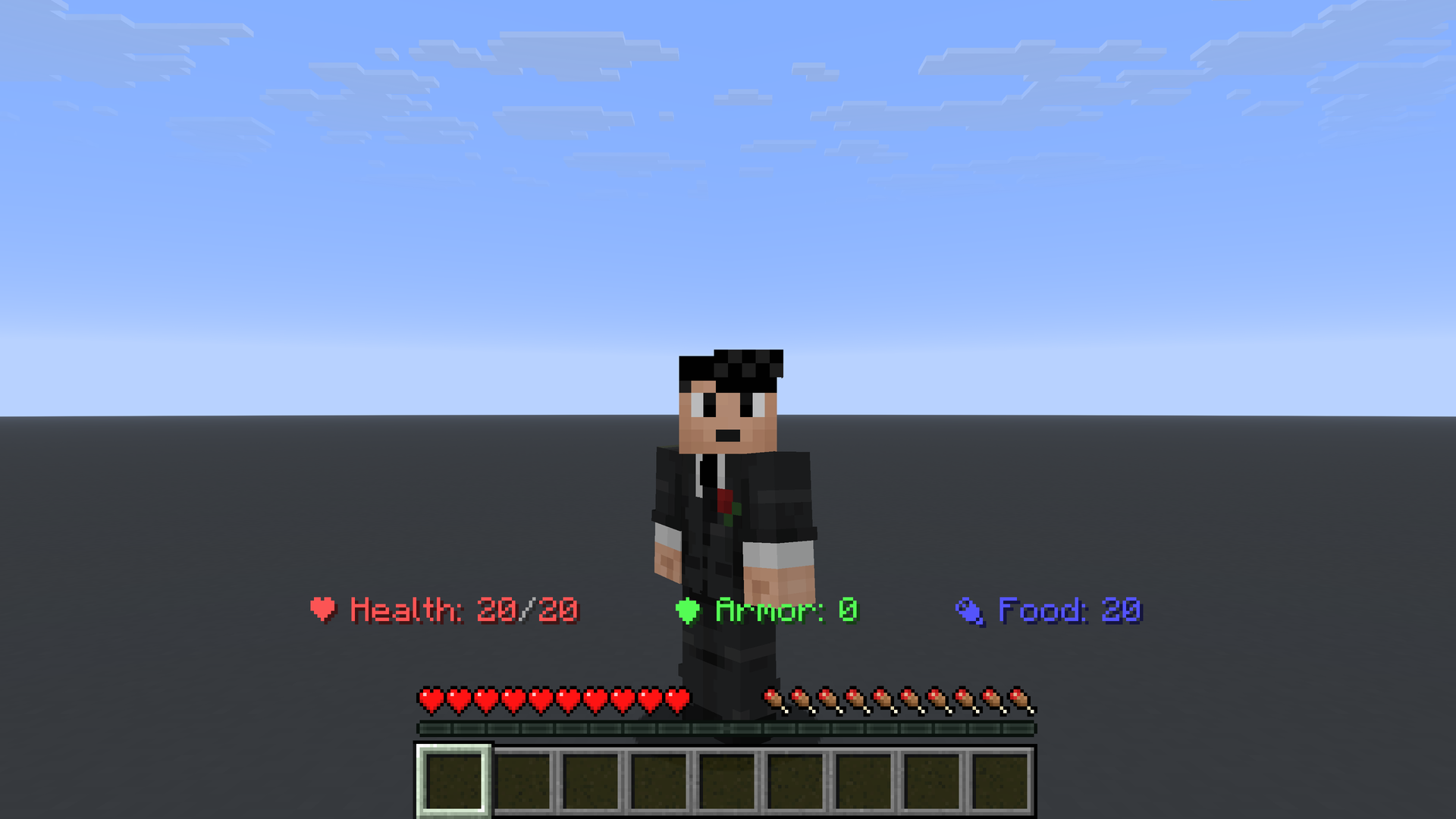
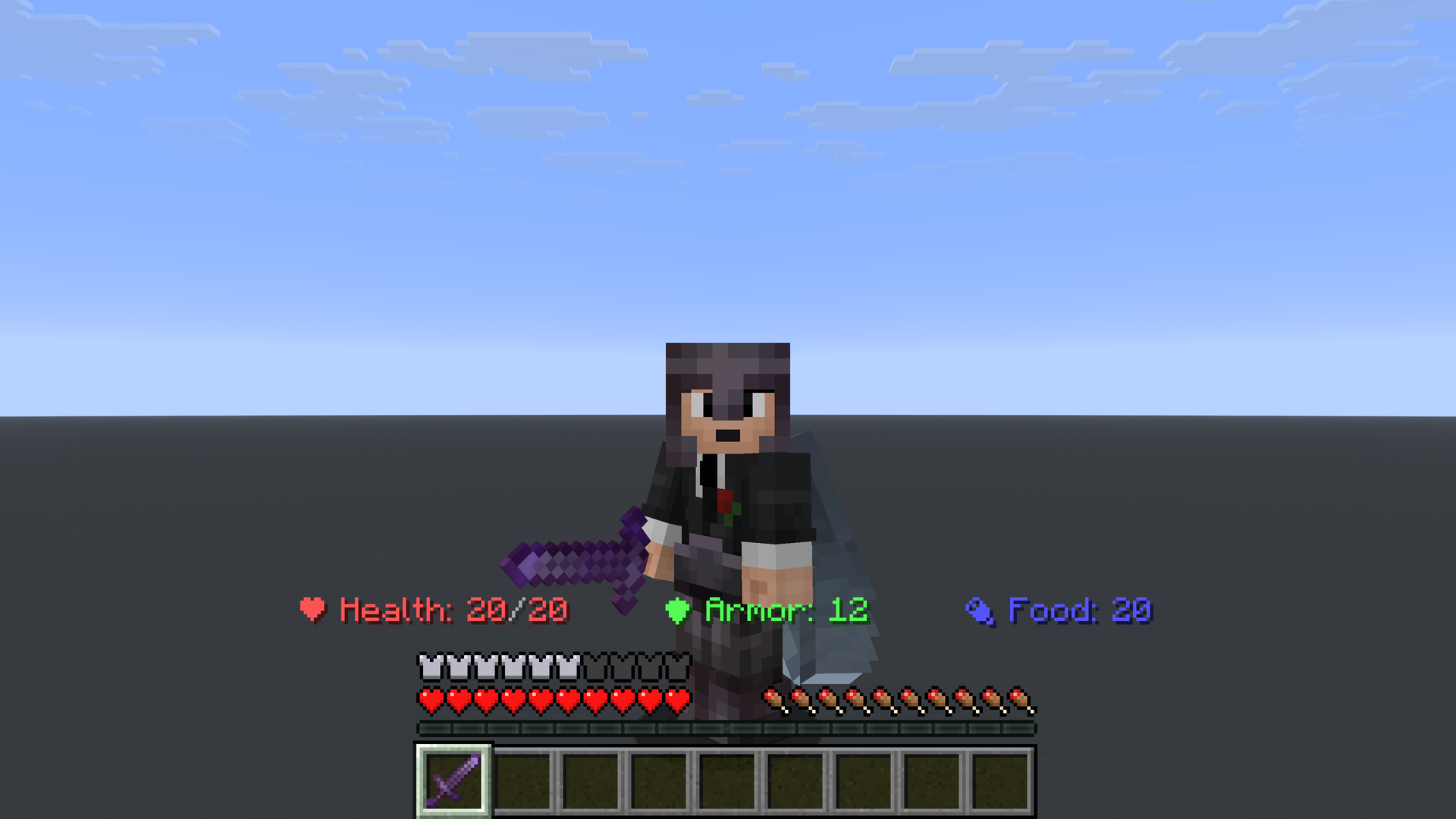
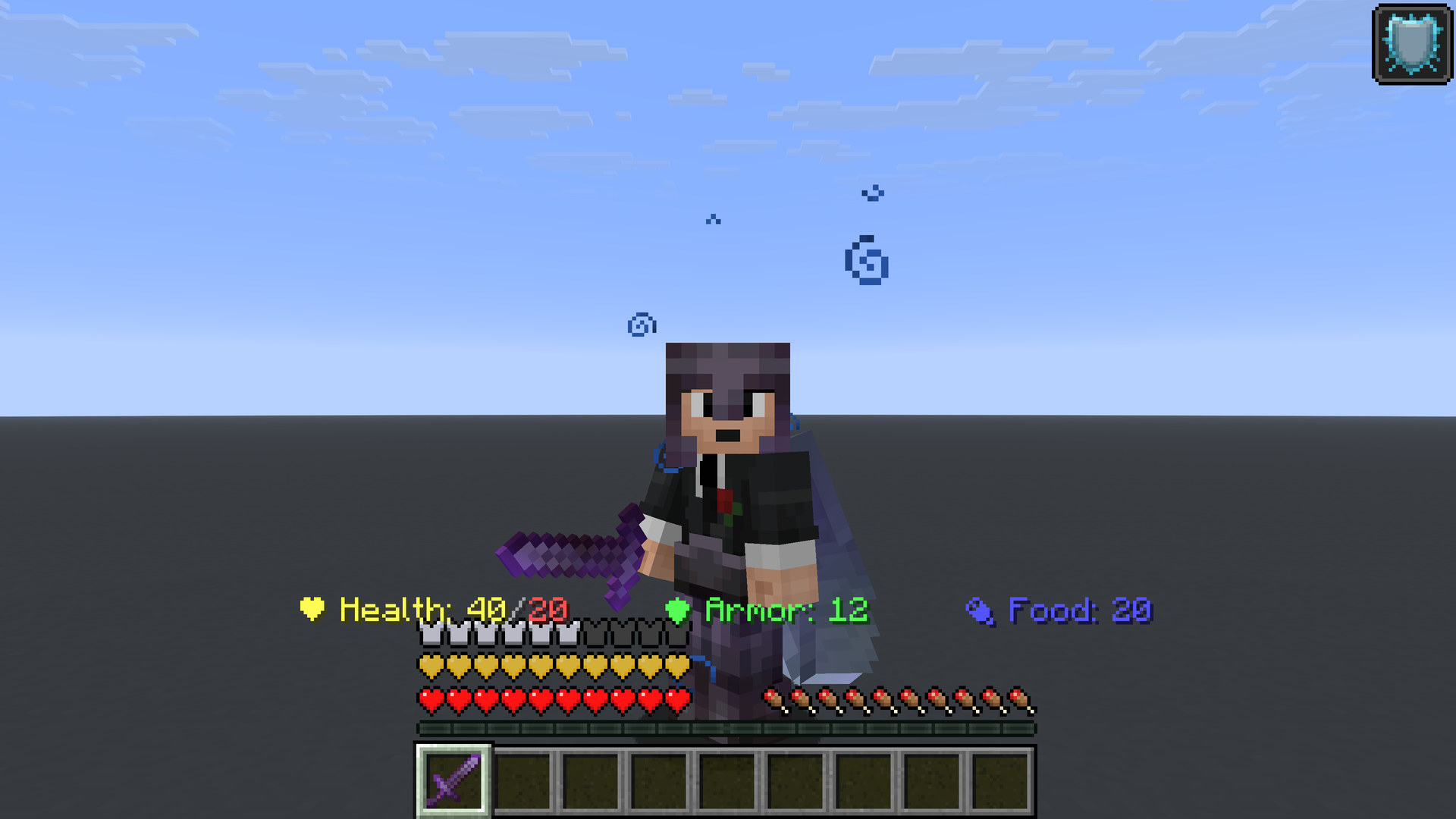
Provides information related to your HUD using digits rather than textures, inspired by Hypixel’s SkyBlock status bar. The text is placed above the hot-bar and below the action-bar (for example, it does not overlap with messages like “You can’t sleep now”). The displayed information can also change color or add extra text based on your current situation or active effects.
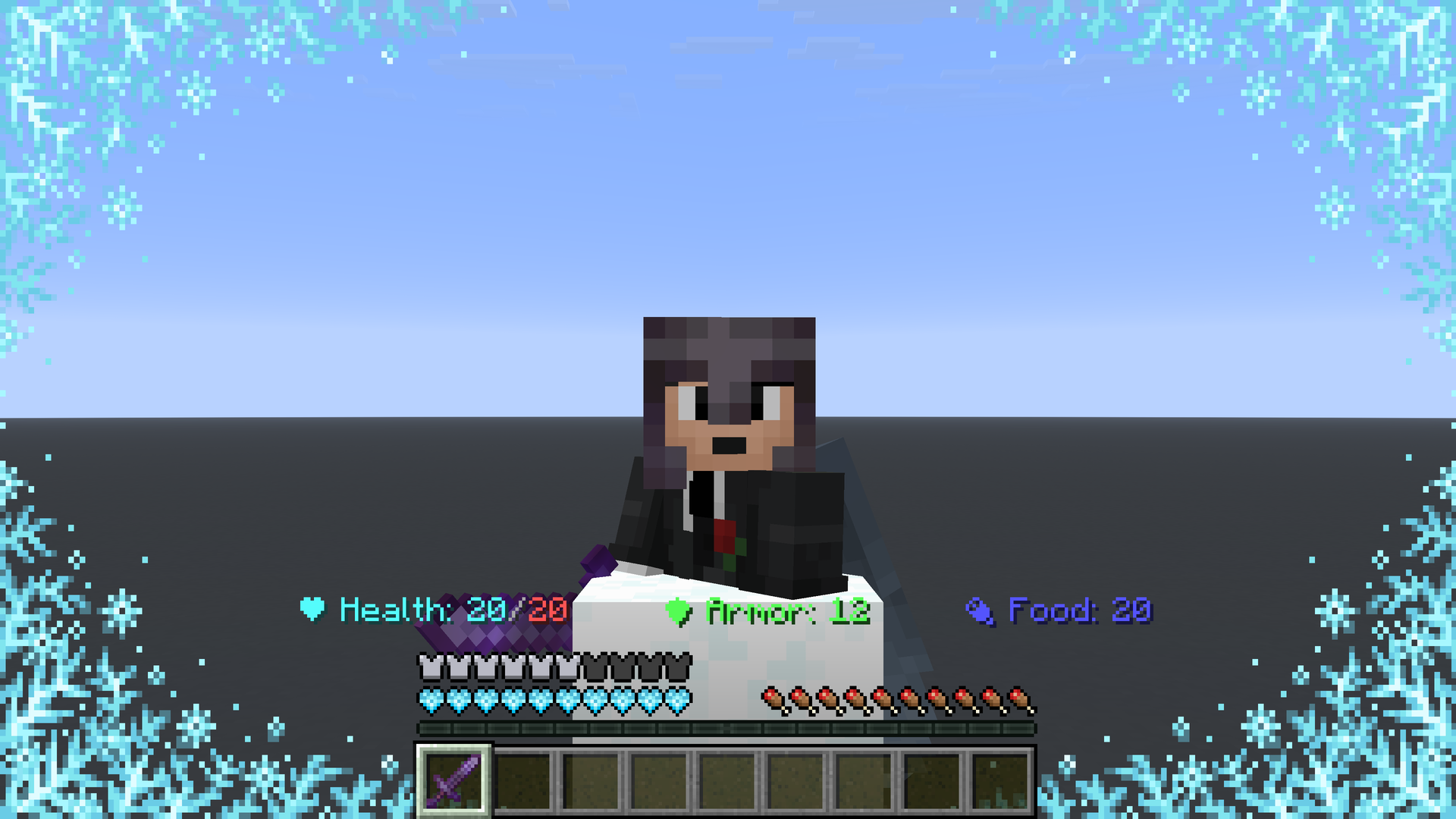
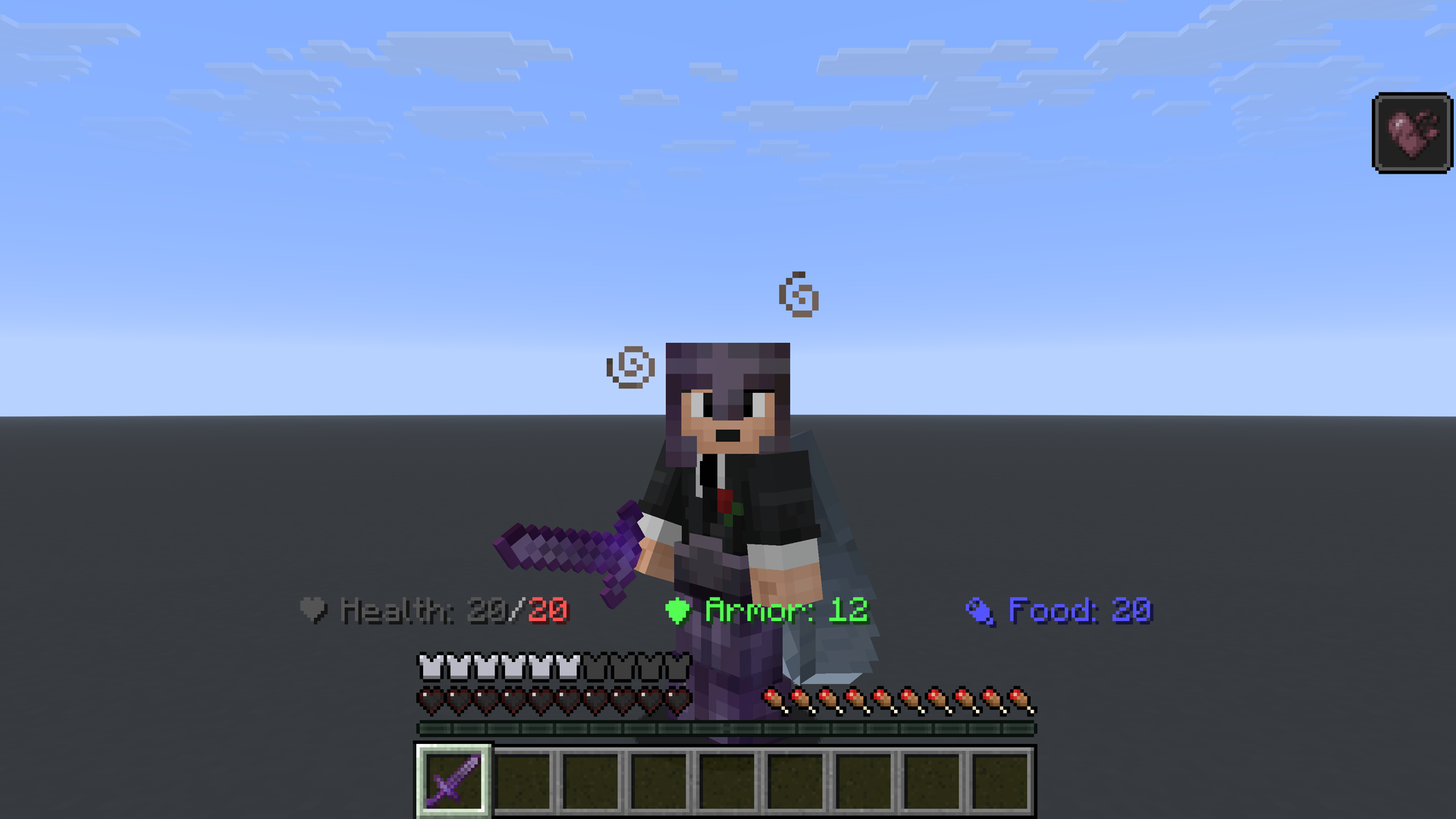
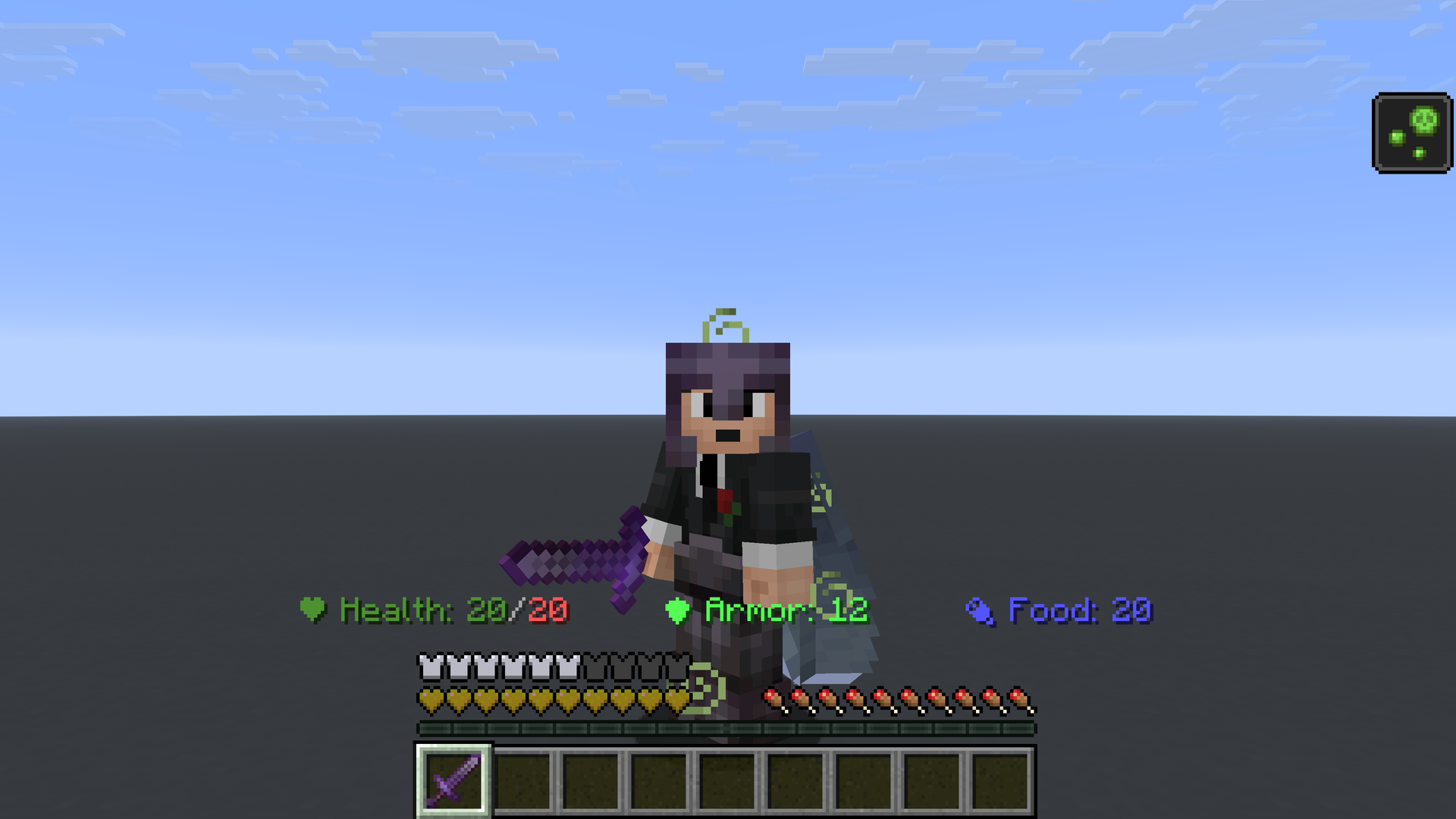
Your heart color changes if:
- You have Absorption: hearts become yellow.
- You are Freezing: hearts become aqua.
- You have Wither: hearts become dark gray.
- You have Poison: hearts become dark green.
Your armor displays extra text if you have an active Resistance effect:
- Resistance I = 20%
- Resistance II = 40%
- Resistance III = 60%
- Resistance IV = 80%
- Resistance V = "MAXIMUM"
- Higher than V = "MAXIMUM"
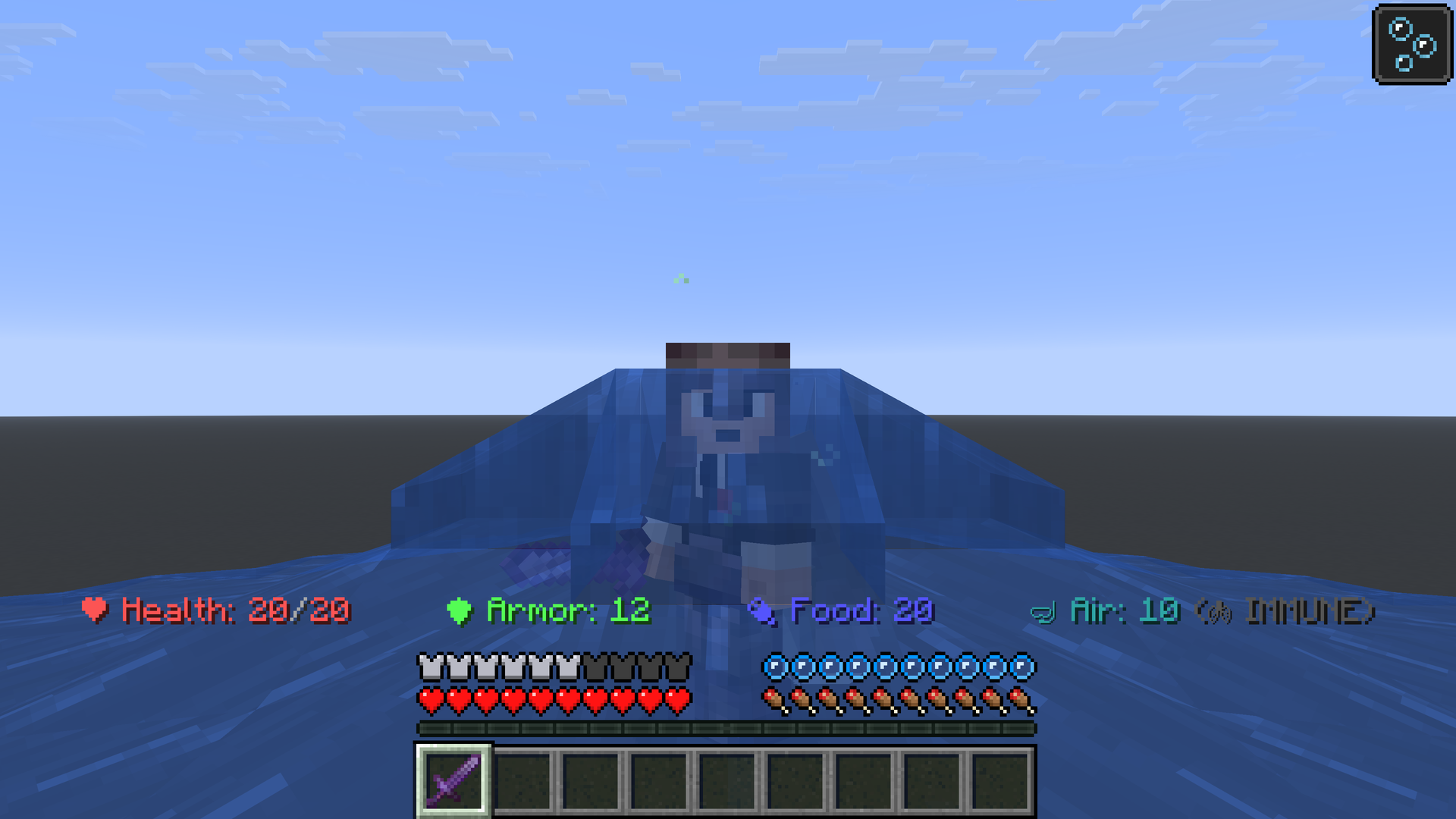
When you are submerged, an air indicator will appear after “Food”. If you have any form of immunity to being submerged, an extra text saying “IMMUNE” will be shown.
Command list:
/PSB toggle = turns on/off the status bar, this option is global and not per world.
Provides information related to your HUD using digits rather than textures, inspired by Hypixel’s SkyBlock status bar. The text is placed above the hot-bar and below the action-bar (for example, it does not overlap with messages like “You can’t sleep now”). The displayed information can also change color or add extra text based on your current situation or active effects.
Your heart color changes if:
- You have Absorption: hearts become yellow.
- You are Freezing: hearts become aqua.
- You have Wither: hearts become dark gray.
- You have Poison: hearts become dark green.
Your armor displays extra text if you have an active Resistance effect:
- Resistance I = 20%
- Resistance II = 40%
- Resistance III = 60%
- Resistance IV = 80%
- Resistance V = "MAXIMUM"
- Higher than V = "MAXIMUM"
When you are submerged, an air indicator will appear after “Food”. If you have any form of immunity to being submerged, an extra text saying “IMMUNE” will be shown.
Command list:
/PSB toggle = turns on/off the status bar, this option is global and not per world.
Screenshots
Gallery
-
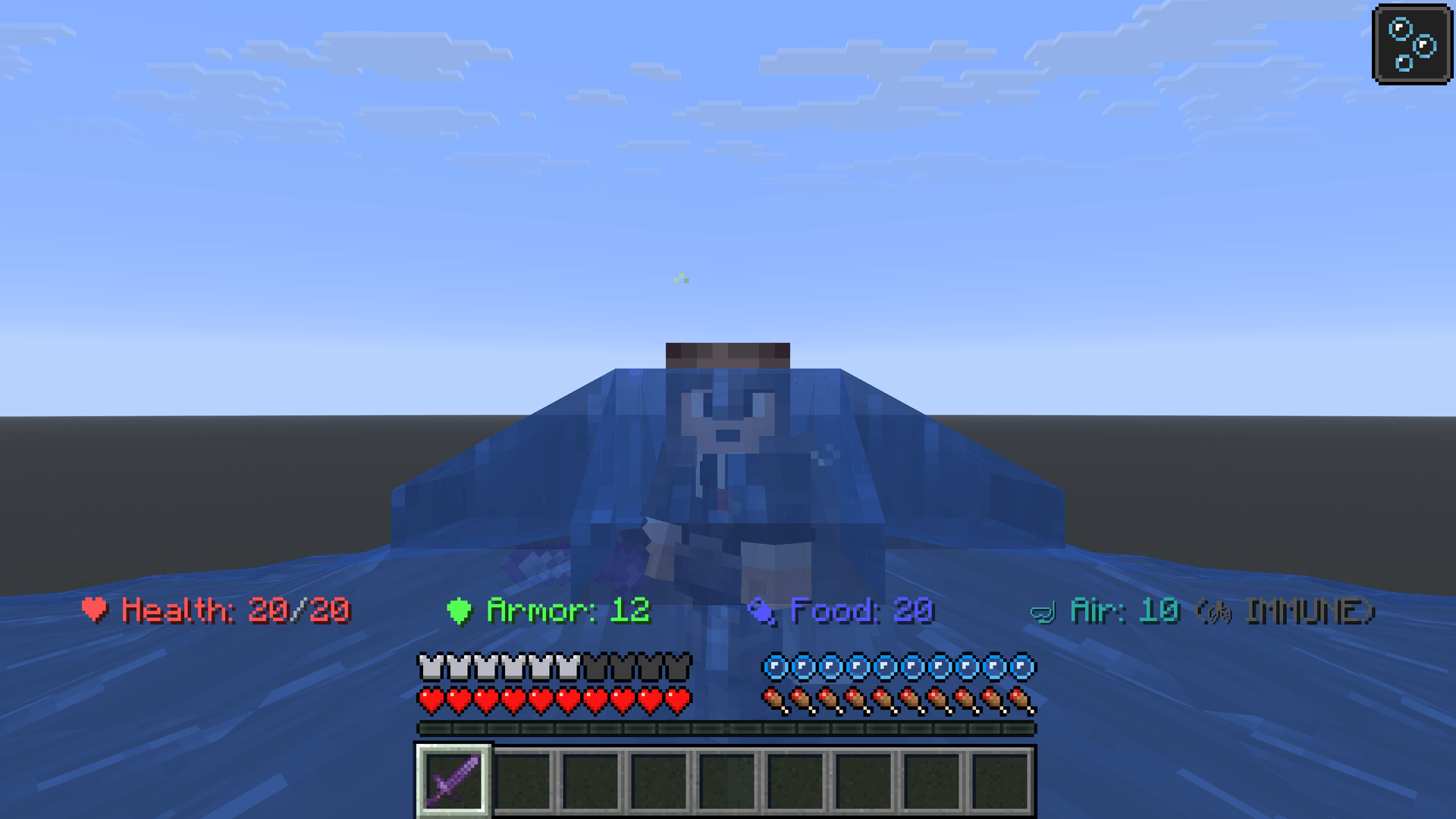 Professional Status Bar #9.png Professional Status Bar #9.png
 -
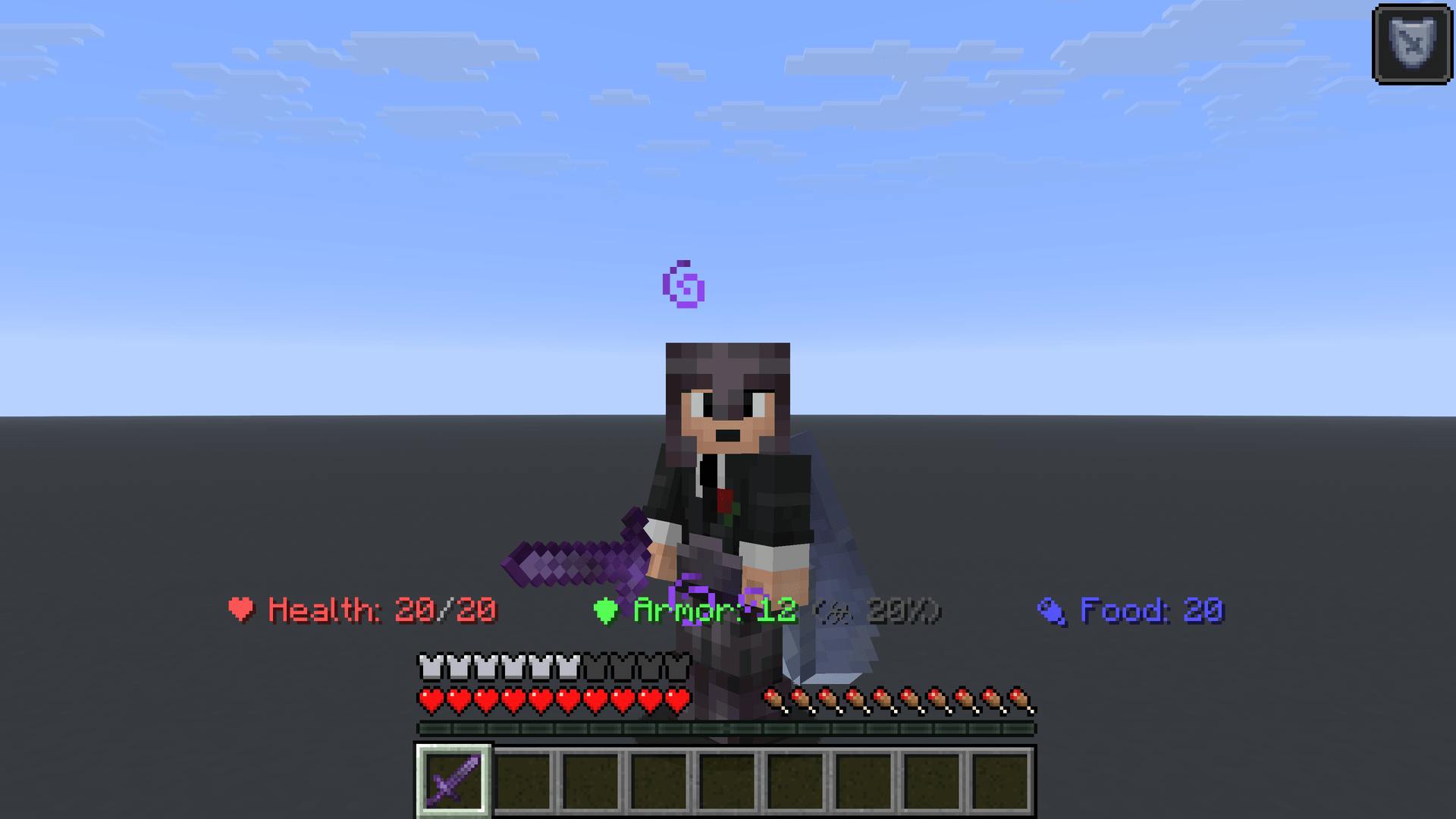 Professional Status Bar #8.png Professional Status Bar #8.png
 -
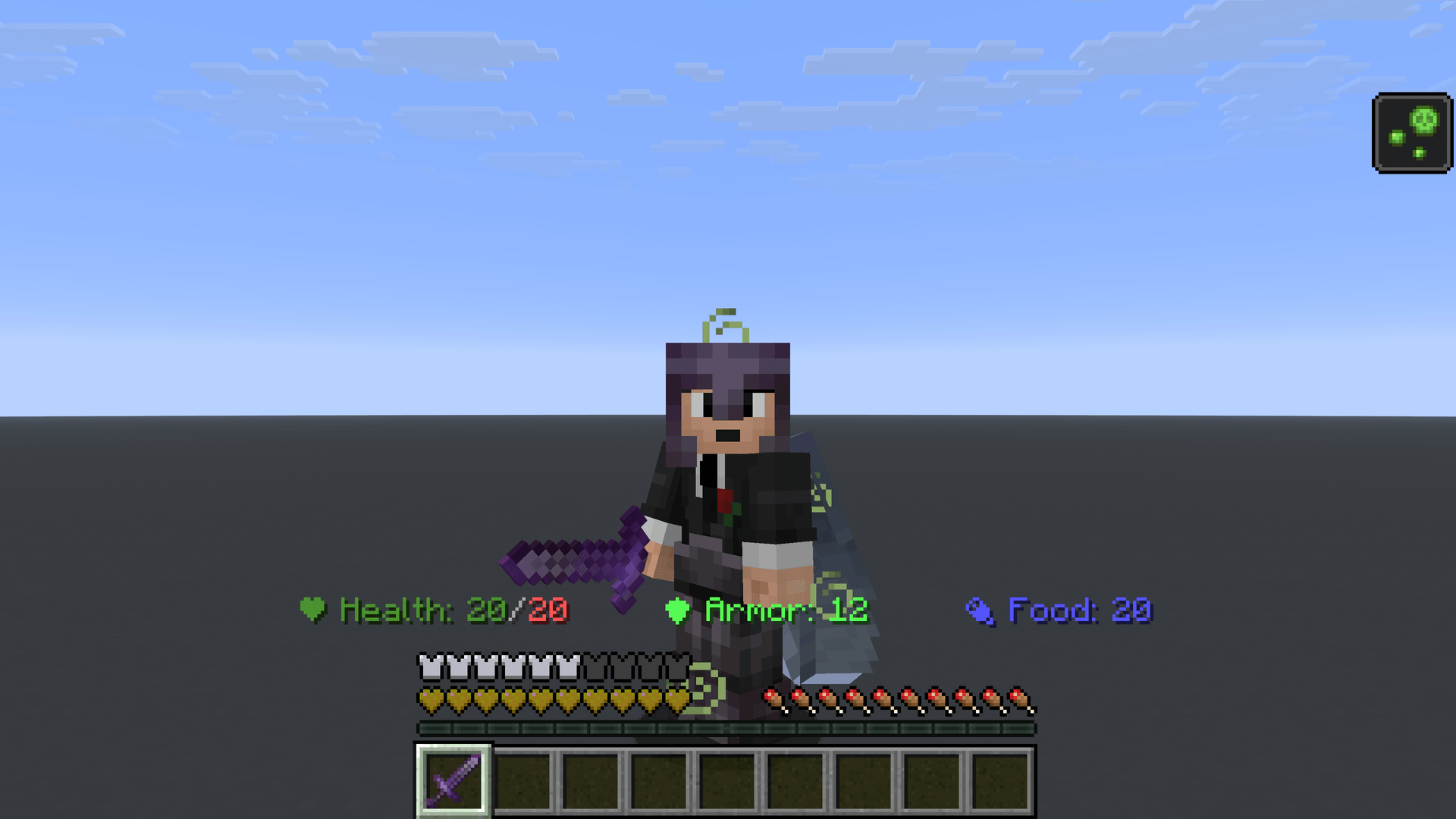 Professional Status Bar #7.png Professional Status Bar #7.png
 -
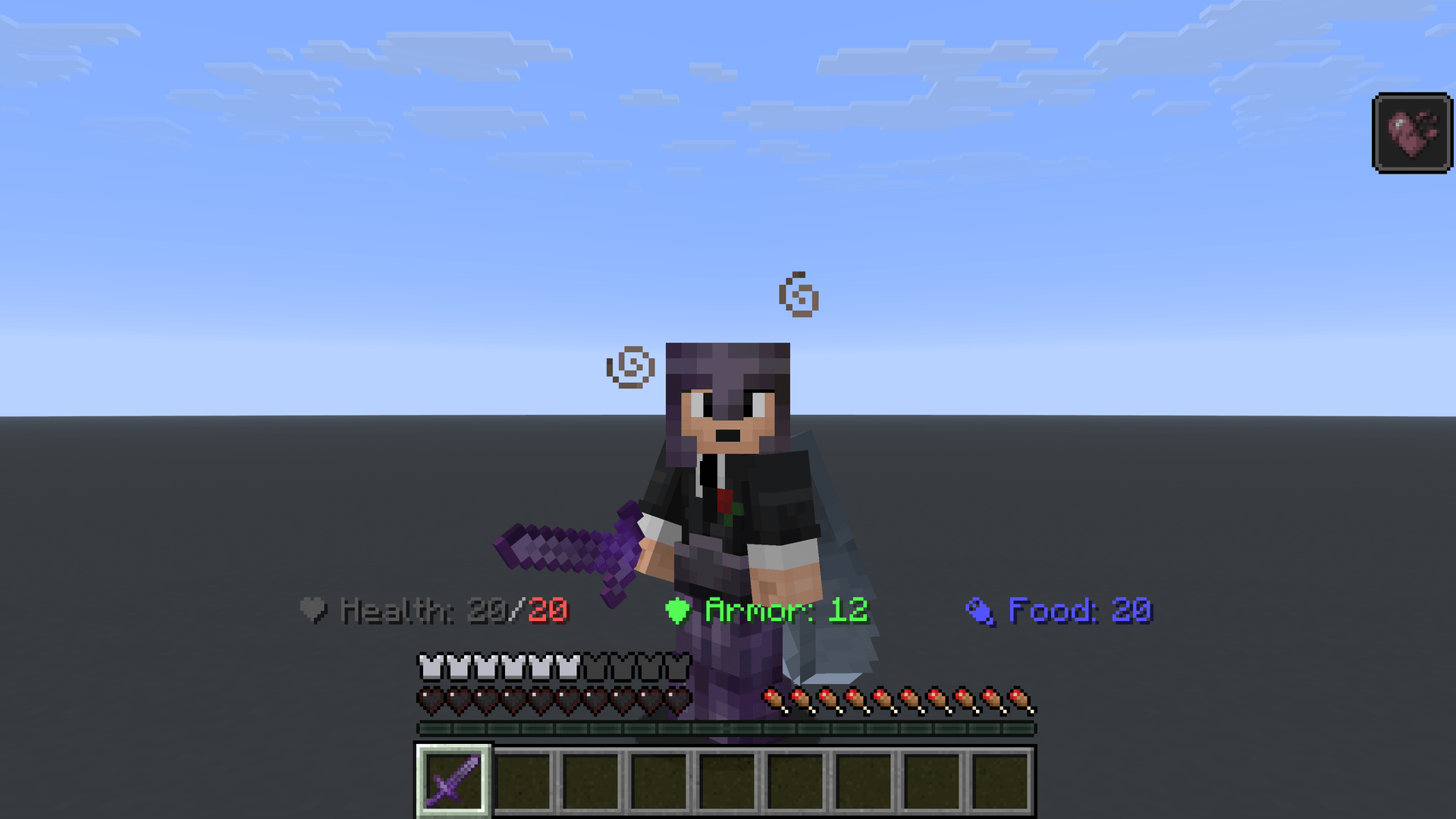 Professional Status Bar #6.png Professional Status Bar #6.png
 -
 Professional Status Bar #5.png Professional Status Bar #5.png
 -
 Professional Status Bar #4.png Professional Status Bar #4.png
 -
 Professional Status Bar #3.png Professional Status Bar #3.png
 -
 Professional Status Bar #2.png Professional Status Bar #2.png
 -
 Professional Status Bar #1.png Professional Status Bar #1.png
Versions
Files
Relations
Project Relations
More like this
Similar Mods
Suggestions use data such as tags, dependencies, dependents, descriptions, titles, and more to rank how much they overlap with this mod.
On ModDex
Community snapshot
By the numbers
Statistics
Want to reach Minecraft players?
We're looking for a server hosting partner to feature here and other parts of the site. Interested? Send us a message!
Get in touchGet it on
Available Platforms
On ModDex
Community snapshot
By the numbers
Statistics
Resources