
Community listing page, reviews may not be monitored by the author.


Community voices
Reviews
No reviews yet. Be the first to review this project!
Get it on
Available Platforms
About
Project Details
For authors
Embed Badge
If you're the author of this project, you can embed a live badge anywhere that supports HTML or Markdown. It updates automatically whenever ratings change.
Use HTML for any page that supports it, or Markdown for README files and Markdown-based descriptions.
Identifiers
Platform IDs
Resources
External Links
About
Description
Beta
About
Props lets you place items in your world as detailed 3D models. It's a simple, vanilla-friendly decoration mod that doesn't change gameplay, so it fits both vanilla and modded worlds.
Features
- Item Placement: Just "Shift + R-Click" and voilà.
- Pick Up: "R-Click" or "Shift + R-Click" to pick up 1 item of the pile.
- Pile: The same and similar items can be piled/stacked.
- Just The Item: Breaking a prop/pile gives you the original item/items back.
Pile Mechanic:
Items of the same category can be stacked together, even if they are different materials. This means you can place 1 iron ingot, 1 gold ingot and 1 copper ingot in the same block.
- Dyes (max 3): all 16 colors, mixed freely.
- Ingots (max 10): iron, copper, gold, netherite, brick, nether brick.
- Nuggets (max 9): iron, gold.
- Raw ores (max 4): raw iron, raw copper, raw gold.
- Powders (max 4): gunpowder, sugar, bone meal, clay ball, redstone, glowstone dust.
- Coal (max 6): coal, charcoal.
- Gems (max 4): diamond, emerald.
- Rods (max 4): blaze rod, breeze rod.
- Shards (max 6): amethyst shard, echo shard.
- Ink sacs (max 4): ink sac, glow ink sac.
- Ender (max 4): ender pearl, eye of ender.
- Slime (max 4): slime ball, magma cream.
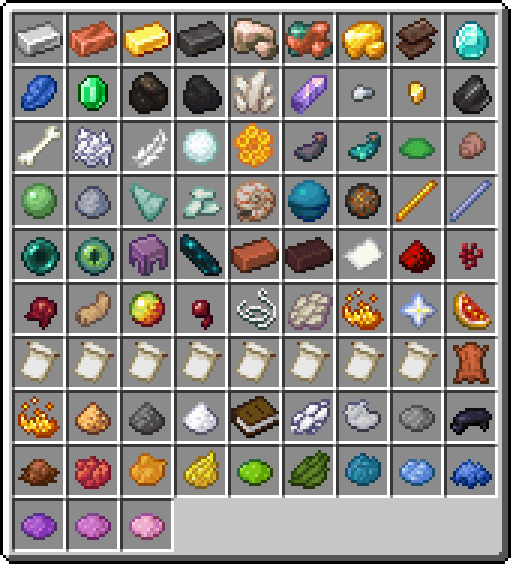
Available props at the moment:
Planned
- Vanilla: Adding props for most vanilla items.
- Mod support: Compatibility with popular mods (Create, Farmer's delight, Vanilla Backport, etc).
- Ports: Official Fabric port and updates for newer Minecraft versions once the core NeoForge release is fully stabilized.
- Interactions: some props will play animations when you interact with them (slime ball, magma cream, ender pearl & ender eye already have these feature).
Next Update
- Music discs, goat horns, smithing templates, pottery sherds, keys and a few tools.
FAQ
Can I include this mod in my modpack?
Yes, you can include Props in your modpack.Will there be a Fabric version?
Yes, a Fabric port is planned after the initial NeoForge version is fully stable.Can I request support for a specific mod?
Sure, for now you can leave a comment here while I set up a dedicated place for suggestions.Will there be a backport of this mod?
Nope, creating a backport would take too much time, time that I don't have.
Config
You can configure the Place Key and Place mode.
- Place Key: Default is "Shift".
- Place mode: Choose whether or not the Place Key is required to place props.
- Blacklist: to avoid duplicate placeable items whit other mods, you can disable props in
config/props.jsonusing item IDs ("minecraft:diamond").
Blacklist is controlled by the server, and a restart is required to apply the change.
Screenshots
Gallery
-
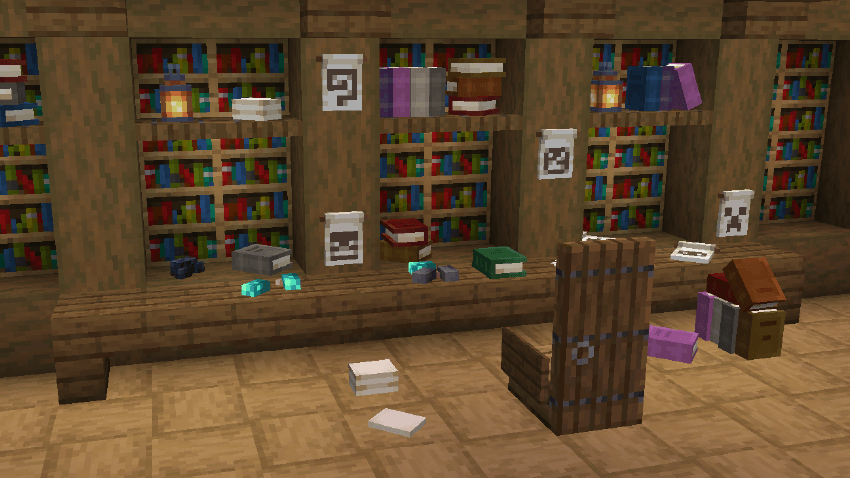
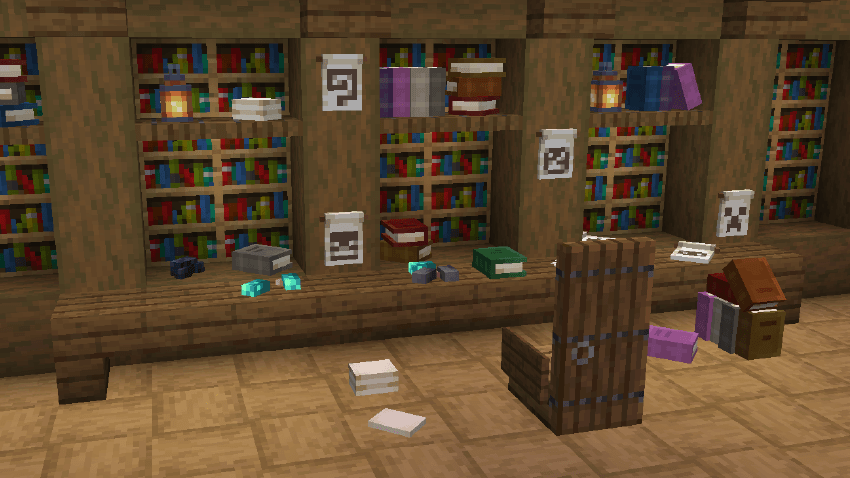 The library Books, paper, banner patterns and some ink sacs on the desk
-
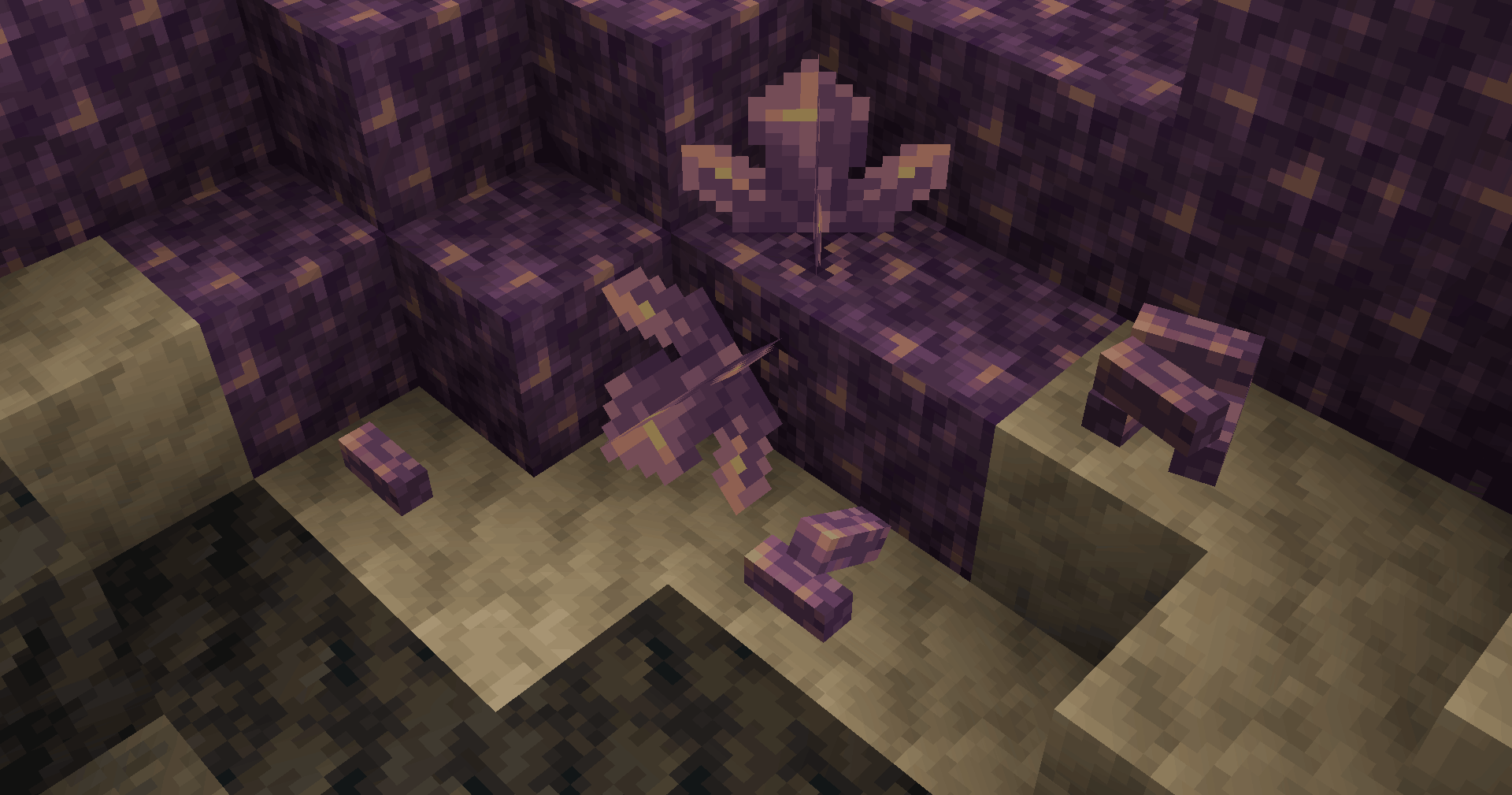 Amethyst Apilable amethyst shards
-
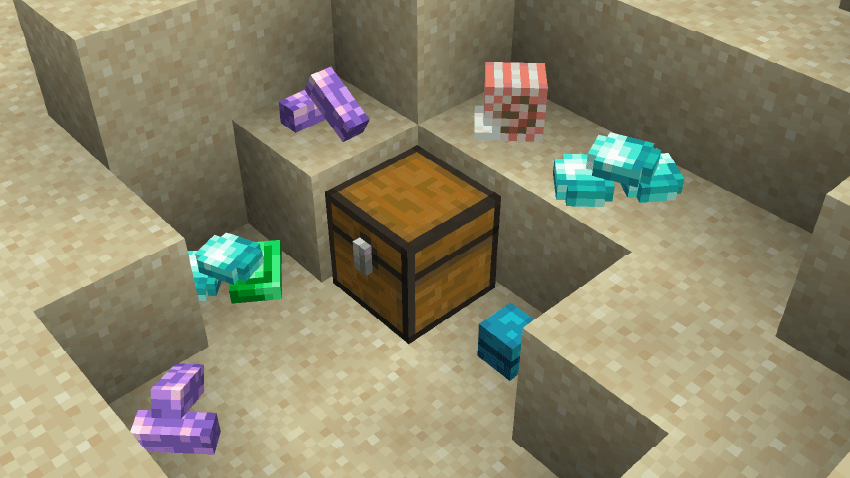
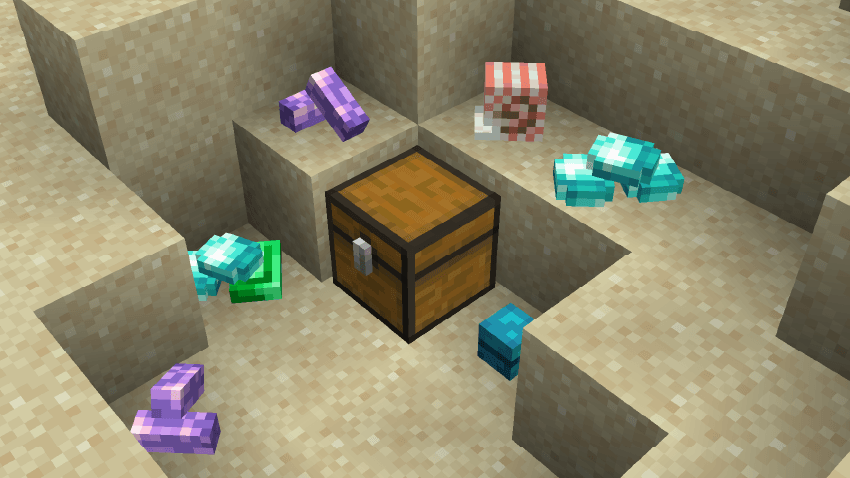 Treasure
-
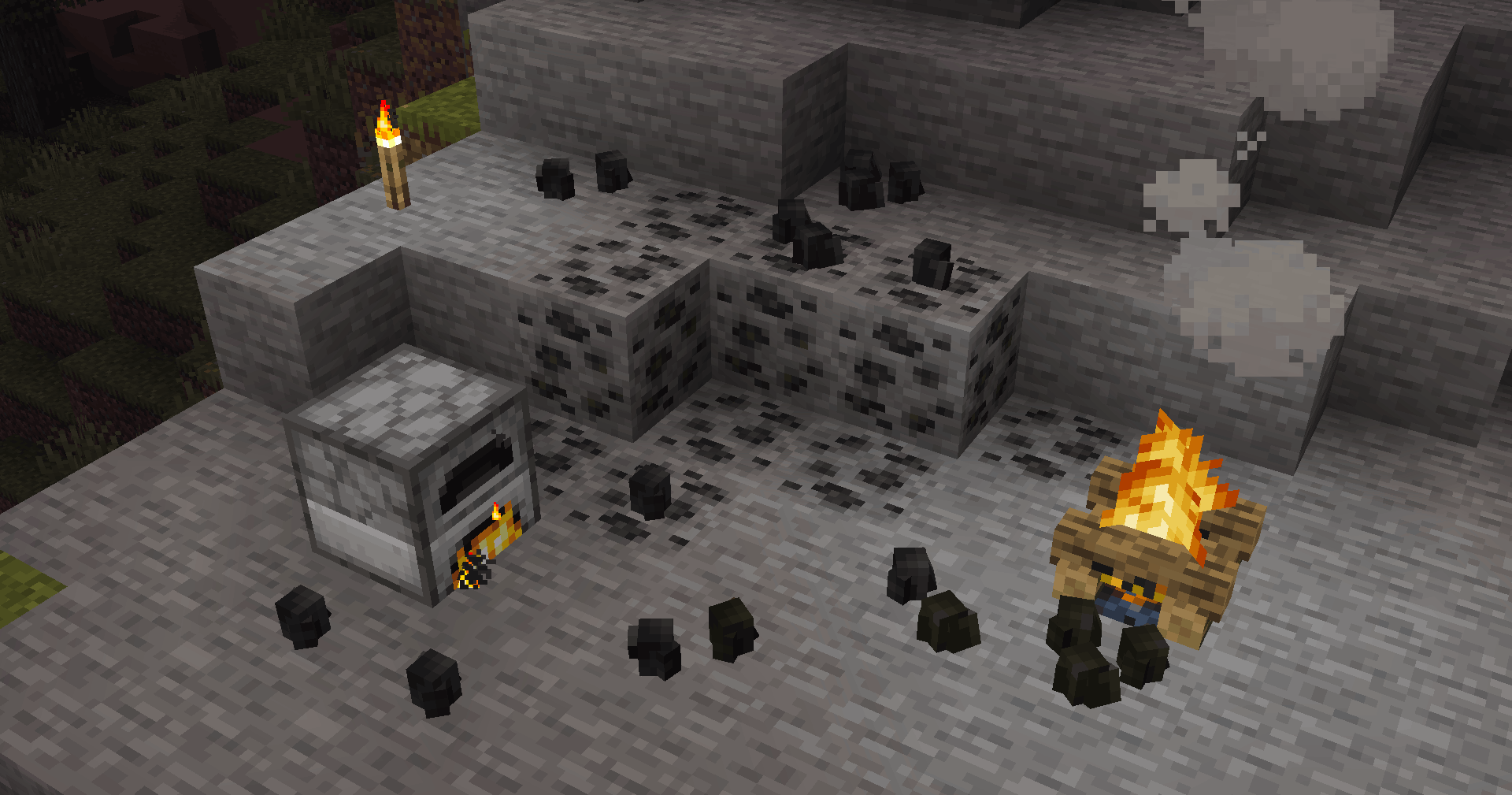 Coal & Charcoal Apilable Coal Type
-
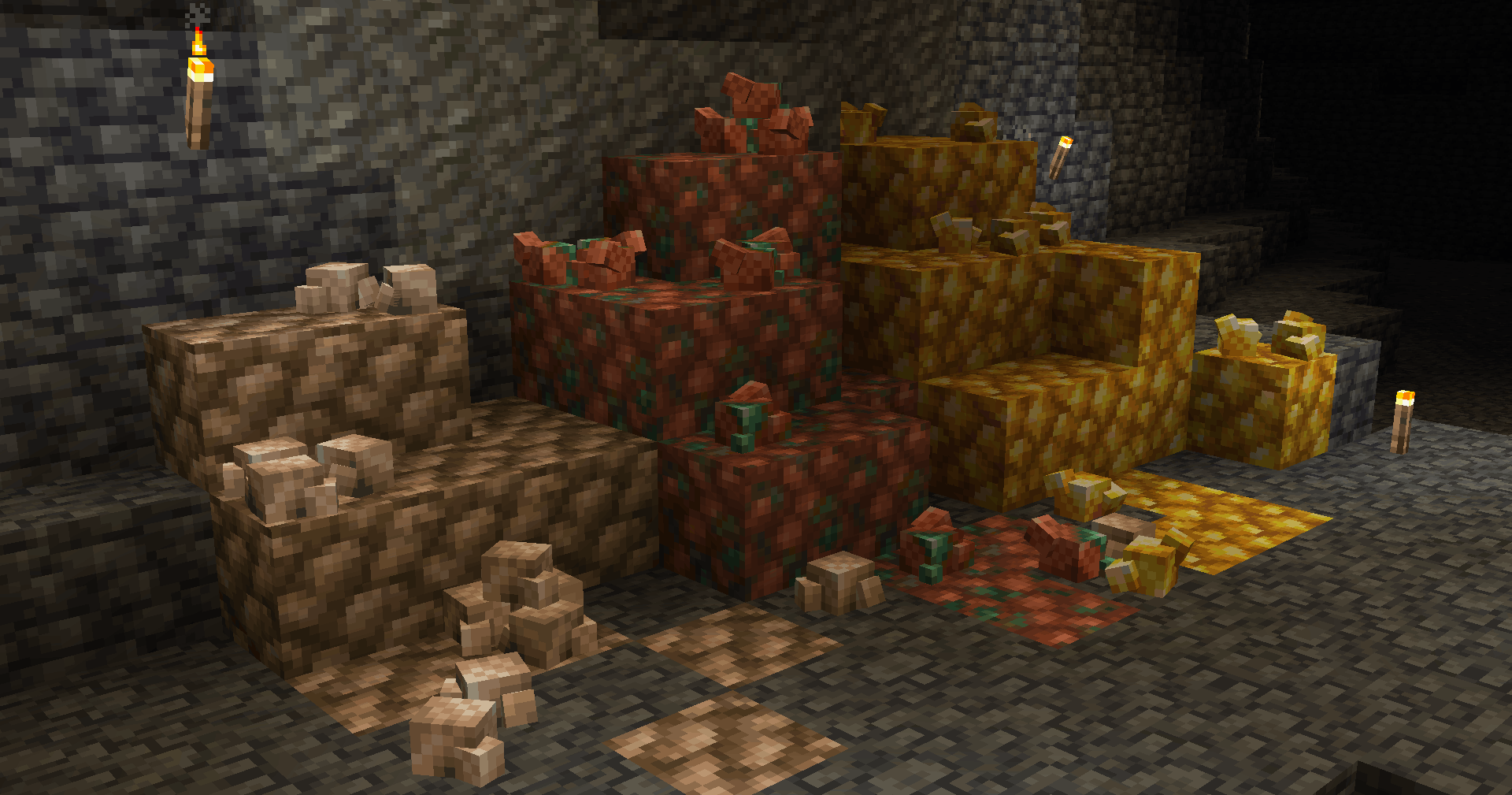 Raws Apilable Raw Type
-
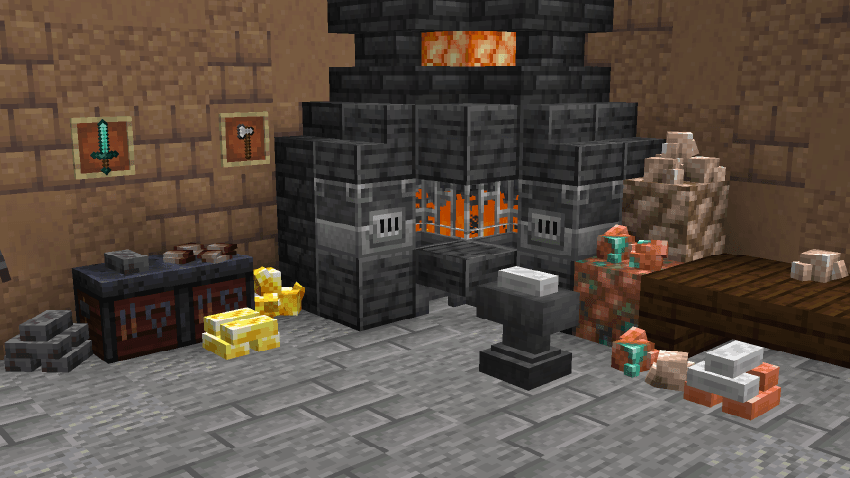
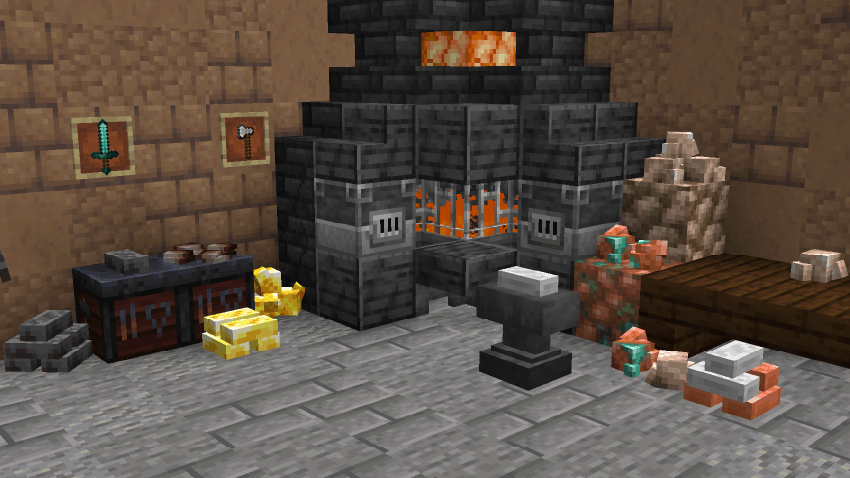 The forge Now the forges are complete
-
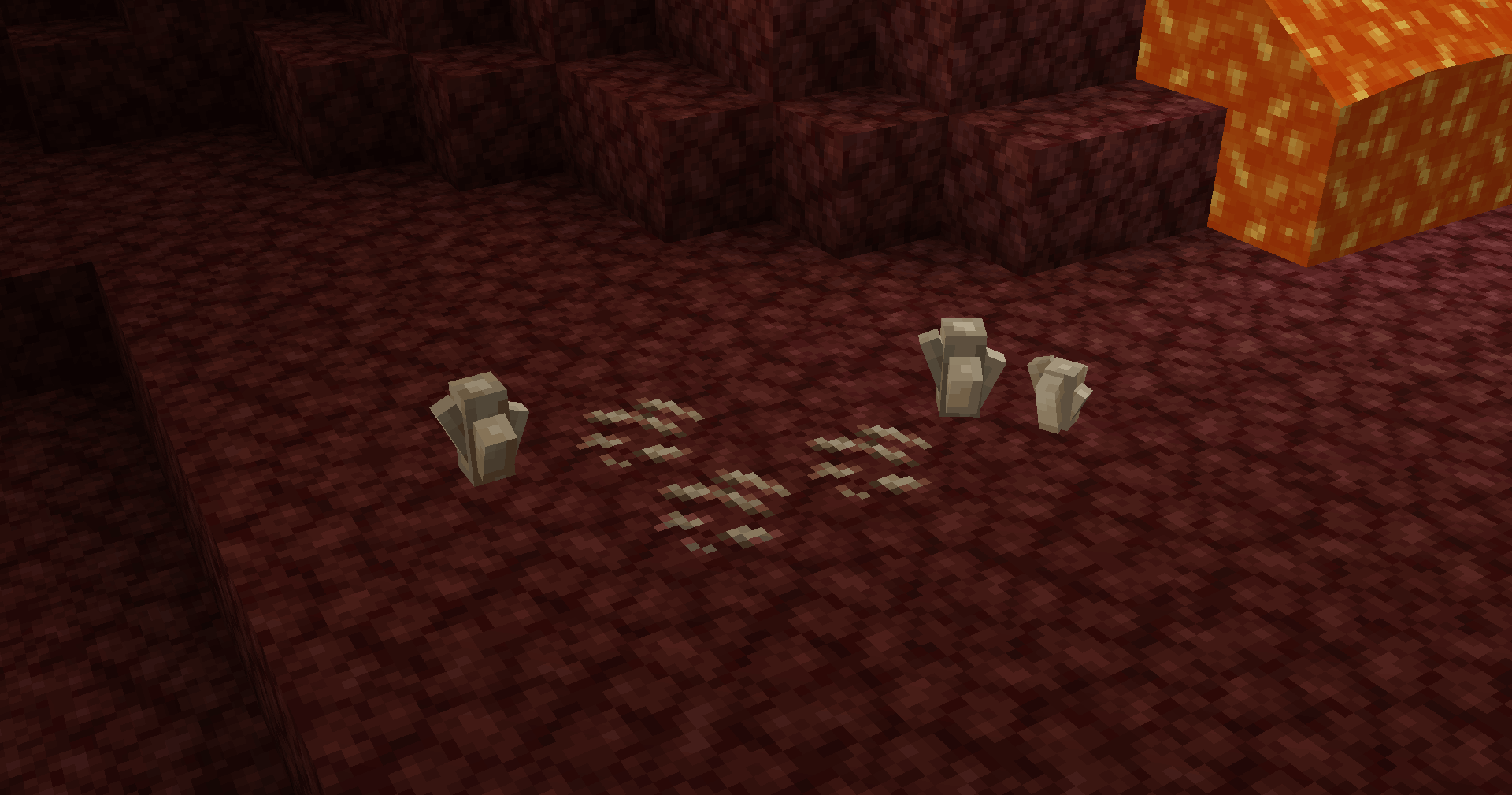 Quartz In The Nether
-
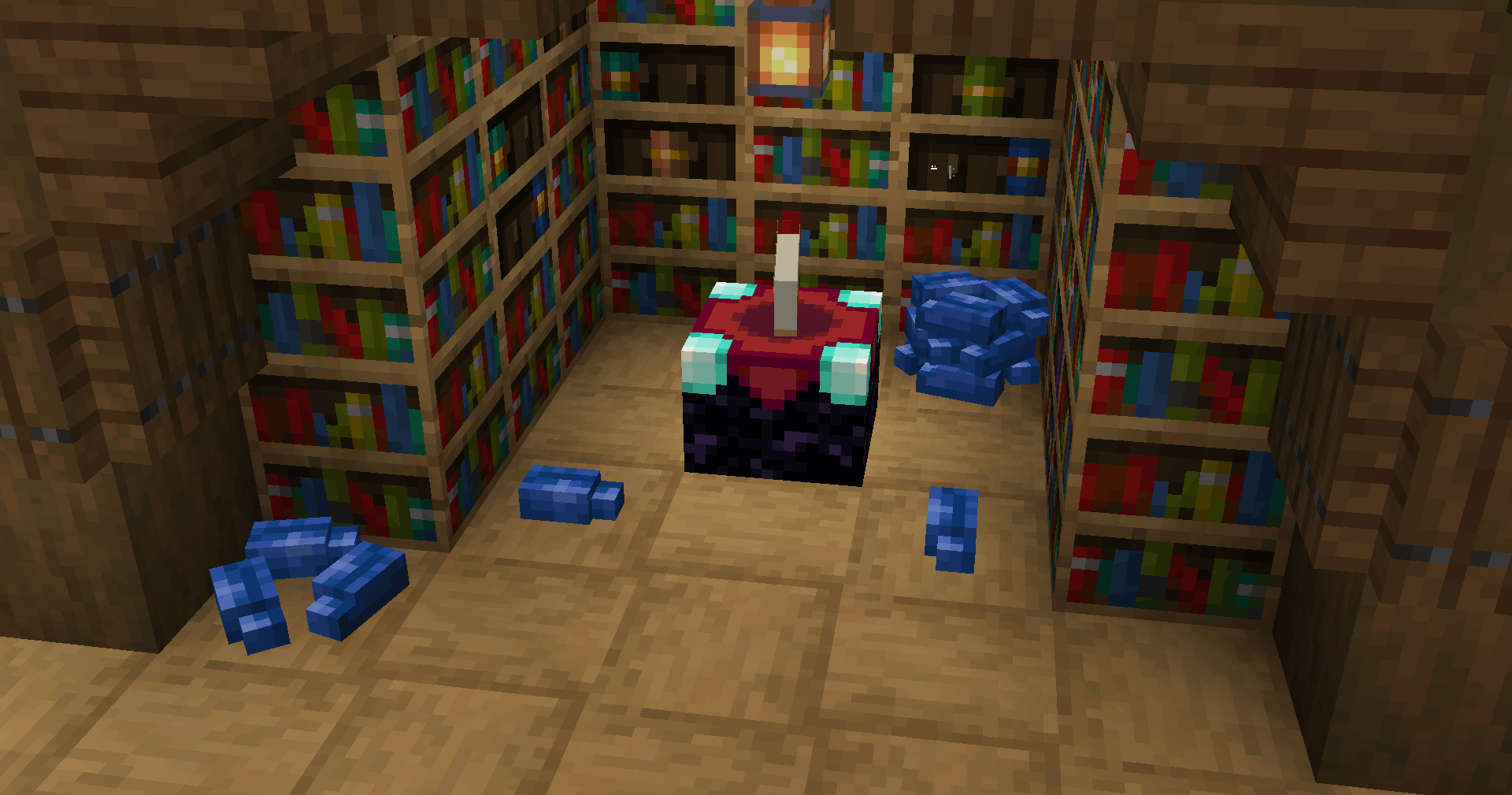 Lapis Enough to enchant
-
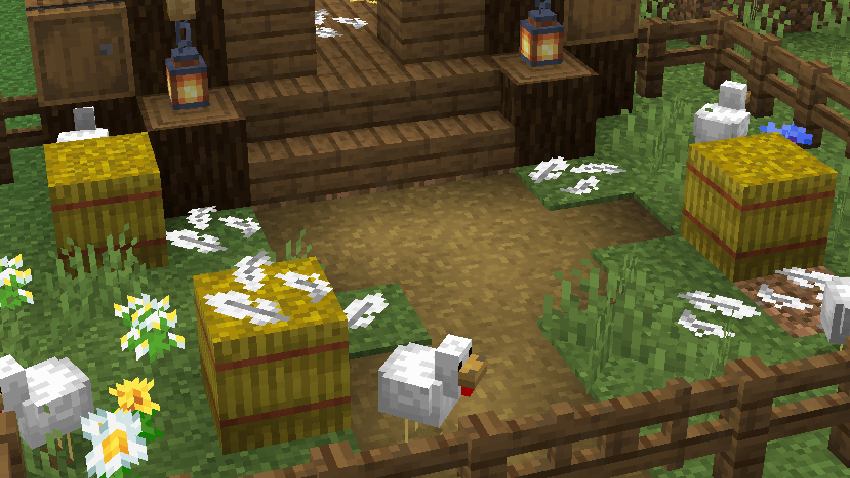 Feathers The remains of the chickens
-
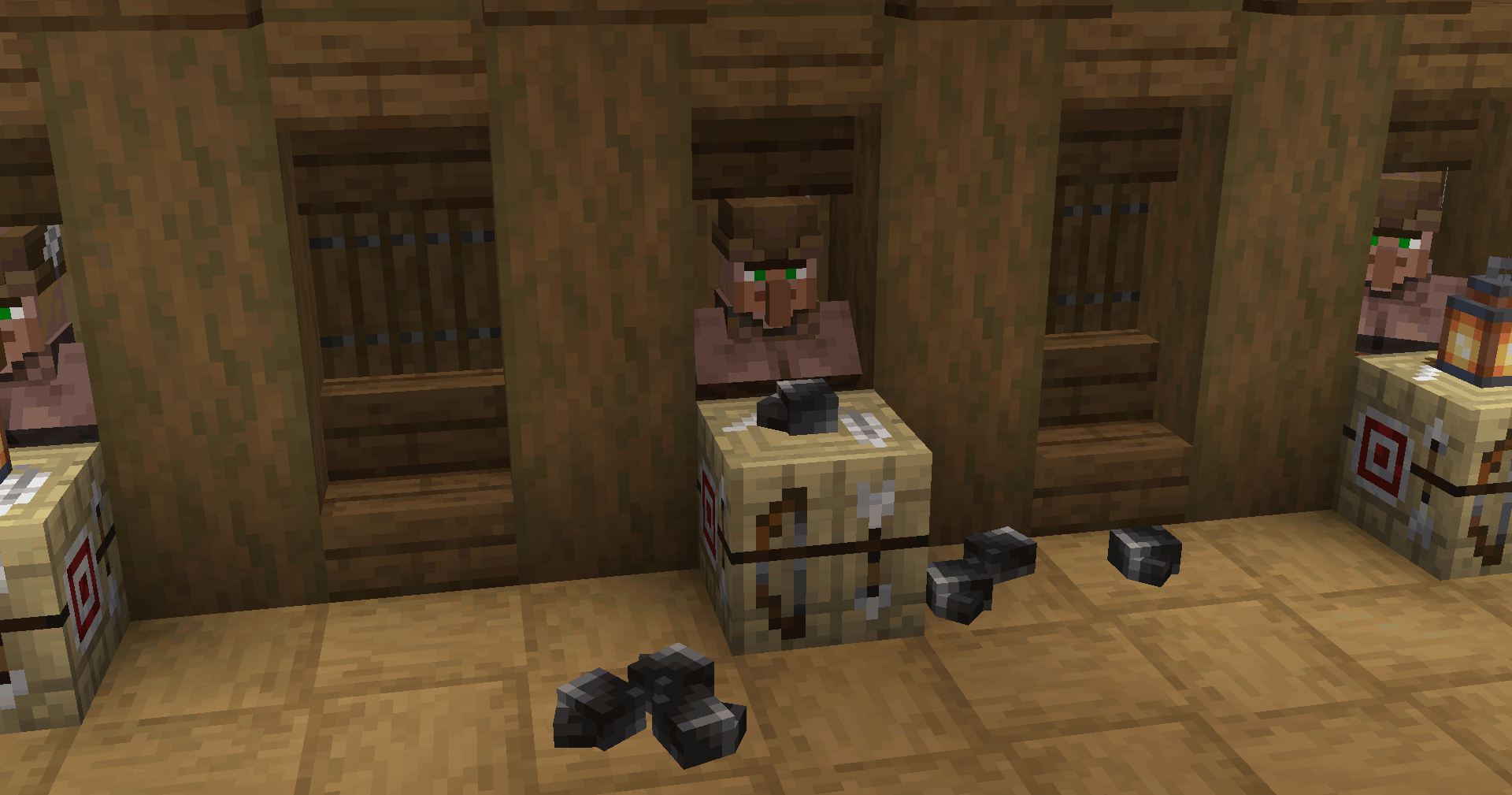 Flint Props in prision
-
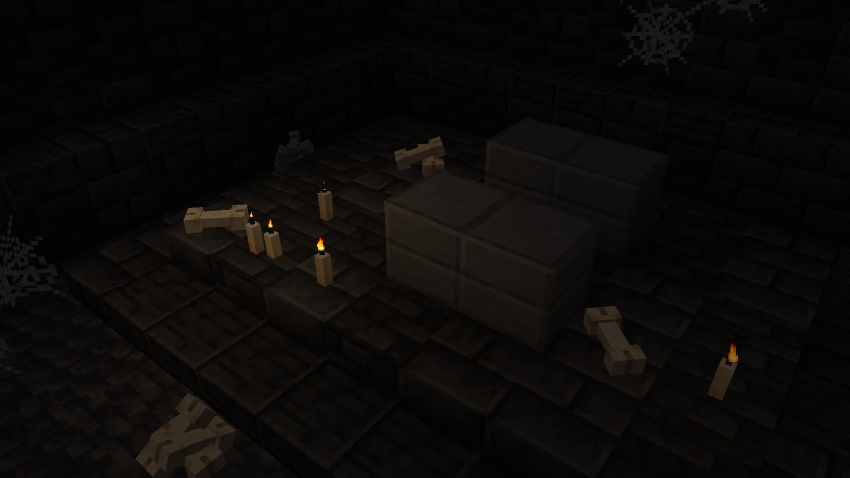
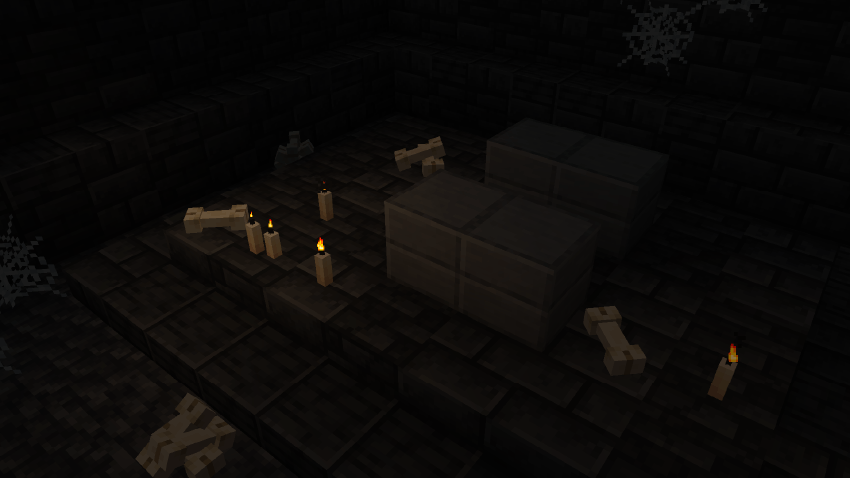 The crypt Scary bones
-
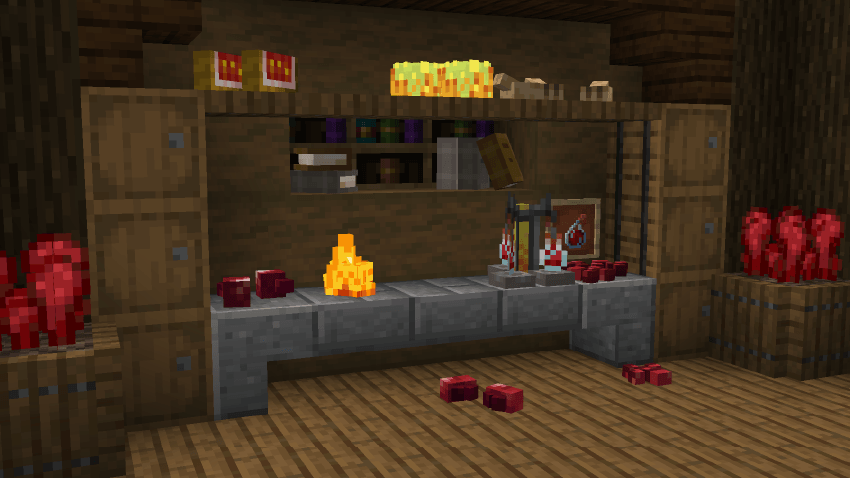 The alchemist corner The basic ingredients for chemistry
-
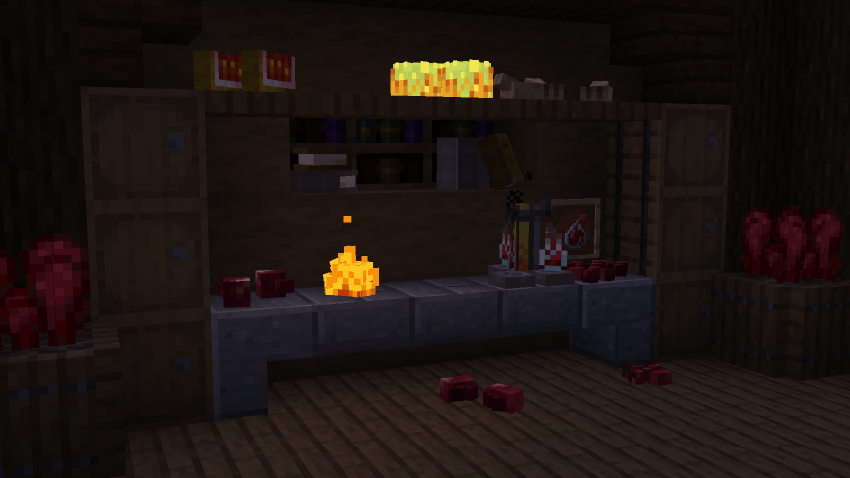 The alchemist glowing Now with glowing props!
Versions
Files
Relations
Project Relations
More like this
Similar Mods
Suggestions use data such as tags, dependencies, dependents, descriptions, titles, and more to rank how much they overlap with this mod.
On ModDex
Community snapshot
By the numbers
Statistics

Get it on
Available Platforms
On ModDex
Community snapshot
By the numbers
Statistics
Resources