Community listing page, reviews here may not be monitored by the author.
PUBGMC mod

No reviews yet
Weapons, attachments, armor and even more from very popular battle royale game - PUBG
Community voices
Reviews
No reviews yet. Be the first to review this project!
Get it on
Available Platforms
About
Project Details
For authors
Embed Badge
If you're the author of this project, you can embed a live badge anywhere that supports HTML or Markdown. It updates automatically whenever ratings change.
Use HTML for any page that supports it, or Markdown for README files and Markdown-based descriptions.
Identifiers
Platform IDs
Resources
External Links
About
Description


This mod has been inspired by popular battle royale game - PUBG. In this mod I will try to remake the game into Minecraft.
Starting from version 1.6.3 custom config library is required. Link below
Join my discord server - https://discord.gg/WEFYxwS8E3
Support me on Patreon - https://www.patreon.com/tnt_team
MAIN FEATURES:
Weapons with attachments
Airdrops
Healing items like Medkits, first aid kits
Booster items - energy drinks
Boost system - this allows you to gain health and speed boost
Loot generator blocks
Backpacks - you can use them to unlock more slots in inventory
Inventory limit - unlockable with backpacks
Players drop crates with their items on death
Different levels of armor
Ghillie suit
Flare guns to call airdrops
Grenades
Parachutes
Crafting system for most items
Some props like fences to make your map feel better
Config - see below
Config (located in .minecraft/config/pubgmc.cfg)
In this file you can configure/turn off some features which you don't want to use
You have to use true/false in fields which have [default: true/false]
If you're supposed to fill in numbers, there's always defined range for the number
Example:
# [1]Loot render style inside loot generators; 0 = Off, 1 = Fast render, 2 = Fancy render [[2]range: 0 ~ 2, default: 2 [3]]
B:"Render loot inside loot spawners"=2[4]
[1] - There is always located simple description what you're changing
[2] - This is the range for the number you can fill into [4]field. This number must be 0,1 or 2!
[3] - Default value set by me
[4] - This is the number you're going to change
Loot spawning:
Loot doesn't generate by itself, you have to run /loot generate command.
Loot will be generated ONLY INSIDE LOADED loot spawners!
Loot gen customization:
Updated in 1.4.0-a!
/loot generate > this function will generate loot with it's current settings
If you have just started a new world you might want to run /loot reset in order to prepare default loot configuration!
How can I modify the loot generation?
Most useful is running the '/loot help' which will try to guide you in the right direction
There are multiple parameters you can modify:
- /loot set [help, toggleAirdropWeapons, toggleAmmoLoot, toggleRandomAmmoCount, weapon, chance]. Explaining everything here would take a lot of time, so I suggest you trying the /loot command and cycling throught options using the TAB key on your keyboard.
Weapons
- LMB >> Shoot
- RMB >> ADS/Scope
- R >> Reload
- B >> Change Firemode
- P >> Open attachments GUI
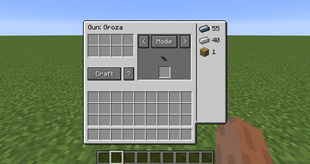
- You craft weapons inside Gun Workbench
- Not all weapons can take all attachments!
- 8x and 15x scopes are only for DMRs and Bolt action sniper rifles
ATTACHMENTS
To attach something to you weapon you have to press P to open GUI for attachments
Then put the weapon you want to modify into slot which is located in the centre of the GUI
Grab attachments you want to add to your weapon and put them into right slots.
To quickly attach anything to weapon, you can simply shift-click the items and they will be added into right slots
Be careful because you might lose attachments which are already on weapon when you add another attachment into it's slot. Make sure to always remove them from the gun first.
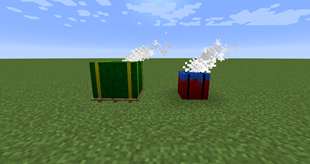
Airdrops:
There are 2 version of airdrop:
- Regular airdrop - called from /airdrop command.
- Big airdrop - called from shooting flare straight into the sky
Loot is automatically generated when the airdrop lands unless you turn this feature off in the config.
Airdrops always contain top level armor and backpack + rare and powerful weapon + rare attachments and healing items.
Grenades:
LMB to throw close
RMB to throw far
If you're sprinting when you are throwing, the grenade will gain extra velocity and will fly further
- HE Grenade - In order to throw this grenade you have to first pull the pin and then throw - this allows you to "cook" the grenade for perfect timing
Grenades won't deal damage to players when you're playing in PEACEFUL mode!
- Smoke Grenade - provides temporary cover.
Water will extinguish the effect!
- Molotov - Molotovs explode on impact with ground and they will put everything on fire for short period of time.
Players are also getting extra damage when they stand inside the fire!
Boost:
You can gain boost by consuming energy drinks, painkillers or using adrenaline syringes
While you have boost active you will get 0.5 heart every x seconds.
When your boost is above 50% you'll also get speed boost + additional 0.5 heart bonus
Healing:
There are multiple ways to heal in combat:
- Bandages
- First Aid kits
- Medkits
To use healing item, you have to hold right mouse button and wait until you consume the healing item. You won't be able to move much while healing.
Parachutes:
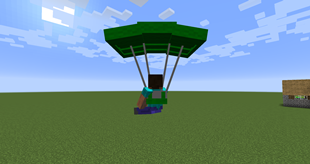
In this mod you can find parachutes. You have to right click the parachute in order to open it.
Controls are simple. Look into the direction you want to go.
To drop down as fast as possible you have to look down under 40 degree angle to gain additional speed boost.
Some images from my mod:
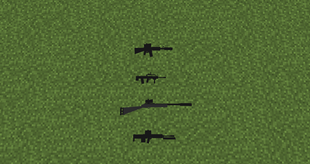
Weapons:
Airdrops:
Grenades:
Parachute:
Custom crafting table GUI
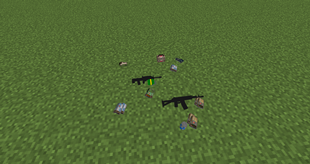
Loot spawners
4x Scope overlay (SMG, AR)
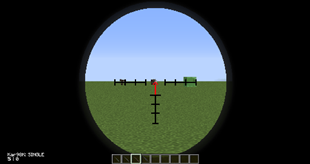
Mod should be working in multiplayer so invite your friends for even more fun.
You can now do battles with each other and see who is the best survivor.
NOTE:
Most images has been taken from my map which is in my modpack.

Screenshots
Gallery
-
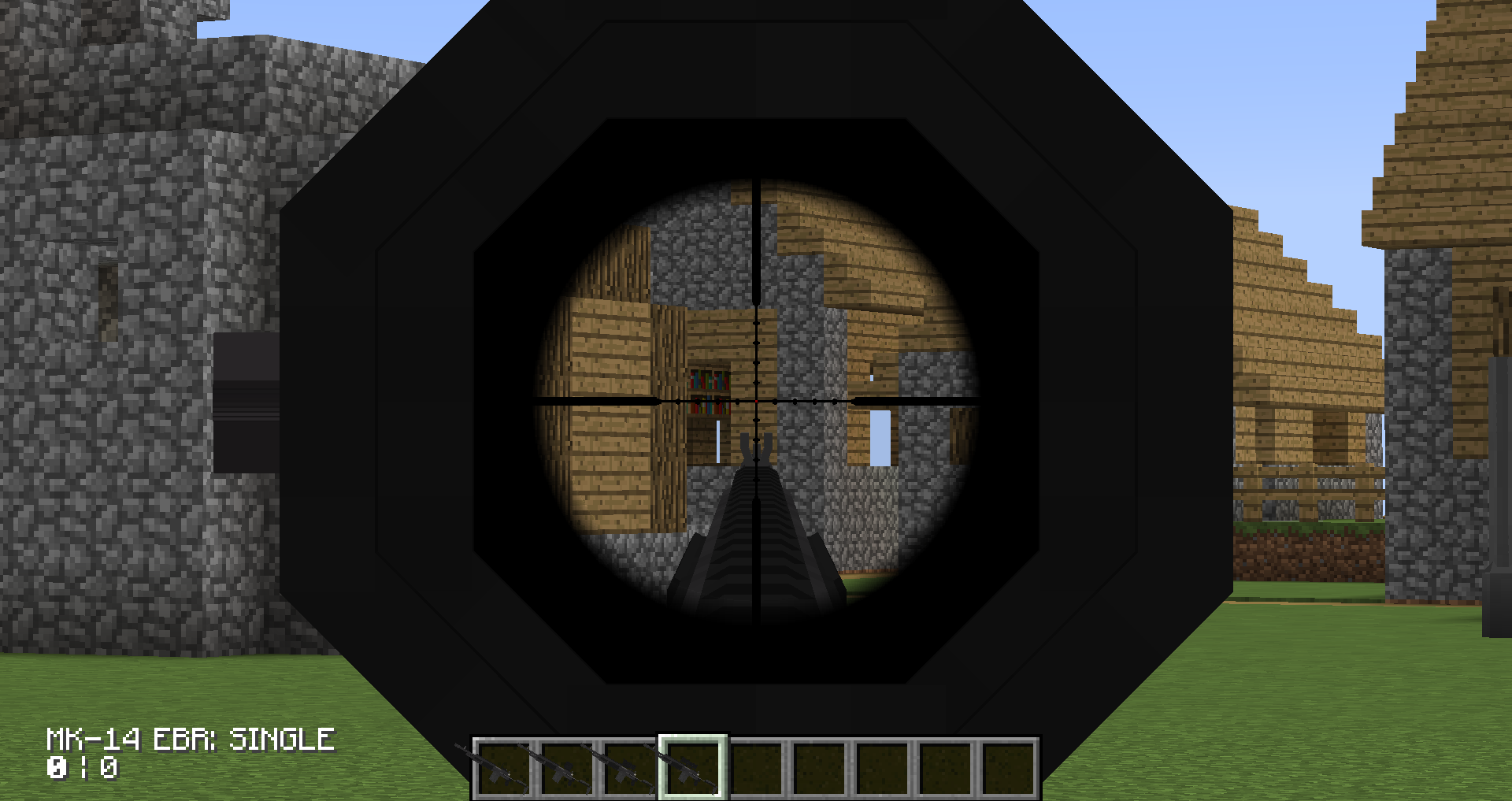 8X Scope reticle
 -
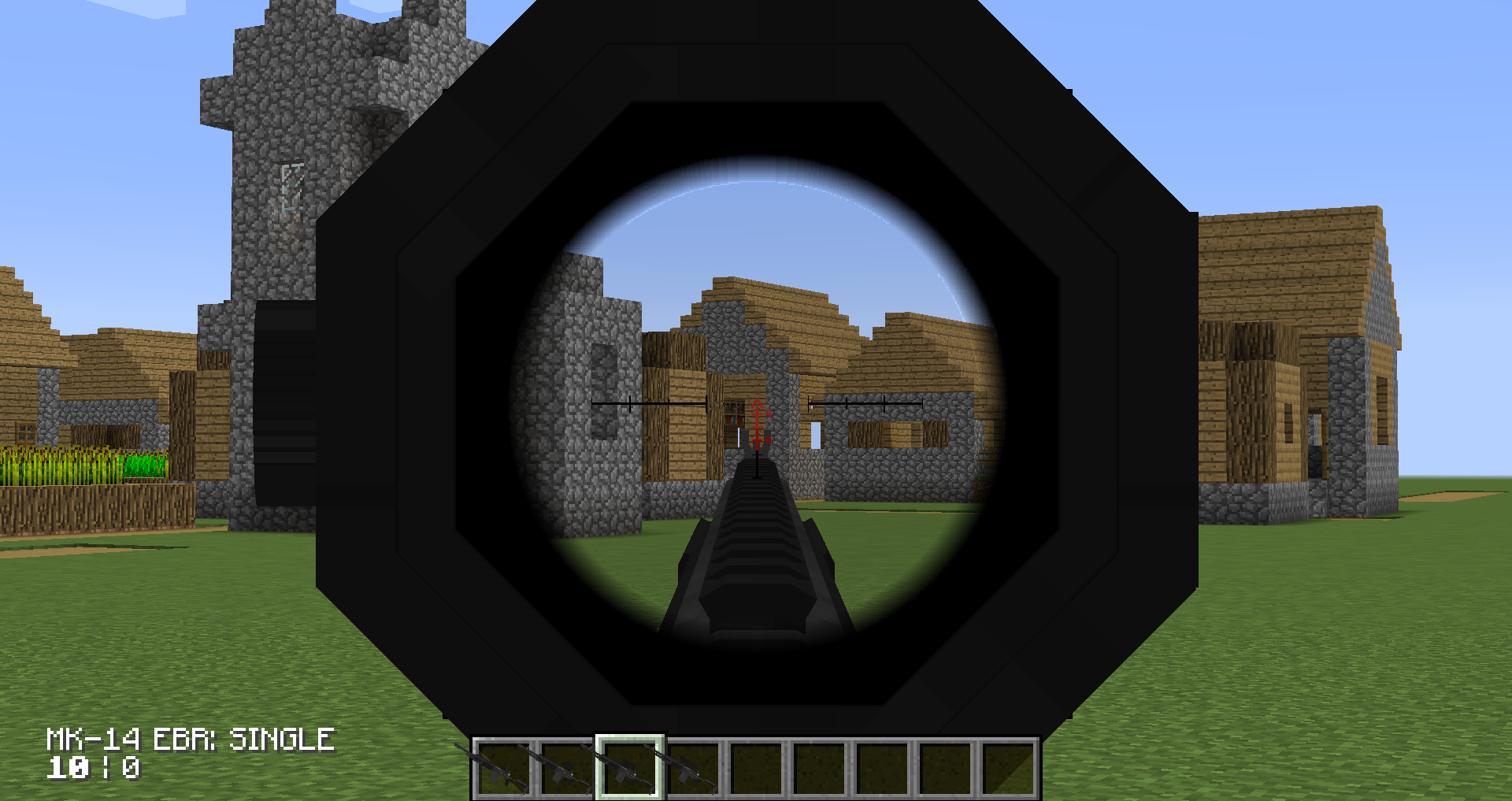 4X Scope reticle
 -
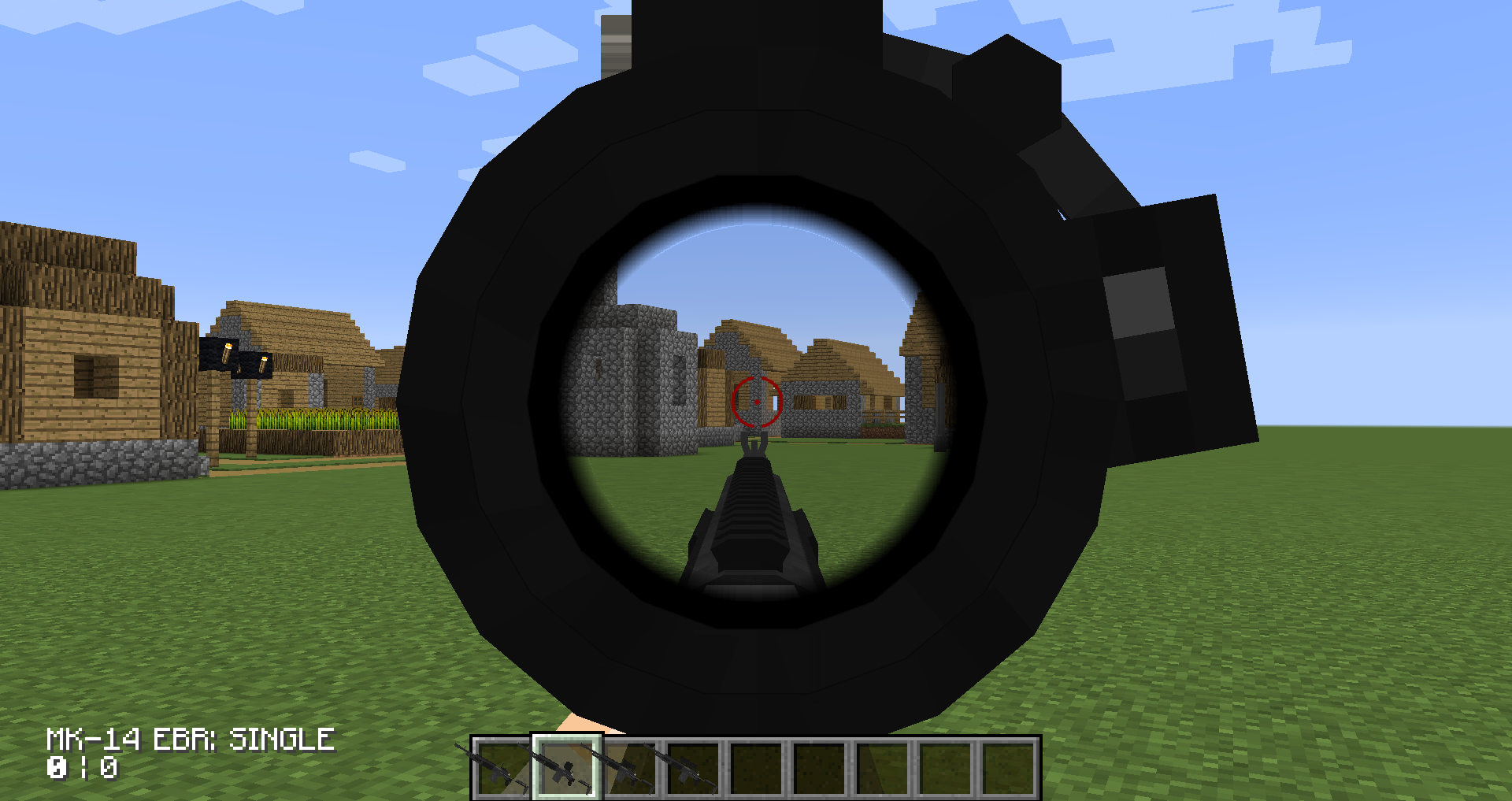 2X Scope reticle
 -
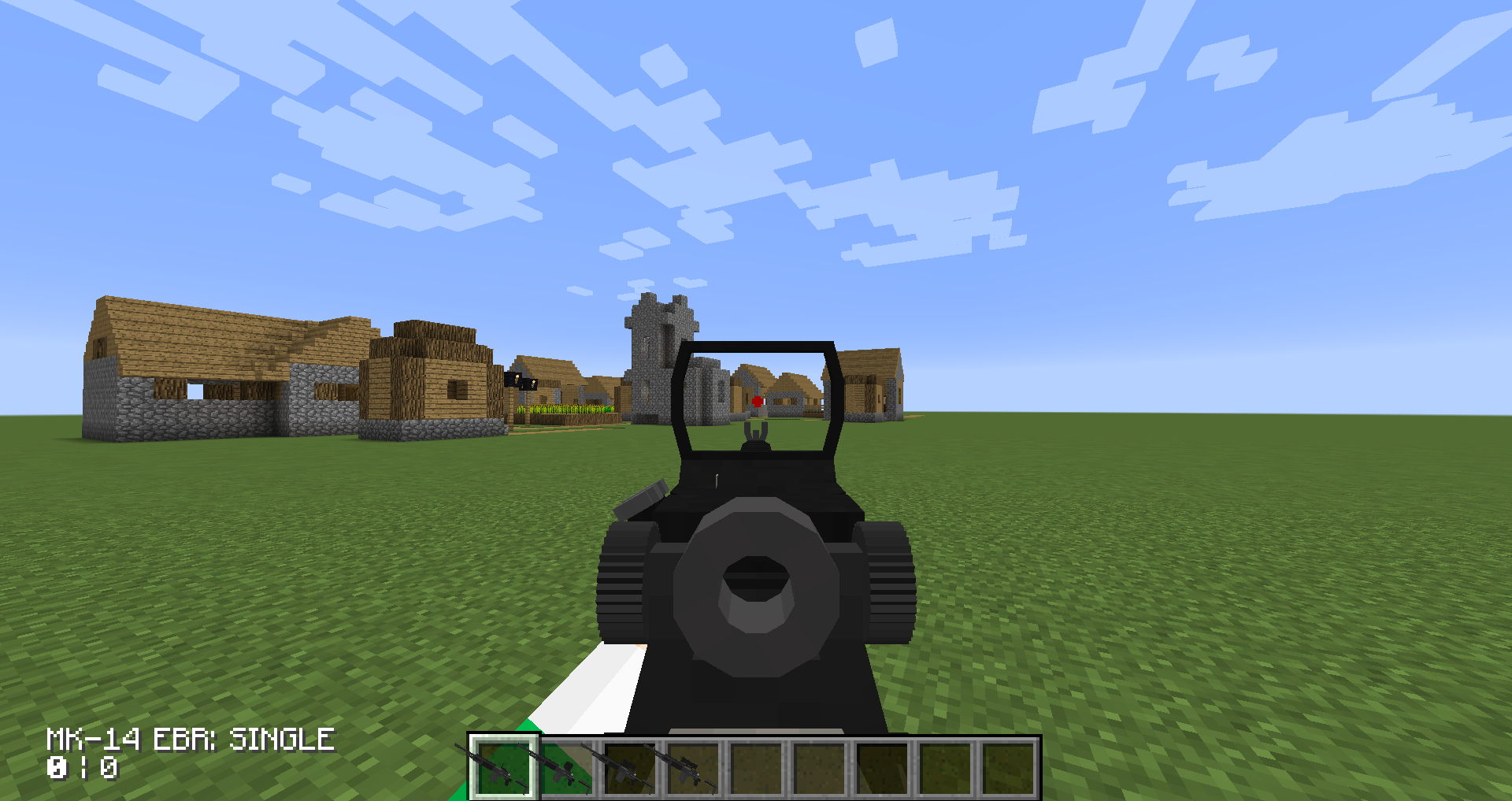 Red dot reticle
 -
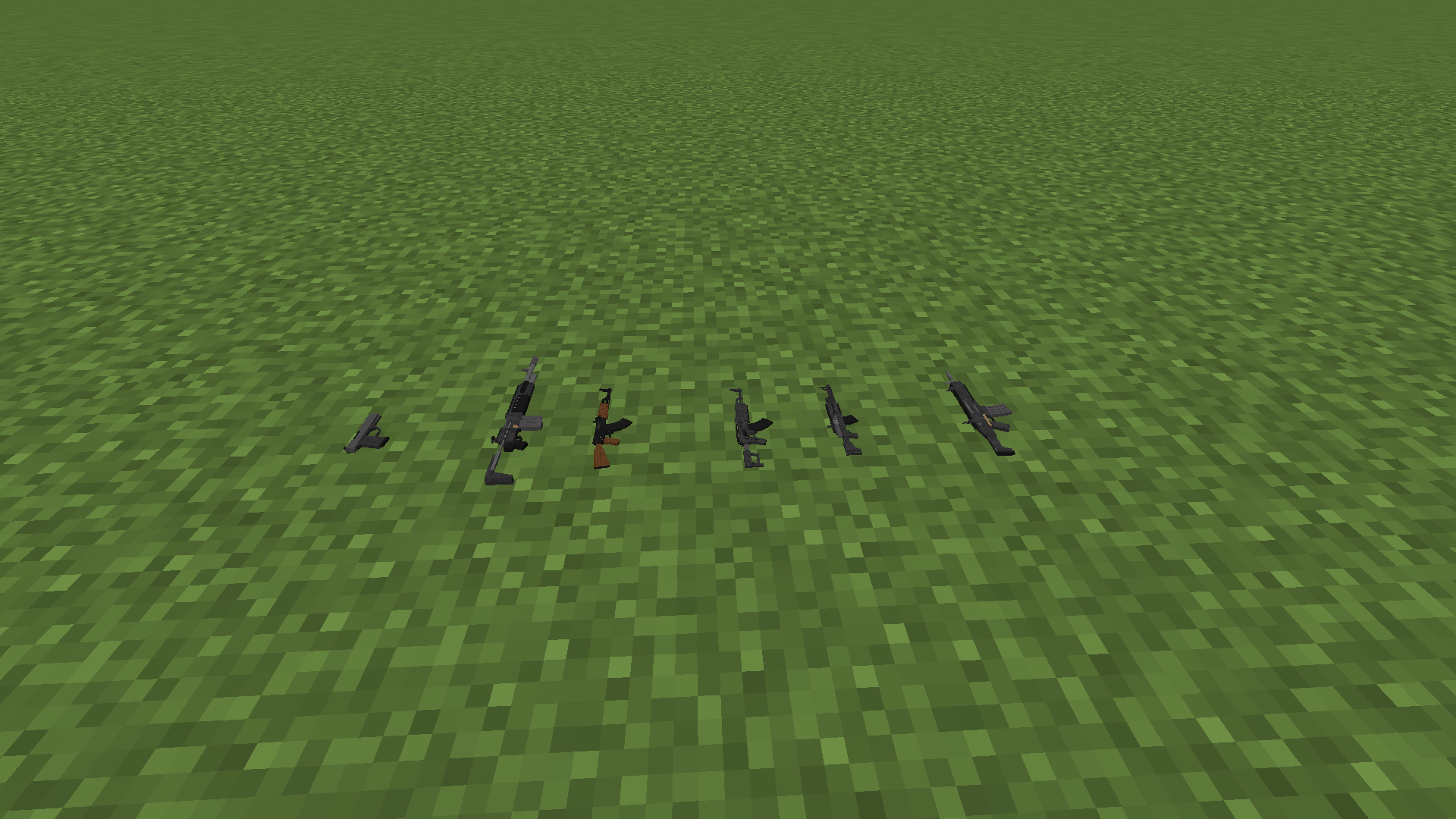 Weapons (loot spawner)
 -
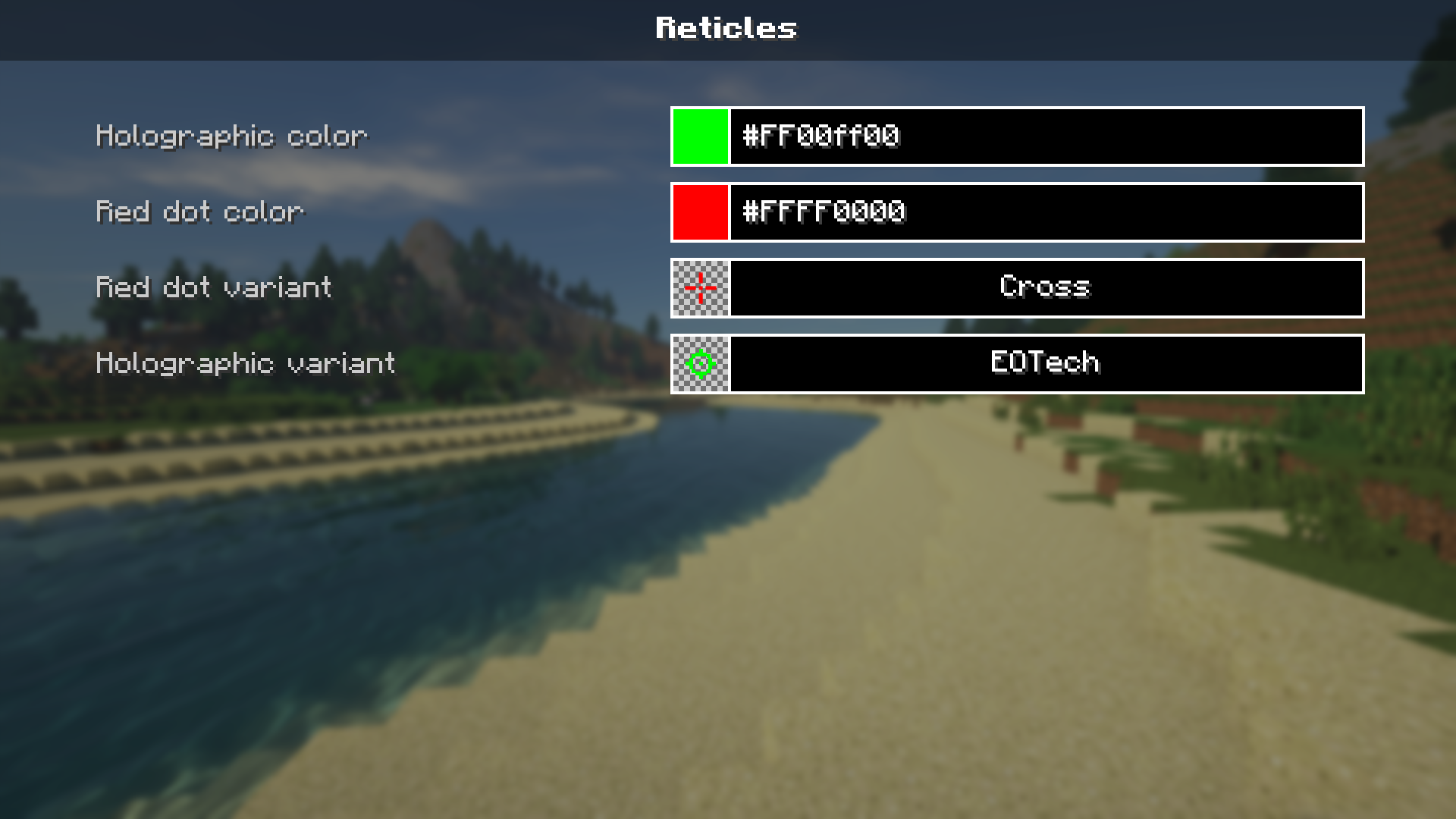 Configurable reticles
 -
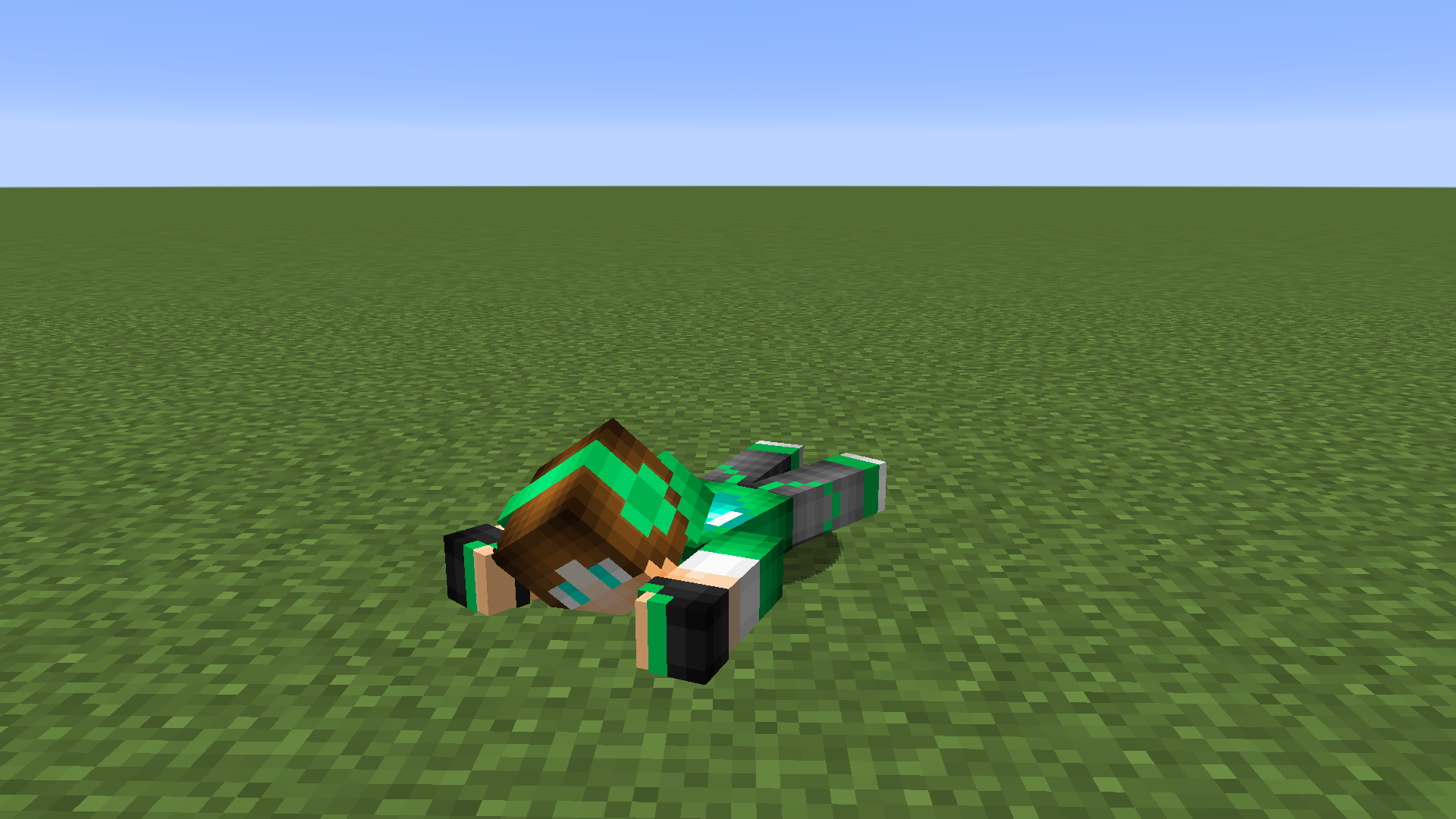 Prone player
 -
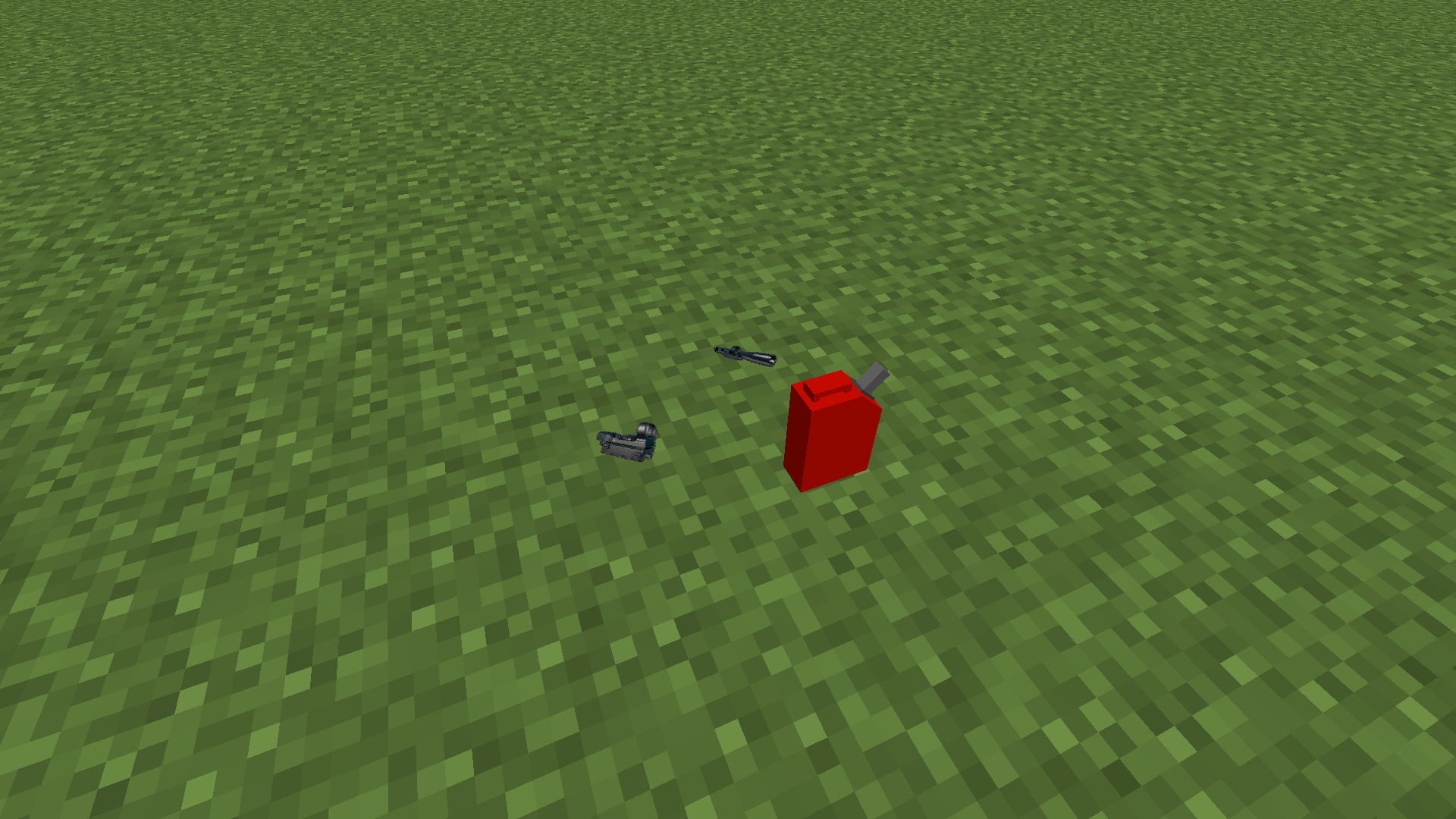 Loot spawner with loot
 -
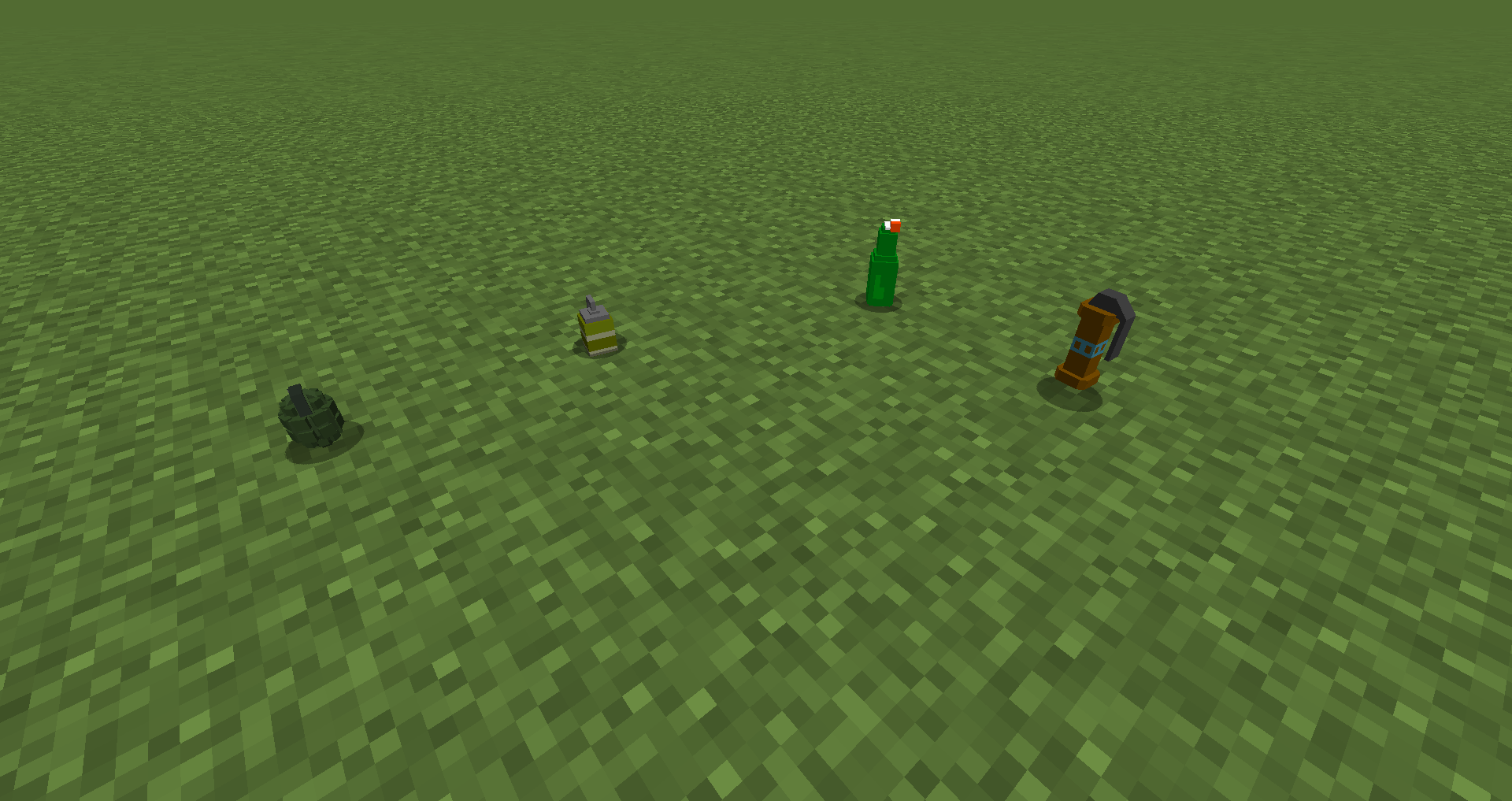 Grenades
 -
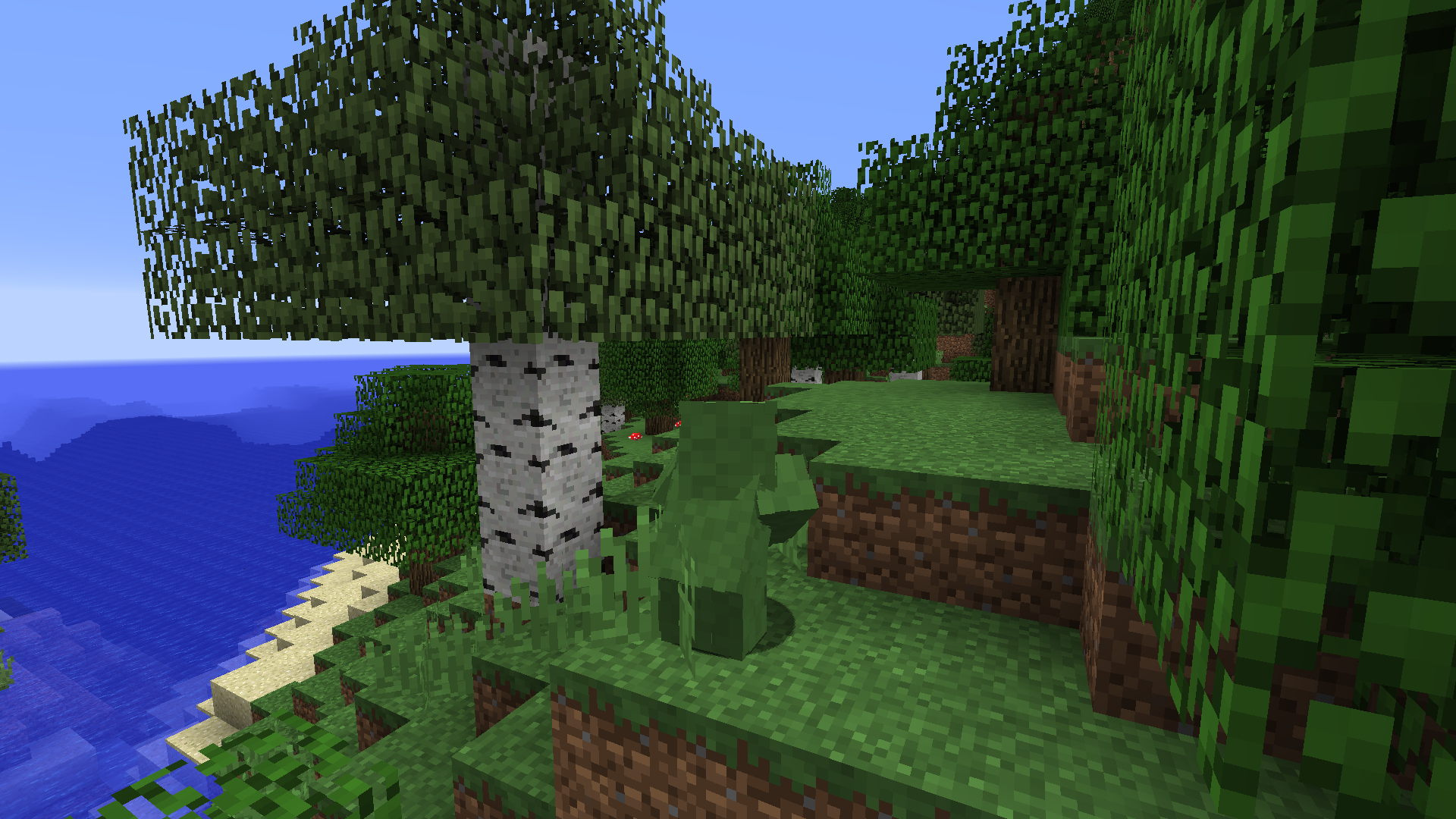 Ghillie suit
 -
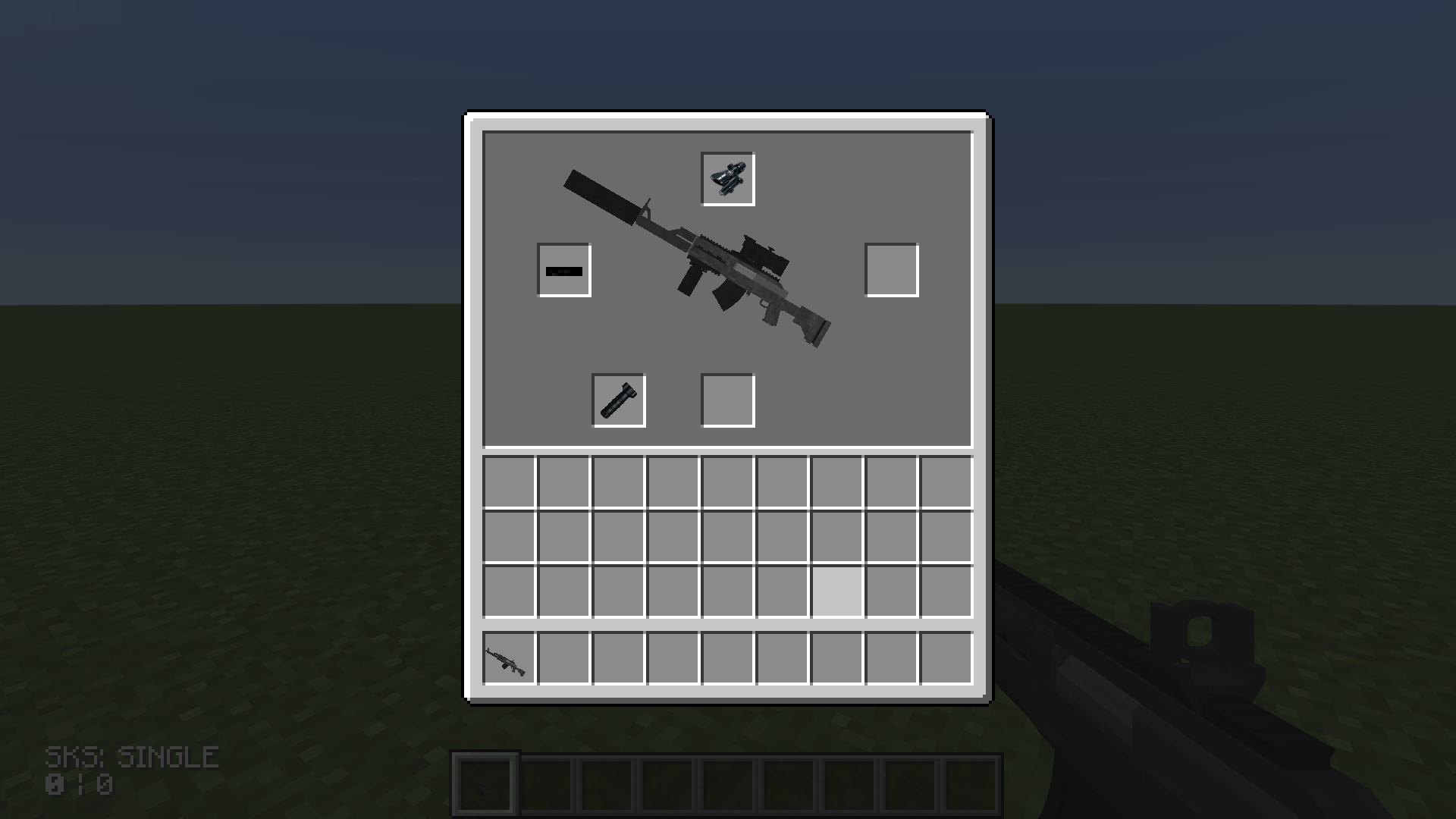 Attachment UI
 -
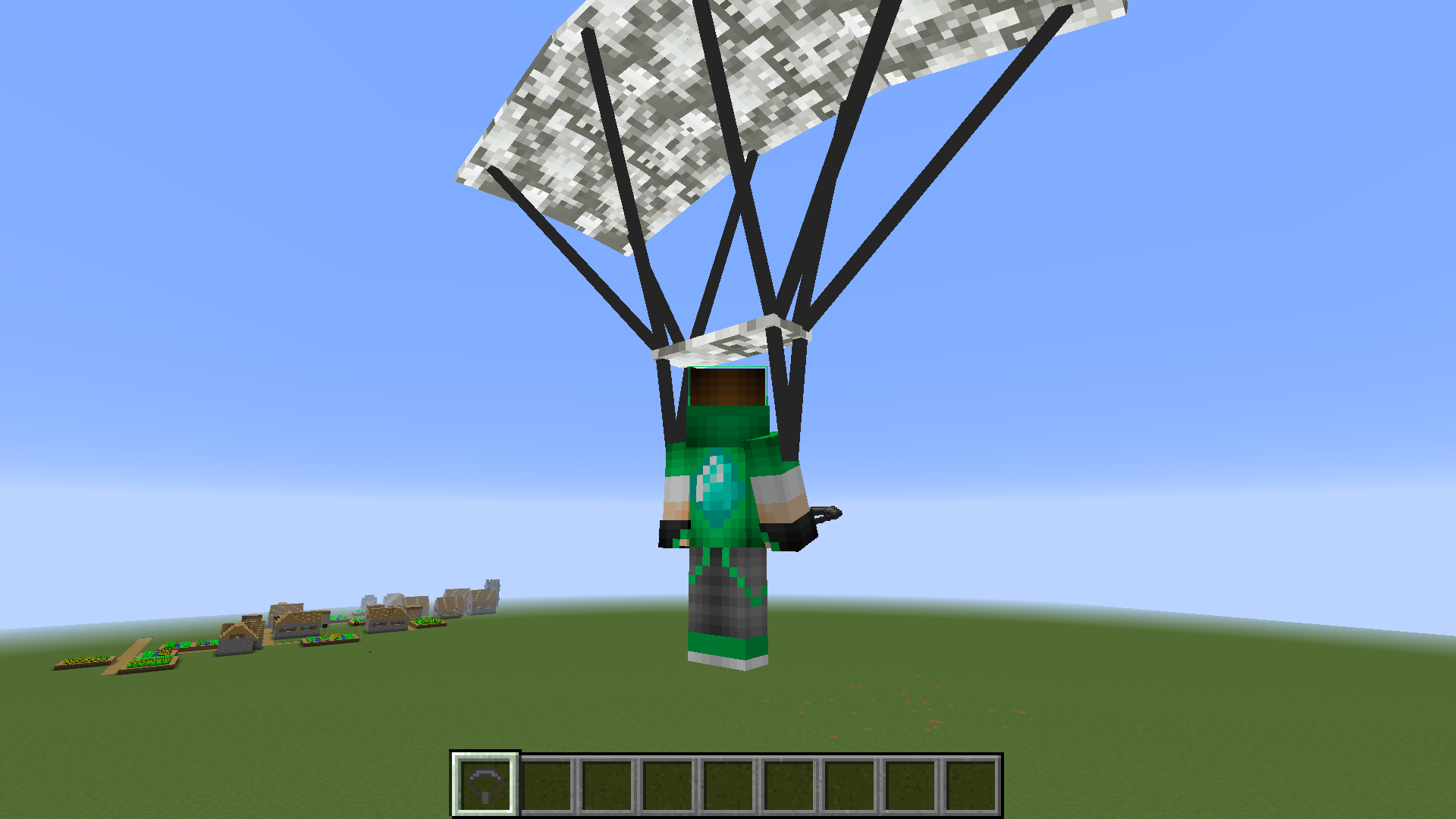 Parachute
 -
banner
-
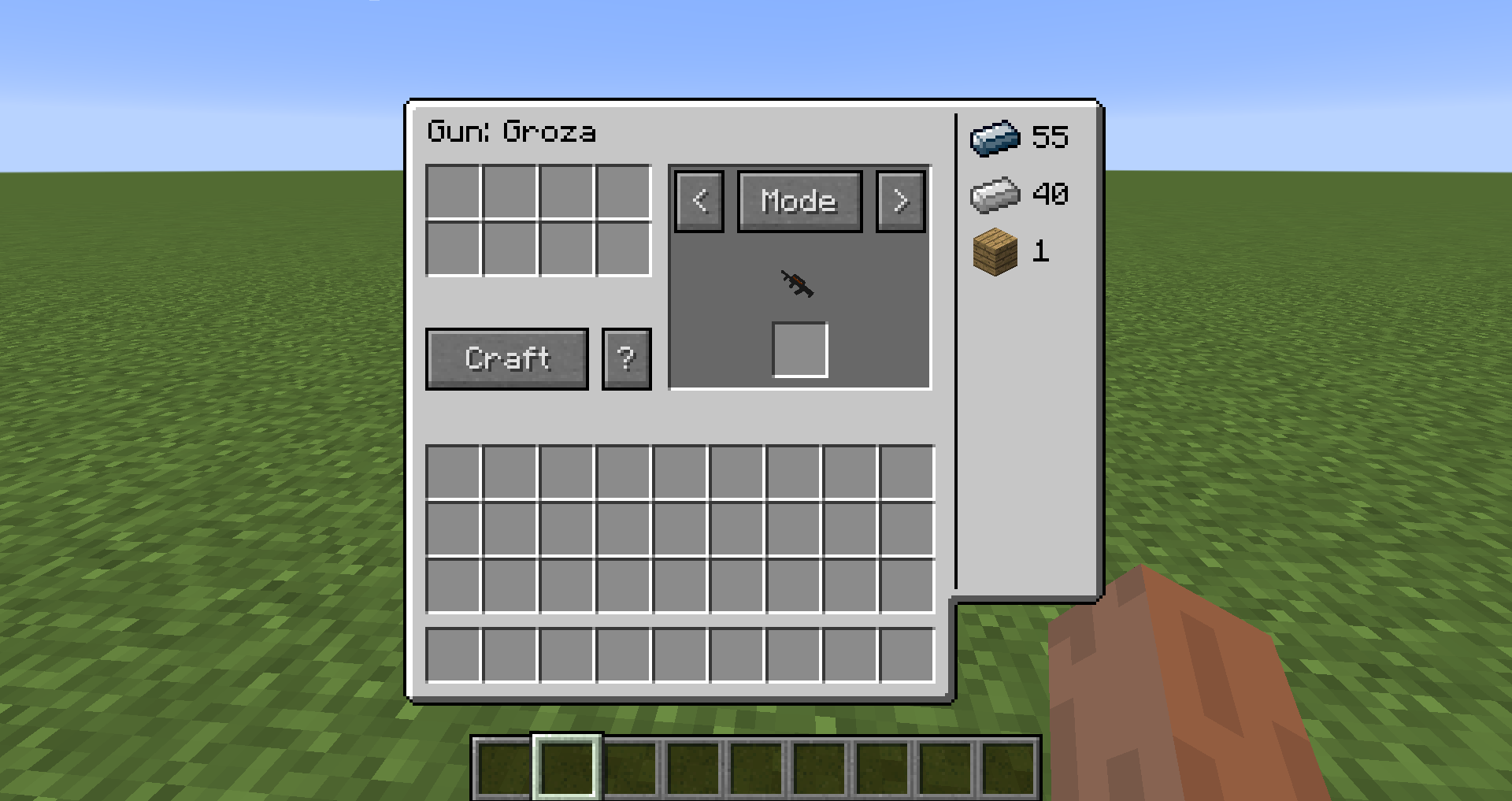 Crafting table gui
 -
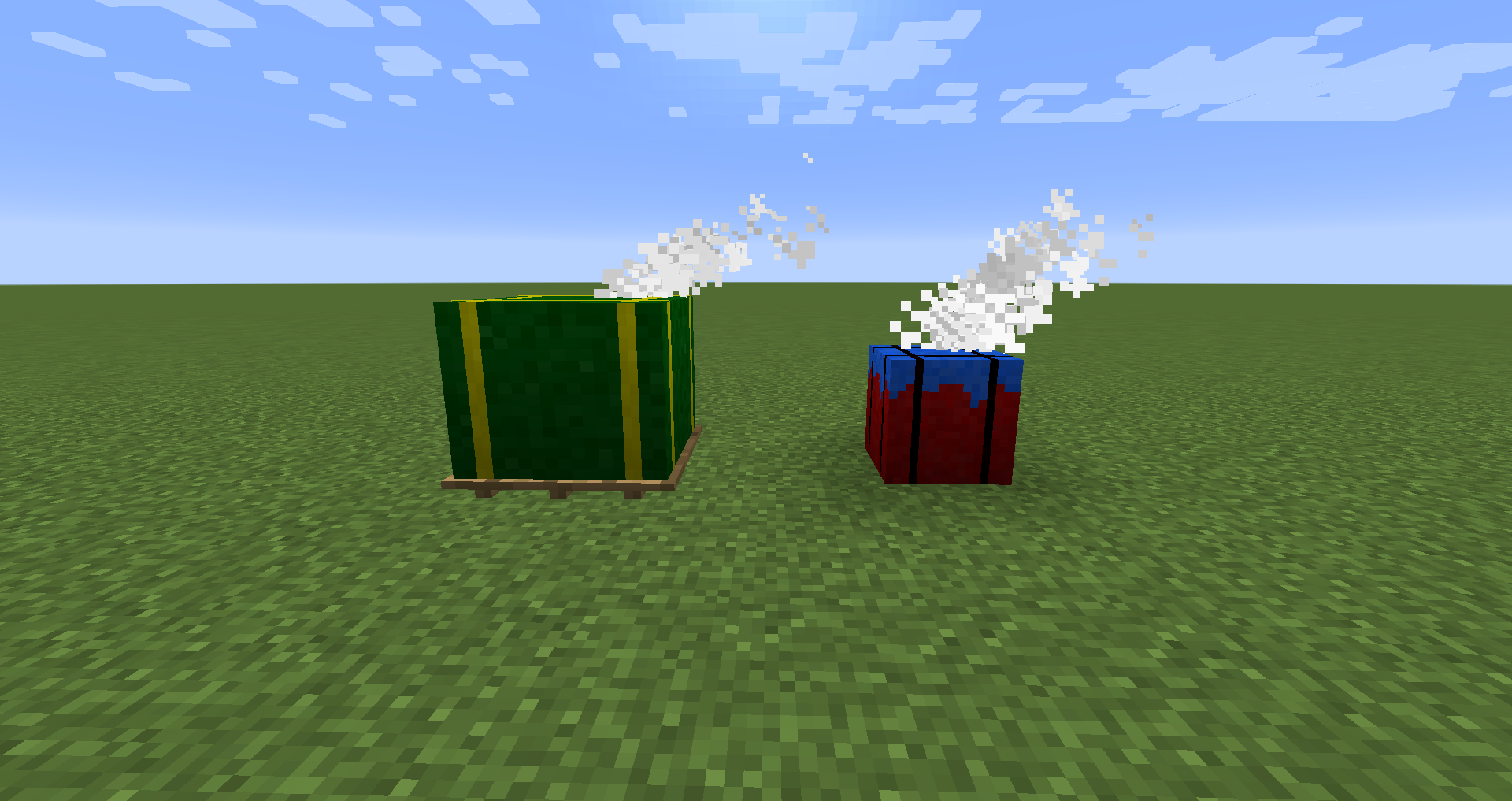 Airdrops
 -
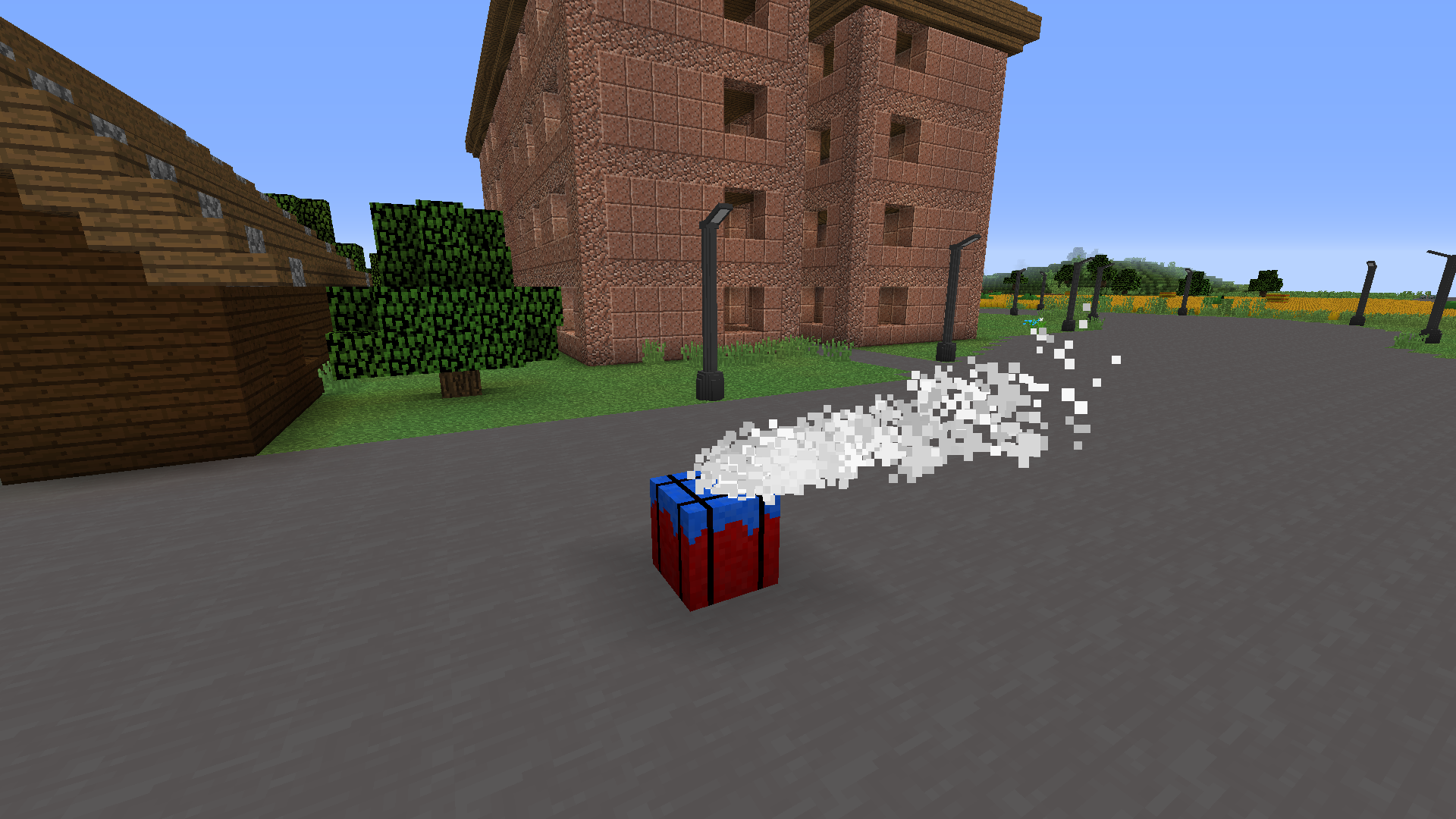 Airdrop
 -
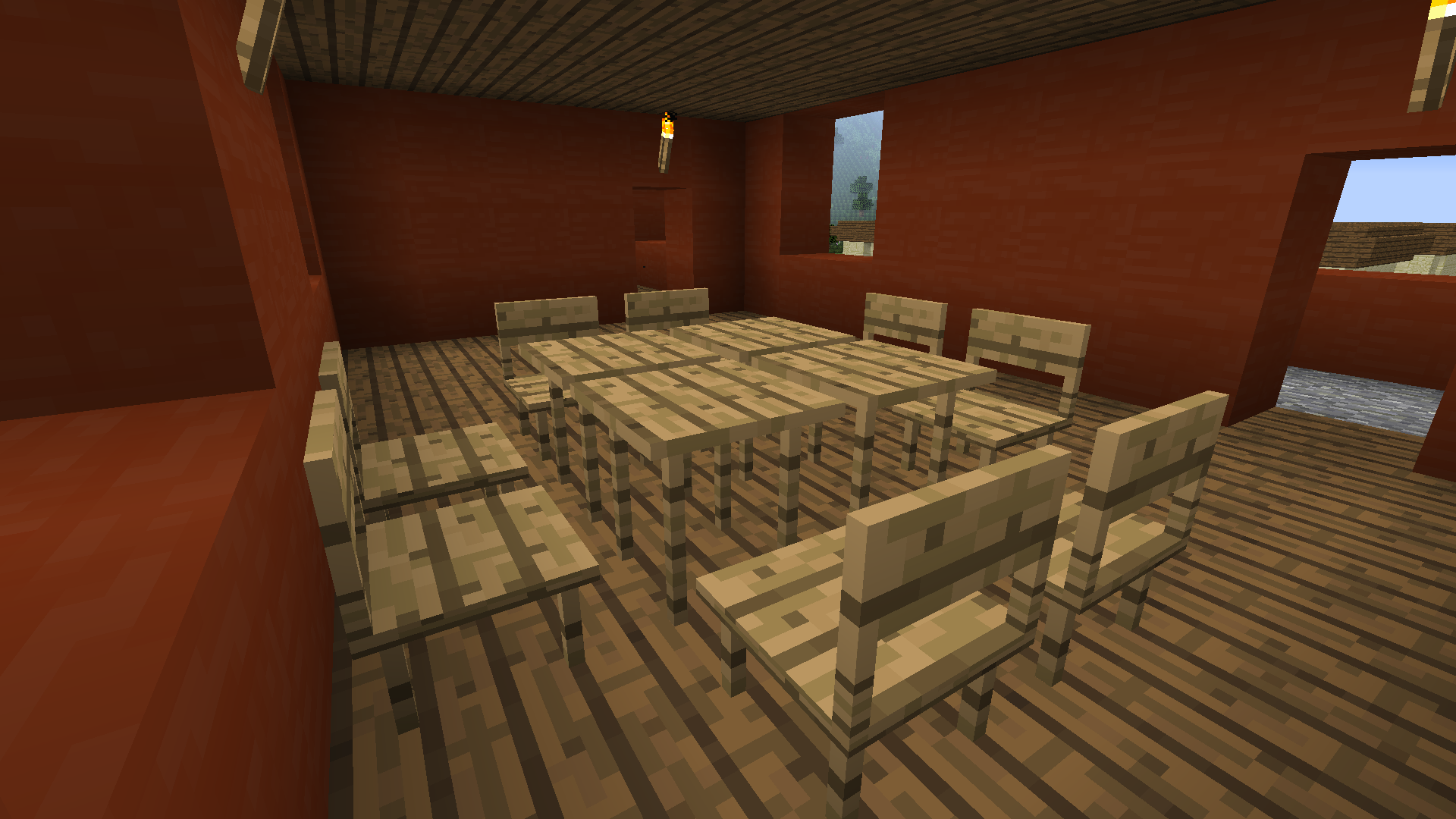 Custom props Chairs, tables, and other stuff
 -
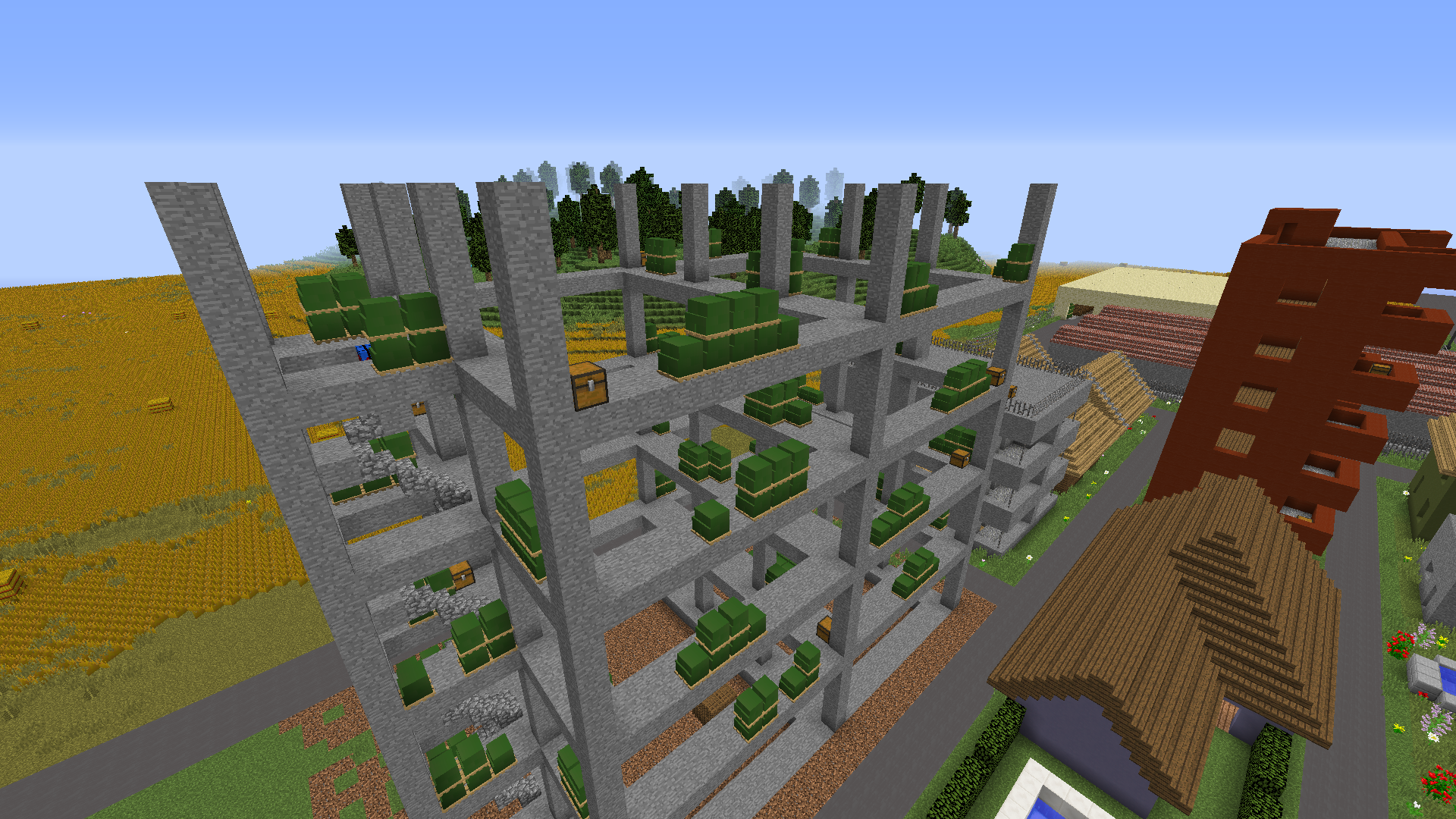 Custom props
 -
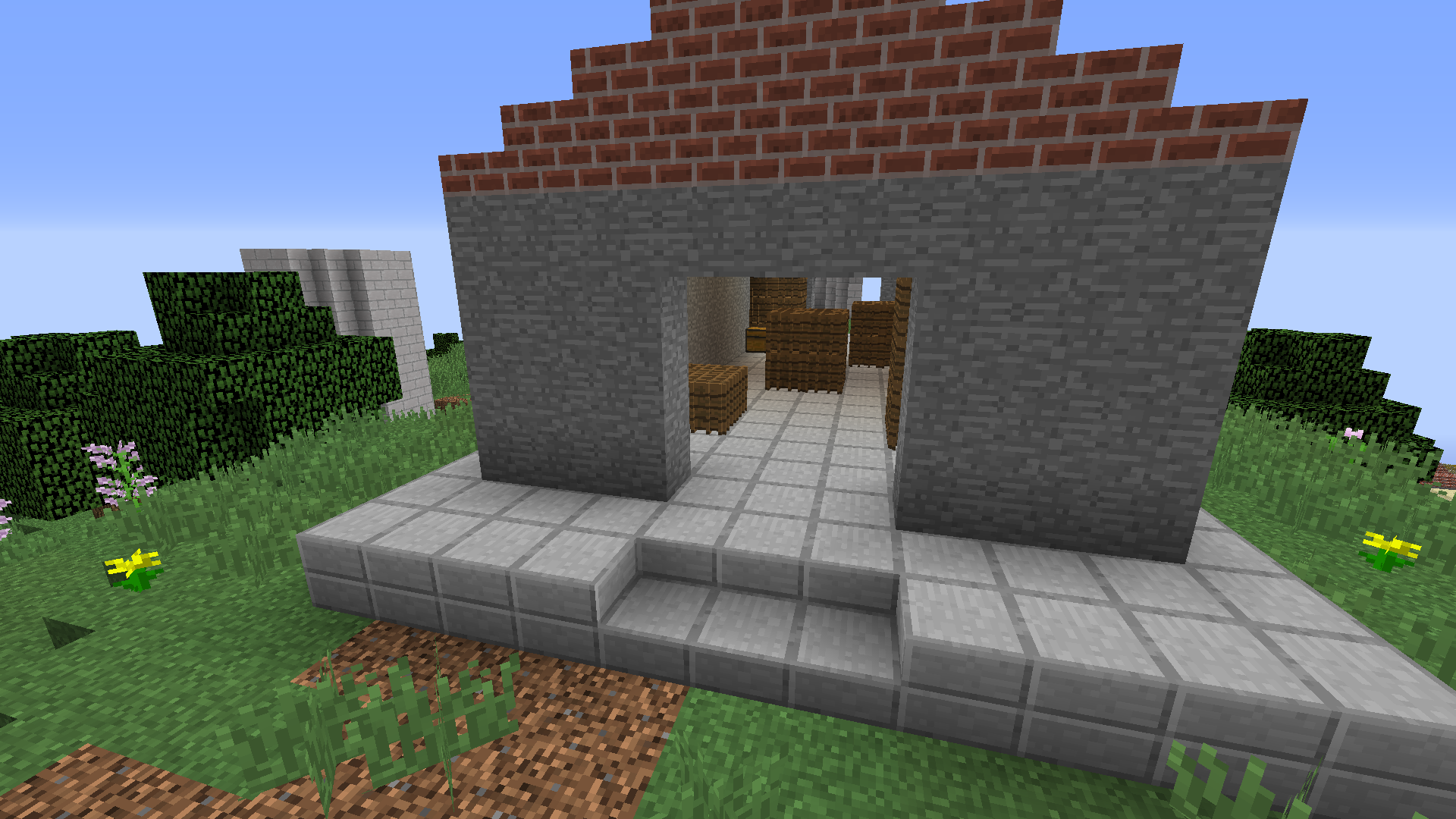 Custom props
 -
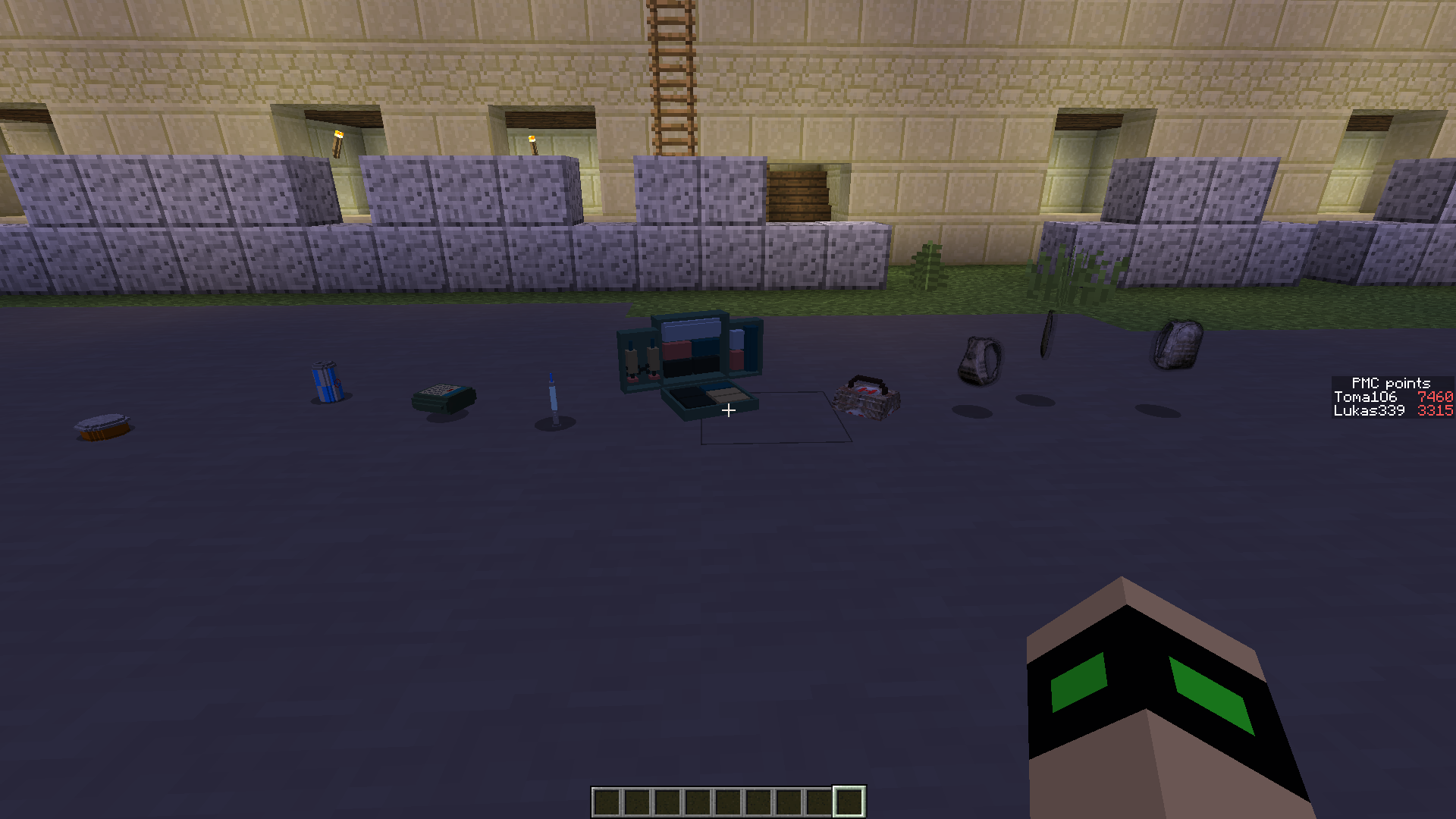 All PUBG healing items
Versions
Files
Relations
Project Relations
More like this
Similar Mods
Suggestions use data such as tags, dependencies, dependents, descriptions, titles, and more to rank how much they overlap with this mod.
On ModDex
Community snapshot
By the numbers
Statistics
Want to reach Minecraft players?
We're looking for a server hosting partner to feature here and other parts of the site. Interested? Send us a message!
Get in touchGet it on
Available Platforms
On ModDex
Community snapshot
By the numbers
Statistics
Resources