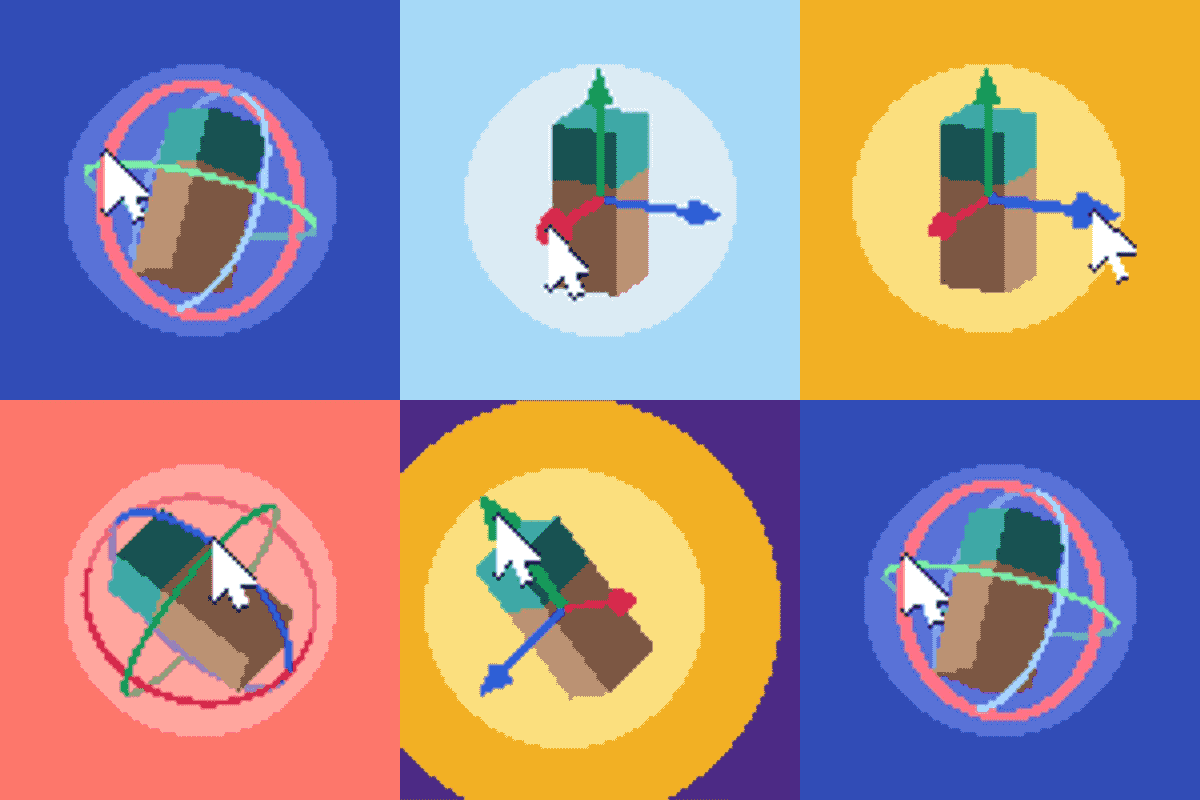
Community listing page, reviews may not be monitored by the author.
Punchy! Studio


No reviews yet
The in-game animation editor for Punchy!: keyframe arms and items on a timeline, build item models and export resource packs without leaving Minecraft.

Community voices
Reviews
No reviews yet. Be the first to review this project!
Get it on
Available Platforms
Compatibility
Supported Environments
Runs entirely on the client. Works on vanilla servers.
About
Project Details
For authors
Embed Badge
If you're the author of this project, you can embed a live badge anywhere that supports HTML or Markdown. It updates automatically whenever ratings change.
Use HTML for any page that supports it, or Markdown for README files and Markdown-based descriptions.
Identifiers
Platform IDs
About
Description




Punchy! Studio is the animation editor for Punchy! and Punchy! Moves that lives inside Minecraft. Animate the player's arms and items in first person, or the whole player in third person, build your own first-person item models, watch the result in the game as you work, and export it all as a resource pack.
Press F6 while in a world to open the editor.


Keyframe everything.
Add, move and edit keyframes for position, rotation and scale on a visual timeline.
Select many keys at once with a box, Shift or Ctrl click, then move, copy, paste or delete them together.
Works the way you already do: pick the Blender, Maya or Blockbench keys the first time you open it.


See it while you make it.
Your animation plays alongside Punchy!'s in-game rendering as you work, camera moves and speed included.


Start from anything.
Browse the animations in your loaded resource packs, edit existing clips or create new ones.
Build from Pack turns any Punchy! pack into a new one you can keep editing.


Decide when it plays.
Assign animations to items, item groups or tags, for actions such as attacking, mining, using items and more,
and try them against Punchy!'s real behavior before you export.


Out of the editor, into the game.
Create a resource pack with your animations, rules and item models, and test it in the world.


Third person, too.
With Punchy! Moves installed, the Third Person workspace animates the
whole player: open any Moves pack or start a new one, key clips with easing, make emotes and faces,
and export a Blockbench rig to keep animating in Blockbench.

What you need
Minecraft 1.20.1, 1.21.1, 1.21.5, 1.21.11, 26.2, 26.3 or 26.4
Fabric (with Fabric API) on all of them, Forge up to 26.3, NeoForge from 1.21.1 to 26.3
Punchy! for the same version and loader
Punchy! Moves (optional) for the Third Person workspace
Then join a world and press F6.
Build first-person item models in the Model workspace: shape them, unwrap and paint their textures, add item clips, particles and physics. On macOS, Cmd works wherever the editor says Ctrl.


Punchy! Studio makes animations for Punchy!:
fluid first person animations and visible hands with held items.

Made by Punchy Guys Studios.
Godku for all the help.
Jaredlll08 for the multiloader template:
Jaredlll08 Github Page
Lunggolfs for the Social Connect Icons Pack:
Lunggolfs Site
License
ARR (All Rights Reserved)You are allowed to include this mod in Modrinth or CurseForge modpacks without asking for permission.
Redistribution of the jar files is not allowed.
Punchy! Studio is the animation editor for Punchy! and Punchy! Moves that lives inside Minecraft. Animate the player's arms and items in first person, or the whole player in third person, build your own first-person item models, watch the result in the game as you work, and export it all as a resource pack.
Press F6 while in a world to open the editor.
Keyframe everything.
Add, move and edit keyframes for position, rotation and scale on a visual timeline.
Select many keys at once with a box, Shift or Ctrl click, then move, copy, paste or delete them together.
Works the way you already do: pick the Blender, Maya or Blockbench keys the first time you open it.
See it while you make it.
Your animation plays alongside Punchy!'s in-game rendering as you work, camera moves and speed included.
Start from anything.
Browse the animations in your loaded resource packs, edit existing clips or create new ones.
Build from Pack turns any Punchy! pack into a new one you can keep editing.
Decide when it plays.
Assign animations to items, item groups or tags, for actions such as attacking, mining, using items and more,
and try them against Punchy!'s real behavior before you export.
Out of the editor, into the game.
Create a resource pack with your animations, rules and item models, and test it in the world.
Third person, too.
With Punchy! Moves installed, the Third Person workspace animates the
whole player: open any Moves pack or start a new one, key clips with easing, make emotes and faces,
and export a Blockbench rig to keep animating in Blockbench.
What you need
Minecraft 1.20.1, 1.21.1, 1.21.5, 1.21.11, 26.2, 26.3 or 26.4
Fabric (with Fabric API) on all of them, Forge up to 26.3, NeoForge from 1.21.1 to 26.3
Punchy! for the same version and loader
Punchy! Moves (optional) for the Third Person workspace
Then join a world and press F6.
Build first-person item models in the Model workspace: shape them, unwrap and paint their textures, add item clips, particles and physics. On macOS, Cmd works wherever the editor says Ctrl.
Punchy! Studio makes animations for Punchy!:
fluid first person animations and visible hands with held items.
Made by Punchy Guys Studios.
Godku for all the help.
Jaredlll08 for the multiloader template:
Jaredlll08 Github Page
Lunggolfs for the Social Connect Icons Pack:
Lunggolfs Site
License
ARR (All Rights Reserved)You are allowed to include this mod in Modrinth or CurseForge modpacks without asking for permission.
Redistribution of the jar files is not allowed.
Screenshots
Gallery
-
Punchy! Studio
-
Key a sword swing Pick a bone, key its rotation on the timeline and play it back.
-
Select many keys Box select keys across bones and move them in time together.
-
Keys you already know Pick the Punchy! Studio, Blender, Maya or Blockbench keys the first time you open the editor.
-
Try it in game Play the clip in the world from the Test tab while you work.
-
Decide when it plays Bind the clip to sword attacks in the Bindings workspace.
-
Export a resource pack Save, export and watch Punchy! play the exported clip.
-
Build from Pack Turn any Punchy! pack into a new one you can keep editing.
-
Made with Punchy! Studio Animations, models and packs made with Punchy! Studio.
-
Section title: Timeline
-
Section title: Preview
-
Section title: Library
-
Section title: Triggers
-
Section title: Export
-
Section title: Setup
-
Section title: Credits
Versions
Files
Relations
Project Relations
More like this
Similar Mods
Suggestions use data such as tags, dependencies, dependents, descriptions, titles, and more to rank how much they overlap with this mod.
- Spear Core
- Don't Punch My TACZ
- Punchy! - First person animations
- Punchy! x Tiny Takeover
- Punchy! Moves
- PUNCHY! X IRON'S SPELL : FIRST PERSON ANIMATION FIX
- Tijōn's Epic Punchy (EF + Punchy)
- Punchy × Essential Compat
- Punchy Outlines
- punchy-fix
- Punchy x RPG Series x Better Combat Compat
- Punchy x Better Player Models
On ModDex
Community snapshot
By the numbers
Statistics

Get it on
Available Platforms
On ModDex
Community snapshot
By the numbers