
peterwolf's Splinecart
No reviews yet
Splinecart mod for bouilding smooth rails fork by peterwolf.
Adds new methods of transportation for players.
Fabric is a mod loader for versions 1.14+ of Minecraft, particularly popular for client side and optimization mods.
Community voices
Reviews
Click once to include, again to exclude, again to clear
No reviews yet. Be the first to review this project!
Get it on
Available Platforms
 Modrinth
Compatibility
Supported Environments
About
Project Details
For authors
Embed Badge
If you're the author of this project, you can embed a live badge anywhere that supports HTML or Markdown. It updates automatically whenever ratings change.
Use HTML for any page that supports it, or Markdown for README files and Markdown-based descriptions.
Identifiers
Platform IDs
Resources
External Links
About
Description
Fork of Splinecart
splinecart ported to > 26.1.2
new in my version:
-automatic building of track supports.
All four player-obtainable items have shaped crafting recipes in Survival. The Track Follower is a hidden entity spawned by tracks and is not crafted.
Track Ties Description: Interact to rotate when placed.
Unlocks when you pick up a Stick or any Wooden Slab.
Crafting (makes 8): [Wooden Slab] [Wooden Slab] [Wooden Slab] [Stick] [Wooden Slab] [Wooden Slab] [Wooden Slab]
Any wooden slab works in every slot marked Wooden Slab.
Track Description: Links two Track Ties blocks together.
Unlocks when you pick up a Rail or Iron Block.
Crafting (makes 4): [Iron Block] [Rail] [Iron Block]
Chain Drive Track Description: Track variant that pulls minecarts.
Unlocks when you pick up an Activator Rail, Chain, or Iron Block.
Crafting (makes 4): [Iron Block] [Chain] [Activator Rail] [Chain] [Iron Block]
Magnetic Track Description: Track variant that accelerates or slows minecarts.
Unlocks when you pick up a Powered Rail, Iron Block, or Copper Block.
Crafting (makes 4): [Iron Block] [Copper Block] [Powered Rail] [Copper Block] [Iron Block]
The magnetic track's strength follows the redstone signal powering its Track Ties block.
Quick start
- Craft Track Ties and place them on any face of a block.
- Right-click a tie to rotate it. The dark arrows show the forward direction.
- Place a second tie facing the route you want.
- Craft a Track item, use it on the first tie, then on the second tie.
- Run a vanilla minecart into the first tie to start riding the spline.
Recipe book tab: Redstone.
COMMANDS
Added /splinecart server commands for building spline tracks (build line, build path, and connect) with all three track types. Added per-player support modes (none, wood, metal, auto) via /splinecart supports, applied to both command-built and manually linked tracks. Added configurable support placement: no supports, wooden fences, or iron bars.
** originall description: ** *** **** ***** ****** *********
Originally made for ModFest: Carnival
Getting Started
Place a Track Ties block on any face of another block. Right click the track ties to rotate them. Important: Track ties have a "forward" direction, as indicated by the sequence of dark arrows on the block. This determines which direction outgoing tracks will originate from, and incoming tracks will end in. Place a second Track Ties block in an appropriate orientation, elsewhere. Use a Track item on the first Track Ties block, and then on the second one to create a track connecting them. The order that you click on each track tie block matters. Use vanilla rails to run a minecart into the first track tie block.
Track Types
Track: A regular track that minecarts can travel along Chain Drive Track: A track that always carries minecarts forward. Can be used to move minecarts up steep inclines. Magnetic Track: A speed control track whose strength is controlled by the redstone signal powering its track tie. Can be used for powered launches or braking segments. Does not work well on steep inclines.
Motion Sickness Warning
If you are prone to motion sickness, run the following command before riding a Splinecart track: /splinecartc config rotate_camera false Splinecart features jarring camera rotation (see Gallery for example) that may cause motion sickness or affect photosensitive users. Running the above command prevents the camera from rotating while riding Splinecart tracks to try and reduce this risk. Further ways to reduce motion sickness include enabling third person mode in addition to what is described above. You can re-enable camera rotation with /splinecartc config rotate_camera true.
Screenshots
Gallery
-
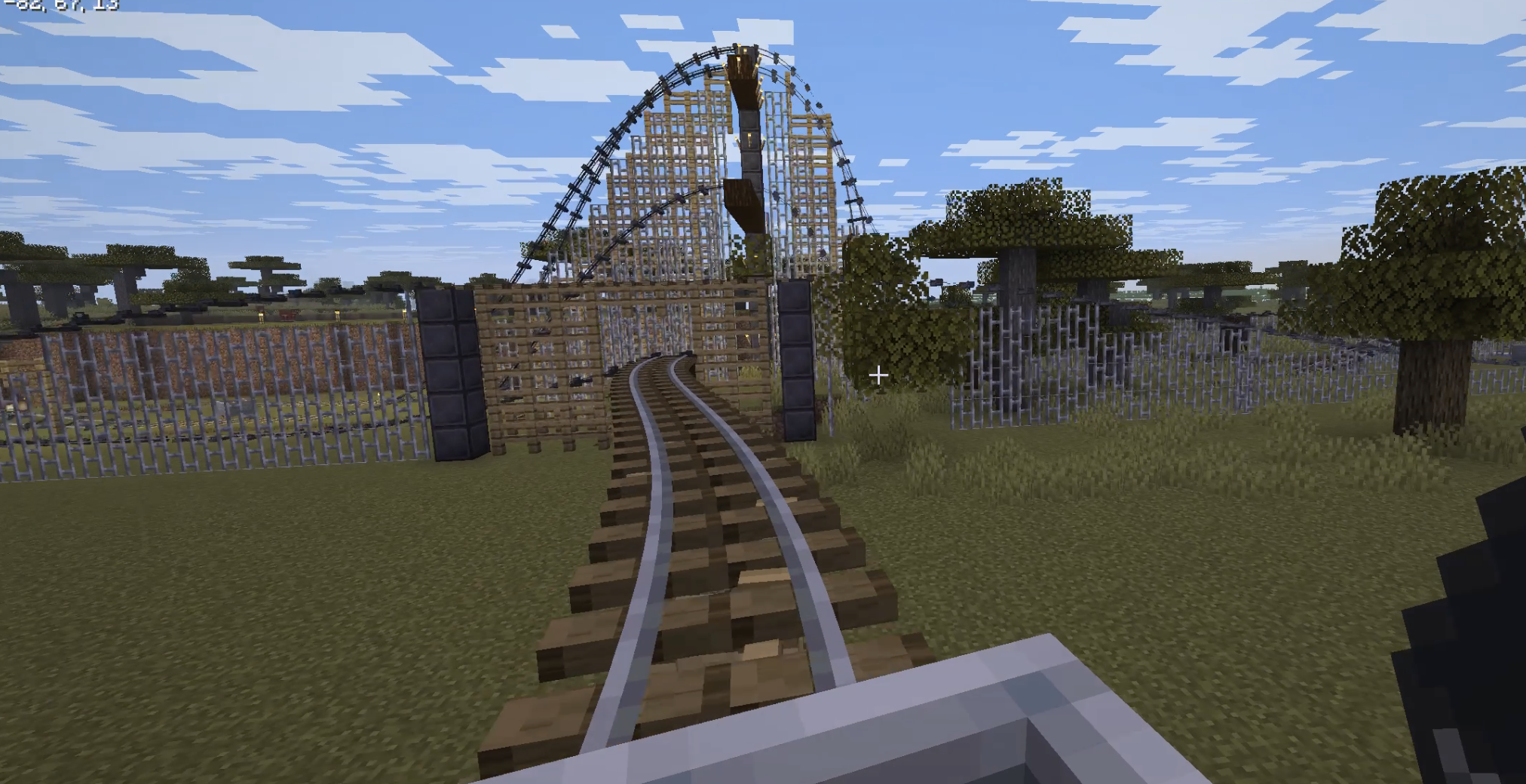
splinecart automatic I added automatic building of track supports,
-
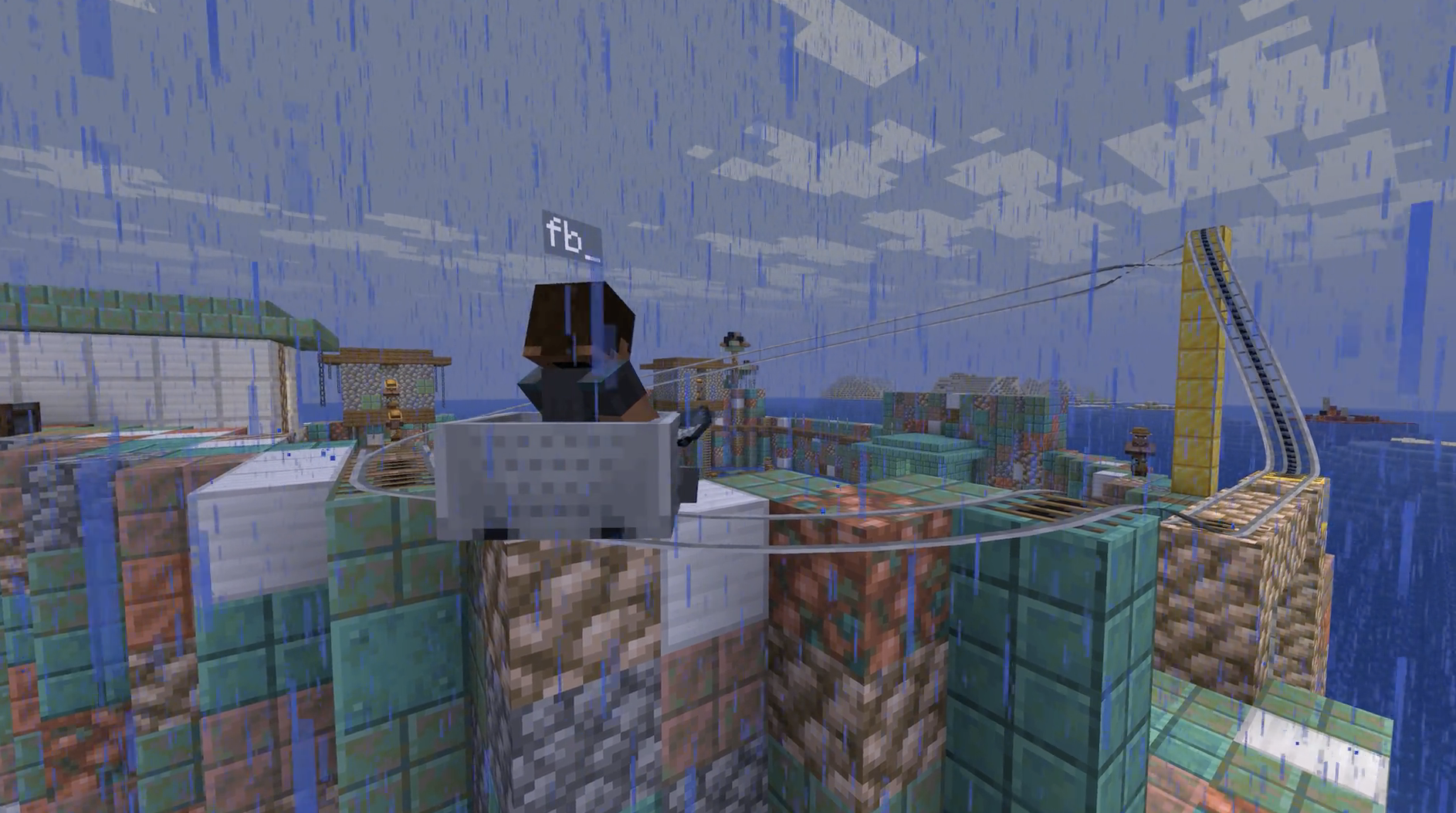 splinecart fork ported to 26.1.2
 -
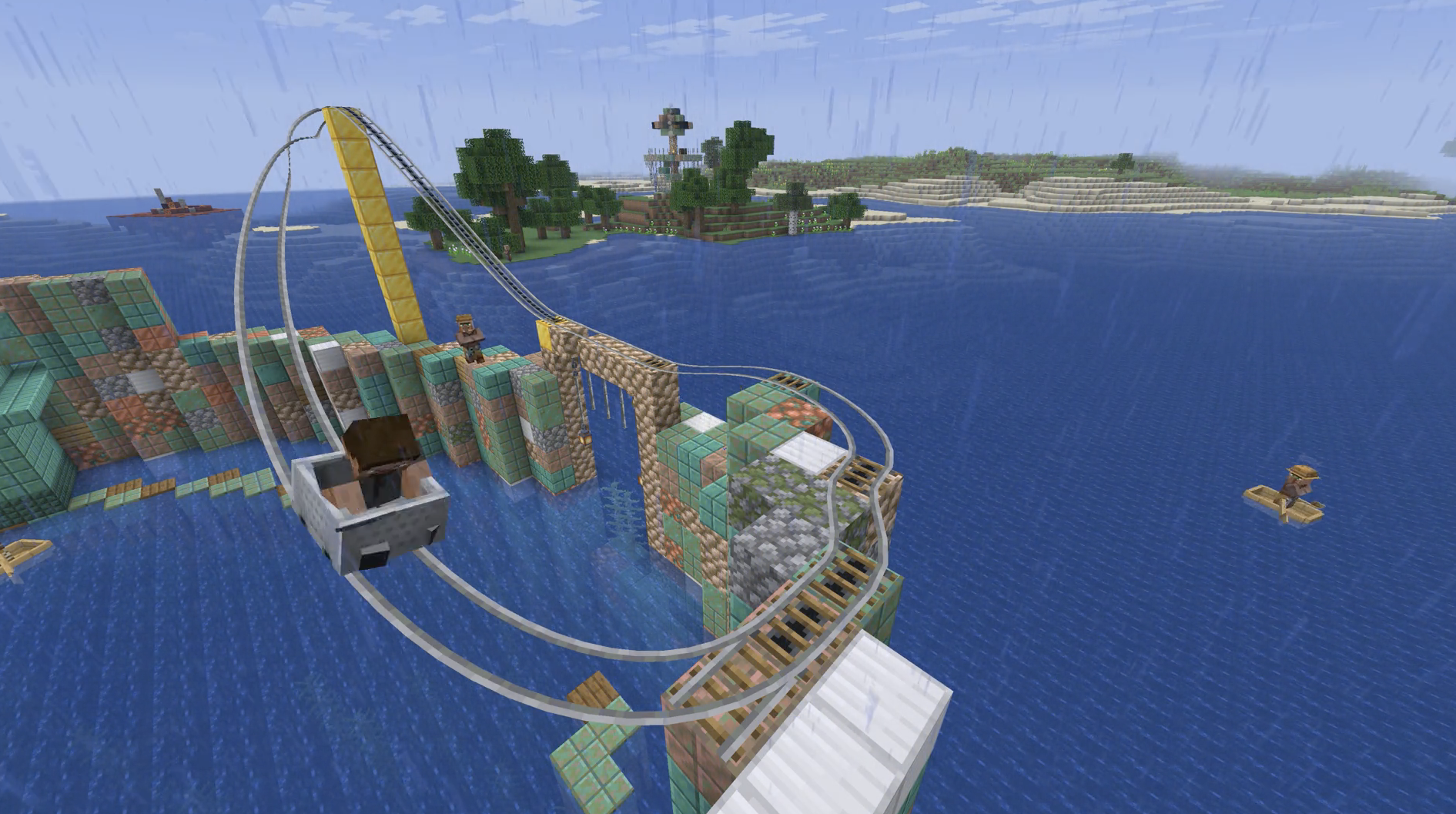 splinecart splinecart on 26.1.2
 -
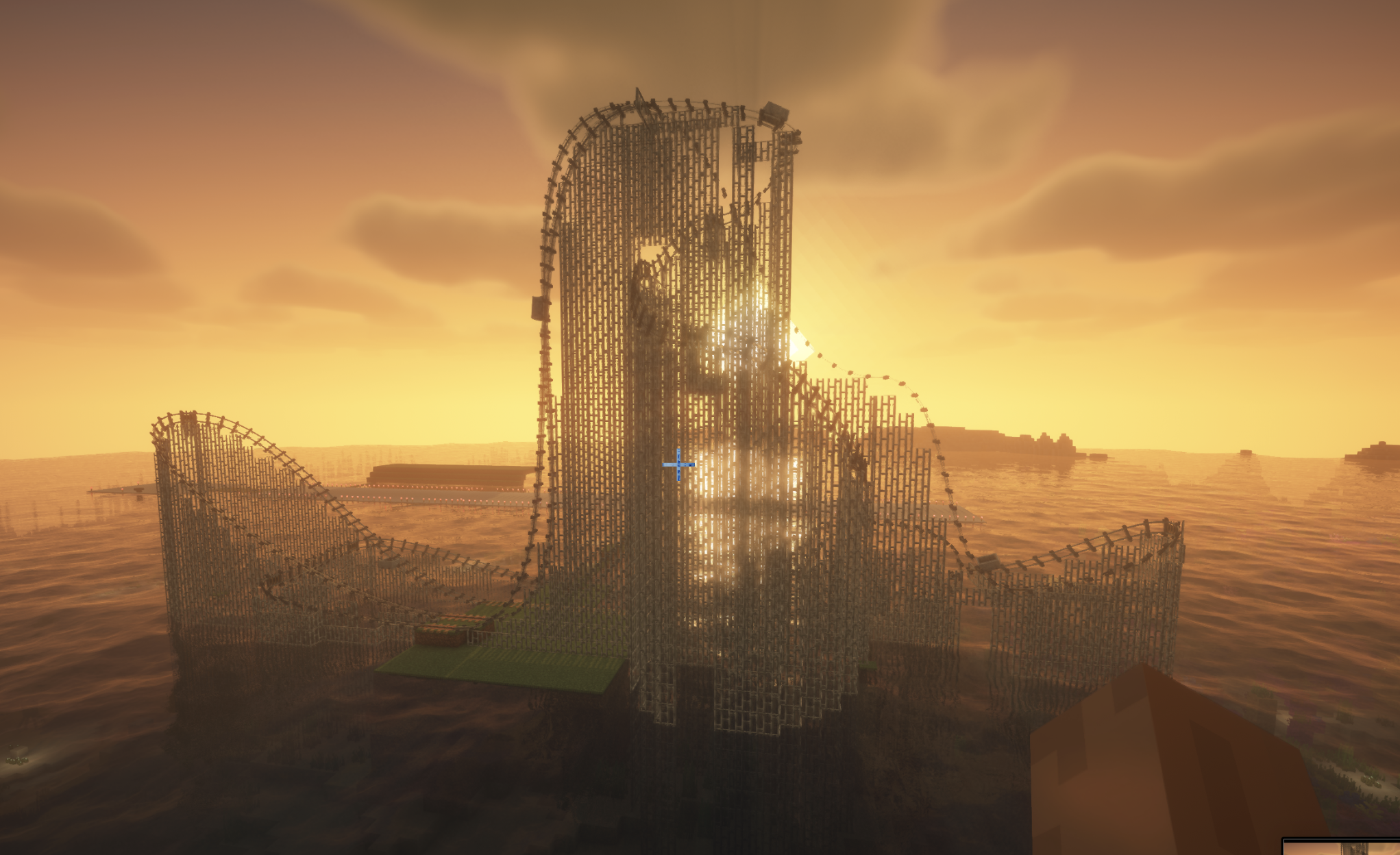
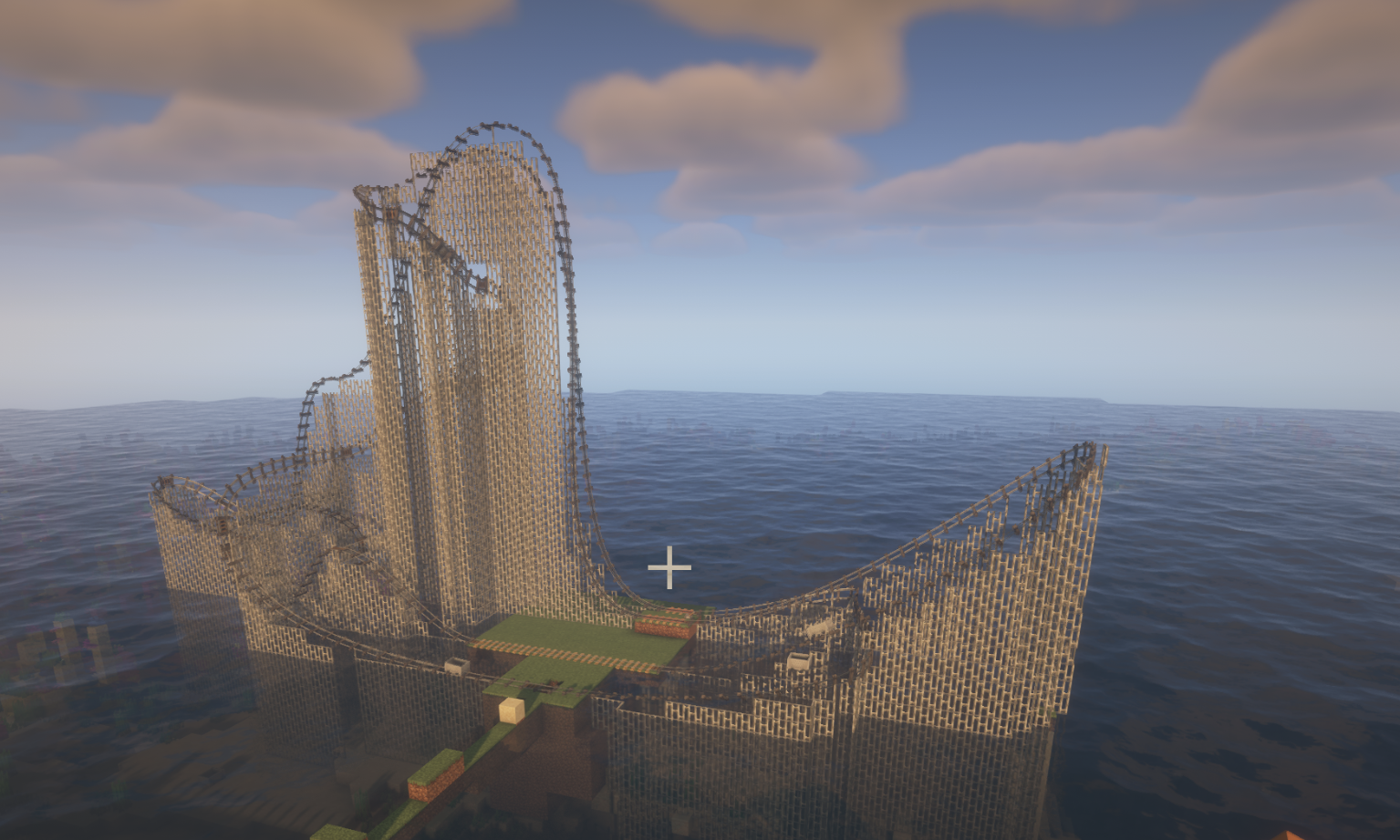 rollercoster rollercoster by splinecarts with supports
 -
splincart rollercoster peterwolfs splincart rollercoster with supports.
-
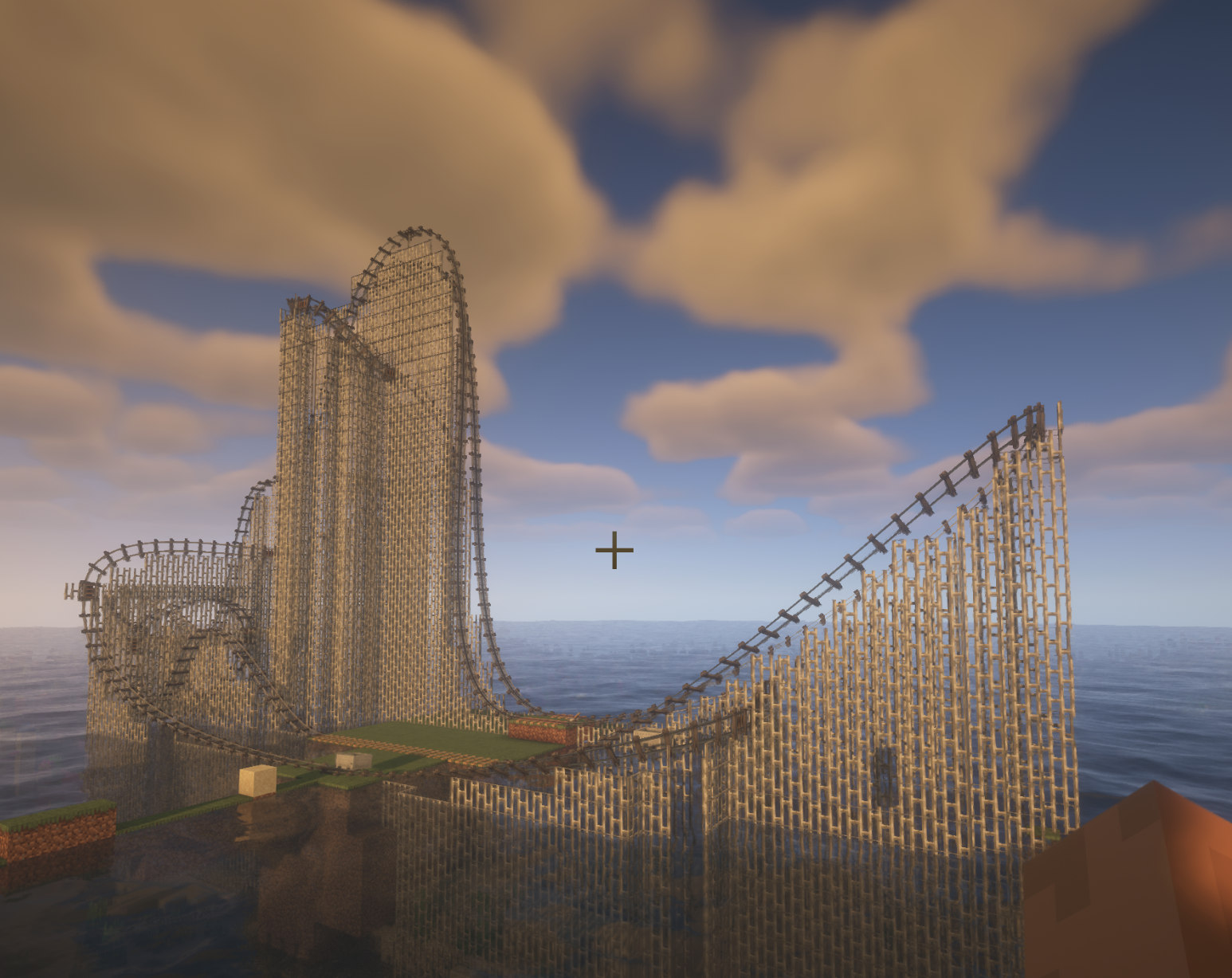 splinecart coster splinecart rollercoster 7 flags
Versions
Files
Relations
Project Relations
More like this
Similar Mods
Suggestions use data such as tags, dependencies, dependents, descriptions, titles, and more to rank how much they overlap with this mod.
On ModDex
Community snapshot
By the numbers
Statistics

Want to reach Minecraft players?
We're looking for a server hosting partner to feature here and other parts of the site. Interested? Send us a message!
Get in touchGet it on
Available Platforms
On ModDex
Community snapshot
By the numbers
Statistics
Resources