Community listing page, reviews here may not be monitored by the author.

Community voices
Reviews
No reviews yet. Be the first to review this project!
Get it on
Available Platforms
About
Project Details
For authors
Embed Badge
If you're the author of this project, you can embed a live badge anywhere that supports HTML or Markdown. It updates automatically whenever ratings change.
Use HTML for any page that supports it, or Markdown for README files and Markdown-based descriptions.
Identifiers
Platform IDs
Resources
External Links
About
Description
🐍 PyCraft
PyCraft is a lightweight utility mod that integrates a Python interpreter directly into the Minecraft client.
It is not designed to replace Java modding or create complex content mods. Instead, it serves as a flexible scripting tool to automate chat interactions, create custom keybindings, and execute expressions on the fly without restarting the game.
✨ Features
- Hot Reloading: The mod watches
main.pyin yourmodsfolder. Changes are detected and reloaded automatically within 1 second. - In-Game Console:
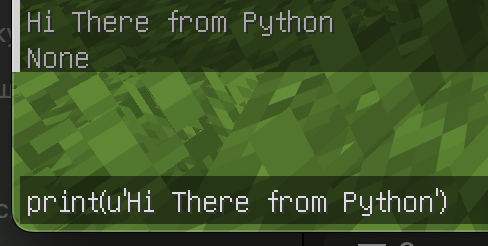
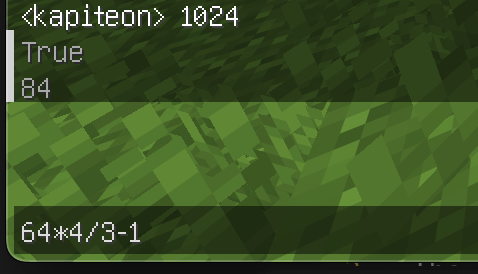
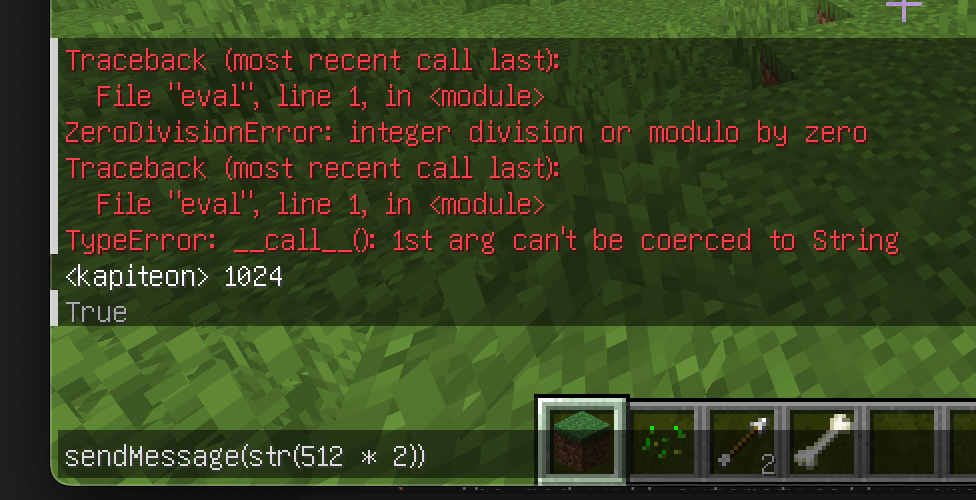
Press Yto open a Python REPL console. You can run one-off expressions, test math, or call API functions directly from the game. - Chat Interception: Hook into the chat stream to filter messages or trigger auto-responses.
- Input Handling: Bind Python logic to keyboard events (press, release, hold).
- GUI Automation: Open the chat window with pre-filled text (useful for command prefixes).
🚀 Getting Started
- Install PyCraft (requires Fabric API).
- Launch Minecraft.
- The mod will automatically generate a
main.pyfile in your.minecraft/mods/folder. - Open
main.pyin any text editor (VS Code, Notepad++, etc.). - Write your code and save. The mod will reload it instantly.
📖 Scripting API
PyCraft runs on Jython (Python 2.7). You can use standard Python syntax and libraries.
Global Functions
These functions are available to call from your script or the in-game console:
| Function | Description |
|---|---|
sendMessage(text) |
Sends a message to the server. If text starts with /, it is executed as a command. |
openChat(text) |
Opens the player's chat GUI with the text already typed in. |
Event Hooks
Define these functions in your main.py to handle game events:
onChat(message)
Called whenever a chat message is received by the client.
message(str): The content of the chat message.
onKey(state, key, modifiers)
Called whenever a keyboard key is interacted with.
state(int): The action type.0: Key Released (Unpress)1: Key Pressed2: Key Held (Long press)
key(int): The GLFW key code (e.g.,85is 'U').modifiers(int): Bitmask for modifier keys (Shift, Ctrl, Alt).
📝 Example: main.py
This example demonstrates how to create a "Global Chat" hotkey and a simple auto-responder.
# -*- coding: utf-8 -*-
import re

# Event: Key Input
def onKey(state, key, modifiers):
    # Check if key is 'U' (85) and action is Press (1)
    if key == 85 and state == 1:
        # Open chat with '!' prefix for global chat
        openChat('!')

# Event: Chat Received
def onChat(message):
    # Search for "Hello" in the incoming message
    result = re.findall(u'Hello', message)

    # If found, reply automatically
    if (len(result) > 0):
        sendMessage('Hi')

print('PyCraft main.py loaded!')
⚠️ Technical Notes
- Python Version: This mod uses Jython 2.7. Python 3 features (like f-strings
f"{var}"orasync/await) are not supported.
Screenshots
Gallery
-
screenshot0.png screenshot0.png
-
 screenshot1.png screenshot1.png
 -
 screenshot2.png screenshot2.png
 -
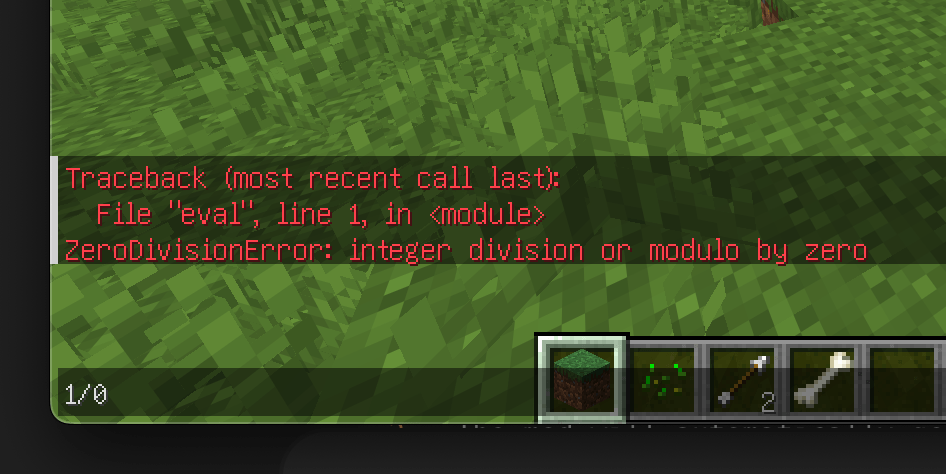 screenshot3.png screenshot3.png
Versions
Files
Relations
Project Relations
More like this
Similar Mods
Suggestions use data such as tags, dependencies, dependents, descriptions, titles, and more to rank how much they overlap with this mod.
On ModDex
Community snapshot
By the numbers
Statistics
Want to reach Minecraft players?
We're looking for a server hosting partner to feature here and other parts of the site. Interested? Send us a message!
Get in touchGet it on
Available Platforms
On ModDex
Community snapshot
By the numbers
Statistics
Resources