
Community listing page, reviews here may not be monitored by the author.
Quacked SMP - Server Management Panel


No reviews yet
Browser-based web panel for full server and player management. Modular features: Land claims, RPG skills & abilities, chat filter, anti-grief, custom dimension, edit mods and do backups. Optional integrations: Votifier, Discord, BlueMap, Simple Voice Chat.
Community voices
Reviews
No reviews yet. Be the first to review this project!
Get it on
Available Platforms
Compatibility
Supported Environments
Runs entirely on the server. Also works in singleplayer.
Required on the server. Installing it on the client adds functionality.
Must be installed on both the client and the server.
Varies by version.
About
Project Details
For authors
Embed Badge
If you're the author of this project, you can embed a live badge anywhere that supports HTML or Markdown. It updates automatically whenever ratings change.
Use HTML for any page that supports it, or Markdown for README files and Markdown-based descriptions.
Identifiers
Platform IDs
About
Description





QuackedSMP
Server-side mod for Minecraft 26.2 (Fabric + NeoForge). Claims, skills, anti-grief, custom dims, shops, hardcore, and more. Optional browser admin panel for config, backups, players, and commands.
QuackedSMP install and setup tutorial on YouTube

Quick Start
- Put the Fabric or NeoForge JAR in
mods/and start the server. - As OP (password at least 8 characters):
/smp admin setpassword <your-password>- Open in a browser:
- Same PC as the server:
http://localhost:8125(orhttp://127.0.0.1:8125) - Other device on your network:
http://<server-ip>:8125
- Same PC as the server:
Panel is optional. Game features work without it. Panel stays off until you set a password.
Security (short):
- Admin needs the password. Public metrics / chat feed / leaderboard do not.
- Panel is plain HTTP on port 8125. Fine on localhost or home LAN. Do not open 8125 to the whole internet without HTTPS (Caddy/Nginx reverse proxy) or a private tunnel (SSH / VPN).
- Never set
dashboard.enabled=truein config without a password unless you want open admin.
Features
- Land claims + anti-grief
- RPG skills and abilities
- Custom dimensions and portal frames
- Chat filter and auto-mutes
- VIP tiers and kits (
/vip set) - Anti-xray (on by default)
- Wilderness regen, player shops, hardcore sessions, world backups
- Optional: Discord, BlueMap, Votifier, Spark, Simple Voice Chat
Most systems can be toggled in the panel Config tab or config/quackedsmp.json.
Admin Panel
| Tab | What you can do |
|---|---|
| Players | Online players, dimension, OP level. Grant/revoke OP, set VIP tier. |
| Commands | Run server commands from the browser. Quick actions (weather, time, broadcast, end reset, wilderness regen, stop). |
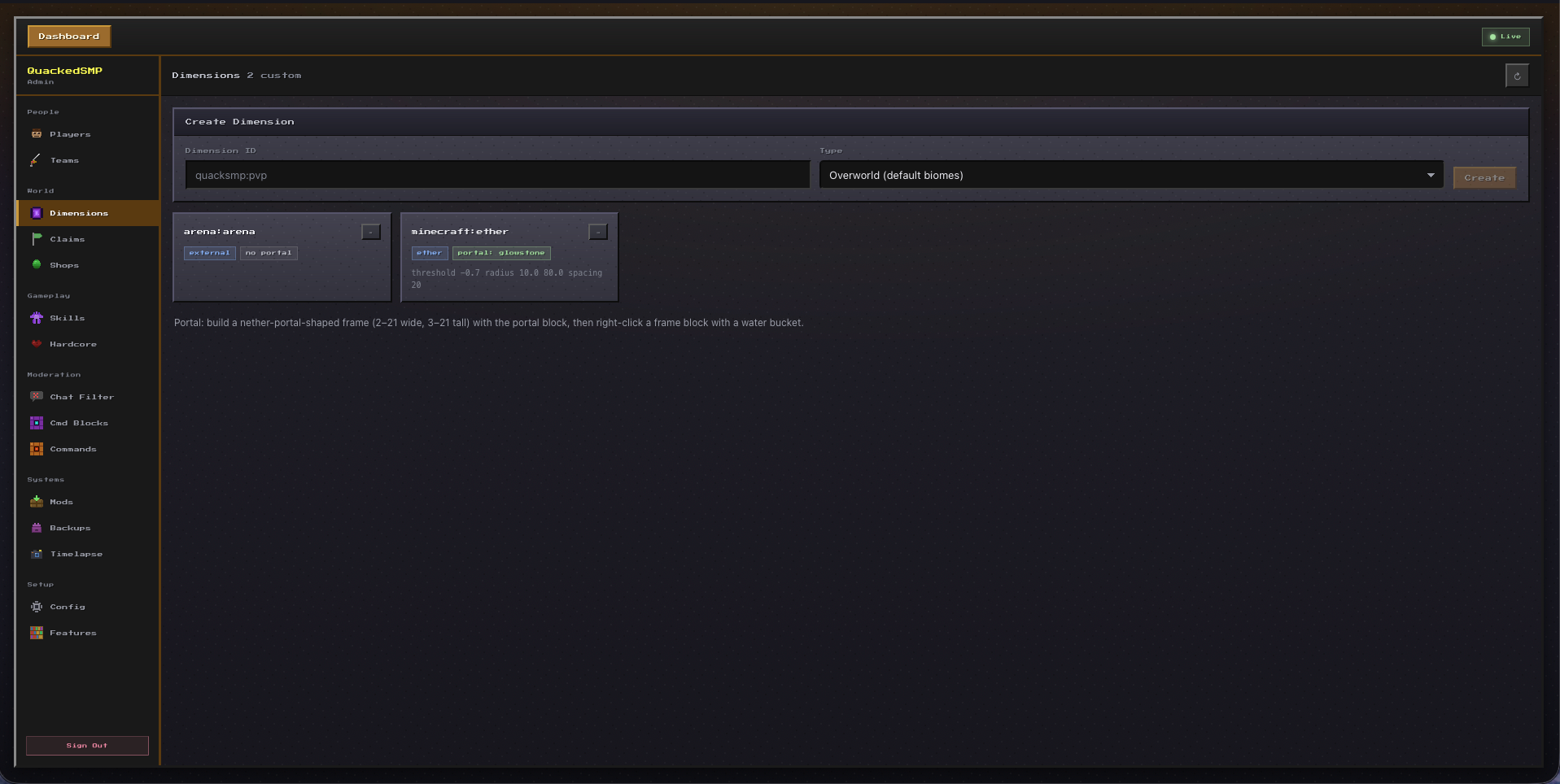
| Dimensions | Create, delete, and configure custom dimensions. Wire portal frame blocks. |
| Skills | Browse skill levels. Set level / adjust XP per skill. |
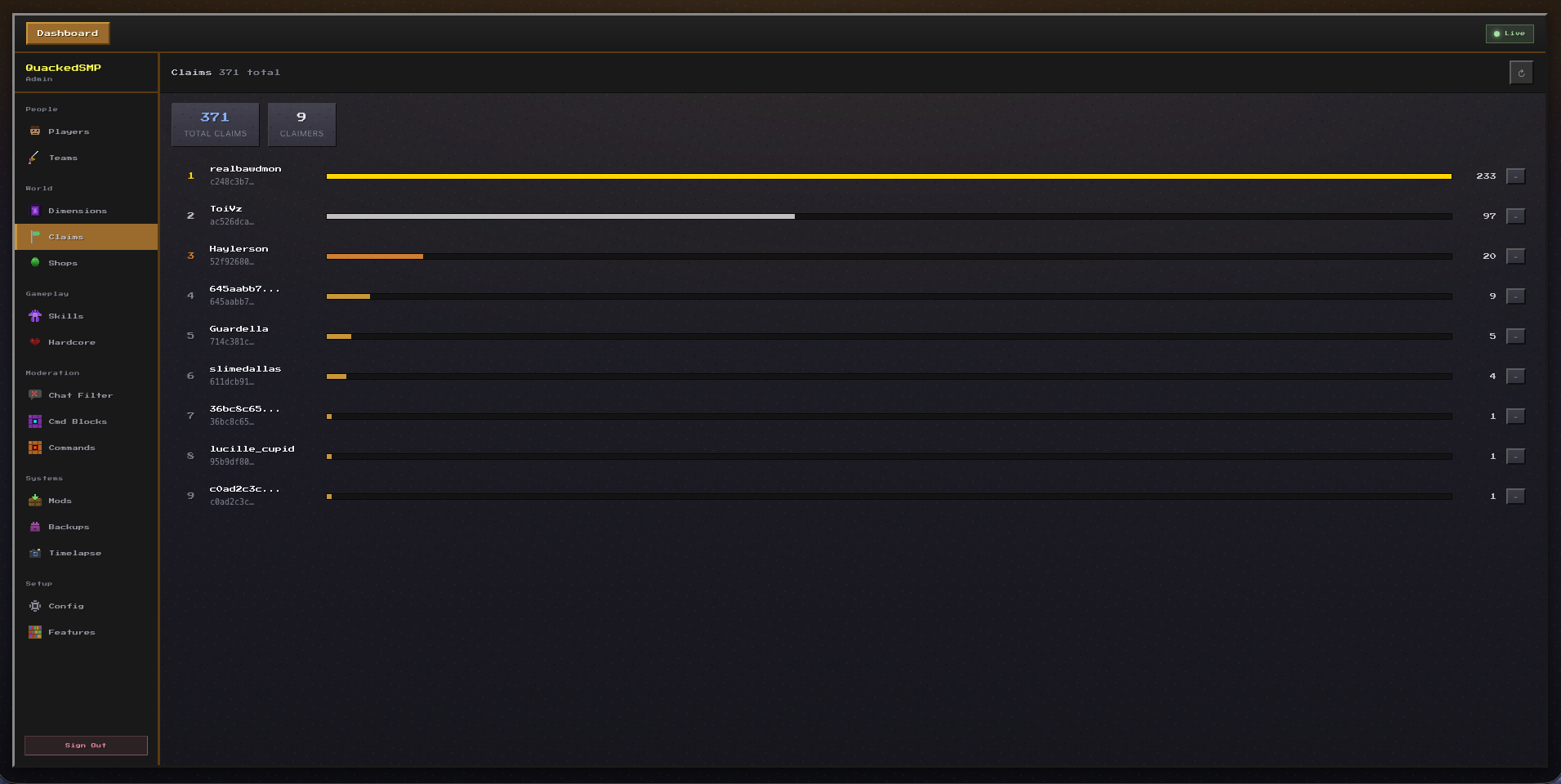
| Claims | View claim counts. Force-unclaim all chunks for a player. |
| Chat Filter | Blocked words and whitelist. Active mutes, unmute. |
| Hardcore | Active sessions, force-end a session. |
| Teams | Scoreboard teams, members, dimension auto-assign. |
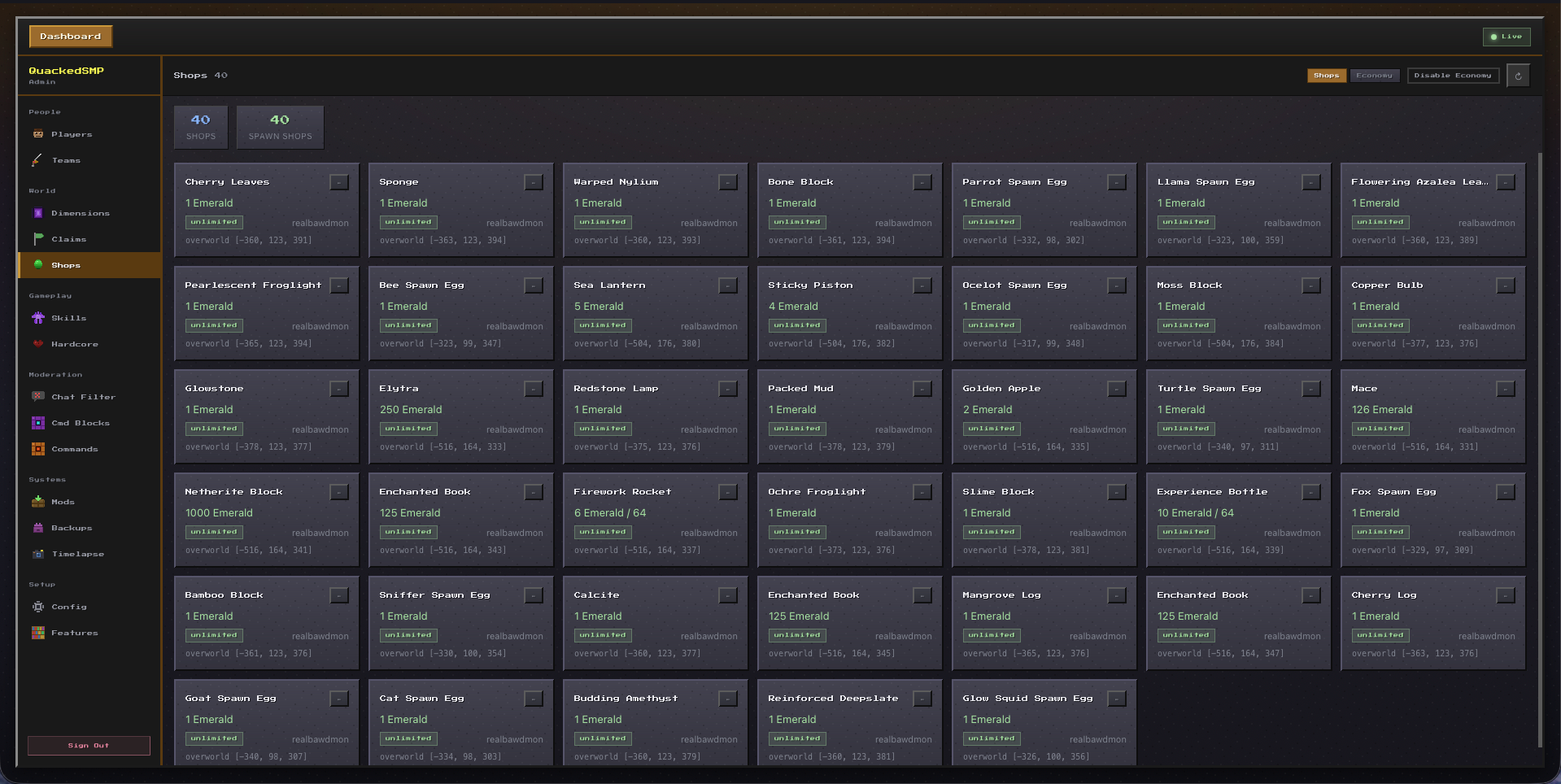
| Shops | List player shops, delete shops, view bank balances, toggle economy. |
| Cmd Blocks | List, edit, and delete command blocks in loaded chunks (requires command blocks enabled on the server). |
| Mods | Upload, replace, or remove JARs in mods/. |
| Backups | Create / list / download / delete world snapshots. Toggle public download and panel URL messaging. |
| Config | Edit configurable values live. Most settings need no restart. |
| Features | In-panel feature overview. |
Public dashboard
Anyone who can reach the port (no login):
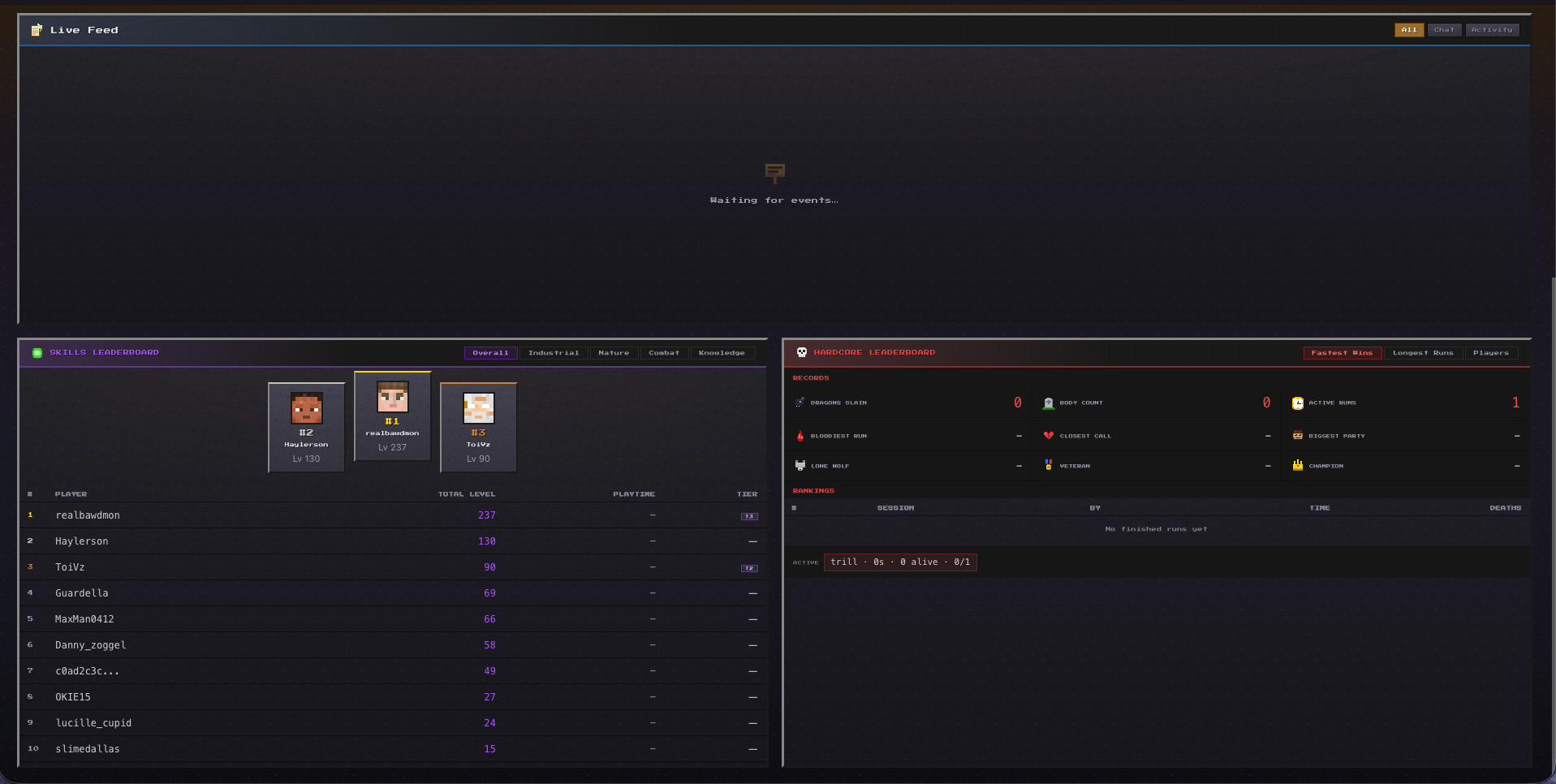
- Metrics: RAM, disk, uptime; TPS / CPU / MSPT if Spark is installed
- Player count
- Event feed: join / leave and chat over WebSocket
- Skills leaderboard
- World download (opt-in only): when
backup_public_downloadis true, a download button streams the latest snapshot
QuackedSMP
Server-side mod for Minecraft 26.2 (Fabric + NeoForge). Claims, skills, anti-grief, custom dims, shops, hardcore, and more. Optional browser admin panel for config, backups, players, and commands.
QuackedSMP install and setup tutorial on YouTube
Quick Start
- Put the Fabric or NeoForge JAR in
mods/and start the server. - As OP (password at least 8 characters):
/smp admin setpassword <your-password> - Open in a browser:
- Same PC as the server:
http://localhost:8125(orhttp://127.0.0.1:8125) - Other device on your network:
http://<server-ip>:8125
- Same PC as the server:
Panel is optional. Game features work without it. Panel stays off until you set a password.
Security (short):
- Admin needs the password. Public metrics / chat feed / leaderboard do not.
- Panel is plain HTTP on port 8125. Fine on localhost or home LAN. Do not open 8125 to the whole internet without HTTPS (Caddy/Nginx reverse proxy) or a private tunnel (SSH / VPN).
- Never set
dashboard.enabled=truein config without a password unless you want open admin.
Features
- Land claims + anti-grief
- RPG skills and abilities
- Custom dimensions and portal frames
- Chat filter and auto-mutes
- VIP tiers and kits (
/vip set) - Anti-xray (on by default)
- Wilderness regen, player shops, hardcore sessions, world backups
- Optional: Discord, BlueMap, Votifier, Spark, Simple Voice Chat
Most systems can be toggled in the panel Config tab or config/quackedsmp.json.
Admin Panel
| Tab | What you can do |
|---|---|
| Players | Online players, dimension, OP level. Grant/revoke OP, set VIP tier. |
| Commands | Run server commands from the browser. Quick actions (weather, time, broadcast, end reset, wilderness regen, stop). |
| Dimensions | Create, delete, and configure custom dimensions. Wire portal frame blocks. |
| Skills | Browse skill levels. Set level / adjust XP per skill. |
| Claims | View claim counts. Force-unclaim all chunks for a player. |
| Chat Filter | Blocked words and whitelist. Active mutes, unmute. |
| Hardcore | Active sessions, force-end a session. |
| Teams | Scoreboard teams, members, dimension auto-assign. |
| Shops | List player shops, delete shops, view bank balances, toggle economy. |
| Cmd Blocks | List, edit, and delete command blocks in loaded chunks (requires command blocks enabled on the server). |
| Mods | Upload, replace, or remove JARs in mods/. |
| Backups | Create / list / download / delete world snapshots. Toggle public download and panel URL messaging. |
| Config | Edit configurable values live. Most settings need no restart. |
| Features | In-panel feature overview. |
Public dashboard
Anyone who can reach the port (no login):
- Metrics: RAM, disk, uptime; TPS / CPU / MSPT if Spark is installed
- Player count
- Event feed: join / leave and chat over WebSocket
- Skills leaderboard
- World download (opt-in only): when
backup_public_downloadis true, a download button streams the latest snapshot
Screenshots
Gallery
-
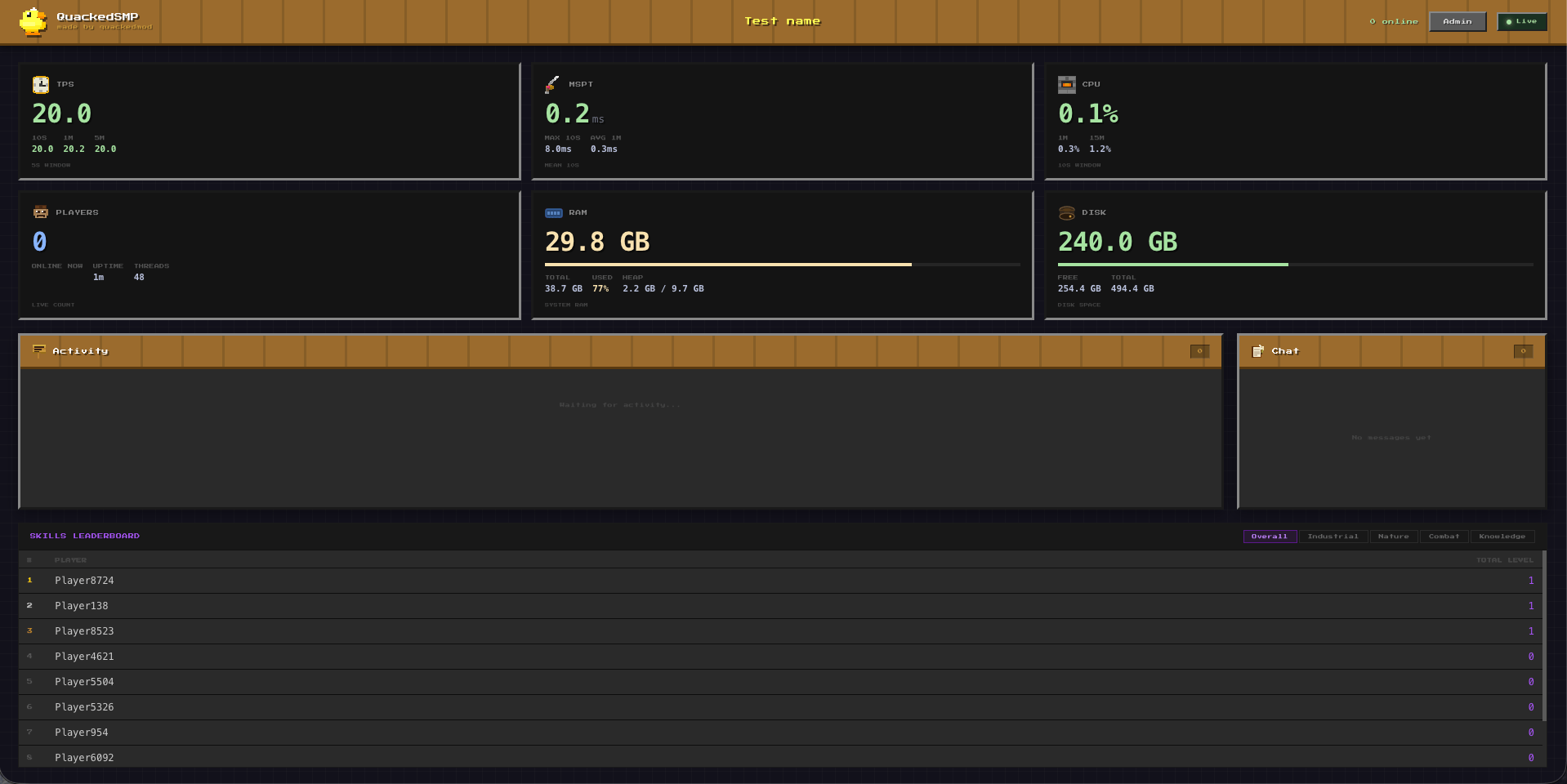 Public Dashboard Public dashboard, shows metrics and players
 -
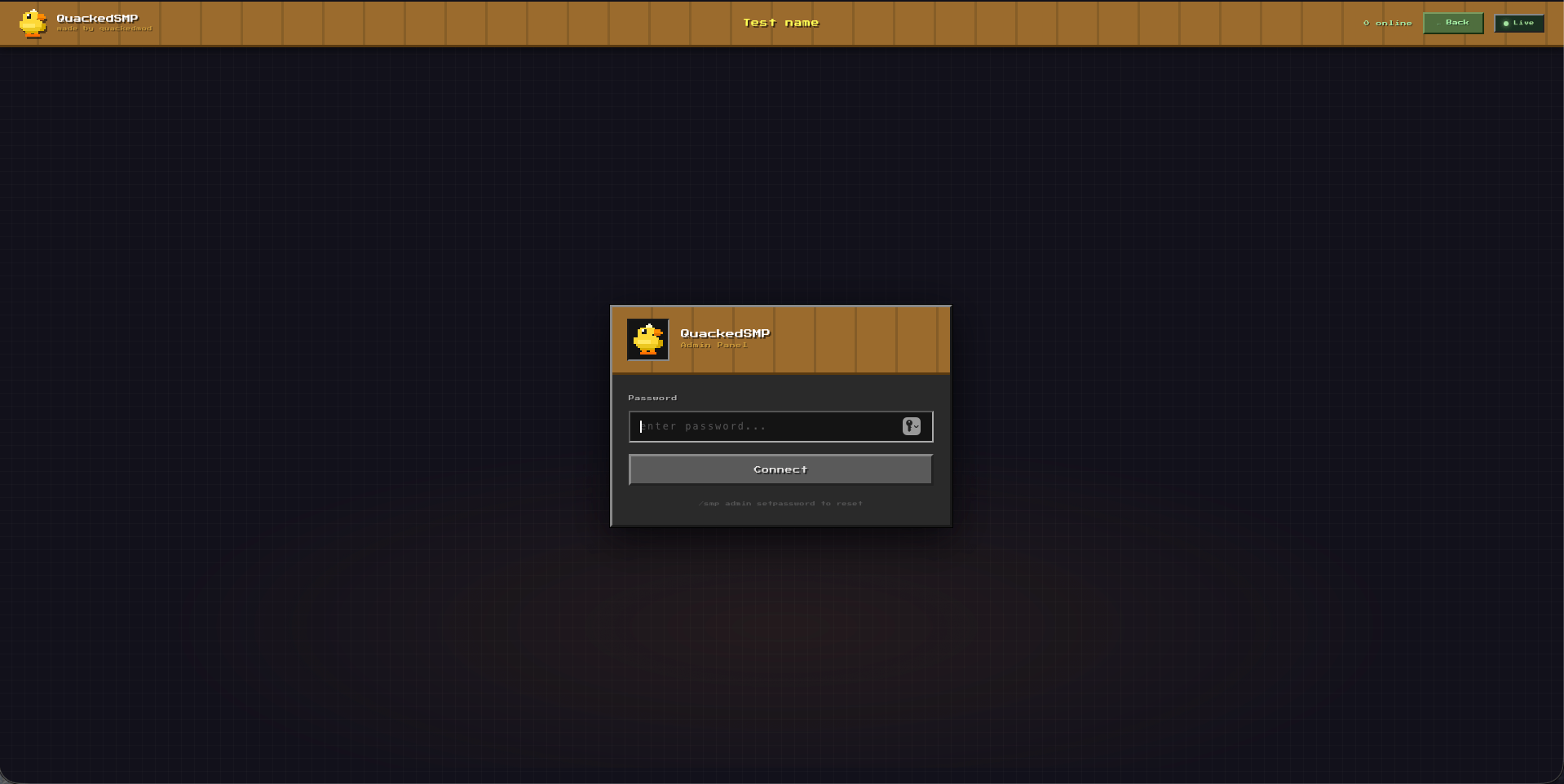 Admin login Admin panel gate
 -
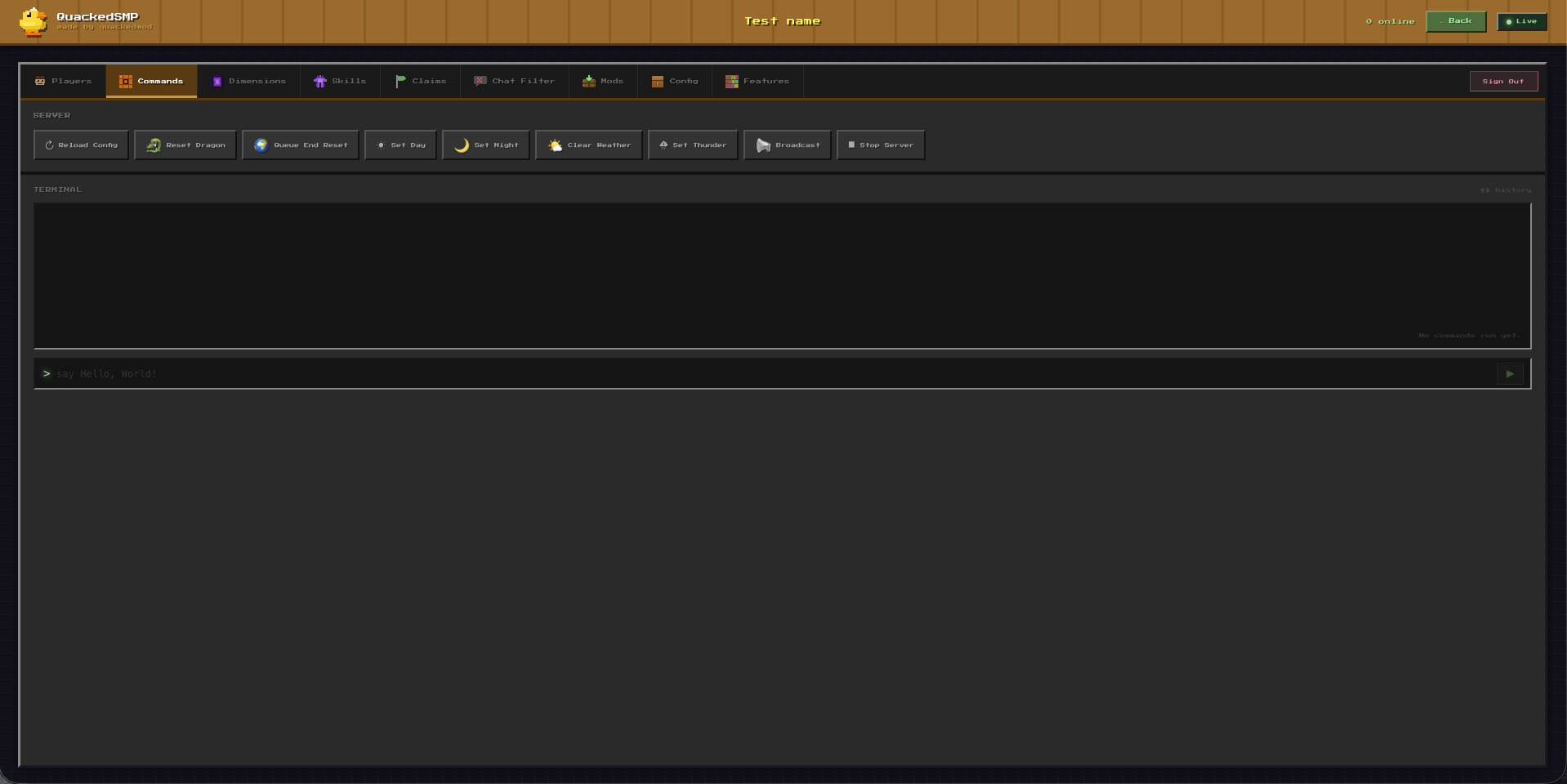 Admin Panel Control your server.
 -
 Mane your mods folder LIVE Upload or delete mods
 -
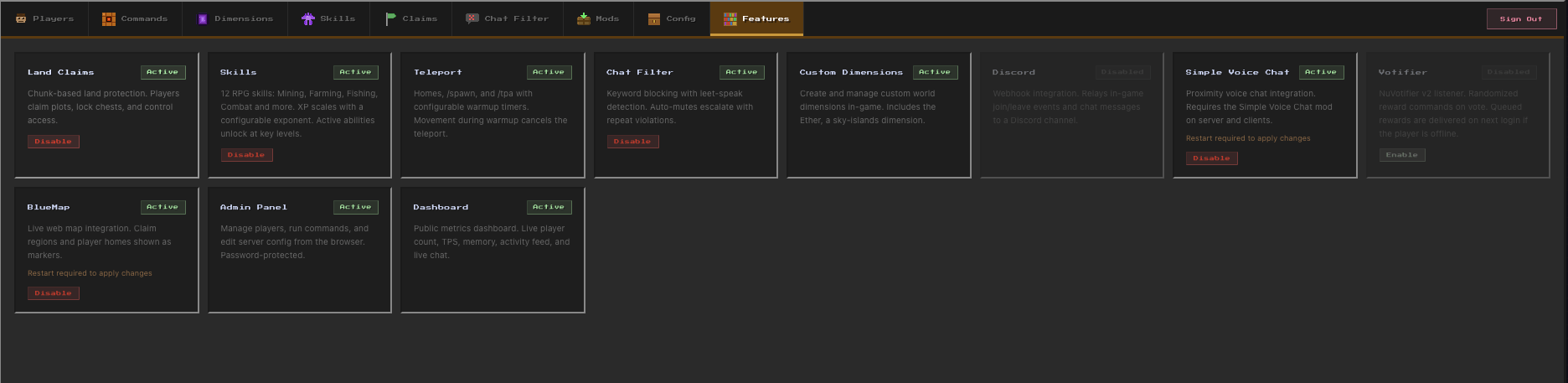 Every feature is optional Toggle all the native features on the dashboard easily.
 -
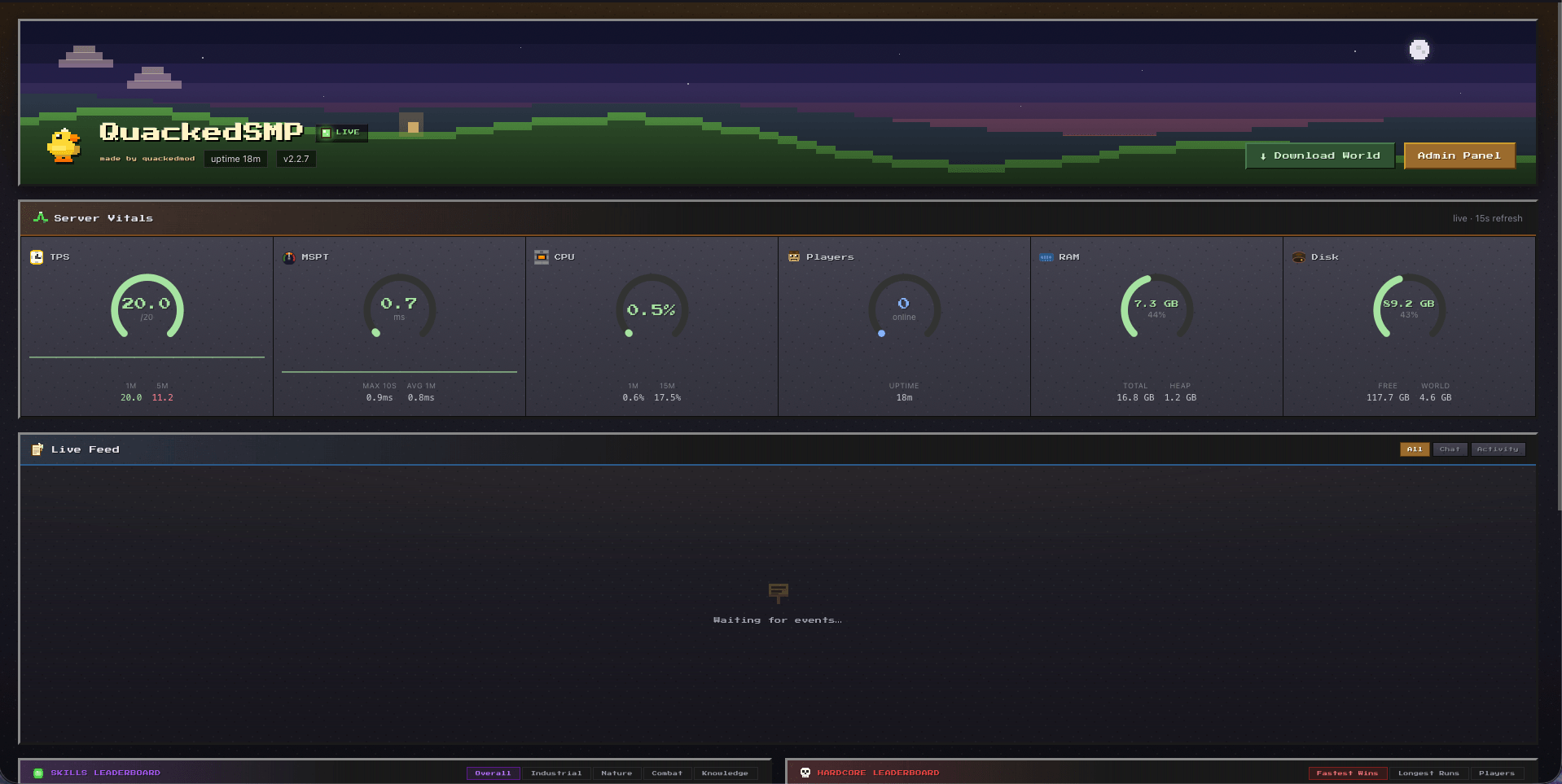 New panel 26.2 .png latest stable release
 -
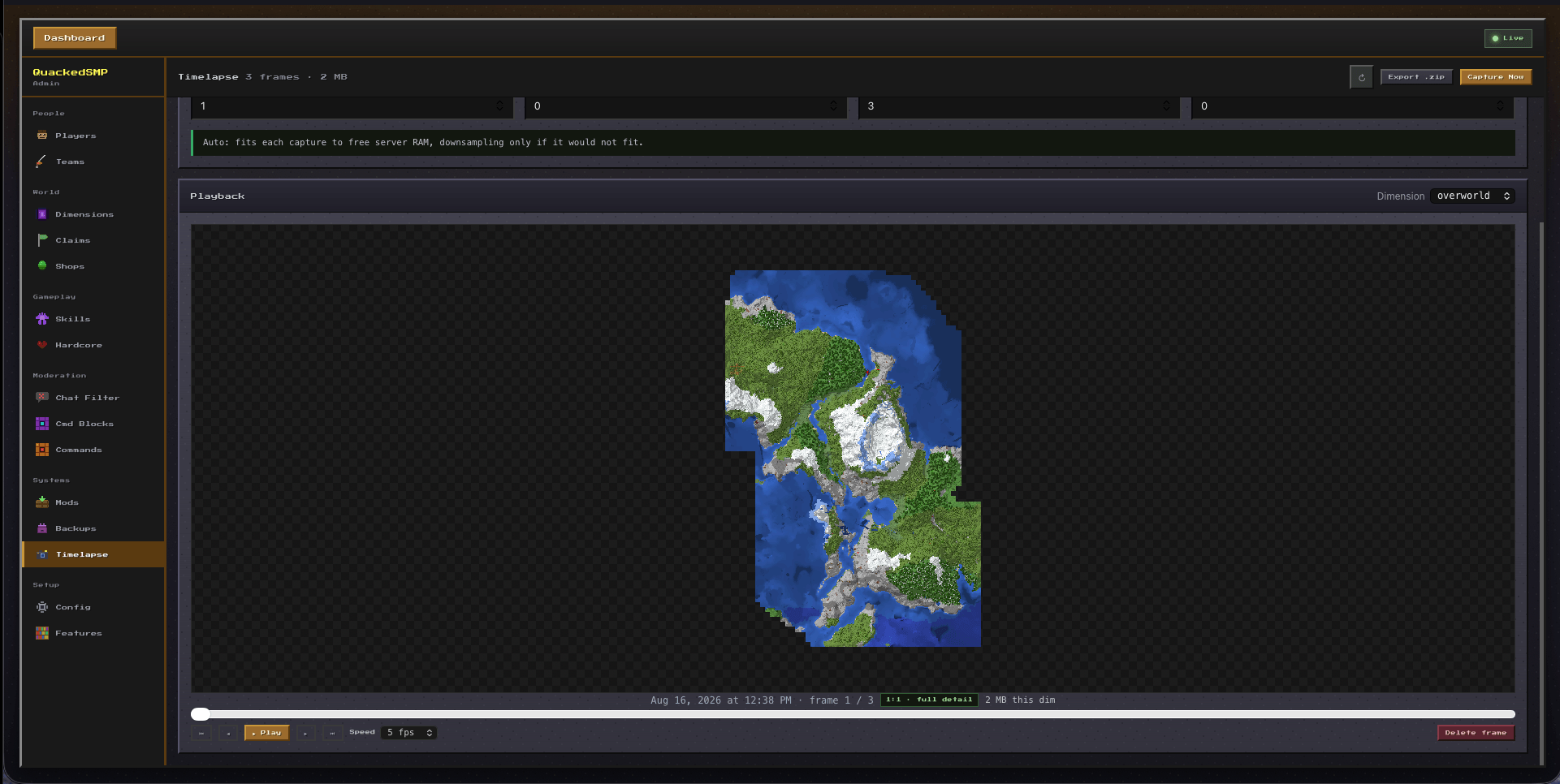 v2.2.7 timelapse
-
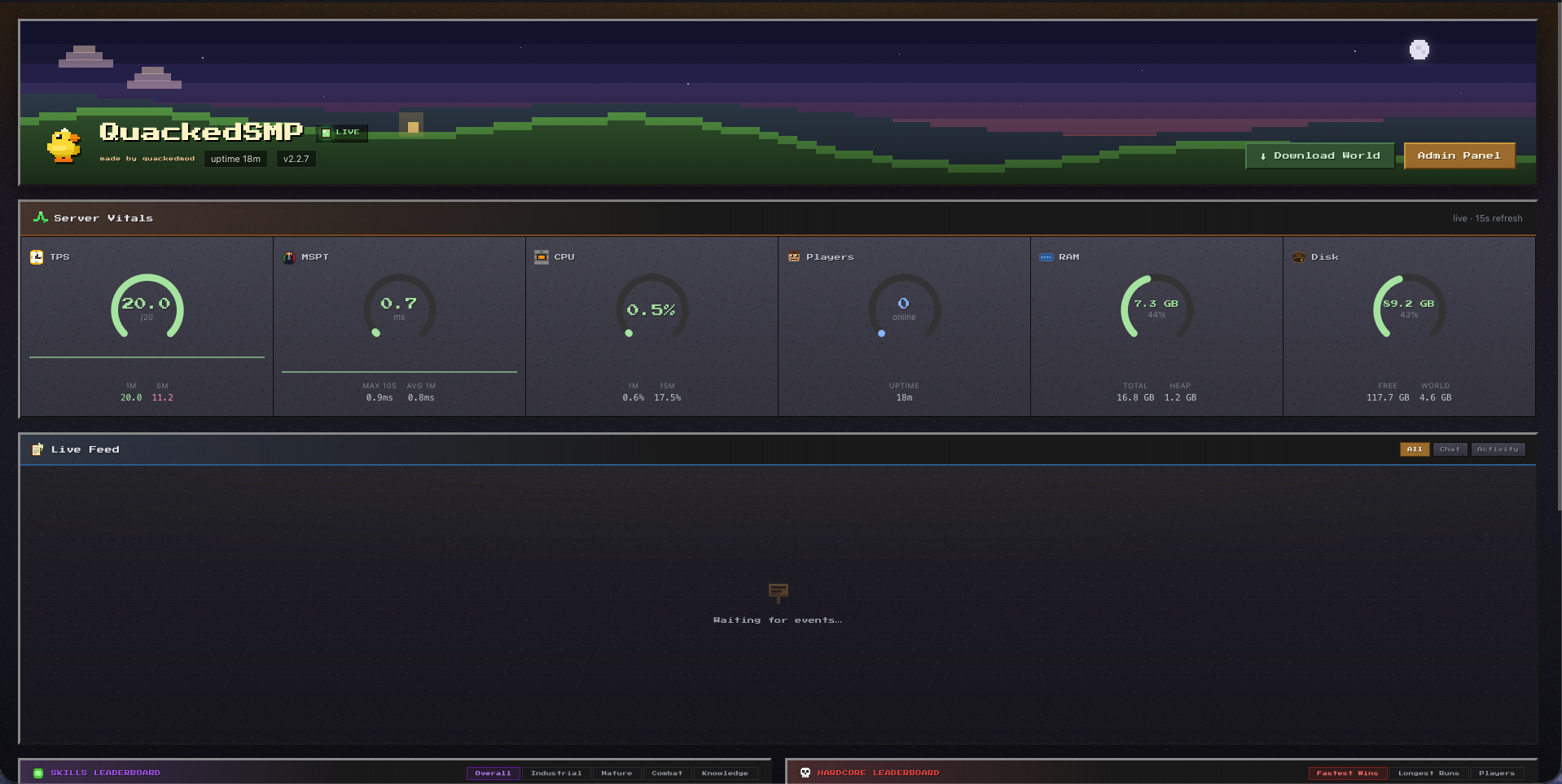 v2.2.7+ 1
 -
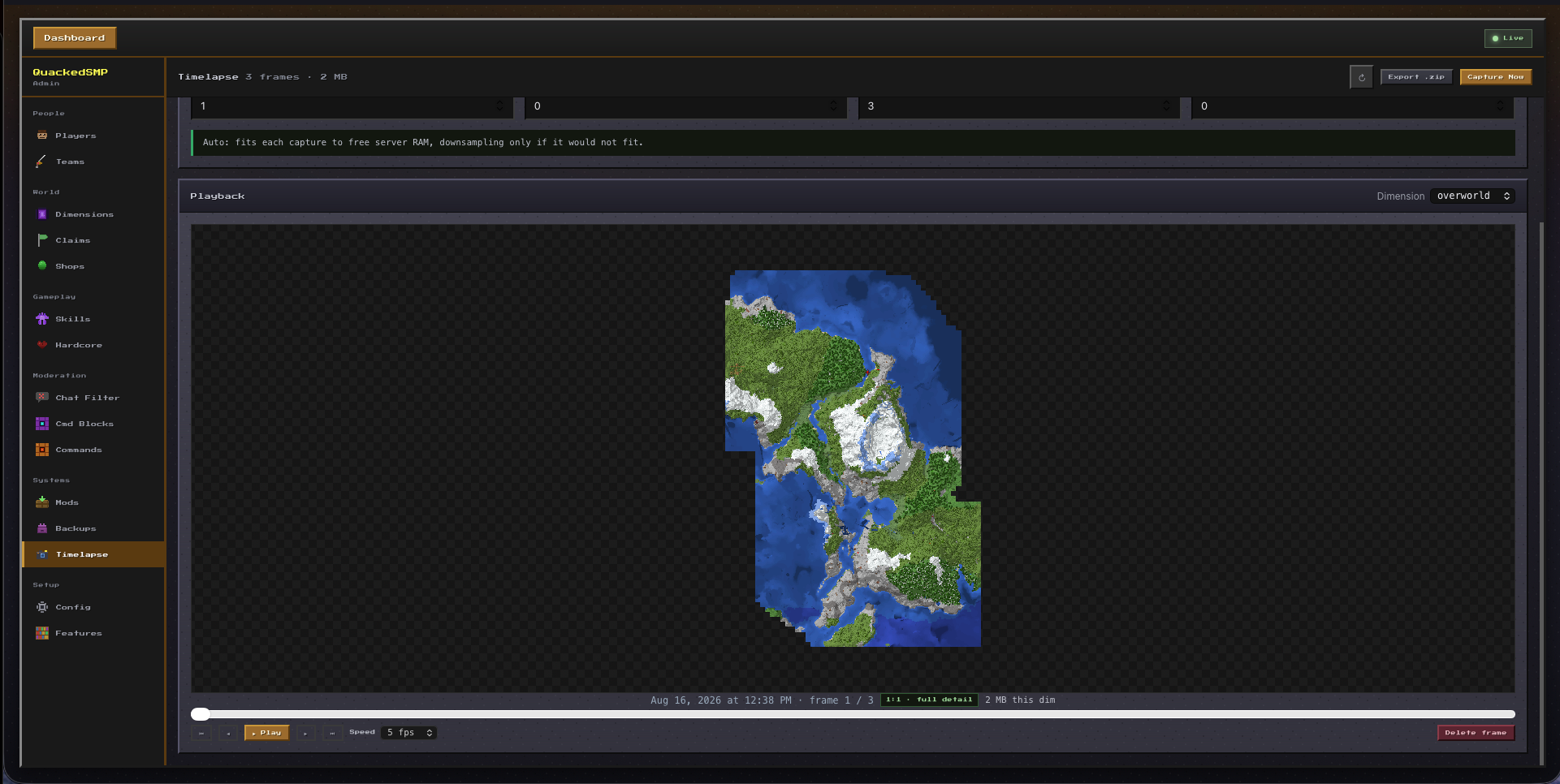 v2.2.7 timelapse
 -
 v2.2.7+ 2
 -
 v2.2.7+ 3
 -
 v2.2.7+ 4
 -
 v2.2.7+ 5
 -
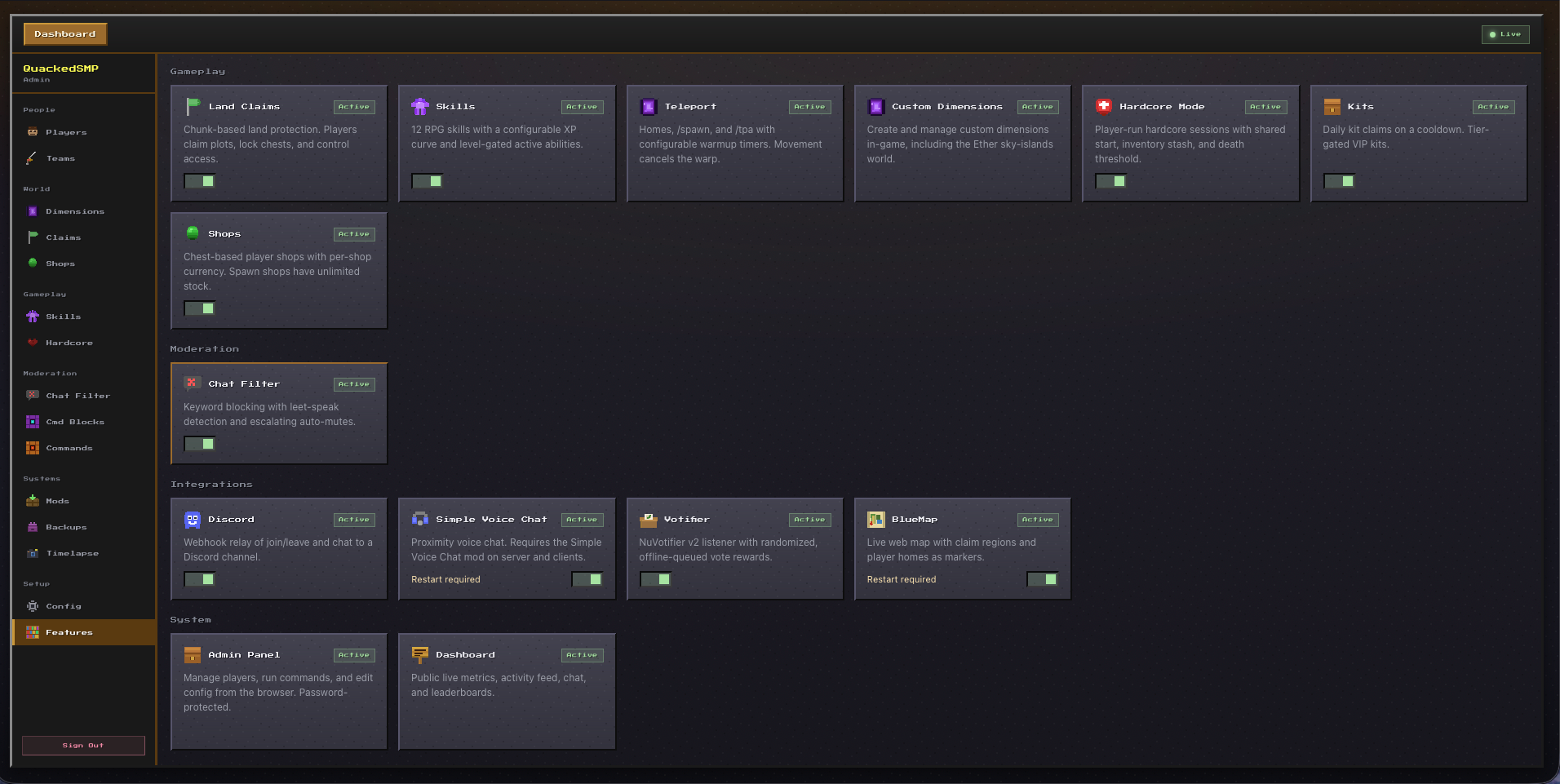 v2.2.7+ 6
 -
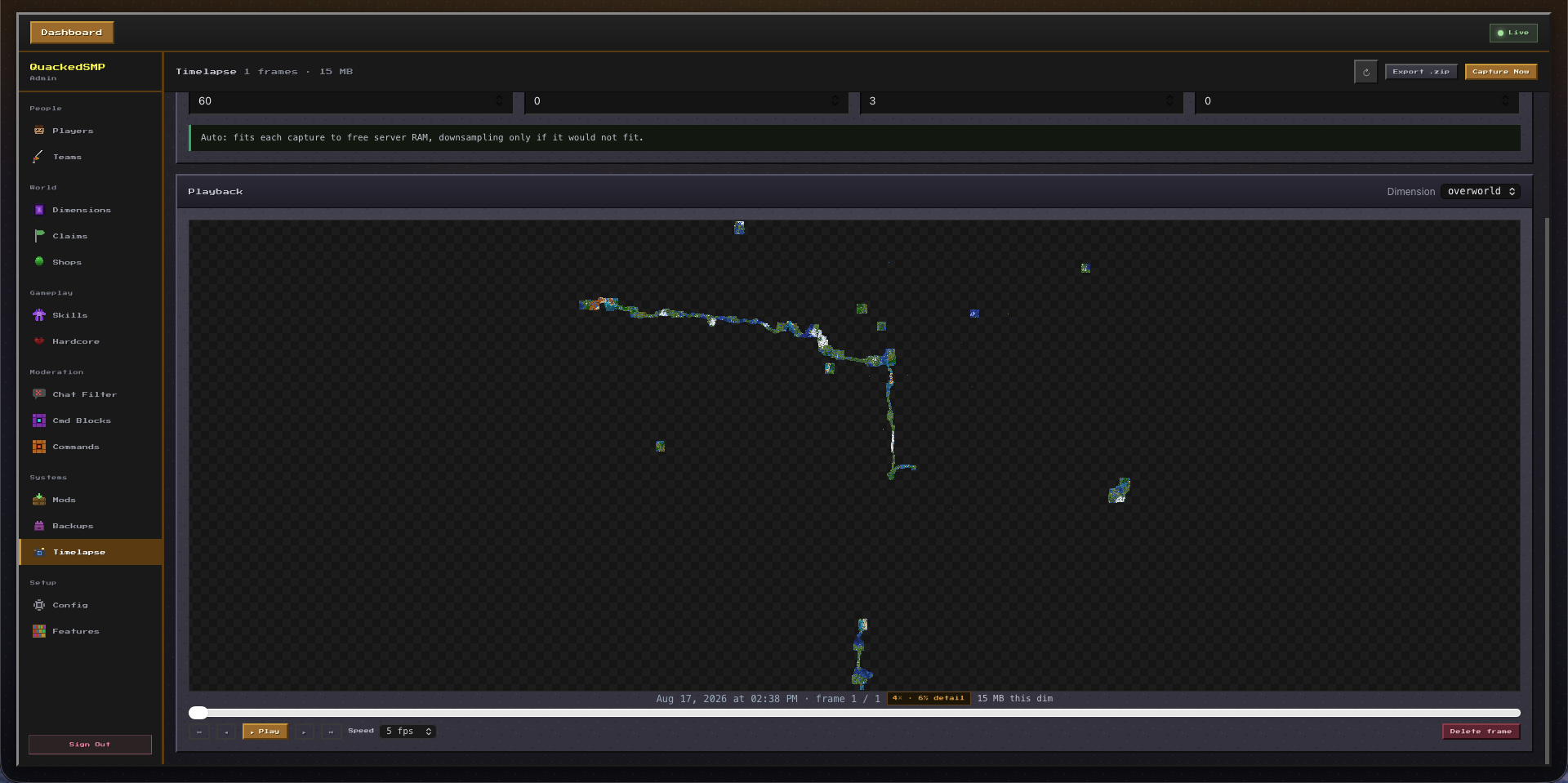 v2.2.7+ 7
 -
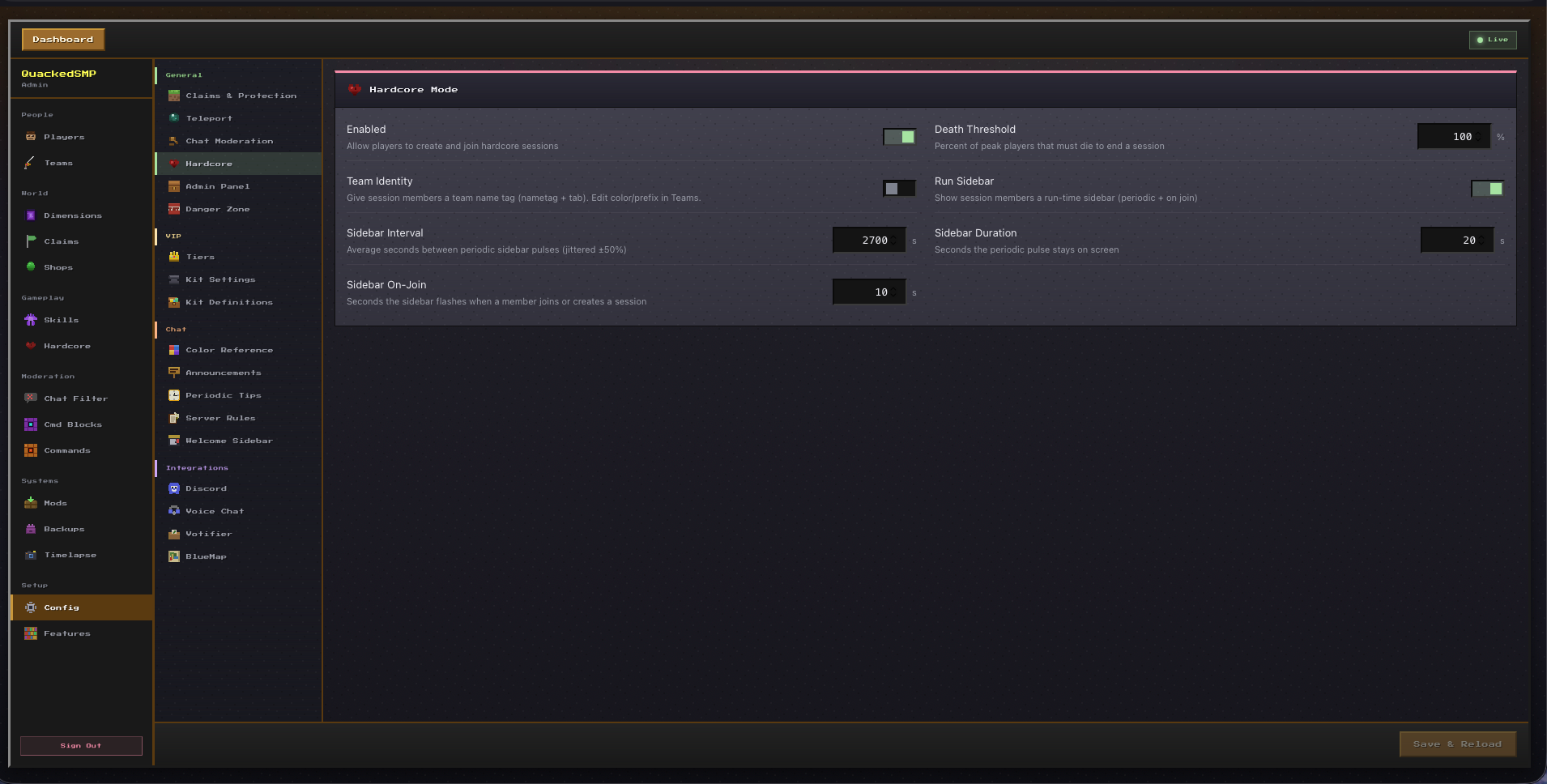 v2.2.7+ 8
 -
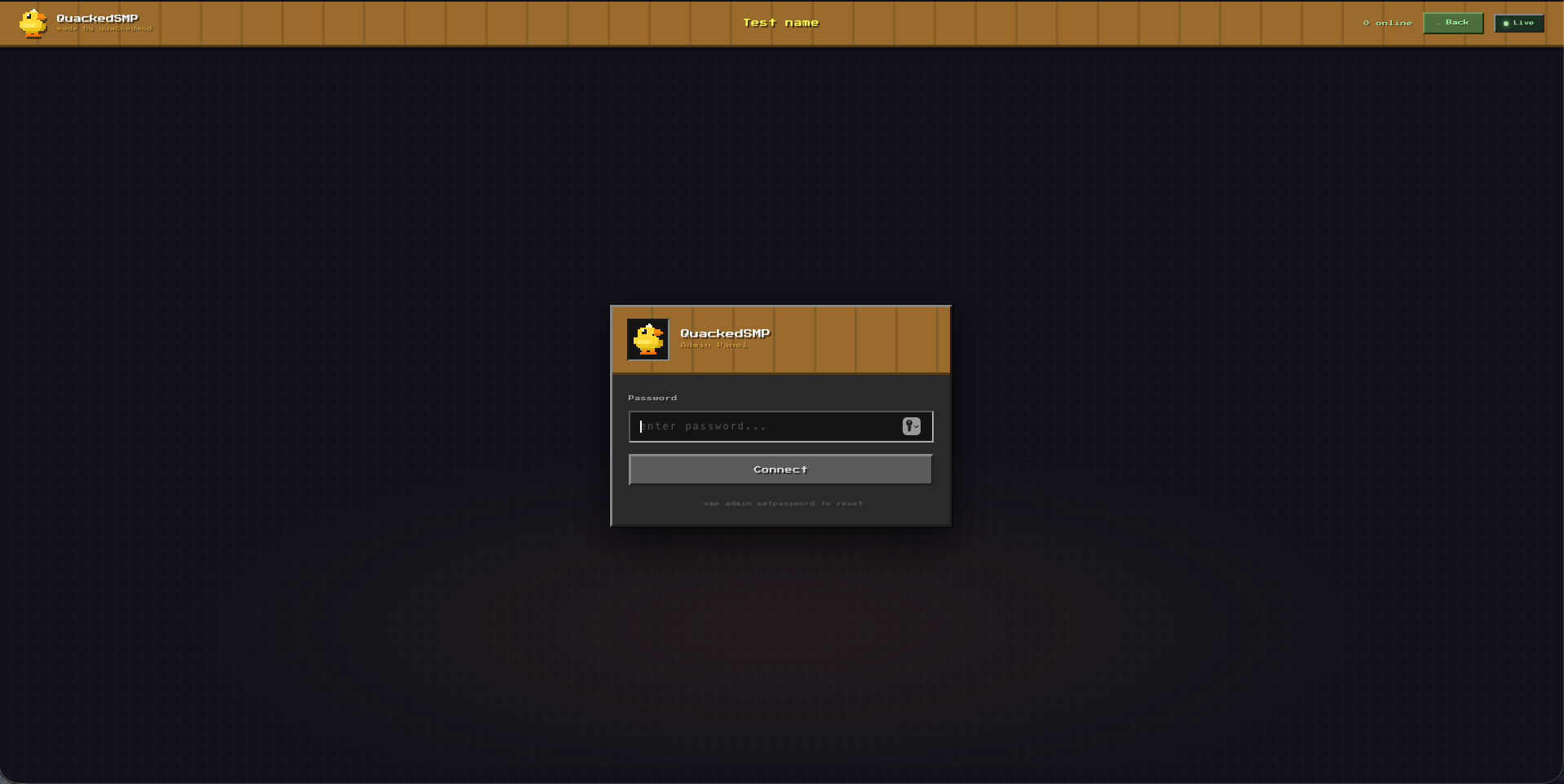 Admin login Admin panel gate - OLD
 -
 Manage your mods folder LIVE Upload or delete mods - old
 -
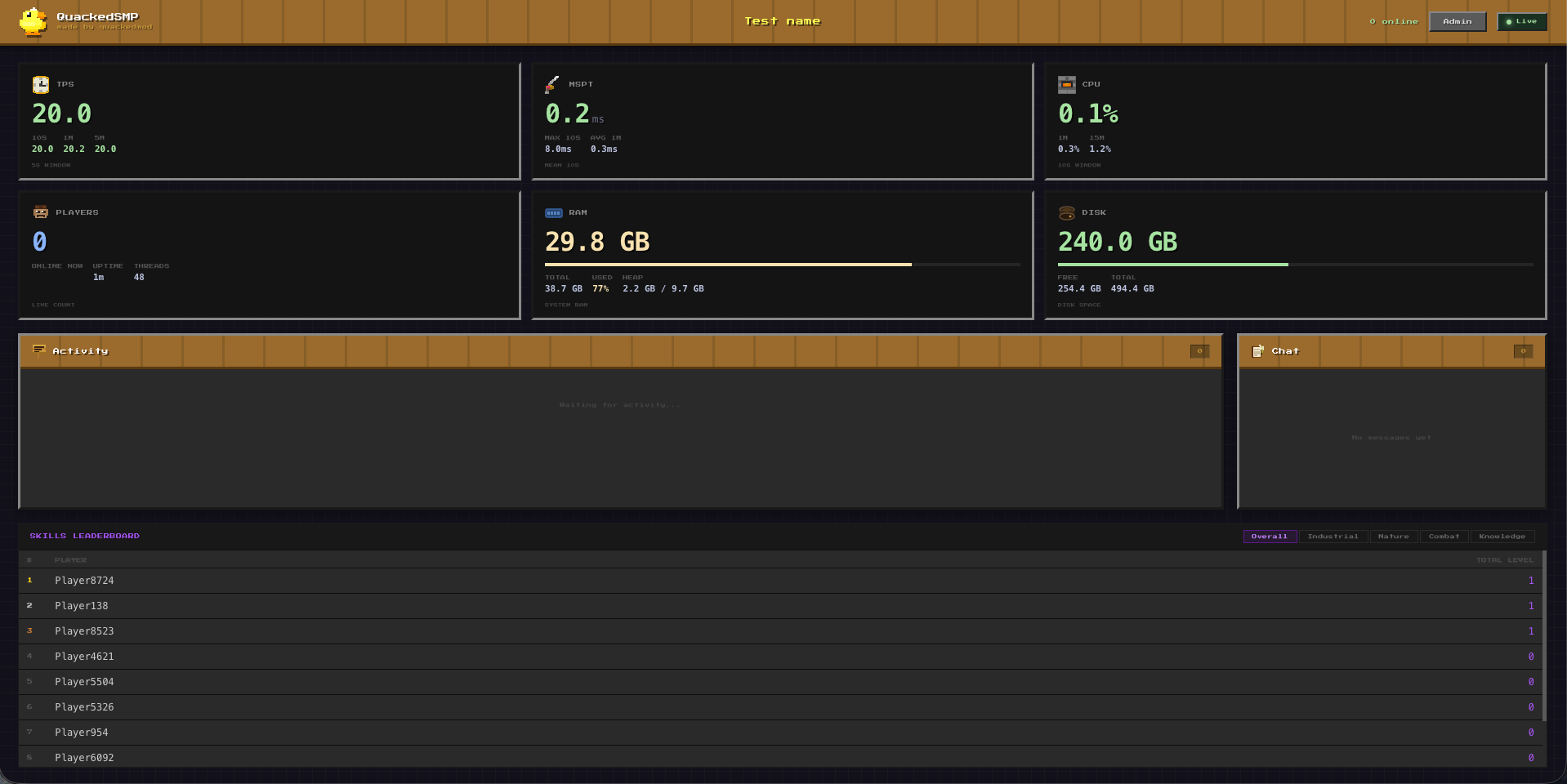 Public Dashboard Public dashboard, shows metrics and players - old
 -
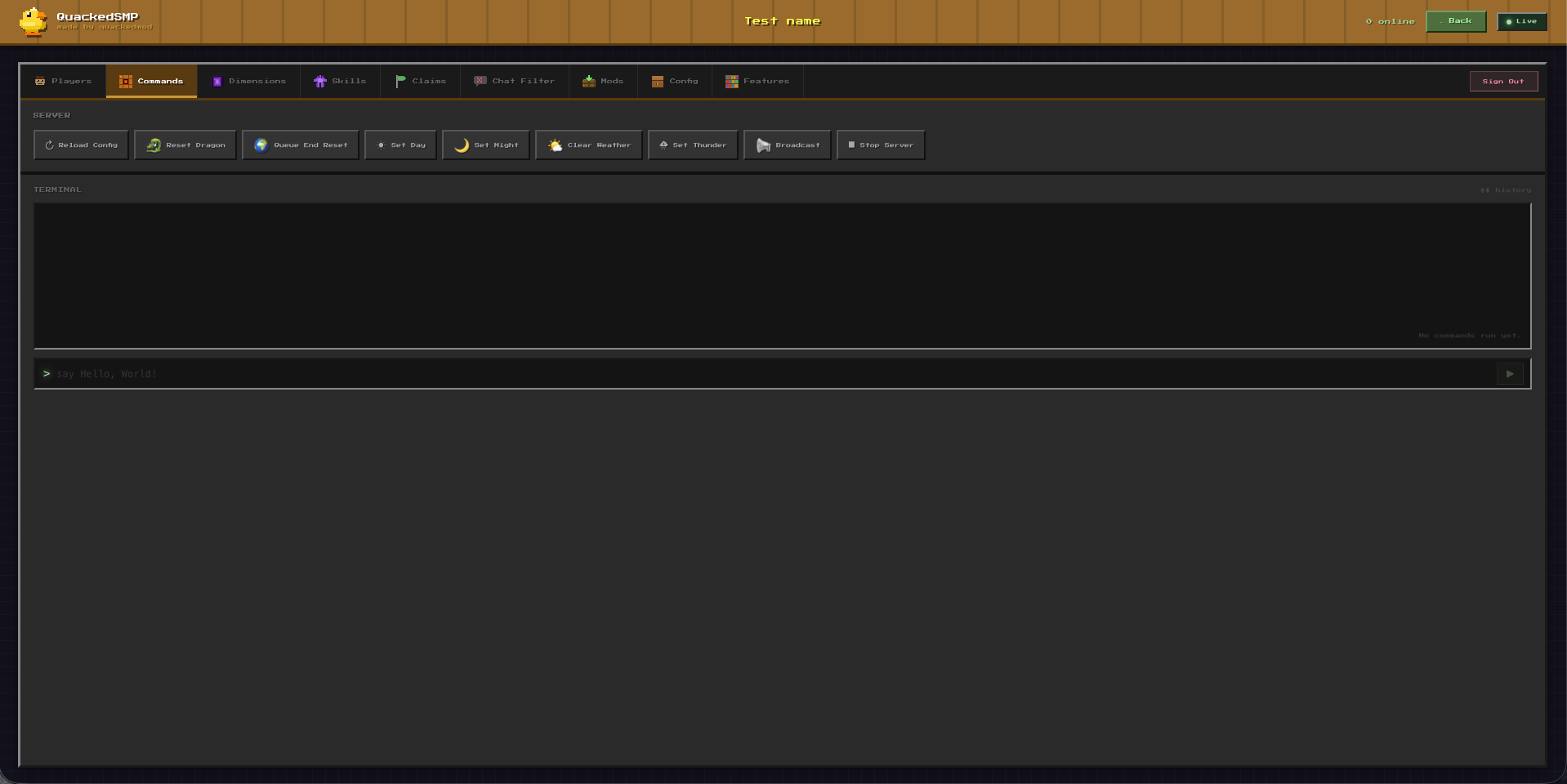 Admin Panel Control your server. -old
 -
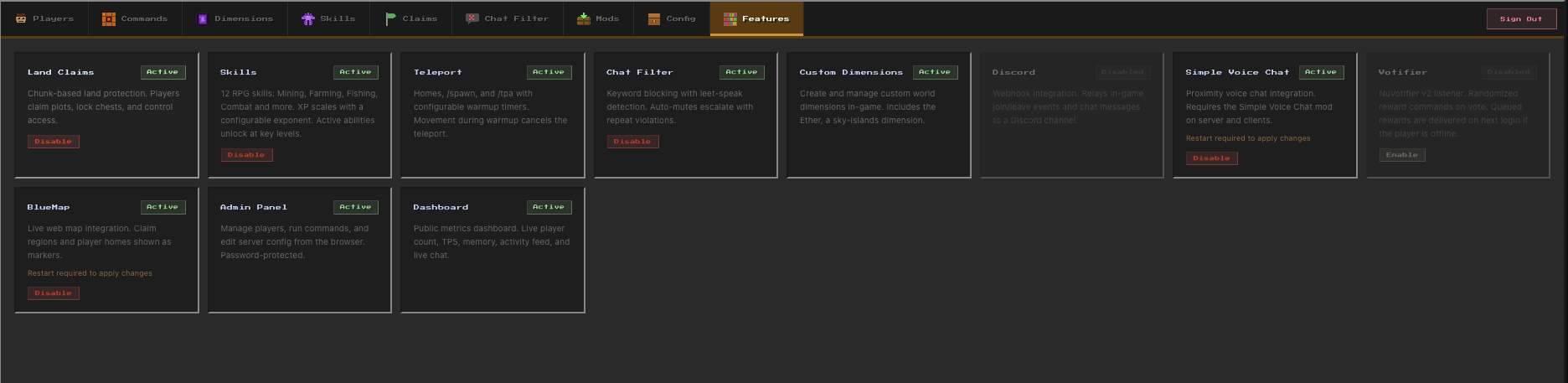 Every feature is optional Toggle all the native features on the dashboard easily. - old
Versions
Files
Relations
Project Relations
More like this
Similar Mods
Suggestions use data such as tags, dependencies, dependents, descriptions, titles, and more to rank how much they overlap with this mod.
On ModDex
Community snapshot
By the numbers
Statistics
Want to reach Minecraft players?
We're looking for a server hosting partner to feature here and other parts of the site. Interested? Send us a message!
Get in touchGet it on
Available Platforms
On ModDex
Community snapshot
By the numbers