
Community listing page, reviews here may not be monitored by the author.
QuadHotbar (MultiHotbar)


No reviews yet
QuadHotbar adds up to four switchable hotbars for NeoForge 1.20.1 and Forge 1.20.1. It is a convenient MultiHotbar port designed for comfortable building and managing large item sets.
Community voices
Reviews
No reviews yet. Be the first to review this project!
Get it on
Available Platforms
Compatibility
Supported Environments
Runs entirely on the client. Works on vanilla servers.
Must be installed on both the client and the server.
Varies by version.
About
Project Details
For authors
Embed Badge
If you're the author of this project, you can embed a live badge anywhere that supports HTML or Markdown. It updates automatically whenever ratings change.
Use HTML for any page that supports it, or Markdown for README files and Markdown-based descriptions.
Identifiers
Platform IDs
Resources
External Links
About
Description
QuadHotbar
More room for building. The familiar hotbar, expanded.
QuadHotbar adds up to four switchable hotbars for NeoForge 1.21.1 and Forge 1.20.1. It is a modern Multi-Hotbar-inspired mod for building, exploring, and working with more items without constantly opening the inventory.
Created with support from KharkivTiles 1:1.
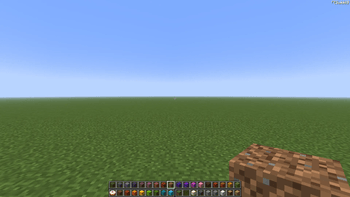
Status
QuadHotbar 1.0.0 is a stable release. The core mechanics have been refined: hotbar switching and rendering, server synchronization, mouse-wheel compatibility, selected slot persistence, and configurable key bindings are all working reliably.
Most known issues and synchronization problems discovered during pre-release testing have been resolved. If new issues are found during regular use, they will be investigated and fixed in future updates. If you encounter any problems, feel free to report them on the mod's CurseForge page.
Features
- Up to four visible hotbars and 36 selectable slots.
- Smooth mouse-wheel switching with optional wrap-around.
- Standard number keys keep their vanilla role for slots 1–9; optional custom bindings can select slots 10–36 directly.
- A dedicated configurable key binding opens the QuadHotbar settings screen.
- Compatible mouse-wheel behavior: items and mechanics from other mods can claim the wheel when they need it.
- Multiplayer synchronization keeps the selected slot, held item, and server state aligned after reconnecting.
Configuration
Open Options → Controls → QuadHotbar to assign keys for slots 10–36 or for opening the configuration screen. All QuadHotbar bindings are unassigned by default, so you can choose a layout that fits your play style.
The configuration screen is available from the Mods menu or through its assigned key binding. It provides two options:
- Hotbar rows — choose from one to four visible hotbars.
- Wrap scrolling — choose whether scrolling past the final slot returns to the first slot.
For multiplayer, QuadHotbar must be installed on both the client and the server. If the server does not have QuadHotbar installed, the extended hotbars will not work there.
Links

QuadHotbar
More room for building. The familiar hotbar, expanded.
QuadHotbar adds up to four switchable hotbars for NeoForge 1.21.1 and Forge 1.20.1. It is a modern Multi-Hotbar-inspired mod for building, exploring, and working with more items without constantly opening the inventory.
Created with support from KharkivTiles 1:1.
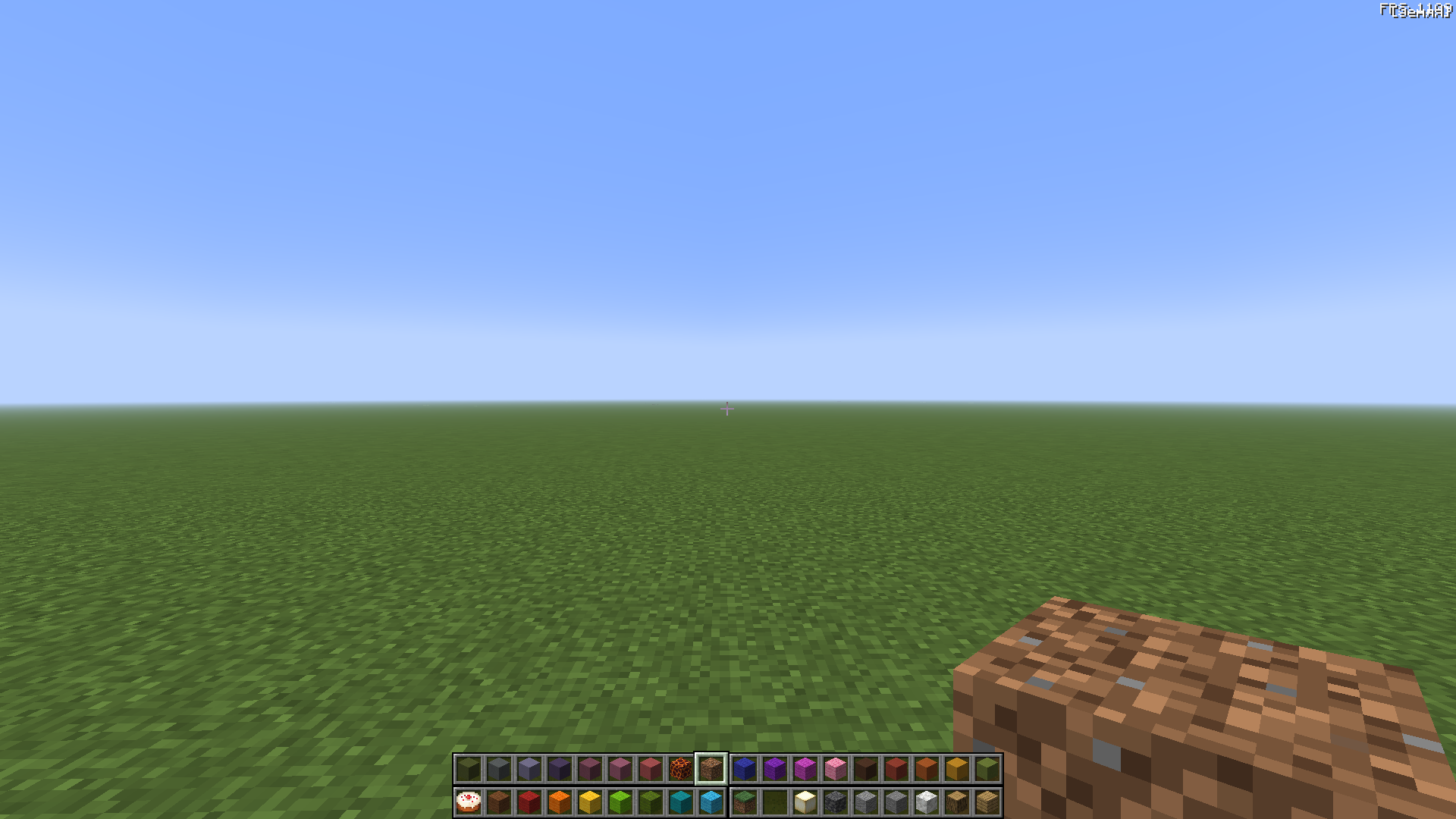
Status
QuadHotbar 1.0.0 is a stable release. The core mechanics have been refined: hotbar switching and rendering, server synchronization, mouse-wheel compatibility, selected slot persistence, and configurable key bindings are all working reliably.
Most known issues and synchronization problems discovered during pre-release testing have been resolved. If new issues are found during regular use, they will be investigated and fixed in future updates. If you encounter any problems, feel free to report them on the mod's CurseForge page.
Features
- Up to four visible hotbars and 36 selectable slots.
- Smooth mouse-wheel switching with optional wrap-around.
- Standard number keys keep their vanilla role for slots 1–9; optional custom bindings can select slots 10–36 directly.
- A dedicated configurable key binding opens the QuadHotbar settings screen.
- Compatible mouse-wheel behavior: items and mechanics from other mods can claim the wheel when they need it.
- Multiplayer synchronization keeps the selected slot, held item, and server state aligned after reconnecting.
Configuration
Open Options → Controls → QuadHotbar to assign keys for slots 10–36 or for opening the configuration screen. All QuadHotbar bindings are unassigned by default, so you can choose a layout that fits your play style.
The configuration screen is available from the Mods menu or through its assigned key binding. It provides two options:
- Hotbar rows — choose from one to four visible hotbars.
- Wrap scrolling — choose whether scrolling past the final slot returns to the first slot.
For multiplayer, QuadHotbar must be installed on both the client and the server. If the server does not have QuadHotbar installed, the extended hotbars will not work there.
Links

Screenshots
Gallery
-
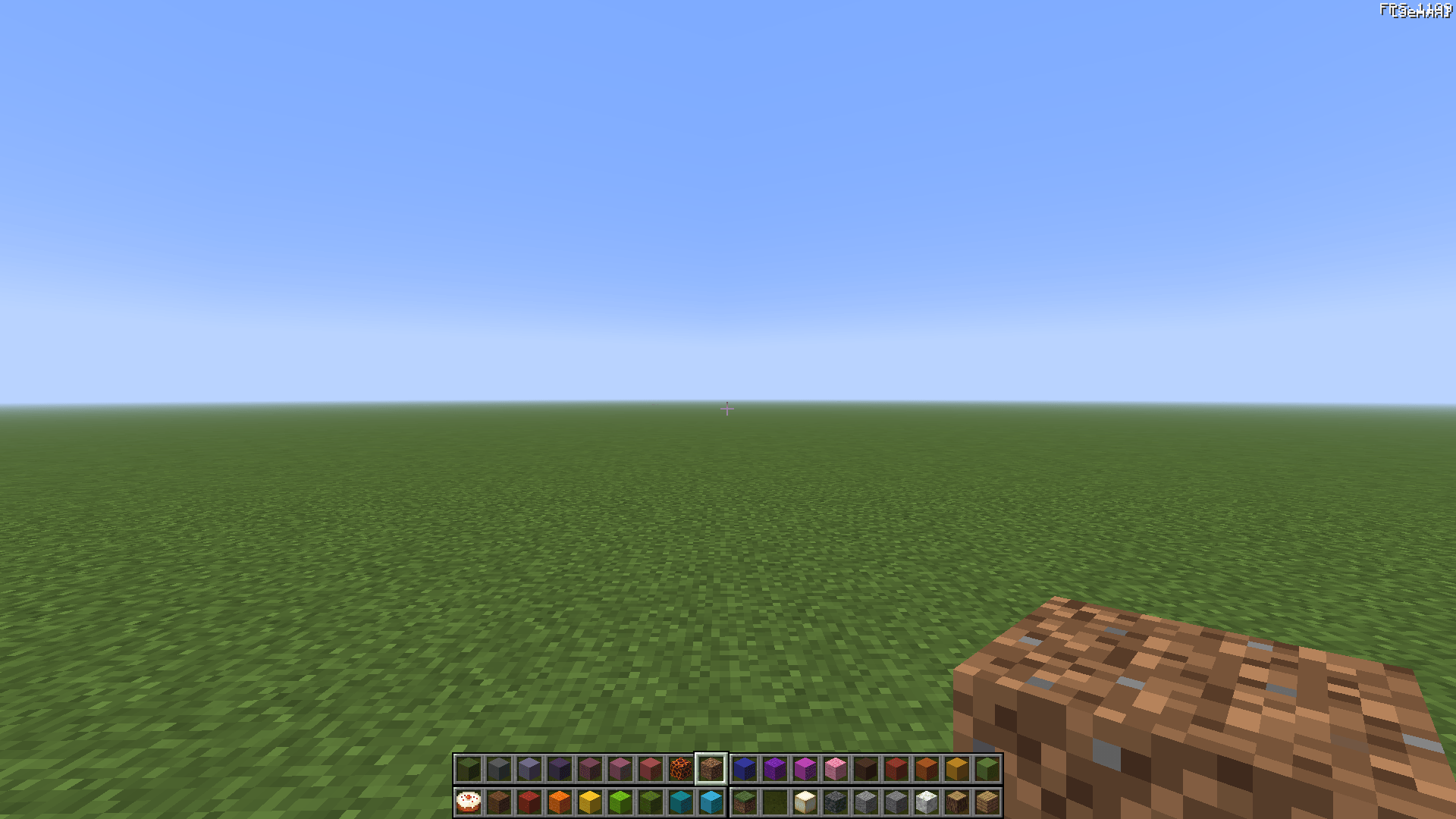 2026-06-17_00.02.38.png 2026-06-17_00.02.38.png
Versions
Files
Relations
Project Relations
More like this
Similar Mods
Suggestions use data such as tags, dependencies, dependents, descriptions, titles, and more to rank how much they overlap with this mod.
On ModDex
Community snapshot
By the numbers
Statistics
Want to reach Minecraft players?
We're looking for a server hosting partner to feature here and other parts of the site. Interested? Send us a message!
Get in touchGet it on
Available Platforms
On ModDex
Community snapshot
By the numbers
Statistics
Resources