
Community listing page, reviews may not be monitored by the author.
Quantum Clones


No reviews yet
Create, scale, and command an army of clones of yourself to automate farming, hunting, and defense

Community voices
Reviews
No reviews yet. Be the first to review this project!
Get it on
Available Platforms
Compatibility
Supported Environments
Must be installed on both the client and the server.
About
Project Details
For authors
Embed Badge
If you're the author of this project, you can embed a live badge anywhere that supports HTML or Markdown. It updates automatically whenever ratings change.
Use HTML for any page that supports it, or Markdown for README files and Markdown-based descriptions.
Identifiers
Platform IDs
Resources
External Links
About
Description
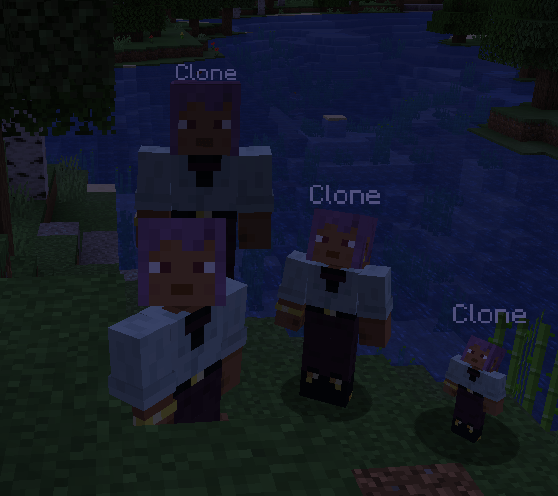
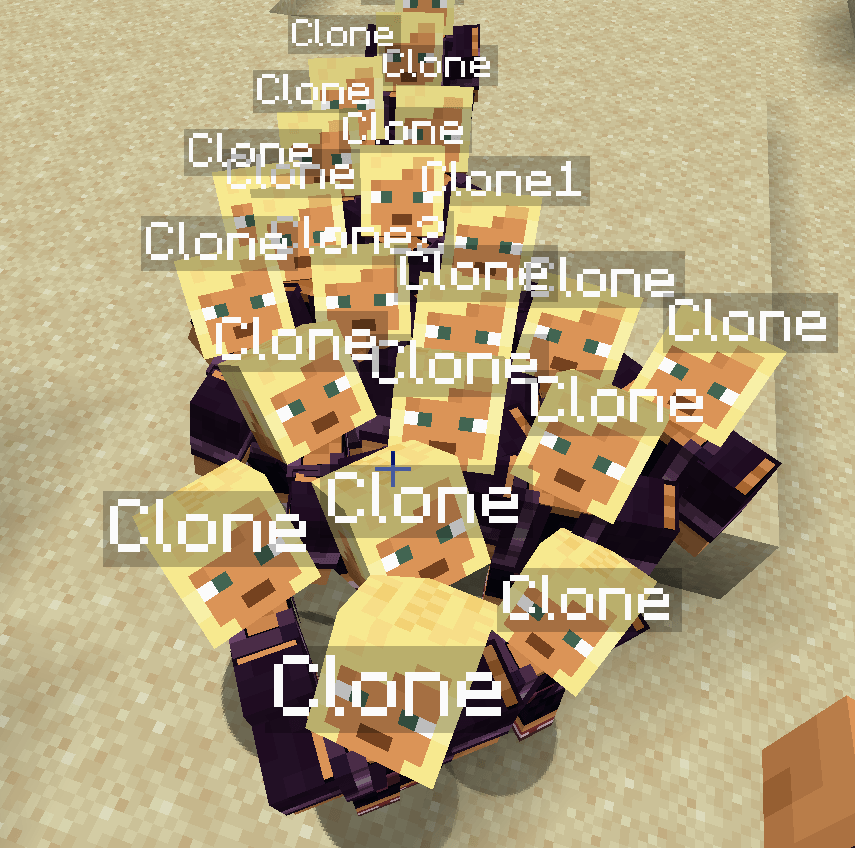
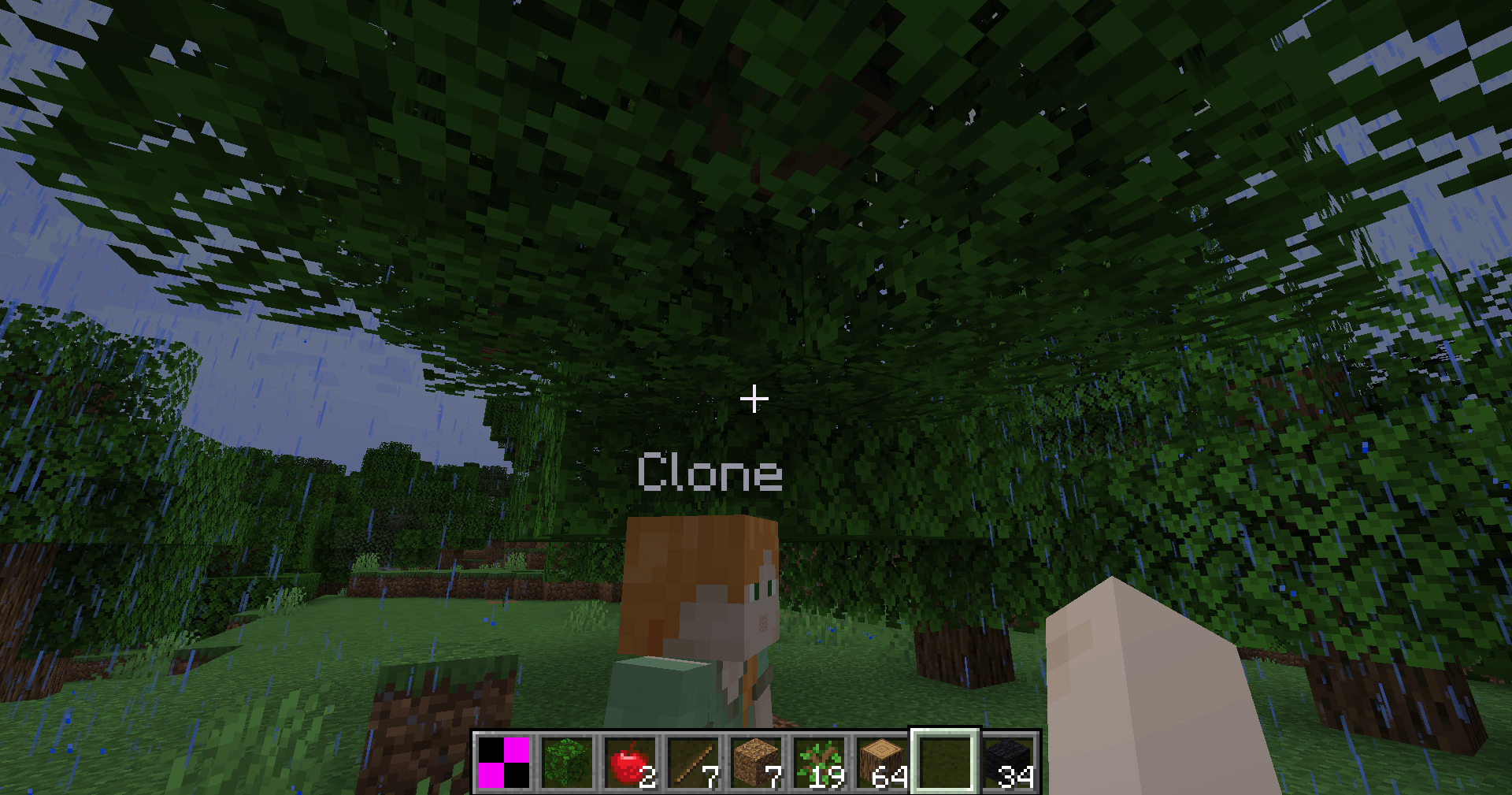
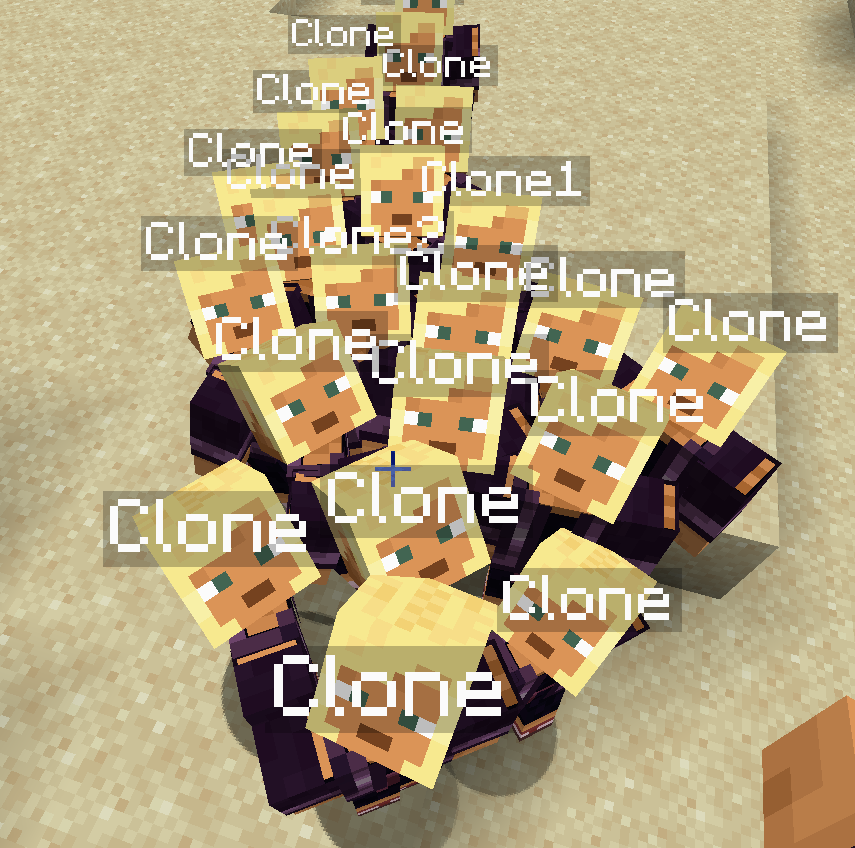
Quantum Clones is a utility and automation mod for Fabric 1.20.1 that introduces the ability to generate, configure, and lead a personal army of exact replicas of yourself. Up to a strict limit of 60 clones per player, you can automate gathering tasks, set up defensive perimeters, upgrade their physical attributes, or wage war against other players.
🛠️ Getting Started
The Quantum Remote
Upon joining the world for the first time, you automatically receive a Quantum Remote in your inventory.
-
Summoning a Clone: Right-click with the remote. If you have at least 3 experience levels and have not reached the limit of 60 active clones, a text dialog will prompt you to enter a name.
-
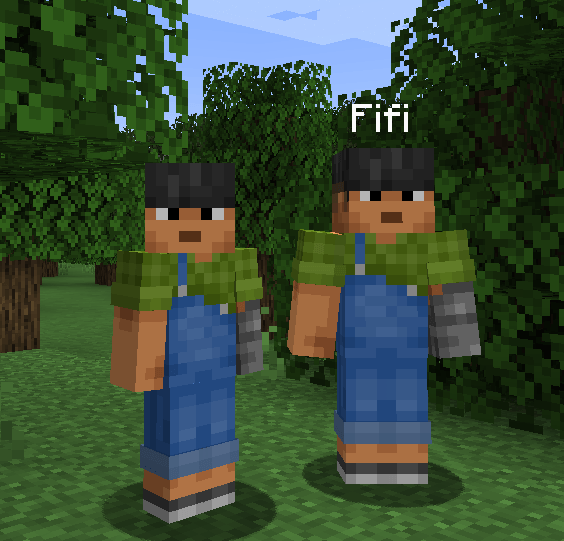
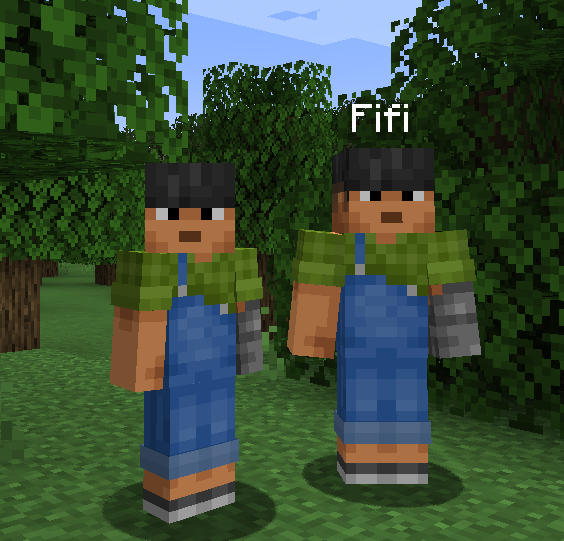
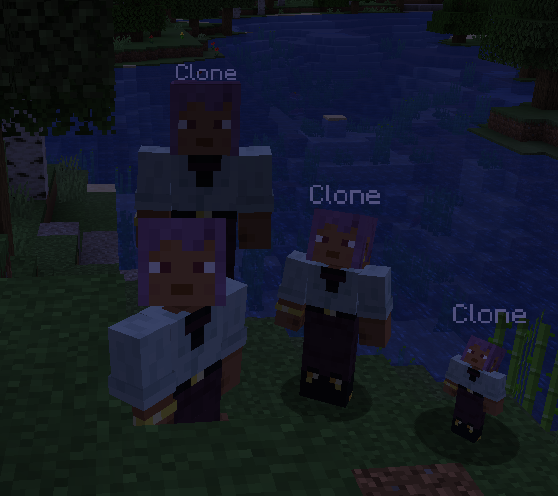
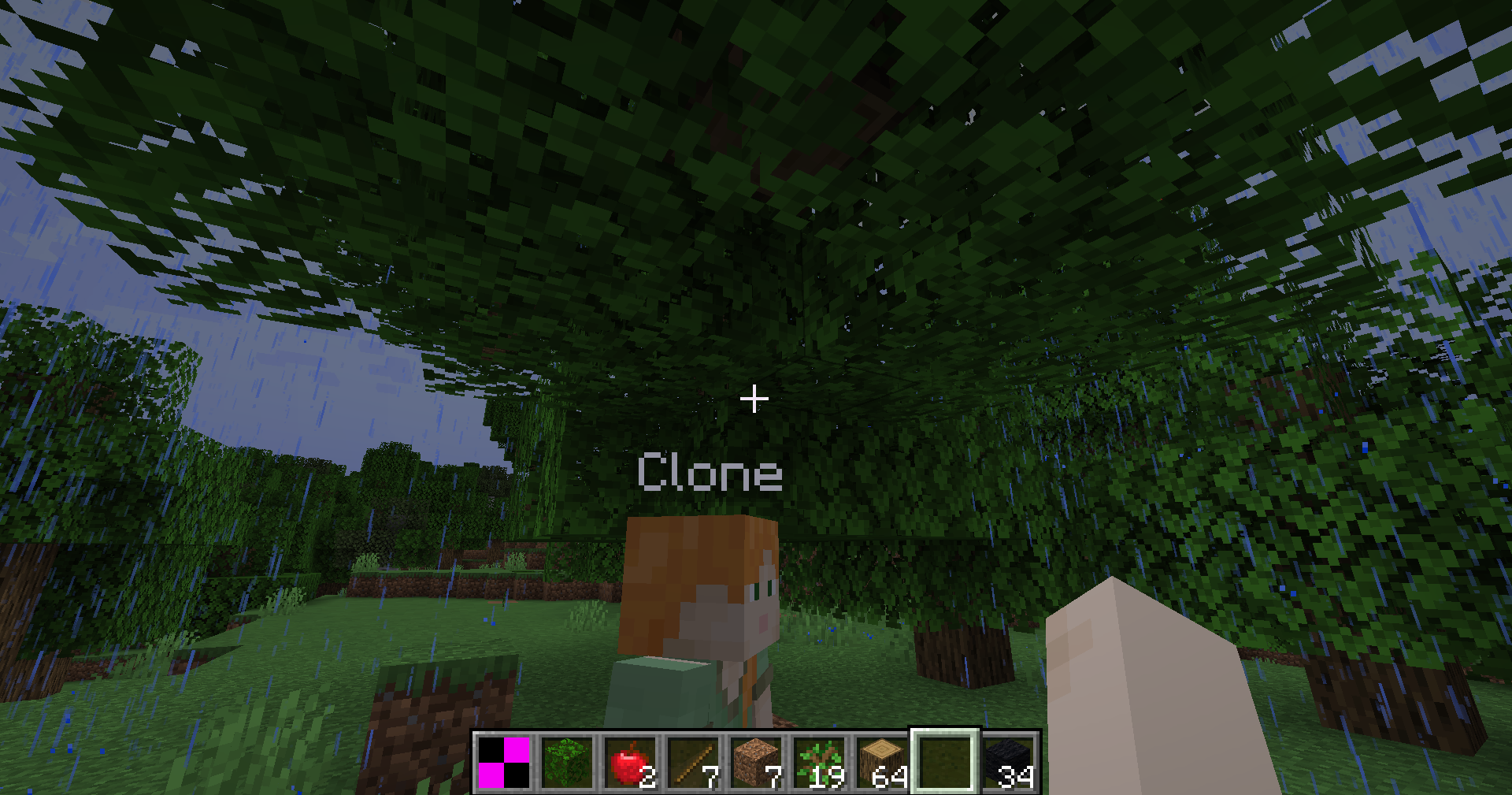
Materialization: Once named, the clone materializes in a particle cloud, inheriting your skin and starting with standard player attributes.
-
Persistence & Safety: Clones are configured to never despawn when chunks unload, and they are immune to suffocation damage in walls [2.10].
🖥️ The Command Center (Key: V)
Pressing the V key instantly opens a centralized control panel (which pauses singleplayer worlds). The interface has been designed to be scrollable via the mouse wheel to prevent overlap when managing multiple settings.
Left Pane: Clone Registry
Displays a scrollable list of all your active clones, showing:
-
A miniature render of their current skin.
-
Their custom name, real-time health bar, and active status (Following, Idle, Defending, Hunting, Farming, War Mode, Villager, Cooking, Farmer, Merchant).
Right Pane: Double-Tab System
-
Control Tab: Adjust physical scale (0.5x to 1.5x, modifying hitboxes and health), toggle auto-follow, set behavior modes, select block targets for farming, configure limits, link deposit chests, trigger mutual teleportation, and instantly collect inventories.
-
Upgrades Tab: Change the clone's name to dynamically load other players' skins. Spend experience levels to purchase attribute upgrades (HP, Damage, Speed, Efficiency) with progressive costs.
🧠 Behavior & Automation Modes (Modes 1 to 8)
The right panel allows you to configure eight distinct behaviors, with dynamic colored glowing outlines assigned to each mode:
-
Follow Mode (ON/OFF): Clones follow you at a distance proportional to their scale. They teleport to you if you get further than 32 blocks, and automatically board boats alongside you as passengers.
-
Defense Mode (Green Glow): The clone scans its surroundings within a 16-block radius to attack hostile monsters threatening the area.
-
Hunt Mode (Yellow Glow): Targets nearby passive animals to collect food, leather, or feathers, vacuuming up drops automatically.
-
Farm Mode (Blue Glow): Mines block targets placed in the slot. It features intelligent raycasting to clear blocking obstacles (like leaves), a stuck failsafe (instant mine after 5s), micro-nudge assistance to slide through corner collisions, and unlimited cyan holographic Quantum Scaffold blocks to climb heights safely.
-
War Mode (Red Glow): Clones will target and attack other players and their clones, allowing for organized group battles.
-
Villager Mode (Gold Glow): The clone roams freely in a 16-block radius around its activation spot or bed, behaving like a local villager.
-
Cook Mode (Dark Red Glow): The clone acts as a portable furnace. It automatically vacuums coal and raw food (Beef, Porkchop, Chicken, Mutton, Potato) from the ground to cook them over time, spitting them out if it runs out of fuel [1].
-
Farmer Mode (Dark Green Glow): Scans the area to harvest mature crops (Wheat, Potatoes, Carrots, Beetroots) and automatically replants them. It also replants tree saplings on bare dirt/grass blocks.
-
NPC Mode (Aqua Glow): The clone becomes a merchant. Right-clicking it with vanilla crop resources (18 Wheat or 15 Coal) consumes them and rewards you with 1 XP Level [1].
🎒 Storage, Equipment & Upgrades
Deliveries & Inventories
Each clone possesses a private 36-slot inventory.
-
Limit Setting: You can configure a limit (INF, 16, 32, 64, 128) on how many blocks a clone mines/farms before delivering.
-
Chest Binding: Click "Bind Chest" in the menu and right-click any chest or barrel. Once the clone is full or has reached its limit, it will walk back to that container, open it, deposit its items, and return to work.
Weapons & Armor
Right-click a clone with a sword, tool, or piece of armor to equip them.
-
Visuals: Armor and held items render correctly on the clone's body.
-
Functionality: Giving a clone an Axe or Pickaxe dynamically increases its mining speed based on block hardness. Swords increase melee damage.
XP Upgrade System
Inside the Upgrades tab, you can spend player experience levels to upgrade 4 stats:
-
Health (HP): Increases base maximum health (+5 HP per level).
-
Damage (DMG): Increases base attack damage (+1.5 HP per level).
-
Speed (SPD): Increases movement speed (+10% per level).
-
Efficiency (EFF): Speeds up block harvesting rates.
-
Cost Formula: Upgrades scale progressively, costing 2 * 1.6^Level experience levels.
💻 Commands (Cheats)
-
/quantumclones spawn <amount>: Spawns a specified number of clones (up to 60) owned by you (requires operator permissions).
Quantum Clones is a utility and automation mod for Fabric 1.20.1 that introduces the ability to generate, configure, and lead a personal army of exact replicas of yourself. Up to a strict limit of 60 clones per player, you can automate gathering tasks, set up defensive perimeters, upgrade their physical attributes, or wage war against other players.
🛠️ Getting Started
The Quantum Remote
Upon joining the world for the first time, you automatically receive a Quantum Remote in your inventory.
-
Summoning a Clone: Right-click with the remote. If you have at least 3 experience levels and have not reached the limit of 60 active clones, a text dialog will prompt you to enter a name.
-
Materialization: Once named, the clone materializes in a particle cloud, inheriting your skin and starting with standard player attributes.
🖥️ The Command Center (Key: V)
Pressing the V key instantly opens a centralized control panel (which pauses singleplayer worlds). The interface has been designed to be scrollable via the mouse wheel to prevent overlap when managing multiple settings.
Left Pane: Clone Registry
Displays a scrollable list of all your active clones, showing:
-
A miniature render of their current skin.
-
Their custom name, real-time health bar, and active status (Following, Idle, Defending, Hunting, Farming, War Mode).
Right Pane: Configuration Tabs
-
Control Tab: Adjust physical scale (0.5x to 1.5x, modifying hitboxes and health), toggle auto-follow, set behavior modes, select block targets for farming, configure limits, and link deposit chests.
-
Upgrades Tab: Change the clone's name to dynamically load other players' skins. Spend experience levels to purchase attribute upgrades.
🧠 Behavior & Automation Modes
The right panel allows you to configure five distinct behaviors:
-
Follow Mode (ON/OFF): Clones follow you at a distance proportional to their scale. If you run or fly with Elytra and the distance exceeds 32 blocks, they automatically teleport to a safe, solid block behind you.
-
Defense Mode: The clone scans its surroundings within a 16-block radius to attack hostile monsters threatening the area.
-
Hunt Mode: Targets nearby passive animals to collect food, leather, or feathers.
-
Farm Mode: Requires placing a template block in the menu slot. The clone will seek matching blocks within an 8-block radius, mine them, and automatically vacuum up the drops.
-
War Mode: Clones will target and attack other players and their clones, allowing for organized group battles.
🧱 Advanced Pathfinding & Scaffolding
To prevent clones from getting stuck or behaving unrealistically, several custom AI sub-systems have been implemented:
-
Unicité (One Clone Per Block): A global server registry prevents two clones from targeting and mining the same block at the same time. They naturally spread out to different blocks.
-
Obstacle Clearing (Tunneling): If a solid block (such as leaves or dirt) blocks a clone's line of sight or path to its farming target, it will mine a 1x2 tunnel through the obstacle to clear its way.
-
Quantum Scaffolding: If a target block is too high, the clone uses an infinite supply of temporary Quantum Scaffold blocks. It jumps and places a translucent, glass-like block under its feet to climb. These blocks can be broken instantly by players and drop no clutter.
-
Micro-Nudge: If a clone is slightly stuck on a corner or leaf edge for more than 1 second, a gentle physics nudge slides them 0.5 blocks closer to their target to prevent navigation deadlocks.
🎒 Storage, Equipment & Upgrades
Inventories & Deliveries
Each clone possesses a private 36-slot inventory.
-
Limit Setting: You can configure a limit (INF, 16, 32, 64, 128) on how many blocks a clone mines before delivering.
-
Chest Binding: Click "Bind Chest" in the menu and right-click any chest or barrel. Once the clone is full or has reached its limit, it will walk back to that container, open it, deposit its items, and return to work.
-
Inventory Collection: Sucks all items from the clone's inventory into your own with one click.
Weapons & Armor
Right-click a clone with a sword, tool, or piece of armor to equip them.
-
Visuals: Armor and held items render correctly on the clone's body.
-
Functionality: Giving a clone an Axe or Pickaxe dynamically increases its mining speed based on block hardness. Swords increase melee damage. Clic-right with an empty hand strips them of equipment piece by piece.
XP Upgrade System
Inside the Upgrades tab, you can spend player experience levels to upgrade 4 stats:
-
Health (HP): Increases base maximum health (+5 HP per level).
-
Damage (DMG): Increases base attack damage (+1.5 HP per level).
-
Speed (SPD): Increases movement speed (+10% per level).
-
Efficiency (EFF): Speeds up block harvesting rates.
-
Cost Formula: Upgrades scale progressively, costing 2 * 1.6^Level experience levels.
💻 Commands (Cheats)
- /quantumclones spawn <amount>: Spawns a specified number of clones (up to 60) owned by you (requires operator permissions).
Screenshots
Gallery
-
 Capture d'écran 2026-06-23 150410.png Capture d'écran 2026-06-23 150410.png
 -
 Capture d'écran 2026-06-23 143522.png Capture d'écran 2026-06-23 143522.png
 -
 Capture d'écran 2026-06-23 142827.png Capture d'écran 2026-06-23 142827.png
 -
 2026-06-23_16.40.56.png 2026-06-23_16.40.56.png
Versions
Files
Relations
Project Relations
More like this
Similar Mods
Suggestions use data such as tags, dependencies, dependents, descriptions, titles, and more to rank how much they overlap with this mod.
On ModDex
Community snapshot
By the numbers
Statistics
 (opens in a new tab)
Get it on
Available Platforms
On ModDex
Community snapshot
By the numbers
Statistics
Resources