
Community listing page, reviews here may not be monitored by the author.
QuickCmds

No reviews yet
A radial command wheel — bind commands, chat messages and hotkeys to a quick-access ring and fire them with a single click.
Community voices
Reviews
No reviews yet. Be the first to review this project!
Get it on
Available Platforms
Compatibility
Supported Environments
Runs entirely on the client. Works on vanilla servers.
About
Project Details
For authors
Embed Badge
If you're the author of this project, you can embed a live badge anywhere that supports HTML or Markdown. It updates automatically whenever ratings change.
Use HTML for any page that supports it, or Markdown for README files and Markdown-based descriptions.
Identifiers
Platform IDs
Resources
External Links
About
Description
QuickCmds


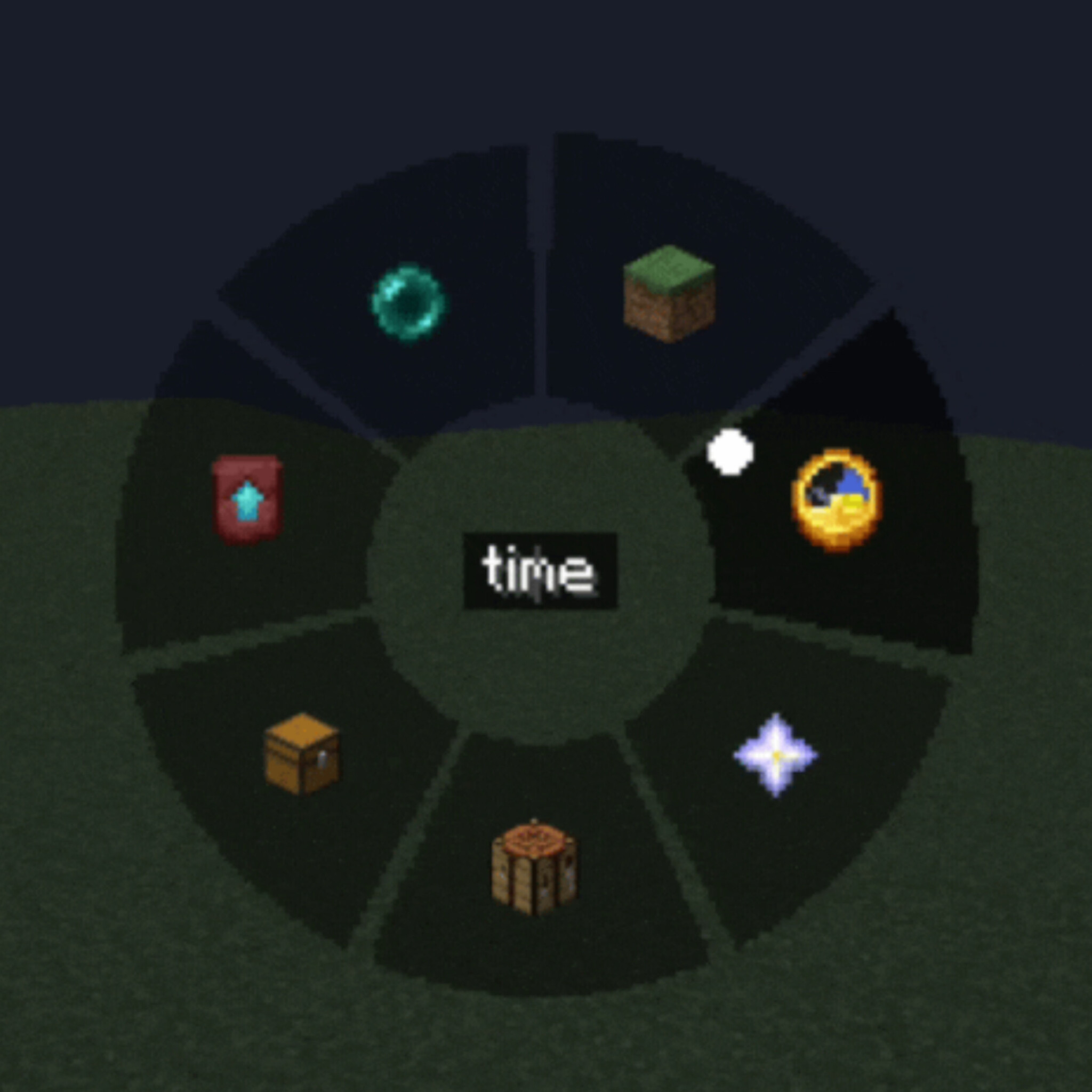
A lightweight client-side mod that adds a customizable radial command wheel to Minecraft — press a key to bring up a ring of up to 12 slots and trigger commands, chat messages, or hotkeys with a single click.
Features
Radial Quick Panel — hold or press a key to open a circular menu, hover a segment and click to execute
Three slot types
- Command — run one or several /commands (one per line, with configurable delay between them)
- Chat message — send preset text/messages instantly
- Hotkey — trigger a custom key combination
Fully customizable appearance
- Adjustable wheel size, outer/inner radius and dead zone
- Custom segment color, text color and transparency (normal and hover states)
- Icon picker — choose from built-in icons or any Minecraft item texture
Two independent keybinds — one to open the command wheel, one for a separate quick settings panel
In-game settings GUI — no config file editing needed, everything is configurable through tabs (Commands / Settings / Appearance)
Client-side only — works on any server, no server-side installation required
Localized in 13 languages: English, Russian, Ukrainian, German, French, Spanish, Polish, Turkish, Japanese, Korean, Chinese, Portuguese (BR), Kazakh
How it works
- Press the Quick Panel key to open the radial wheel
- Hover over a slot to see its tooltip
- Left-click to run it, right-click to delete/edit
- Use the Settings key to configure slots, appearance, and keybinds without leaving the game
Perfect for survival multiplayer, creative building, server administration, or just speeding up repetitive command/chat workflows.
Compatibility
Client-side mod — safe to use on vanilla servers, no server installation needed.
Screenshots
Gallery
-
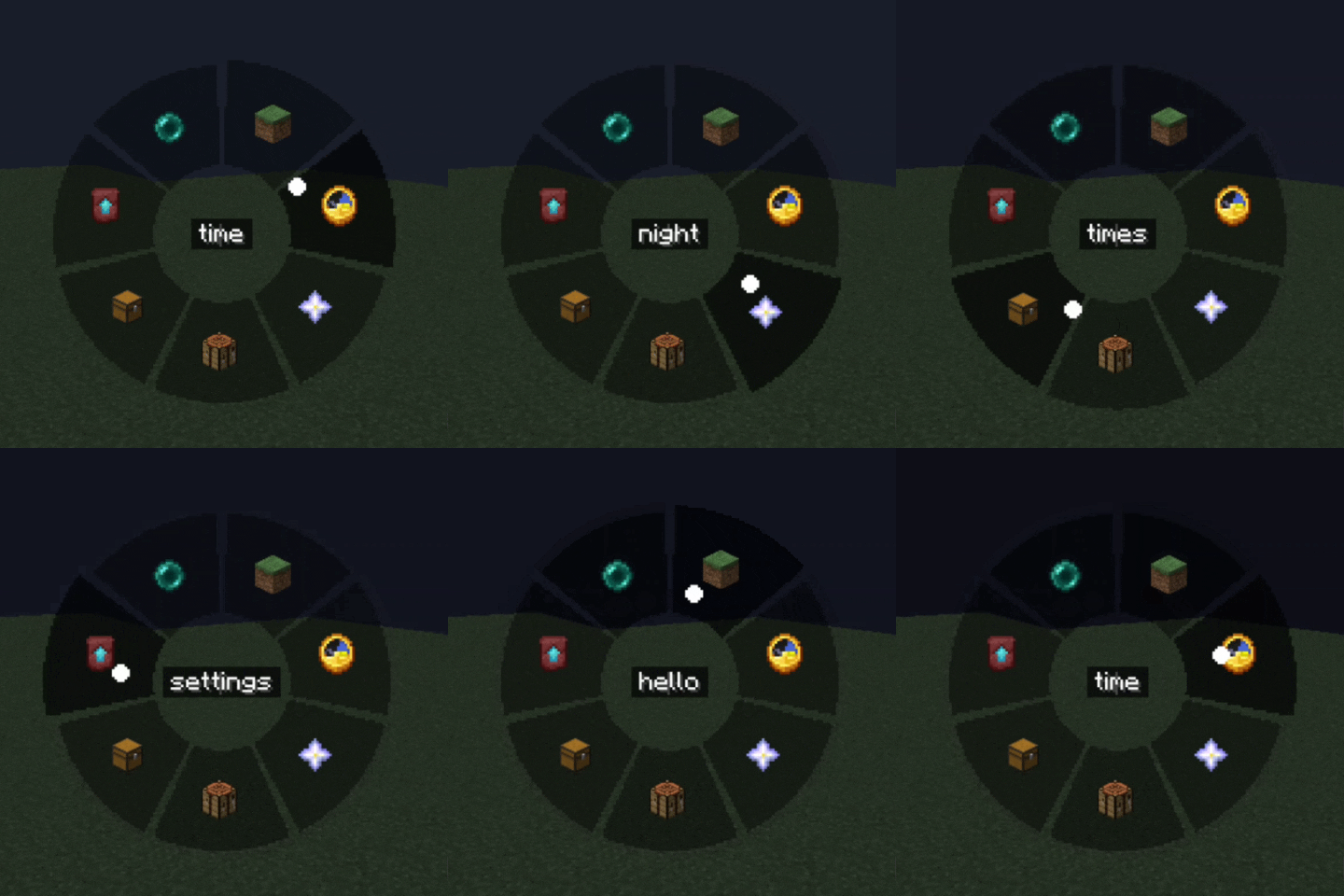 radial menu
Versions
Files
Relations
Project Relations
More like this
Similar Mods
Suggestions use data such as tags, dependencies, dependents, descriptions, titles, and more to rank how much they overlap with this mod.
On ModDex
Community snapshot
By the numbers
Statistics

Want to reach Minecraft players?
We're looking for a server hosting partner to feature here and other parts of the site. Interested? Send us a message!
Get in touchGet it on
Available Platforms
On ModDex
Community snapshot
By the numbers
Statistics
Resources