
Community listing page, reviews here may not be monitored by the author.
QuickHud


No reviews yet
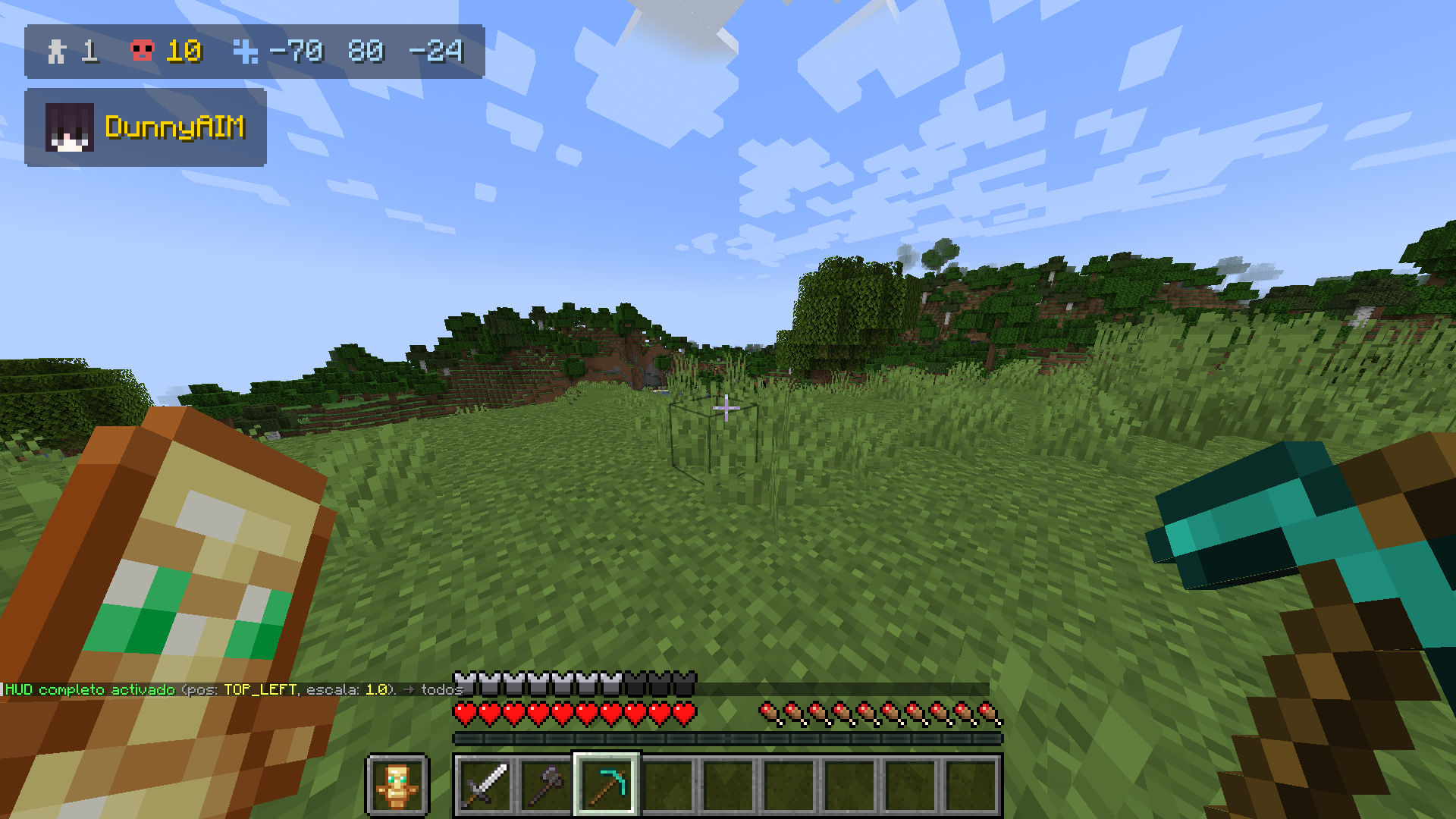
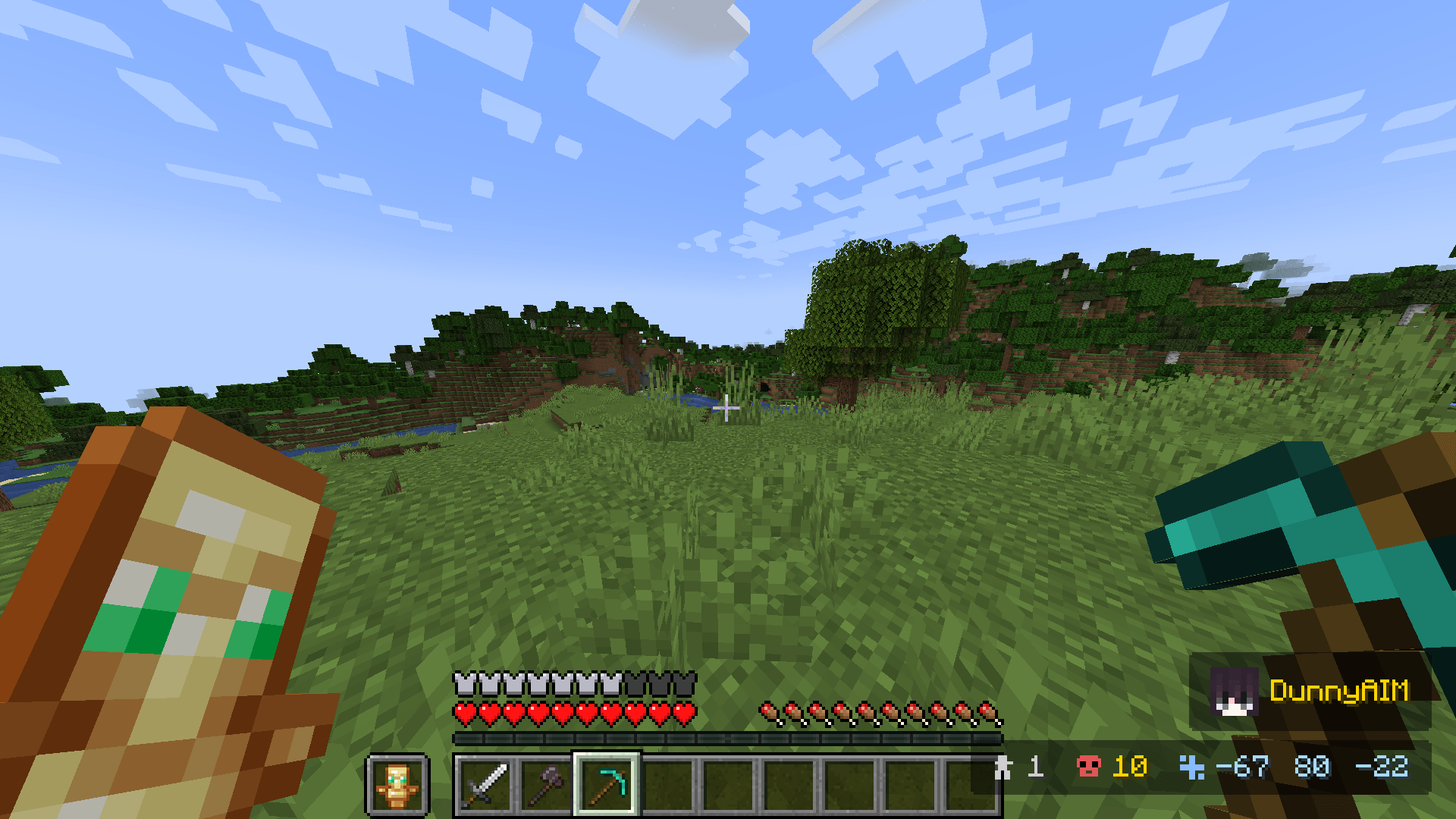
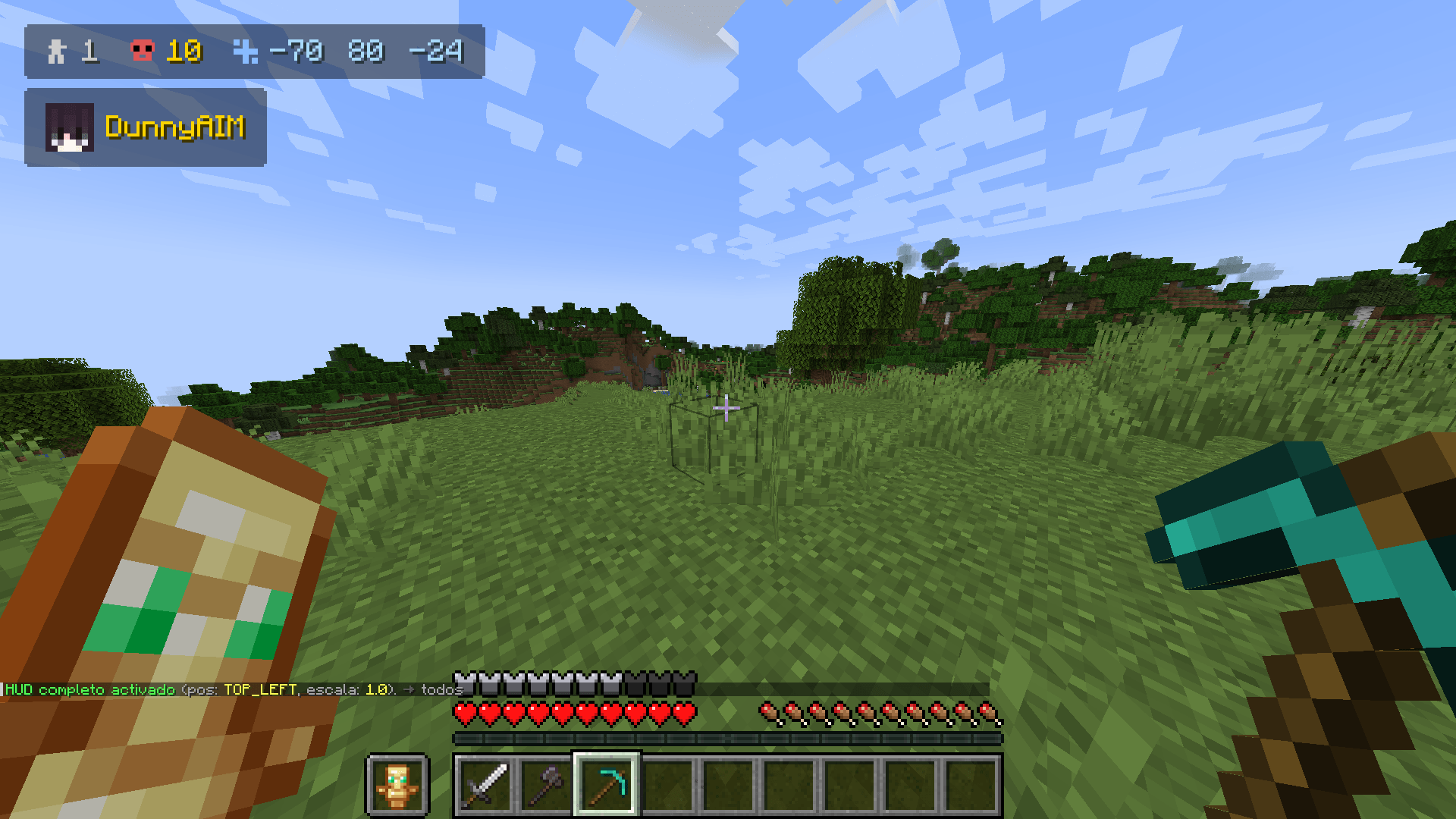
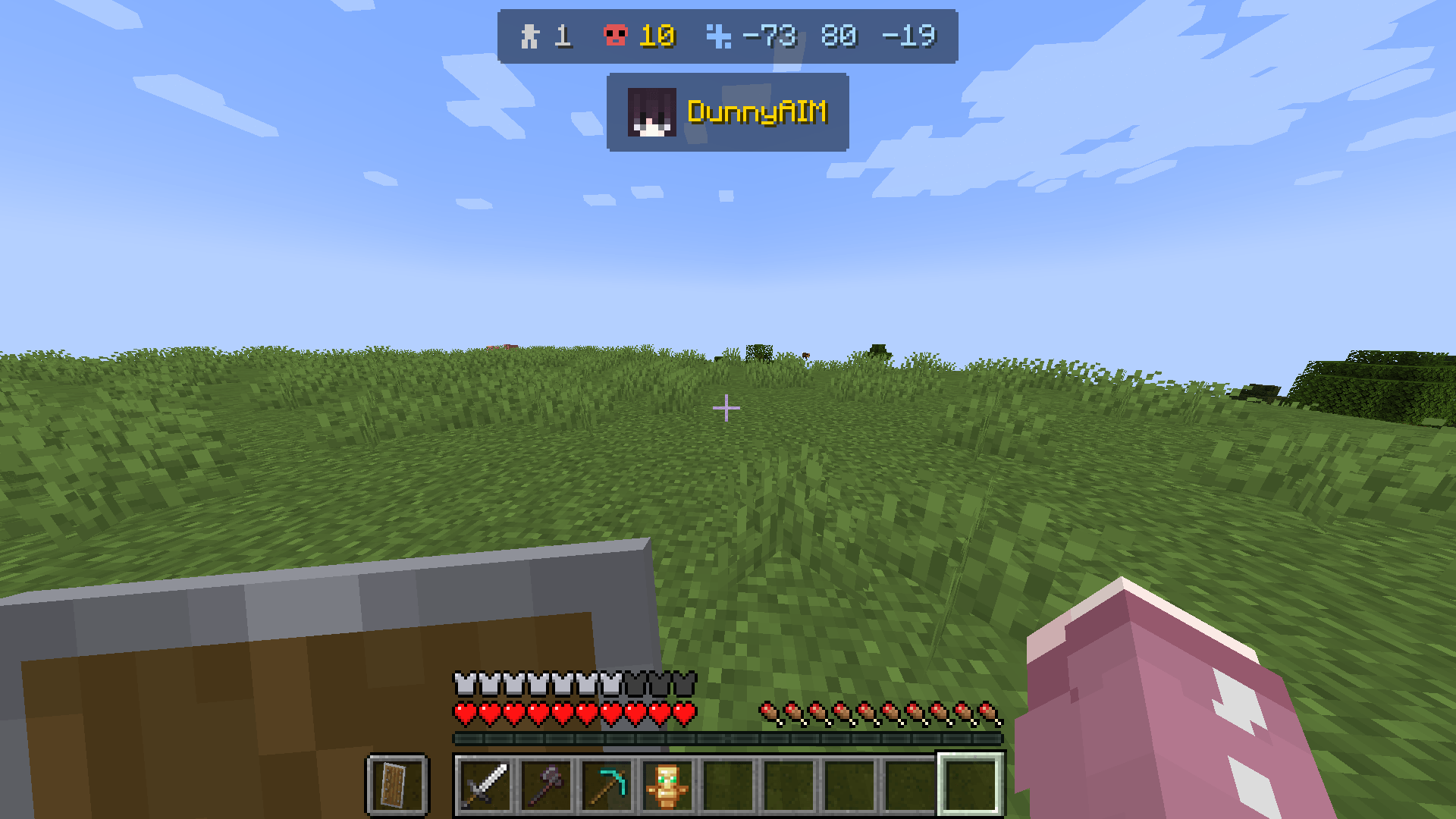
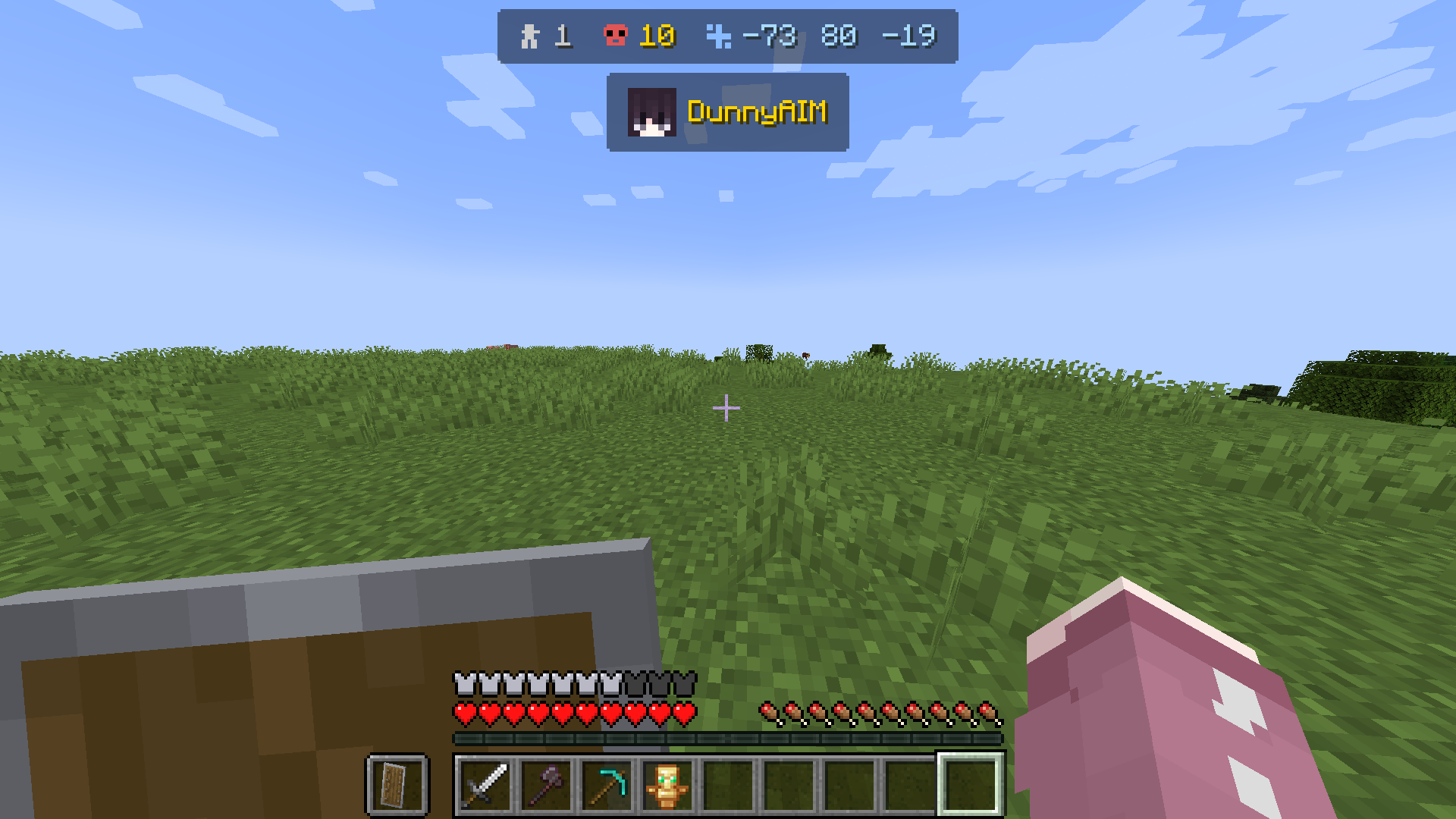
Displays a customizable HUD with: alive player count, kills, timer, coordinates and team list. All server-controlled.
Community voices
Reviews
No reviews yet. Be the first to review this project!
Get it on
Available Platforms
Compatibility
Supported Environments
Required on the client. Installing it on the server adds functionality.
Must be installed on both the client and the server.
Varies by version.
About
Project Details
For authors
Embed Badge
If you're the author of this project, you can embed a live badge anywhere that supports HTML or Markdown. It updates automatically whenever ratings change.
Use HTML for any page that supports it, or Markdown for README files and Markdown-based descriptions.
Identifiers
Platform IDs
Resources
External Links
About
Description
QuickHud — A lightweight HUD controlled from the server for Minecraft
Display player count, kills, timers, coordinates, and team information — all controlled in real time from the server.
HUD Elements
Player counter (survival/adventure only)
Kill counter (per player)
Timer
Coordinates (XYZ)
Team list
Element IDs:
all, players, kills, timer, coords, team
Available Positions
top_left, top_center, top_right,
mid_left, mid_center, mid_right,
bottom_left, bottom_center, bottom_right
Server Commands
/hud show <element> [position] [scale] [@a|player|team <name>]
/hud hide <element> [@a|player|team <name>]
/hud pos <element|all> <position>
/hud scale <element|all> <value>
/hud kills set <amount> [@a|player|team <name>]
/hud kills add <amount> [@a|player|team <name>]
/hud kills reset [@a|player|team <name>]
/hud kills get [player]
/hud timer start <seconds> [@a|player|team <name>]
/hud timer pause [@a|player|team <name>]
/hud timer resume [@a|player|team <name>]
/hud timer reset [@a|player|team <name>]
/hud text set <position> <text>
/hud text clear <position|all> [@a|player|team <name>]
/hud reset [@a|player|team <name>]
Target Selectors
@a → all players
player → specific player
team <name> → specific team
Compatibility
Mod (Fabric/Forge/NeoForge) + Plugin → Full server-side control
Mod only (no plugin) → Local HUD, kills detected via chat
Plugin only (no mod) → Requires the mod on the client
The mod communicates with the plugin through a custom network channel. If no plugin is detected, the HUD runs in standalone mode using local configuration.
Links
Modrinth: https://modrinth.com/plugin/quickhud
CurseForge: https://www.curseforge.com/minecraft/mc-mods/quickhud
💻 Created and maintained by @SunnyAIM_
© All Rights Reserved.
QuickHud — A lightweight HUD controlled from the server for Minecraft
Display player count, kills, timers, coordinates, and team information — all controlled in real time from the server.
Wiki
HUD Elements
Player counter (survival/adventure only)
Kill counter (per player)
Timer
Coordinates (XYZ)
Team list
Element IDs:
all, players, kills, timer, coords, team
Available Positions
top_left, top_center, top_right,
mid_left, mid_center, mid_right,
bottom_left, bottom_center, bottom_right
Server Commands
/hud show [position] [scale] [@a|player|team ]
/hud hide [@a|player|team ]
/hud pos <element|all>
/hud scale <element|all>
/hud kills set [@a|player|team ]
/hud kills add [@a|player|team ]
/hud kills reset [@a|player|team ]
/hud kills get [player]
/hud timer start [@a|player|team ]
/hud timer pause [@a|player|team ]
/hud timer resume [@a|player|team ]
/hud timer reset [@a|player|team ]
/hud text set
/hud text clear <position|all> [@a|player|team ]
/hud reset [@a|player|team ]
Target Selectors
@a → all players
player → specific player
team → specific team
Compatibility
Mod (Fabric/Forge/NeoForge) + Plugin → Full server-side control
Mod only (no plugin) → Local HUD, kills detected via chat
Plugin only (no mod) → Requires the mod on the client
The mod communicates with the plugin through a custom network channel. If no plugin is detected, the HUD runs in standalone mode using local configuration.
Links
Modrinth: https://modrinth.com/plugin/quickhud
CurseForge: https://www.curseforge.com/minecraft/mc-mods/quickhud
💻 Created and maintained by @SunnyAIM_
© All Rights Reserved.
Screenshots
Gallery
-
 2026-04-17_22.00.35.png 2026-04-17_22.00.35.png
 -
 2026-04-17_22.00.45.png 2026-04-17_22.00.45.png
 -
 2026-04-17_22.00.35.png 2026-04-17_22.00.35.png
 -
 2026-04-17_22.00.24.png 2026-04-17_22.00.24.png
 -
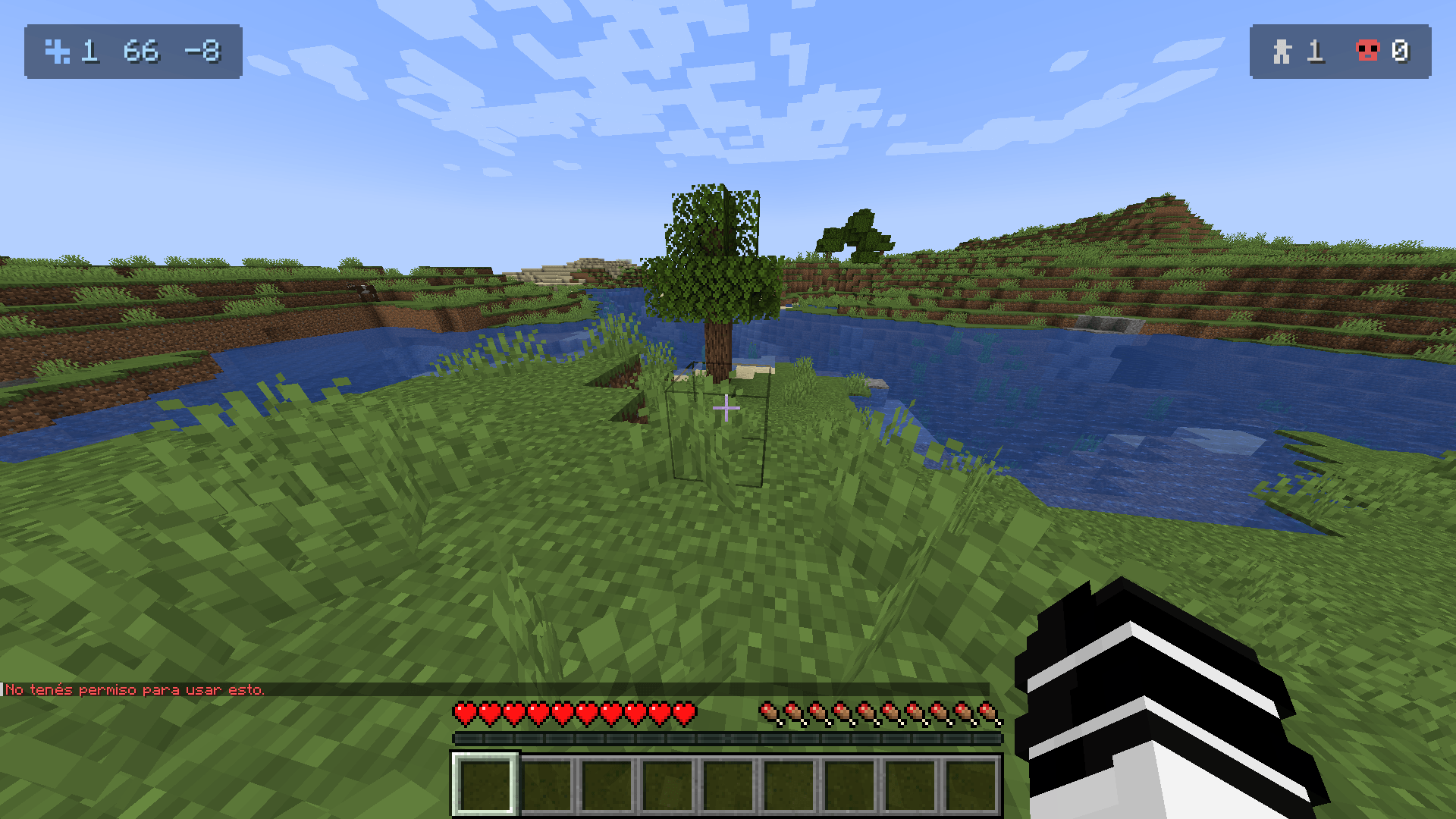 2026-03-16_23.37.39.png 2026-03-16_23.37.39.png
-
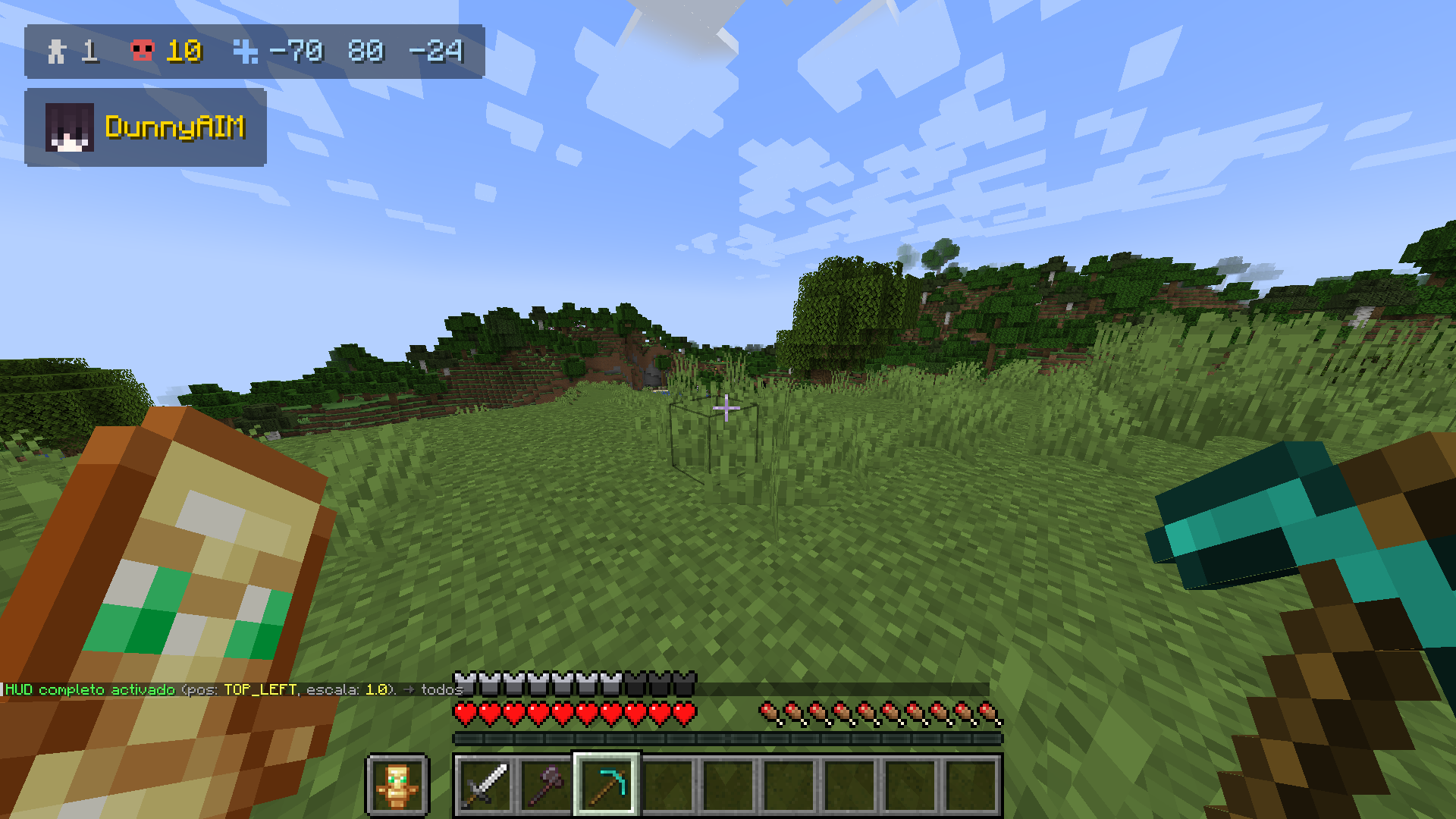 4
4 -
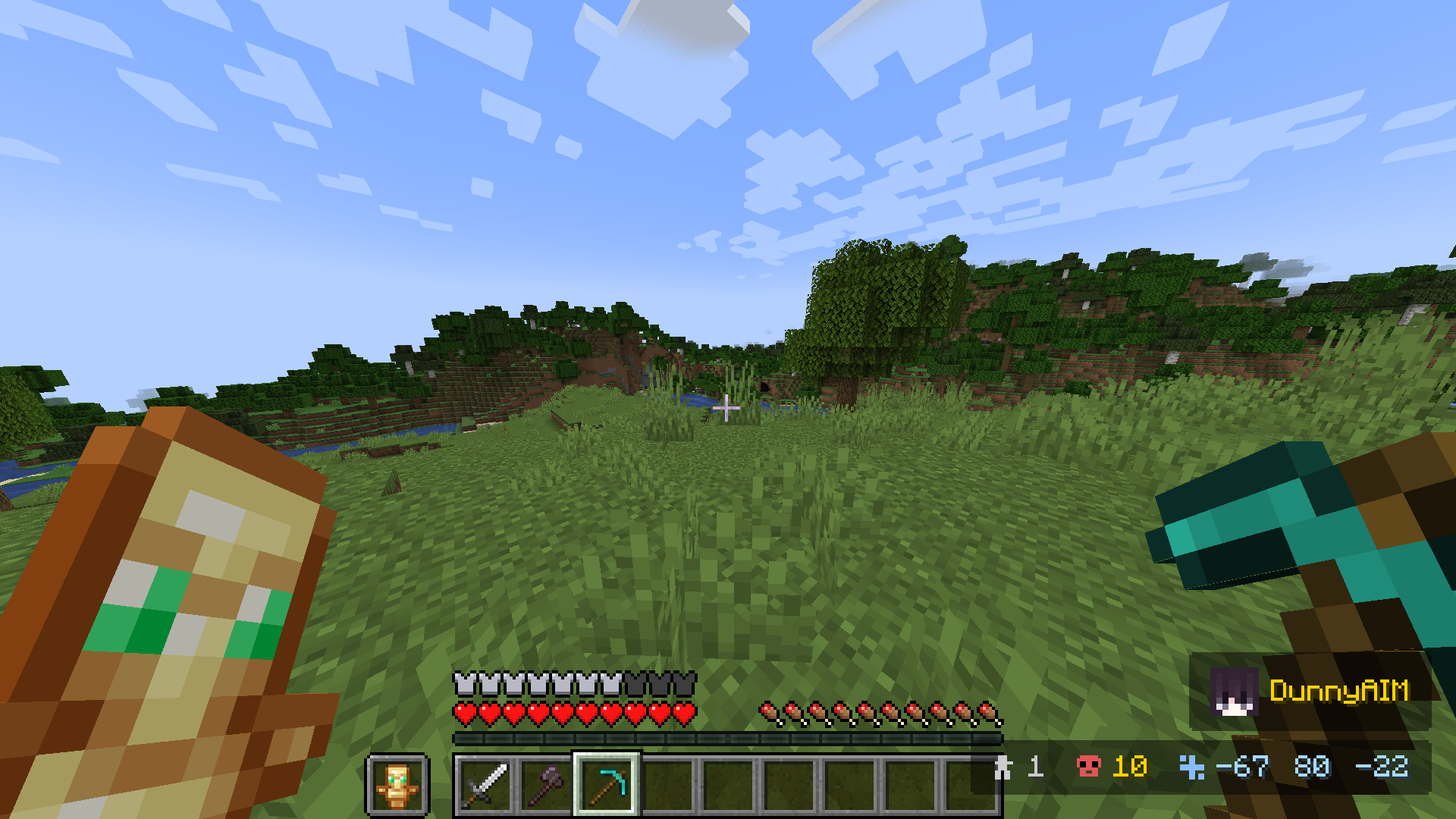 3
3 -
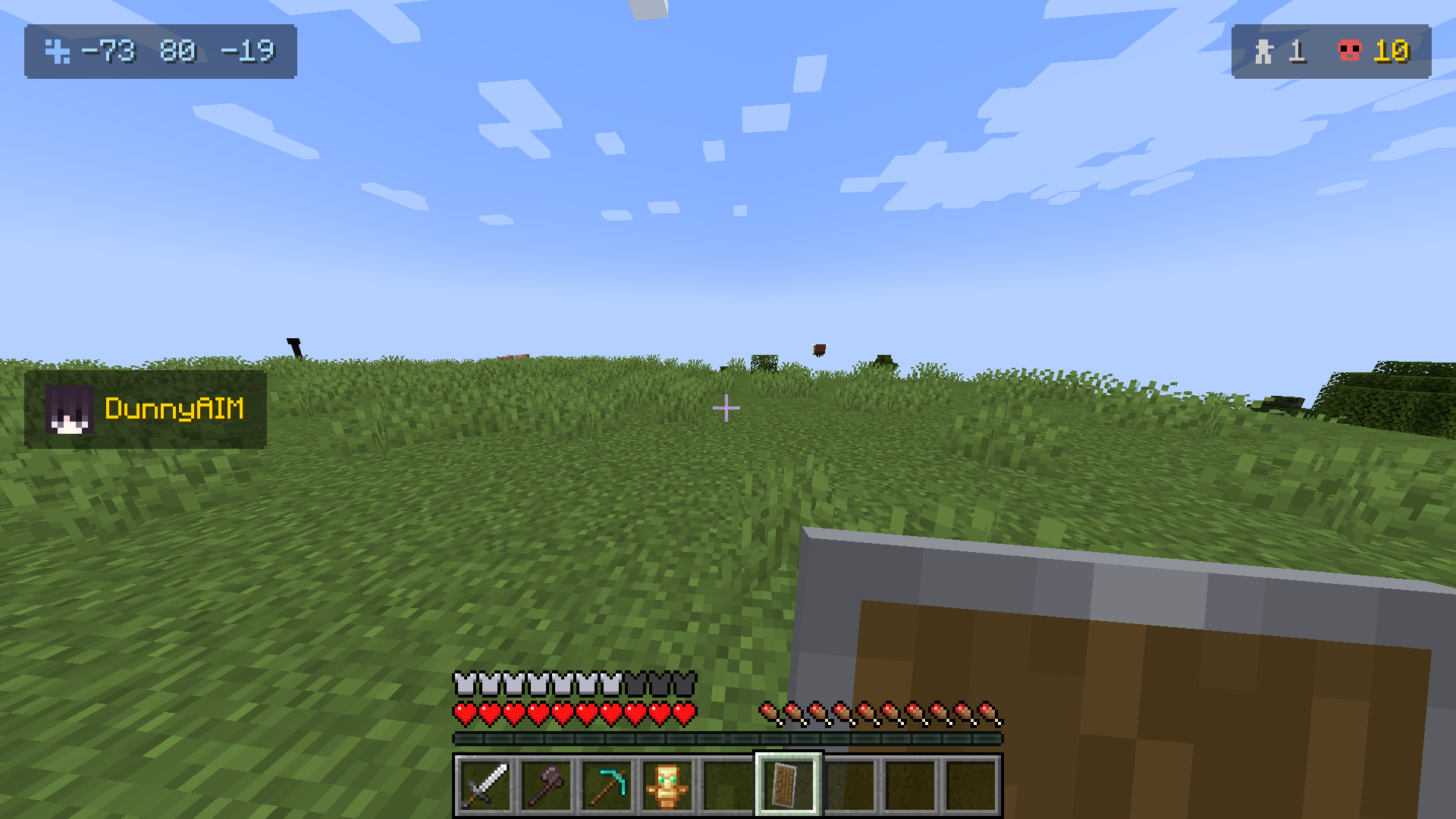 2
2 -
 1
1
Versions
Files
Relations
Project Relations
More like this
Similar Mods
Suggestions use data such as tags, dependencies, dependents, descriptions, titles, and more to rank how much they overlap with this mod.
On ModDex
Community snapshot
By the numbers
Statistics
Want to reach Minecraft players?
We're looking for a server hosting partner to feature here and other parts of the site. Interested? Send us a message!
Get in touchGet it on
Available Platforms
On ModDex
Community snapshot
By the numbers
Statistics
Resources