
RadioMC
No reviews yet
Official RadioMC player. Stream 51,000+ live radio stations, podcasts, and YouTube audio via a seamless native interface. Supports MP3, AAC+, HLS, and video platforms through robust FFmpeg integration.
Community voices
Reviews
Click once to include, again to exclude, again to clear
No reviews yet. Be the first to review this project!
Get it on
Available Platforms
 Modrinth
Compatibility
Supported Environments
About
Project Details
For authors
Embed Badge
If you're the author of this project, you can embed a live badge anywhere that supports HTML or Markdown. It updates automatically whenever ratings change.
Use HTML for any page that supports it, or Markdown for README files and Markdown-based descriptions.
Identifiers
Platform IDs
Resources
External Links
About
Description
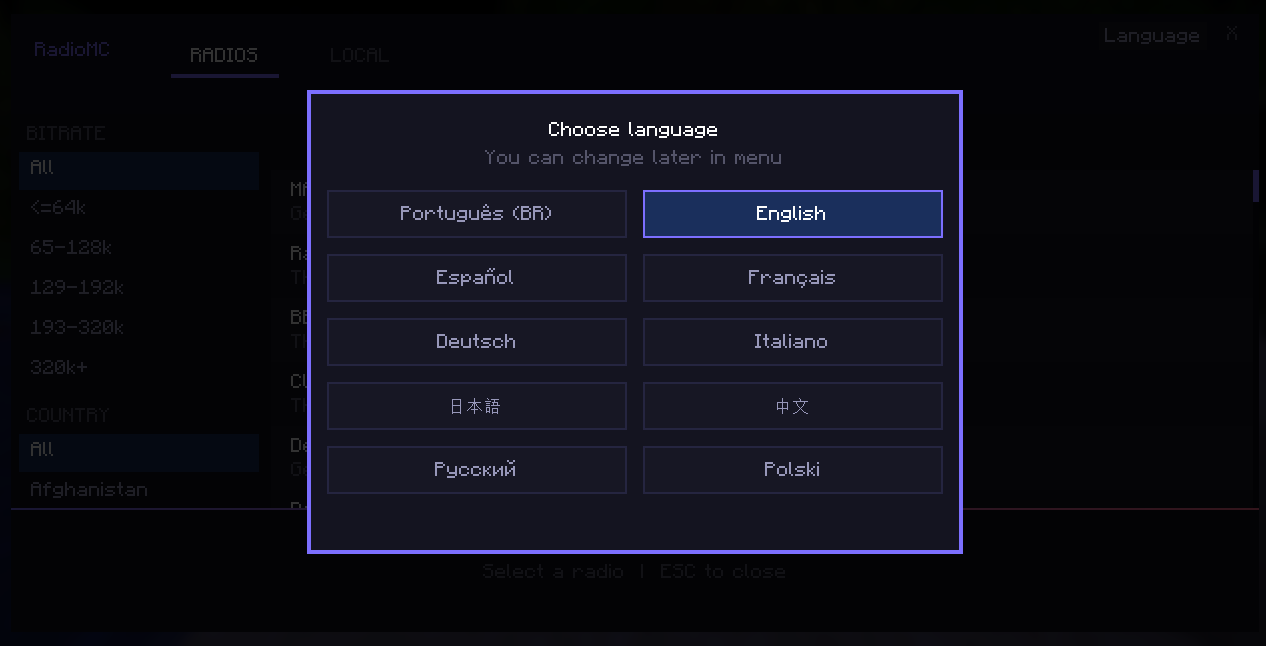
RadioMC — The Official Player for radiomc.vercel.app RadioMC brings the full experience of the radiomc.vercel.app website directly into Minecraft. Listen to over 51,000 radio stations from all over the world in real-time, without ever needing to Alt+Tab.
Features
Direct Access: Press the F10 key to open the interface at any time (works even inside menus or inventories).
Speed Control: Hold the Alt key and use the mouse scroll wheel to increase or decrease the playback speed.
YouTube Support: Integrated feature to add and play YouTube links.
Massive Database: Over 51,000 pre-cataloged stations ready to play.
Category Filters: Search easily by country, quality (bitrate), or station name.
Official Design: Modern interface based on the official website, featuring a functional volume slider.
Automatic Codec Installation: The mod automatically downloads and configures FFmpeg in the background to ensure full compatibility.
Purely Client-Side: Works on any server. Only you need to have the mod installed.
How to Use
Download and install Fabric Loader and Fabric API for version 1.21.1.
Drop the RadioMC .jar file into your mods folder.
Launch the game and press the F10 key.
Pick your favorite station and turn up the volume!
Supported Audio Formats Thanks to the automated audio engine integration, RadioMC offers full support for 100% of available stations, including high-quality streams and modern formats:
MP3, AAC, AAC+, OGG, and HLS/M3U8
Note: Upon the first launch, the mod will handle all necessary components seamlessly in the background. You won't need to deal with terminals or Windows environment variables.
Dependencies
Fabric API (Required)
Internet Connection (For radio streaming and automatic codec setup)
Developed by: MiausDEV/Gatosmias (same person) Official Website: radiomc.vercel.app
Screenshots
Gallery
-
 RadioMC
 -
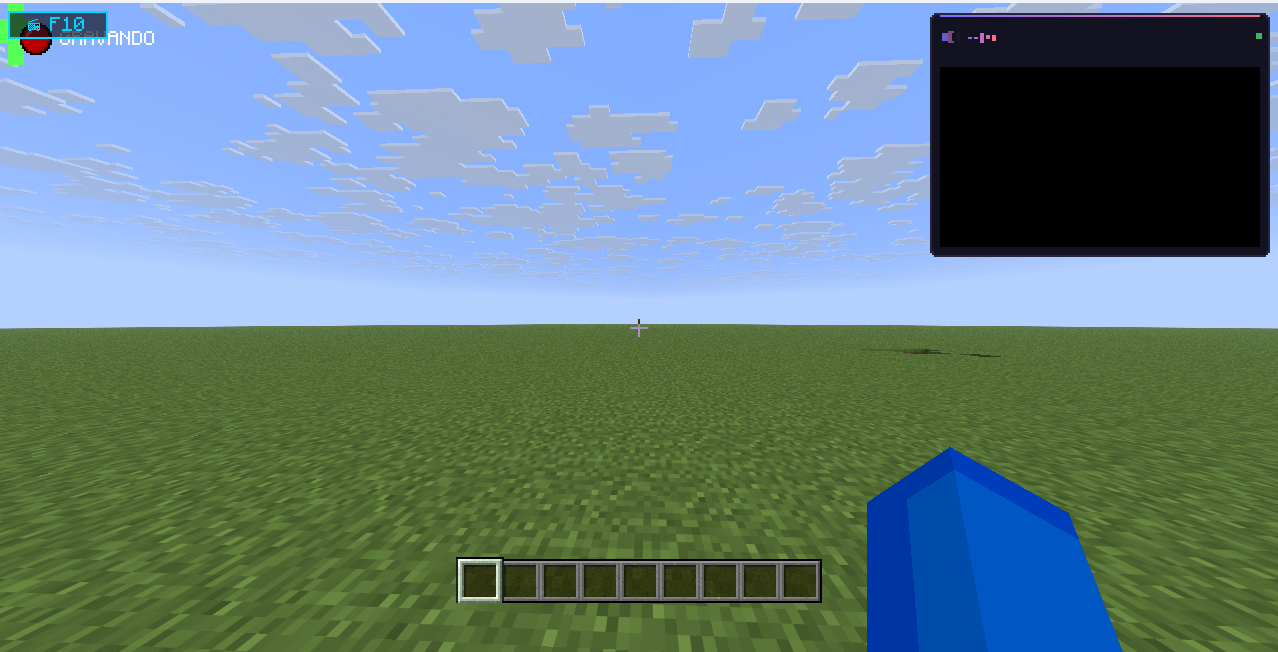 RadioMC
 -
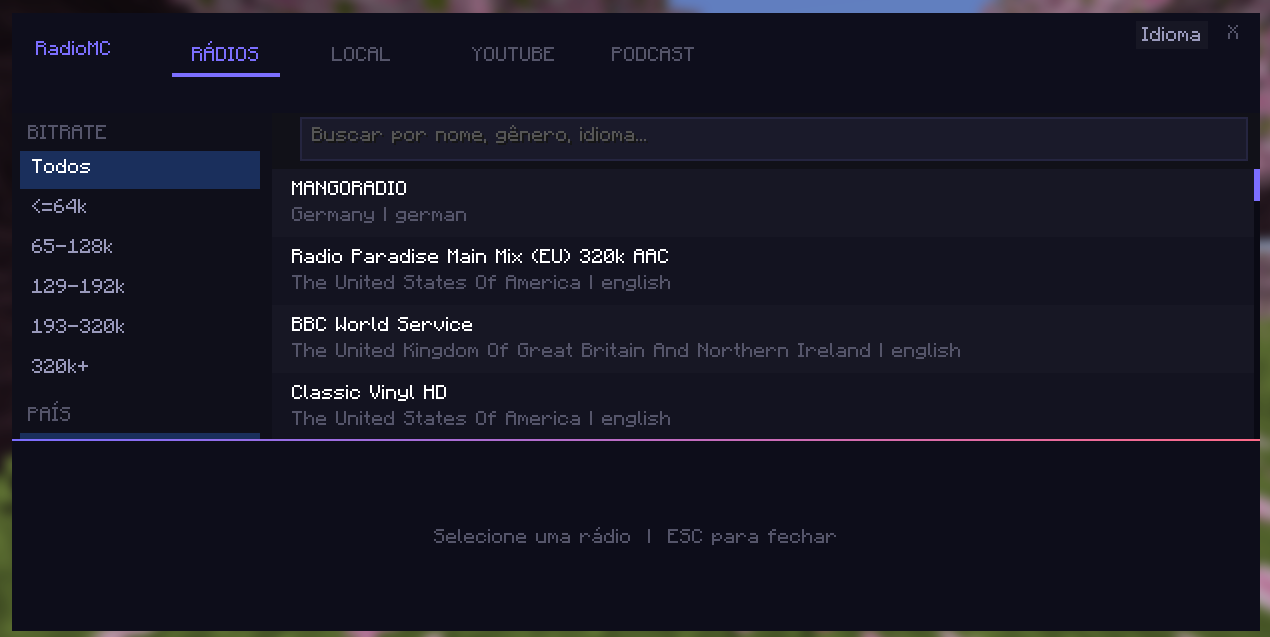 visual radiomc
 -
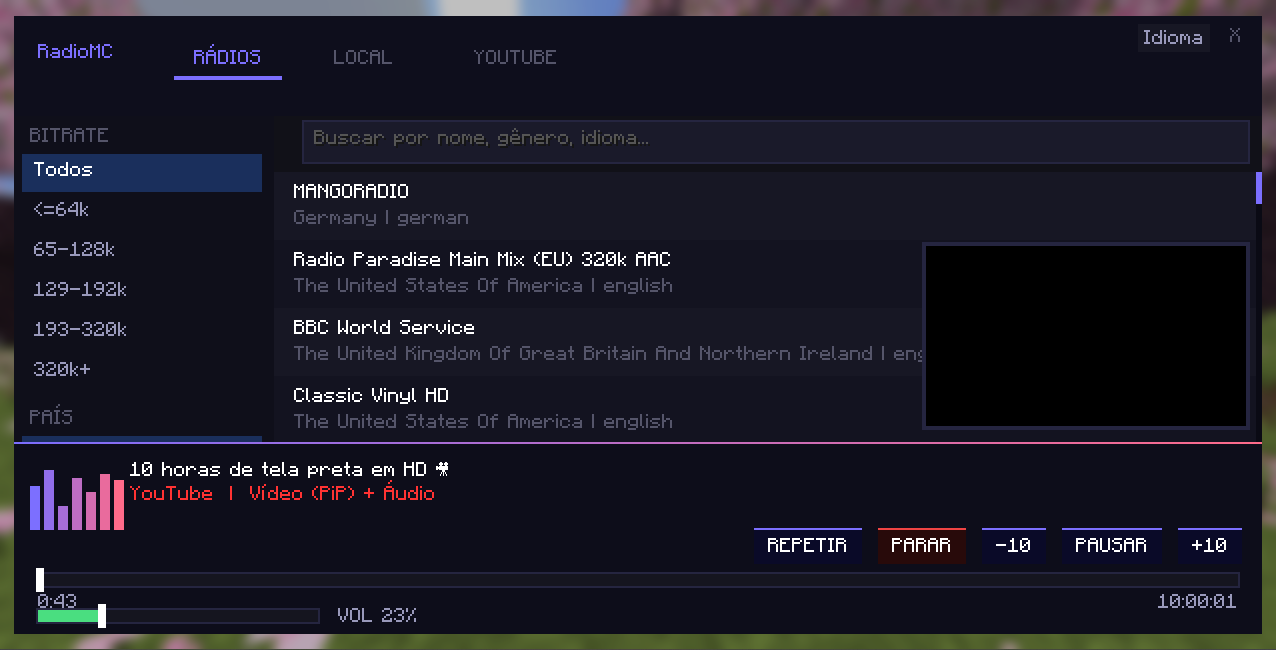 RadioMC video
 -
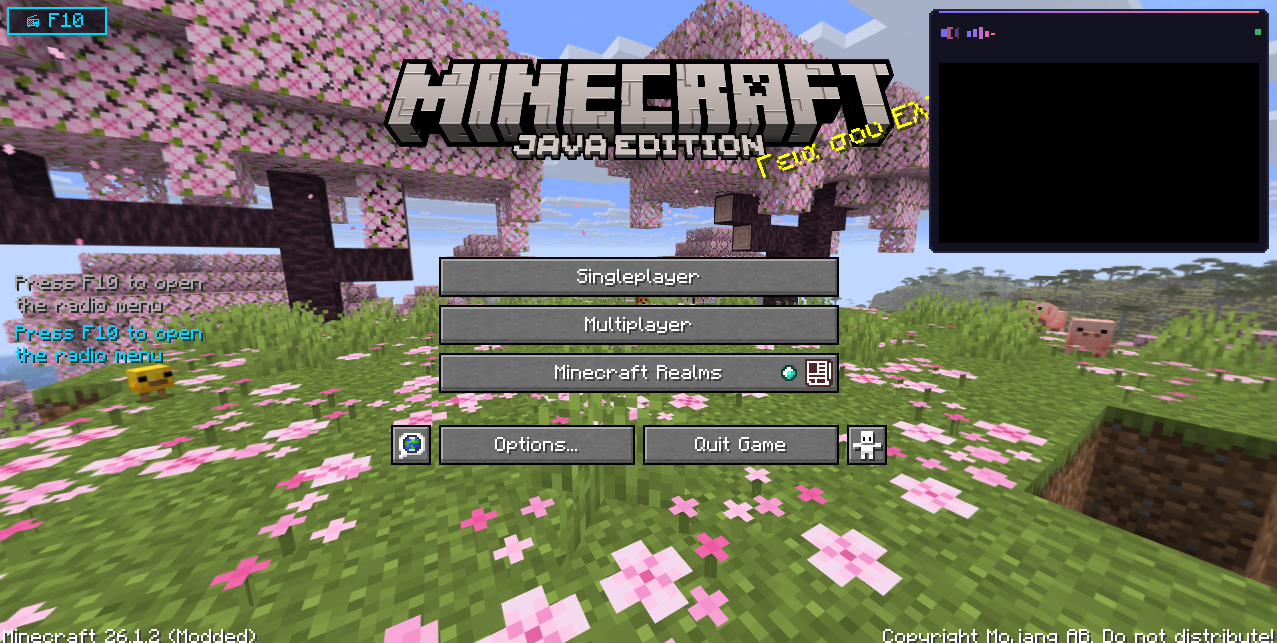 RadioMC
 -
 RadioMC
Versions
Files
Relations
Project Relations
More like this
Similar Mods
Suggestions use data such as tags, dependencies, dependents, descriptions, titles, and more to rank how much they overlap with this mod.
On ModDex
Community snapshot
By the numbers
Statistics

Want to reach Minecraft players?
We're looking for a server hosting partner to feature here and other parts of the site. Interested? Send us a message!
Get in touchGet it on
Available Platforms
On ModDex
Community snapshot
By the numbers
Statistics
Resources