Community listing page, reviews here may not be monitored by the author.
RandomPortals

No reviews yet
Vertical End portals, lateral (horizontal) Nether portals and custom portal types with a focus on configurability!

Community voices
Reviews
No reviews yet. Be the first to review this project!
Get it on
Available Platforms
About
Project Details
For authors
Embed Badge
If you're the author of this project, you can embed a live badge anywhere that supports HTML or Markdown. It updates automatically whenever ratings change.
Use HTML for any page that supports it, or Markdown for README files and Markdown-based descriptions.
Identifiers
Platform IDs
About
Description
Sponsor
I've partnered with Apex Hosting! In my experience, their servers are lag-free, easy to manage, and of high quality. Check them out here:

RandomPortals requires RandomPatches 1.12.2-1.16.0.0 or newer.
RandomPortals should *not* be used with NetherPortalFix.
When using RandomPortals with LiteLoader, Extra Foam For LiteLoader or RandomPatches Integration should be used to prevent this crash.
RandomPortals is a mod that brings vertical End portals and lateral Nether portals to Minecraft with a focus on configurability. RandomPortals also allows modpack authors and addon mods to define their own portal types that go to different dimensions or require specific amounts of different frame blocks. I recommend Just Enough Dimensions for defining your own custom dimensions.
Features:
Placeable portal blocks
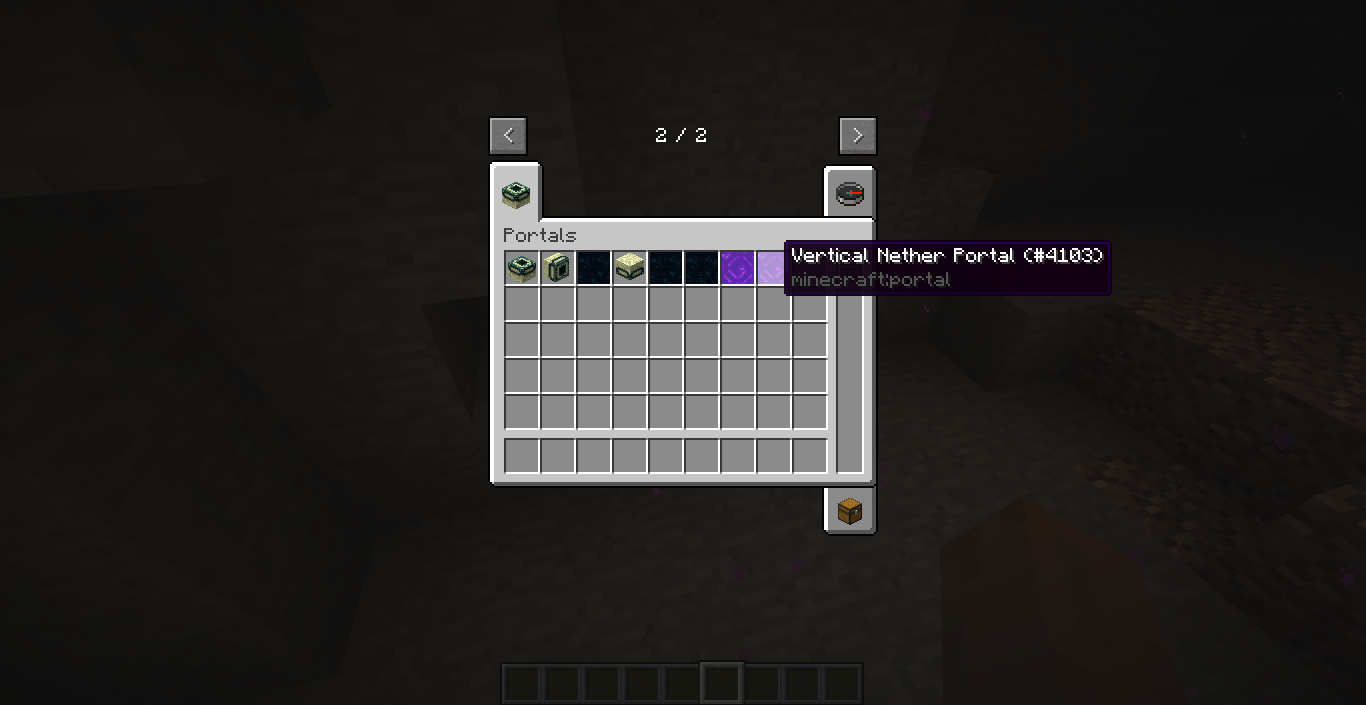
- RandomPortals adds items for both the Nether portal, the End portal and the End gateway, which can be found in the Portals creative tab.
- If the tab is disabled, the portals can be found in the Decoration Blocks creative tab.
- You can also use the Pick Block keybind to select portal blocks.
End portals
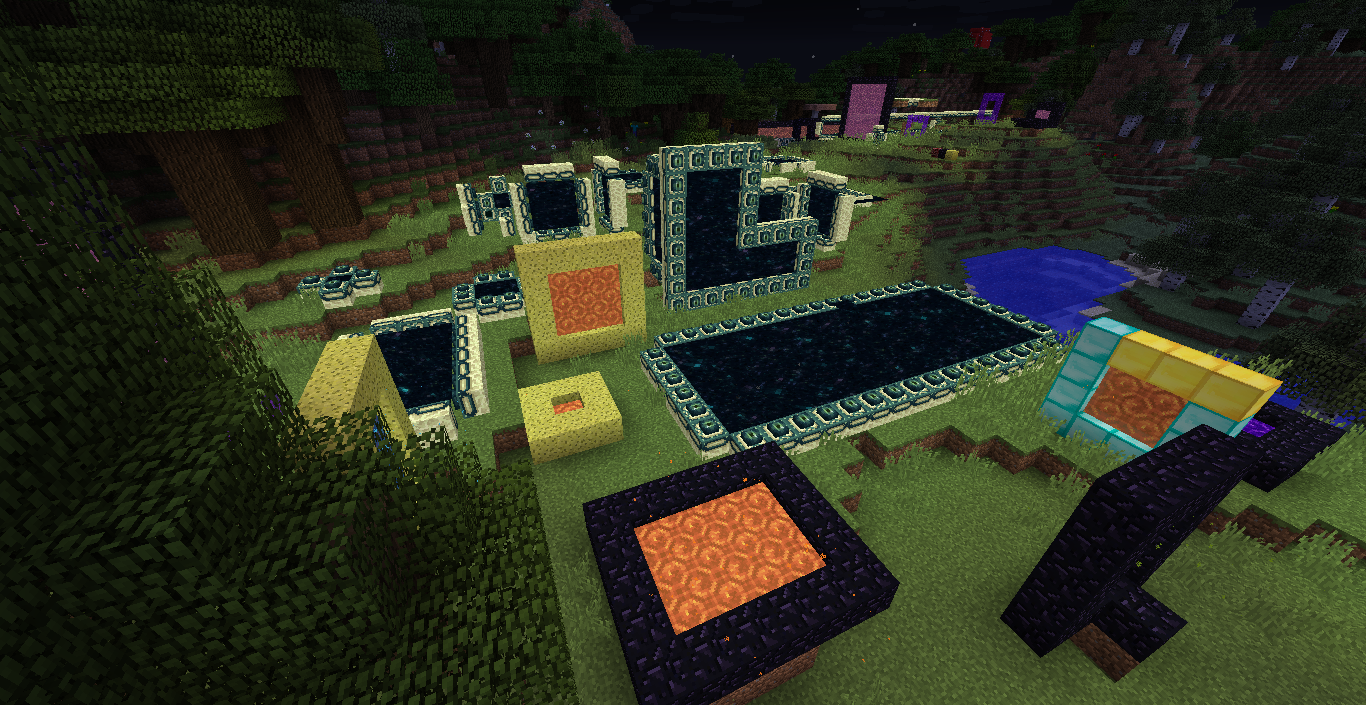
- RandomPortals adds the following End portal types:
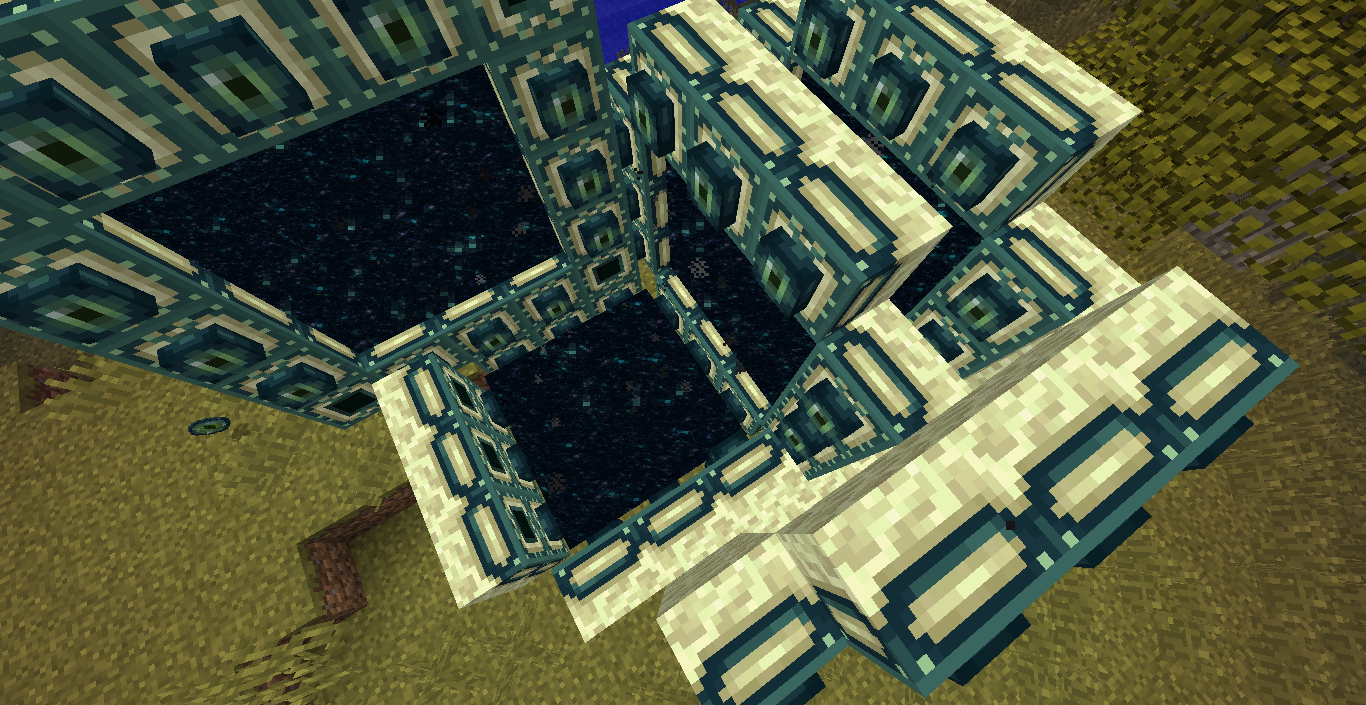
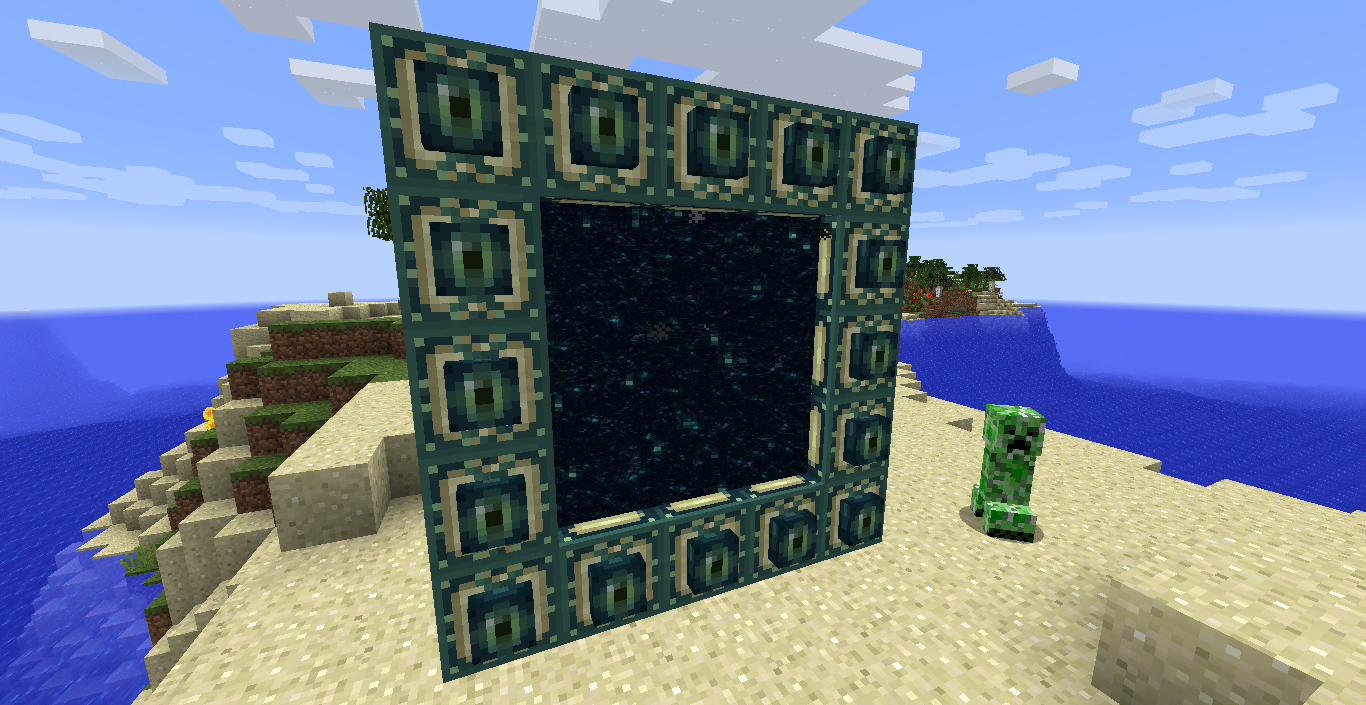
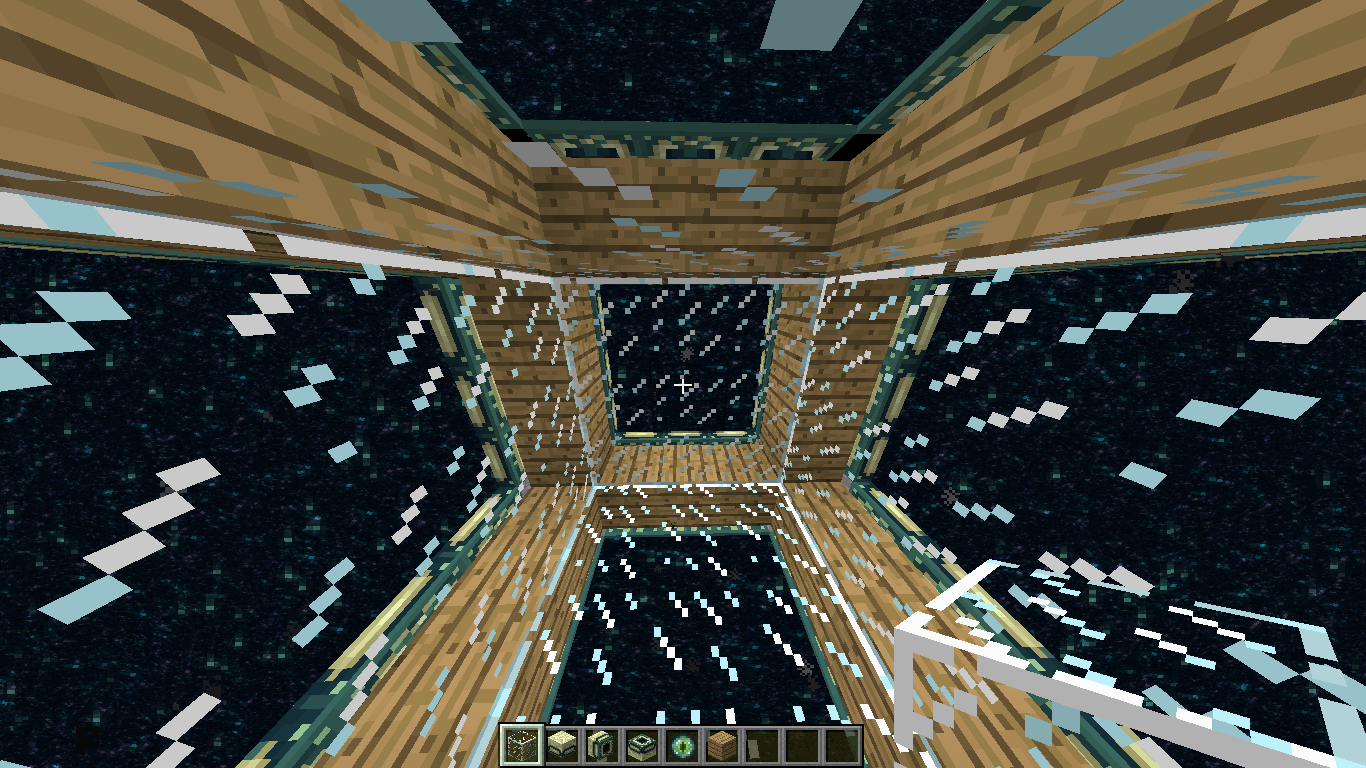
- Vertical End portals
- Inwards-facing vertical End portals
- Lateral End portals using vertical frame blocks
- Upside down lateral End portals
- RandomPortals fixes MC-97216 by using its own frame detection logic.
- RandomPortals also fixes another very minor vanilla bug. In vanilla, when an End portal frame is activated, then a corner frame is also placed and activated, the End portal activates again. Vertical End Portals fixes this by ensuring the activated frame block isn't a frame corner.
- Villagers sometimes spawn with vertical End portal frames on their heads. You can also right click on a villager with a vertical End portal frame to put it on their head.
Nether portals
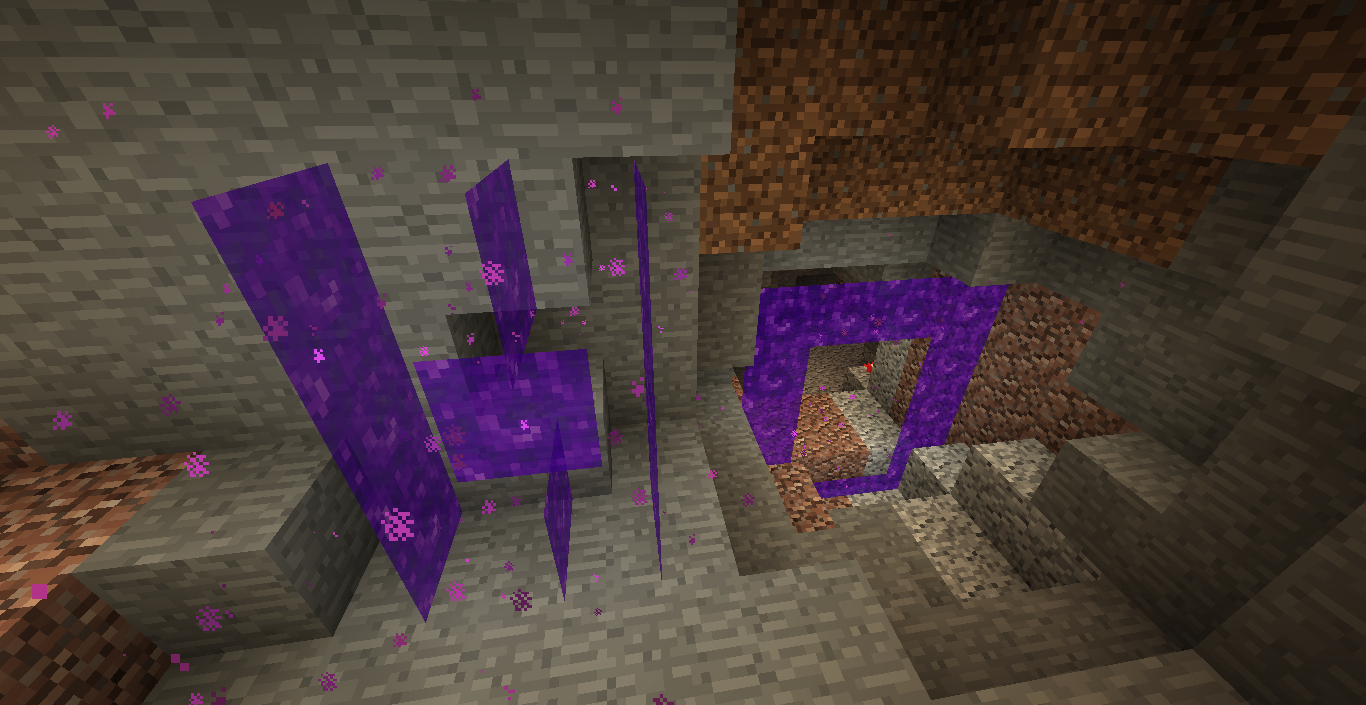
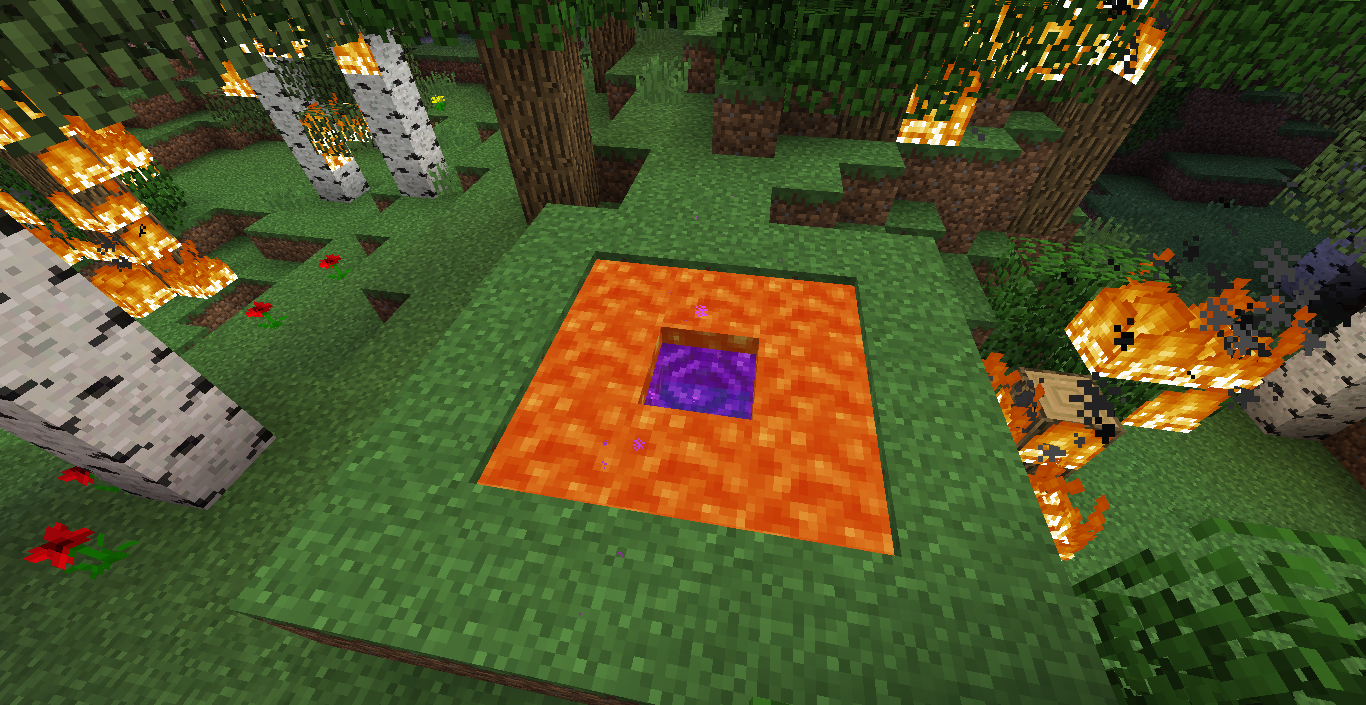
- RandomPortals adds lateral Nether portals.
- Because RandomPortals doesn't use vanilla's frame detection code, it cannot post the Nether portal activation event provided by Forge. Instead, it provides its own, which may cause compatibility issues.
- Receiving Nether portals (and custom portals) are persistent, making NetherPortalFix and similar mods obsolete.
- Receiving portals will be reset if they do not have a valid frame or are of a different type to the sending portal.
- Manually placed Nether portal blocks do not break if a valid portal frame is not detected, unless they were in a portal of the same type and it was activated (and netherPortals.replaceUserPlacedPortalsOnActivation is set to false).
- RandomPortals adds colored portals. All relevant portal blocks change color when dyes are thrown into a portal, and single portal blocks can be dyed by right clicking on them. Dyeing behavior can be configured.
- When a portal is activated, user placed portal blocks are not replaced, allowing players to more easily create colored patterns.
- Portals contribute to beacon colors and have map colors.
- RandomPortals also adds several advancements related to portals, which can be disabled.
- Note that RandomPortals replaces the vanilla teleportation behavior with its own. If you find any issues or inconsistencies, let me know.
- By default, RandomPortals clones Nether portals when generating them in the receiving dimension. This means that if a player activates a lateral 5x4 portal, dyes it red, then goes through it, a red lateral 5x4 portal will be generated in the receiving dimension.
- RandomPortals is not compatible with Inspirations' custom portal color feature, and the feature is automatically disabled if it is detected.
Custom portal types
- RandomPortals allows you to define custom portal types.
- Each directory in config/randomportals/portal_types is a portal type group.
- Each group directory has a file called group_data.json, which allows you to specify the valid activation dimensions and the default dimension ID.
- Different portal types can be defined for different dimensions within the same group.
- Many different options can be configured for each portal type, such as size, minimum amounts of frame blocks, teleportation behavior, activation items and zombie pigman spawn rates.
- For more information, refer to the examples here.
Configuration
- The minimum and maximum widths and heights of each frame type and variant can be configured in the JSON files in config/randomportals. The minimum and maximum dimensions default to 3 and 30.
- Every feature is configurable in the configuration files in config/randomportals and through the in-game configuration GUI.
- Many configuration properties take effect in-game. Use /rporeload and /rporeloadclient to reload the configuration from disk. If you're using the configuration GUI, this isn't necessary, although the frame sizes and Nether portal types can only be configured by manually editing the JSON files.
- /rporeload and /rporeloadclient also list the loaded portal type groups.
Feel free to report issues and provide feedback.
TODO:
- More portal shapes, including L-shaped portals and "donut" portals
- Mod compatibility (Aether, Twillight Forest, etc.)
- Custom portal blocks with configurable textures, ambient sounds and particles
- I'm not going to be working on the 1.12.2 version of this mod anymore. I'll eventually get to a rewrite for the latest version of Minecraft. I've been really busy lately, sorry!
Screenshots and videos:
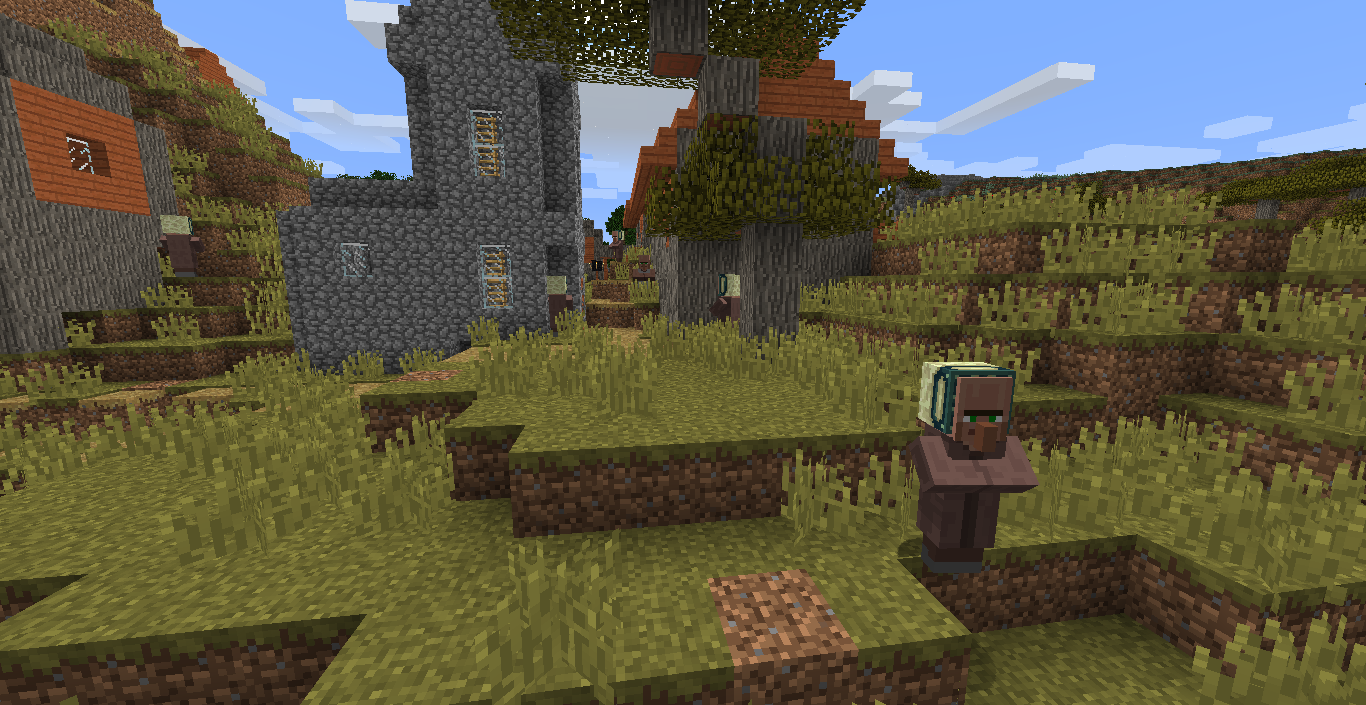
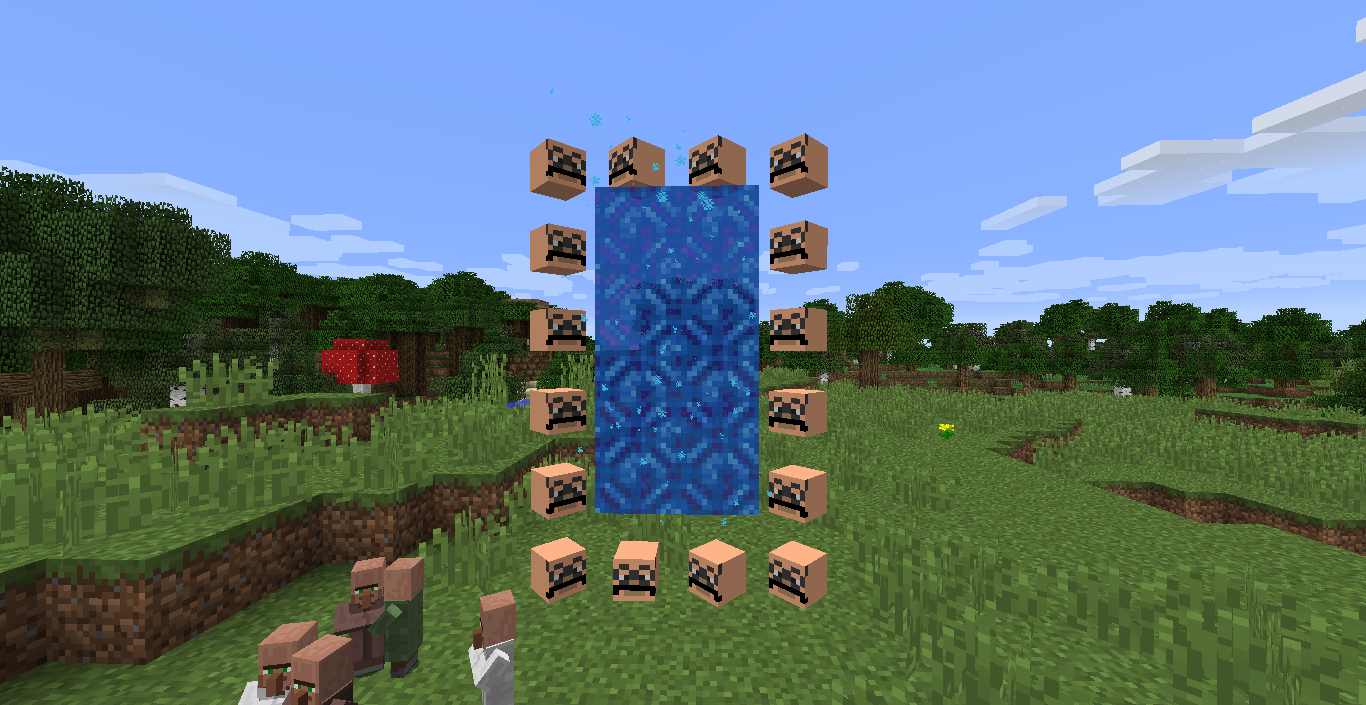
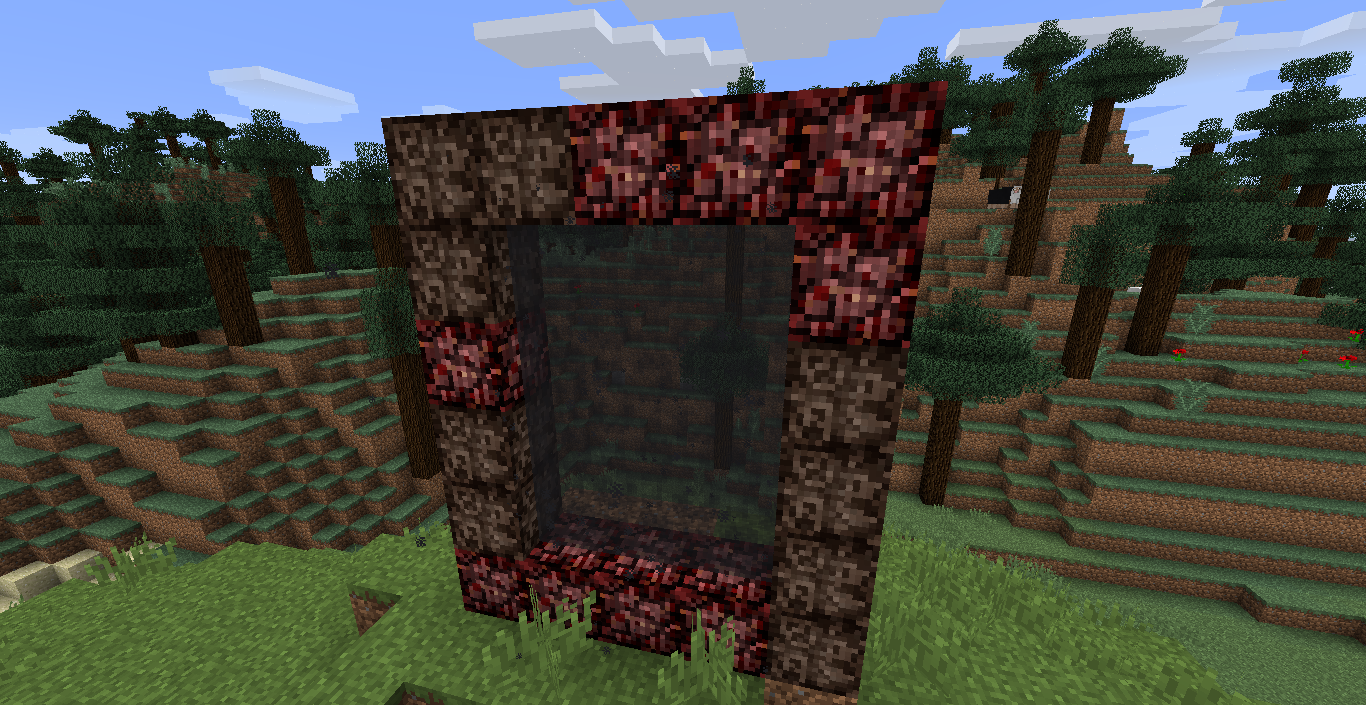
Screenshots
Gallery
-
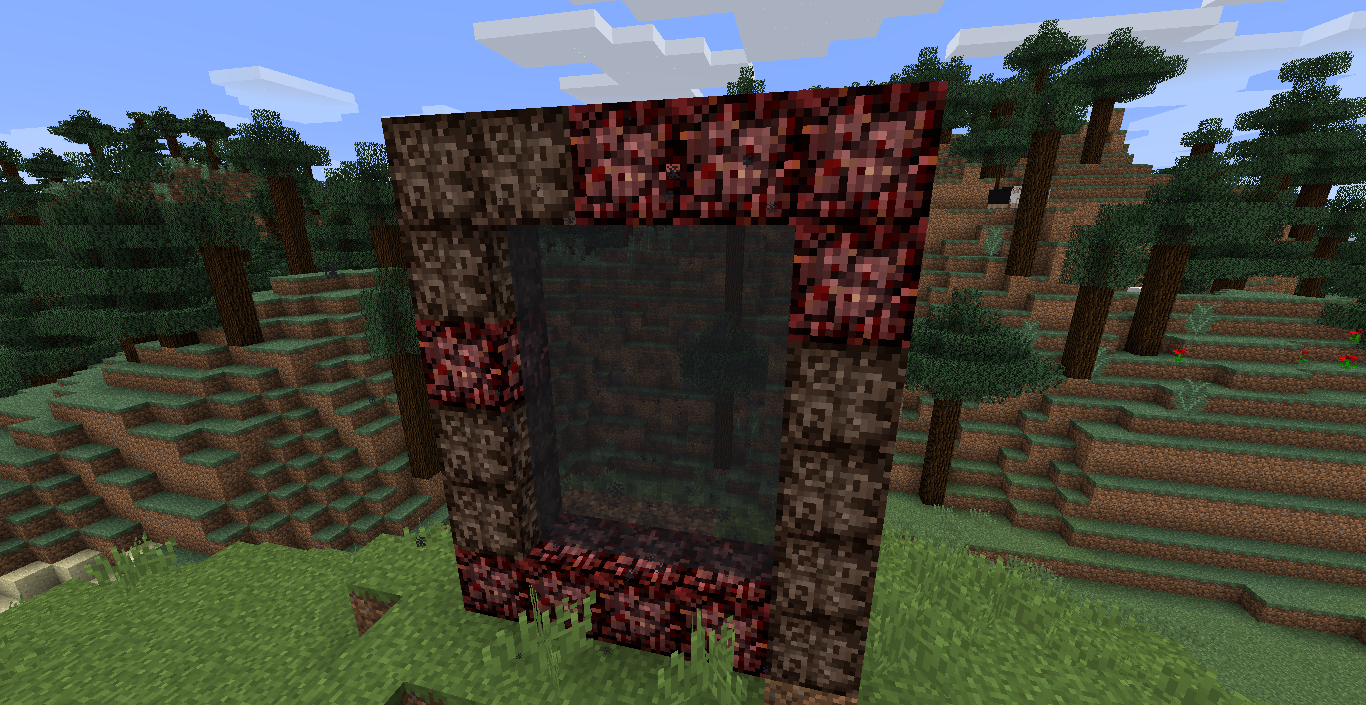 Scary portal
 -
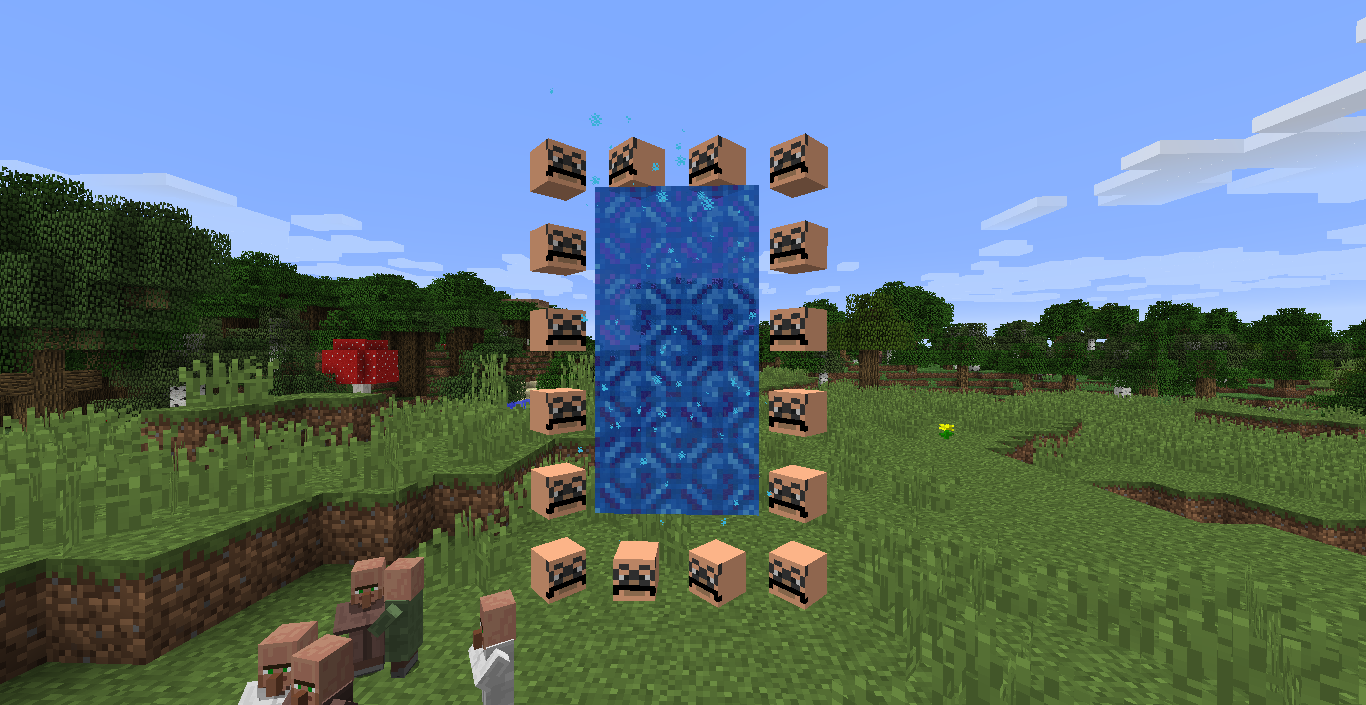 Headframes The colored portal texture is outdated.
 -
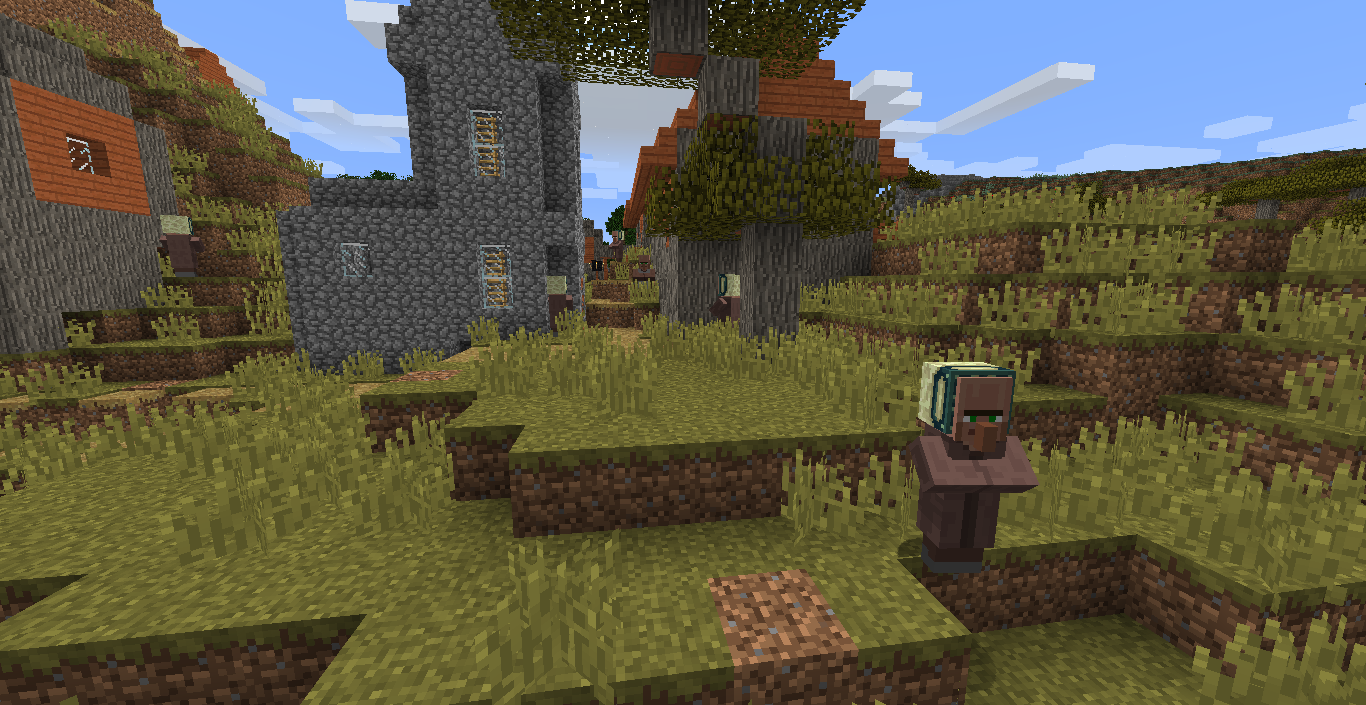 Frameheads
 -
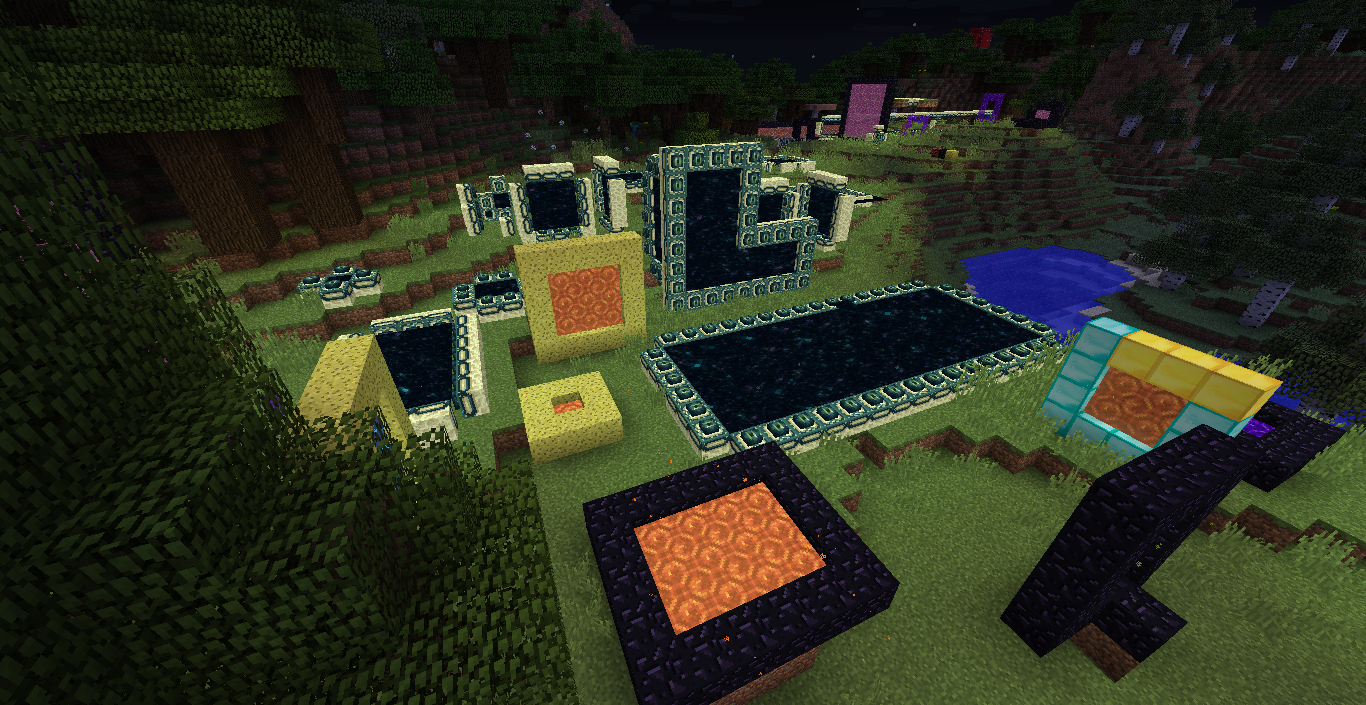 Lots of portals The colored portal textures are outdated.
 -
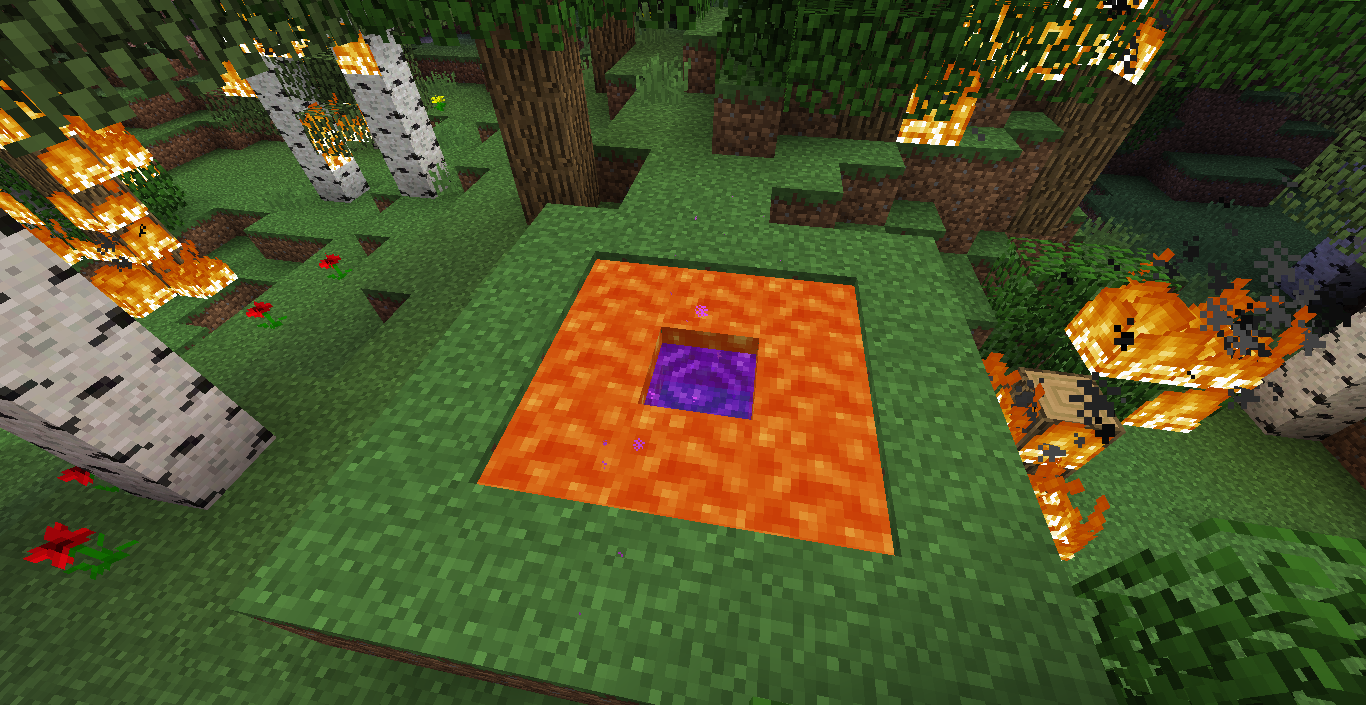 Lava Frame Portal
 -
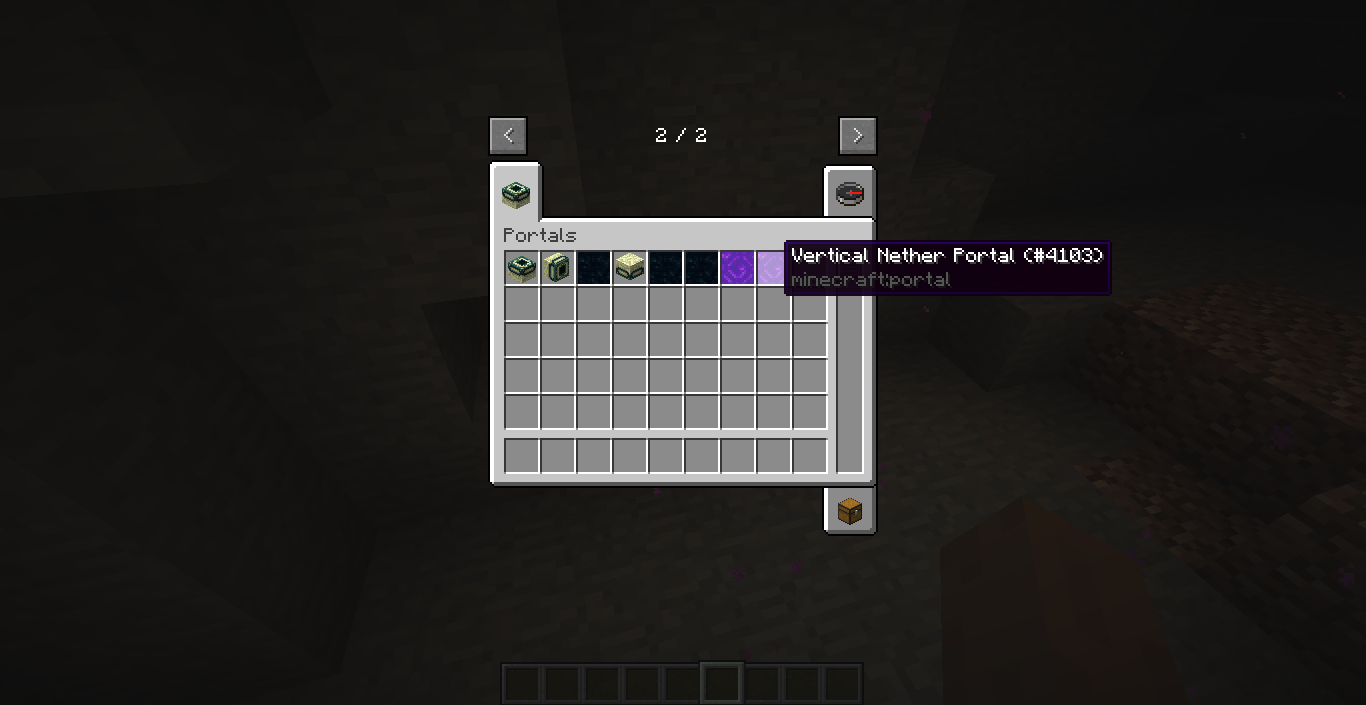 Portals creative tab Outdated.
 -
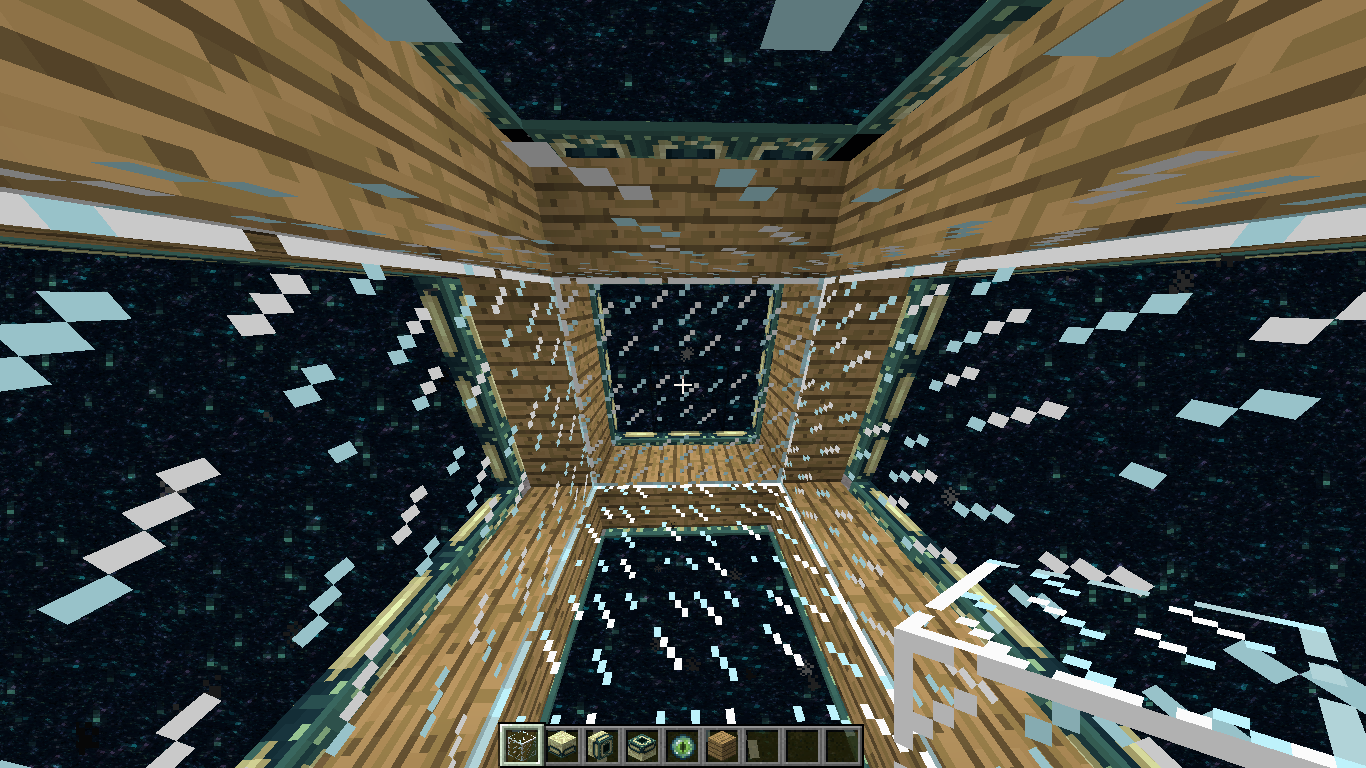 End portal house
 -
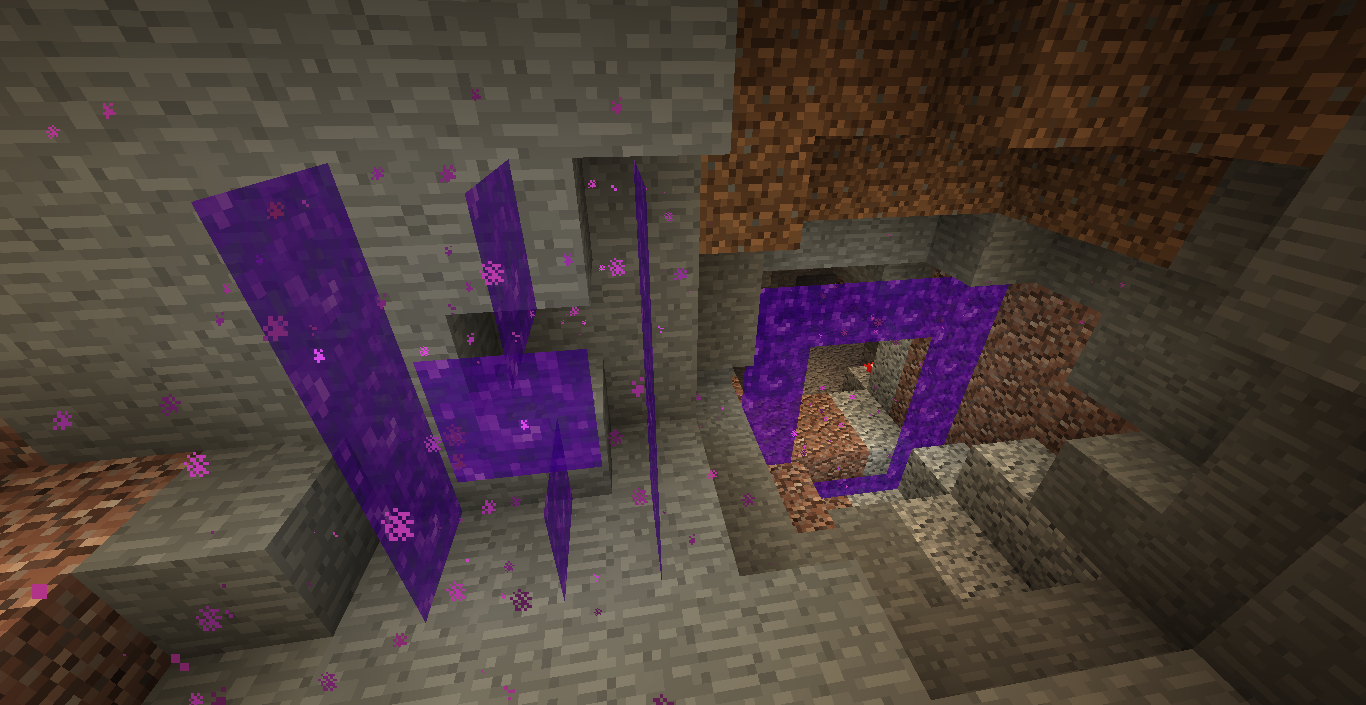 Nether portals can be used as Nether portal frames
 -
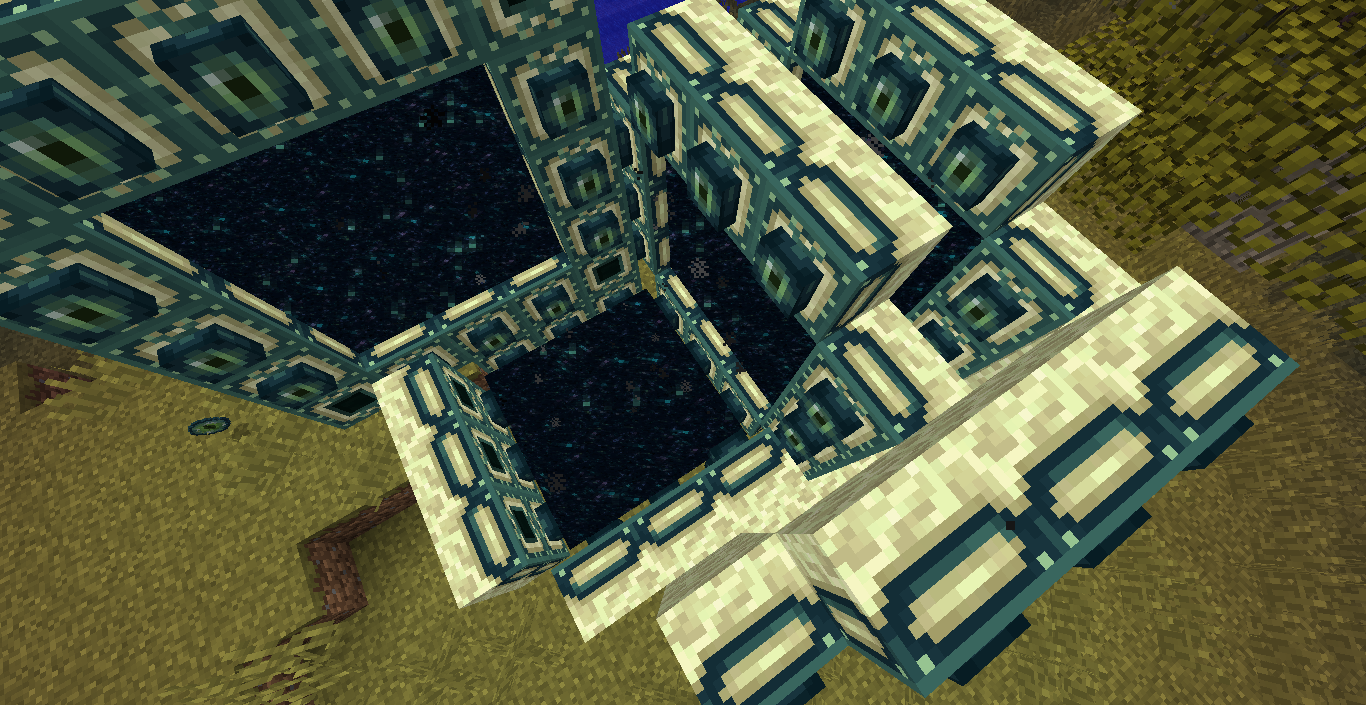 Chaos
Chaos -
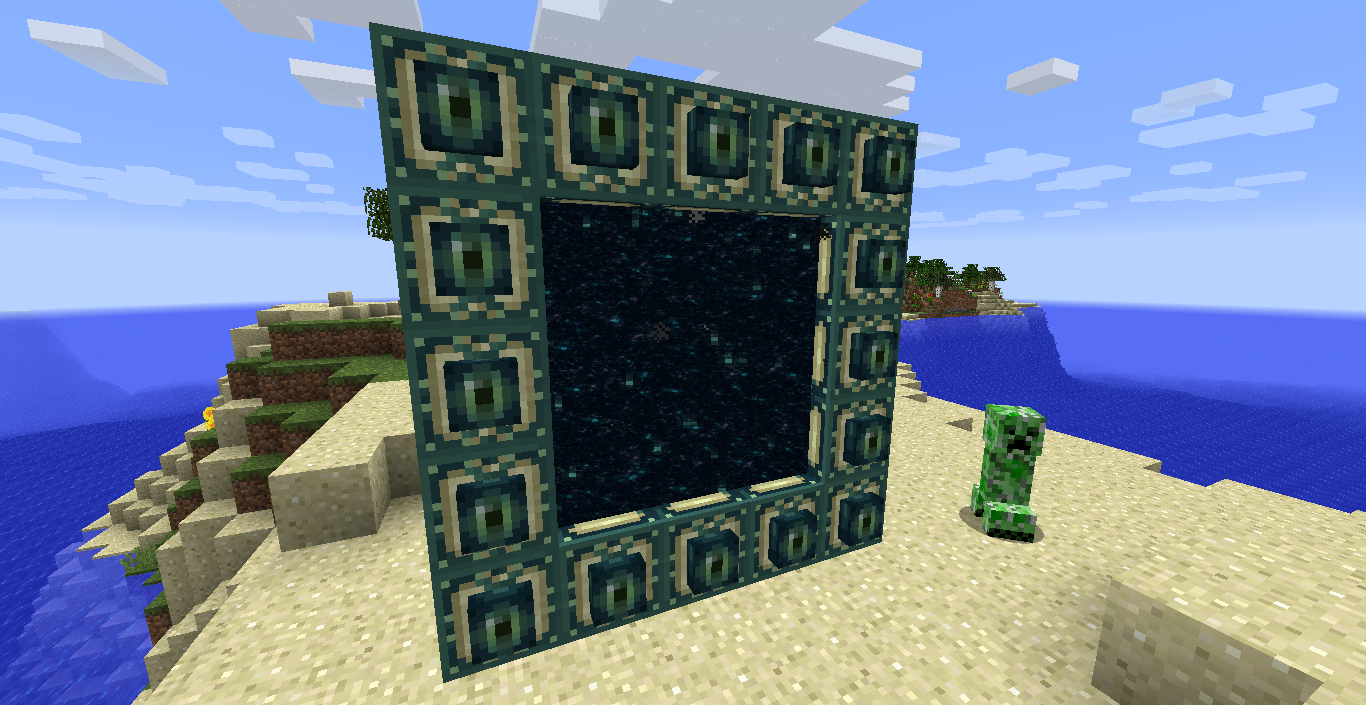 Vertical End portal
Versions
Files
Relations
Project Relations
More like this
Similar Mods
Suggestions use data such as tags, dependencies, dependents, descriptions, titles, and more to rank how much they overlap with this mod.
On ModDex
Community snapshot
By the numbers
Statistics
 (opens in a new tab)
Get it on
Available Platforms
On ModDex
Community snapshot
By the numbers