
Community listing page, reviews may not be monitored by the author.
Rapidium

No reviews yet
Boost your FPS with entity culling, block entity culling and a particle limiter. 4 presets from Low to Ultra. Compatible with Sodium.

Community voices
Reviews
No reviews yet. Be the first to review this project!
Get it on
Available Platforms
About
Project Details
For authors
Embed Badge
If you're the author of this project, you can embed a live badge anywhere that supports HTML or Markdown. It updates automatically whenever ratings change.
Use HTML for any page that supports it, or Markdown for README files and Markdown-based descriptions.
Identifiers
Platform IDs
Resources
External Links
About
Description
# Rapidium
Rapidium is a lightweight, client-side performance mod that can improve your FPS by up to 2x. It reduces what the game has to render, and you control it from a simple config screen that looks like vanilla Minecraft.
**Compatible with Sodium.** (Rapidium also works on its own.)
## Features
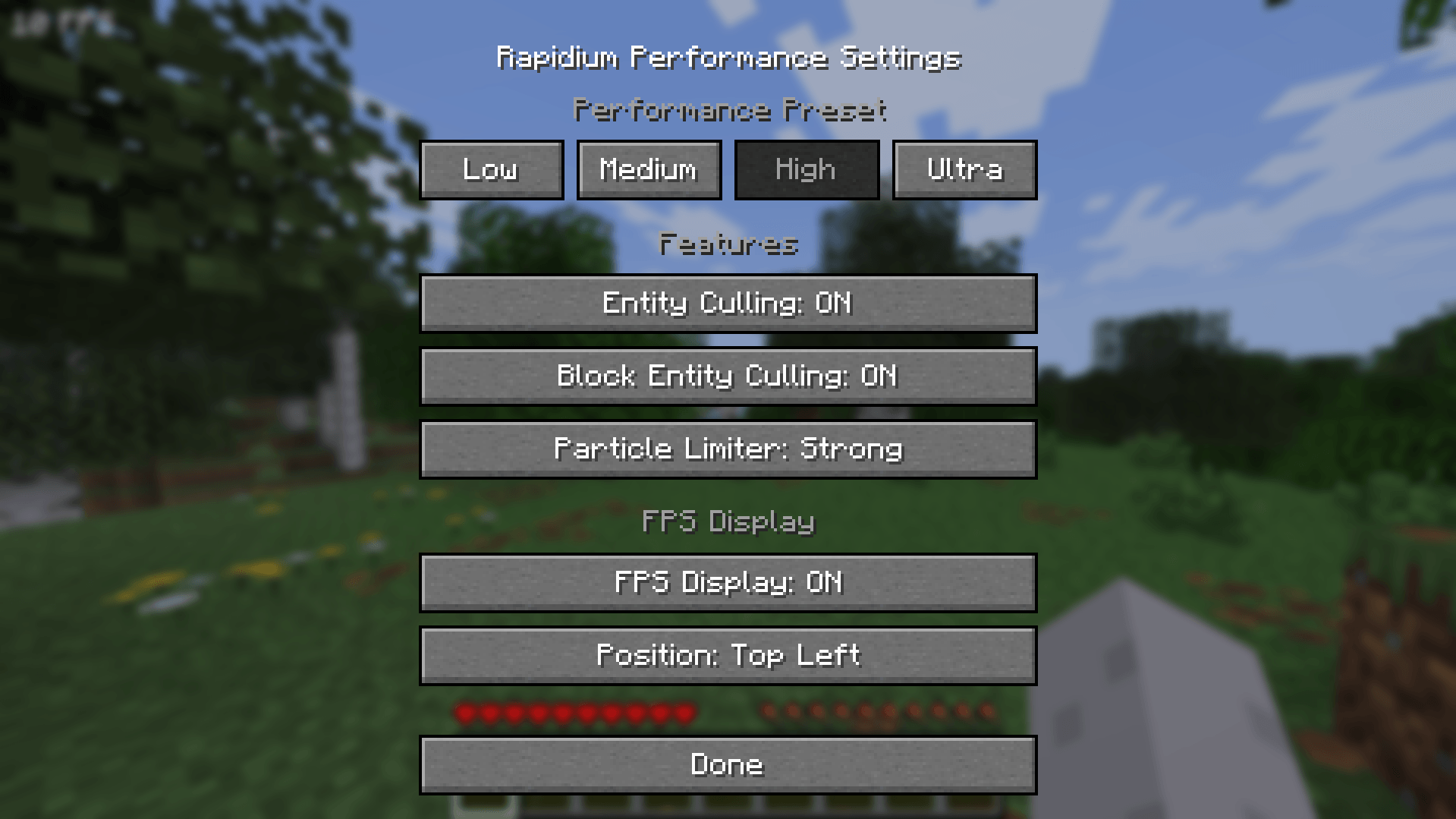
- **Entity culling:** far-away entities are no longer rendered. Players are never hidden.
- **Block entity culling:** chests, signs and similar blocks are skipped at a distance.
- **Particle limiter:** reduces or completely disables particles.
- **Four presets:** Low, Medium, High and Ultra, plus individual toggles for each feature.
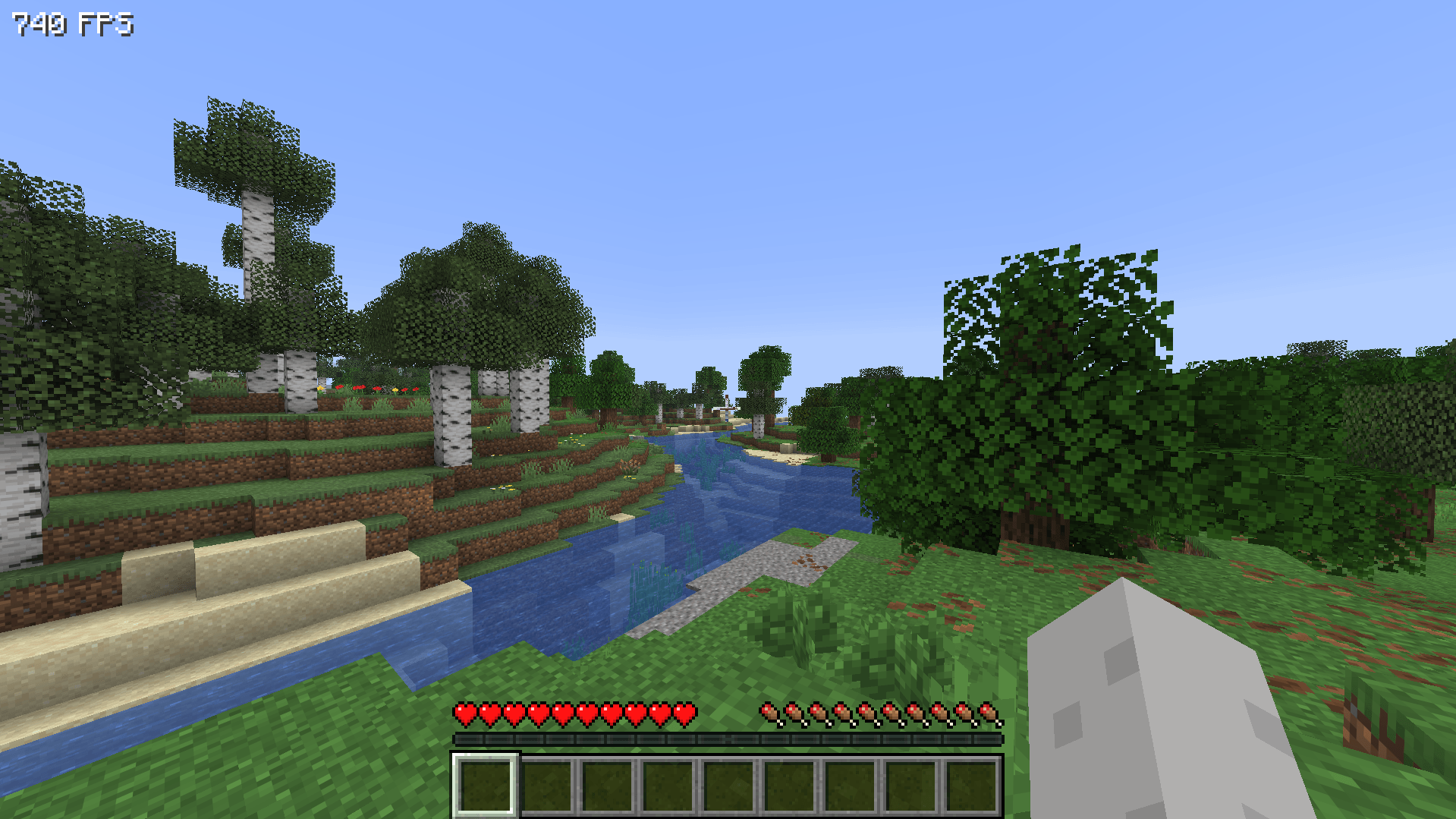
- **FPS display:** optional, with four corner positions.
- **Vanilla settings:** High and Ultra also adjust a few vanilla options (render distance, simulation distance, clouds and more). Your original values are saved and restored when you switch back to Low or Medium.
## Presets
| Preset | What it does |
|---|---|
| Low | Entity culling only |
| Medium | Entity and block entity culling, light particle limit |
| High (default) | Stronger culling, stronger particle limit, mild vanilla tweaks (render distance up to 12) |
| Ultra | Maximum performance: no particles, short entity range, aggressive vanilla tweaks |
Ultra trades visual detail for FPS. Far entities and all particles are hidden, so it is not ideal if you rely on seeing everything.
## How to use
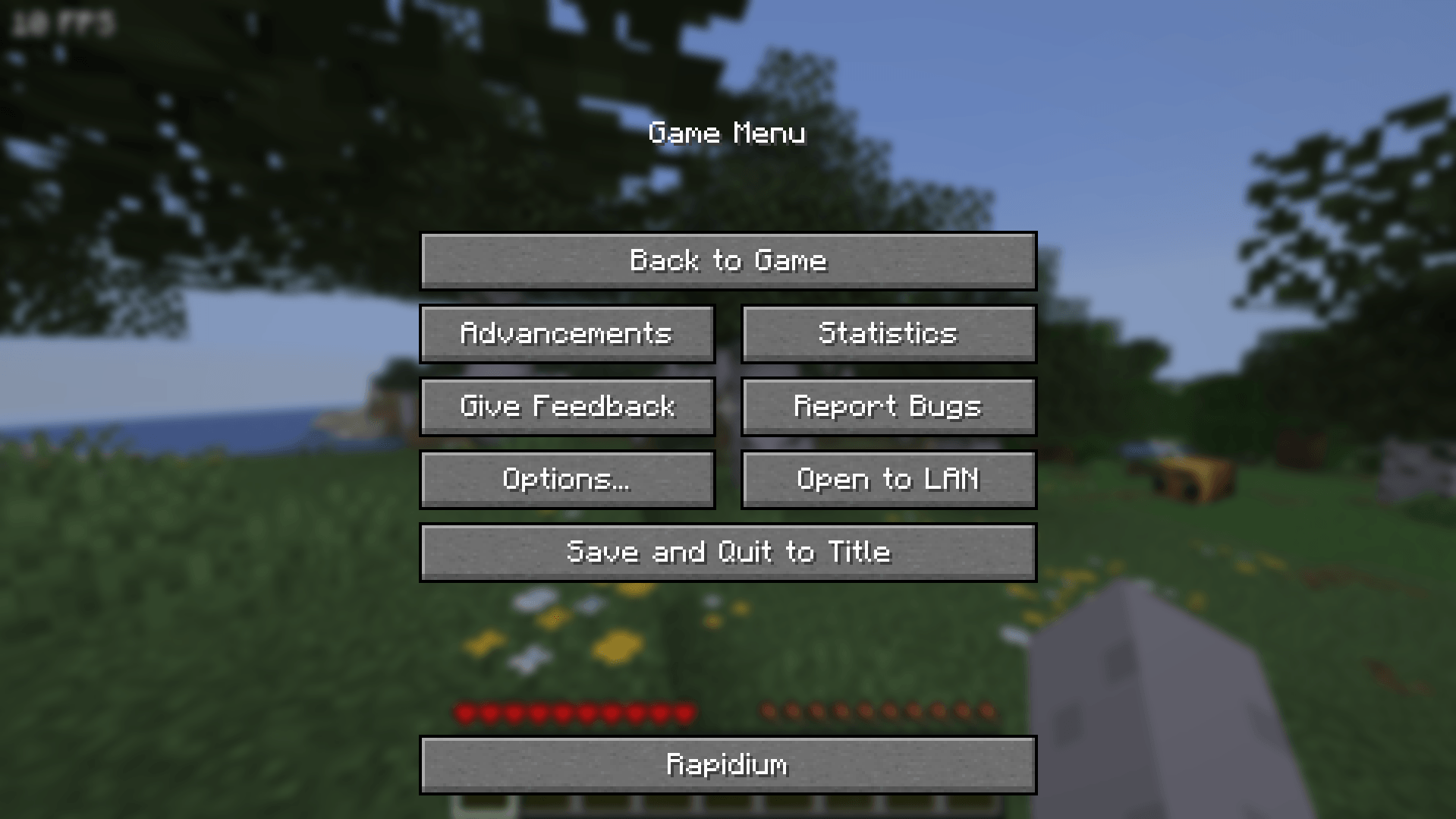
Open the pause menu and click the **Rapidium** button at the bottom. Settings are saved in `config/rapidium.json`.
## Notes
- Client-side only. It does not need to be installed on the server and only changes how things are drawn.
- Requires Fabric API.
- Supports Minecraft 1.21.8 to 1.21.11.
- Results depend on your setup, so check the effect with and without Rapidium on your own PC.
Screenshots
Gallery
-
 Screenshot 2026-10-17 210141.png Screenshot 2026-10-17 210141.png
 -
 Screenshot 2026-10-17 205510.png Screenshot 2026-10-17 205510.png
 -
 Screenshot 2026-10-17 205608.png Screenshot 2026-10-17 205608.png
Versions
Files
Relations
Project Relations
More like this
Similar Mods
Suggestions use data such as tags, dependencies, dependents, descriptions, titles, and more to rank how much they overlap with this mod.
On ModDex
Community snapshot
By the numbers
Statistics

Get it on
Available Platforms
On ModDex
Community snapshot
By the numbers
Statistics
Resources