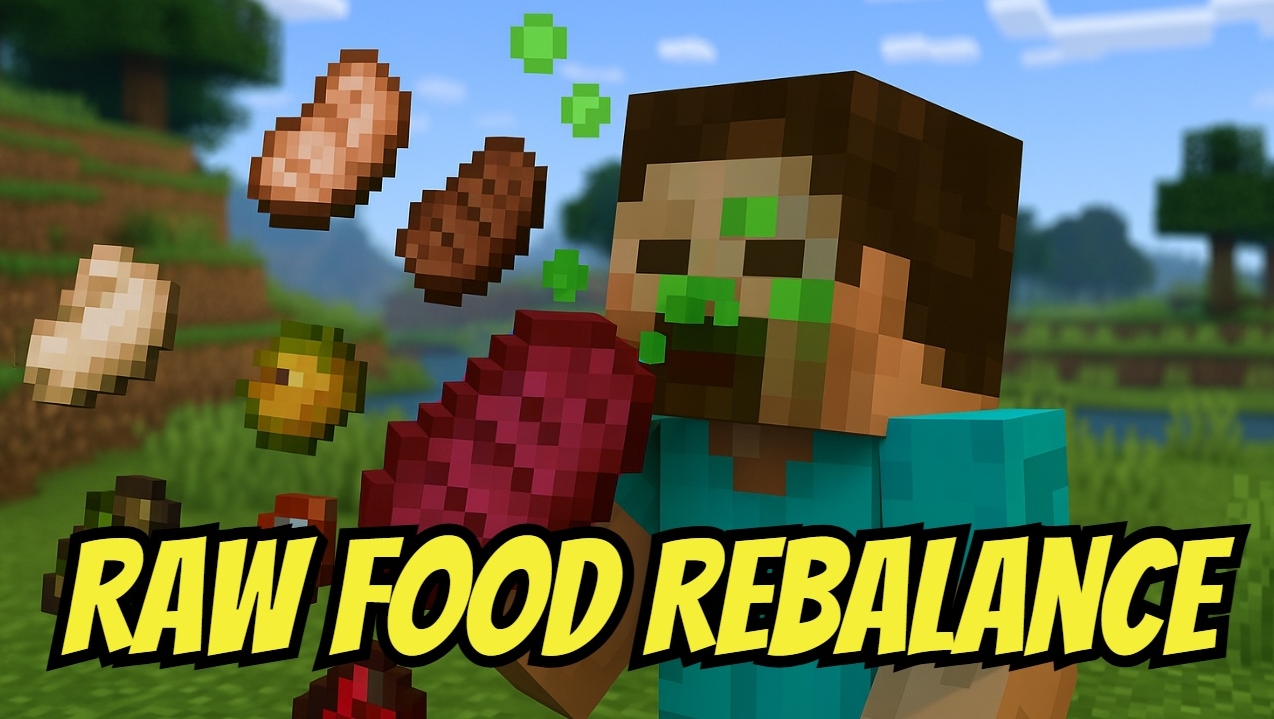

Raw Food Rebalance
No reviews yet
This datapack encourages players to cook their food rather than eating it raw, with mild consequences for consuming raw meat and raw potato.
Focuses on cooking, recipes, and food-related mechanics.
Data Packs were introduced to vanilla Minecraft in version 1.13 and allow the server to modify data about the game, or run commands. Data Packs are compatible with all mod loaders.
Community voices
Reviews
Click once to include, again to exclude, again to clear
No reviews yet. Be the first to review this project!
Get it on
Available Platforms
 Modrinth
Compatibility
Supported Environments
About
Project Details
For authors
Embed Badge
If you're the author of this project, you can embed a live badge anywhere that supports HTML or Markdown. It updates automatically whenever ratings change.
Use HTML for any page that supports it, or Markdown for README files and Markdown-based descriptions.
Identifiers
Platform IDs
Resources
External Links
About
Description
This datapack encourages players to cook their food rather than eat it raw, with mild consequences for consuming raw meat and raw potatoes.
All raw meat items, as well as raw potatoes, apply a hunger effect when eaten. While their nutritional value technically remains the same, the hunger effect significantly reduces their effectiveness, making raw food less beneficial. Occasionally, players may experience food poisoning from raw food, simulating the dangers of eating uncooked meals in real life. Toxic items like rotten flesh, pufferfish, and spider eye are nearly inedible, applying stronger hunger effects, making them dangerous for survival. However, apple, melon, sweet berries, glow berries, carrot, beetroot, kelp, and chorus fruit remain unaffected and can still be consumed without penalty.
Requirements
Minecraft Java Edition 1.21-26.1.xInstallation
Singleplayer
- Open Minecraft
- Create a new world and click on "More", "Datapacks"
- Drag the data pack into the Minecraft window
- Click "Yes" on the confirmation screen
- Move the data pack to the right-hand side of the screen by clicking the triangle on its icon
- Click "Done" and continue creating your world, then click on "Create New World"
Multiplayer
- Download the data pack
- Open your server folder, then open the folder of the world
- Put the data pack into a folder named datapacks
- Restart your server and you can use your new datapack.
Screenshots
Gallery
Versions
Files
Relations
Project Relations
More like this
Similar Mods
Suggestions use data such as tags, dependencies, dependents, descriptions, titles, and more to rank how much they overlap with this mod.
On ModDex
Community snapshot
By the numbers
Statistics

Want to reach Minecraft players?
We're looking for a server hosting partner to feature here and other parts of the site. Interested? Send us a message!
Get in touchGet it on
Available Platforms
On ModDex
Community snapshot
By the numbers
Statistics
Resources