
Community listing page, reviews here may not be monitored by the author.
RealMines

No reviews yet
GUI based, simple and efficient mine creation and management plugin.

Community voices
Reviews
No reviews yet. Be the first to review this project!
Get it on
Available Platforms
About
Project Details
For authors
Embed Badge
If you're the author of this project, you can embed a live badge anywhere that supports HTML or Markdown. It updates automatically whenever ratings change.
Use HTML for any page that supports it, or Markdown for README files and Markdown-based descriptions.
Identifiers
Platform IDs
About
Description
RealPermissions
GUI Permission Management made easy.
Ranks, permissions, timed ranks, tracks and rankups, managed from a GUI or with commands.
What is RealPermissions?
RealPermissions is a permissions plugin you can run almost entirely from a GUI. Players get a rank, ranks get permissions and can inherit other ranks, and each rank has its own prefix and chat format. On top of that you can give a player permissions of their own, hand out ranks and permissions for a limited time, move players along rank tracks, and let players buy their next rank with /rankup.
Features
- GUI for everything: players, ranks, permissions, rankups and settings
- Permission inheritance between ranks
- Negated permissions (a node starting with
-) and wildcards (a node ending in*) - Per-player permissions, on top of the player's rank
- Timed ranks and timed player permissions (e.g.
30m,12h,7d,1d12h) - Prefix and chat format per rank
- Prefix in the tab list, and the tab list sorted by rank weight
- Tracks: promote and demote players along an order of ranks, with a permission per track
- Rankup: players pay through Vault to move up a rankup path
/rp checkexplains where a player's permission comes from (their own, their rank, an inherited rank, a wildcard, super user, op or another plugin)- Permissions of other plugins are read from their
plugin.yml, so you can pick them from a list instead of typing them - Native integration with RealScoreboard, RealMines, RealRegions, RealSkywars, RealHoppers and RealLogin through the RealPermissions API
- Vault permission and chat provider, so other plugins see your ranks, permissions and prefixes
- Import from LuckPerms, PermissionsEx and GroupManager
- On 1.21.6+, native dialogs for typed input, settings and confirmations (uses chat on older versions)
- SQLite and MySQL storage for player data
- PlaceholderAPI placeholders
- Fully configurable YAML config, ranks, rankups and language files
Ranks
Ranks live in ranks.yml. Each rank has an icon, a prefix, a chat format, the ranks it inherits from and its own permissions. New players get the Default-Rank.
Rank example and options
Default-Rank: Player
Ranks:
  VIP:
    Icon: IRON_INGOT
    Prefix: "&9VIP"
    Chat: "%prefix% %player% &7- &f%message%"
    Inheritance:
      - Player
    Permissions:
      - essentials.afk
      - -essentials.fly
| Option | What it does |
|---|---|
Chat |
The chat format, with %prefix%, %player% and %message%. Turn it off with Chat-Formatting in config.yml. |
Inheritance |
The rank gets every permission of the ranks listed here. |
Permissions |
A node starting with - is taken away; a node ending in * gives everything under it. |
Weight (optional) |
Higher sorts first in the tab list. Without one, the weight is how many ranks it inherits from. Set it with /rp setweight. |
Tracks
A track is an order of ranks, lowest first, set in ranks.yml or with /rp settrack. /rp promote <player> <track> and /rp demote <player> <track> move a player one rank up or down it. Staff with realpermissions.track.<track> can use these on that one track, without being able to hand out any other rank. A player with a timed rank can't be moved until it runs out or is cleared.
Rankup
Rankups live in rankup.yml and need Vault with an economy plugin. A rankup is a path of ranks, each with a cost, and the first one costs 0. A player opens /rankup, picks a path and pays to move to the next rank on it. A rankup can have a Permission, so only some players see it. Rankups can also be added, edited and removed from the GUI.
Rankup example
Rankups:
  VIPRankup:
    Display-Name: "&bVIP &bRankup"
    Icon: FILLED_MAP
    Permission: RealPermissions.Rankup.VIPRankup
    Description:
      - '&fThis is a rankup exclusive for &bVIPs'
    Entries:
      - VIP=0
      - VIP+=100000
      - VIPPro=3000000
Super Users
A super user is a player set from the console with /rp setsuper <player>. Super users get realpermissions.admin and are the only players who can run the commands that change ranks and permissions in game (set a rank, timed ranks, add or remove permissions, delete a rank, manage tracks, import). The console can always run them.
Photos
Getting Started
- From the console, make yourself a super user:
/rp setsuper <your name>. - Run
/rpin game to open the GUI. - Open Ranks to add ranks, change their prefix and icon, and add permissions. Permissions from your other plugins can be picked from a list.
- Give a player a rank with
/rp setrank <player> <rank>, or from Players in the GUI. - To let players buy ranks, install Vault and an economy plugin, and set up the paths in
rankup.ymlor in the GUI. - Coming from another permissions plugin? Run
/rp import <luckperms|pex|groupmanager>to see what would be imported, then addconfirm.
Commands
Base commands: /realpermissions, /rp. All need realpermissions.admin unless said otherwise. "Super user" means a player must also be a super user; the console can always run it.
| Command | Alias | Description | Who |
|---|---|---|---|
/rp |
Opens the GUI (in the console, shows plugin info) | Admin | |
/rp reload |
rl |
Reloads the config, language, ranks and rankups | Admin |
/rp setrank <player> <rank> |
sr |
Sets a player's rank | Super user |
/rp permission <add|remove> <rank> <permission> |
perm |
Changes a rank's permissions | Super user |
/rp playerperm <add|remove> <player> <permission> [duration] |
pperm |
Changes a player's own permissions, for a time if a duration is given | Super user |
/rp check <player> <permission> |
c |
Says whether the player has it, and why | Admin |
/rankup |
/rk |
Opens the rankups | realpermissions.rankup |
All commands
| Command | Alias | Description | Who |
|---|---|---|---|
/rp settings |
Opens the settings | Admin | |
/rp rank <rank> |
r |
Opens a rank's editor | Admin |
/rp ranks |
Opens the ranks list (in the console, lists the ranks) | Admin | |
/rp players |
plrs |
Opens the players list | Admin |
/rp player <player> |
p |
Opens a player's permissions | Admin |
/rp setsuper <player> |
setsu |
Turns super user on or off | Console only |
/rp settimedrank <player> <rank> <seconds> |
str |
Gives a rank for a time; the old one comes back when it runs out | Super user |
/rp cleartimedrank <player> |
ctr |
Ends a timed rank | Super user |
/rp rename <rank> <new name> |
ren |
Renames a rank | Admin |
/rp delete <rank> |
del |
Deletes a rank, except the default one | Super user |
/rp setweight <rank> <weight|auto> |
sw |
Sets the rank's tab list weight | Admin |
/rp tracks |
Lists the tracks | Admin | |
/rp settrack <track> <rank> <rank> [rank...] |
st |
Creates or replaces a track | Super user |
/rp deltrack <track> |
dt |
Deletes a track | Super user |
/rp promote <player> <track> |
Moves a player one rank up a track | Super user or realpermissions.track.<track> |
|
/rp demote <player> <track> |
Moves a player one rank down a track | Super user or realpermissions.track.<track> |
|
/rp import <luckperms|pex|groupmanager> [confirm] |
Shows what would be imported, and imports it with confirm. For LuckPerms, run /lp export first |
Super user | |
/rp hooks |
hks |
Shows the plugins whose permissions RealPermissions knows | Admin |
/rp hook <plugin> |
hk |
Opens one plugin's permissions | Admin |
Permissions
| Permission | Description |
|---|---|
realpermissions.admin |
The /rp commands and the GUI |
realpermissions.rankup |
The /rankup command |
realpermissions.track.<track> |
/rp promote and /rp demote on that track |
A rankup's own Permission from rankup.yml |
Can see that rankup. Rankups made in the GUI use realpermissions.rankup.<rankup>. |
Placeholders
Requires PlaceholderAPI.
| Placeholder | Value |
|---|---|
%realpermissions_rank_name% |
The player's rank name |
%realpermissions_rank_prefix% |
The player's rank prefix |
%realpermissions_rank_permission_count% |
Number of permissions the rank has |
%realpermissions_timed_rank_time_left% |
Seconds left on the timed rank, or none |
%realpermissions_player_permission_count% |
Number of permissions given to the player directly |
Requirements
- Java 16+
- Optional: Vault (needed for rankup, together with an economy plugin, and to be Vault's permission and chat provider), PlaceholderAPI
Installation
- Put the jar in your
pluginsfolder. - Restart the server.
- Edit
plugins/RealPermissions/ranks.yml(or use the GUI) and run/rp reload. - For MySQL, set it in
plugins/RealPermissions/sql.ymland restart.
Need help or found a bug?
Please don't use the comments for bug reports. Get in touch through:
This plugin uses bStats to collect anonymous usage statistics. You can turn this off in plugins/bStats/config.yml.
Screenshots
Gallery
-
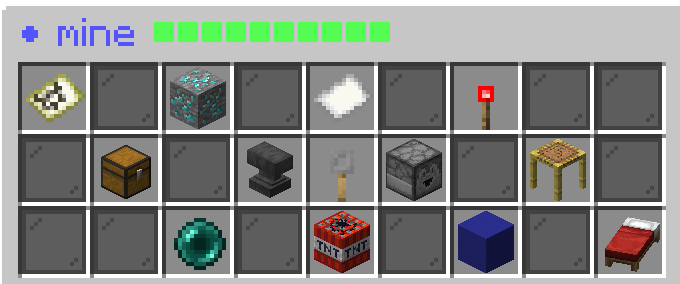 Mine options menu Mine options menu
 -
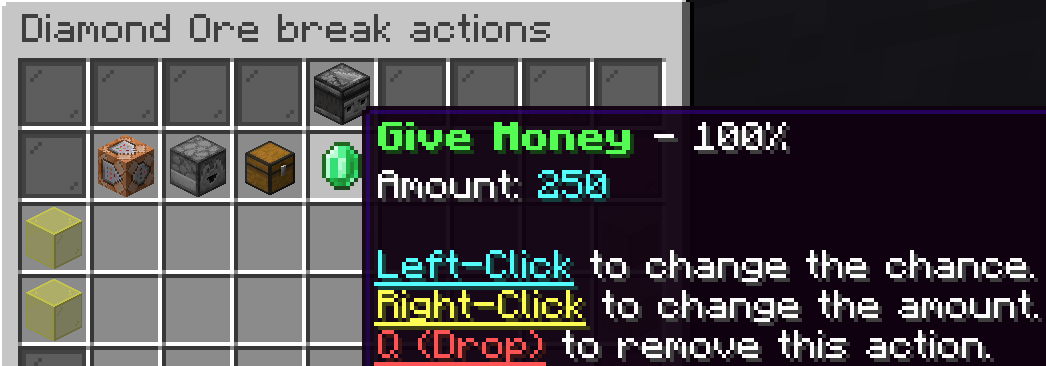 Break Actions menu Break Actions menu
 -
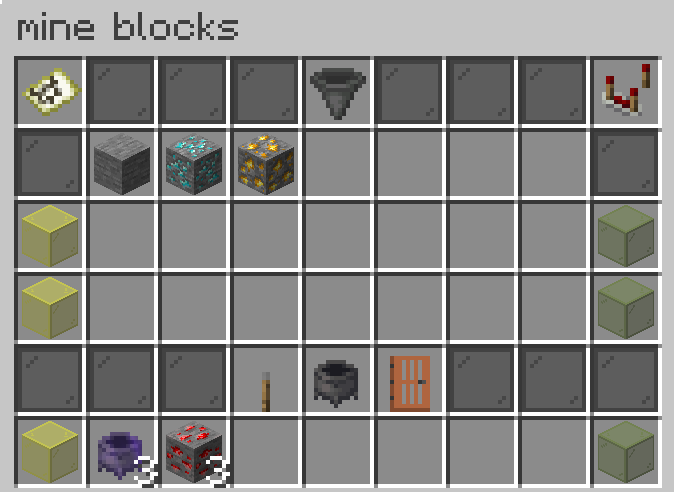 Mine blocks and block-sets menu Mine blocks and block-sets menu
 -
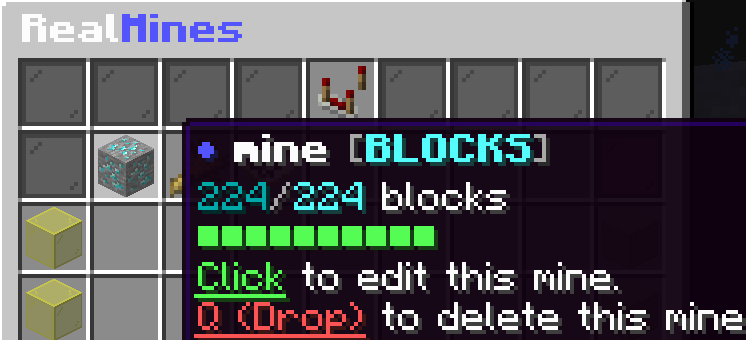 List mine's menu List mine's menu
 -
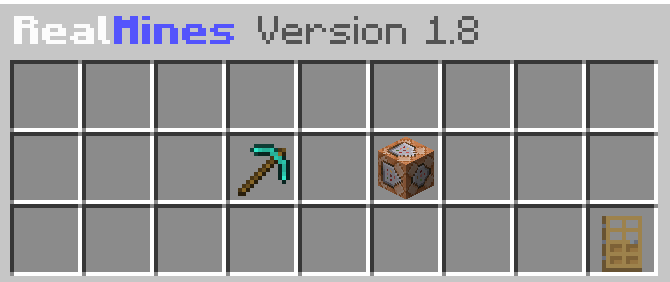 Plugin menu Plugin menu
 -
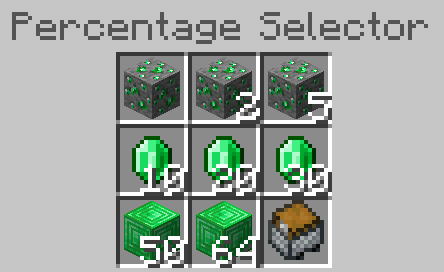 Percentage Selector menu Percentage Selector menu
 -
 Mine highlight feature Mine highlight feature
Versions
Files
Relations
Project Relations
More like this
Similar Mods
Suggestions use data such as tags, dependencies, dependents, descriptions, titles, and more to rank how much they overlap with this mod.
On ModDex
Community snapshot
By the numbers
Statistics

 (opens in a new tab)
Get it on
Available Platforms
On ModDex
Community snapshot
By the numbers