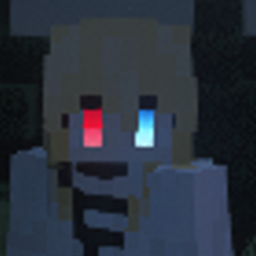
Community listing page, reviews here may not be monitored by the author.
Red Eyes


No reviews yet
Red Eyes is a cosmetic mod that adds a glowing eye effect to your player character.

Community voices
Reviews
No reviews yet. Be the first to review this project!
Get it on
Available Platforms
Compatibility
Supported Environments
Must be installed on both the client and the server.
About
Project Details
For authors
Embed Badge
If you're the author of this project, you can embed a live badge anywhere that supports HTML or Markdown. It updates automatically whenever ratings change.
Use HTML for any page that supports it, or Markdown for README files and Markdown-based descriptions.
Identifiers
Platform IDs
Resources
External Links
About
Description
Overview
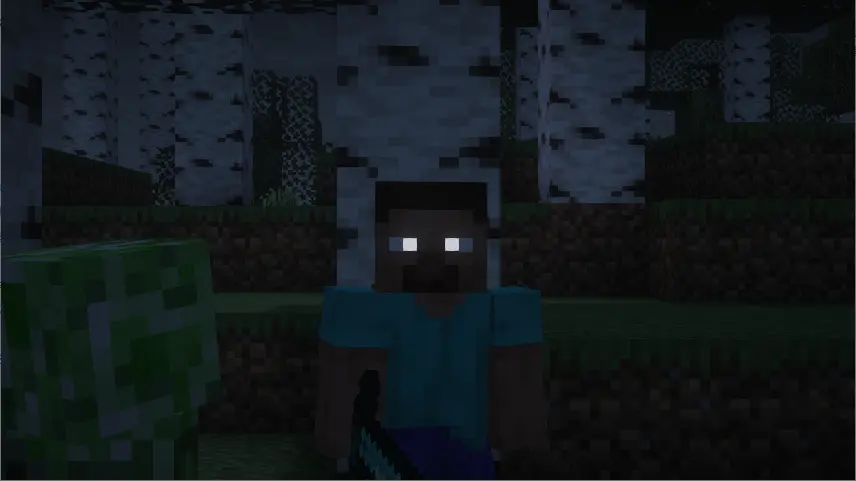
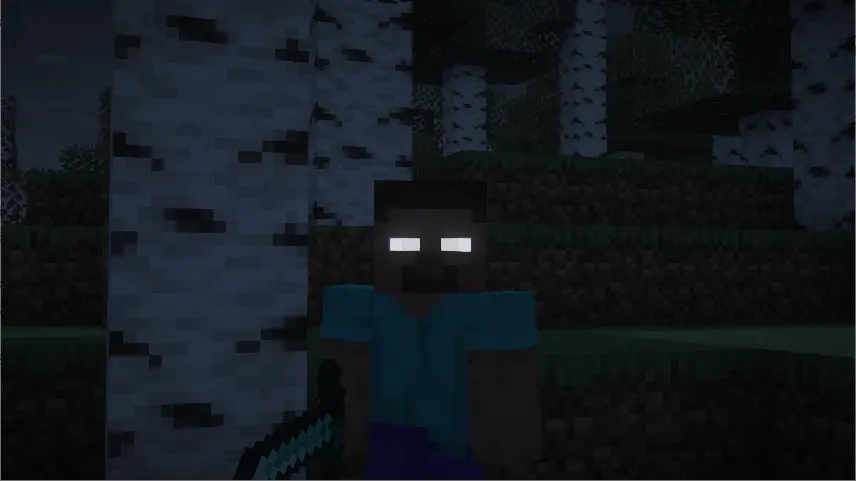
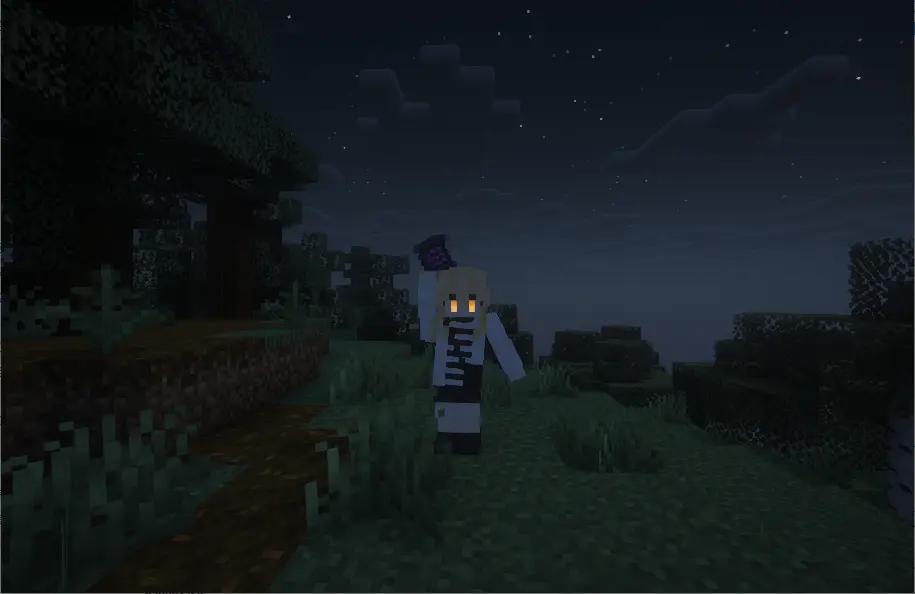
Red Eyes is a cosmetic mod that adds a glowing eye effect to your player character.
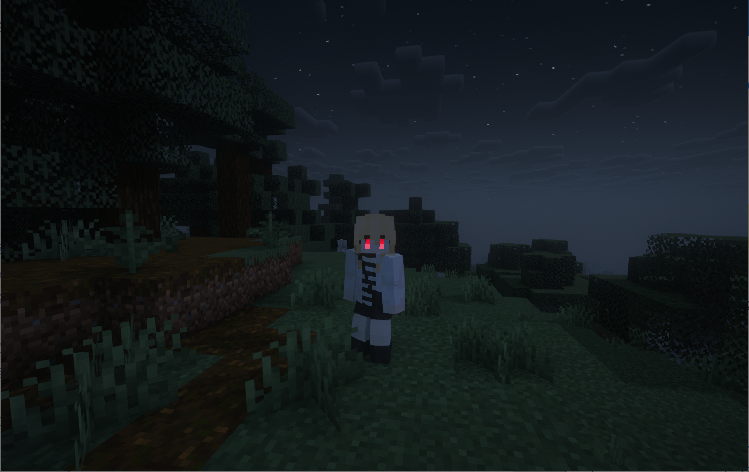
Main Features
- Supports both eyes, left only, right only, and heterochromia (different colors per eye) modes.
- Comes with preset colors, plus full customisation via HEX, RGB, Hue, Saturation, and Brightness.
- Two eye styles: Solid Fill and Inner Gradient.
- Two built-in presets: Steve and Anime character styles.
How to Use
- In the Forge mod list, find "Red Eyes" and click the "Config" button.
- Or type the in‑game command:
- `/redeyes`
- Adjust the eye position (length, forward/backward), pick your colors, and save.
- Manual eye toggle key: This key is unbound by default. Set it via:`Options > Controls > Key Binds > Red Eyes`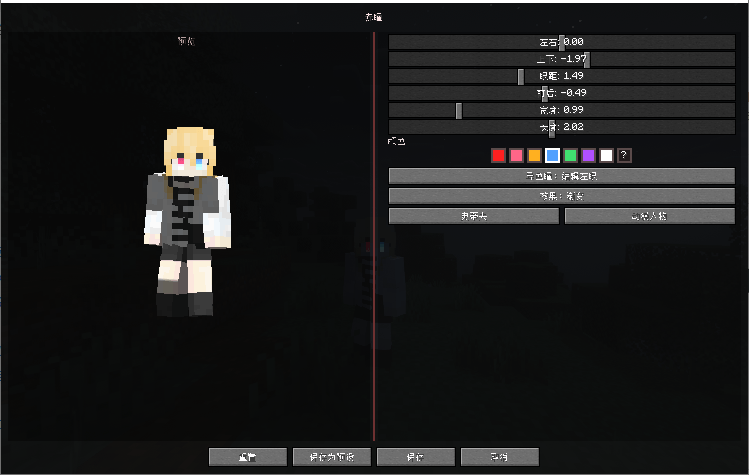
Auto Activation Conditions
The eyes will automatically glow during these actions and turn off when the action ends:
Drawing a bow or crossbow;
Charging a trident;
Opening the Find Me mount/partner wheel;
Entering combat mode in Epic Fight;
Aiming with TACZ (Timeless and Classics Zero);
Casting spells from Iron's Spells 'n Spellbooks.
Important Notes
Version 2.0 is a complete rewrite. The red‑eye item and Curios integration from version 1.0 have been removed.
All settings from 1.0 will be reset.
Please back up your saves before upgrading.
Overview
Red Eyes is a cosmetic mod that adds a glowing eye effect to your player character.
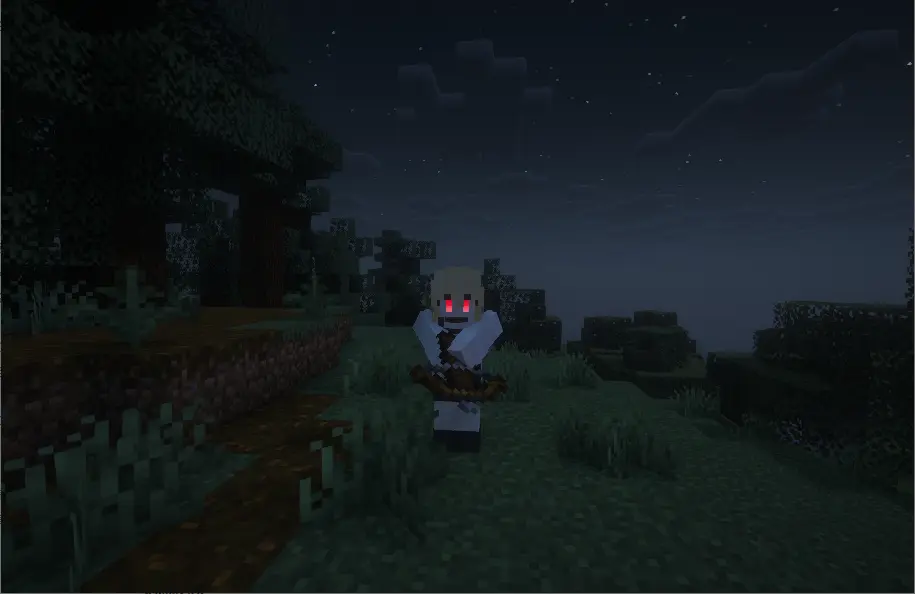
Main Features
-
Supports both eyes, left only, right only, and heterochromia (different colors per eye) modes.
-
Comes with preset colors, plus full customisation via HEX, RGB, Hue, Saturation, and Brightness.
-
Two eye styles: Solid Fill and Inner Gradient.
-
Two built-in presets: Steve and Anime character styles.
-
How to Use
-
In the Forge mod list, find "Red Eyes" and click the "Config" button.
-
Or type the in‑game command:
-
/redeyes -
Adjust the eye position (length, forward/backward), pick your colors, and save.
-
Manual eye toggle key: This key is unbound by default. Set it via:
Options > Controls > Key Binds > Red Eyes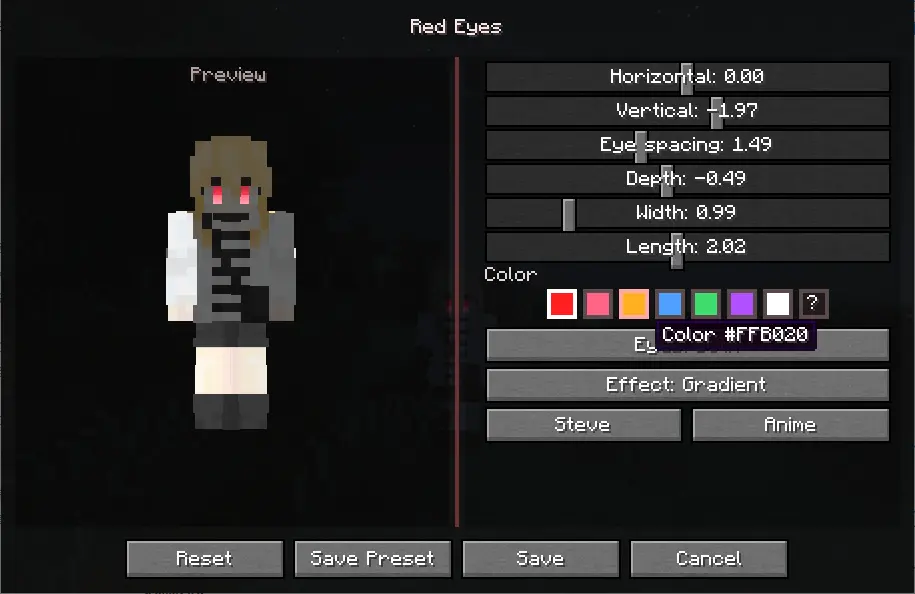
Auto‑Activation Conditions
The eyes will automatically glow during these actions and turn off when the action ends:
- Drawing a bow or crossbow
- Charging a trident
- Opening the Find Me mount/partner wheel
- Entering combat mode in Epic Fight
- Aiming with TACZ (Timeless and Classics Zero)
- Casting spells from Iron's Spells 'n Spellbooks
Important Notes
- Version 2.0 is a complete rewrite. The red‑eye item and Curios integration from version 1.0 have been removed.
- All settings from 1.0 will be reset
- Please back up your saves** before upgrading.
Screenshots
Gallery
Versions
Files
Relations
Project Relations
More like this
Similar Mods
Suggestions use data such as tags, dependencies, dependents, descriptions, titles, and more to rank how much they overlap with this mod.
On ModDex
Community snapshot
By the numbers
Statistics
 (opens in a new tab)
Get it on
Available Platforms
On ModDex
Community snapshot
By the numbers
Statistics
Resources