
Remote Paintings
No reviews yet
Ever wanted to view images or gifs from the Web in Minecraft? Remote Paintings lets you override ingame paintings with remote images!
Fabric is a mod loader for versions 1.14+ of Minecraft, particularly popular for client side and optimization mods.
Community voices
Reviews
Click once to include, again to exclude, again to clear
No reviews yet. Be the first to review this project!
Get it on
Available Platforms
 Modrinth
Compatibility
Supported Environments
About
Project Details
For authors
Embed Badge
If you're the author of this project, you can embed a live badge anywhere that supports HTML or Markdown. It updates automatically whenever ratings change.
Use HTML for any page that supports it, or Markdown for README files and Markdown-based descriptions.
Identifiers
Platform IDs
About
Description
RemotePaintings
Ever wanted to override Minecraft paintings but creating a resource pack was too much work? Fear not, RemotePaintings is here to help! You can now finally override Minecraft paintings with your own images, right from the game!
Examples
Example with PNG/JPEG


Example with GIFs

Commands
Generally, every command is available via the /remotepaintings command and should be self-explanatory.
/remotepaintings paintingInfo: Shows information about the painting being looked at/remotepaintings info: Shows information about every painting override/remotepaintings override <id> <url>: Override the specified painting id (minecraft identifier!) with the specified URL/remotepaintings overrideTargeted <url>: Override the painting being looked at with the specified URL/remotepaintings unloadPainting <id>: Unload the specified painting id (minecraft identifier!)/remotepaintings reloadImages: Refetch and reload all images
For configs, these commands are available:
/remotepaintings loadConfig <url>: Loads a json config from any url (raw hastebin for example) and saves the url/remotepaintings reloadConfig: Reloads the config from the saved url/remotepaintings saveConfig: Uploads the current overrides in a new hastebin and saves the url locally
Config
The config is being provided by owo-lib and thus reachable via any modern ModMenu. In the config itself the current remote paintings config url and the hastebin upload server can be specified.
How it works
After executing the override command, the texture gets fetched and is being registered in the TextureManager (thus being loaded in RAM).
For GIFs, all frames are being concatenated in a single row next to each other. Mind that this file might get very large if the GIF is too big.
The mod then injects into the painting renderer to avoid rendering the actual painting. Instead, it renders the custom remote painting on top of it.
This approach is rather simple compared to the first two attempts I made, in which I tried to modify the SpriteAtlas itself.
Questions, Contributing and Licensing
If you have any questions, feel free to contact me or open an issue. I'd be glad to help!
For contributions, please open a detailed pull request with your changes. Would be nice if you could use conventional commits.
This project is licensed under the MIT license.
Screenshots
Gallery
-
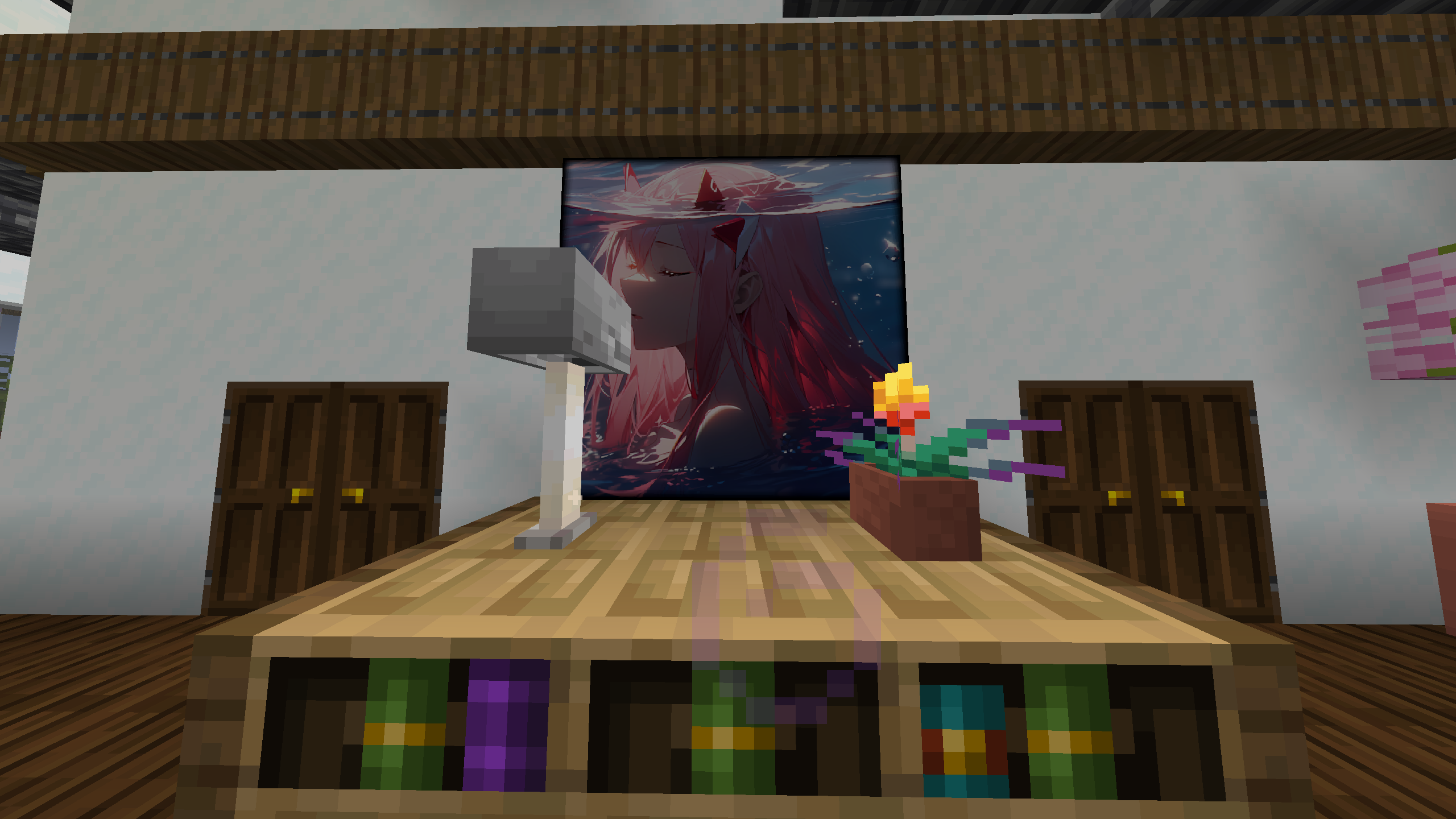 Example Image 2x2
 -
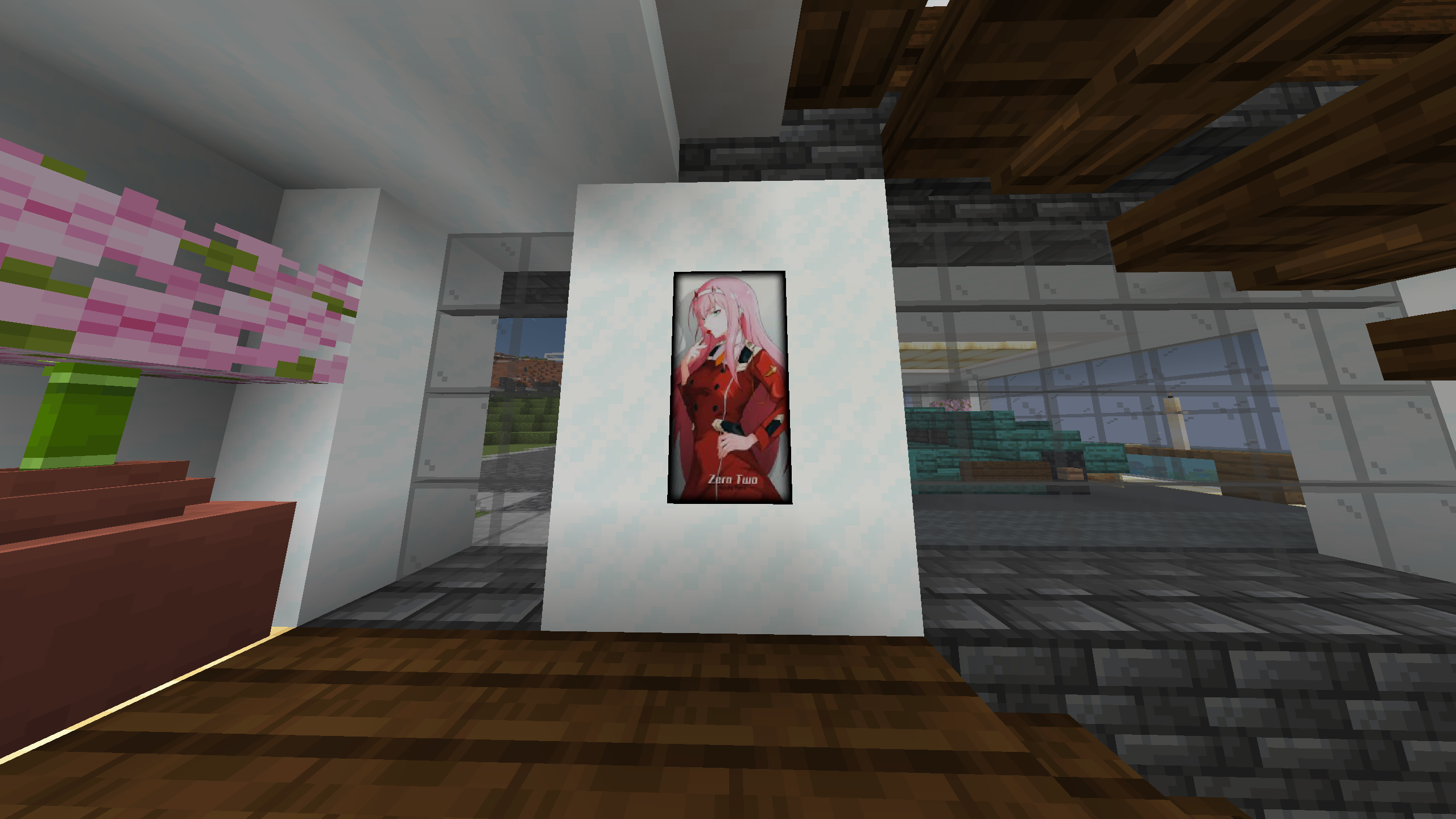 Example Image 1x2
 -
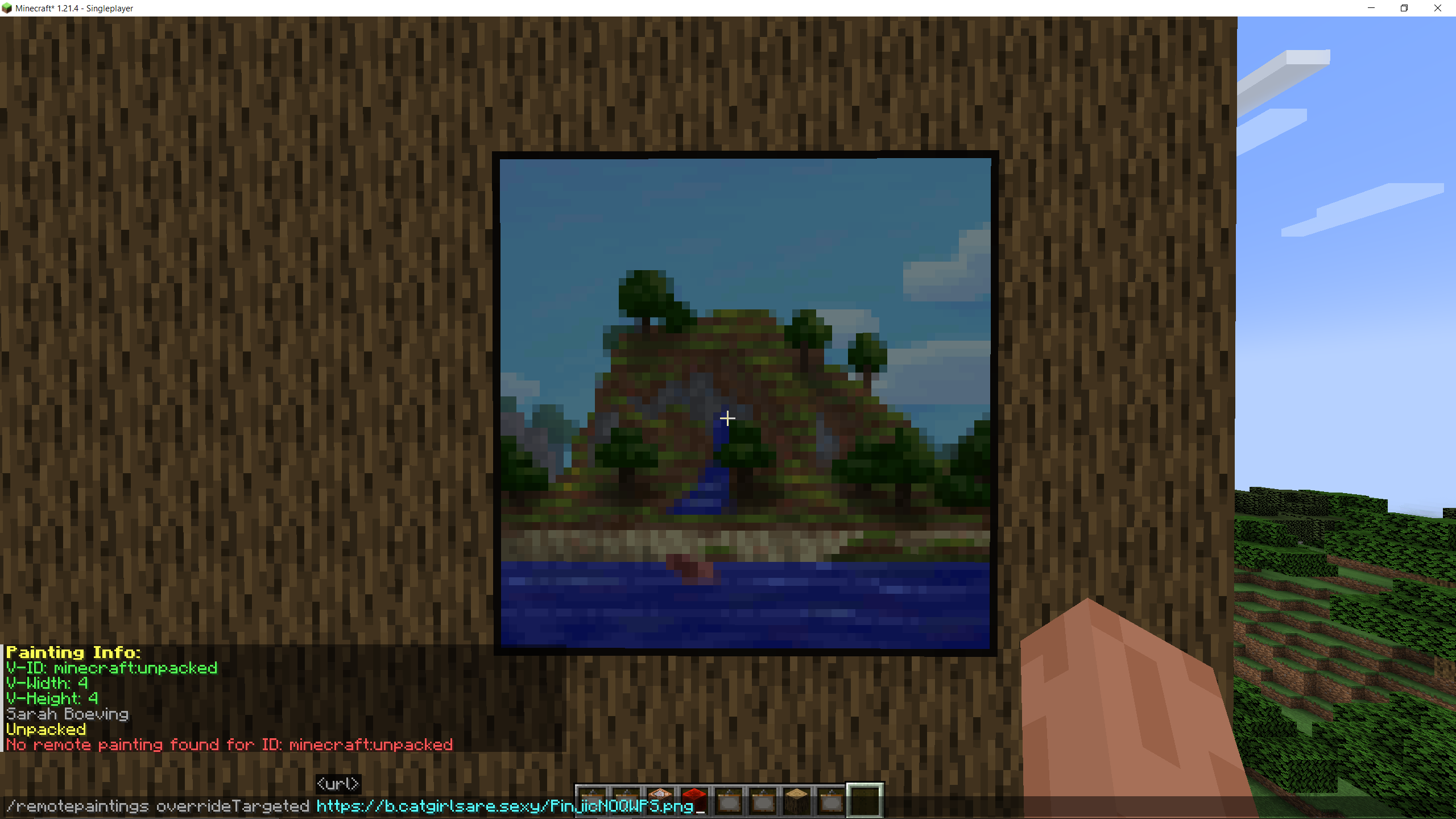 Command Showcase The next two images showcase the command being used to replace a painting
 -
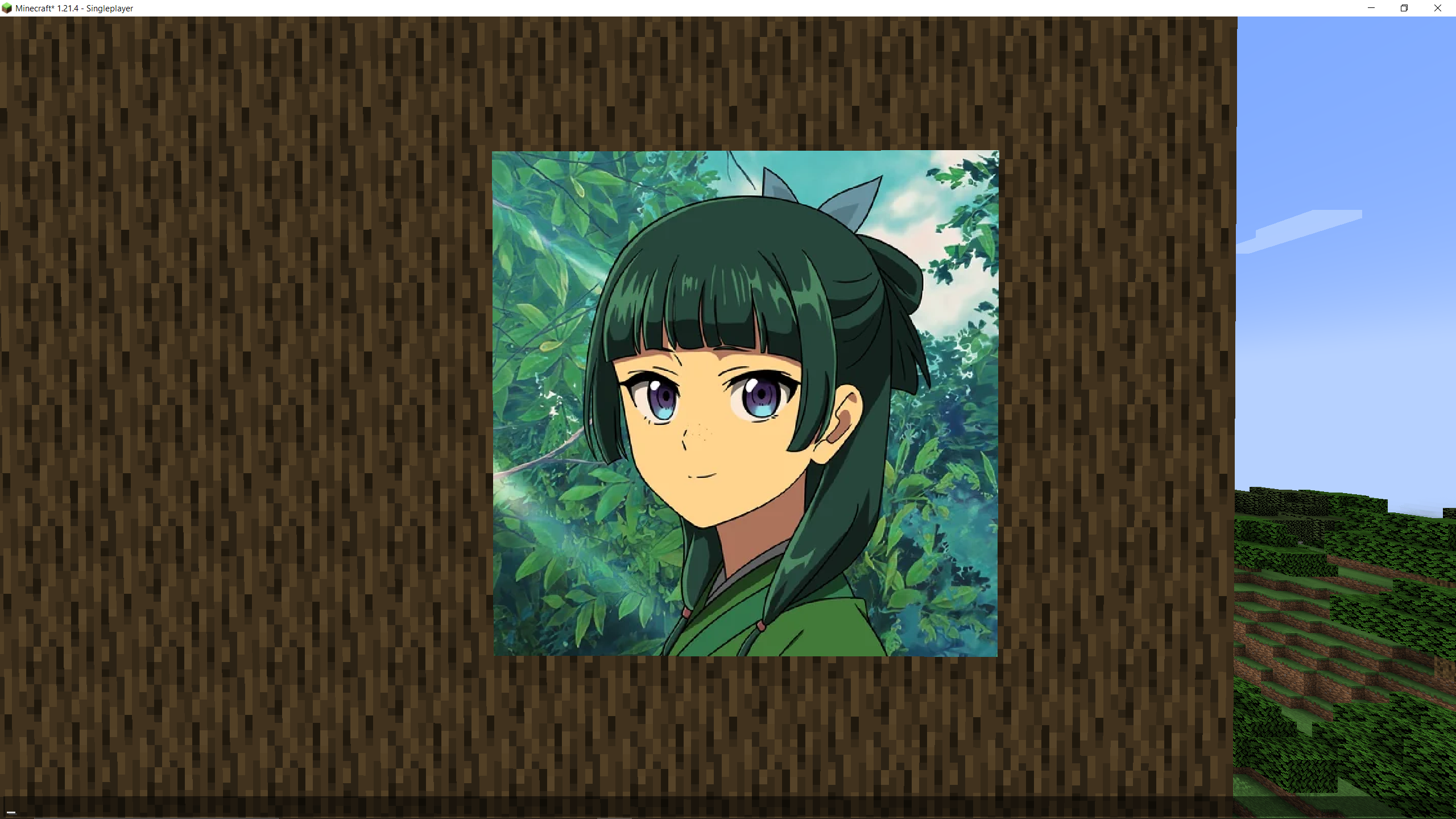 Command Showcase Result
Versions
Files
Relations
Project Relations
More like this
Similar Mods
Suggestions use data such as tags, dependencies, dependents, descriptions, titles, and more to rank how much they overlap with this mod.
On ModDex
Community snapshot
By the numbers
Statistics

Want to reach Minecraft players?
We're looking for a server hosting partner to feature here and other parts of the site. Interested? Send us a message!
Get in touchGet it on
Available Platforms
On ModDex
Community snapshot
By the numbers