
Community listing page, reviews here may not be monitored by the author.
Render Distance+

No reviews yet
Forget about low Render Distance
Community voices
Reviews
No reviews yet. Be the first to review this project!
Get it on
Available Platforms
About
Project Details
For authors
Embed Badge
If you're the author of this project, you can embed a live badge anywhere that supports HTML or Markdown. It updates automatically whenever ratings change.
Use HTML for any page that supports it, or Markdown for README files and Markdown-based descriptions.
Identifiers
Platform IDs
About
Description
Render Distance+ is a powerful Minecraft datapack that completely overhauls the default render distance by leveraging the power of Voxy and Chunky. This datapack 100% automates the Chunky chunk loading workflow, saving you a lot of continuous command inputs.
- Fully customizable directly in-game
- Performance-friendly background loading
- Requires no high-end hardware to run efficiently
- Works seamlessly on Survival & Hardcore without enabling cheats
- User-Friendly GUI designed for effortless configuration
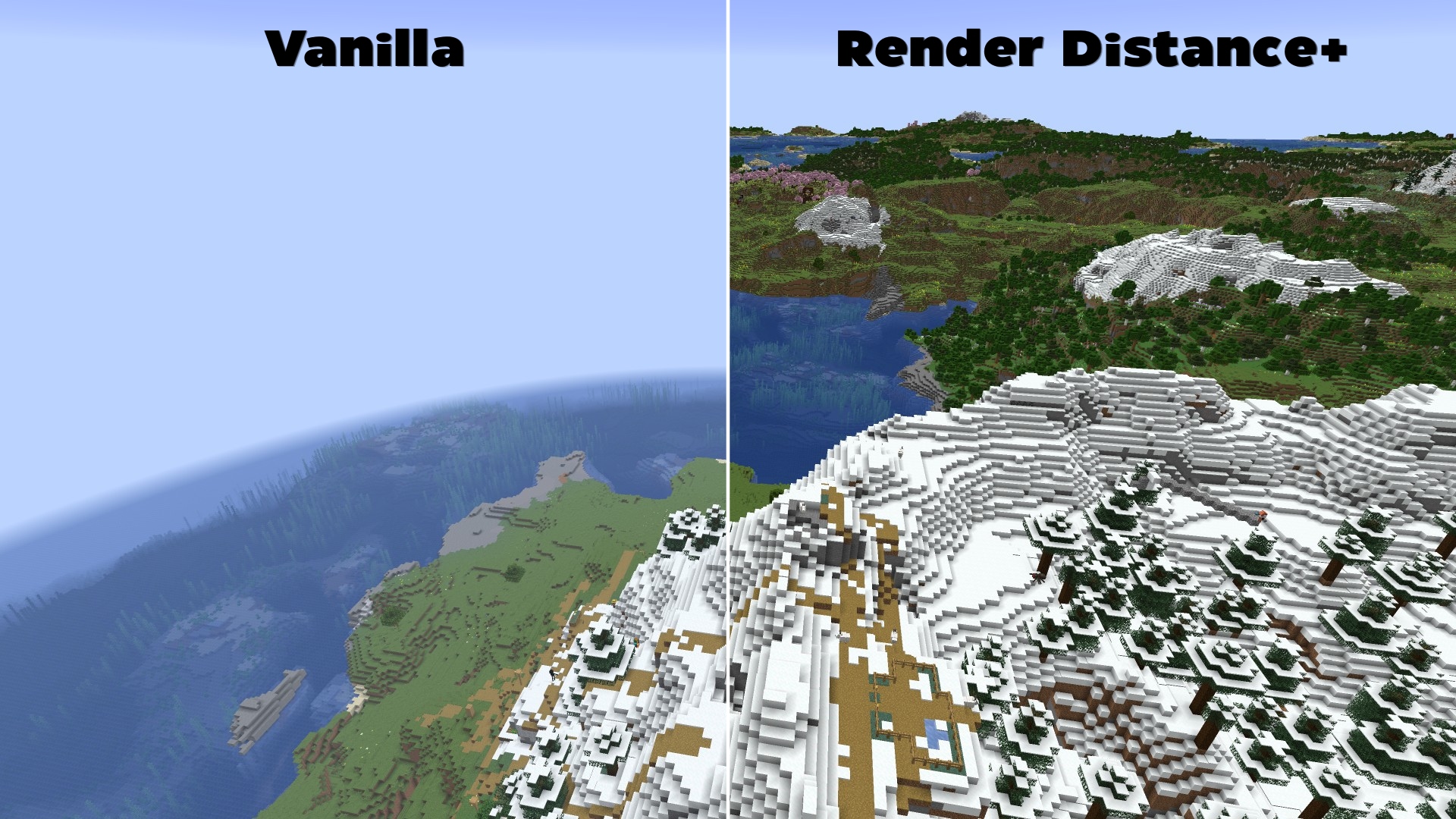
Features & Why Render Distance+ is Essential
To get the absolute most out of Voxy's rendering engine, users normally need to manually configure Chunky to pre-load chunks. Traditionally, this is a tedious and complex process involving multiple terminal commands, radius calculations, and constant server/world reloading.
Render Distance+ solves this problem entirely:
- 100% Automated Background Loading: The datapack dynamically handles all the heavy Chunky commands in the background while the player explores the world.
- Full Dimension Support: Works automatically across all vanilla dimensions (The Overworld, The Nether, and The End).
- In-Game Settings GUI: No need to edit config files. Change your generation speed, maximum target distance, and toggle features directly via an intuitive in-game interactive chat GUI.
📥How to Install Render Distance+
Before installing, ensure you have both the Voxy and Chunky mods installed in your modpack.
- Download the Render Distance+ datapack
.zipfile. - When creating a new world in Minecraft, click on the Datapacks tab.
- Drag and drop the downloaded
.zipfile into the menu, move it to the selected column, and create your world.
How to install this datapack on an existing world?
- Select your world in the Minecraft singleplayer menu and click on Edit.
- Click on Open World Folder and navigate to the
datapacksfolder. - Copy the Render Distance+
.zipfile directly into this folder. - Join your world and type
/reloadto initialize the system.
How to Check if Render Distance+ is Installed Correctly
Once inside your world, open the chat and type:
/reload
If the installation was successful, a custom text-based configuration GUI will immediately pop up in your chat, allowing you to begin your automated chunk-loading setup.
Requirements (Mods)
- Chunky (Required for background generation)
- Voxy (Required for high render distances)
- Sodium (Required by Voxy)
🐛How to Report Issues
Please use the Issue Tracker or go to https://github.com/Kletterstein92/Render-Distance-Plus/issues to report any bugs or other errors
Screenshots
Gallery
-
 pack.png Datapack Image
 -
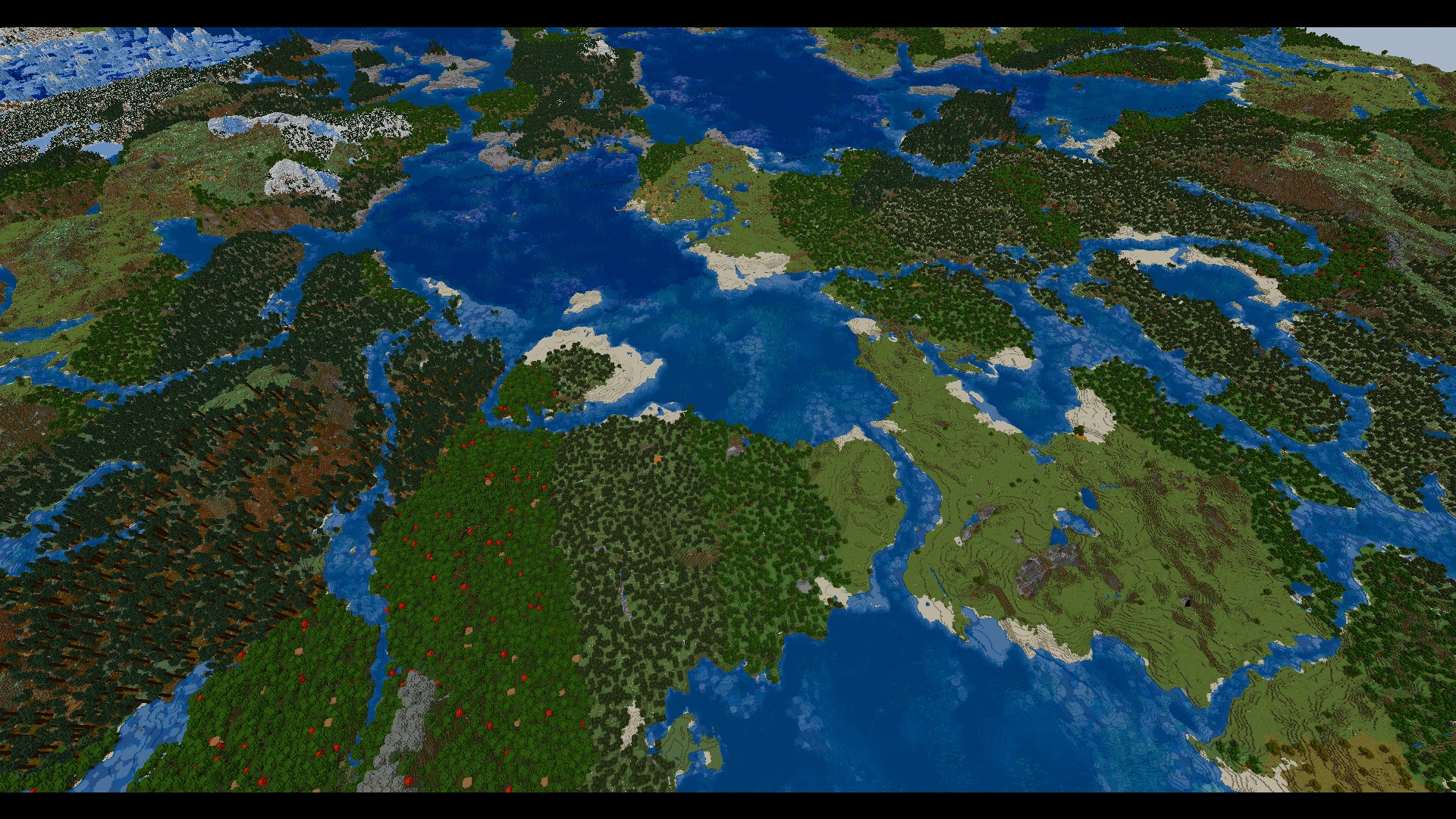 Render Distance
 -
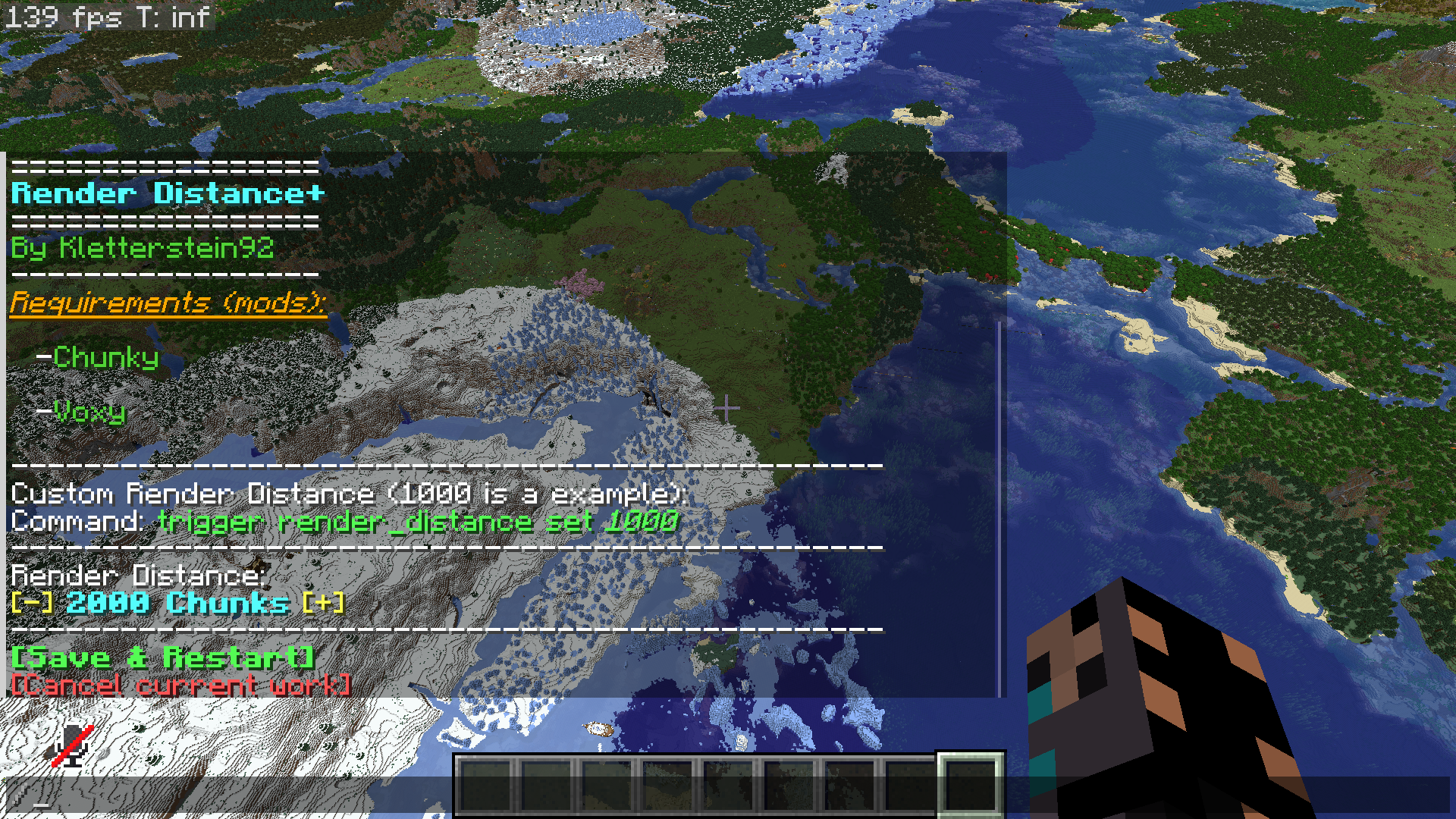 GUI
GUI -
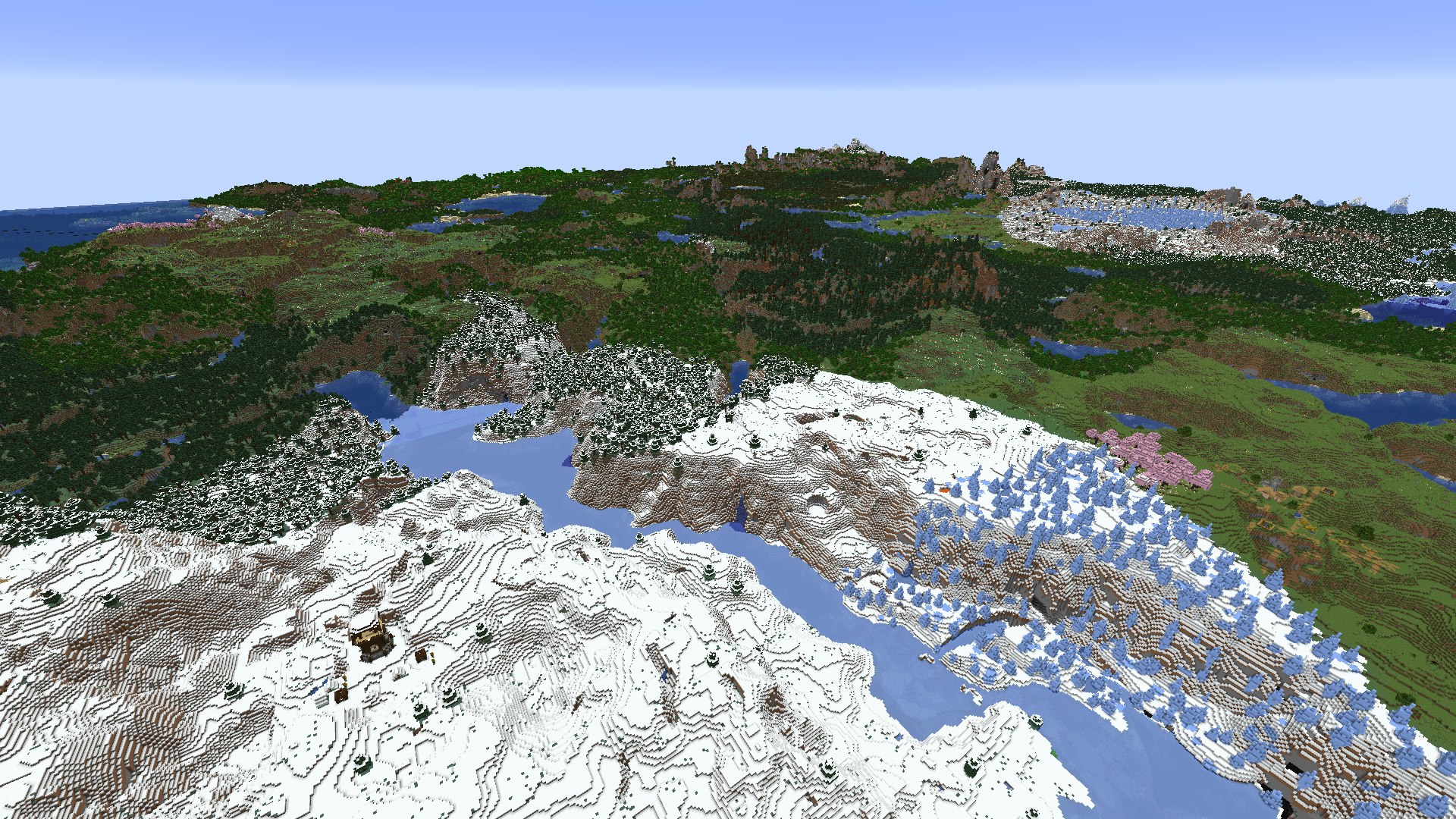 Render Distance Example
Versions
Files
Relations
Project Relations
More like this
Similar Mods
Suggestions use data such as tags, dependencies, dependents, descriptions, titles, and more to rank how much they overlap with this mod.
On ModDex
Community snapshot
By the numbers
Statistics

Want to reach Minecraft players?
We're looking for a server hosting partner to feature here and other parts of the site. Interested? Send us a message!
Get in touchGet it on
Available Platforms
On ModDex
Community snapshot
By the numbers