
Community listing page, reviews here may not be monitored by the author.
Render Scale (soduim Addons)

No reviews yet
Scale Minecraft's 3D rendering resolution to optimize FPS or improve image quality, while keeping all menus and HUD crystal clear at native resolution.
Community voices
Reviews
No reviews yet. Be the first to review this project!
Get it on
Available Platforms
About
Project Details
For authors
Embed Badge
If you're the author of this project, you can embed a live badge anywhere that supports HTML or Markdown. It updates automatically whenever ratings change.
Use HTML for any page that supports it, or Markdown for README files and Markdown-based descriptions.
Identifiers
Platform IDs
Resources
External Links
About
Description
Render Scale (for Sodium)
This mod is NOT a standalone utility! It requires the original Sodium mod to be installed in your game. This mod hooks directly into Sodium's settings UI and rendering backend; it will not load or function without it.
Render Scale is a client-side Fabric utility mod that allows you to change the rendering resolution of Minecraft's 3D world independently of your game window and HUD/GUI scale.
By downscaling the 3D world, you can significantly reduce the load on your graphics card (GPU) and boost your frame rates (FPS) while keeping text, chat, and inventory menus perfectly sharp at your monitor's native resolution. Alternatively, you can upscale the resolution to get high-quality super-sampled anti-aliasing.
Designed to work exclusively with Sodium, this mod integrates directly into the Sodium video settings screen.
How It Works
Normally, lowering your game resolution in the settings makes everything—including text and menus—blurry and hard to read.
Render Scale prevents this by splitting the rendering process:
- It redirects the rendering of the 3D world (terrain, blocks, entities, skies, particles, and weather) to a custom-scaled internal buffer.
- It copies (blits) the scaled 3D image to your screen using a direct, non-blended copy shader (
TRACY_BLIT) to ensure the sky and horizon rendering remain flawless. - It draws Minecraft's 2D user interface (HUD, chat, hotbar, inventory, and menus) on top at your monitor's full native resolution, keeping them crystal clear.
Key Features
- Preset Profiles: Pick a configuration that suits your system instantly:
- Ultra Performance: 3D rendered at 50% scale using the
Nearestfilter for maximum FPS boost. - Balanced: 3D rendered at 75% scale using the
Linearfilter. - Quality: 3D rendered at 100% scale (native rendering).
- Super Sampling: 3D rendered at 150% scale using the
Linearfilter (reduces jagged edges and shimmering). - Custom: Unlocks full manual control over the render scale and filter sliders.
- Ultra Performance: 3D rendered at 50% scale using the
- Dynamic Resolution Scaling (DRS): Keeps your frame rate smooth. When enabled under the Custom profile, it automatically adjusts the 3D scale down (to your configured Min Render Scale, e.g., 50%) when performance drops to maintain your Target FPS (customizable between 30 and 240 FPS).
- Uses an Exponential Moving Average (EMA) algorithm to smooth FPS tracking and prevent rapid, annoying resolution flickering.
- Reactivity: Seamlessly integrated into Sodium's settings. Changing profiles automatically locks/unlocks options and updates sliders visually in real-time.
- Two Upscaling Filters: Choose between
Linear(for a smooth blend) andNearest(for sharp, pixelated, or retro look).
Note
This mod was built with a clear purpose: to bridge the gap between high visual clarity and high performance. I wanted to give players with lower-end hardware a way to enjoy smooth gameplay without making in-game text and menus unreadable, while simultaneously offering players with powerful rigs a premium super-sampling experience.
If this mod helps make your Minecraft journey smoother and more enjoyable, please consider sharing it and leaving your feedback. Happy crafting!
Screenshots
Gallery
-
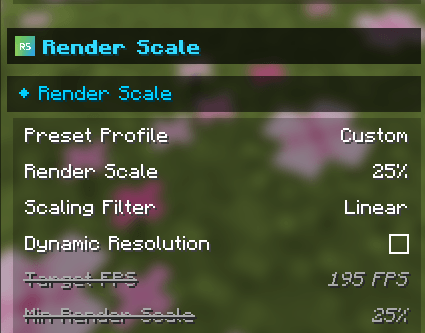 RS setting UI RS setting UI
 -
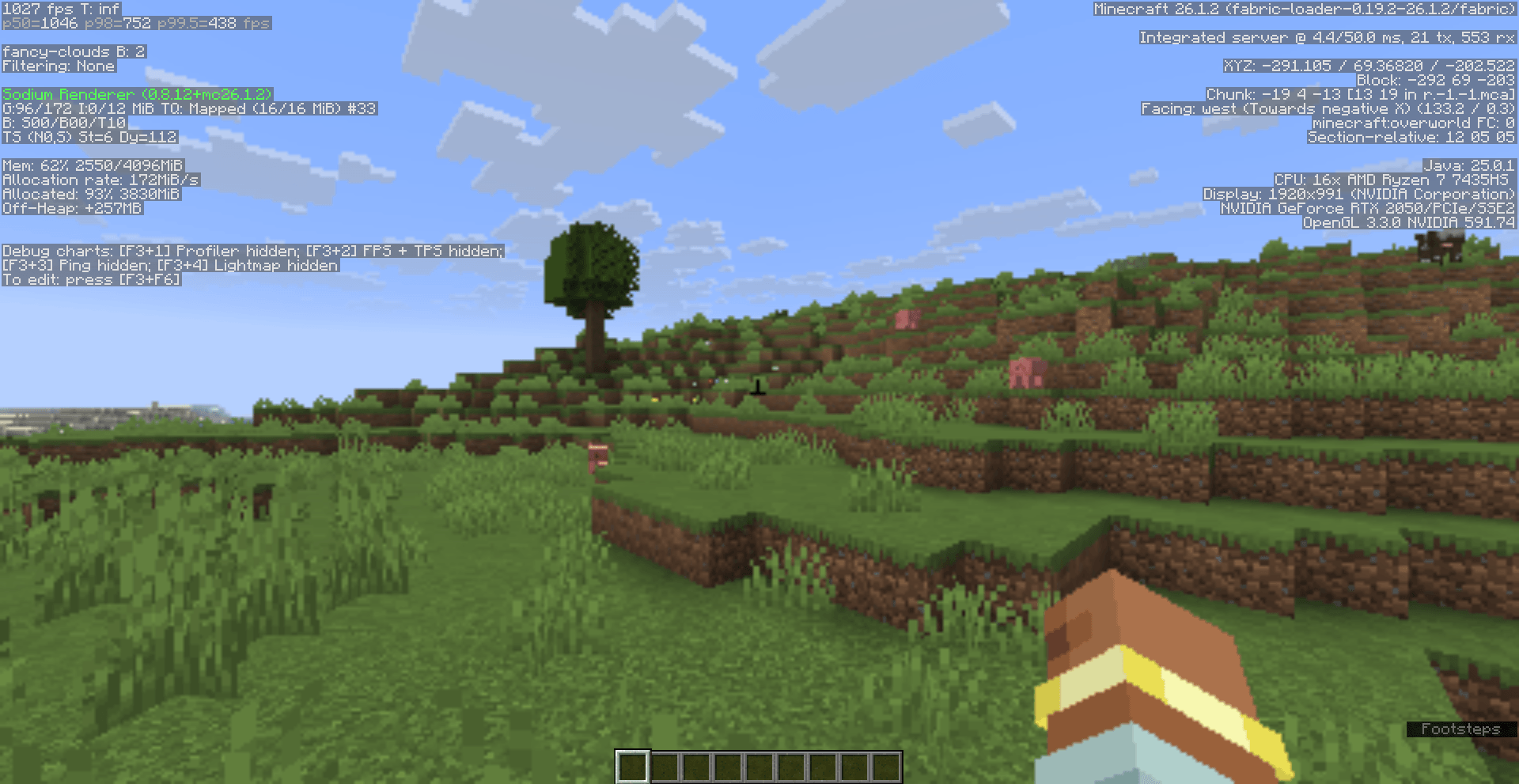 RS 25% (1027 fps) RS 25% (1027 fps)
 -
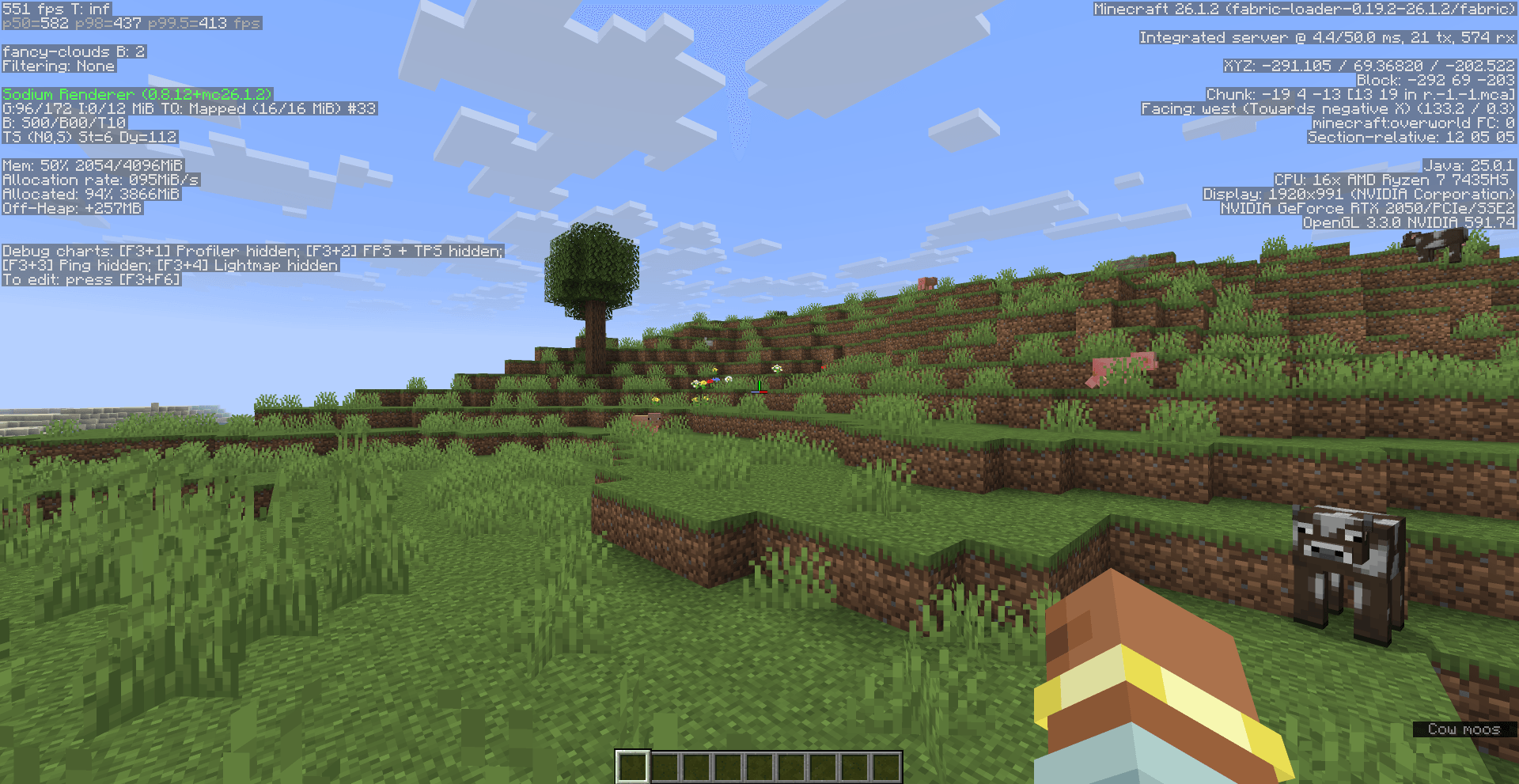 RS 100% (551 fps) RS 100% (551 fps)
 -
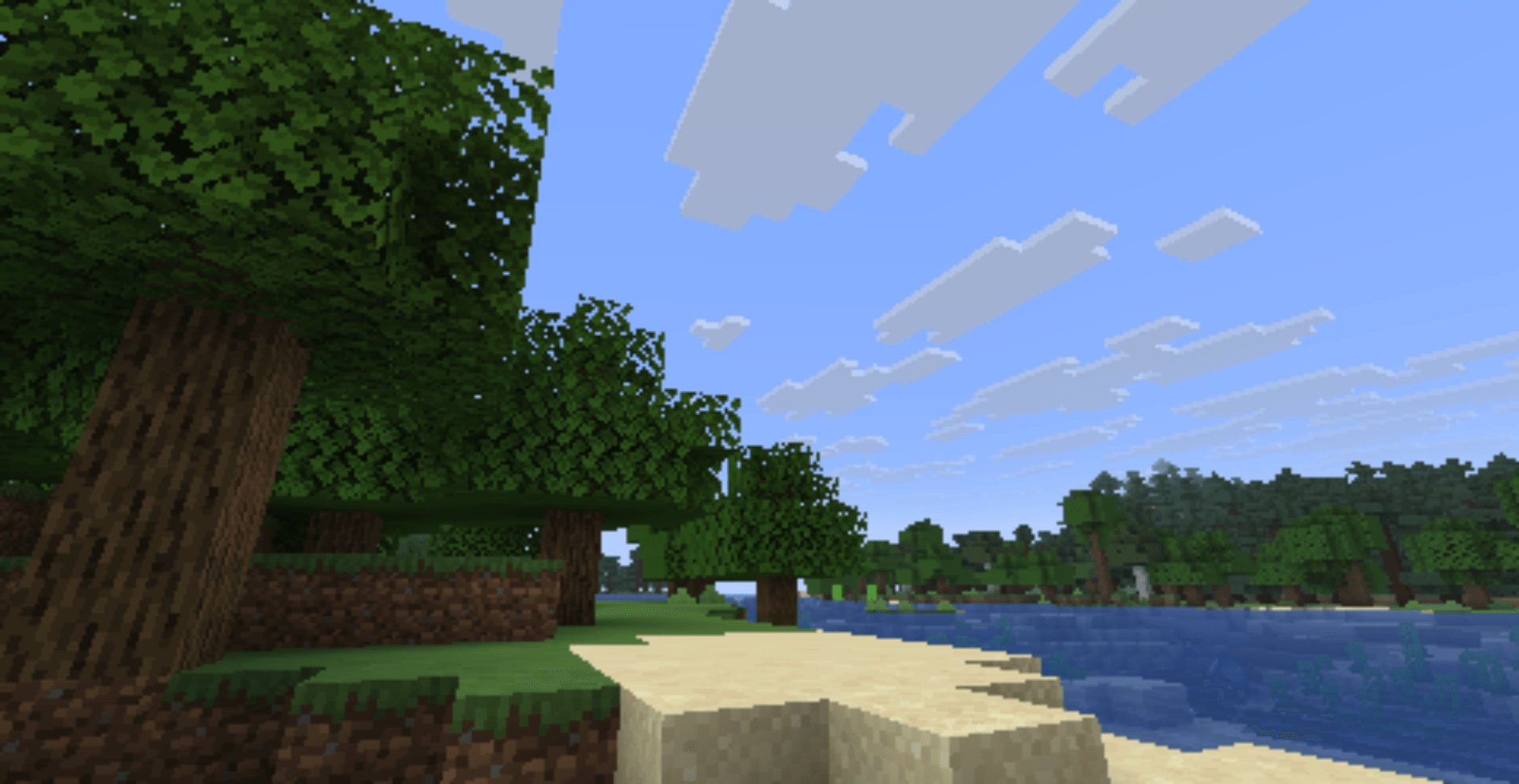 RS 25% RS 25%
 -
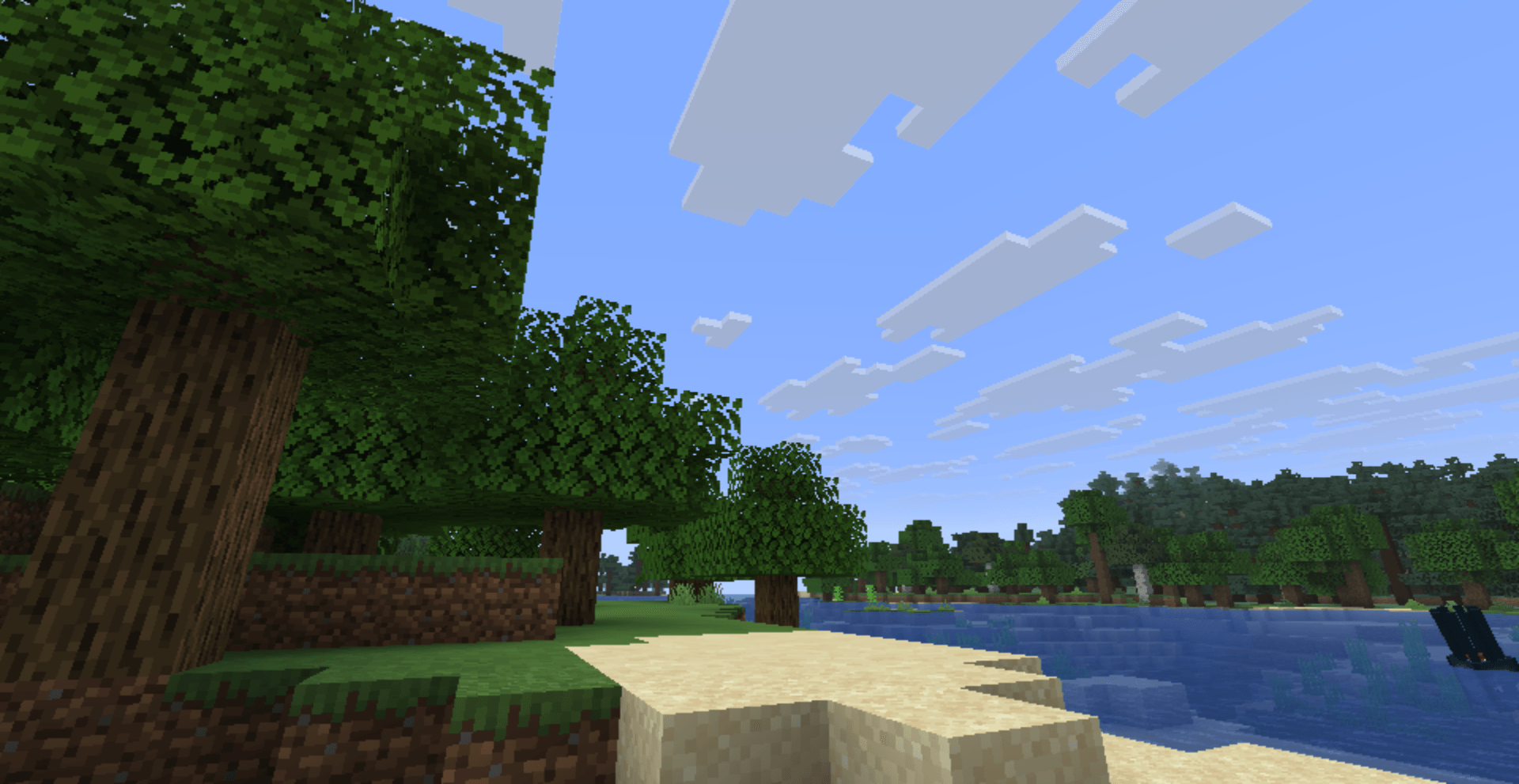 RS 50% RS 50%
 -
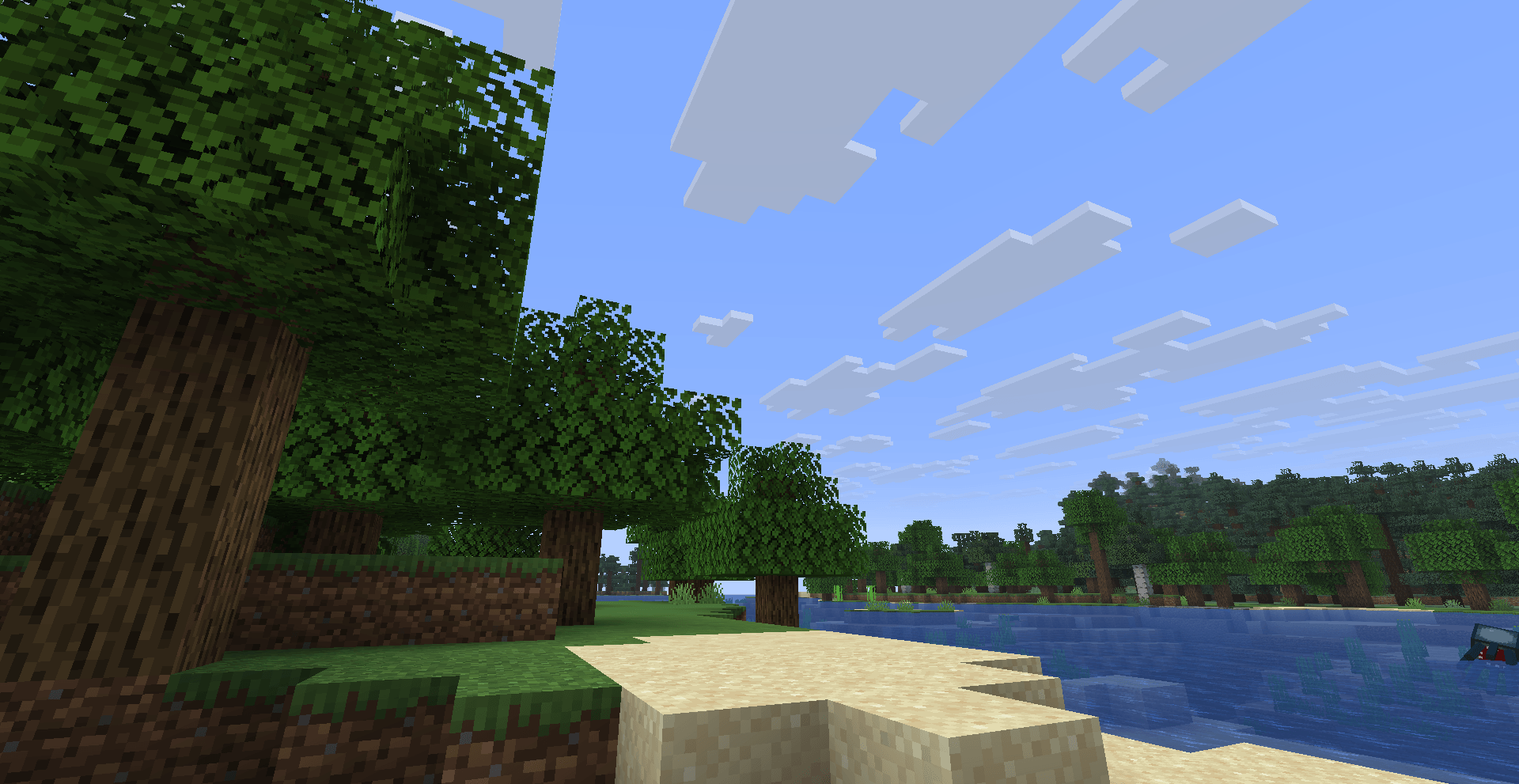 RS 100% RS 100%
Versions
Files
Relations
Project Relations
More like this
Similar Mods
Suggestions use data such as tags, dependencies, dependents, descriptions, titles, and more to rank how much they overlap with this mod.
On ModDex
Community snapshot
By the numbers
Statistics
Want to reach Minecraft players?
We're looking for a server hosting partner to feature here and other parts of the site. Interested? Send us a message!
Get in touchGet it on
Available Platforms
On ModDex
Community snapshot
By the numbers
Statistics
Resources