
Community listing page, reviews here may not be monitored by the author.
Resettable Repair Costs

No reviews yet
Adds a Way to Reset The Repair Cost on Items!
Community voices
Reviews
No reviews yet. Be the first to review this project!
Get it on
Available Platforms
About
Project Details
For authors
Embed Badge
If you're the author of this project, you can embed a live badge anywhere that supports HTML or Markdown. It updates automatically whenever ratings change.
Use HTML for any page that supports it, or Markdown for README files and Markdown-based descriptions.
Identifiers
Platform IDs
Resources
External Links
About
Description
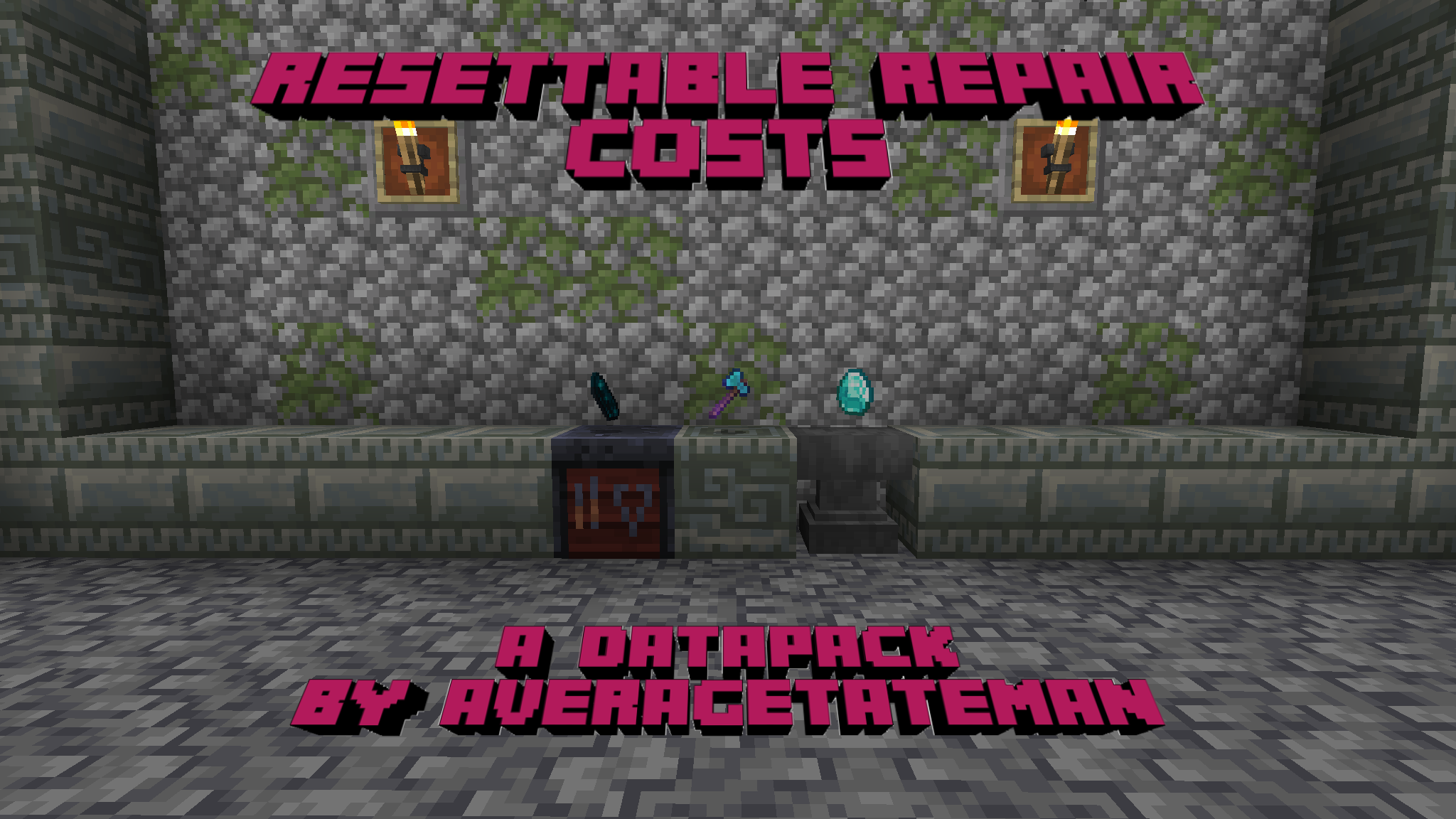
IMPORTANT - I (AverageTaTeMan) only share my content on Planet Minecraft, Modrinth, and CurseForge - If you see this project on any other site, IT IS NOT ME AND SHOULD NOT BE TRUSTED!
Ever had one of your beloved items say "Too Expensive" when you put it in an anvil? This Data Pack helps to avoid that pain, allowing an items repair cost to be reset by putting it in a Smithing Table with an Echo Shard and one of its repair material. Additionally, several items that didn't have a specified repair item in an Anvil now also have one.
List of Items and Their Associated Repair Items
- Wooden Tools, Shield, Bow, Crossbow, Fishing Rod, Carrot on a Stick, Warped Fungus on a Stick: Any Wooden Planks
- Stone Tools: Cobblestone, Cobbled Deepslate, Blackstone
- Copper Tools/Armor, Brush: Copper Ingots
- Iron Tools/Armor, Chainmail Armor, Flint and Steel, Shears: Iron Ingots
- Golden Tools/Armor: Gold Ingots
- Diamond Tools/Armor: Diamonds
- Netherite Tools/Armor: Netherite Ingots
- Leather Armor: Leather
- Turtle Shell: Turtle Scutes
- Wolf Armor: Armadillo Scutes
- Elytra: Phantom Membrane
- Trident: Prismarine Crystals
- Mace: Breeze Rods
Installation Instructions to Get the Data AND Resource Packs:
-
Click "Download".

-
Click "Select game version".
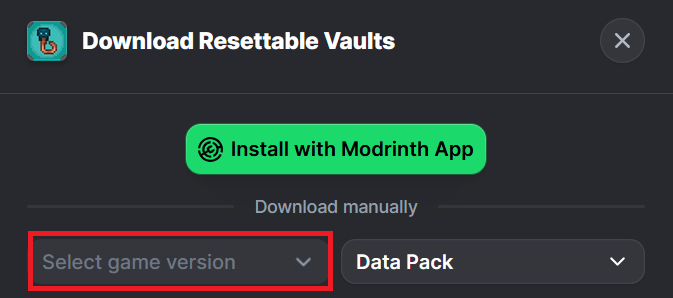
-
Select a Game Version.
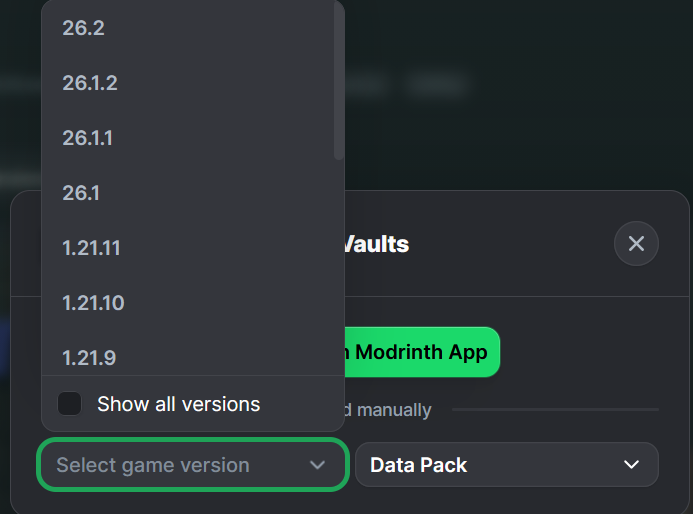
-
Click the download icon for both the data and resource pack files, as shown below.
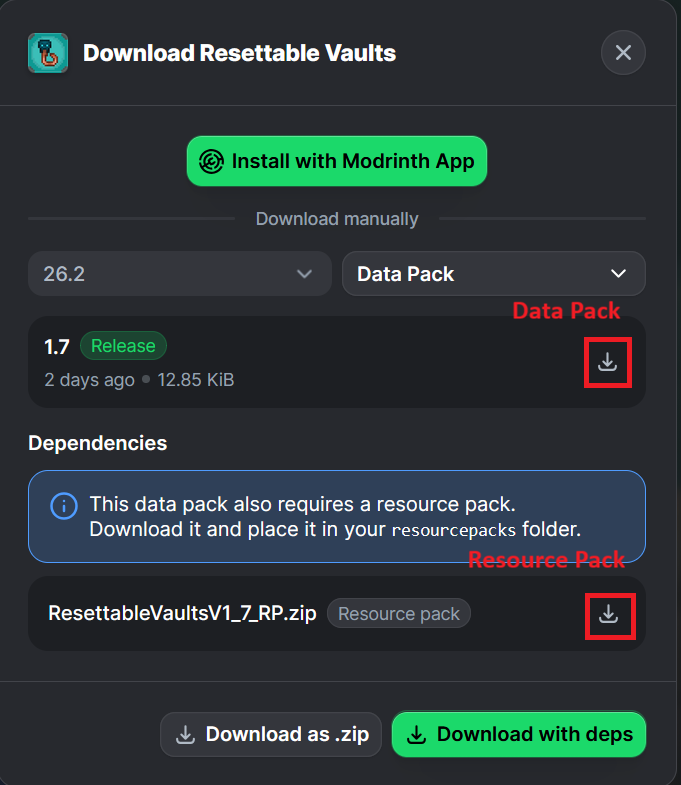
-
Unzip the files (optional, but recommended as that's how I use/test them).
-
Add the resource pack to your Selected Packs (ideally at the top) in your Resource Packs menu.
-
Add the data pack to either your Selected Packs in the Data Packs menu (if adding at world creation) OR put it in your world's 'datapacks' folder (if adding afterwards. Recommended to either not have world open at the time or to close and reopen it afterwards).
-
You may get a prompt about experimental settings not being supported when opening the world. This can safely be ignored, but it's also never a bad idea to make a backup if it's a world you care about.
Screenshots
Gallery
-
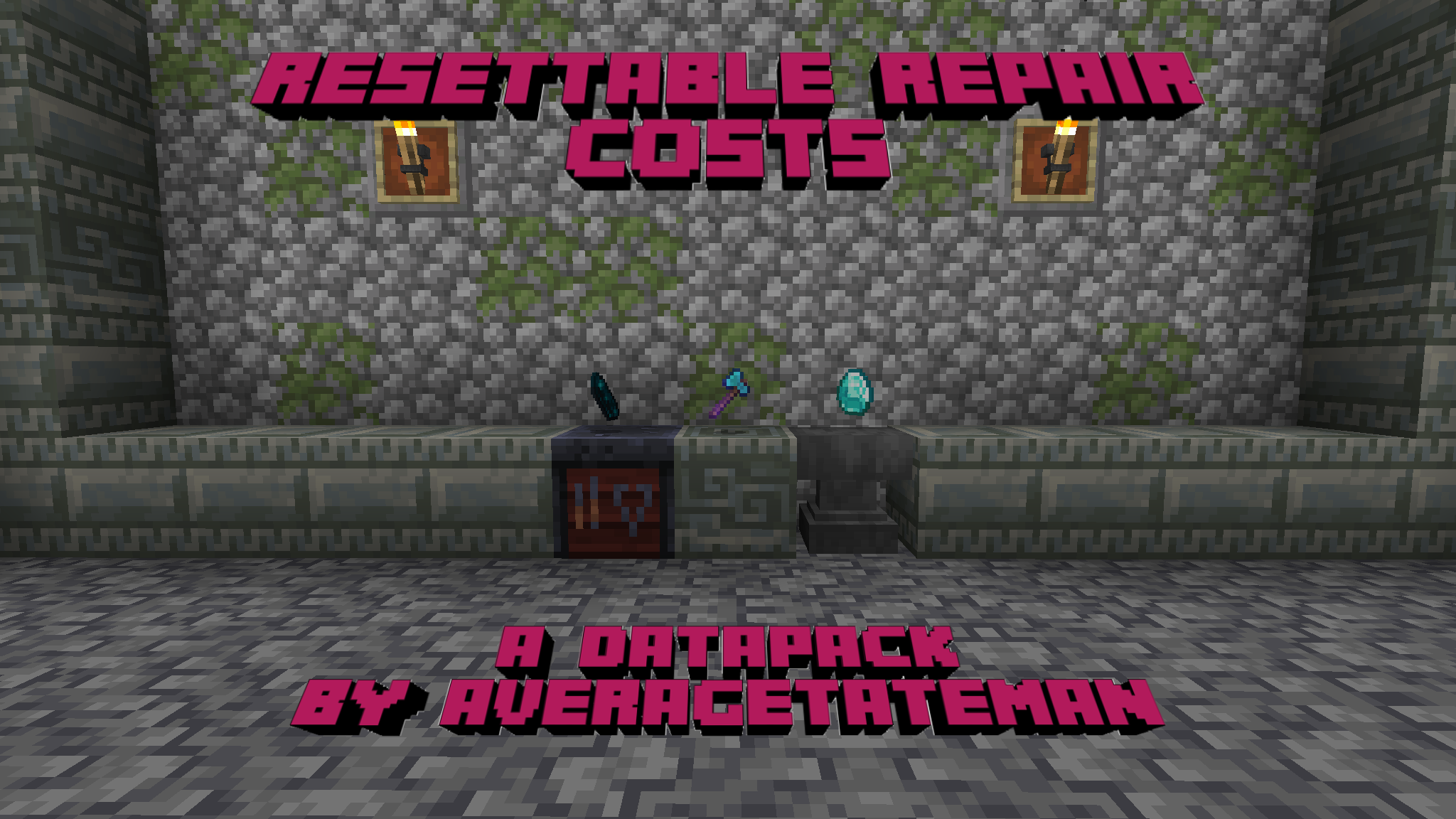 Preview
 -
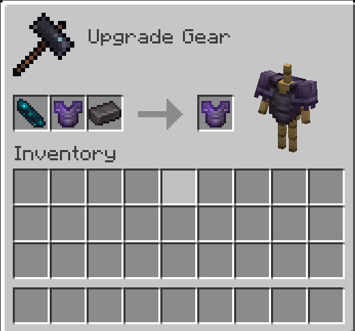 Post 1.20.5 Method - Craft in Smithing Table
 -
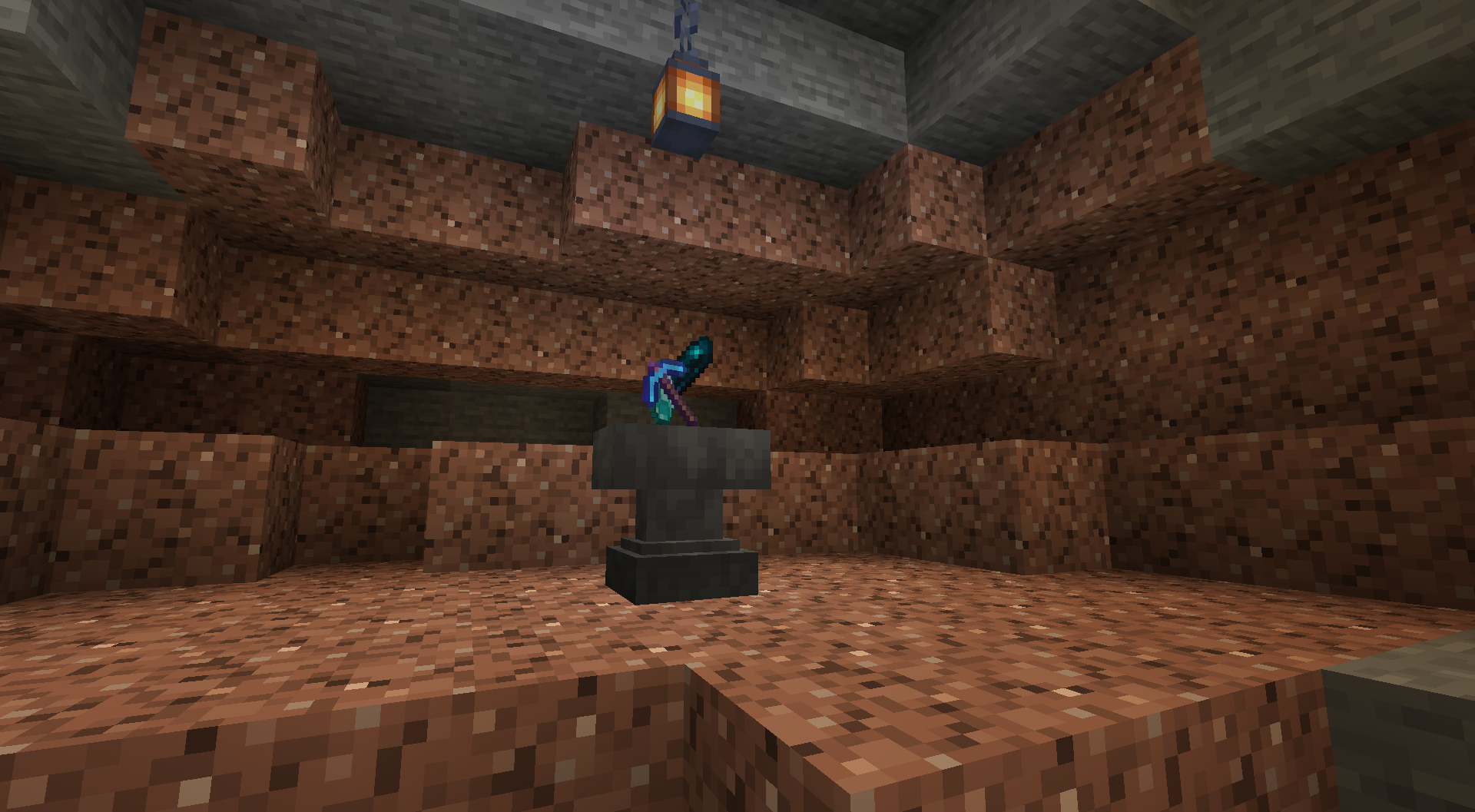 Pre 1.20.5 Method - Throw Items on Anvil!
Versions
Files
Relations
Project Relations
More like this
Similar Mods
Suggestions use data such as tags, dependencies, dependents, descriptions, titles, and more to rank how much they overlap with this mod.
- ResetTable
- Resettable Trial Vaults & Spawners
- Resettable Vaults
- Brecher's Exploration Dimensions
- Paradigm Realms
- World Dimension Loader (WDL) - Load External Worlds as Dimensions
- Chamber Fix
- Repeatable Trial Vaults
- Resettleable Traders
- Laranjo's Reletable Additions
- JustAVaultUnlockKey
- Bloom Benchmarks
On ModDex
Community snapshot
By the numbers
Statistics

Want to reach Minecraft players?
We're looking for a server hosting partner to feature here and other parts of the site. Interested? Send us a message!
Get in touchGet it on
Available Platforms
On ModDex
Community snapshot
By the numbers
Statistics
Resources