
Community listing page, reviews here may not be monitored by the author.
ResizeableSubtitles


No reviews yet
Resize, move, and customize Minecraft's subtitles from a clean in-game menu with a live preview
Community voices
Reviews
No reviews yet. Be the first to review this project!
Get it on
Available Platforms
Compatibility
Supported Environments
Runs entirely on the client. Works on vanilla servers.
About
Project Details
For authors
Embed Badge
If you're the author of this project, you can embed a live badge anywhere that supports HTML or Markdown. It updates automatically whenever ratings change.
Use HTML for any page that supports it, or Markdown for README files and Markdown-based descriptions.
Identifiers
Platform IDs
Resources
External Links
About
Description


A client-side mod that gives you full control over Minecraft's subtitles. Resize them, move them anywhere on screen, and adjust their opacity — with smart auto-alignment that keeps them neatly placed no matter the scale or your resolution.
Client-side only (no server installation required). Fully compatible with singleplayer and multiplayer.
Dependencies: Fabric & NeoForge require Architectury API (and Mod Menu on Fabric for the mod-list settings button). Forge requires no additional dependencies.
Free to use in any modpack — public or private, no permission needed.
What it does
- Scale — resize subtitles from
50%to300%. - Opacity — adjust from
20%to100%. - Auto-Align — pin them to the right, center, or left edge so enlarged subtitles never clip off the screen (or switch it off for fully manual placement).
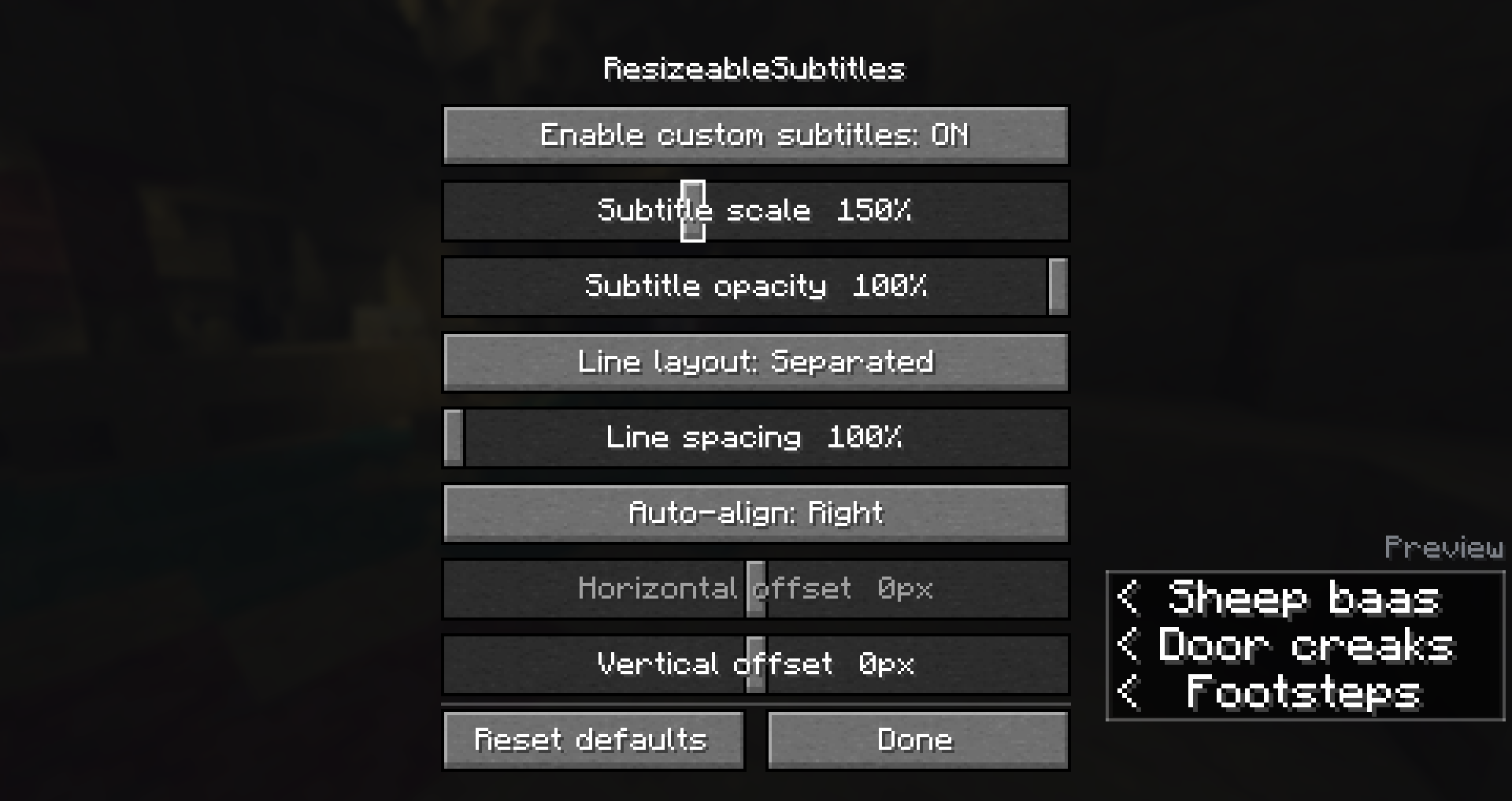
- Free Position — place them anywhere with horizontal and vertical offsets.
- Line Layout — Separated (default) steps stacked lines by the scaled line box so they don't overlap at higher scales; Compact keeps vanilla's fixed 10px step.
- Line Spacing — 100%–200% of the scaled line box (Separated only; ignored in Compact).
- Live Preview — a three-line, scale-accurate preview shows exactly how your subtitles will look while you tweak them.
Configuration
Open the settings from the mod-list config button, the /resizeablesubtitles command, or a bindable hotkey (registered on Fabric, Forge, and NeoForge). On Fabric the mod-list button needs Mod Menu; command and key bind still work without it.
Old 1.0.0 configs without the new fields migrate to Separated + 100% line spacing on load. An unreadable config is moved to resizeablesubtitles.json.bak instead of overwritten.
Details
- Client-side only — safe on any vanilla or modded server (Forge uses
displayTest=IGNORE_SERVER_VERSION). - All settings are stored locally in
config/resizeablesubtitles.json. - Requires subtitles to be enabled in Minecraft's accessibility settings (Show Subtitles).
- Fully translated into 10 languages: English, Russian, Simplified Chinese, Spanish, French, German, Japanese, Brazilian Portuguese, Korean, and Italian.
- No builds for Minecraft 26.1 / 26.1.2 — stay on a previous release for those, or move to 26.2.
Feedback
Please report any bugs, errors, or feature suggestions on Discord: https://discord.gg/HTkn94BXmA
More mods by Nikrecs: ElytraHUD+ · CropGrowthHUD
My other mods that I recommend.


A client-side mod that gives you full control over Minecraft's subtitles. Resize them, move them anywhere on screen, and adjust their opacity — with smart auto-alignment that keeps them neatly placed no matter the scale or your resolution.
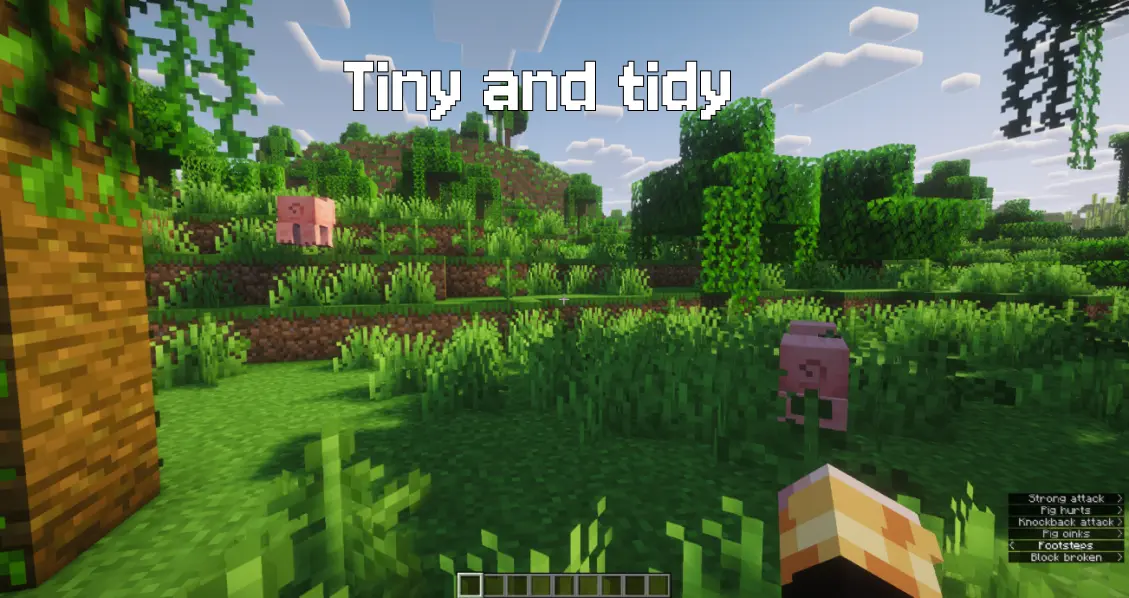
Client-side only (no server installation required). Fully compatible with singleplayer and multiplayer.
Dependencies: Fabric & NeoForge require Architectury API (and Mod Menu on Fabric for the mod-list settings button). Forge requires no additional dependencies.
Free to use in any modpack — public or private, no permission needed.
What it does
- Scale — resize subtitles from
50%to300%. - Opacity — adjust from
20%to100%. - Auto-Align — pin them to the right, center, or left edge so enlarged subtitles never clip off the screen (or switch it off for fully manual placement).
- Free Position — place them anywhere with horizontal and vertical offsets.
- Line Layout — Separated (default) steps stacked lines by the scaled line box so they don't overlap at higher scales; Compact keeps vanilla's fixed 10px step.
- Line Spacing — 100%–200% of the scaled line box (Separated only; ignored in Compact).
- Live Preview — a three-line, scale-accurate preview shows exactly how your subtitles will look while you tweak them.
Configuration
Open the settings from the mod-list config button, the /resizeablesubtitles command, or a bindable hotkey (registered on Fabric, Forge, and NeoForge). On Fabric the mod-list button needs Mod Menu; command and key bind still work without it.
Old 1.0.0 configs without the new fields migrate to Separated + 100% line spacing on load. An unreadable config is moved to resizeablesubtitles.json.bak instead of overwritten.
Details
- Client-side only — safe on any vanilla or modded server (Forge uses
displayTest=IGNORE_SERVER_VERSION). - All settings are stored locally in
config/resizeablesubtitles.json. - Requires subtitles to be enabled in Minecraft's accessibility settings (Show Subtitles).
- Fully translated into 10 languages: English, Russian, Simplified Chinese, Spanish, French, German, Japanese, Brazilian Portuguese, Korean, and Italian.
- No builds for Minecraft 26.1 / 26.1.2 — stay on a previous release for those, or move to 26.2.
Feedback
Please report any bugs, errors, or feature suggestions on Discord: https://discord.gg/HTkn94BXmA
More mods by Nikrecs: ElytraHUD · CropGrowthHUD
My other mods that I recommend.
Screenshots
Gallery
-
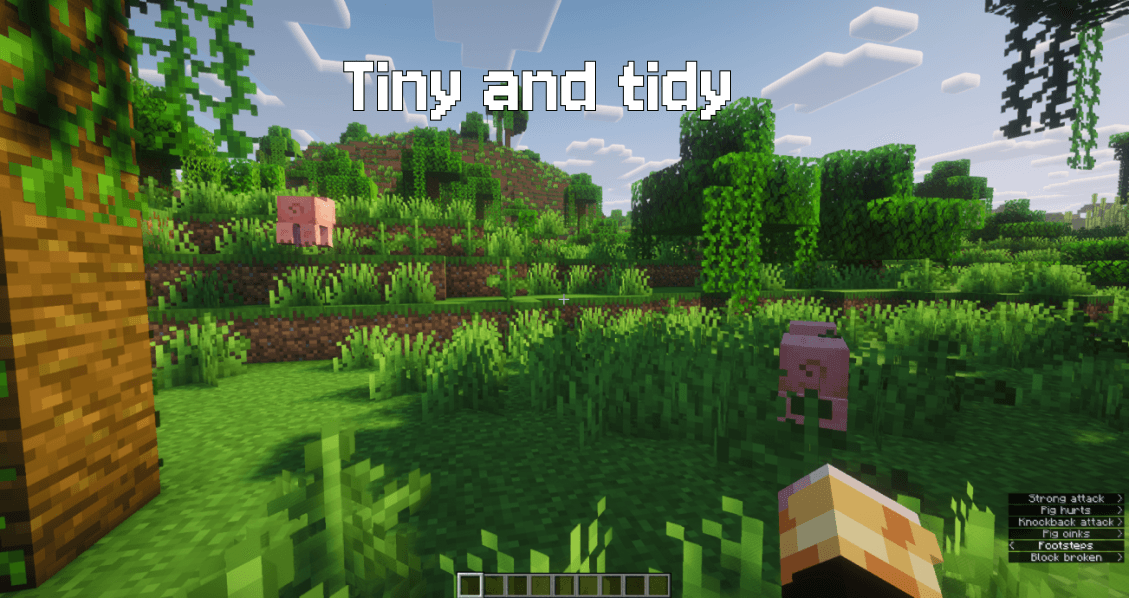 Tiny and tidy
 -
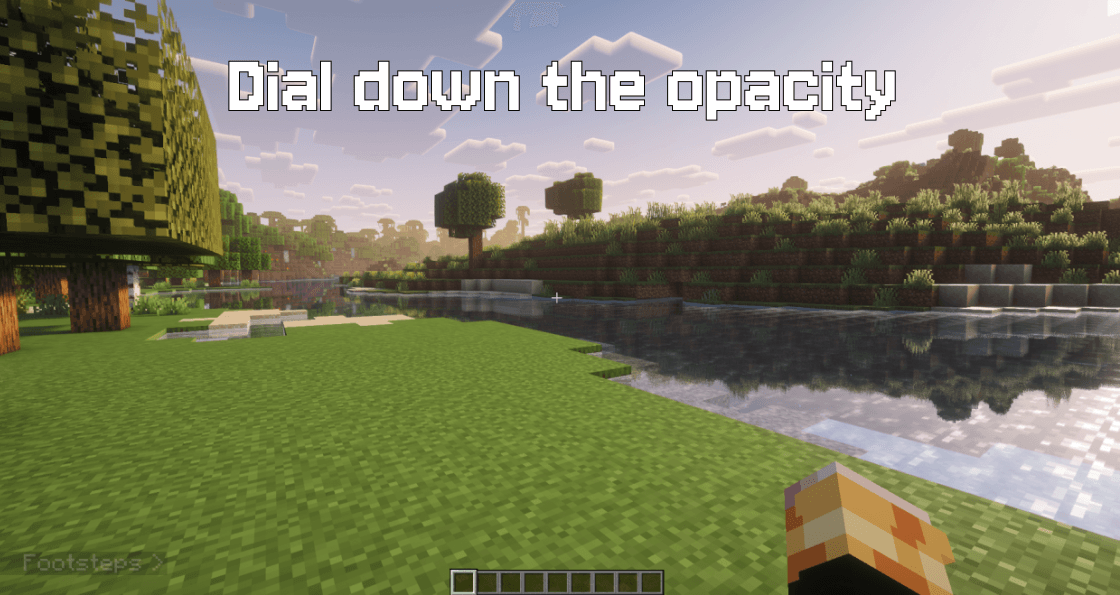 Dial down the opacity
 -
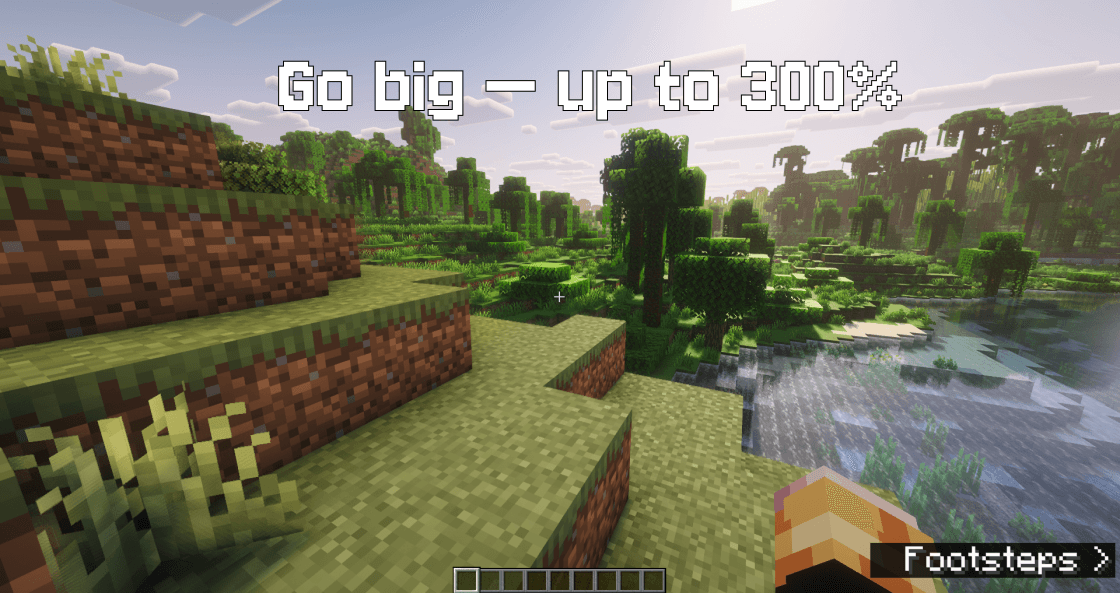 Go big - up to 300%
 -
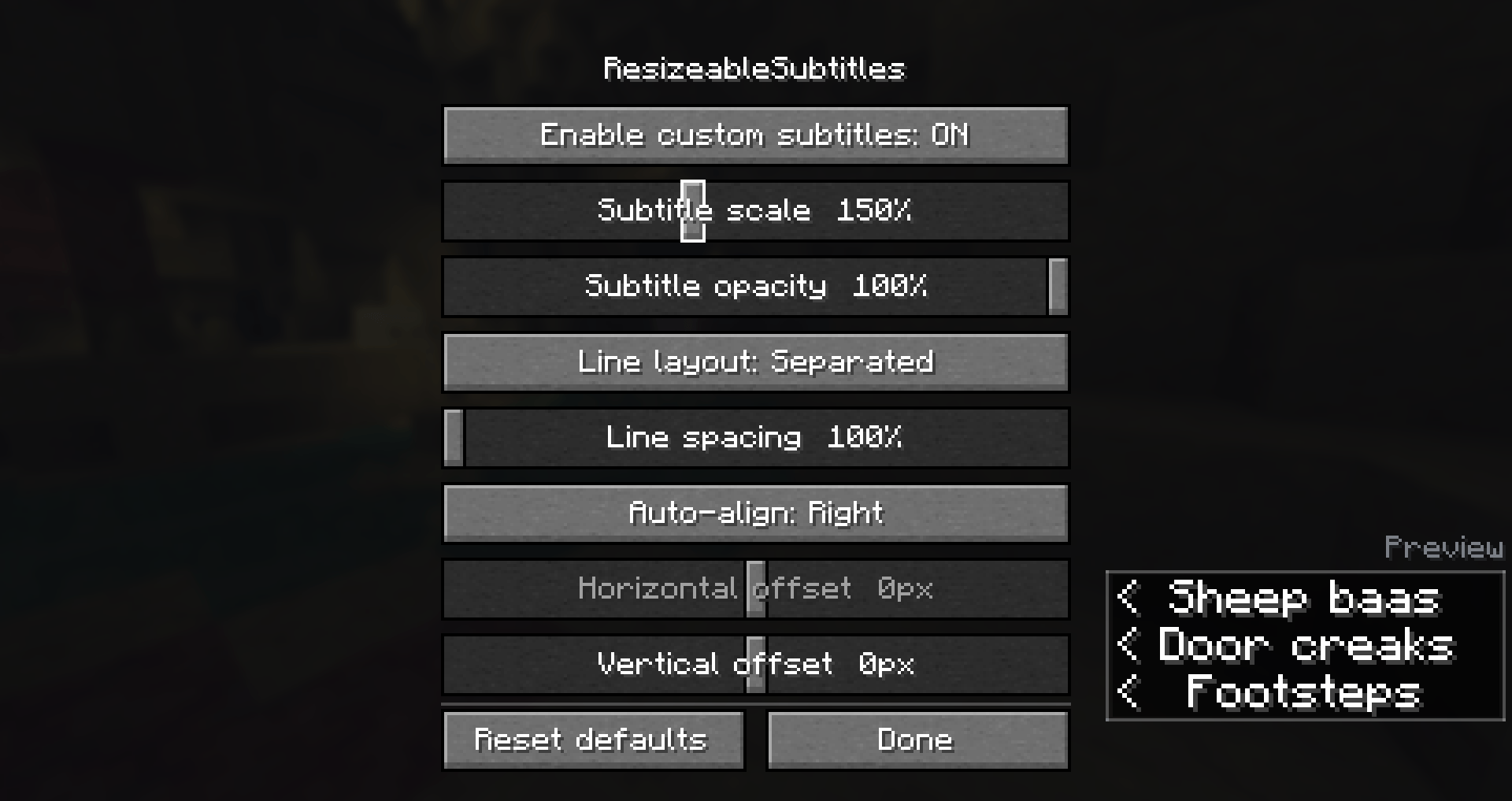 Settings
-
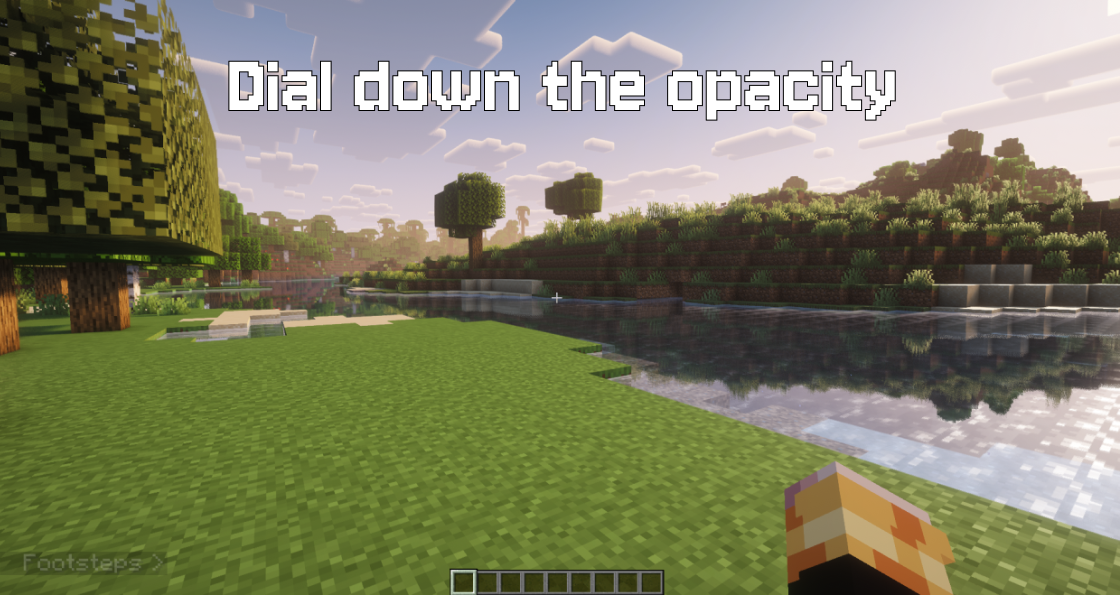 Dial down the opacity
 -
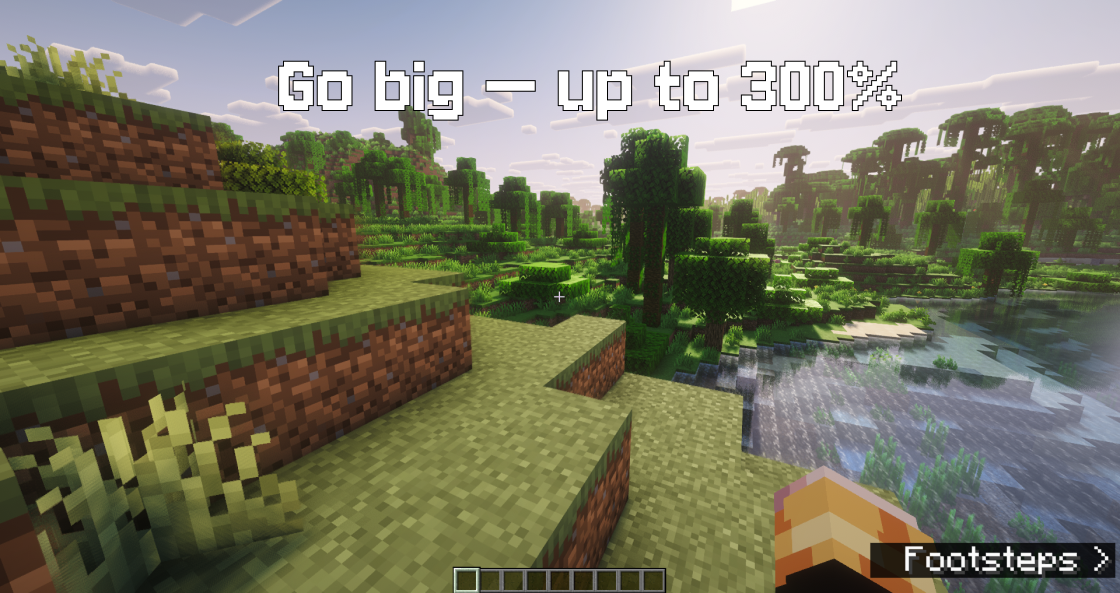 Go to big - up to 300%
 -
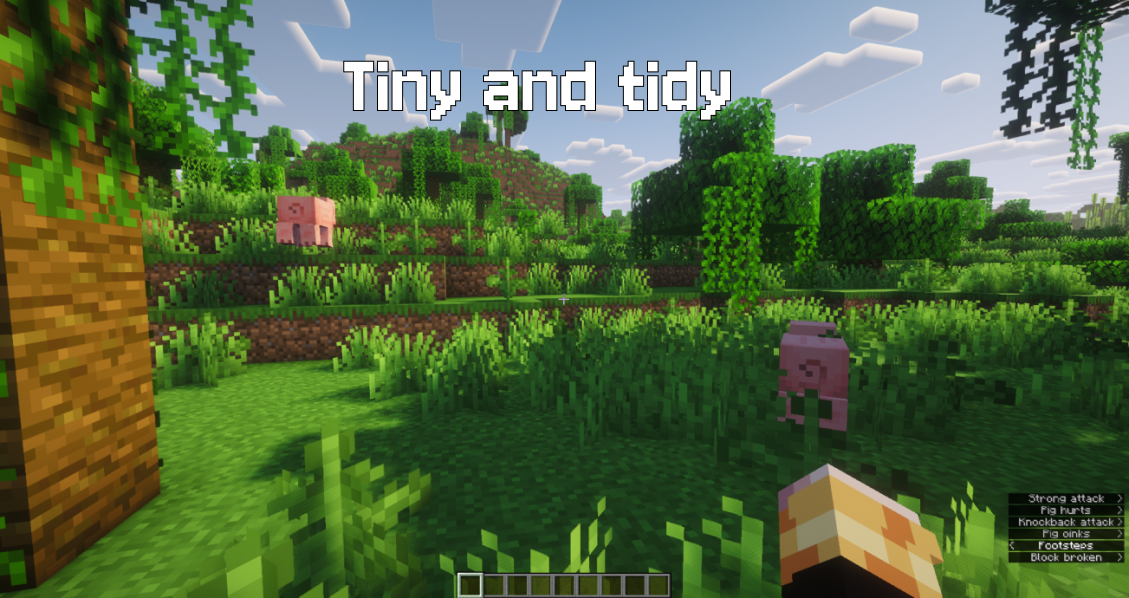 Tiny and tidy
 -
 Settings
Versions
Files
Relations
Project Relations
More like this
Similar Mods
Suggestions use data such as tags, dependencies, dependents, descriptions, titles, and more to rank how much they overlap with this mod.
On ModDex
Community snapshot
By the numbers
Statistics
Want to reach Minecraft players?
We're looking for a server hosting partner to feature here and other parts of the site. Interested? Send us a message!
Get in touchGet it on
Available Platforms
On ModDex
Community snapshot
By the numbers
Statistics
Resources